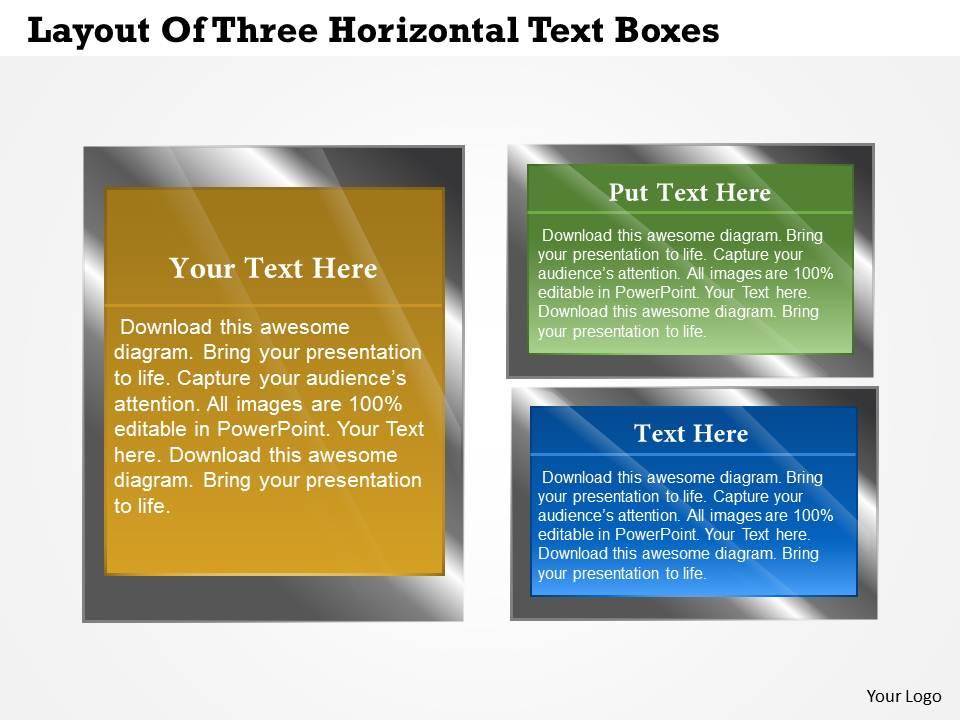
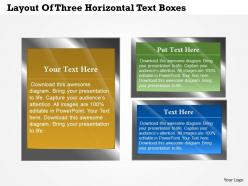
0314 business ppt diagram layout of three horizontal text boxes powerpoint template

Rating:
90%
0314 business ppt diagram layout of three horizontal text boxes powerpoint template
Slide 1 of 5
Favourites Favourites

Try Before you Buy Download Free Sample Product

Audience Impress Your
Audience
Editable 100%
Editable
Time Save Hours
of Time
The Biggest Sale is ending soon in
0
0
:
0
0
:
0
0
Rating:
90%
Exquisitely Collected PPT designs suitable for business professionals like managers, analysts, researchers and management scholars etc, Simply workable shapes, patterns and matters, Vast scope to add title or subtitle accordingly, Served well with all Google slides, easy to add company logo or emblem, trademark etc also, High quality Presentation graphics which remain unaffected when projected on wide screen, Easily adjustable to different file compositions like PDF or JPG.

People who downloaded this PowerPoint presentation also viewed the following :

FAQs for 0314 business ppt diagram layout of three horizontal text

Effective business PowerPoint templates include consistent branding elements, clean typography, structured layouts, professional color schemes, and scalable design components. These elements streamline presentation creation by ensuring visual coherence, enhancing audience engagement, and maintaining corporate identity, with many organizations finding that well-designed templates significantly reduce preparation time while delivering more polished, professional presentations.

A well-designed template enhances audience engagement by creating visual consistency, improving readability through clear typography, and directing attention to key messages through strategic layouts and color schemes. These elements work together to minimize distractions and maximize comprehension, with many presenters finding that professional templates significantly increase audience retention and participation rates.

Executive presentations benefit from clean, minimalist themes with corporate colors, while sales pitches require dynamic, visually engaging styles with bold graphics and compelling data visualizations. Marketing presentations work best with creative, brand-aligned themes, financial reports need structured, data-focused layouts, and training materials require educational styles with clear hierarchy, ultimately ensuring your message resonates with specific audiences.

Brand consistency in business PowerPoint templates is crucial for establishing professional credibility, reinforcing company identity, and creating memorable audience experiences. It streamlines presentation development while ensuring uniform messaging across departments, with many organizations finding that consistent branding enhances stakeholder trust, accelerates decision-making processes, and ultimately delivers stronger market positioning and competitive advantage.

Color psychology significantly influences audience perception, decision-making, and emotional responses, making template color selection crucial for business presentations. Blue conveys trust and professionalism for financial services, while red creates urgency in sales presentations, and green suggests growth in sustainability reports, with many organizations finding that strategic color choices enhance message retention and audience engagement.

Templates can be customized through industry-specific color schemes, relevant imagery, sector-appropriate layouts, and tailored content frameworks that reflect unique business needs. Healthcare organizations utilize medical iconography and compliance-focused structures, while financial services leverage data visualization formats and professional aesthetics, ultimately enabling companies to maintain brand consistency while delivering presentations that resonate with their target audiences.

Presenters using generic templates face limited customization options, poor brand alignment, overused designs that lack uniqueness, and inadequate layouts for complex business data. These limitations often result in presentations that fail to convey professional credibility or effectively communicate strategic messages, with many organizations finding that generic approaches ultimately undermine their competitive positioning and audience engagement.

Visual hierarchy improves business PowerPoint template effectiveness by guiding audience attention through strategic use of font sizes, colors, spacing, and positioning to emphasize key information. Through clear hierarchical design, presentations enhance audience comprehension, reduce cognitive load, and accelerate decision-making processes, with many organizations finding that structured visual flow significantly improves stakeholder engagement and message retention.

Common pitfalls include choosing overly complex designs, selecting templates with poor readability, using incompatible color schemes with brand guidelines, and picking layouts unsuitable for content types. These issues can undermine professional credibility and audience engagement, with many organizations finding that templates with cluttered elements or inconsistent formatting ultimately detract from message clarity and business impact.

Incorporating data visualization transforms complex information into easily digestible charts, graphs, infographics, and interactive dashboards that audiences can quickly comprehend and retain. These visual elements streamline communication by highlighting key trends, comparisons, and insights at a glance, with many organizations finding that presentations featuring strong data visualization deliver 30% better audience engagement and significantly faster decision-making processes.

A business financial presentation template should include professional chart layouts for revenue analysis, expense breakdowns, profit margins, cash flow projections, and ROI calculations. These templates enhance stakeholder communication by streamlining complex data visualization, enabling faster decision-making, and delivering consistent branding across investor meetings, quarterly reports, and budget presentations, ultimately strengthening financial credibility.

Templates facilitate collaboration by establishing consistent formatting standards, defining clear content structures, enabling simultaneous editing workflows, and streamlining review processes across team members. Through shared template libraries, teams in marketing, consulting, and sales organizations can divide presentation tasks efficiently while maintaining brand consistency, ultimately reducing revision cycles and accelerating project timelines with seamless integration of diverse contributions.

Animations and transitions enhance business PowerPoint templates by improving audience engagement, emphasizing key points, creating visual flow between concepts, and maintaining attention throughout presentations. These features help presenters guide viewers through complex data, highlight critical insights, and deliver more memorable experiences, with many organizations finding that strategic animation use increases audience retention and comprehension rates.

Business PowerPoint templates accommodate accessibility through high contrast color schemes, readable font sizes, alternative text for images, keyboard navigation compatibility, and screen reader optimization. These features enable organizations to deliver inclusive presentations across diverse audiences, while many businesses find that accessible design ultimately enhances comprehension and engagement for all stakeholders, creating competitive advantage through broader reach.

Pre-designed templates offer significant time savings, professional design consistency, cost-effectiveness, and immediate usability compared to creating presentations from scratch. These templates streamline workflow by eliminating design phases, ensure brand cohesion across teams, and deliver polished results quickly, with many organizations finding that strategic template adoption enhances productivity while maintaining high presentation standards.

Ratings and Reviews

90% of 100
Write a review
Most Relevant Reviews
  1. 80%

    by Denis Rose

    Presentation Design is very nice, good work with the content as well.
  2. 100%

    by Williams Nelson

    Use of different colors is good. It's simple and attractive.

2 Item(s)

per page: