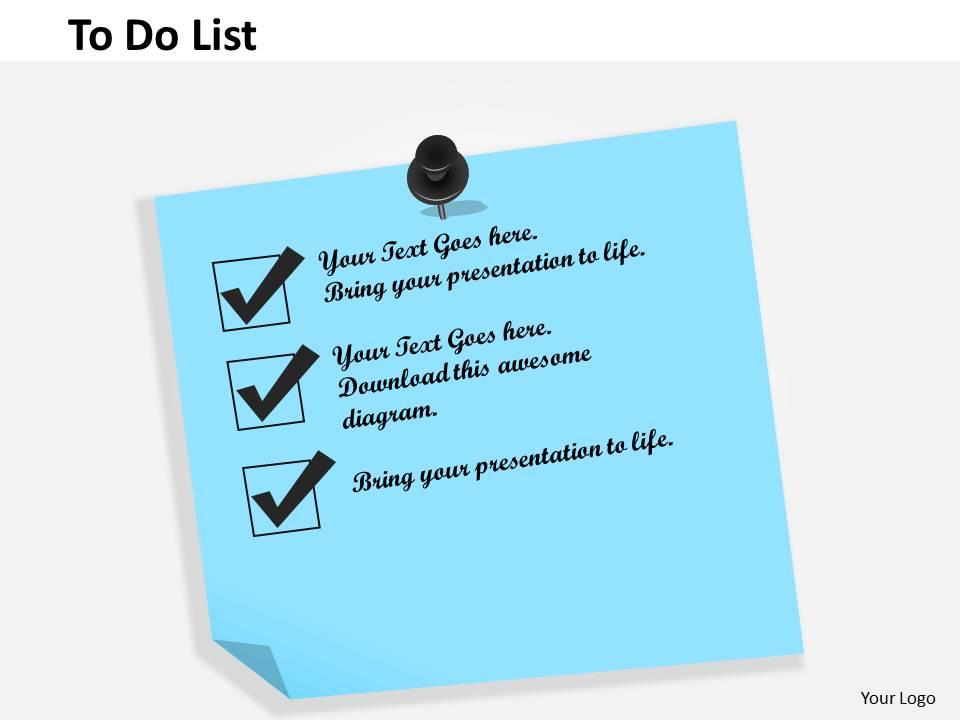
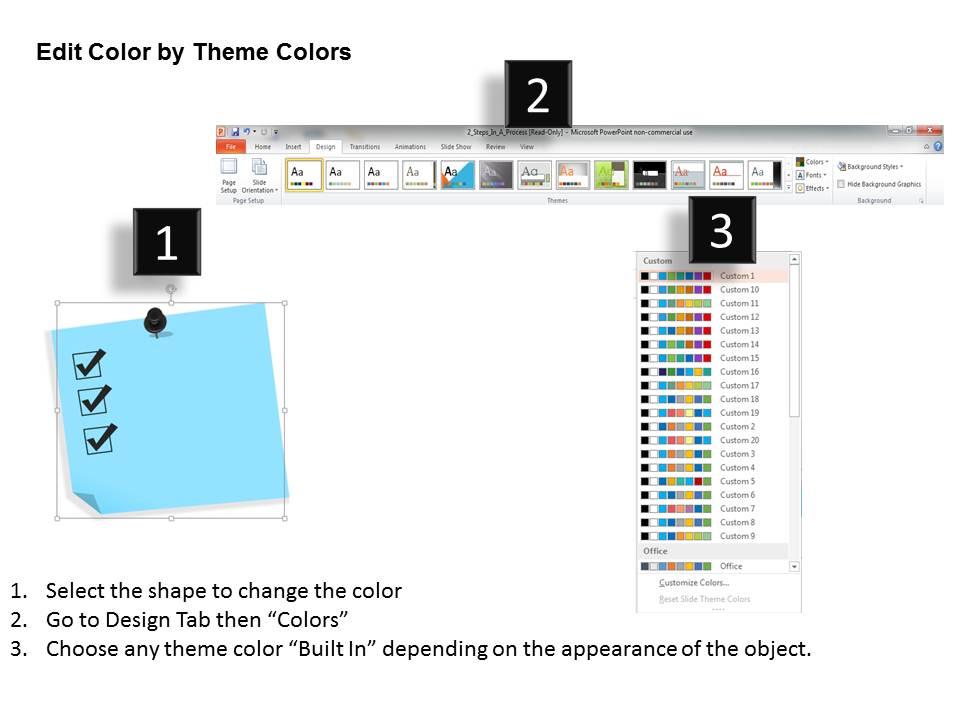
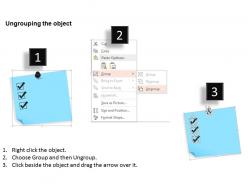
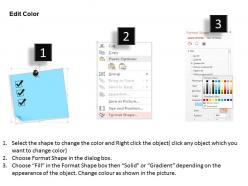
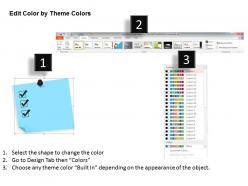
0514 to do list powerpoint presentation

Rating:
90%
0514 to do list powerpoint presentation
Slide 1 of 5
Favourites Favourites

Try Before you Buy Download Free Sample Product

Audience Impress Your
Audience
Editable 100%
Editable
Time Save Hours
of Time
The Biggest Sale is ending soon in
0
0
:
0
0
:
0
0
Rating:
90%
Straightforward download and effortlessly adaptable into JPEG and PDF. PowerPoint slide crafted with high quality images and designs. Presentation design can be easily modified i.e. colour and font. Alternate to share the PPT template in standard and widescreen view. Design can be obtain with different nodes and stages. Adjustable presentation visual as companionable with Google slides. Helpful for business managers, industry professionals, project supervisors, scholars etc.

FAQs for 0514 to do

Key elements include task prioritization frameworks, deadline tracking systems, progress indicators, responsibility assignments, and status categorization methods. These components enhance project management by streamlining workflow visibility, improving accountability across teams, and enabling real-time progress monitoring, with many organizations finding that structured presentations ultimately deliver better task completion rates and clearer communication.

Visuals enhance to-do list presentations by improving comprehension, increasing engagement, and facilitating better task prioritization through charts, icons, and progress indicators. These visual elements streamline information processing, enable quick status recognition, and transform mundane task lists into compelling project roadmaps, with many organizations finding that visual presentations boost team accountability and project completion rates significantly.

Effective formatting tips include using color-coded priority levels, incorporating icons or checkboxes for visual appeal, implementing consistent typography hierarchy, and adding progress bars or completion percentages. These design elements enhance readability by creating clear visual distinctions, improving audience engagement through interactive elements, and enabling quick task prioritization, ultimately delivering more impactful presentations that drive actionable outcomes.

Visual task prioritization in to-do list presentations involves using color coding, numbered rankings, visual hierarchy through font sizes, progress bars, and category groupings. These design elements streamline project management by highlighting urgent deadlines, distinguishing high-impact activities, and organizing workflows systematically, with many teams finding that clear visual prioritization enhances productivity and accountability.

Essential software features for to-do list PowerPoints include customizable templates, drag-and-drop functionality, interactive checkboxes, progress tracking elements, and collaborative editing capabilities. These features streamline presentation development by enabling visual priority mapping, real-time status updates, and seamless team coordination, with many organizations finding that integrated commenting and version control ultimately enhance project transparency and accountability.

Incorporate deadlines by using visual timeline slides, color-coded priority systems, and deadline countdown elements alongside each task item. Through strategic formatting like progress bars, calendar integration, and automated date displays, organizations can enhance project transparency, streamline team coordination, and ultimately deliver improved accountability, with many finding that visual deadline management significantly reduces missed deliverables.

Creative to-do list presentations in corporate settings include interactive dashboard formats, priority matrix visualizations, timeline-based project roadmaps, progress tracking charts, and collaborative team boards. These approaches enhance clarity and accountability by transforming traditional lists into visual workflows, enabling teams to prioritize tasks effectively, monitor deadlines seamlessly, and maintain transparency across departments, ultimately delivering improved project coordination and organizational efficiency.

Students benefit from to-do list presentations emphasizing academic deadlines, study schedules, assignment tracking, and time management skills, while professionals require focus on project milestones, team accountability, strategic priorities, and ROI-driven outcomes. By customizing visual design, terminology, and task categories to match audience needs, these presentations deliver enhanced productivity and goal achievement, with educational institutions and corporations finding that targeted approaches significantly improve engagement and task completion rates.

Effective color schemes for to-do list presentations include blue and white for professionalism, green and gray for progress tracking, purple and cream for creativity, and red accents with neutral bases for urgency. These combinations enhance readability while maintaining visual motivation, with many organizations finding that strategic color psychology improves task completion rates and team engagement during project meetings.

Animation emphasizes to-do list items through strategic reveal techniques, progress indicators, color transitions, checkmark animations, and priority highlighting effects. These visual enhancements streamline audience focus by drawing attention to specific tasks, creating logical flow sequences, and celebrating completion milestones, ultimately delivering more engaging presentations and improved information retention across business meetings.

Common mistakes include overcrowding slides with excessive tasks, using inconsistent formatting, neglecting visual hierarchy, poor color choices that reduce readability, and creating slides without clear prioritization systems. These design flaws undermine presentation effectiveness by overwhelming audiences, reducing comprehension, and failing to communicate task urgency, with many organizations finding that streamlined, visually consistent templates enhance team productivity and project clarity.

Feedback improves future to-do list presentations by identifying clarity gaps, highlighting ineffective visual elements, and revealing audience engagement issues. Through systematic feedback collection, organizations can refine their task prioritization frameworks, enhance visual hierarchy, and streamline communication flows, with many teams finding that iterative improvements ultimately deliver clearer project visibility and better stakeholder alignment.

**INPUT**: Are there specific templates known for better audience engagement in to-do list presentations? **OUTPUT**: Templates featuring interactive elements like progress bars, checkboxes, and visual timelines significantly enhance audience engagement in to-do list presentations. These designs streamline task visualization through color-coded priorities, milestone tracking, and collaborative frameworks, with many organizations finding that visual progress indicators and gamification elements ultimately deliver better team participation and project completion rates.

Storytelling transforms to-do list presentations by creating emotional connections through real scenarios, personal challenges, and relatable workplace situations that audiences recognize from their own experiences. Through narrative frameworks, presenters can demonstrate how task management systems resolve common productivity struggles, reduce overwhelm, and enhance team coordination, with many organizations finding that story-driven presentations increase adoption rates and engagement significantly.

A to-do list presentation supports team collaboration by providing shared visibility into tasks, deadlines, responsibilities, and progress tracking, while establishing clear accountability through assigned ownership and measurable milestones. These visual frameworks streamline communication, minimize confusion about priorities, and enable teams to coordinate efforts more effectively, with many organizations finding that structured task presentations ultimately deliver improved project outcomes and enhanced team performance.

Ratings and Reviews

90% of 100
Review Form
Write a review
Most Relevant Reviews
  1. 100%

    by Dannie Washington

    Innovative and attractive designs.
  2. 80%

    by Donte Duncan

    Very well designed and informative templates.

2 Item(s)