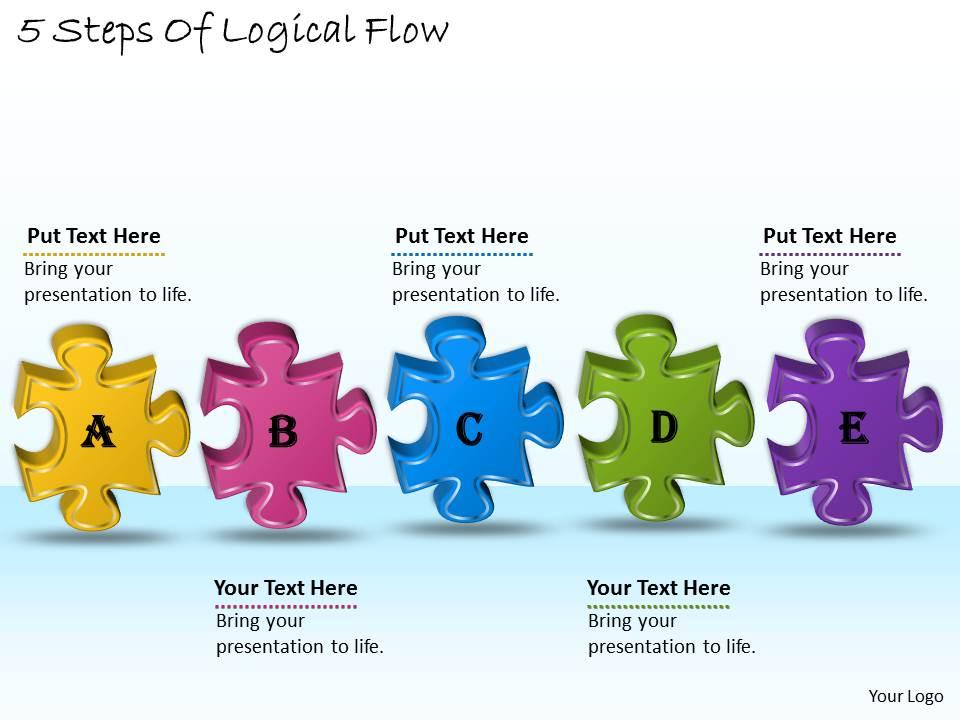
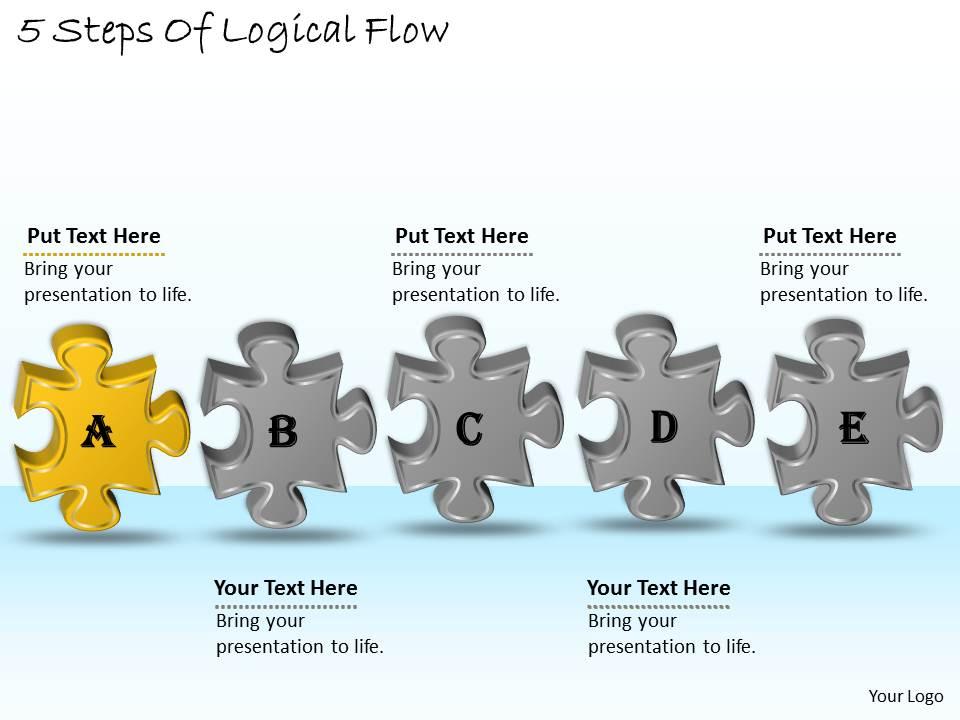
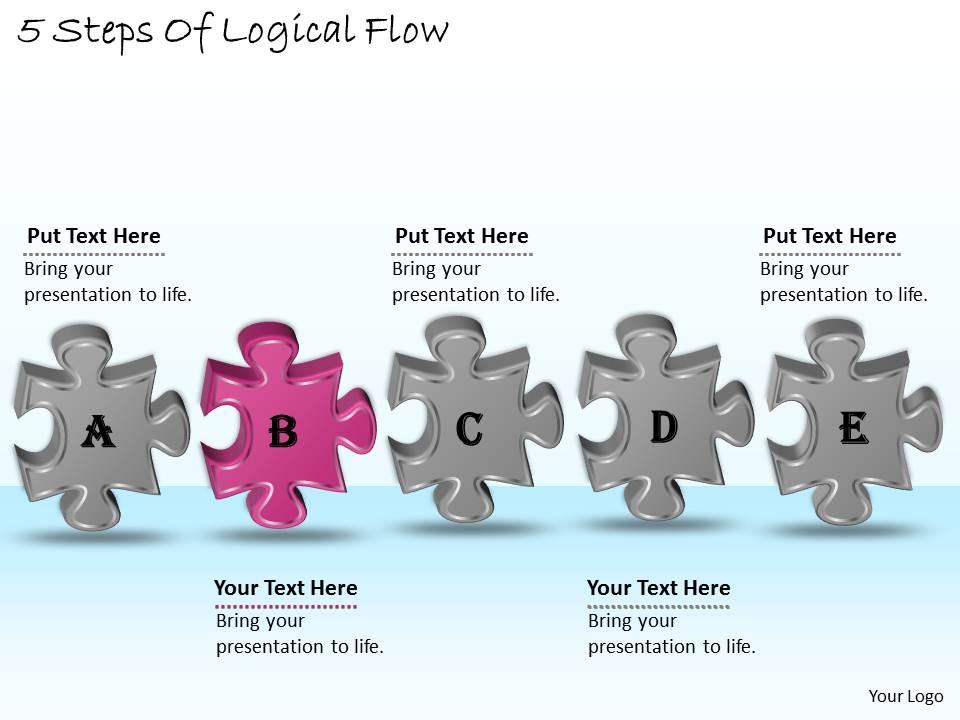
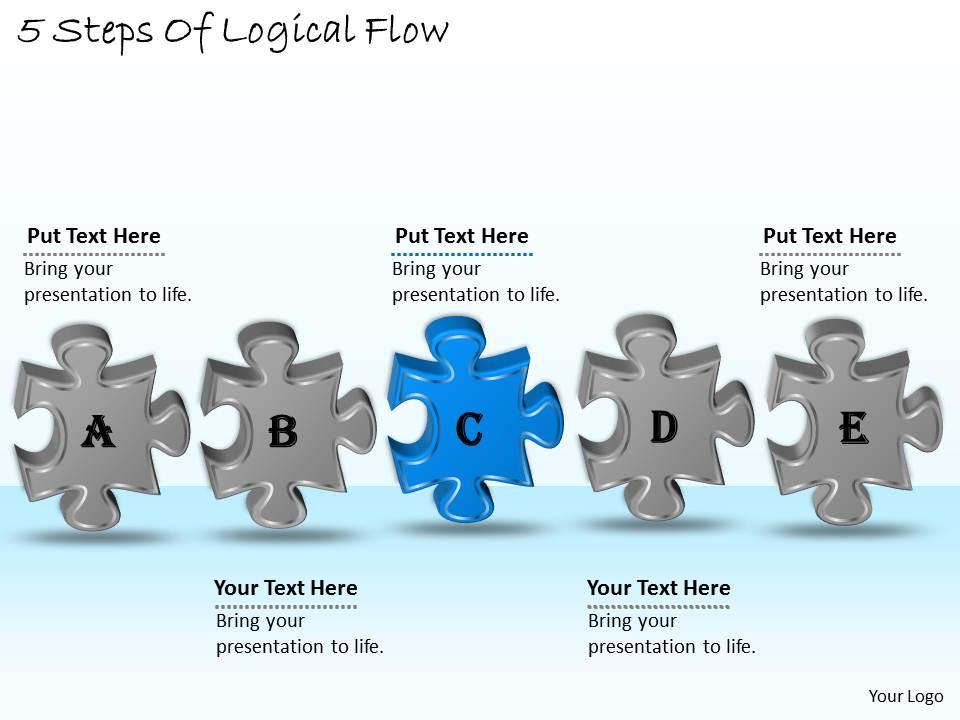
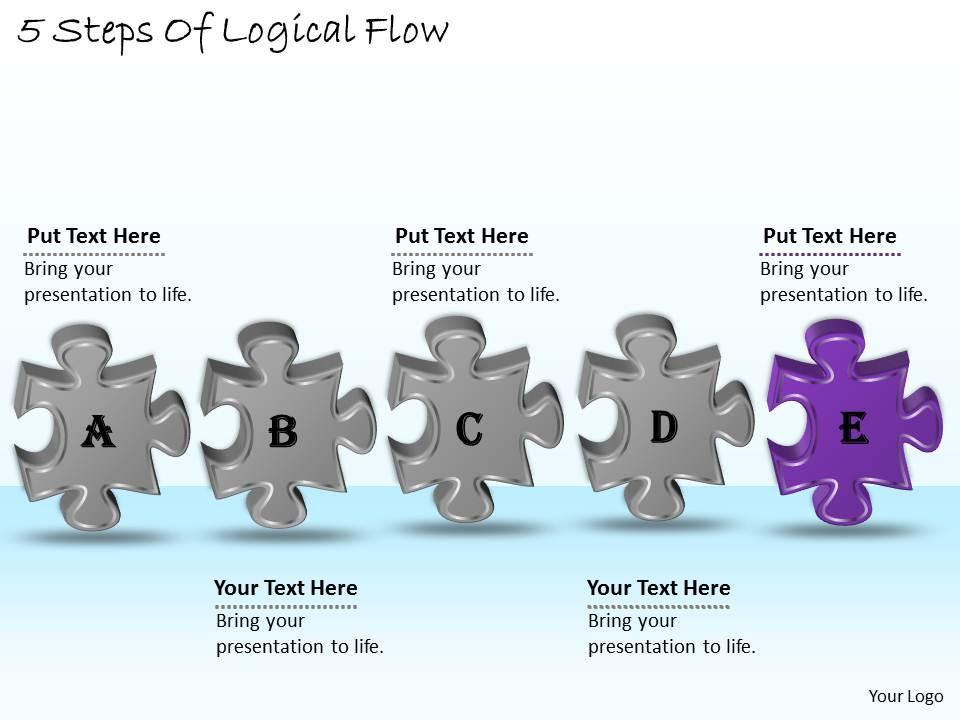
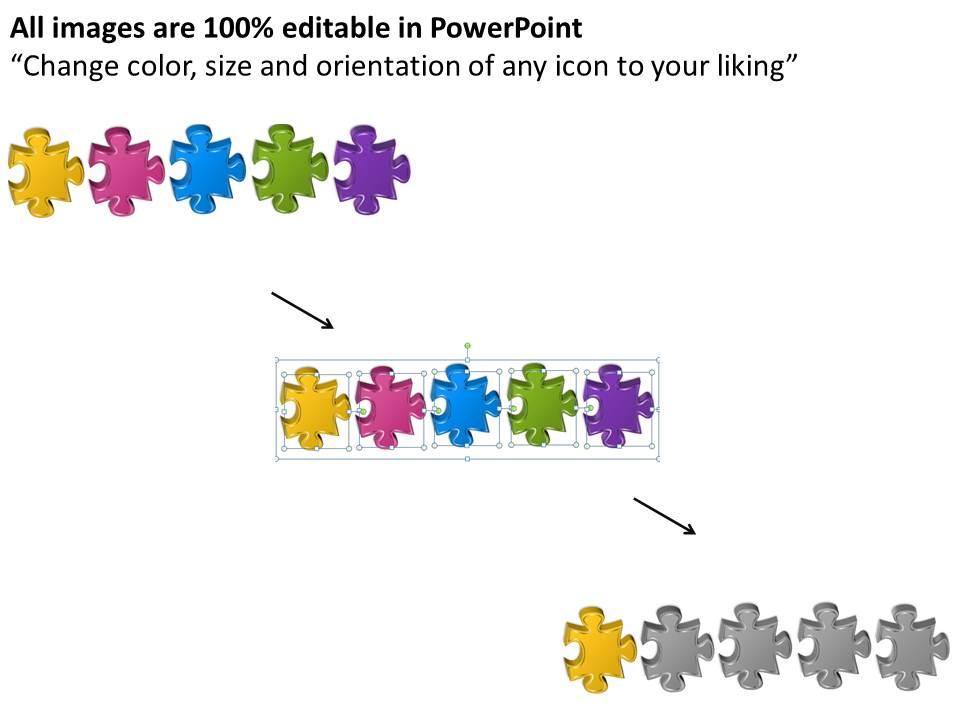
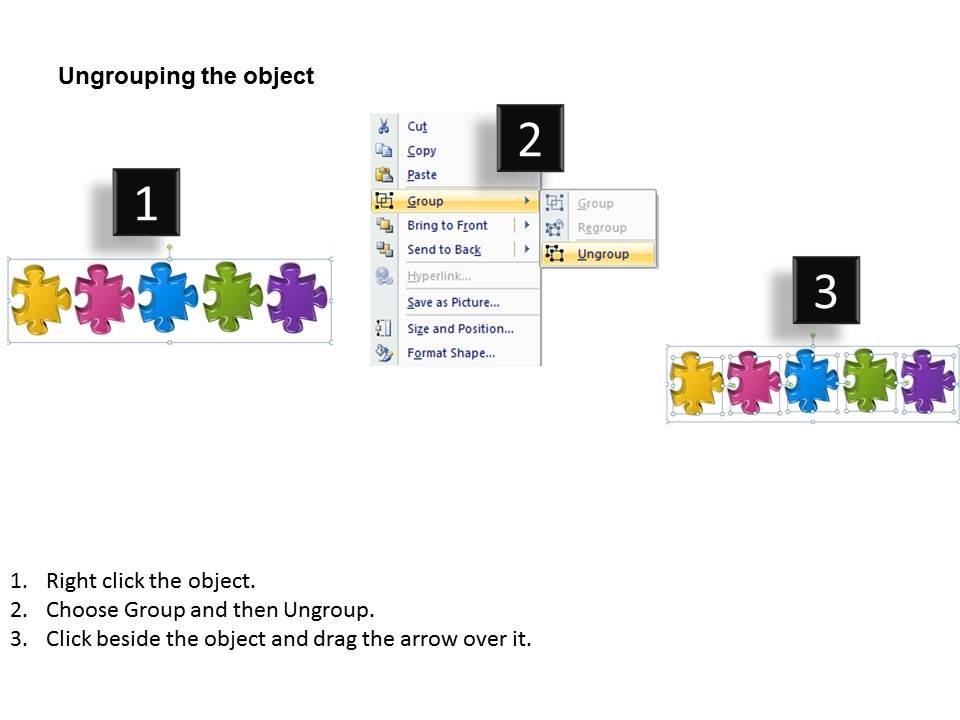
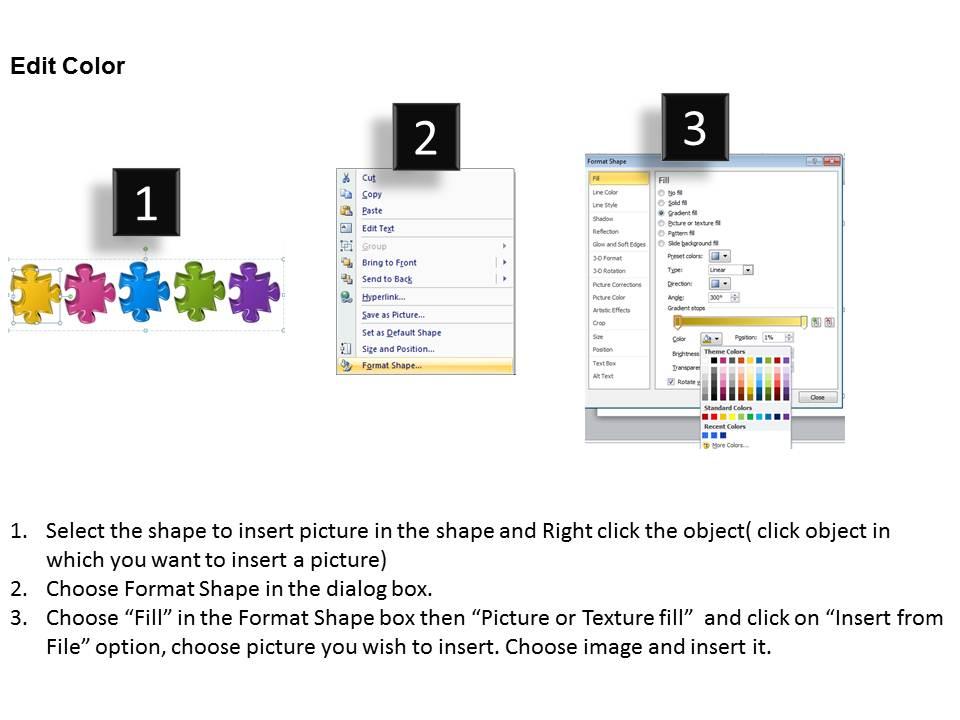
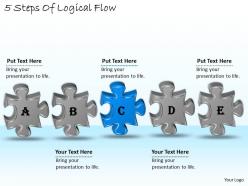
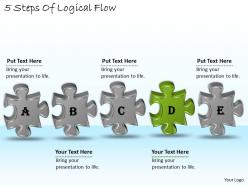
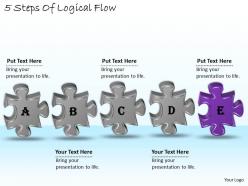
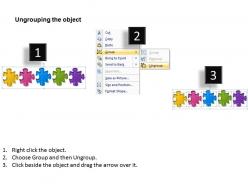
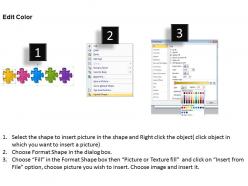
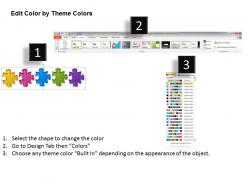
1113 business ppt diagram 5 steps of logical flow powerpoint template

Rating:
100%
1113 business ppt diagram 5 steps of logical flow powerpoint template
Slide 1 of 10
Favourites Favourites

Try Before you Buy Download Free Sample Product

Audience Impress Your
Audience
Editable 100%
Editable
Time Save Hours
of Time
The Biggest Sale is ending soon in
0
0
:
0
0
:
0
0
Rating:
100%
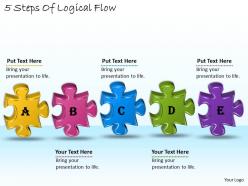
We are proud to present our 1113 business ppt diagram 5 steps of logical flow powerpoint template. Our Puzzle Powerpoint Templates are creatively constructed and eye catching. Focus attention on the key issues of your presentation. Use our Process Powerpoint Templates and nail the day. Lead your team show them the way.

People who downloaded this PowerPoint presentation also viewed the following :

FAQs for 1113 business ppt diagram 5 steps of logical

**INPUT**: What are the key components of a logical flow in a PowerPoint presentation? **OUTPUT**: Key components include clear opening statements, sequential progression markers, transitional phrases, consistent visual hierarchies, and compelling conclusions that reinforce main messages. These elements streamline audience comprehension by establishing context, guiding attention through structured content, and maintaining engagement, with many organizations finding that logical presentation flow ultimately delivers stronger stakeholder buy-in and clearer decision-making outcomes. [Word count: 57 words]

A logical flow template enhances audience understanding by organizing information sequentially, creating clear visual pathways, establishing cause-and-effect relationships, and eliminating cognitive confusion through structured progression. These templates enable presenters to guide audiences through complex processes systematically, with many organizations finding that logical frameworks significantly improve knowledge retention, reduce presentation time, and ultimately deliver more persuasive outcomes.

A logical flow PowerPoint template should include sequential numbering or step indicators, directional arrows or connecting lines, consistent color coding for different phases, clear section dividers, and balanced white space for readability. These design elements streamline complex process communication by creating visual hierarchy, guiding audience attention, and enhancing information retention, with many organizations finding that structured templates significantly improve presentation clarity and stakeholder engagement.

Color and typography significantly enhance logical flow by creating visual hierarchy, guiding audience attention, and reinforcing content relationships through consistent formatting, contrasting elements, and strategic emphasis. Well-chosen color schemes and font combinations help viewers navigate complex information seamlessly, with many presenters finding that cohesive visual design reduces cognitive load, accelerates comprehension, and ultimately delivers more persuasive, memorable presentations.

Common mistakes include overcrowding slides with excessive text, using inconsistent formatting across sections, failing to establish clear connections between concepts, neglecting visual hierarchy, and rushing transitions without adequate explanations. These presentation pitfalls undermine audience comprehension by creating cognitive overload, confusing navigation, and weakening message retention, with many organizations finding that streamlined, consistently formatted slides with clear logical progressions ultimately deliver stronger stakeholder engagement and more persuasive outcomes.

Visual aids support logical flow through clear infographics, sequential diagrams, transition slides, consistent formatting, and strategic use of arrows or connectors that guide audience attention. These elements help presenters in corporate training, sales pitches, and strategic planning sessions streamline complex information, enhance audience comprehension, and maintain engagement throughout the presentation, ultimately delivering more persuasive and memorable business communications.

Effective transitions in logical flow templates rely on clear connecting language, visual consistency, and progressive revelation of information, using phrases like "building on this foundation" or "this leads directly to" between steps. Strategic use of animations, consistent color schemes, and numbered progression helps audiences follow complex arguments seamlessly, while summarizing previous points before introducing new concepts ensures comprehension and maintains engagement throughout presentations.

Storytelling transforms presentations by creating emotional connections, improving information retention, and guiding audiences through complex ideas with compelling narrative arcs, clear progression, and memorable frameworks. Through strategic storytelling techniques, presenters enhance audience engagement, simplify complicated concepts, and deliver more persuasive messages, with many organizations finding that narrative-driven presentations achieve significantly better outcomes and lasting impact.

Peer feedback improves PowerPoint logical flow by identifying unclear transitions, redundant content, missing connections between ideas, and confusing slide sequences that creators often overlook. Through collaborative review sessions, colleagues pinpoint where arguments lose coherence, suggest stronger supporting evidence, and recommend strategic reordering, ultimately delivering presentations with enhanced clarity and persuasive impact.

Audience analysis determines logical flow by identifying your audience's knowledge level, priorities, decision-making processes, and preferred communication styles, enabling you to sequence information strategically. Through understanding whether you're presenting to executives, technical teams, or mixed audiences, you can structure arguments, prioritize key messages, and anticipate questions, ultimately delivering more persuasive and impactful presentations.

Diagrams and charts enhance logical flow PowerPoint templates by visualizing complex relationships, simplifying data interpretation, and creating clear progression pathways between sequential steps. These visual elements streamline audience comprehension through flowcharts, process diagrams, and data visualizations, with many organizations finding that strategic diagram placement ultimately delivers improved presentation clarity and enhanced stakeholder engagement across diverse business contexts.

A versatile logical flow template should include customizable step boxes, flexible connector arrows, editable text placeholders, scalable design elements, and consistent visual hierarchy. These features enable seamless adaptation across sectors like project management, process improvement, and strategic planning, with many organizations finding that standardized templates streamline presentations while maintaining professional consistency.

Virtual presentations benefit from simplified visuals, larger fonts, and more frequent summary slides, while in-person meetings can accommodate detailed graphics and complex diagrams. Through strategic adaptation, presenters streamline content for screen sharing, enhance interactive elements with polls or breakout discussions, and build in more pause points, with many organizations finding that virtual formats require 20-30% less content density for optimal engagement.

**INPUT**: What strategies can be employed to keep the audience engaged while maintaining logical flow? **OUTPUT**: Effective engagement strategies include interactive questioning, visual storytelling, strategic pauses, audience polls, and clear transition statements between logical segments. These approaches enhance comprehension by maintaining attention, encouraging participation, and reinforcing key connections, with many presenters finding that combining engagement techniques with structured flow ultimately delivers stronger audience retention and more impactful business outcomes.

To effectively outline main themes for cohesive logical flow, start by identifying your core message, then group supporting points into 3-5 major themes that build upon each other sequentially. Arrange themes from foundational concepts to specific applications, ensuring each section naturally leads to the next through transitional statements, with many presenters finding that this structured approach significantly enhances audience comprehension and engagement.

Ratings and Reviews

100% of 100
Review Form
Write a review
Most Relevant Reviews
  1. 100%

    by Clarence Mendoza

    Great product with highly impressive and engaging designs.
  2. 100%

    by Jones Adams

    Thanks for all your great templates they have saved me lots of time and accelerate my presentations. Great product, keep them up!

2 Item(s)