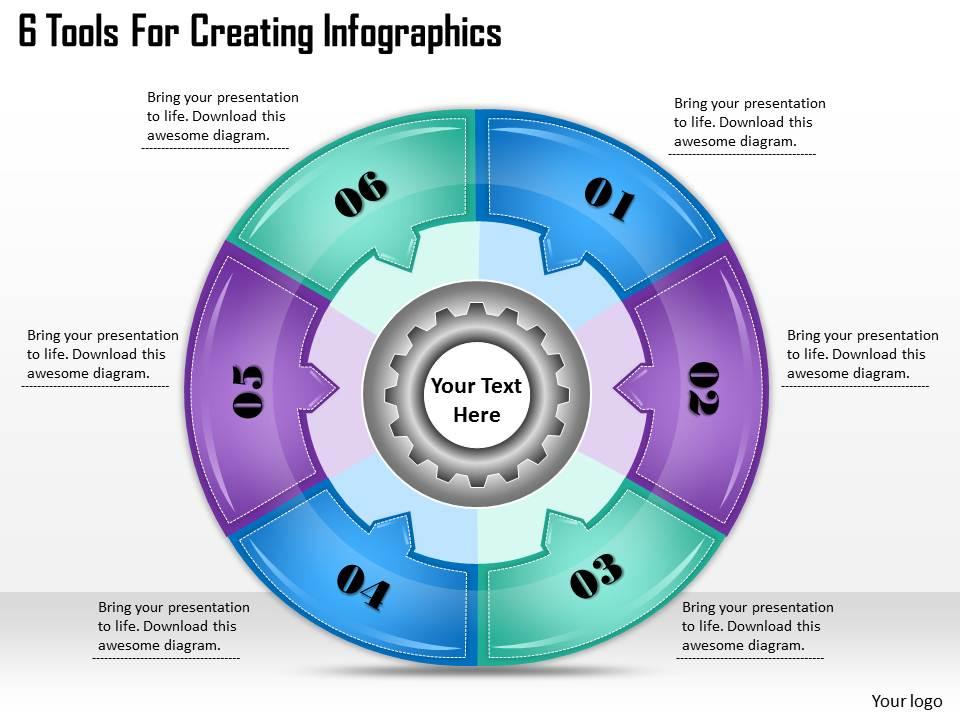
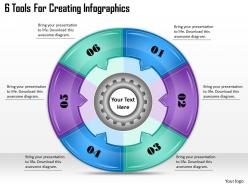
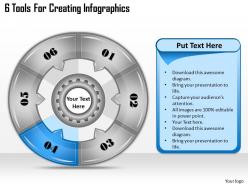
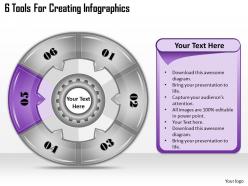
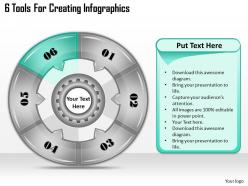
1113 business ppt diagram 6 tools for creating infographics powerpoint template

Rating:
90%
1113 business ppt diagram 6 tools for creating infographics powerpoint template
Slide 1 of 11
Favourites Favourites

Try Before you Buy Download Free Sample Product

Audience Impress Your
Audience
Editable 100%
Editable
Time Save Hours
of Time
The Biggest Sale is ending soon in
0
0
:
0
0
:
0
0
Rating:
90%
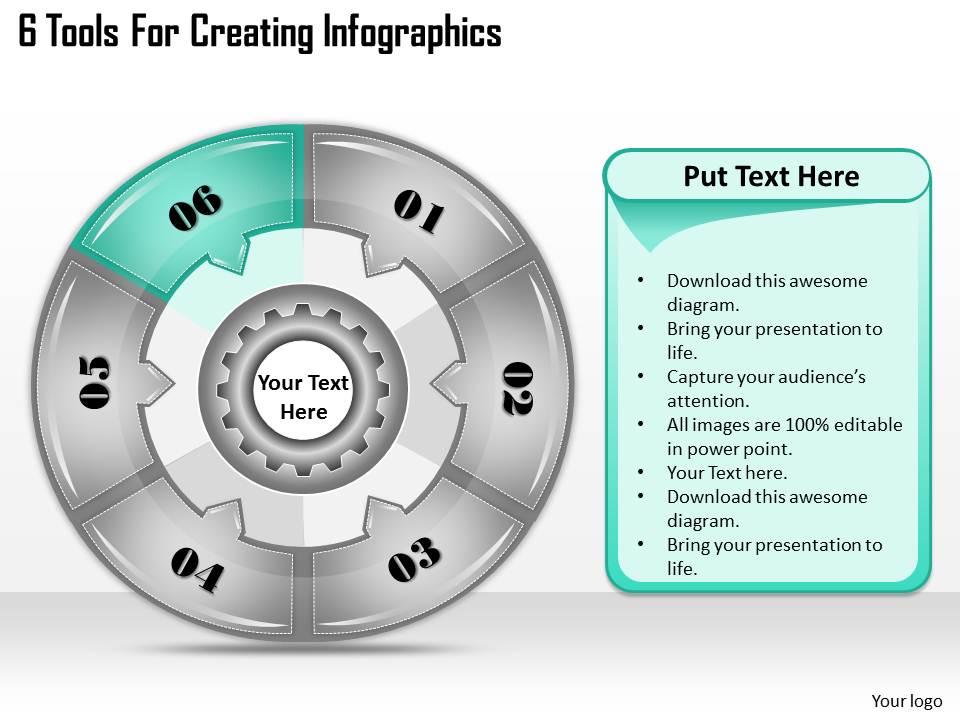
We are proud to present our 1113 business ppt diagram 6 tools for creating infographics powerpoint template. You are an avid believer in ethical practices. Highlight the benefits that accrue with our Management Powerpoint Templates. Set your controls for the heart of the sun. Our Advertising Powerpoint Templates will be the propellant to get you there.

People who downloaded this PowerPoint presentation also viewed the following :

FAQs for 1113 business ppt diagram 6 tools for creating

Effective infographics include clear data visualization, compelling headlines, logical flow, consistent visual hierarchy, and strategic color schemes. These elements work together by simplifying complex information, guiding reader attention, and enhancing comprehension, with many organizations finding that well-designed infographics increase engagement rates and improve knowledge retention across diverse audiences.

Infographics enhance audience engagement by transforming complex data into visually compelling narratives, reducing cognitive load, and creating memorable anchor points that maintain attention throughout presentations. These visual tools streamline information processing, facilitate faster comprehension, and enable presenters to deliver more impactful messages, with many organizations finding that infographic-rich presentations generate significantly higher audience retention and participation rates.

Effective infographic design practices include selecting complementary color palettes with high contrast, limiting fonts to two or three readable typefaces, ensuring accessibility through colorblind-friendly schemes, and maintaining brand consistency throughout. These design choices enhance readability, guide viewer attention, and strengthen message retention, with many marketing teams finding that strategic color psychology and typography hierarchy ultimately deliver more engaging visual communications and improved audience comprehension.

Data visualization in infographics simplifies complex information by transforming dense datasets into visual narratives, using charts, graphs, icons, and color coding to highlight key patterns and relationships. These visual elements enable audiences to quickly grasp intricate concepts, with organizations in healthcare, finance, and marketing finding that well-designed infographics significantly enhance comprehension and decision-making speed.

Infographic creation tools include Canva, Adobe Illustrator, Piktochart, Venngage, and Infogram, each offering templates, design elements, and data visualization features. These platforms streamline the design process by providing drag-and-drop functionality, customizable charts, and professional layouts, with many businesses finding that user-friendly tools like Canva deliver compelling visual content without requiring extensive design expertise.

Icons and illustrations significantly enhance infographic clarity by simplifying complex concepts, creating visual hierarchy, and enabling rapid information processing across language barriers. These visual elements streamline data comprehension by replacing dense text with intuitive symbols, guiding viewer attention through strategic placement, and delivering universal understanding, with many organizations finding that well-designed iconography reduces cognitive load while increasing audience engagement and retention.

Infographics serve as powerful visual storytelling tools in digital marketing, enhancing content engagement, simplifying complex data, boosting social media shareability, and improving SEO performance through backlink generation. These visual assets enable brands to communicate key messages more effectively across platforms like LinkedIn, Instagram, and blogs, with many companies finding that infographic content generates significantly higher engagement rates and drives more qualified traffic than text-only materials.

Infographics can be optimized for social media by creating platform-specific dimensions, incorporating bold visuals with minimal text, and adding compelling headlines that encourage engagement. These design strategies enhance shareability through eye-catching color schemes, mobile-friendly formats, and data-driven storytelling, with many brands finding that optimized infographics generate significantly higher reach and audience interaction across platforms.

Common infographic design mistakes include overcrowding with excessive text, using inconsistent color schemes, neglecting clear data hierarchy, choosing inappropriate chart types, and failing to maintain visual flow. These design pitfalls significantly reduce comprehension and engagement, with many marketing teams finding that streamlined layouts, strategic color palettes, and logical information sequencing ultimately deliver higher audience retention and more effective communication outcomes.

Ensuring infographic accessibility involves using high contrast colors, readable fonts, descriptive alt text, simple language, and logical visual hierarchy that works across devices and abilities. These design principles streamline information consumption for diverse audiences, including those with visual impairments or different technical backgrounds, ultimately delivering broader reach and enhanced user engagement across organizations.

Infographics offer enhanced visual engagement, improved information retention, simplified complex data communication, faster audience comprehension, and increased shareability compared to text-heavy presentations. These visual tools streamline knowledge transfer by combining graphics with concise messaging, enabling organizations across sectors like healthcare, finance, and education to deliver compelling presentations that boost audience engagement and retention rates significantly.

Infographics drive website traffic by encouraging social media sharing, earning backlinks from other sites, and improving search engine visibility through optimized content. These visual assets enhance engagement rates, increase time spent on pages, and generate referral traffic, with many content marketers finding that well-designed infographics deliver significantly higher click-through rates and broader audience reach.

Storytelling can be integrated into infographic design through sequential narrative flow, character-driven scenarios, problem-solution frameworks, emotional data visualization, and progressive revelation techniques. These approaches transform static information into compelling narratives, with organizations in healthcare, education, and marketing finding that story-based infographics increase audience engagement, improve information retention, and ultimately deliver more persuasive communication outcomes.

Infographics enhance educational experiences by simplifying complex concepts, improving information retention, engaging visual learners, and breaking down multistep processes into digestible formats. Educational institutions increasingly leverage these visual tools to transform dense curriculum materials, statistical data, and theoretical frameworks into compelling learning resources, ultimately delivering improved student comprehension and knowledge retention across diverse academic subjects.

Legal considerations for infographic data include copyright compliance, proper attribution, data privacy regulations, consent requirements, and accuracy verification. Organizations must ensure GDPR compliance for personal data, obtain permissions for proprietary datasets, and provide clear source citations, with many businesses finding that transparent data practices enhance credibility while minimizing legal risks.

Ratings and Reviews

90% of 100
Write a review
Most Relevant Reviews
  1. 80%

    by Darin Chen

    Good research work and creative work done on every template.
  2. 100%

    by Daren Henry

    Easily Understandable slides.

2 Item(s)

per page: