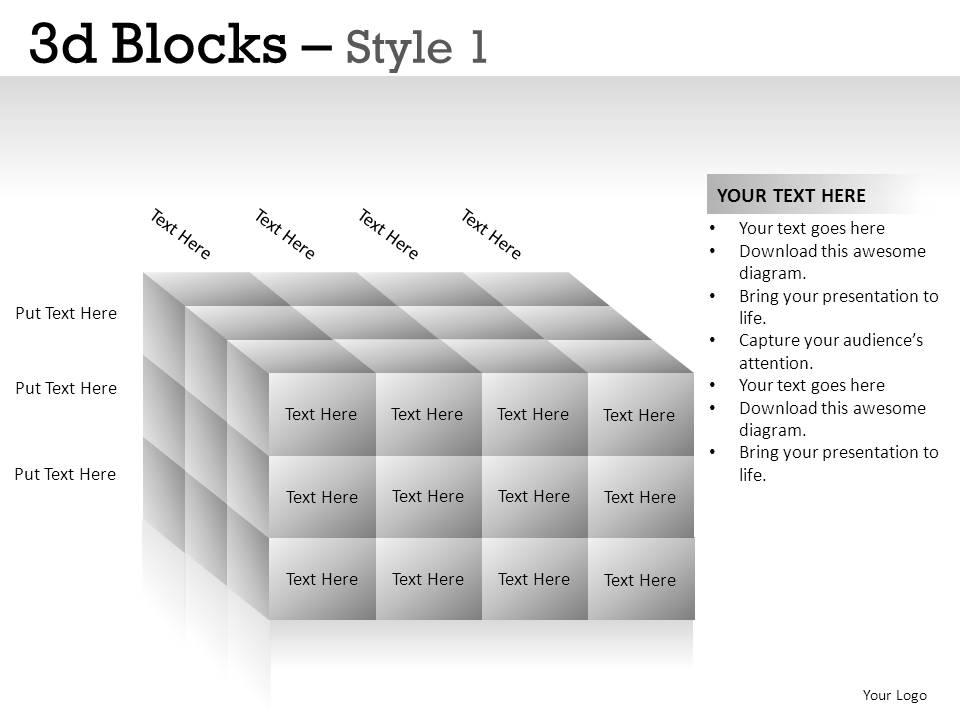
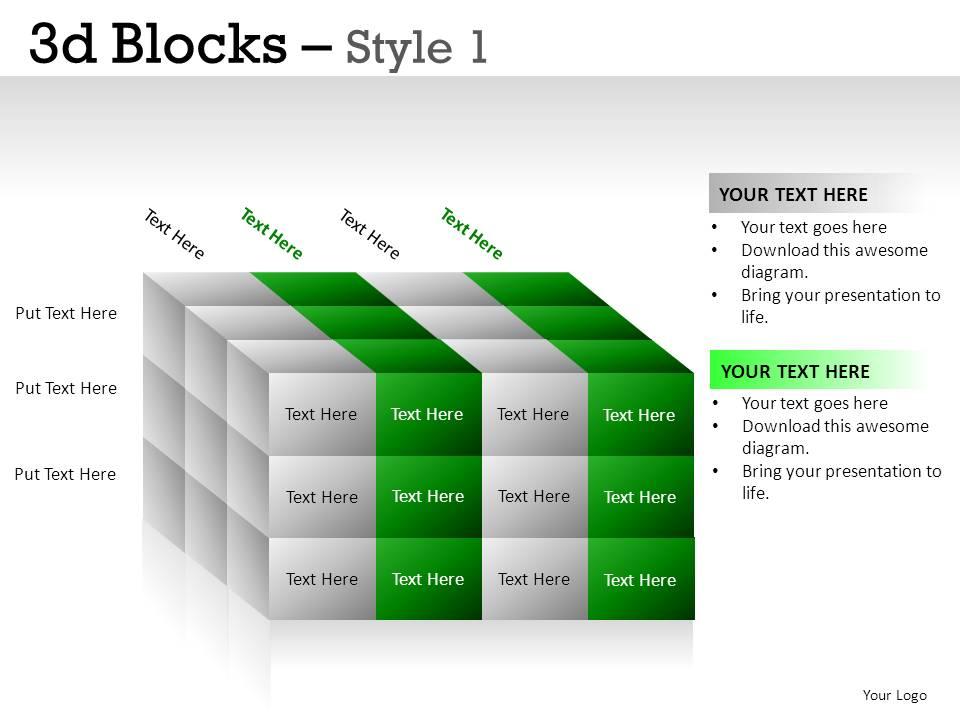
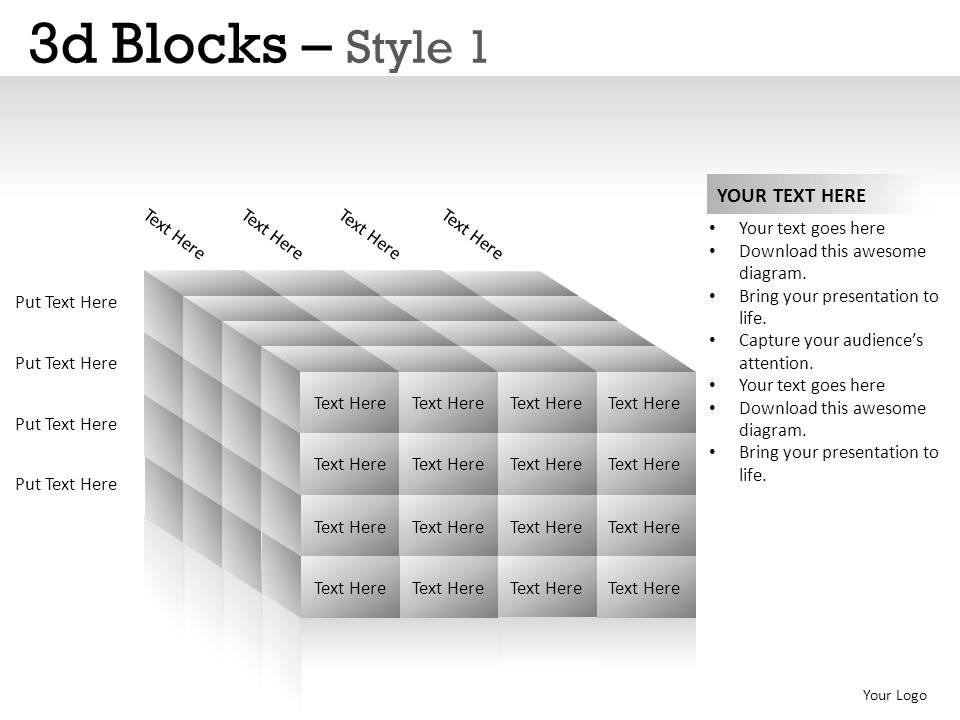
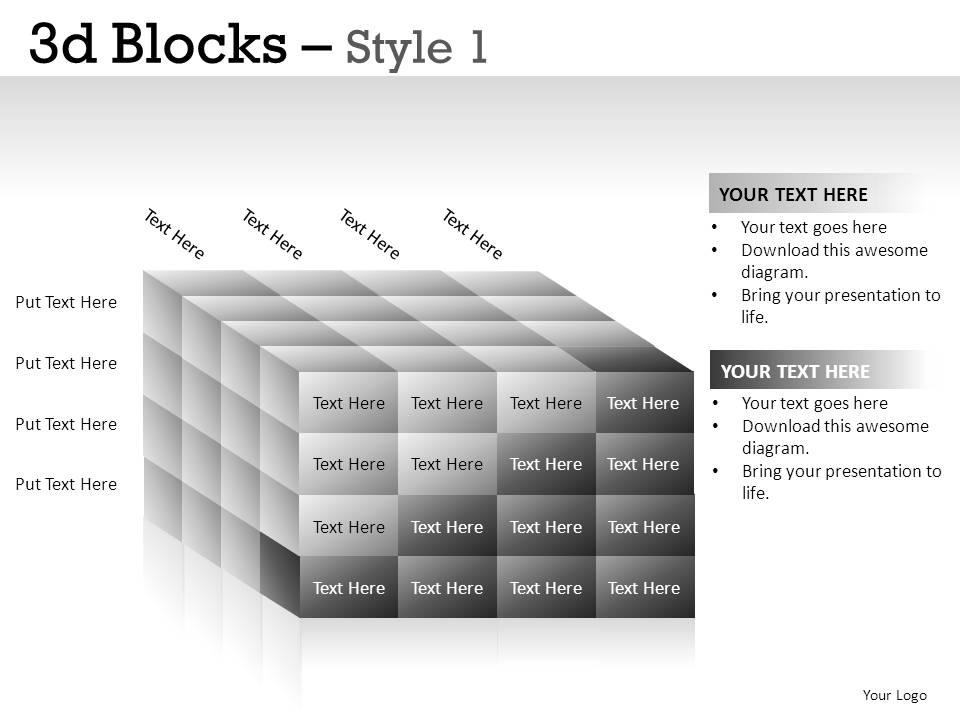
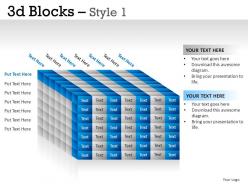
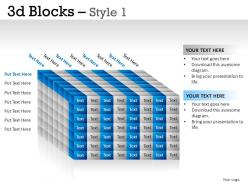
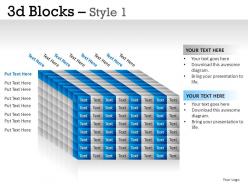
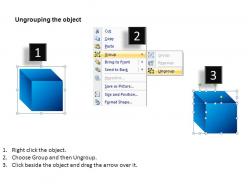
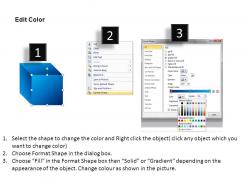
3d blocks style 1 powerpoint presentation slides

Rating:
80%
3d blocks style 1 powerpoint presentation slides
Slide 1 of 32
Favourites Favourites

Try Before you Buy Download Free Sample Product

Audience Impress Your
Audience
Editable 100%
Editable
Time Save Hours
of Time
The Biggest Sale is ending soon in
0
0
:
0
0
:
0
0
Rating:
80%
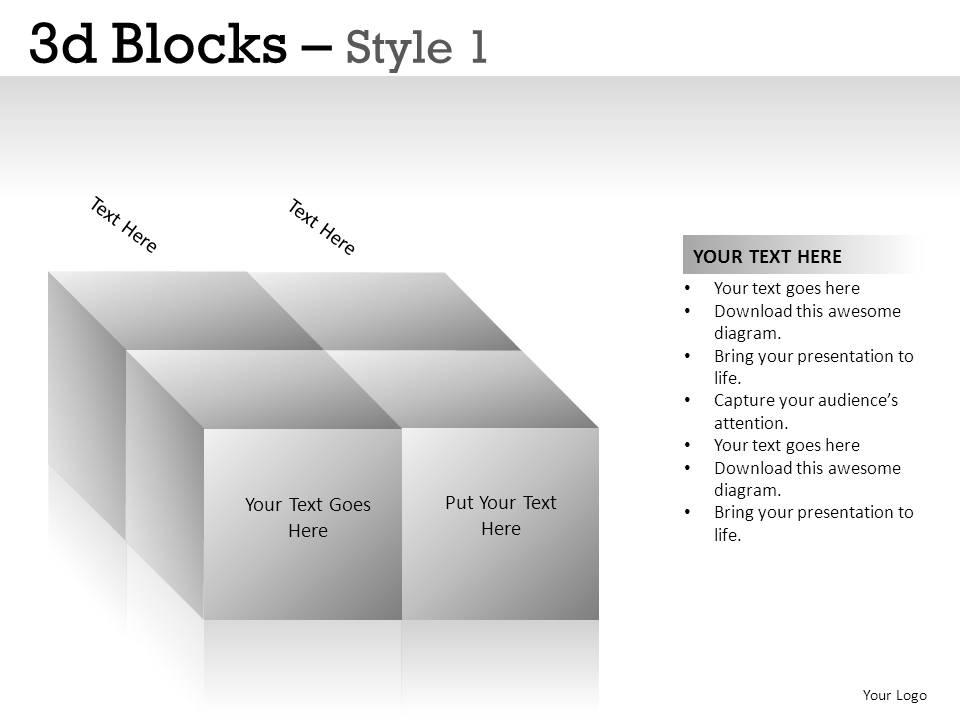
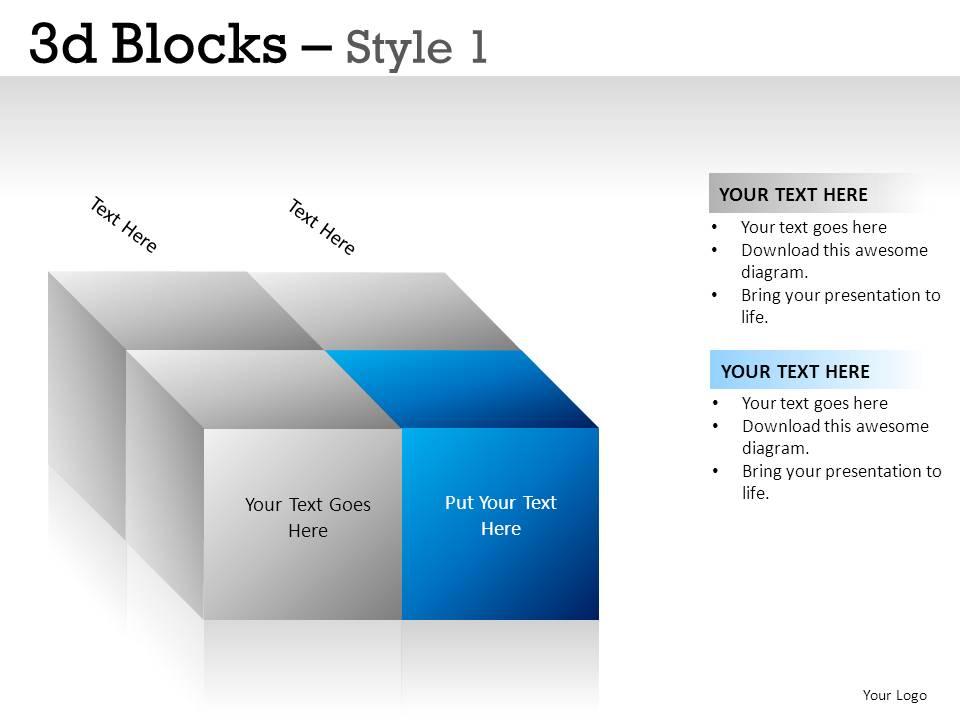
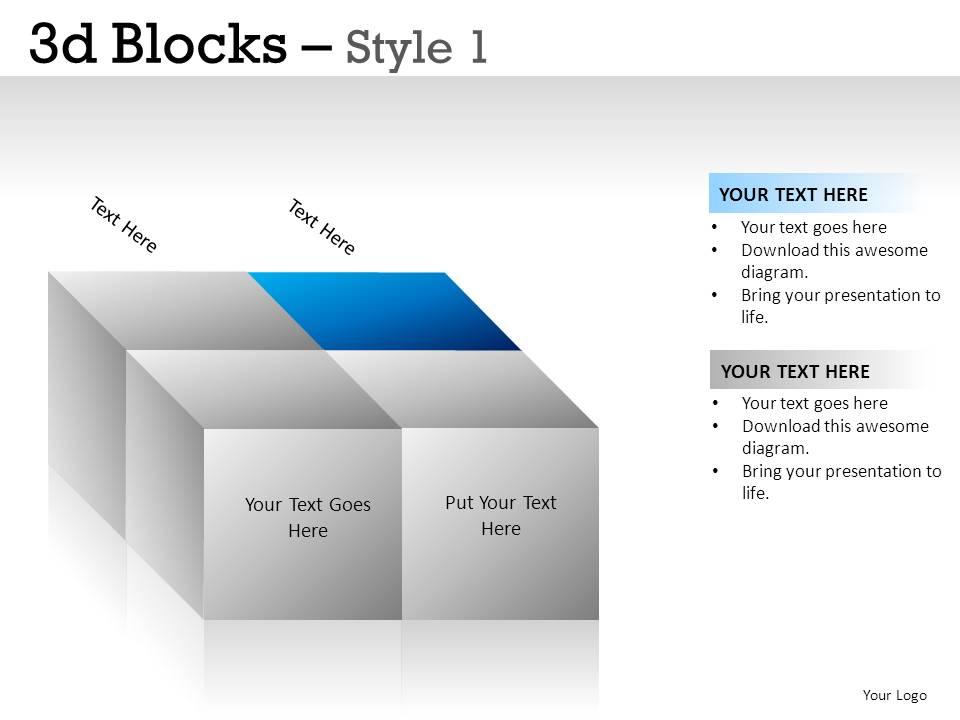
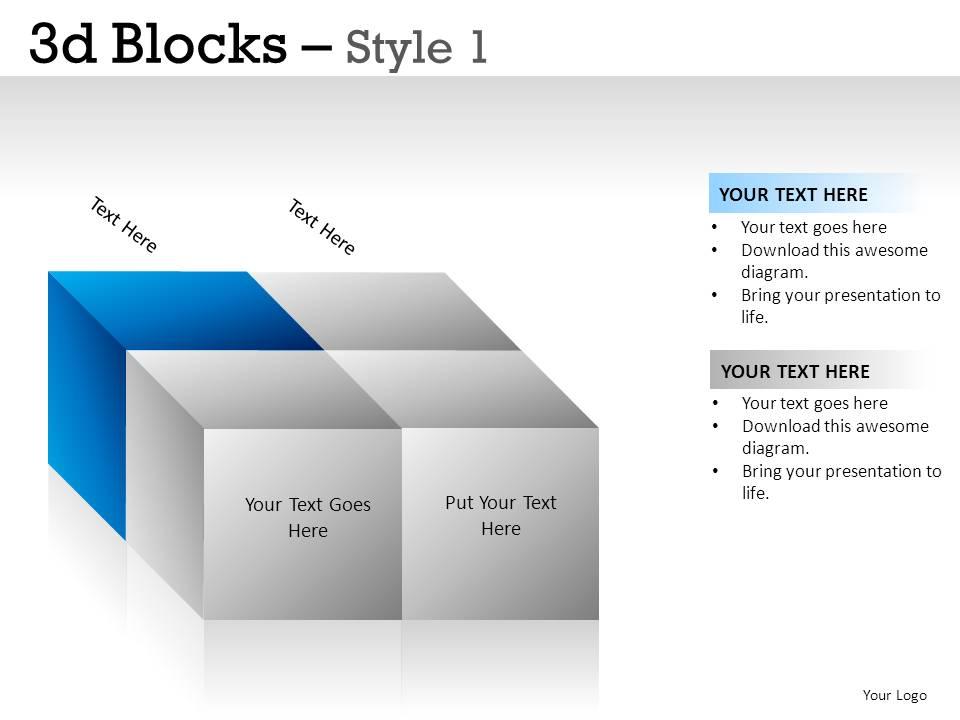
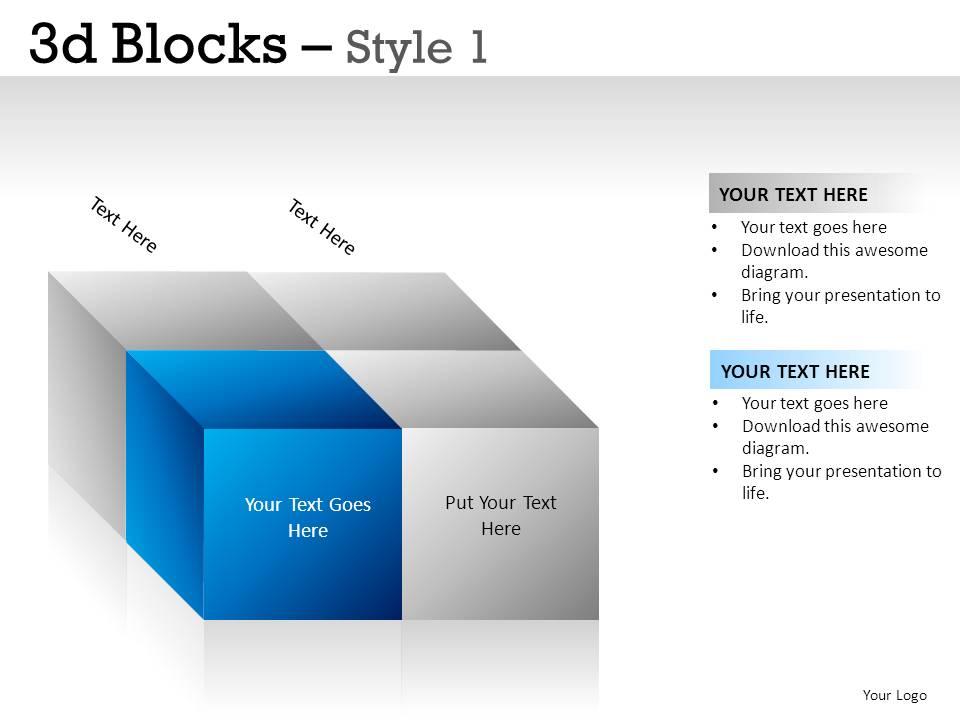
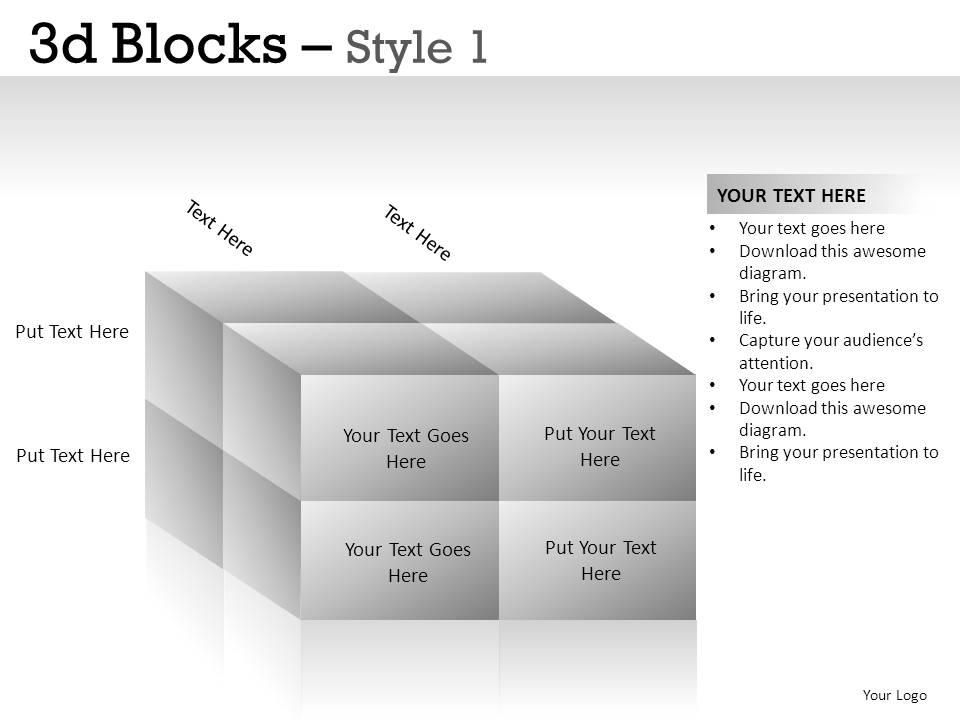
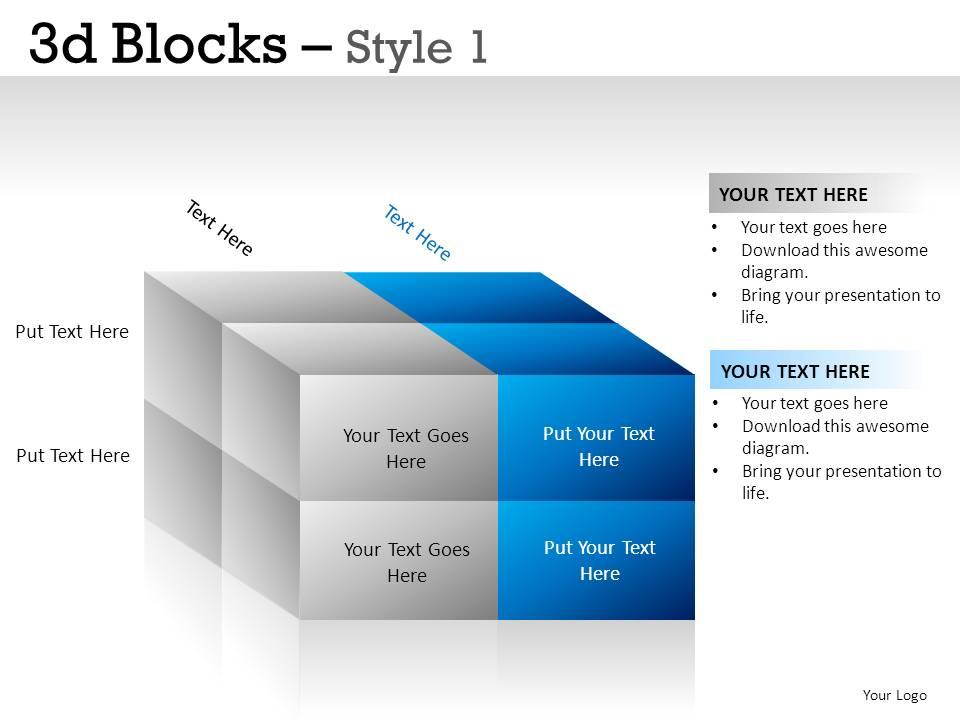
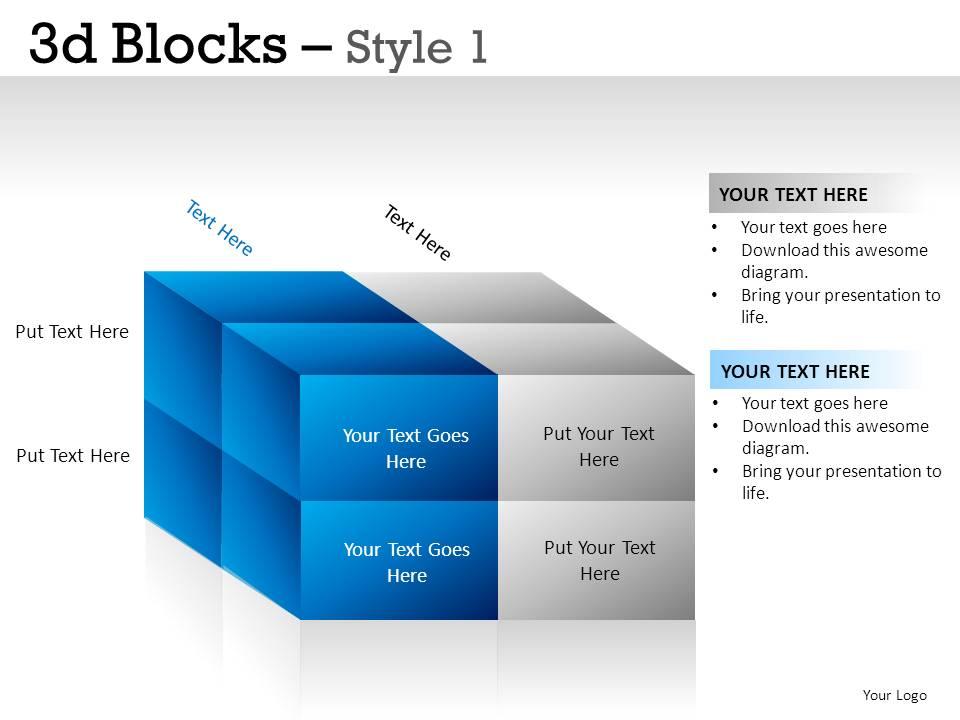
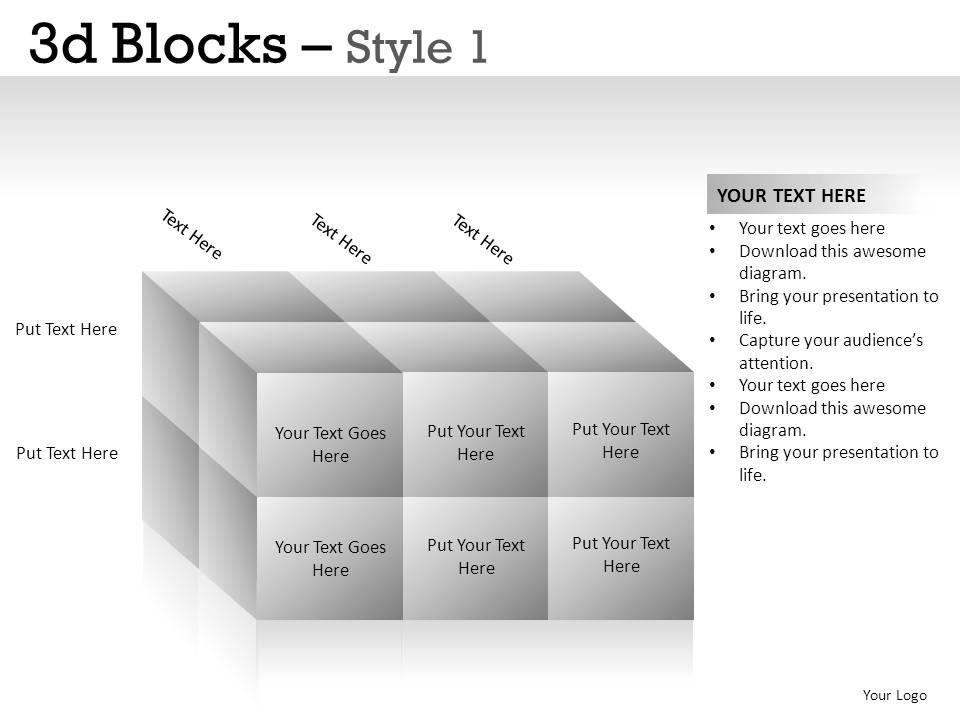
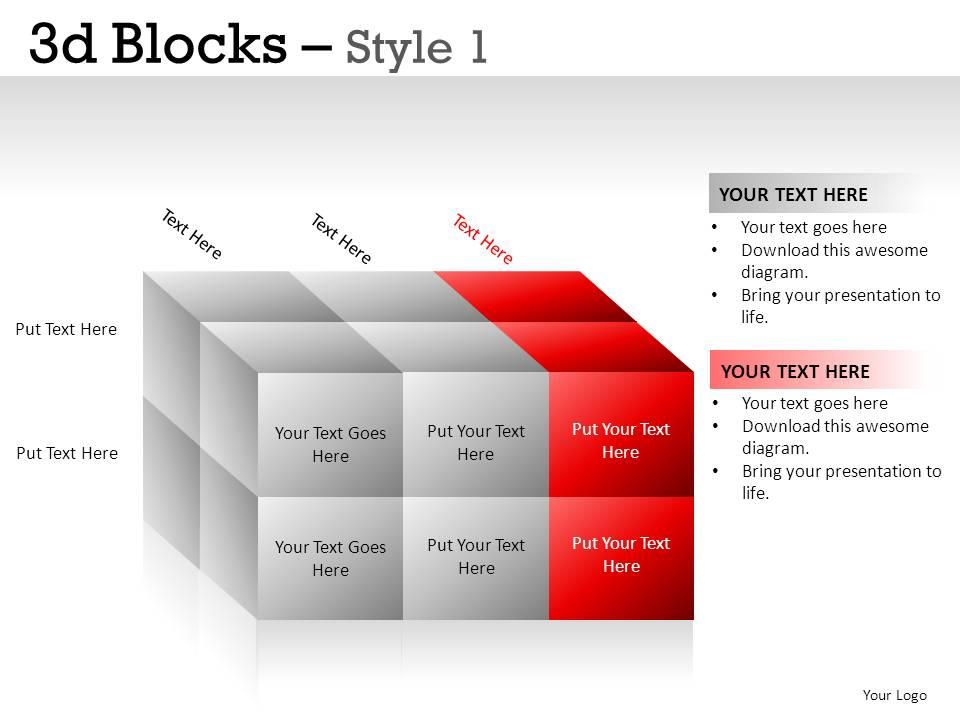
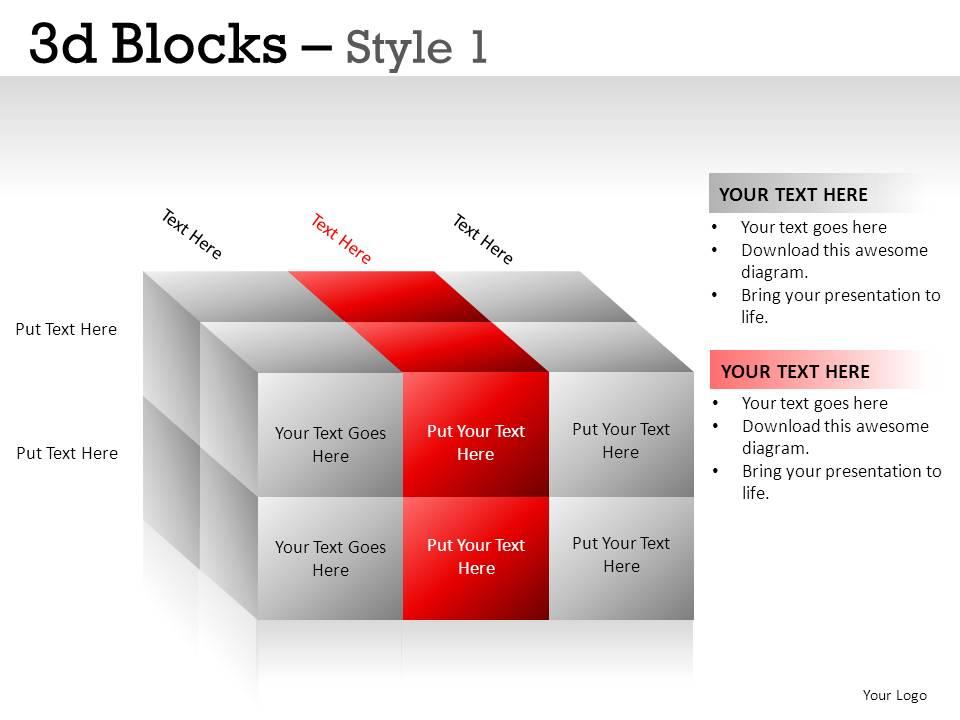
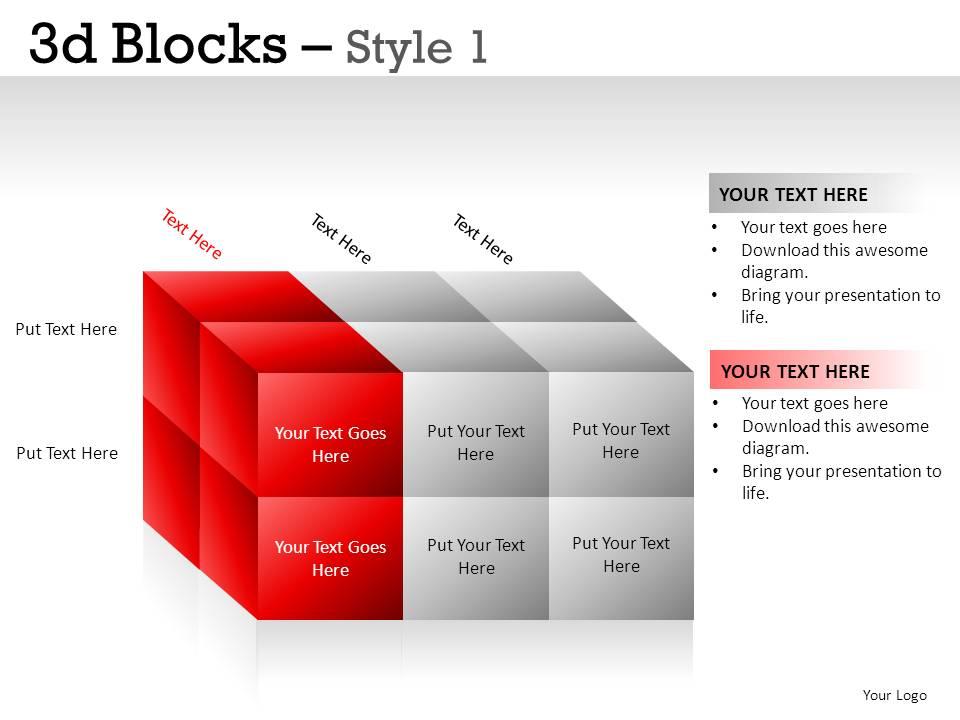
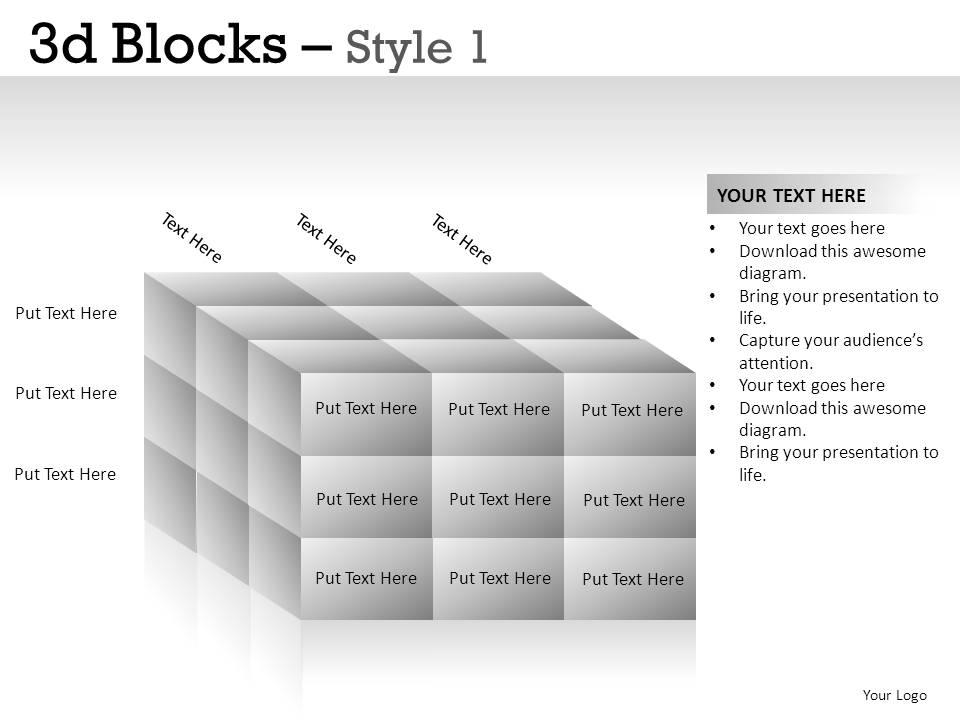
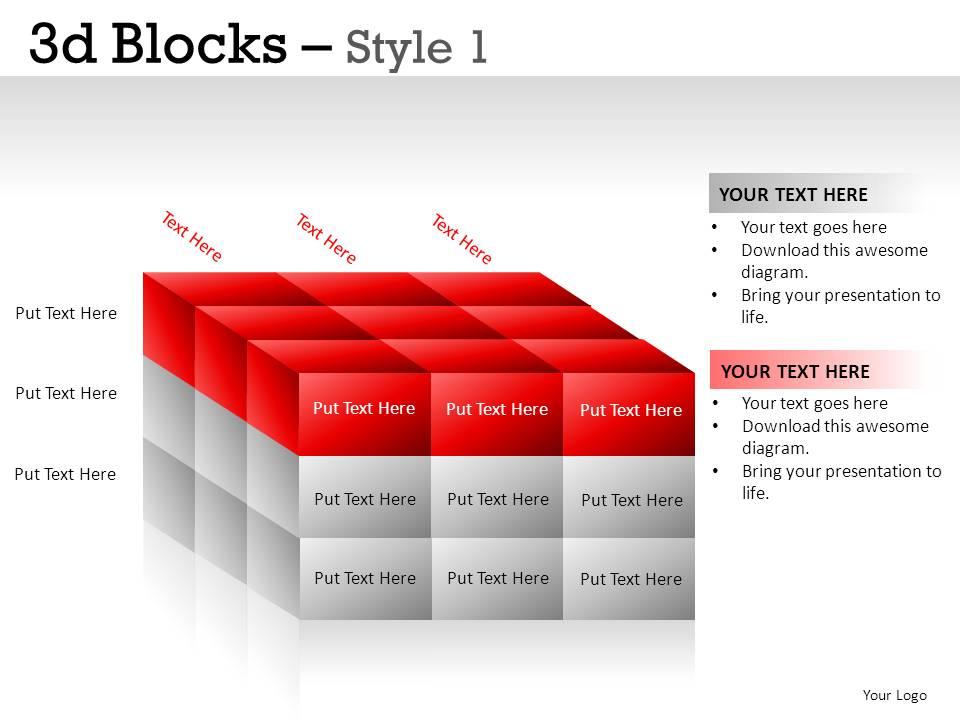
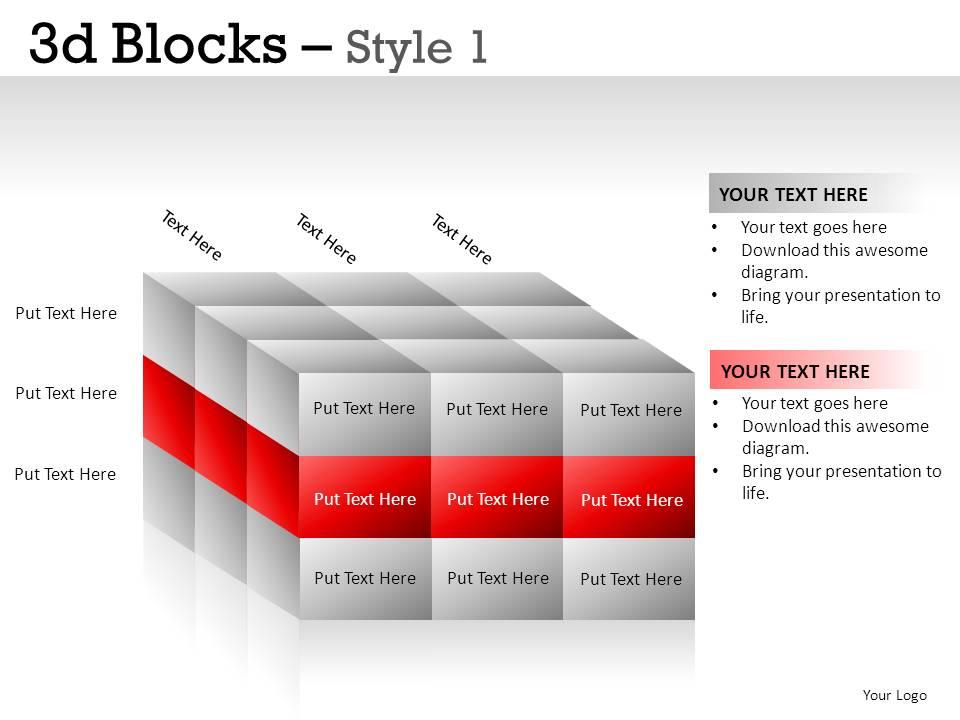
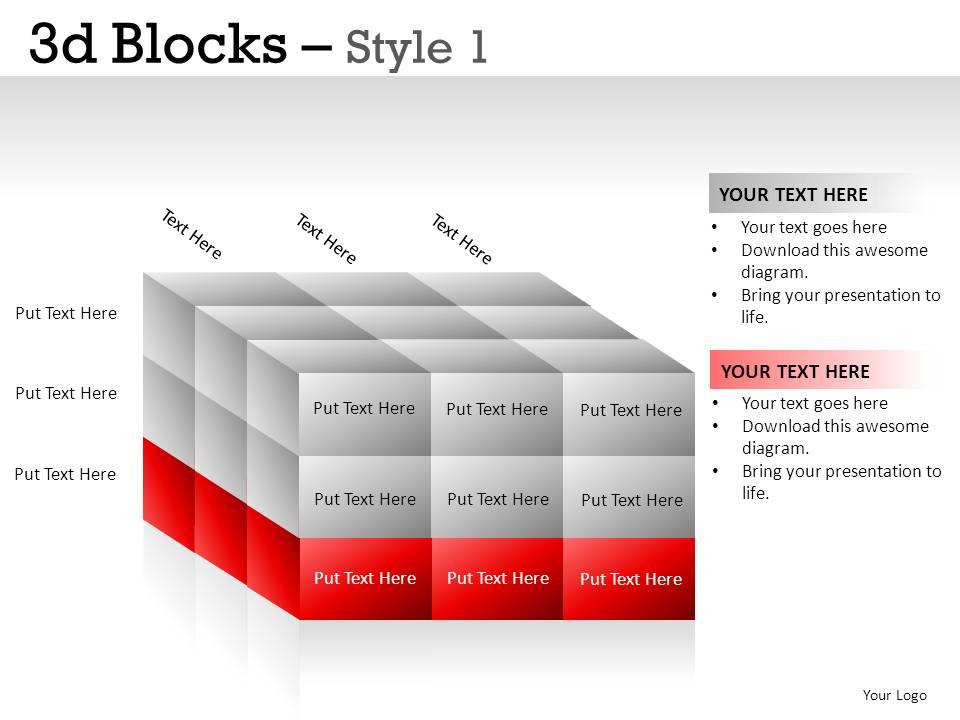
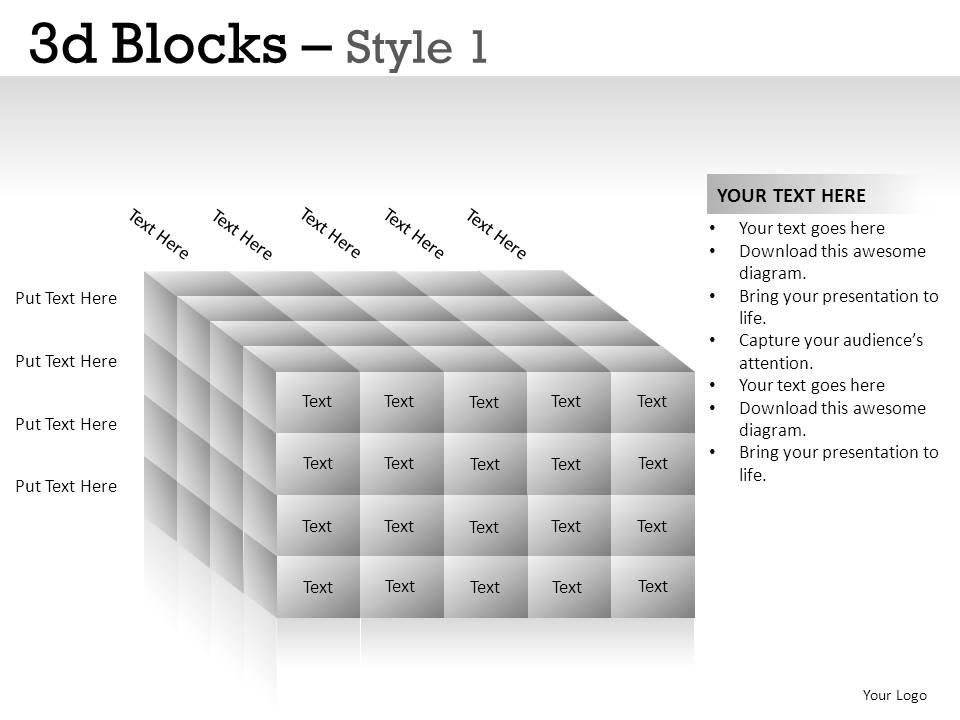
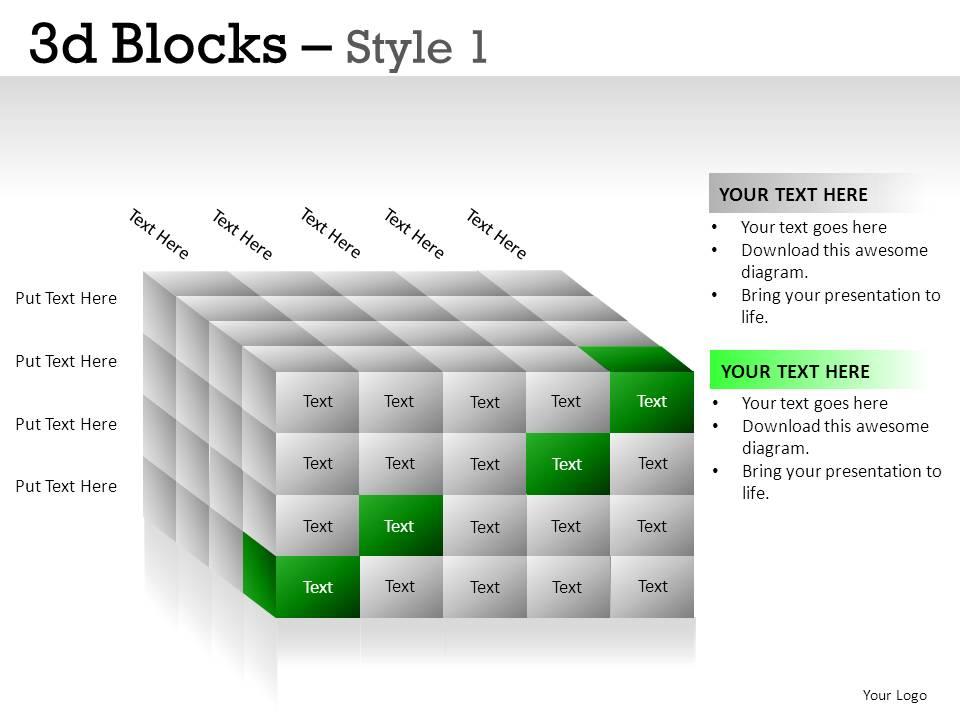
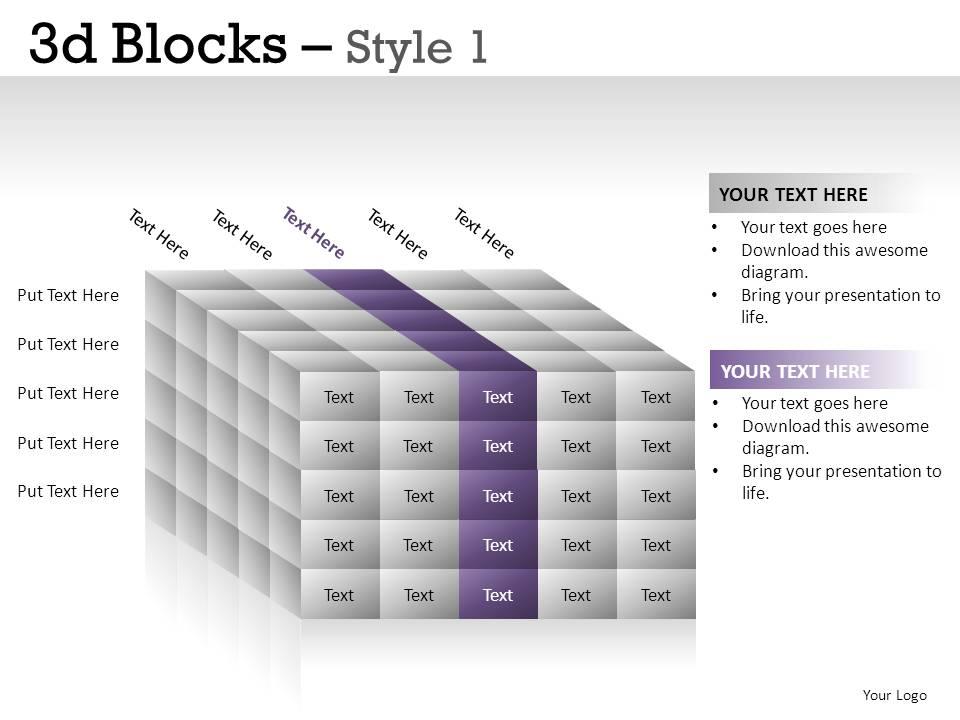
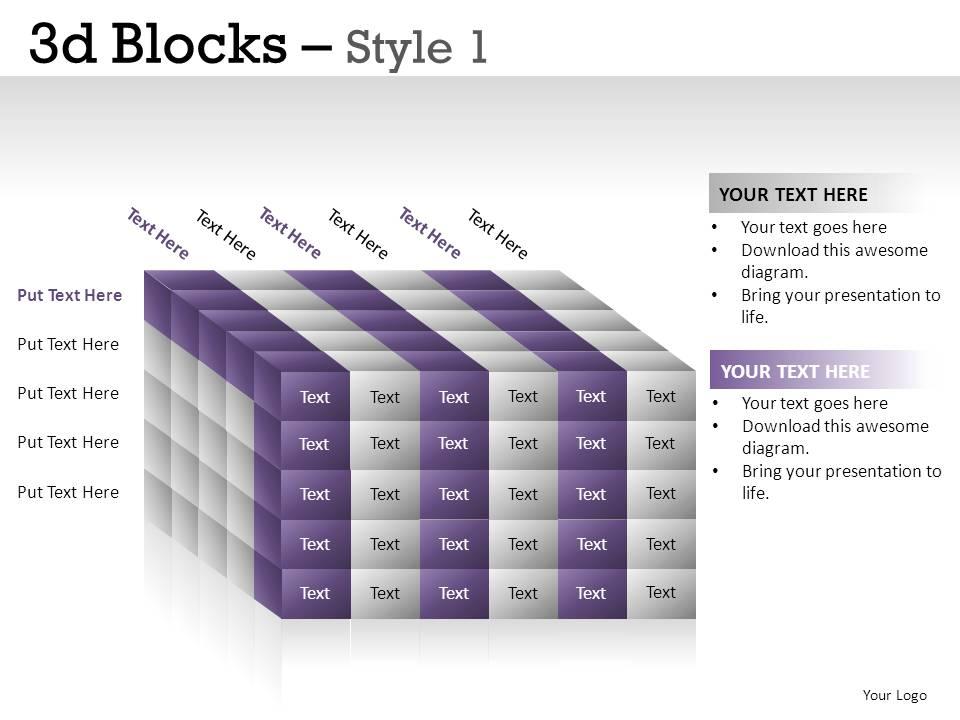
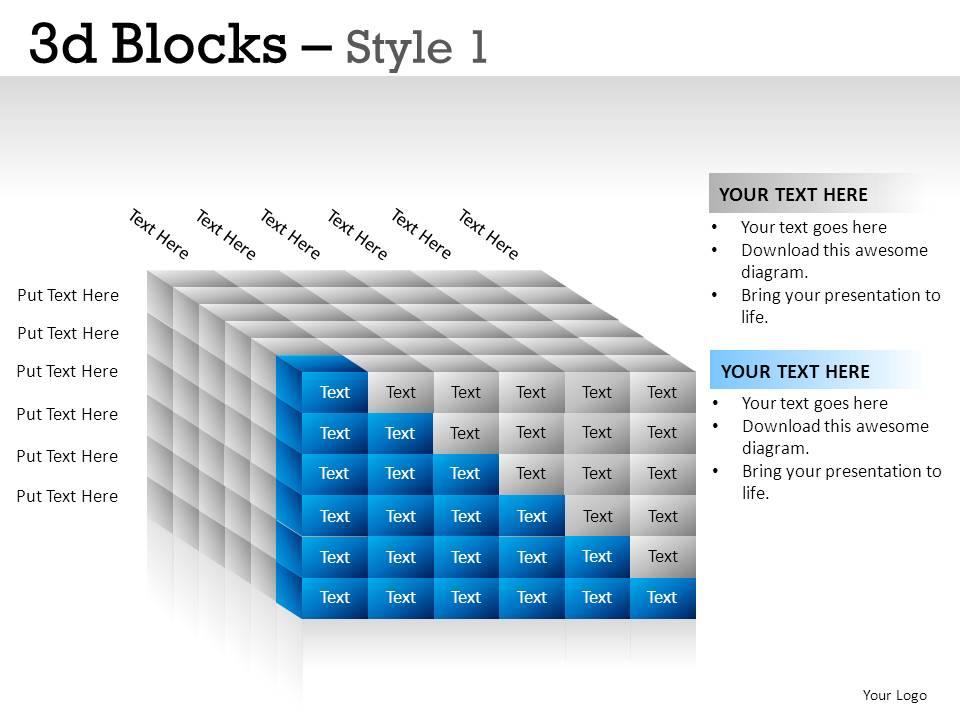
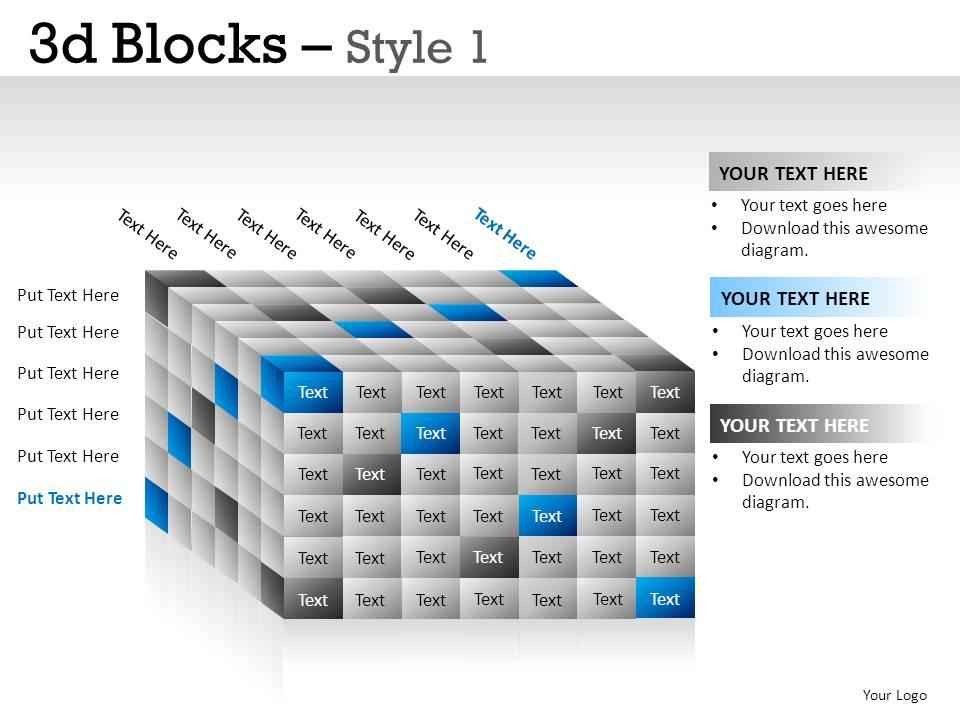
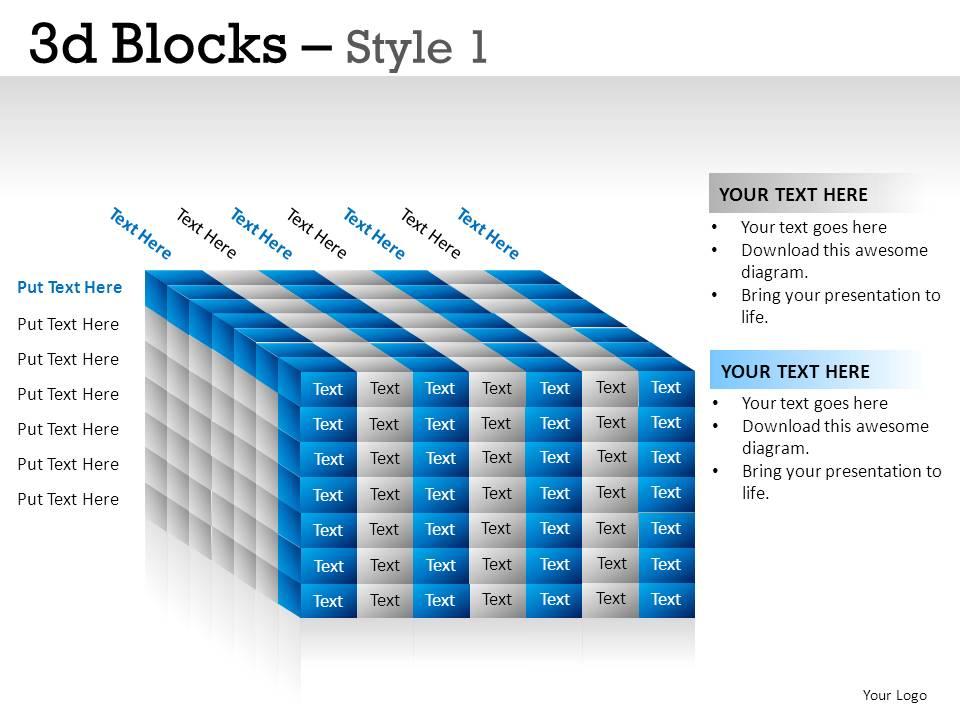
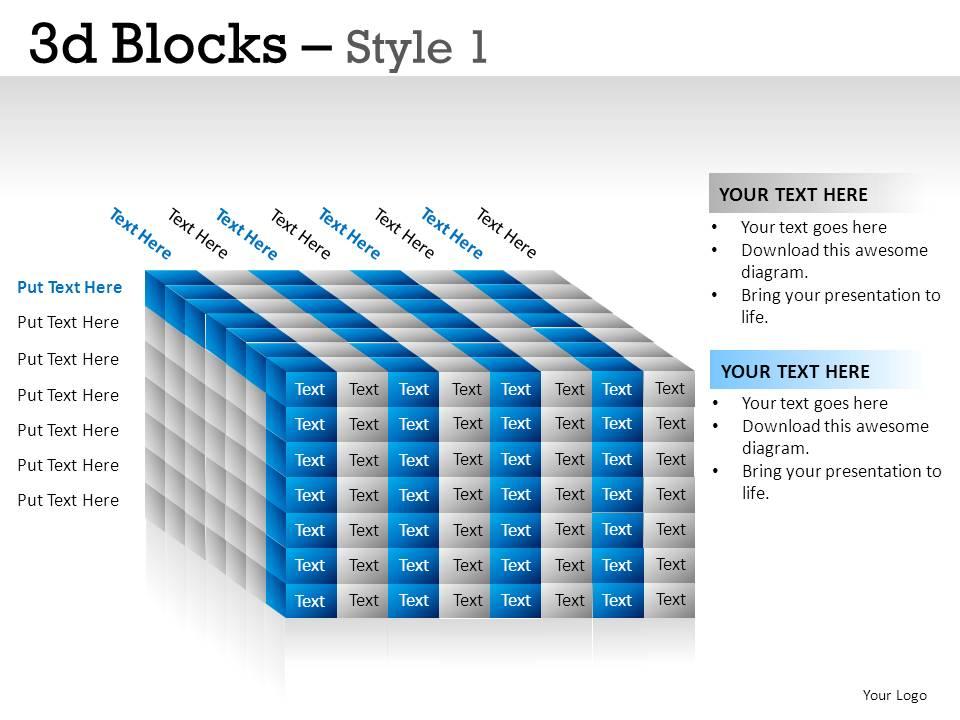
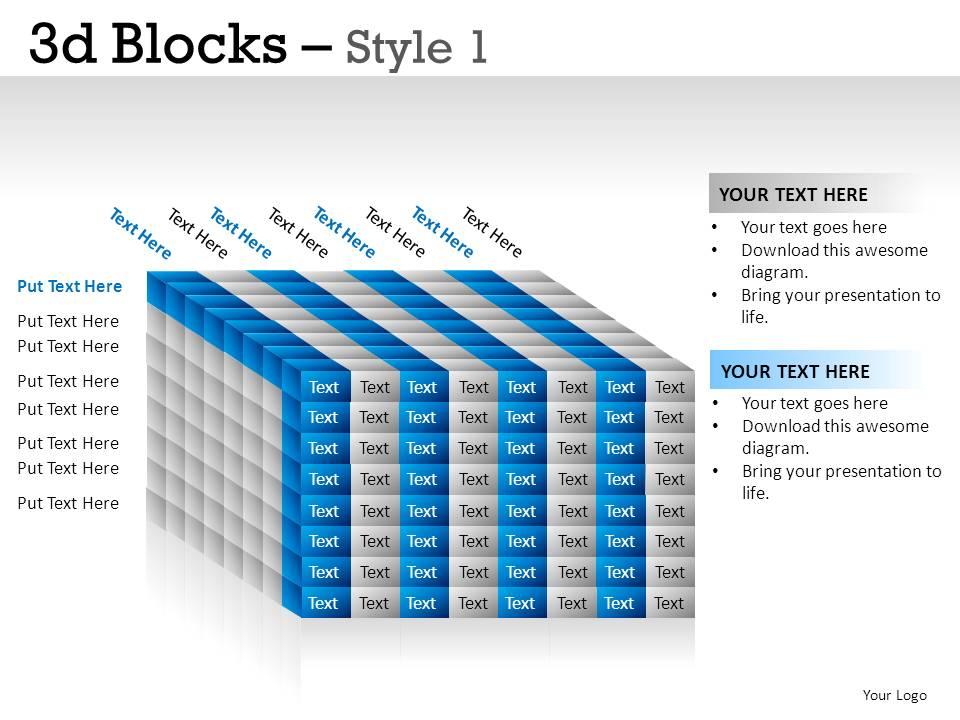
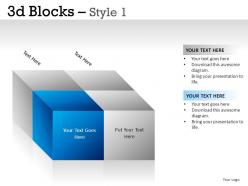
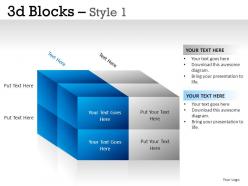
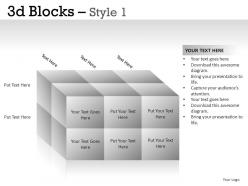
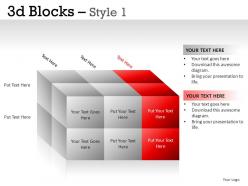
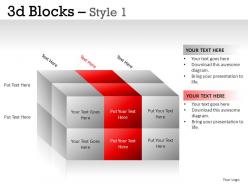
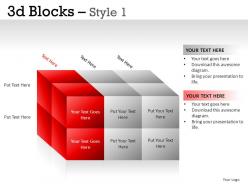
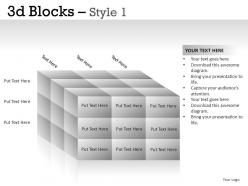
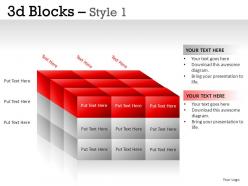
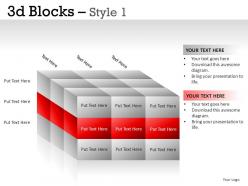
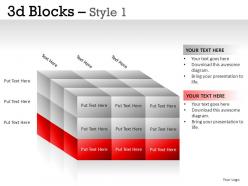
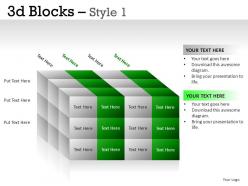
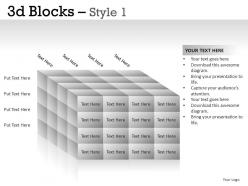
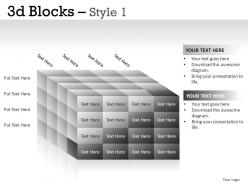
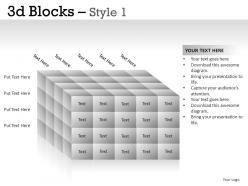
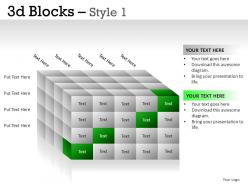
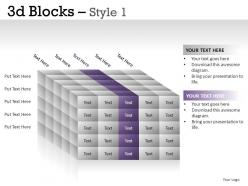
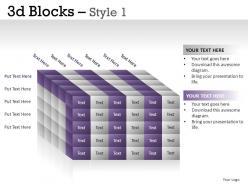
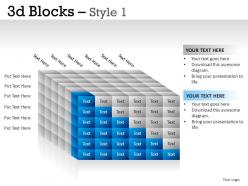
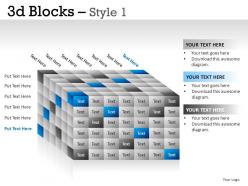
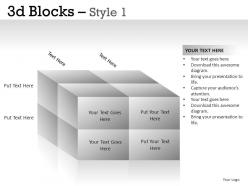
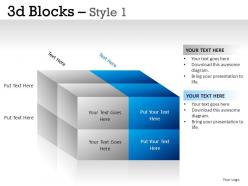
Create significantly superior quality Microsoft PowerPoint presentations to impress your audience with our attractive, versatile 3D Blocks PowerPoint themes, visuals and slides. Our 3D PPT charts, diagrams and graphics are colored, organized and identified in smaller cubes to enable you to emphatically accentuate the individual units of the larger structure in your Business multi-level marketing workflow processes and Human Resources Microsoft PowerPoint presentations, Business conceptual pyramids and Hierarcies PPT presentations, Business strategic expansion alignments and building new division PPT slideshows, Children Educational PowerPoint presentations, Architecture, Design and Construction PPT presentations, Media, Digital and Advertising PowerPoint templates, Nature and Environment PPT themes, Food, Health and Medical Pyramid PPT presentations and Business Operational Processes Organizational structure and Customer Supply Chain logistics PPT presentations.

People who downloaded this PowerPoint presentation also viewed the following :

FAQs for 3d blocks style 1

3D blocks in PowerPoint presentations deliver enhanced visual hierarchy, improved data visualization, increased audience engagement, better spatial organization, and professional aesthetic appeal. These design elements streamline complex information by creating depth perception, emphasizing key metrics, and maintaining viewer attention, with many corporate trainers and business presenters finding that 3D blocks significantly boost comprehension and retention rates.

3D blocks enhance audience engagement by creating visual depth, transforming abstract concepts into tangible representations, and breaking monotonous slide patterns that typically cause attention drift. These dimensional elements help presenters illustrate complex processes, hierarchical structures, and data relationships more intuitively, with many corporate trainers and business consultants finding that audiences retain information significantly better when ideas are presented through interactive, three-dimensional visual frameworks.

3D block PowerPoint slides excel in organizational charts, process flows, project timelines, data visualization, and strategic planning presentations. These versatile templates enhance complex business presentations by making hierarchical structures more intuitive, with consulting firms, project managers, and executives finding that the dimensional elements significantly improve audience engagement and comprehension.

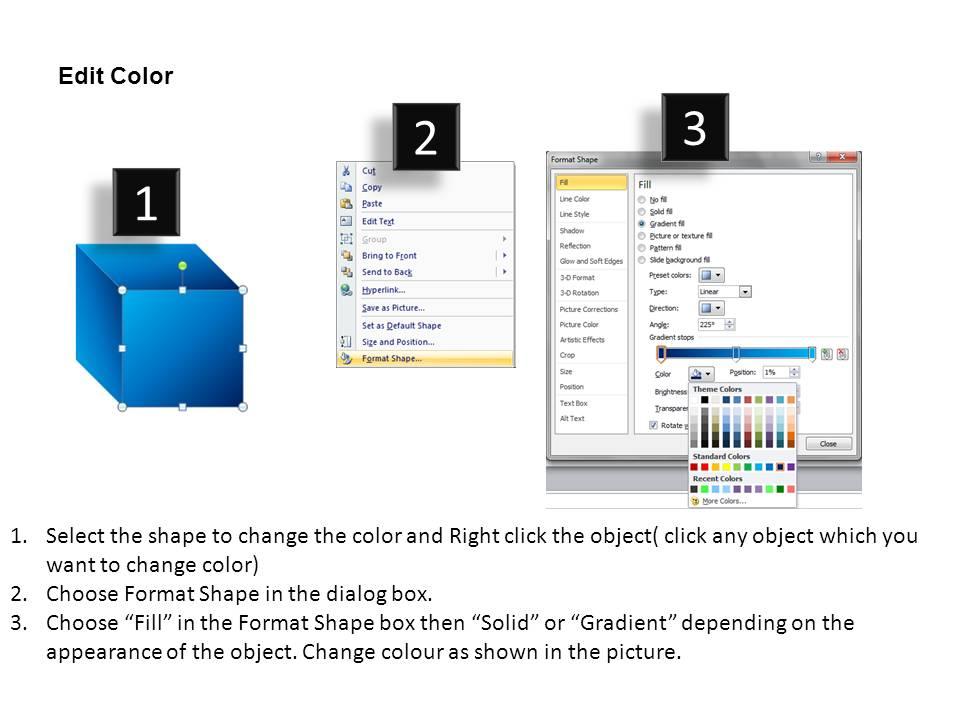
PowerPoint enables customizing 3D blocks through format options, color schemes, effects, and sizing adjustments to align with your brand identity. You can modify fill colors to match brand palettes, adjust lighting and shadow effects for depth, resize proportions for consistency, and apply custom textures, with many organizations finding that cohesive 3D elements significantly enhance presentation professionalism and brand recognition.

When incorporating 3D blocks into slides, consider visual hierarchy through size and color variation, maintain consistent lighting and perspective angles, ensure adequate spacing between elements, and limit color palettes for professional cohesion. These design principles enhance readability by creating clear focal points, supporting logical information flow, and maintaining audience engagement, while ensuring your presentations deliver maximum visual impact and comprehension across diverse business contexts.

**INPUT**: Are there any best practices for animating 3D blocks in PowerPoint presentations? **OUTPUT**: Best practices for animating 3D blocks include using subtle entrance effects, maintaining consistent timing across elements, applying directional emphasis animations, and coordinating transitions with narrative flow. These techniques enhance audience engagement by creating visual hierarchy, emphasizing key data points, and guiding attention strategically, with many presenters finding that measured animations ultimately deliver more professional presentations and improved information retention. [Word count: 58 words]

**INPUT**: How do I ensure that my 3D blocks don't overwhelm the content of my slides? **OUTPUT**: Balance 3D blocks with content by using them as supporting visuals rather than focal points, maintaining consistent sizing and spacing, and limiting their quantity per slide. Strategic placement enhances key messages without competing for attention, with many presenters finding that subtle colors, appropriate scale, and purposeful positioning ultimately deliver visual impact while preserving content clarity and audience engagement.
**INPUT**: What tools or software do I need to create my own 3D blocks for PowerPoint? **OUTPUT**: Creating custom 3D blocks requires software like Blender, SketchUp, Cinema 4D, Autodesk Maya, or PowerPoint's built-in 3D design tools. These applications streamline block creation through modeling capabilities, texture mapping, and export functions, with many organizations finding that combining dedicated 3D software with PowerPoint's native features delivers professional presentations while maintaining design consistency.

3D blocks in PowerPoint presentations can significantly improve information retention by creating visual hierarchy, enhancing spatial memory connections, and making complex data more digestible through dimensional representation. These visual elements help audiences process information more effectively by transforming abstract concepts into tangible structures, with many organizations finding that strategic use of 3D blocks increases engagement and comprehension during presentations.

Common mistakes include overusing 3D effects that distract from content, choosing inconsistent block styles that create visual chaos, using poor color combinations that reduce readability, overcrowding slides with too many elements, and selecting inappropriate 3D angles. These design pitfalls can overwhelm audiences and diminish message clarity, with many presenters finding that strategic restraint and consistent styling ultimately deliver more professional, impactful presentations that enhance audience engagement.

3D blocks deliver significantly stronger visual impact than traditional 2D graphics by creating depth, dimension, and hierarchy that naturally draws audience attention and enhances information retention. These elements enable presenters to transform flat data into engaging visual stories, with many organizations finding that 3D presentations increase audience engagement and comprehension while delivering more memorable, professional outcomes.

Healthcare organizations use 3D blocks to illustrate patient care pathways, treatment protocols, and medical facility layouts, while financial services leverage them for portfolio structures, risk management frameworks, and investment hierarchies. Manufacturing companies showcase production processes, supply chain flows, and quality control systems through dimensional blocks, with many finding that these visual representations enhance stakeholder understanding, streamline complex concept communication, and ultimately deliver more compelling presentations.

You can source high-quality 3D block templates through specialized presentation platforms like SlideTeam, Microsoft's template gallery, design marketplaces, and professional graphic design sites. These platforms deliver professionally crafted templates with customizable elements, consistent formatting, and business-ready aesthetics, while many organizations find that premium template services streamline presentation development and enhance visual impact.

The learning curve for creating and using 3D blocks in PowerPoint is moderate, requiring familiarity with shape tools, rotation controls, formatting options, and layering techniques. Most users master basic 3D block creation within hours, while advanced applications like complex diagrams and interactive presentations develop over weeks, with many professionals finding that consistent practice streamlines the process significantly.

Different audience demographics respond to 3D visuals based on generational preferences, technical familiarity, and industry context, with younger professionals and tech-savvy sectors embracing dimensional elements more readily. While millennials and Gen Z audiences often find 3D blocks engaging and modern, traditional industries like finance or law may prefer subtler dimensional effects, ultimately requiring presenters to balance visual impact with audience expectations for maximum engagement.

Ratings and Reviews

80% of 100
Write a review
Most Relevant Reviews
  1. 80%

    by Evans Mitchell

    Very well designed and informative templates.
  2. 80%

    by Edwin Valdez

    It saves your time and decrease your efforts in half.

2 Item(s)

per page: