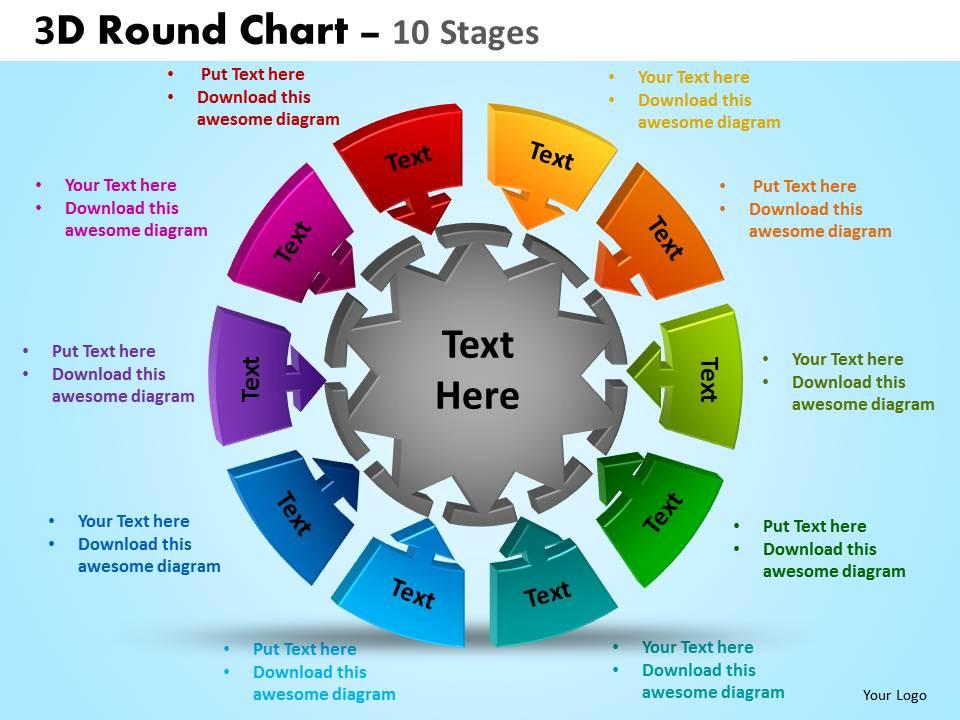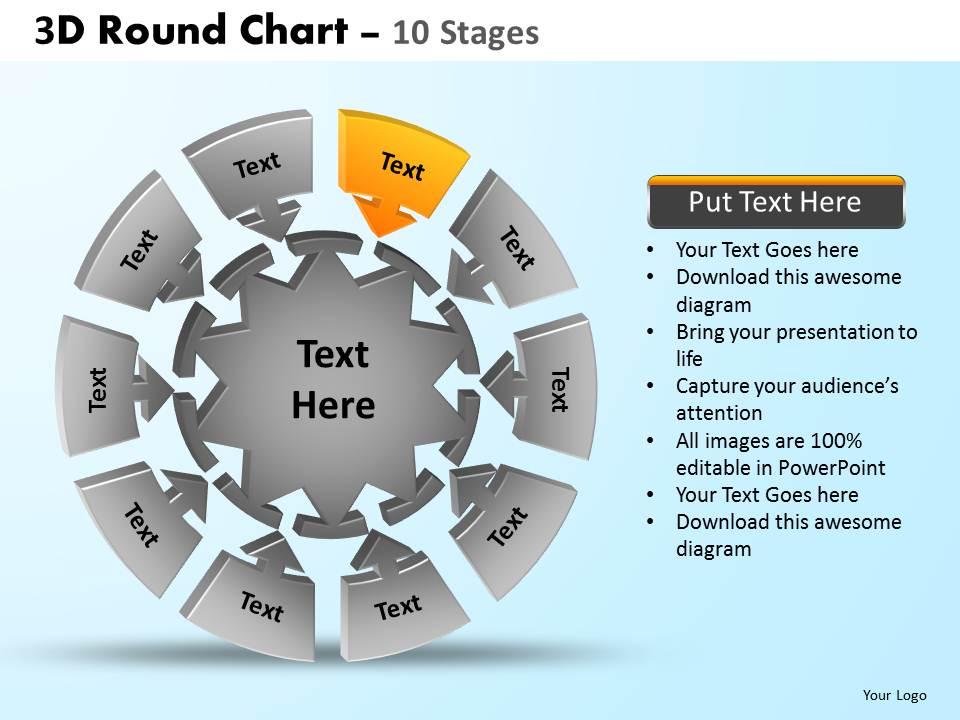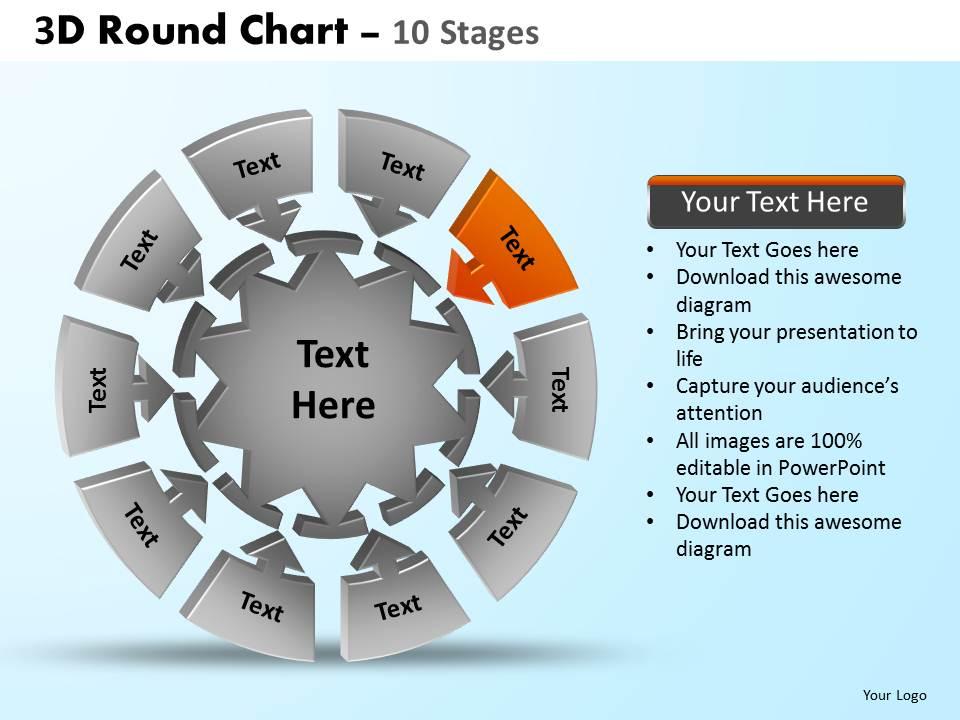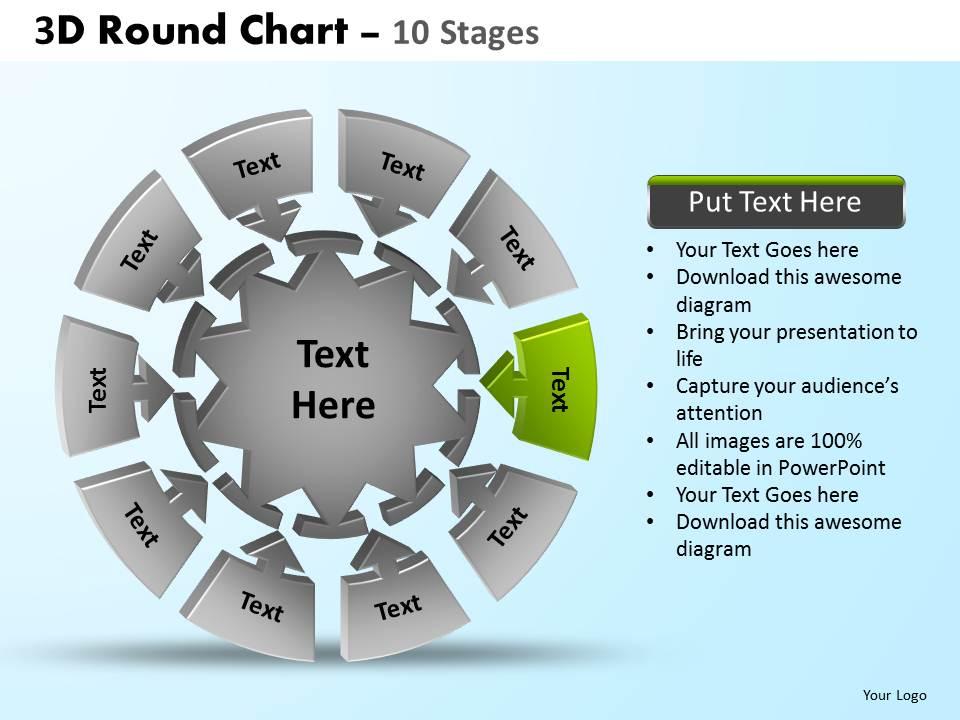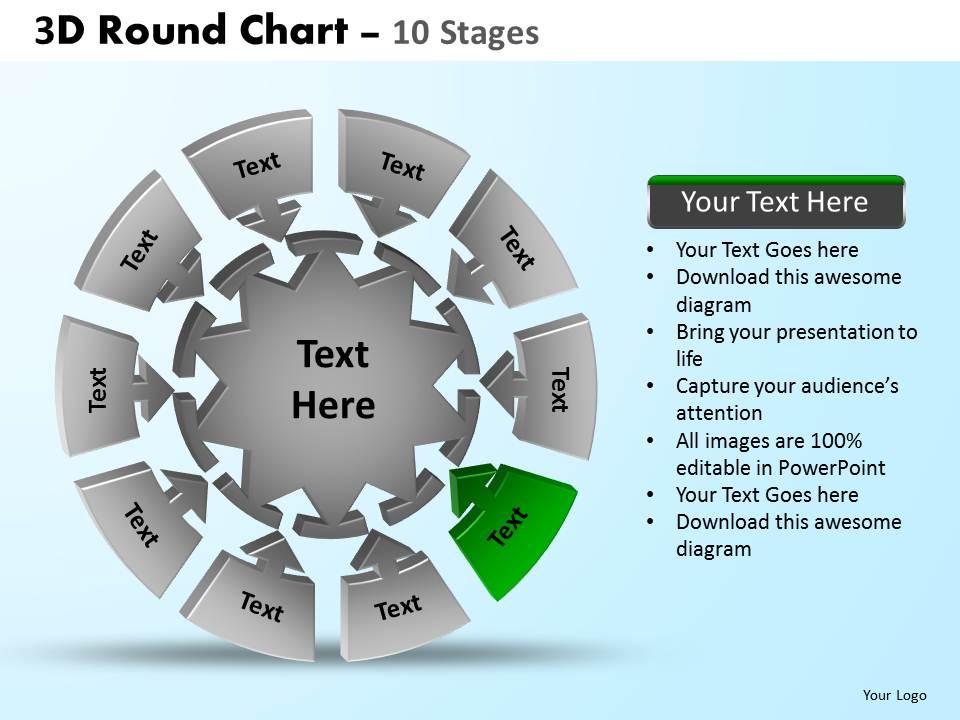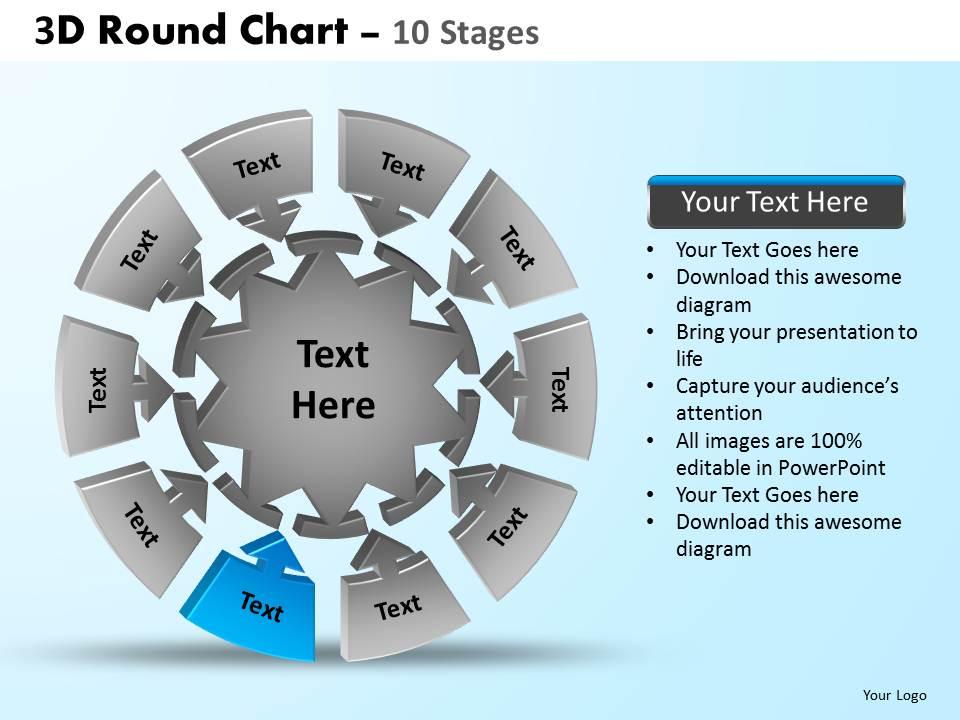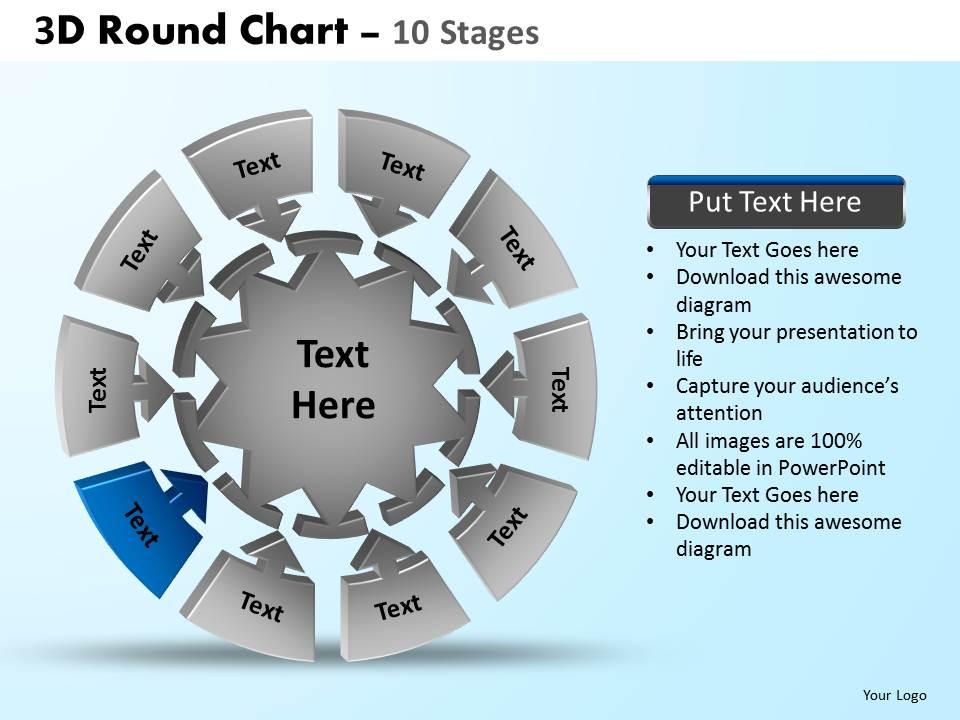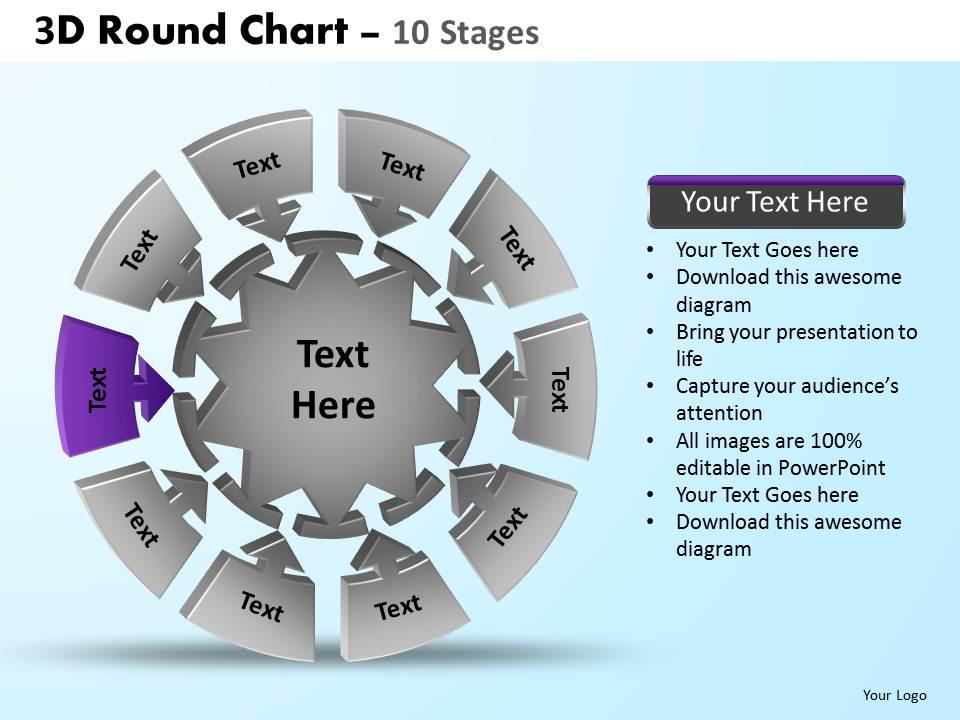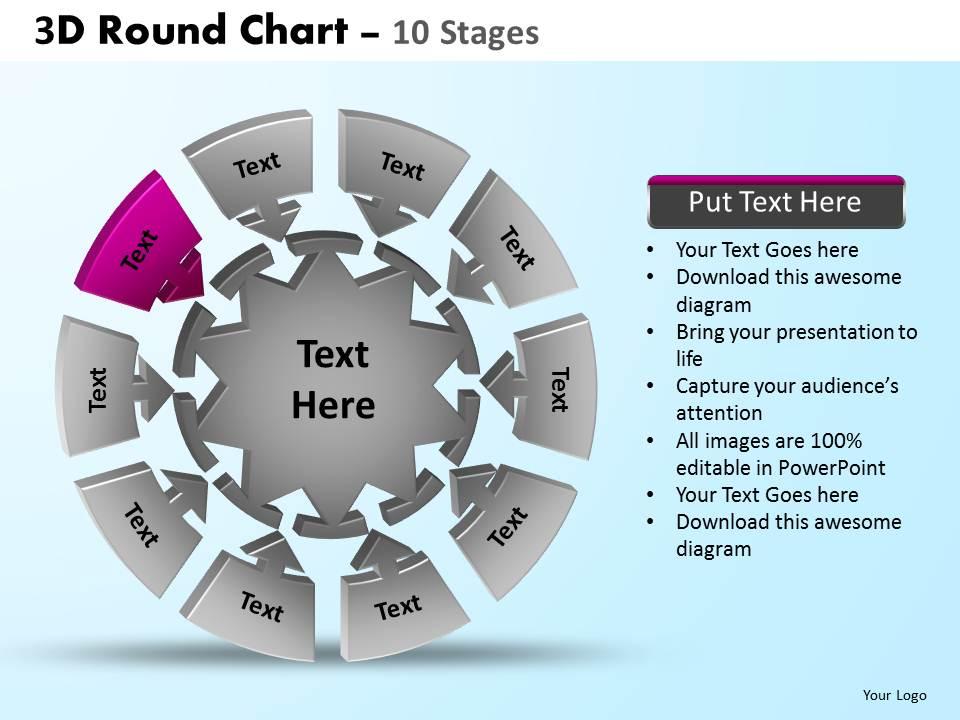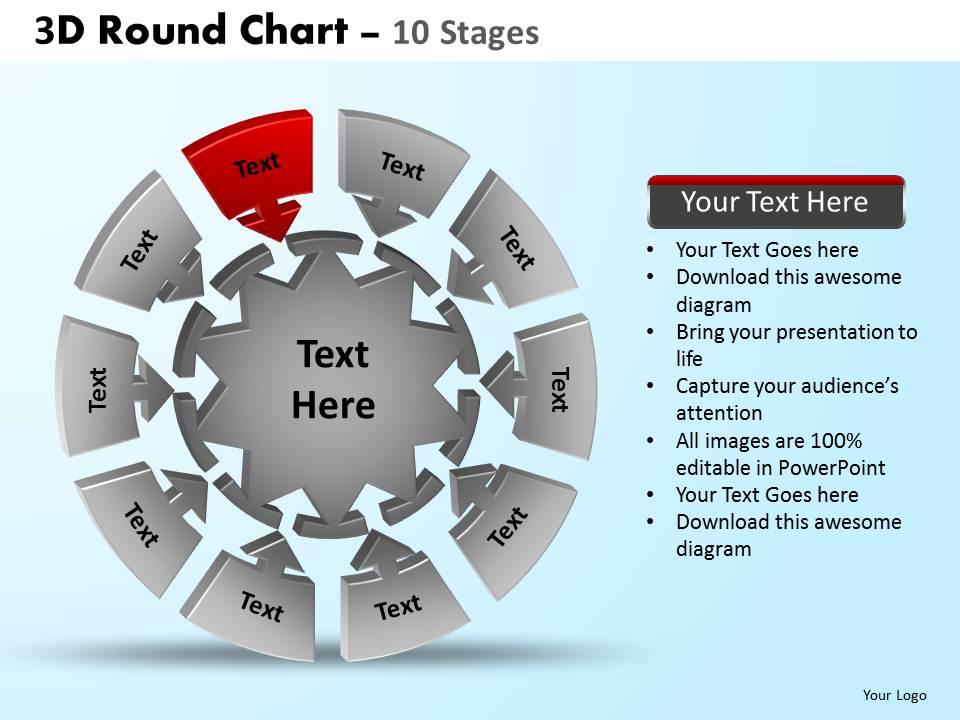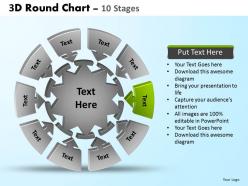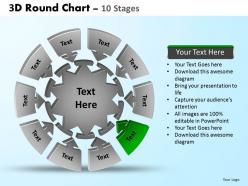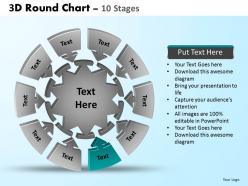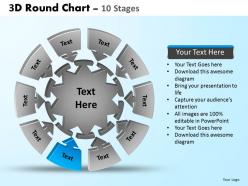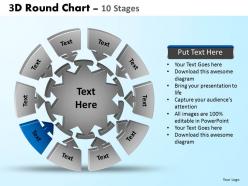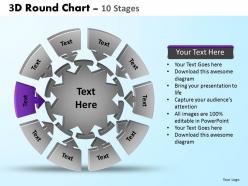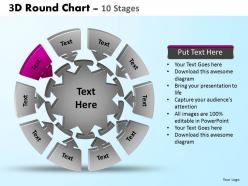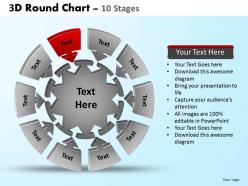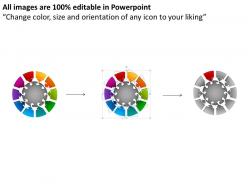
3d round chart 10 stages powerpoint slides and ppt templates 0412

Rating:
90%
3d round chart 10 stages powerpoint slides and ppt templates 0412
Slide 1 of 14
Favourites Favourites

Try Before you Buy Download Free Sample Product

Audience Impress Your
Audience
Editable 100%
Editable
Time Save Hours
of Time
The Biggest Sale is ending soon in
0
0
:
0
0
:
0
0
Rating:
90%
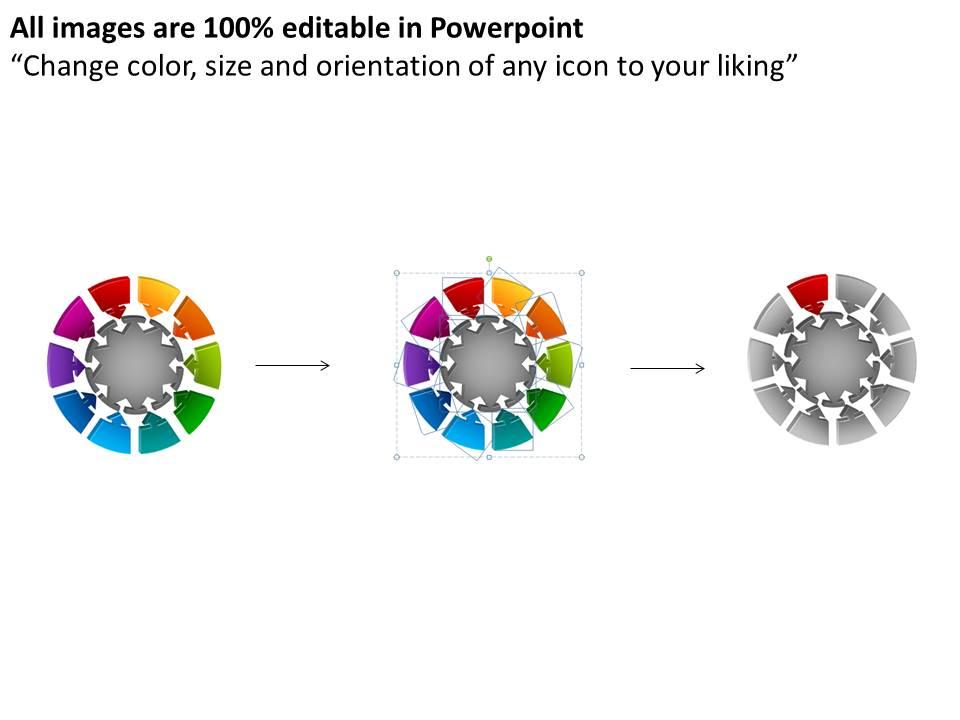
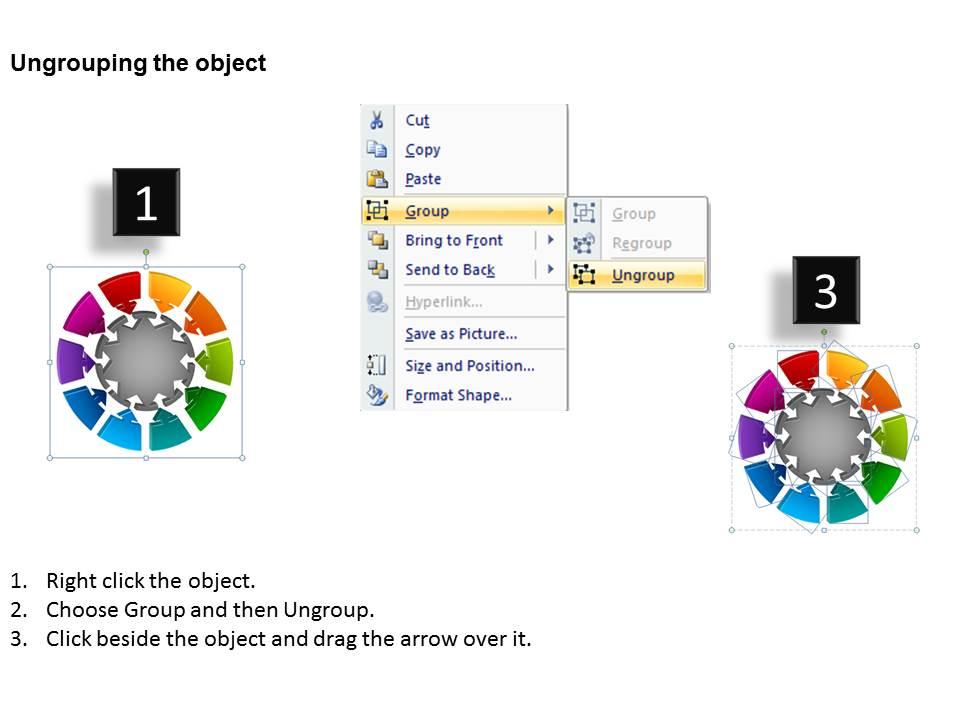
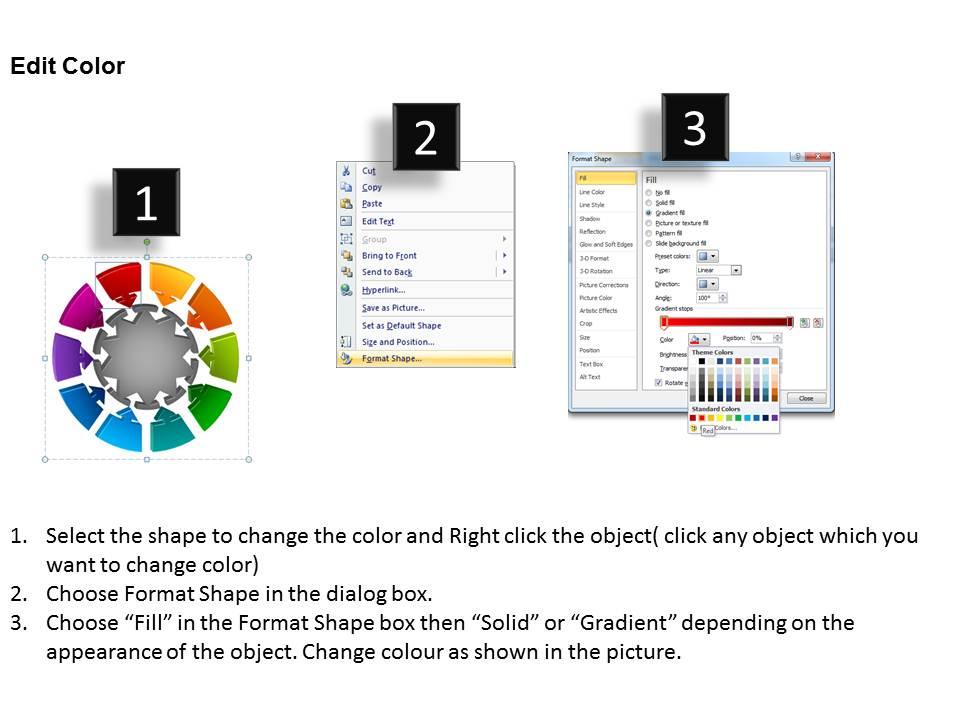
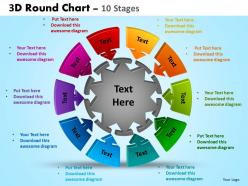
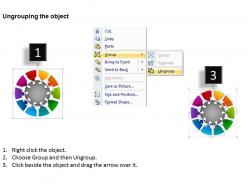
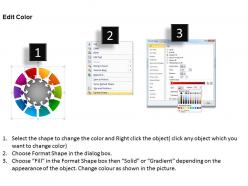
These high quality, editable pre-designed 3D Round Chart 10 Stages Powerpoint Slides And Ppt Templates 0412 powerpoint slides and powerpoint templates have been carefully created by our professional team to help you impress your audience. Each graphic in every powerpoint slide is vector based and is 100% editable in powerpoint. Each and every property of any slide - color, size, shading etc can be modified to build an effective powerpoint presentation. Use these slides to convey complex business concepts in a simplified manner. Any text can be entered at any point in the powerpoint slide. Simply DOWNLOAD, TYPE and PRESENT

People who downloaded this PowerPoint presentation also viewed the following :

FAQs for 3d round chart 10 stages powerpoint slides and

**INPUT**: What are the key benefits of using a 3D round chart over traditional 2D charts in presentations? **OUTPUT**: 3D round charts enhance visual engagement, improve data comprehension, create memorable impressions, and enable dynamic storytelling that captures audience attention more effectively than flat alternatives. These dimensional presentations streamline complex data communication by adding depth perception and visual hierarchy, with many corporate teams finding that stakeholders retain information better, ultimately delivering stronger presentation outcomes and competitive advantage in client meetings.

3D round charts enhance data visualization by adding depth and dimensionality that makes complex datasets more visually compelling, easier to interpret, and memorable for audiences. These charts significantly boost engagement through their interactive appeal and professional aesthetic, with many organizations finding that stakeholders retain information better when presented through dynamic 3D formats, ultimately delivering more impactful presentations and strategic communications.

**INPUT**: What software tools are best for creating high-quality 3D round charts for presentations? **OUTPUT**: Leading software tools for creating high-quality 3D round charts include PowerPoint, Excel, Tableau, D3.js, and specialized presentation platforms like SlideTeam. These solutions streamline visualization development by offering customizable templates, dynamic data integration, and professional rendering capabilities, with many organizations finding that strategic template libraries ultimately deliver faster presentation development and enhanced audience engagement. *[Word count: 54]*

3D round charts are most effective for displaying hierarchical data relationships, comparative proportions across categories, multi-dimensional datasets, and progressive workflows where depth visualization enhances understanding. These charts excel in business presentations, financial reporting, and strategic planning scenarios, with many organizations finding that the dimensional perspective helps stakeholders grasp complex data interconnections and proportional relationships more intuitively than traditional flat visualizations.

To avoid common pitfalls when designing 3D round charts, focus on maintaining data accuracy by avoiding excessive depth effects, ensuring clear labeling with adequate spacing, and limiting color variations to enhance readability. Many organizations find that simplifying 3D elements while preserving visual appeal delivers better audience comprehension and more effective data communication, ultimately supporting clearer decision-making processes.

Yes, effective 3D round chart color schemes follow accessibility guidelines, use high contrast ratios, limit palettes to 5-7 distinct colors, and maintain consistent saturation levels across segments. Best practices include avoiding overly bright gradients that create visual fatigue, ensuring colorblind-friendly combinations, and using strategic highlighting for key data points, with many organizations finding that subtle shadows and consistent lighting enhance readability while maintaining professional presentation standards.

Variations in 3D perspective and rotation can significantly impact round chart readability by altering visual proportions, creating depth distortions, and potentially obscuring data segments behind others. While moderate 3D effects enhance visual appeal and engagement, excessive rotation or steep viewing angles can mislead audiences about actual data values, with many presentation designers finding that subtle perspective changes optimize both aesthetic impact and analytical clarity.

**INPUT**: What types of data scenarios are ideally suited for representation with 3D round charts? **OUTPUT**: 3D round charts excel at displaying hierarchical data relationships, multi-level categorical breakdowns, organizational structures, market share distributions, and budget allocations across departments or regions. These visualizations enhance complex data comprehension by adding dimensional depth, enabling stakeholders to grasp interconnected relationships more intuitively, with many organizations finding that strategic presentations become significantly more engaging and persuasive.

Integrating a 3D round chart into PowerPoint involves inserting the chart through the Insert tab, selecting appropriate data visualization options, customizing colors and dimensions to match presentation themes, and ensuring proper sizing for slide layouts. Through PowerPoint's built-in chart tools and design features, presenters streamline data communication, enhance audience engagement, and deliver more impactful visual storytelling, ultimately creating presentations that stand out in competitive business environments.

3D round charts add depth and visual dimensionality to traditional pie charts, which can enhance aesthetic appeal but may distort data interpretation through perspective effects that make segments appear larger or smaller than their actual values. While pie charts offer cleaner, more accurate data comparison with flat segments representing true proportions, 3D versions are increasingly used in presentations where visual impact matters, with many organizations finding that strategic use of depth enhances audience engagement without compromising core insights.

Animations enhance 3D round charts by enabling smooth transitions between data sets, highlighting key segments through rotation or zoom effects, and guiding viewer attention to critical insights. Through strategic timing and movement, these animated visualizations help audiences better understand complex data relationships, improve retention of key metrics, and create more engaging presentations that ultimately deliver clearer communication and stronger business impact.

**INPUT**: What tips do you have for simplifying complex data when using a 3D round chart? **OUTPUT**: Simplifying complex data in 3D round charts involves limiting categories to 5-7 segments, using distinct colors, and emphasizing the most critical data points through strategic positioning. These visualization techniques streamline comprehension by reducing cognitive load, highlighting key insights, and maintaining visual hierarchy, with many organizations finding that focused datasets ultimately deliver clearer storytelling and faster decision-making across presentations. [Word count: 58 words]

3D round charts adapt for mobile viewing through simplified design elements, enlarged text and labels, strategic color contrast, and reduced visual complexity to ensure readability on smaller screens. These mobile-optimized presentations enable seamless data communication across devices, with many organizations finding that streamlined 3D visualizations maintain impact while delivering enhanced accessibility and professional engagement during remote presentations.

Audience demographics significantly influence 3D round chart selection through considerations like technical familiarity, visual preferences, industry standards, and data interpretation skills. While younger, tech-savvy audiences often appreciate dimensional visualization, traditional sectors like finance or healthcare may prefer simpler formats, with many organizations finding that matching chart complexity to audience sophistication ultimately enhances comprehension and engagement.

Effective segment labeling in 3D round charts involves using strategic callout lines, external legends, interactive tooltips, selective direct labeling for major segments, and contrasting color schemes. These approaches streamline visual clarity by positioning text outside the chart area, minimizing overlap, and enabling hover-based information display, with many designers finding that combining multiple labeling methods ultimately delivers cleaner presentations while maintaining comprehensive data accessibility.

Ratings and Reviews

90% of 100
Write a review
Most Relevant Reviews
  1. 100%

    by Diego Gardner

    Unique research projects to present in meeting.
  2. 80%

    by Dewitt Soto

    Graphics are very appealing to eyes.

2 Item(s)

per page: