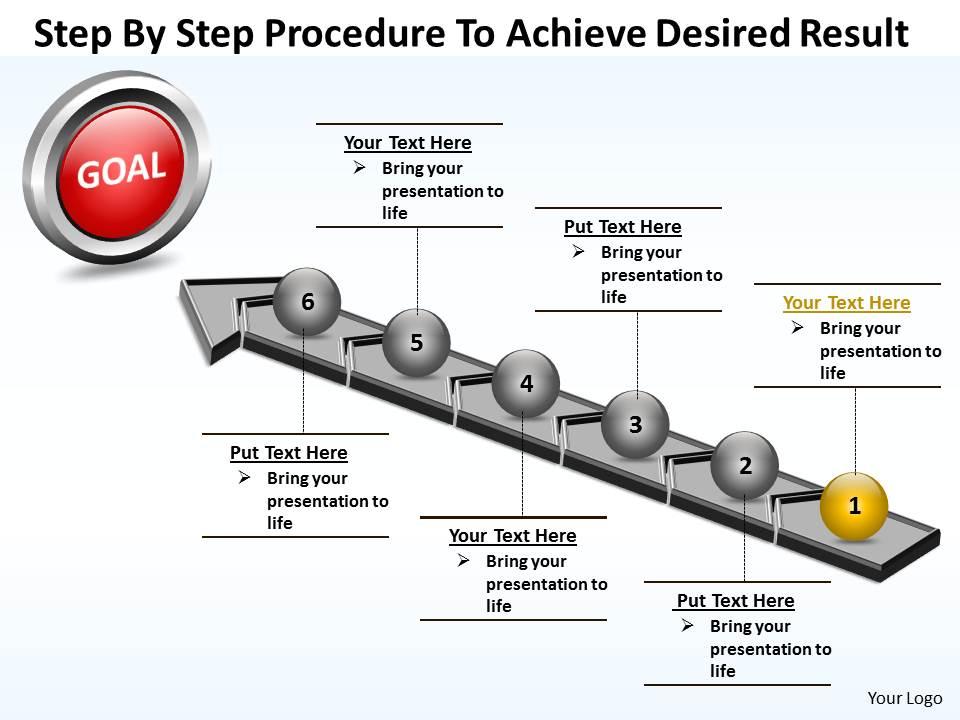
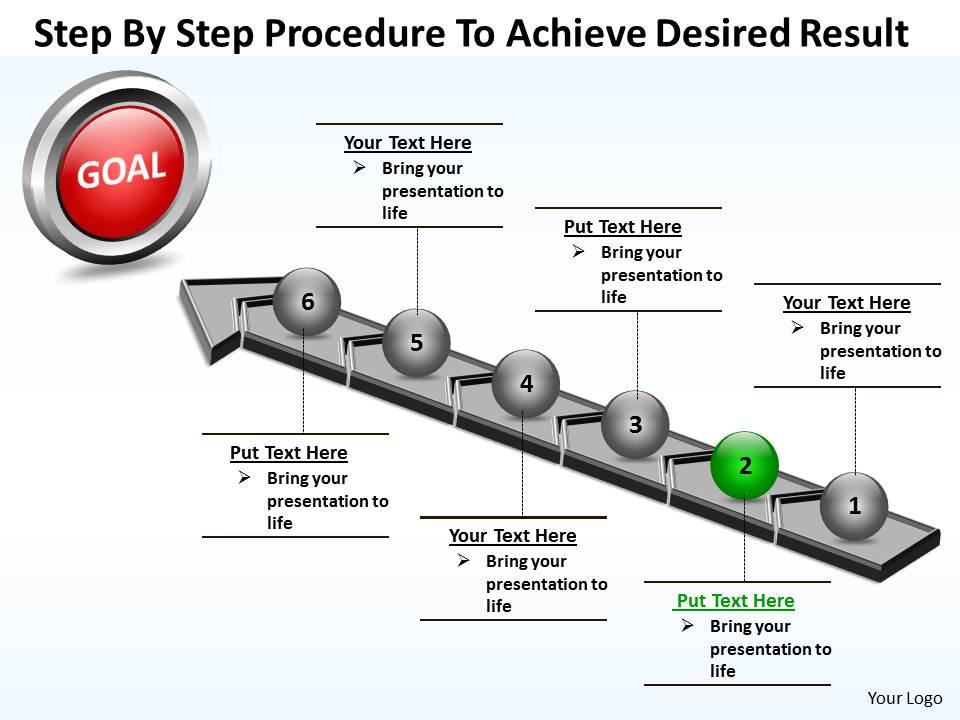
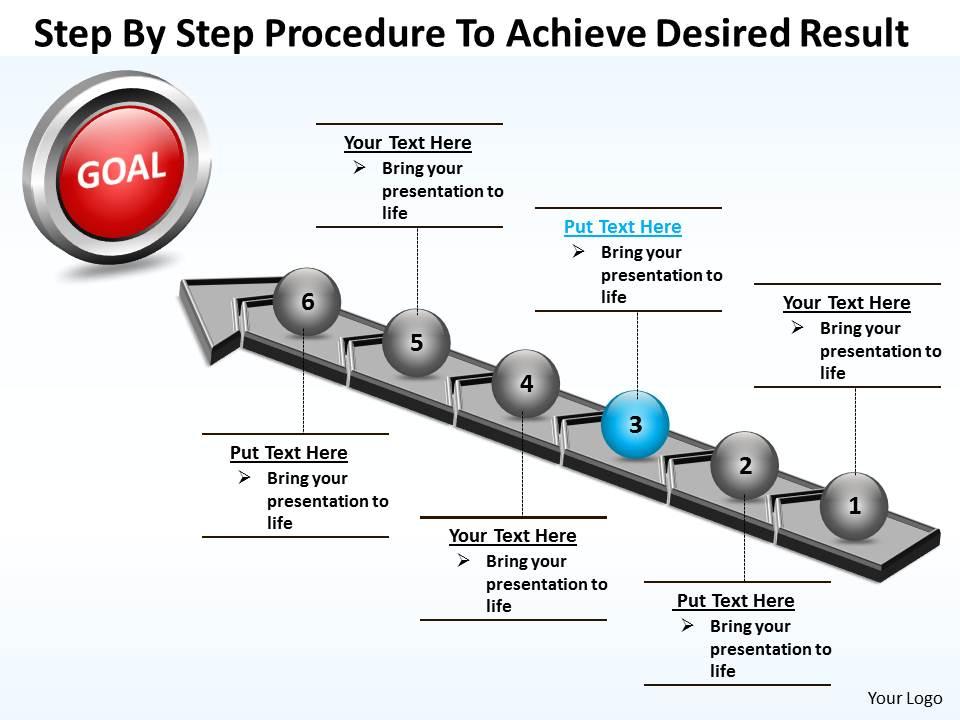
Business powerpoint templates step by procedure to achieve desired result sales ppt slides
Try Before you Buy Download Free Sample Product
Audience
Editable
of Time
Deliver amazing slideshows with our captivating Business PowerPoint Templates step by procedure to achieve desired result Sales PPT Slides. You will definitely make an impact to thrill your colleagues.
People who downloaded this PowerPoint presentation also viewed the following :
Business powerpoint templates step by procedure to achieve desired result sales ppt slides with all 5 slides:
Pamper yourself with our Business PowerPoint Templates step by procedure to achieve desired result Sales PPT Slides. They will rejuvenate your thoughts.
FAQs for Business powerpoint templates step by procedure to achieve desired result
Clean design with lots of white space is everything - trust me on this. Stick to 2-3 professional colors max and readable fonts throughout. Your template needs matching layouts for different slide types like title slides, content, charts, whatever. I've seen way too many presentations ruined by crazy animations that just distract people. Simple is better! Company branding should be there but subtle. Make your text big enough so people in the back can actually read it. Oh, and pick something that fits your industry's vibe - you wouldn't use the same template for a law firm and a startup, you know?
Honestly, good templates are a game-changer because they stop people from getting distracted by messy fonts or weird layouts. Your audience will think you actually know what you're doing when everything looks clean and cohesive. They guide people's eyes to the important stuff too - like your key points or data. I've watched presentations completely bomb just because nobody could read the slides properly! Makes me cringe every time. Professional templates also prevent those awkward moments where your formatting breaks mid-presentation. Trust me, spend the money upfront on something decent and your audience won't zone out halfway through.
Honestly, minimalist stuff with tons of white space is everywhere right now. Bold fonts are in, plus data viz that doesn't look like garbage. Dark mode templates are kind of having a moment too - everyone's doing them. Interactive elements work great if you don't go overboard with the animations (nobody wants to sit through 20 transitions per slide). Those boring corporate blue schemes are finally dead, thank god. Warmer colors feel way more authentic. Oh and skip the basic PowerPoint library - newer template sites have much better options. Custom icons and gradient overlays are pretty popular if that's your vibe.
Honestly, your color choices can make or break the whole thing. Blues and grays scream "trust me, I'm professional" - there's a reason every consulting firm uses them religiously. Want to seem more innovative? Try warmer oranges and greens, though they might look too startup-ish for stuffy corporate environments. I'm personally a fan of dark backgrounds with light text since it feels so much more modern, but white backgrounds are safer for readability. Just match your vibe to the room you're walking into. Nobody wants to see neon slides at a bank meeting!
Okay so you definitely need bar charts for comparing stuff, line graphs for trends, and pie charts when you're showing percentages. Scatter plots are good for correlations too - those four cover like 90% of everything. For infographics, throw in some process flows, timelines, org charts, and SWOT templates. Oh and comparison tables are clutch. Dashboard layouts with those little KPI boxes always look professional. The whole point is making templates flexible enough that you can just drop your data in without starting over each time. Trust me, it'll save you hours.
Honestly, it's pretty straightforward - just swap the colors to fit your industry. Finance guys love their deep blues, healthcare goes green, creative types want something bold. Ditch those generic stock photos for stuff that actually relates to your field. Icons should match what people in your sector actually use. Keep the fonts and layout the same though (seriously, don't mess with Comic Sans unless you want people laughing). The real trick is updating all the placeholder text with words your audience knows. You're basically giving it a new outfit while keeping the good bones underneath. That way it looks relevant but still professional.
Honestly, templates are a lifesaver. They look way more professional than anything I could design myself – like, I'm terrible with color schemes. You don't waste hours staring at blank slides trying to figure out why everything looks awful. The formatting's already done, readability is built in, so your stuff automatically seems more legit. Oh and you can actually spend time on what you're saying instead of messing around with fonts. Just find one that fits your company's style and swap in your content. Takes maybe 10 minutes vs hours of design frustration.
Grab all your brand stuff first - logos, the actual hex codes (not just "blue-ish"), fonts, style guides. Work with whoever's building the template to nail those specs exactly. Seriously, I've watched brand managers lose their minds over "close enough" colors that aren't the real ones! Don't forget photo styles and icon rules. Oh, and test it with different presentation types before you launch - maybe a sales deck, internal update, that kind of thing. You'll spot weird formatting issues way easier that way. Trust me, it's worth the extra step upfront.
Get templates with tons of layout options - you'll need slides for data, timelines, team stuff, all that. Make sure the colors and fonts actually match your brand. Honestly, so many templates look straight out of 2010, it's painful. Check that the charts and icons are editable, not just static images you're stuck with. The good ones let you change entire color schemes instantly. Oh, and test some free ones first - no point dropping money on premium packs until you know what works for your style.
Build your template around story beats - problem, journey, solution. Have designated spots for "the challenge," "what we discovered," "the outcome." This way you can't just vomit data everywhere. I'm so tired of bullet point hell presentations! Use visual threads between slides, like icons or characters that move through your story. Your template should basically force storytelling mode. Oh, and try opening with "Here's what happened..." instead of boring agenda stuff. Makes such a difference when you're not fighting against your own structure.
Definitely go with .pptx - that's what everyone expects these days. The old .ppt format is honestly more trouble than it's worth and you'll lose some of the cooler features. Quick heads up though: if your clients are stuck on ancient PowerPoint versions, those fancy animations might not work properly. Google Slides usually handles .pptx okay but the conversion isn't perfect. Same deal with Keynote. Oh and pro tip - always test your template on whatever platform you'll actually be presenting on. I learned that the hard way during a client meeting once. Better safe than sorry!
Look, nobody wants to sit through another boring slideshow with endless bullet points. Videos work great for showing off products or walking through processes. Audio clips from customers can be way more convincing than just quoting them. Interactive charts let people actually play with the data instead of staring at static graphs. The trick is picking stuff that actually backs up what you're saying - not just throwing in flashy animations because they look cool. I'd start with maybe one video or animated element per presentation first, then see how people react. Trust me, even small changes make a huge difference in keeping people awake.
Ugh, the worst thing people do is cramming way too much text on each slide. Also those generic templates where you forget to change "Your Company Name Here" - so embarrassing! Pick something that actually matches your vibe. Like, don't use cartoon themes for serious budget meetings, you know? Clean and simple beats flashy every time since you want people focusing on what you're saying, not getting distracted by spinning animations or whatever. Oh and definitely do a final pass to catch any placeholder text you missed. Nothing worse than realizing mid-presentation that slide 8 still says "Insert brilliant insight here" lol.
Oh man, definitely make your fonts way bigger - like 24pt minimum because everyone's staring at tiny laptop screens. High contrast colors are your friend here, skip the pastels since they look terrible on video calls. I learned this the hard way! Keep everything super clean with minimal text since screen sharing always makes things look fuzzy. Solid backgrounds work best - busy patterns just turn into a pixelated mess. You should totally test it first by screen sharing with someone. What looks crisp on your monitor might look completely different to everyone else watching.
Oh man, typography is literally everything for presentations! Too many fonts and your slides look like a ransom note - learned that the hard way. I always stick to 2-3 clean fonts max and keep them consistent throughout. Size matters too because nobody wants to squint from the back row (been there, it sucks). The right typography actually guides people through your points without them realizing it. Honestly, I'm kind of obsessed with finding the perfect font combo now. Simple fonts automatically make you look way more professional than you probably are.
-
Use of icon with content is very relateable, informative and appealing.
-
Perfect template with attractive color combination.