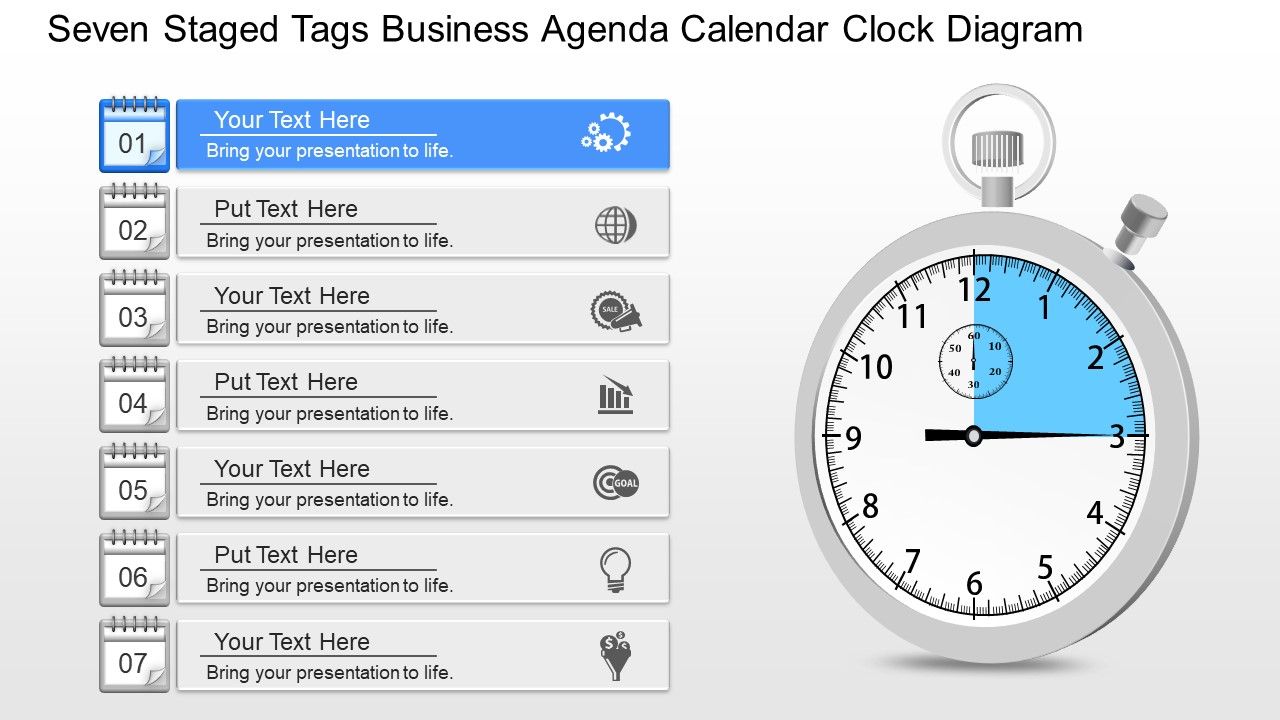
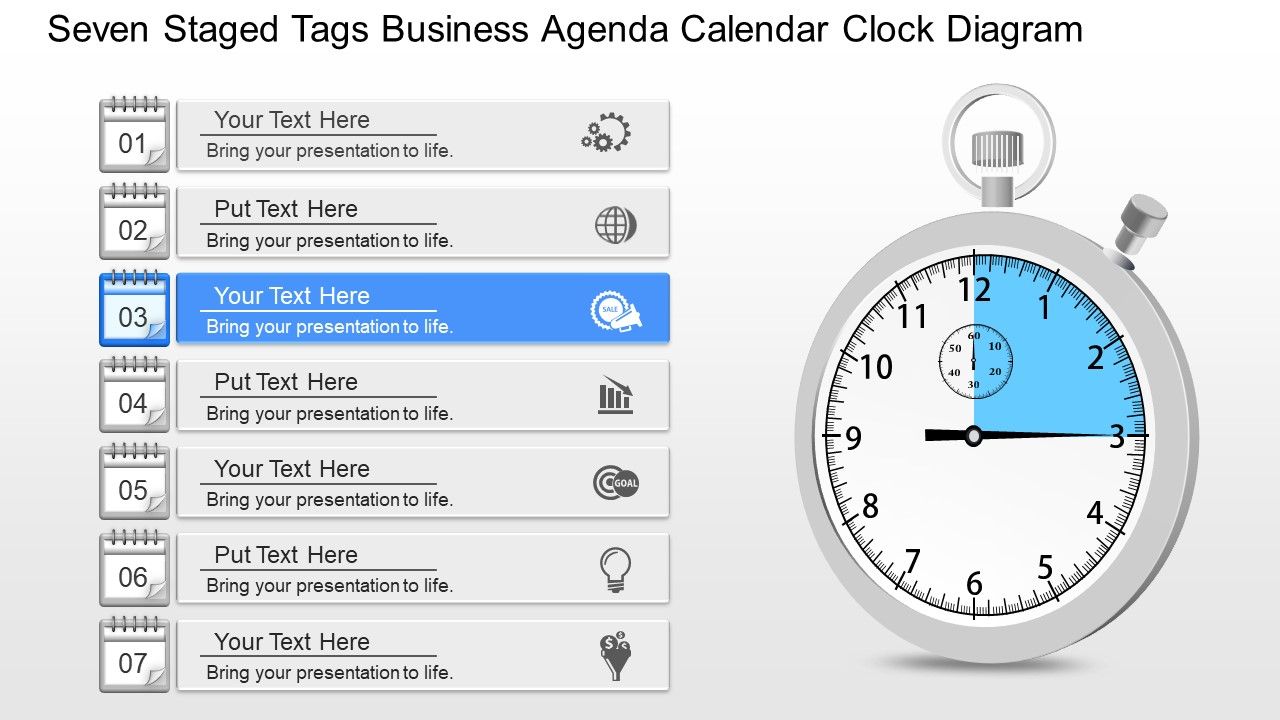
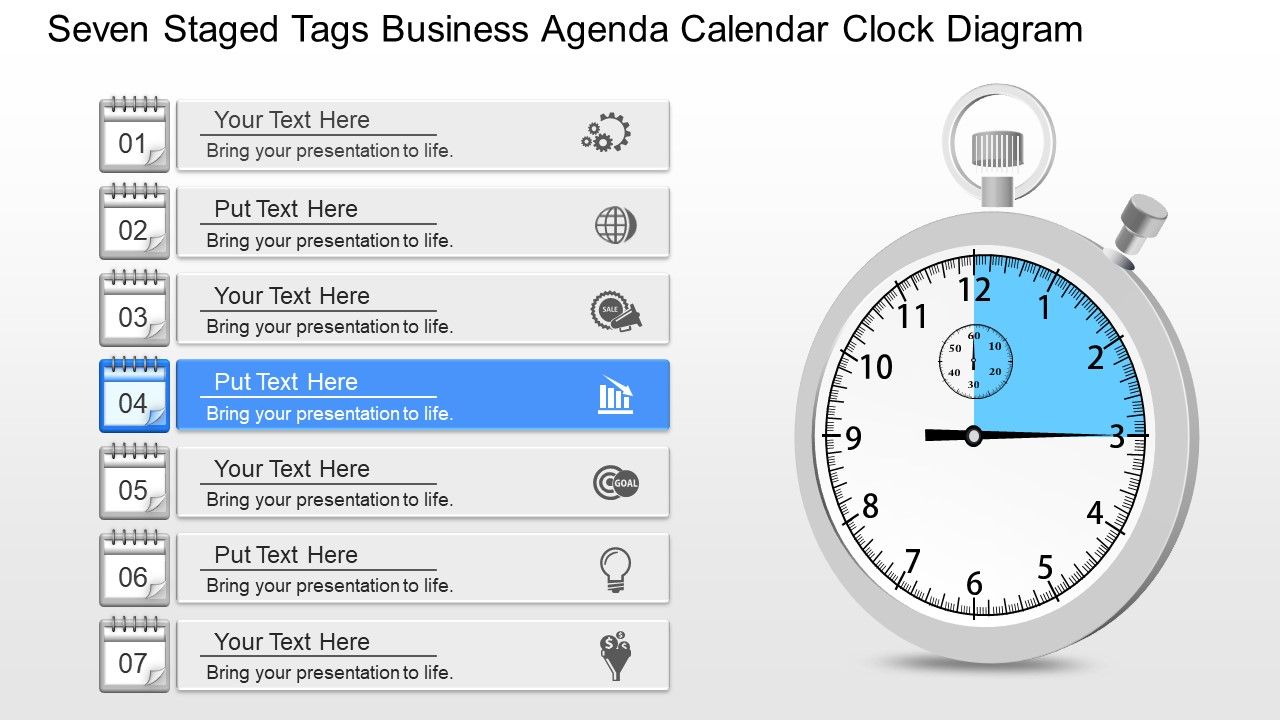
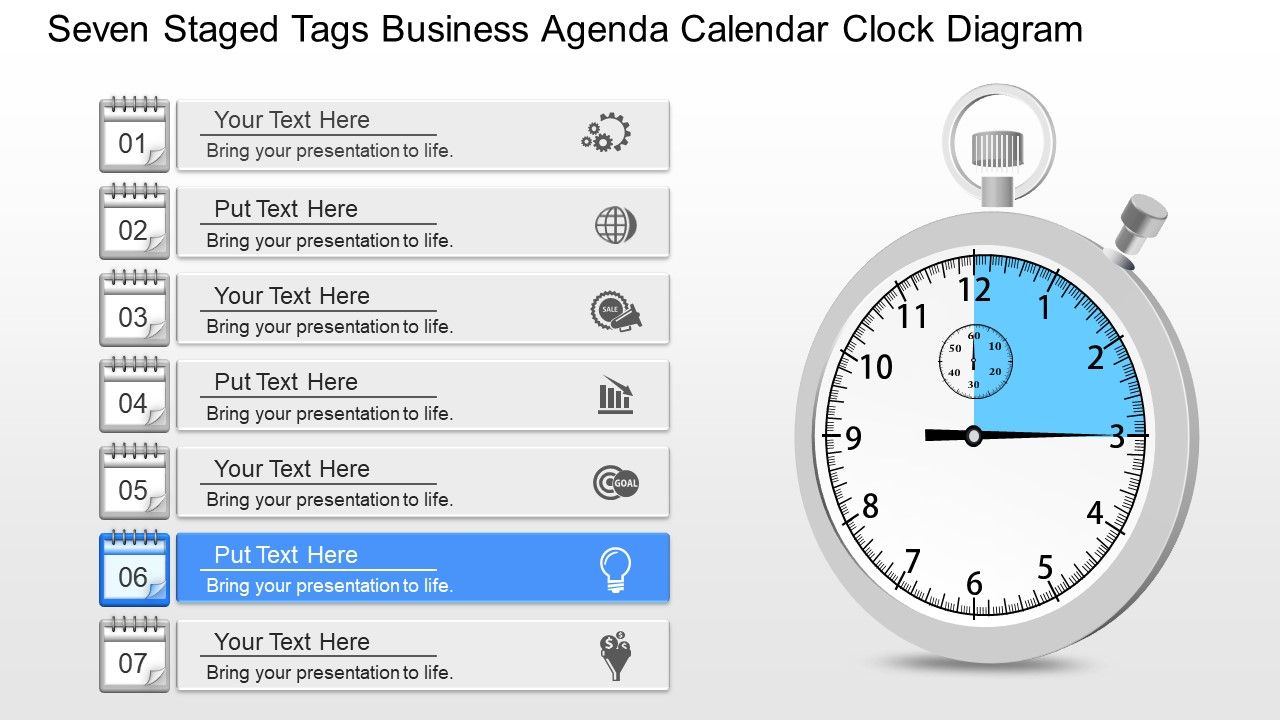
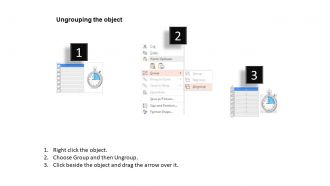
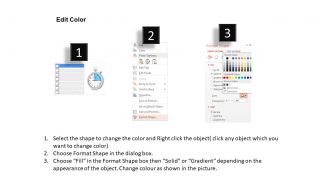
62501580 style essentials 1 agenda 7 piece powerpoint presentation diagram infographic slide

Rating:
90%
62501580 style essentials 1 agenda 7 piece powerpoint presentation diagram infographic slide
Slide 1 of 10
Favourites Favourites

Try Before you Buy Download Free Sample Product

Audience Impress Your
Audience
Editable 100%
Editable
Time Save Hours
of Time
The Biggest Sale is ending soon in
0
0
:
0
0
:
0
0
Rating:
90%
PowerPoint layout runs smoothly with every software capable of displaying slides. Trouble free download. Convert to JPG and PDF. Compatible with Google slides. Easy widescreen viewing without PPT graphics pixilation. High resolution PPT graphics. Highly customizable layout including font, text, color and design. Slide can be used for business and startups alike, including some organizations where strategic planning is important.

FAQs for 62501580 style essentials 1 agenda 7 piece powerpoint presentation

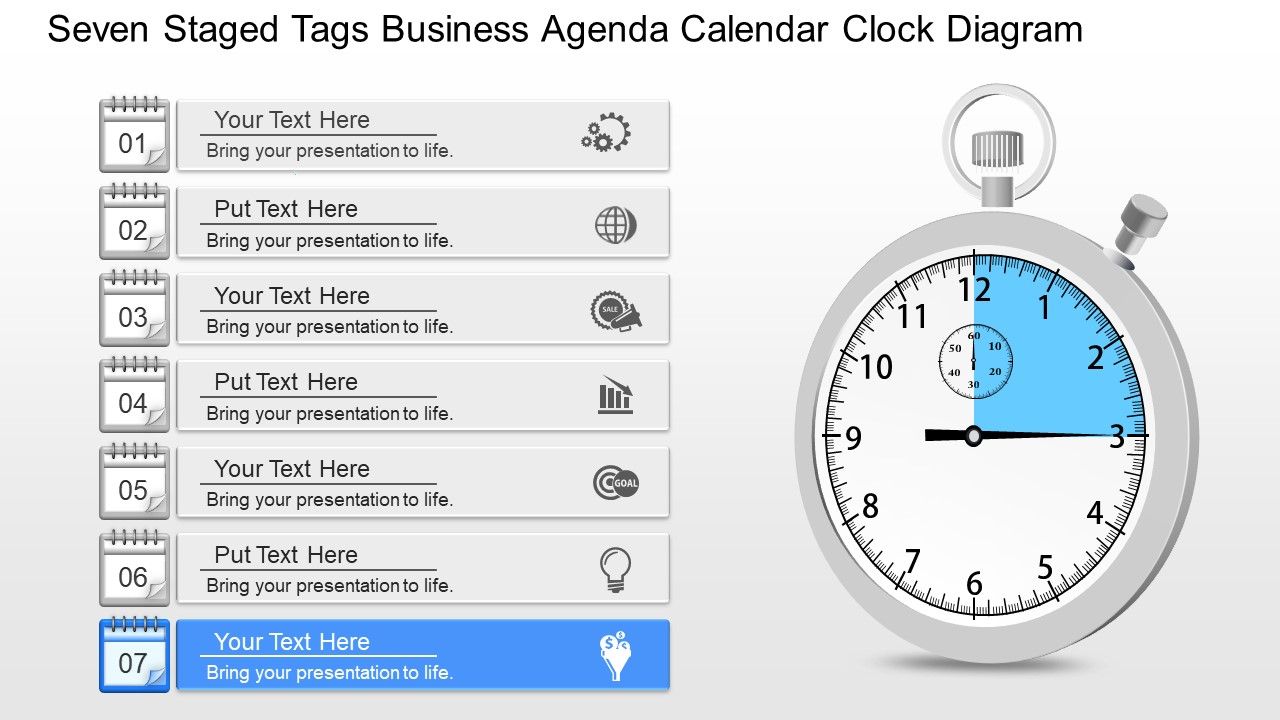
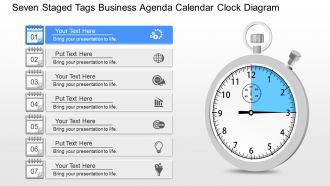
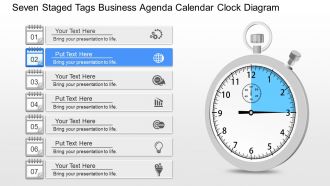
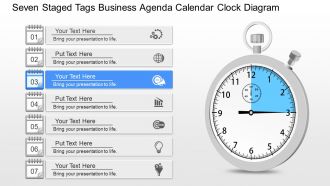
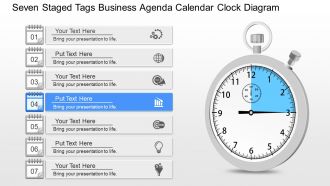
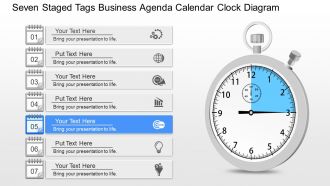
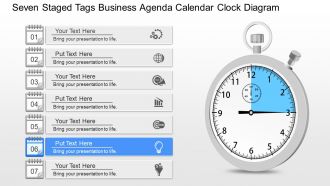
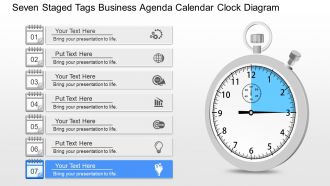
A seven-staged tags business agenda calendar clock diagram visualizes sequential business processes, project timelines, and strategic planning phases in a circular, time-based format. This presentation tool enhances audience comprehension by combining temporal progression with clear stage identification, enabling organizations to communicate complex workflows, quarterly planning cycles, and milestone tracking more effectively, ultimately delivering improved stakeholder alignment and project transparency.

Visual representation of a seven-stage model enhances audience understanding by breaking complex processes into digestible sequential steps, creating clear progression pathways, and enabling viewers to grasp relationships between phases at a glance. Through structured diagrams with calendar and clock elements, organizations streamline communication of business agendas, project timelines, and strategic initiatives, ultimately delivering improved comprehension and stakeholder alignment.

Businesses with complex operational workflows, strategic planning cycles, or multi-phase project management benefit most from seven-staged tag diagrams, including manufacturing companies, consulting firms, healthcare organizations, software development teams, and financial institutions. These visual frameworks streamline process tracking, enhance team coordination, and improve milestone management across departments, ultimately delivering greater operational transparency and more efficient project execution in increasingly complex business environments.

Each stage should include a clear stage title, specific timeline markers, key deliverables or milestones, responsible stakeholders, and measurable success criteria or KPIs. These elements work together by providing comprehensive visibility into project progression, enabling teams to track accountability and deadlines systematically, while ensuring all stakeholders understand their roles and expected outcomes at each phase.

Color psychology enhances calendar clock diagrams by using warm colors like red and orange for urgent tasks, cool blues and greens for routine activities, and neutral tones for informational elements. Strategic color application helps viewers instantly prioritize agenda items, reduces cognitive load during presentations, and improves information retention, with many organizations finding that consistent color coding across business templates ultimately streamlines decision-making processes.

When choosing a PowerPoint template for business agendas, look for customizable layouts, professional color schemes, editable text placeholders, timeline integration capabilities, and responsive design elements. These features streamline presentation development by enabling quick content updates, maintaining brand consistency, and enhancing visual flow, with many organizations finding that well-designed templates significantly reduce preparation time while delivering more polished, engaging stakeholder communications.

This template enhances strategic planning by providing a structured visual framework for mapping project phases, timelines, and key milestones across multiple business initiatives simultaneously. Through its seven-stage format, teams can streamline project discussions, align stakeholders on deliverables and deadlines, and maintain accountability throughout complex planning cycles, ultimately delivering clearer communication and more coordinated execution across departments.

Calendar clock diagrams visually represent time-bound objectives by combining cyclical time elements with linear scheduling, displaying project phases, deadlines, milestones, priority levels, and resource allocation windows in a single integrated view. These diagrams enable organizations to track quarterly goals, seasonal campaigns, and operational cycles simultaneously, with many businesses finding that this dual perspective enhances strategic planning and deadline management.

Common pitfalls include overcrowding slides with excessive text, failing to establish clear logical flow between stages, using inconsistent visual formatting, neglecting to allocate appropriate time for each segment, and creating vague stage descriptions. These presentation challenges can undermine audience engagement and comprehension, with many organizations finding that streamlined content, consistent design elements, and specific actionable outcomes for each stage ultimately deliver more impactful presentations and better stakeholder buy-in.

Customizing a PowerPoint template for brand identity within a seven-staged model involves replacing default colors with your brand palette, incorporating your logo and typography, and adjusting visual elements like icons and backgrounds to match your brand guidelines. Many organizations find that maintaining consistent formatting across all seven stages while strategically placing brand elements at key transition points creates professional cohesion, ultimately delivering stronger brand recognition and more impactful presentations.

**INPUT**: What are some best practices for integrating text and visuals in the seven-staged tags diagram? **OUTPUT**: Best practices include maintaining consistent font hierarchy, using concise bullet points within each tag, aligning text positioning across all stages, ensuring adequate white space, and selecting contrasting colors for readability. These approaches streamline information flow by enhancing visual clarity, reducing cognitive load, and creating professional consistency, with many organizations finding that balanced text-to-visual ratios significantly improve audience comprehension and presentation effectiveness.

User feedback significantly influences presentation template design through insights on visual clarity, content organization, navigation flow, and audience engagement metrics. Organizations incorporating user feedback find their templates deliver enhanced comprehension, streamlined information delivery, and stronger audience retention, with many presenters discovering that iterative improvements based on real-world usage ultimately create more compelling and effective business communications.

Tags serve as categorical organizers that enable systematic classification, prioritization, and cross-referencing of information within each stage, creating clear visual hierarchies and logical groupings. Through strategic tagging systems, organizations can streamline agenda management, accelerate decision-making processes, and enhance stakeholder navigation across complex business timelines, ultimately delivering improved meeting efficiency and strategic alignment.

A well-designed PowerPoint template improves audience engagement by providing visual consistency, clear information hierarchy, professional aesthetics, and intuitive navigation flow that keeps viewers focused. These design elements streamline message delivery, reduce cognitive load, and enhance comprehension, with many organizations finding that structured templates like staged business agendas ultimately deliver more memorable presentations and stronger audience retention.

More detailed diagrams become necessary when managing complex multi-departmental projects, regulatory compliance processes, or intricate product development cycles that involve numerous stakeholders and decision points. While seven-stage models work well for high-level strategic communication, organizations handling detailed financial audits, pharmaceutical approvals, or large-scale digital transformations often require expanded frameworks to capture dependencies, risk factors, and granular timelines, ultimately ensuring comprehensive project oversight and stakeholder alignment.

Ratings and Reviews

90% of 100
Review Form
Write a review
Most Relevant Reviews
  1. 80%

    by Delmer Black

    Excellent design and quick turnaround.
  2. 100%

    by Dalton Aguilar

    Colors used are bright and distinctive.

2 Item(s)

per page: