Capacity requirements planning powerpoint presentation slides
Try Before you Buy Download Free Sample Product
Audience
Editable
of Time
Capacity Requirements Planning PowerPoint Presentation Slides Halt the decline with our Capacity Requirements Planning Powerpoint Presentation Slides. Eliminate the cause of deterioration.
People who downloaded this PowerPoint presentation also viewed the following :
Content of this Powerpoint Presentation
Slide 1: This slide introduces Capacity Requirements Planning. State Your Company Name and begin.
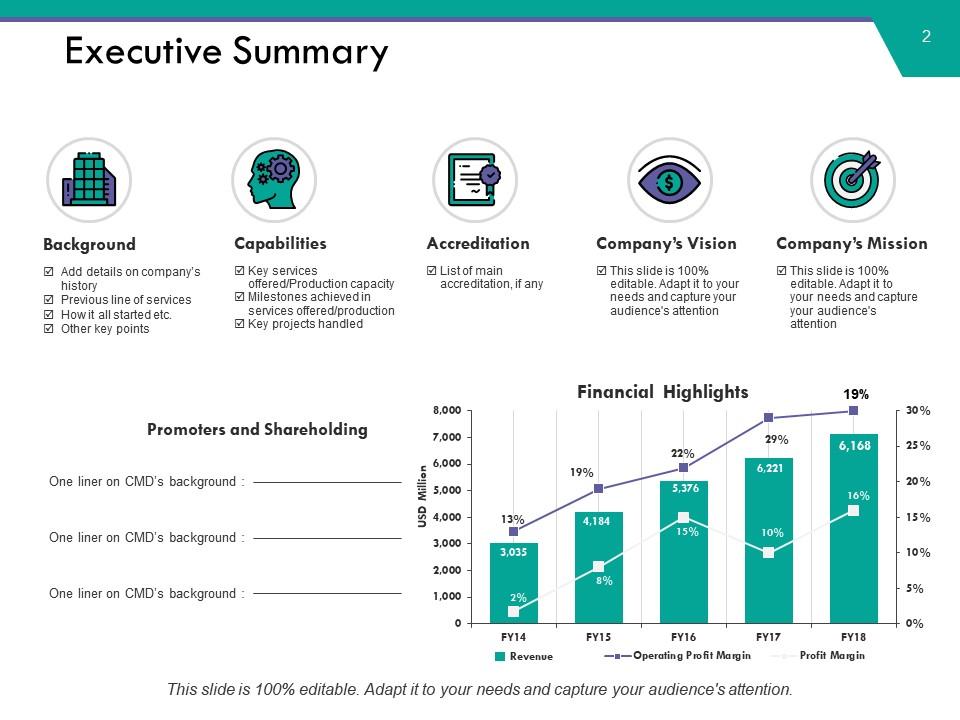
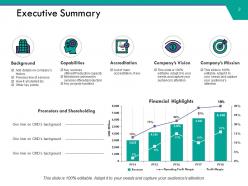
Slide 2: This slide showcases Executive Summary displaying- Revenue, Financial Highlights, Promoters and Shareholding, Background, Other key points, Capabilities, Key services offered/Production capacity, Milestones achieved in services offered/production, Key projects handled, Accreditation, Company’s Vision, Company’s Mission.
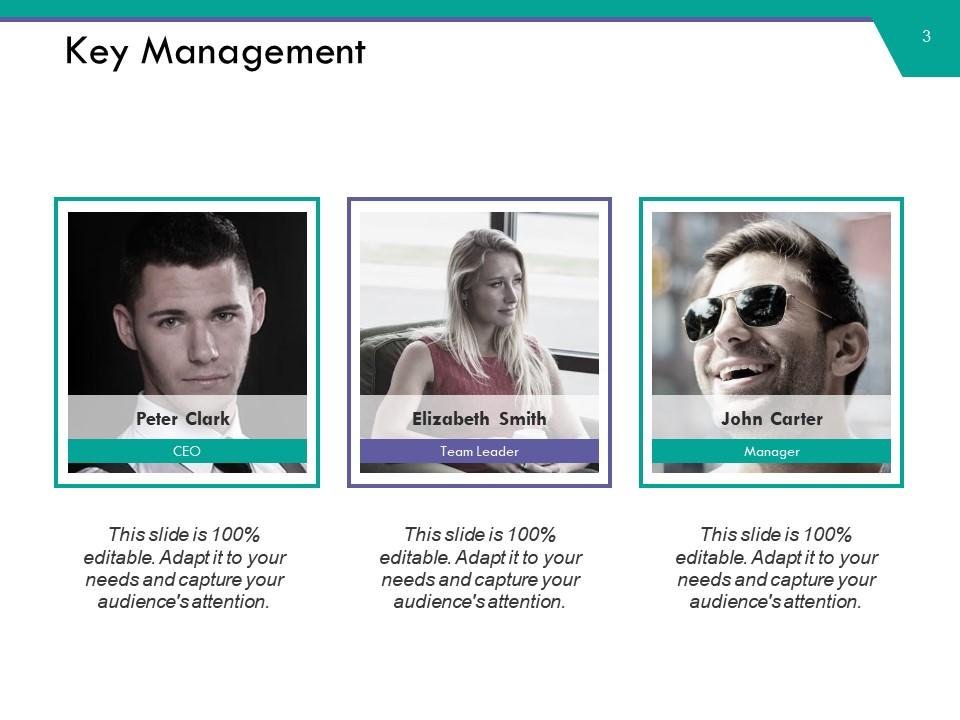
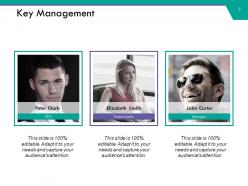
Slide 3: This slide presents Key Management to display organizational specifications.
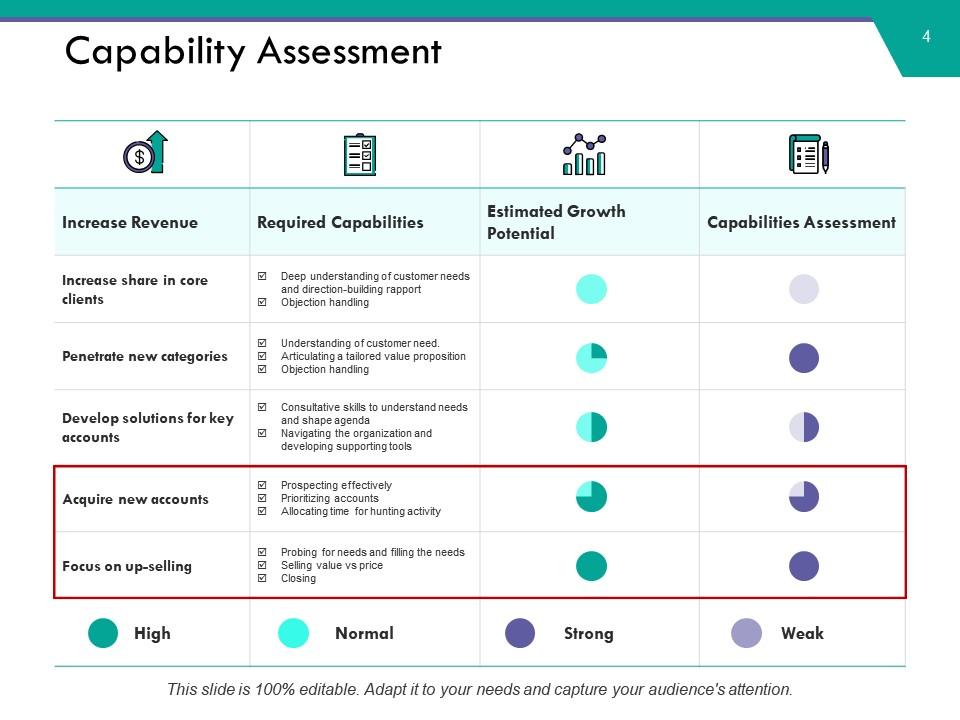
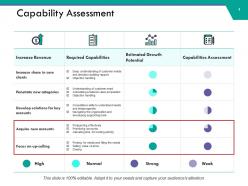
Slide 4: This is a Capability Assessment slide in tabular form.
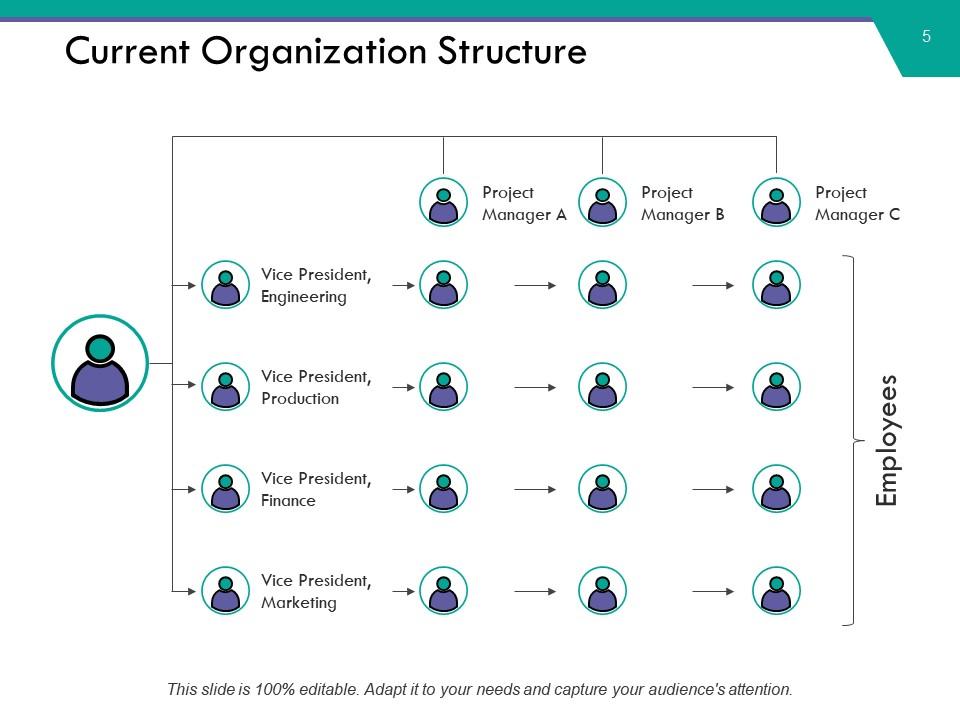
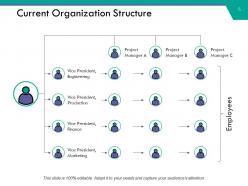
Slide 5: This slide presents Current Organization Structure in org chart form.
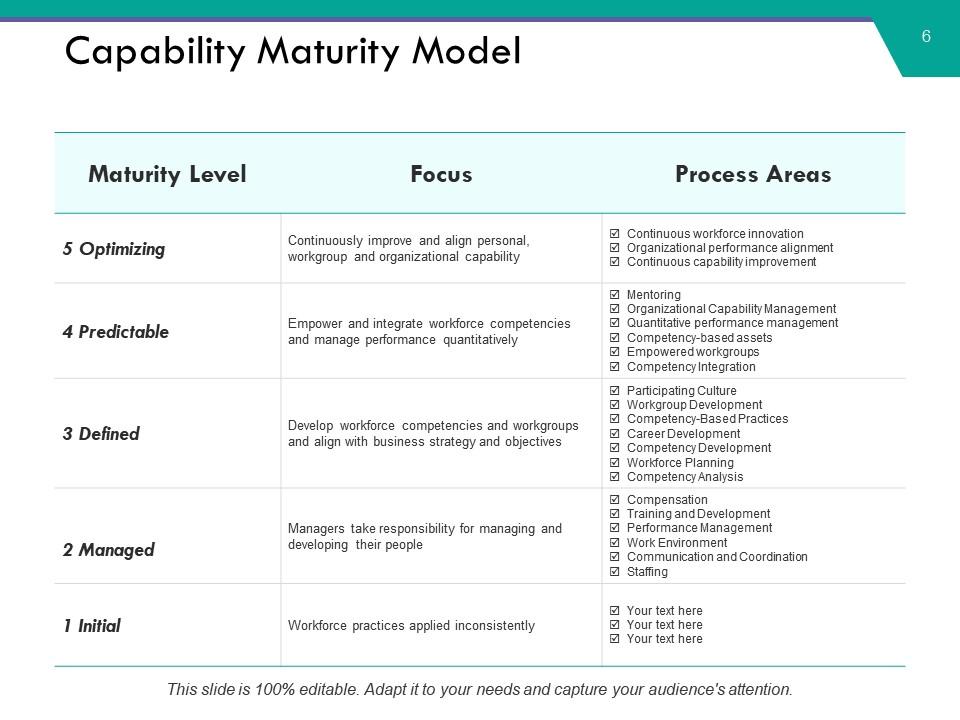
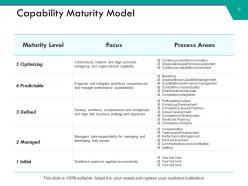
Slide 6: This slide presents a Capability Maturity Model.
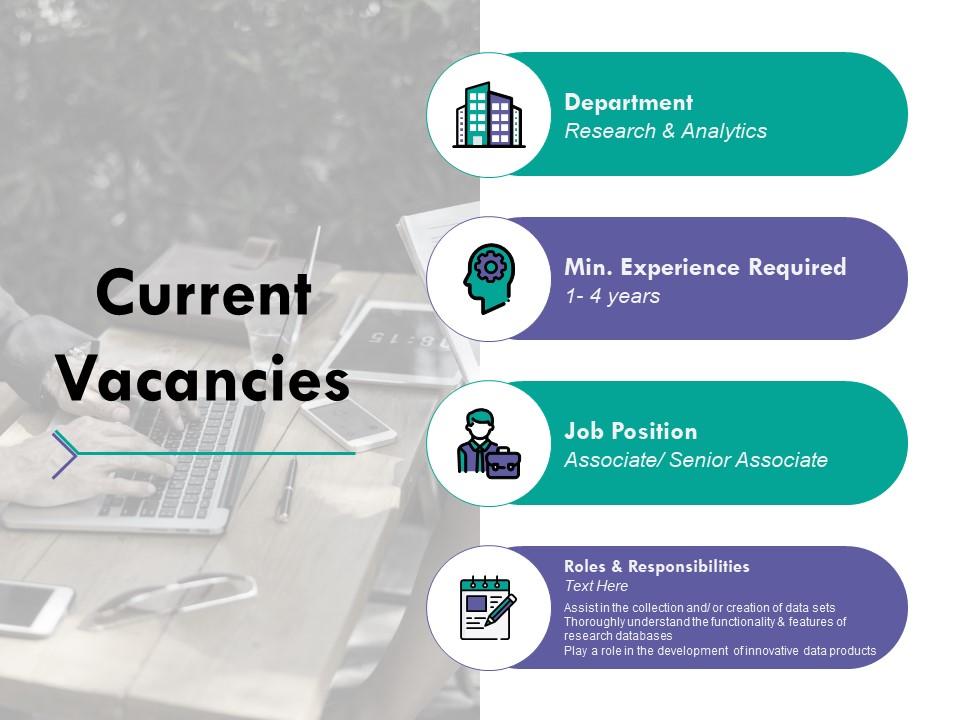
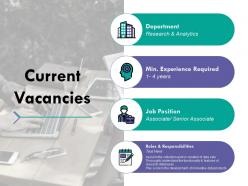
Slide 7: This slide presents Current Vacancies to be shown.
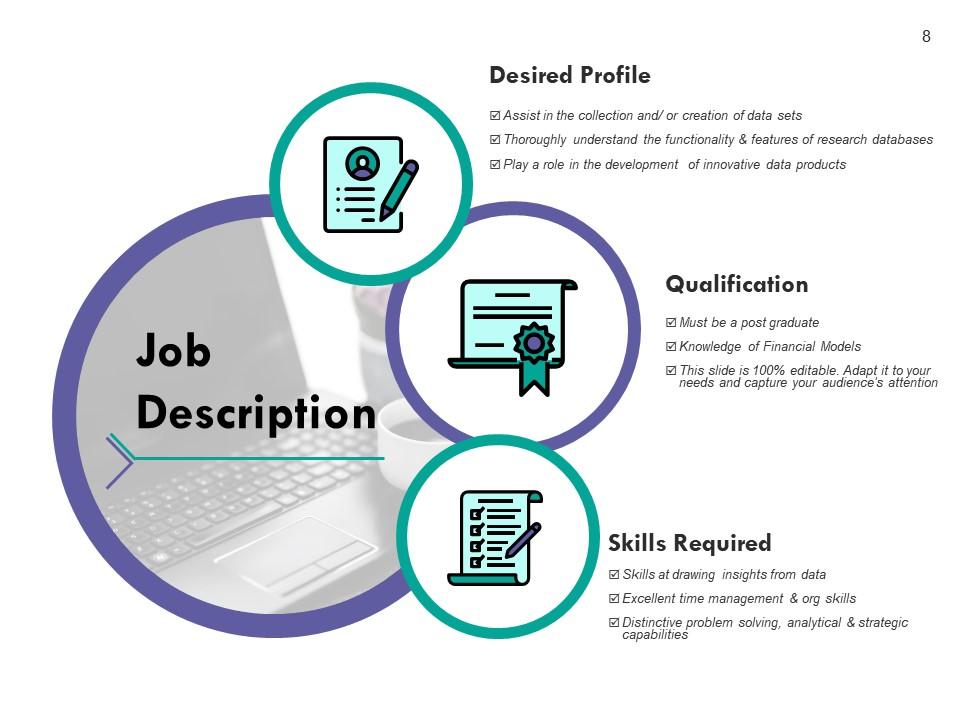
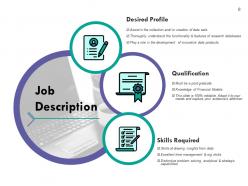
Slide 8: This is a Job Description slide for the mentioned vacancies.
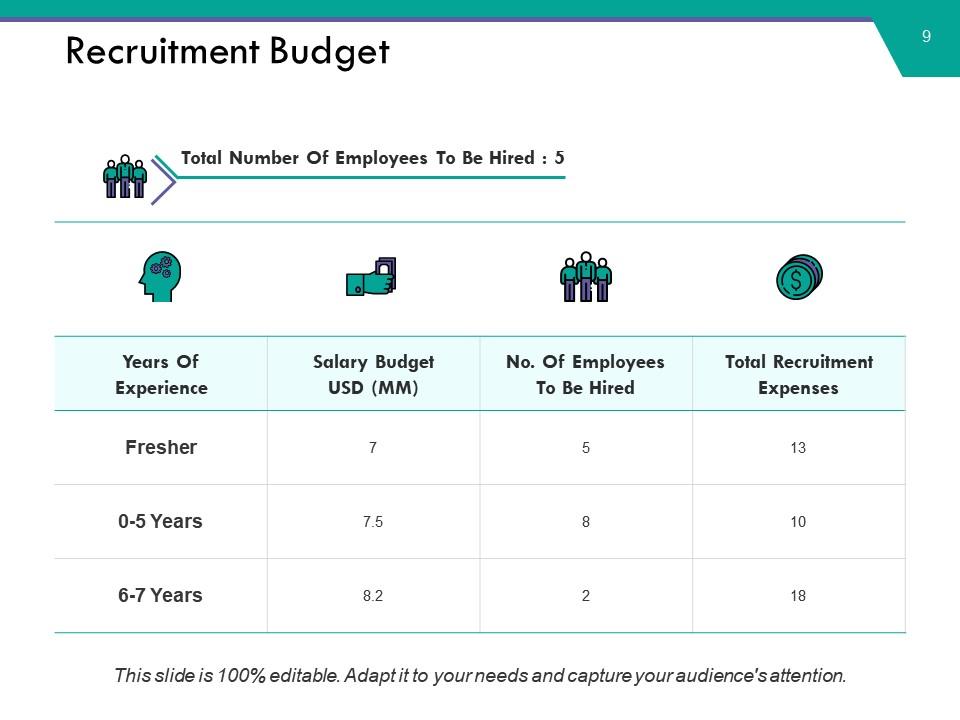
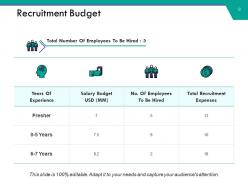
Slide 9: This slide shows Recruitment Budget for the process.
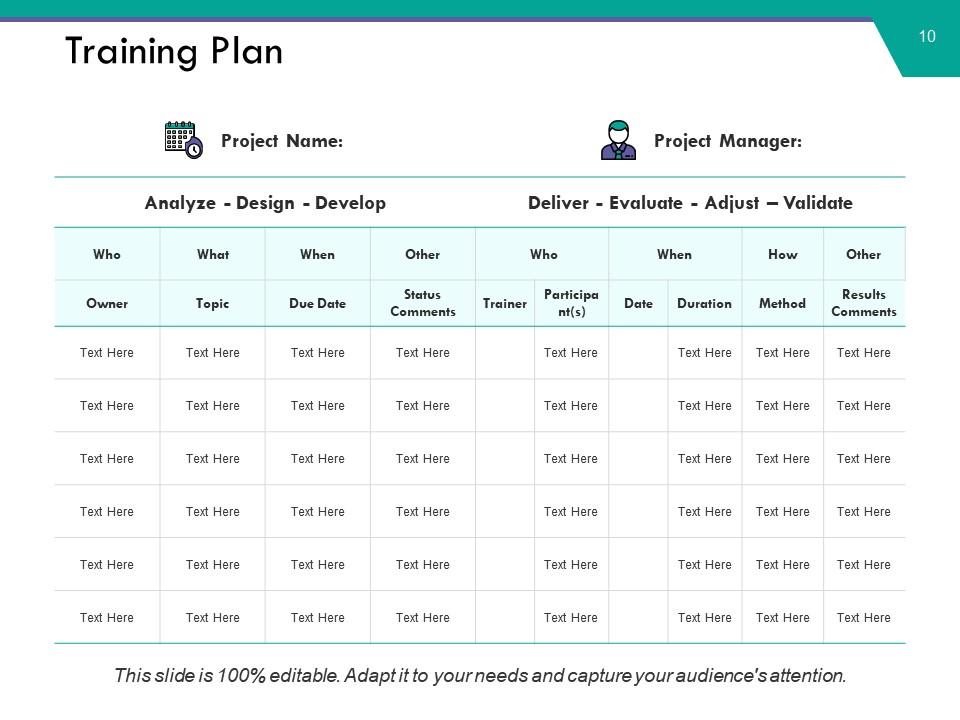
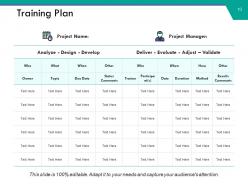
Slide 10: This is a Training Plan slide in tabular form.
Slide 11: This is a Power Building Icon Slide. Use the icons as per need.
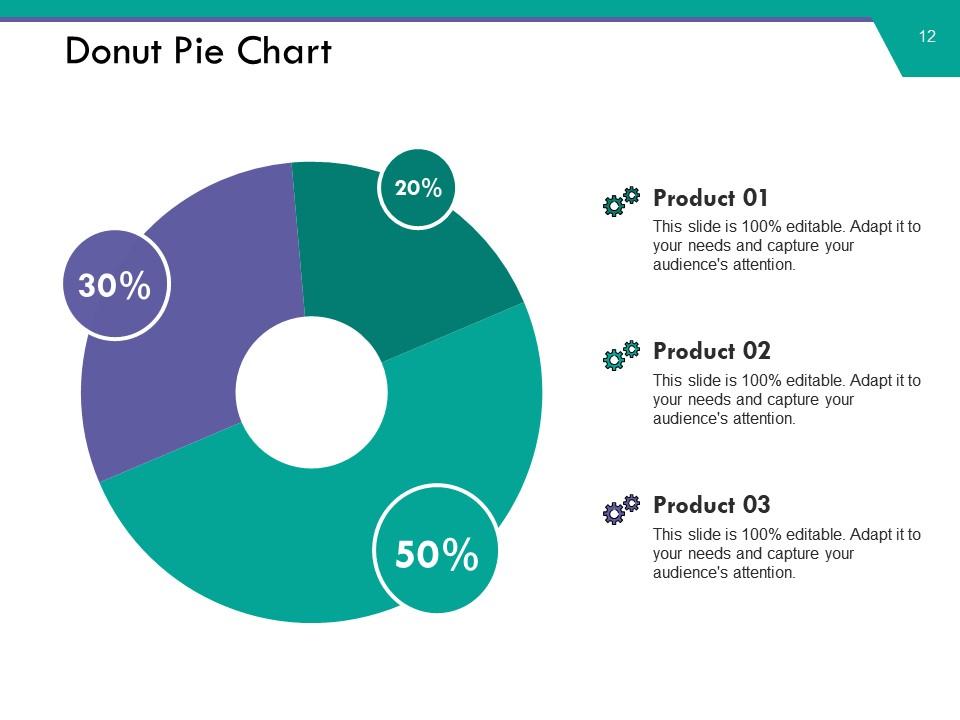
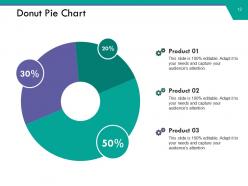
Slide 12: This slide presents a Donut Pie Chart for two product/entity comparison, information, specifications etc.
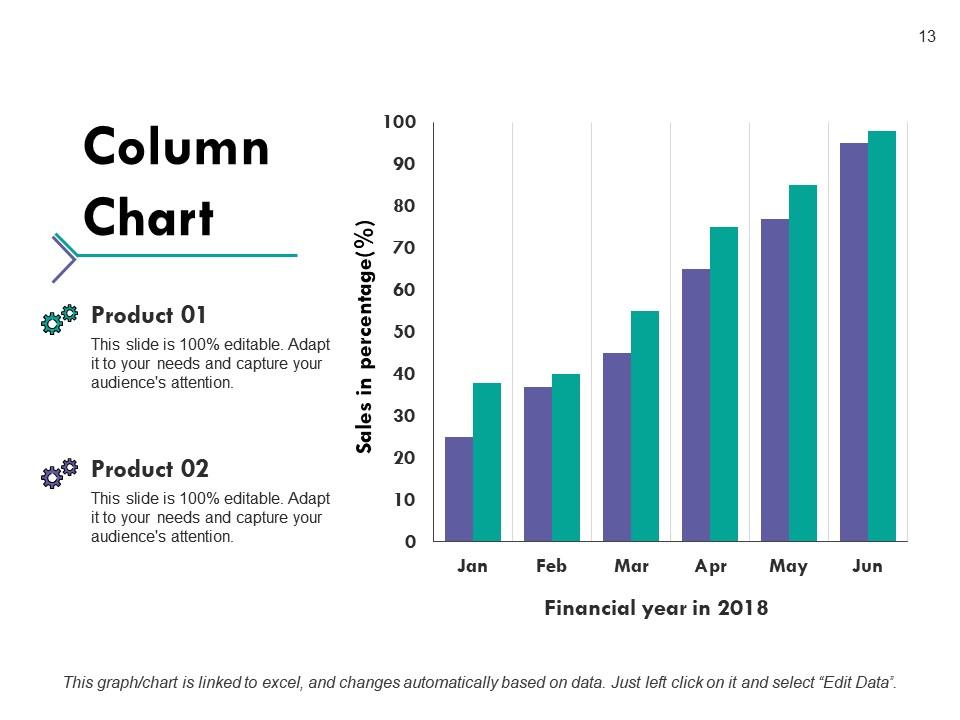
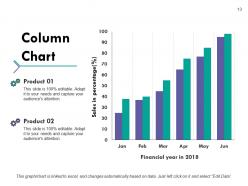
Slide 13: This slide shows a Column Chart for two product/entity comparison, information, specifications etc.
Slide 14: This slide is titled Additional Slides to move forward. You may alter/modify the slide content as per need.
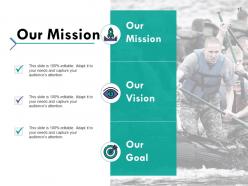
Slide 15: This is Our Mission slide with Vision and Goal etc. icon imagery. State them here.
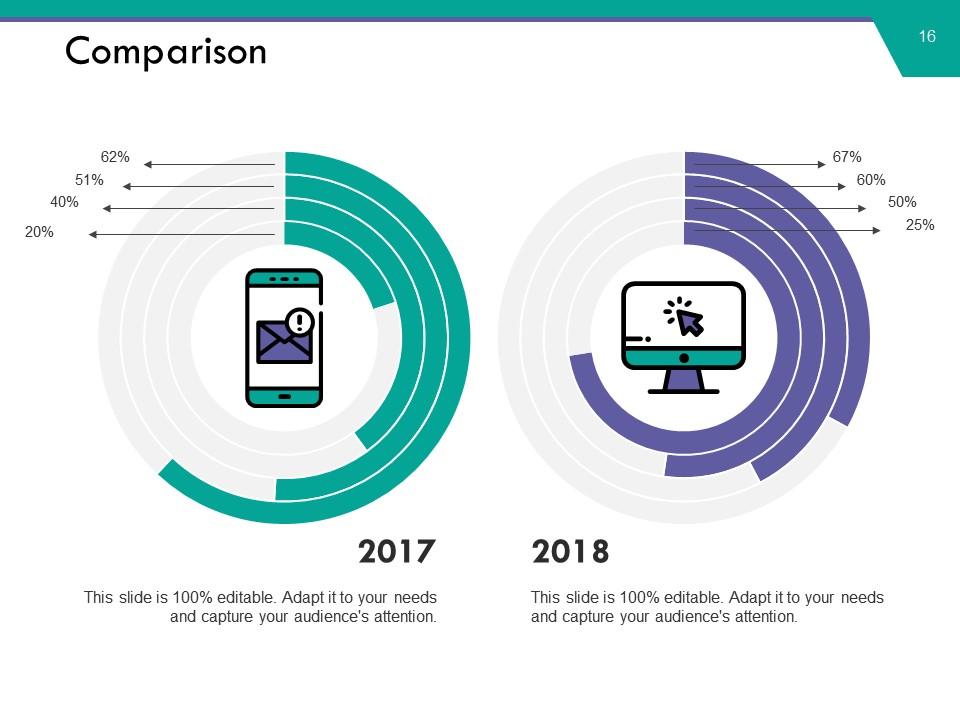
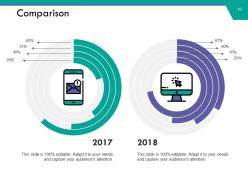
Slide 16: This slide shows Comparison in a creative manner. State comparing aspects here.
Slide 17: This is an About Us slide. Show company/team specifications etc. here
Slide 18: This is a Puzzle image slide to show information, specifications etc.
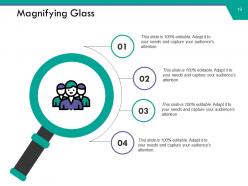
Slide 19: This slide shows a Magnifying glass image with text boxes. State information etc. here.
Slide 20: This is an Idea or Bulb image slide to state information, specifications etc.
Slide 21: This is a Thank You slide with Email, Address# street number, city, state, Contact Numbers.
Capacity requirements planning powerpoint presentation slides with all 21 slides:
Come across as astute with our Capacity Requirements Planning Powerpoint Presentation Slides. Figure out how to gain the advantage.
FAQs for Capacity requirements planning
Okay so you need five main things. Accurate work center data - machine capacities, labor hours, efficiency rates. Routing info that shows how products actually move through your place. Lead time data (honestly this one's always a pain to nail down). Real-time production schedules that match what's happening on the floor, not some fantasy version. And decent demand forecasting for your master schedule. The trick is getting all this stuff to work together without breaking. Oh, and definitely check your data accuracy first - I've seen way too many CRP projects crash because the underlying data was garbage from day one.
So basically, CRP is way more realistic than the old planning methods. Those older systems just assumed you'd have unlimited machines and workers - which is obviously ridiculous when you think about it. With CRP, you can actually see if your work centers and labor can handle what you're throwing at them. It breaks down your master schedule and shows exactly what resources you need and when. Way better visibility into bottlenecks before they bite you. The cool thing is it flags problems early instead of you finding out the hard way. Use it to double-check your schedules actually make sense.
Honestly, forecasting is the backbone of your whole CRP setup. You literally can't plan capacity without knowing what demand's headed your way. Those forecasts feed straight into your master production schedule, then drive all your capacity math for work centers, labor, equipment - the works. Miss on your forecasting and you're flying blind. Either you'll blow money on too much capacity or get slammed when orders jump. Here's the thing though - balancing forecast accuracy with lead times for capacity changes is tricky as hell. Build in some buffer because forecasts are never spot-on. Trust me, having extra headroom beats adding emergency shifts later.
Honestly, AI can totally transform your capacity planning - way better than those endless spreadsheets we all hate. Machine learning algorithms crunch through your historical data and seasonal patterns to predict demand more accurately than any manual process. The real-time scenario modeling is actually pretty impressive once you see it in action. What's really useful is how it spots bottlenecks before they screw you over and suggests fixes automatically. I'd recommend starting small though - maybe test an AI forecasting tool on just one product line first. That way you can see if it actually improves your planning accuracy before going all in.

Track your capacity utilization first - that shows if you're actually using what you planned. Schedule adherence is huge too, tells you if your planning is realistic or just pipe dreams. Resource efficiency measures how well you're using people and equipment. Also watch lead times, bottleneck spots, and overtime costs. Honestly, when overtime keeps spiking, something's definitely broken in your planning process. Oh, and establish baselines for all this stuff so you can actually spot when things go sideways. Those trends will save you from constantly firefighting later.

So with seasonal stuff, you're basically planning in waves instead of keeping everything steady. I'd focus on flexible options - temp workers during busy times, cross-training your current team, maybe partnering with contract manufacturers. Don't fall into the trap of buying permanent capacity just for holiday rushes though. Map out your historical patterns first to see exactly when you need that extra juice. Flexible scheduling and overtime planning work really well here. Honestly, the suppliers who can scale up and down with you are worth their weight in gold.
Honestly, the data mess is what kills most CRP projects. Your lead times are probably wrong, capacity numbers are outdated, and those demand forecasts? Total guesswork. People hate change too - they'd rather stick with their janky spreadsheets than learn something new. ERP integration will make you want to pull your hair out, and the upfront costs are brutal. Oh, and training takes forever. Start with just one department as a test run. Clean up your data first though, or you're just automating garbage. Seriously, spend the money on proper training or your team will sabotage it.
So basically, your capacity planning has to actually match where your company's headed. Growth mode? Plan for way more production and people. Cost-cutting phase? Focus on maxing out what you've got and fixing bottlenecks (which you should probably do anyway tbh). The thing is, you can't just plan for today's demand - think 2-3 years out. I'd start by figuring out which capacity metrics actually tie to your strategic goals, then track those religiously. Review everything regularly because priorities change fast. Companies pivot all the time and your capacity planning needs to pivot with them.
Honestly, there's so many options it'll make your head spin. SAP, Oracle, and Microsoft Dynamics are the big players if you need full integration with existing ERP stuff. Smaller ops might want PlanetTogether or Asprova - even Tableau works for basic capacity stuff. Kinaxis RapidResponse is pretty hot right now since it's cloud-based and way easier to get running. My buddy's company just switched to it actually. Start by writing down what's actually broken in your current setup, then demo maybe 2-3 tools that'll play nice with whatever systems you're stuck with. Don't overthink it.
Honestly, CRP is a game-changer for avoiding those "oh shit, we need three more people tomorrow" moments. You can actually see bottlenecks coming instead of scrambling last minute. It shows your real demand vs what you've got available, which makes scheduling way smarter. Your equipment won't sit there collecting dust, and your team won't get burned out from being overcommitted. Quality goes up too since nobody's rushing through stuff. I'd run the analysis weekly at least - sounds like overkill maybe, but trust me, catching problems before they hit the floor is so much easier than firefighting later.
Dude, bad data will absolutely destroy your CRP results. You'll either build way too much capacity (hello, wasted budget) or not enough - then you're missing deadlines left and right. Wrong bill of materials? Off routing data? Trash inventory counts? Your whole capacity plan becomes worthless. I watched one team lose their minds for three weeks because nobody updated the cycle times in their system. It was brutal. The mess cascades through everything - resource planning, delivery commitments, you name it. Run data audits regularly and double-check everything before you crunch those numbers.
Honestly, just get everyone talking to each other first. Set up regular meetings with ops, sales, finance, IT - whoever touches capacity planning. Half the problem is sales promising crazy deadlines while production's already swamped, you know? Build some shared dashboards so people stop working off completely different numbers. Each team needs to actually understand how their choices mess with everyone else's workload. Don't let this become just an operations thing that gets dumped on other departments. Make it collaborative from day one - works way better that way.
Honestly, start with cleaning up your data - that's like 80% of the battle right there. Get your CRP system hooked up to real-time production info so you're not making decisions based on old numbers. Scenario planning tools are clutch for testing out different demand situations before stuff hits the fan. Oh, and this might sound obvious but get your production, planning, and sales people actually talking to each other on a regular basis. Half the problems I've seen come from teams working in silos. Do a data audit this week - you'll probably be shocked at what you find.
Ugh, demand shifts are brutal - they basically wreck whatever capacity plan you had going. You'll have to recalculate everything: resources, production schedules, maybe even move people around. Honestly the whole thing's a nightmare if you're not ready for it. The trick is setting up systems that can handle new forecasts quickly and spit out updated capacity numbers. Track demand patterns regularly too (I learned this the hard way). Way better to see changes coming than scramble after they hit.
Lead times are huge for CRP - they tell you exactly when to start scaling up capacity before demand hits. Work backwards from your delivery dates and factor in procurement, production, plus any bottlenecks. Most people totally blow this part, then wonder why they're panicking later. Longer lead times? Build in more buffer capacity since your forecasts get pretty sketchy that far out. Oh, and definitely track your actual vs planned lead times regularly. That way you can tweak your capacity planning and dodge those crazy last-minute scrambles nobody wants.
No Reviews