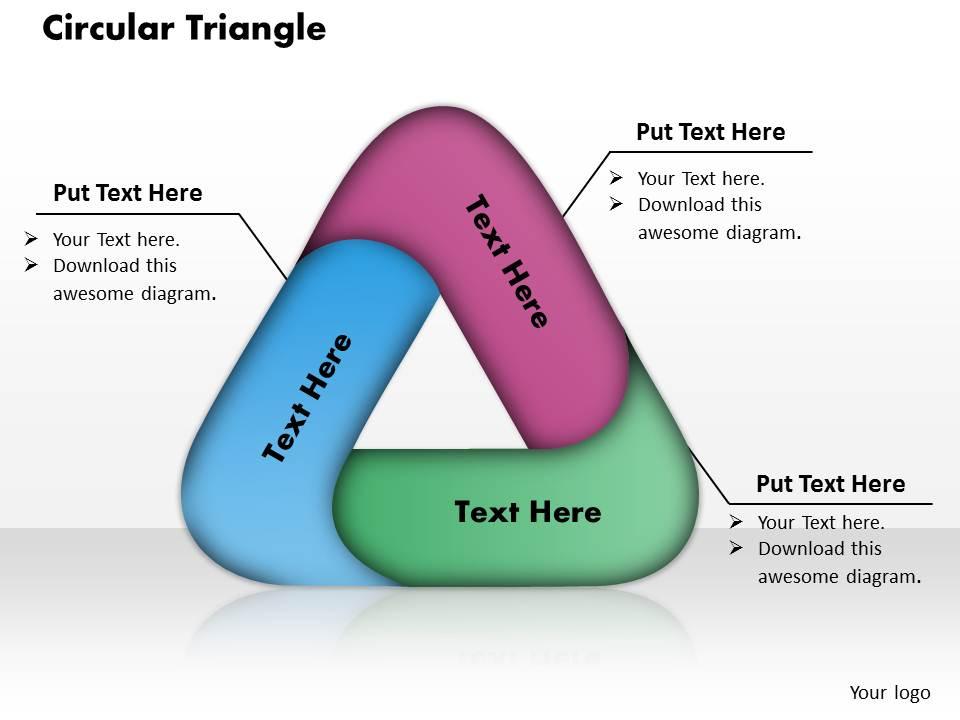
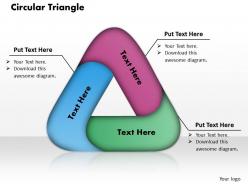
Circular triangle powerpoint template slide

Rating:
90%
Circular triangle powerpoint template slide
Slide 1 of 5
Favourites Favourites

Try Before you Buy Download Free Sample Product

Audience Impress Your
Audience
Editable 100%
Editable
Time Save Hours
of Time
The Biggest Sale is ending soon in
0
0
:
0
0
:
0
0
Rating:
90%
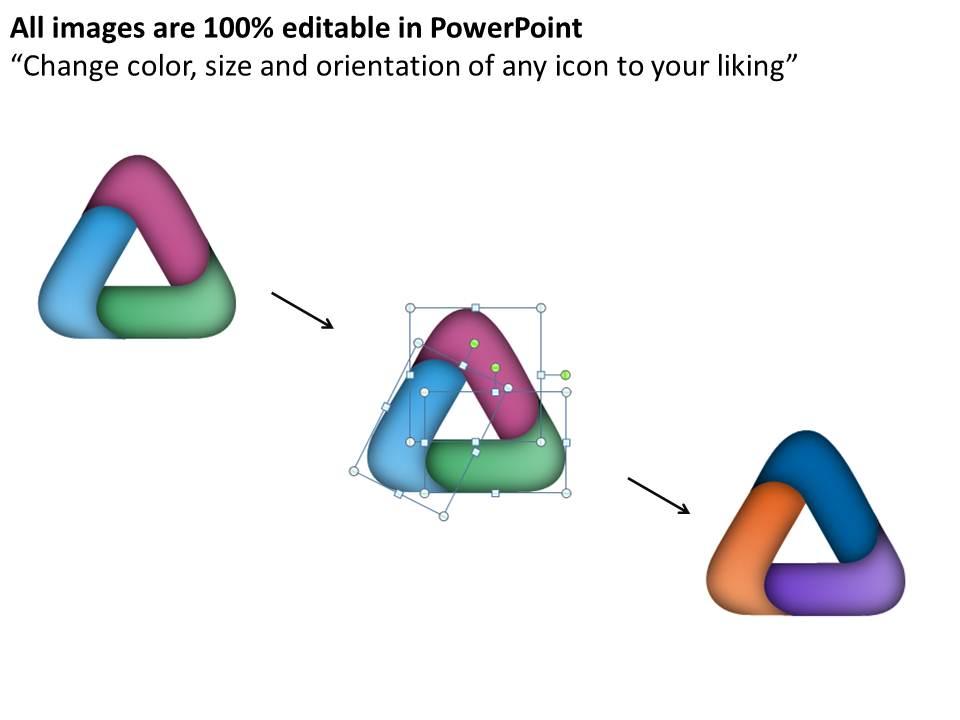
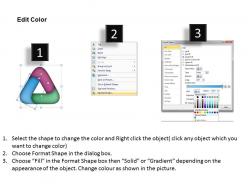
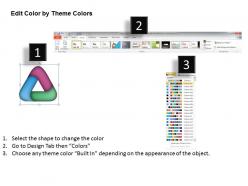
PPT slide for representing your business data. Replace the watermark with your company’s name or logo. Convertible into numerous format options like JPEG, JPG or PDF. User friendly structure of the slides. Access to edit the content, style, size and orientation of the PPT slides. Use of high resolution images and the graphics. Ease to share the Presentation slide in standard and widescreen view.

People who downloaded this PowerPoint presentation also viewed the following :

FAQs for Circular triangle

Key design elements include balanced geometric proportions, strategic color contrast, consistent typography hierarchy, appropriate white space distribution, and logical content flow within the triangular sections. These elements work together by enhancing visual clarity, directing audience attention, and maintaining professional aesthetics, with many presenters finding that well-designed circular triangle layouts deliver stronger message retention and engagement.

The circular triangle layout enhances visual flow by creating natural eye movement patterns, establishing clear information hierarchy, and connecting related concepts through geometric relationships. This strategic design guides audiences seamlessly through content progression while maintaining engagement, with many presenters finding that the balanced structure reduces cognitive load, improves message retention, and delivers more compelling storytelling experiences.

Circular triangle templates excel in presenting cyclical processes with three distinct phases, comparative analysis of three options, and strategic frameworks like problem-solution-outcome models. These designs prove particularly effective for project management workflows, business strategy presentations, and educational content where continuous relationships need emphasis, with many organizations finding that the circular flow enhances audience comprehension while maintaining visual engagement throughout complex information delivery.

Color choice significantly impacts circular triangle slide effectiveness by enhancing visual hierarchy, improving information flow, and supporting audience comprehension through strategic contrast and emphasis. Well-chosen color schemes guide viewers naturally around the triangular pathway, help differentiate between data points or process stages, and ultimately deliver stronger message retention and professional credibility, with many presenters finding that consistent color psychology increases audience engagement.

Best practices for text placement within circular triangle templates include positioning key information at triangle vertices, centering primary content within the circular boundary, maintaining consistent margins from geometric edges, using hierarchical typography sizing, and ensuring adequate white space around text blocks. These design principles enhance readability by creating visual balance, guiding reader attention systematically, and preventing overcrowding, ultimately delivering professional presentations that communicate complex information clearly while maintaining aesthetic appeal.

Animations can effectively enhance circular triangle slides through entrance effects for each triangle segment, rotation animations that emphasize the cyclical flow, and sequential reveals that guide audience attention through connected processes. Strategic timing between animations, subtle motion paths that follow the triangular structure, and synchronized text appearances create dynamic storytelling, with many presenters finding that measured animation pacing maintains professional credibility while significantly improving audience engagement and information retention.

Circular triangle formats work best with cyclical processes, three-step workflows, interconnected strategies, comparative analyses, and relationship mappings where elements influence each other continuously. This format particularly enhances presentations of business cycles, strategic frameworks, and process flows in consulting, project management, and organizational development, where the circular design emphasizes ongoing iteration and the triangular structure highlights three core components working together.

Circular triangle slides can be customized through color scheme adjustments, font modifications, content reorganization, visual element scaling, and layout restructuring to match audience preferences and presentation contexts. These adaptations enable presenters to tailor messaging for executive briefings, technical workshops, or client presentations, while maintaining visual consistency and professional impact, ultimately delivering more engaging and audience-specific communication experiences.

Professional circular triangle slides require vector graphics tools for precise geometric shapes, layering capabilities for depth management, and alignment guides for symmetrical positioning. Advanced PowerPoint features like merge shapes, gradient fills, transparency controls, and smart guides enable designers to create visually striking presentations, while template libraries and custom color schemes ensure brand consistency across professional presentations.

**INPUT**: What pitfalls should be avoided when using a circular triangle design in presentations? **OUTPUT**: Key pitfalls include overcrowding elements within the circular space, using colors that clash or reduce readability, placing excessive text that overwhelms the geometric flow, and failing to maintain consistent proportions between triangle points. These design missteps can confuse audiences and dilute your message impact, with many presenters finding that strategic simplicity and balanced spacing ultimately deliver clearer communication and stronger visual engagement across business presentations.

Symbols and icons can be integrated within each triangle section, at intersection points, or around the circular perimeter to represent key concepts, processes, or data categories. This visual combination enhances audience comprehension by providing immediate context clues, reducing cognitive load through familiar imagery, and creating memorable associations between abstract ideas and concrete symbols, ultimately delivering clearer communication and more engaging presentations.

Circular triangle layouts enhance audience engagement by creating visual flow, reducing cognitive load, and emphasizing interconnected relationships between concepts, while traditional linear formats can feel static and hierarchical. These dynamic designs enable presenters to demonstrate cyclical processes, balanced frameworks, and strategic connections more effectively, with many organizations finding that circular arrangements improve information retention and create more memorable presentations.

The circular triangle's unique fusion of geometric forms creates visual tension that enhances memory encoding, while its balanced proportions guide eye movement in predictable patterns that improve comprehension. This distinctive shape triggers cognitive curiosity through its geometric contradiction, with presentations in educational and corporate settings finding that audiences retain key concepts 25-30% longer when information flows through this visually intriguing structural framework.

Audience feedback informs circular triangle slide improvements by identifying unclear relationships, suggesting better visual hierarchy, and highlighting content gaps or redundancies. Through post-presentation surveys, real-time polling, and direct discussions, presenters can enhance color choices, adjust text sizing, and refine the circular flow, ultimately delivering more engaging presentations with improved comprehension rates.

**INPUT**: What resources or tools exist for finding high-quality circular triangle PowerPoint templates? **OUTPUT**: Resources for high-quality circular triangle PowerPoint templates include specialized presentation platforms like SlideTeam, premium design marketplaces, professional template libraries, and business-focused graphic resources. These platforms streamline template selection by offering customizable designs, industry-specific variations, and scalable formats, with many organizations finding that dedicated presentation resource sites deliver consistent quality, time savings, and professional aesthetics for strategic business communications. [Word count: 60 words]

Ratings and Reviews

90% of 100
Write a review
Most Relevant Reviews
  1. 80%

    by Chauncey Ramos

    Attractive design and informative presentation.
  2. 100%

    by Callum Gonzalez

    Helpful product design for delivering presentation.

2 Item(s)

per page: