


Customer Journey Touchpoint Mapping Strategy Powerpoint Presentation Slides
Customer digital touchpoints include all digital interactions between your customers and your brand. Check out our efficiently designed Customer Journey Touchpoint Mapping Strategy template. This involves everything from researching the company to visiting the website and completing a purchase. The purpose of this presentation is to demonstrate the planning and implementation of the consumer touch-point strategy. Firstly, this PPT covers the planning stage, including the need to identify and improve current customer touchpoints with its benefits. The PowerPoint showcases a detailed implementation process with steps such as identifying, mapping, improving, and tracking various digital touchpoints. The PPT slides cover identifying and optimizing major digital touchpoints such as online advertisement, digital marketing content, user-generated content UGC, social media, company website, loyalty programs, thank you emails, customer support, and peer referrals. Get to know more by downloading our 100 percent editable and customizable template, which is also compatible with google slides. Book a free demo with us now.


















-

- Google Slides is a new FREE Presentation software from Google.
- All our content is 100% compatible with Google Slides.
- Just download our designs, and upload them to Google Slides and they will work automatically.
- Amaze your audience with SlideTeam and Google Slides.
-

Want Changes to This PPT Slide? Check out our Presentation Design Services
-

- WideScreen Aspect ratio is becoming a very popular format. When you download this product, the downloaded ZIP will contain this product in both standard and widescreen format.
-

- Some older products that we have may only be in standard format, but they can easily be converted to widescreen.
- To do this, please open the SlideTeam product in Powerpoint, and go to
- Design ( On the top bar) -> Page Setup -> and select "On-screen Show (16:9)” in the drop down for "Slides Sized for".
- The slide or theme will change to widescreen, and all graphics will adjust automatically. You can similarly convert our content to any other desired screen aspect ratio.
Compatible With Google Slides

Get This In WideScreen
You must be logged in to download this presentation.


Do you want to remove this product from your favourites?
PowerPoint presentation slides
Enthrall your audience with this Customer Journey Touchpoint Mapping Strategy Powerpoint Presentation Slides. Increase your presentation threshold by deploying this well-crafted template. It acts as a great communication tool due to its well-researched content. It also contains stylized icons, graphics, visuals etc, which make it an immediate attention-grabber. Comprising fifty eight slides, this complete deck is all you need to get noticed. All the slides and their content can be altered to suit your unique business setting. Not only that, other components and graphics can also be modified to add personal touches to this prefabricated set.

People who downloaded this PowerPoint presentation also viewed the following :
Content of this Powerpoint Presentation
Slide 1: This slide introduces Customer Journey Touchpoint Mapping Strategy. State your company name and begin.
Slide 2: This slide states Agenda of the presentation.
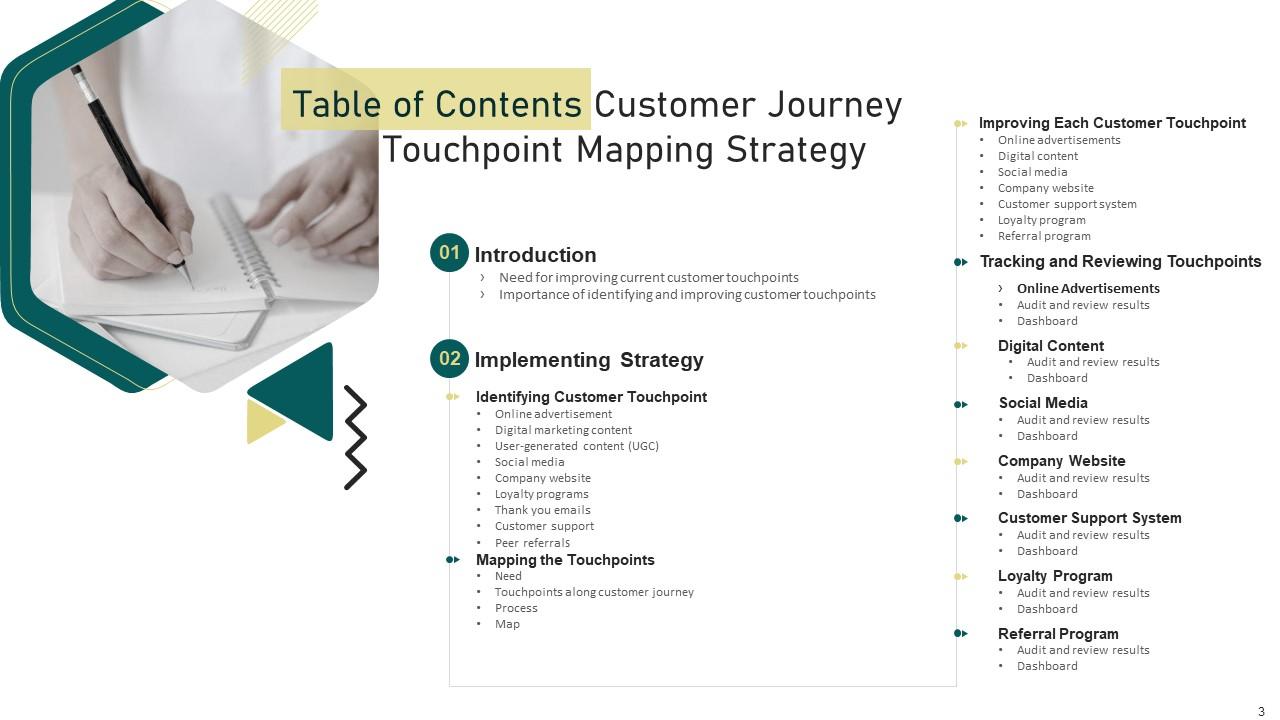
Slide 3: This slide shows Table of Content for the presentation.
Slide 4: This slide depicts title for two topics that are to be covered next in the template.
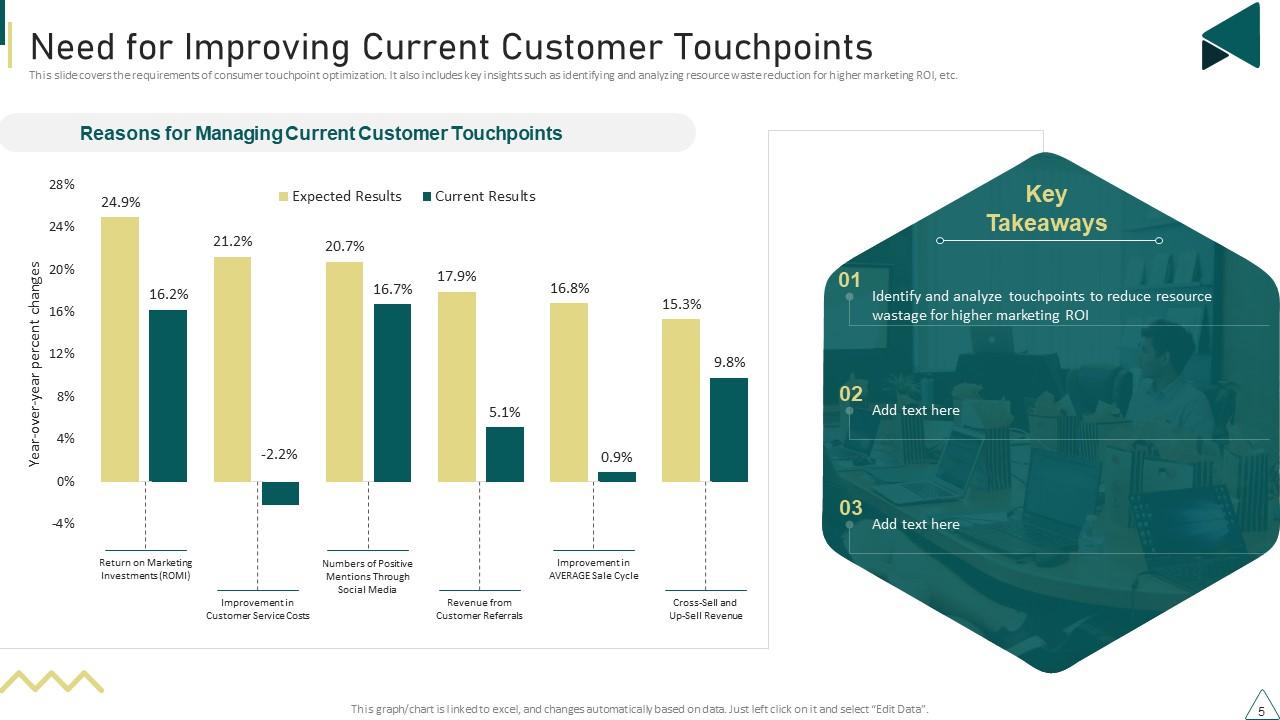
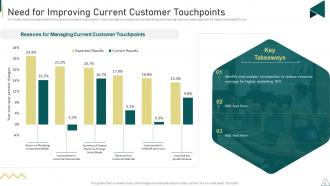
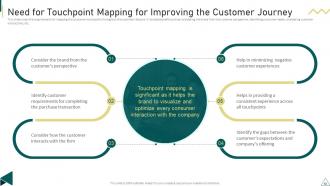
Slide 5: This slide covers the requirements of consumer touchpoint optimization.
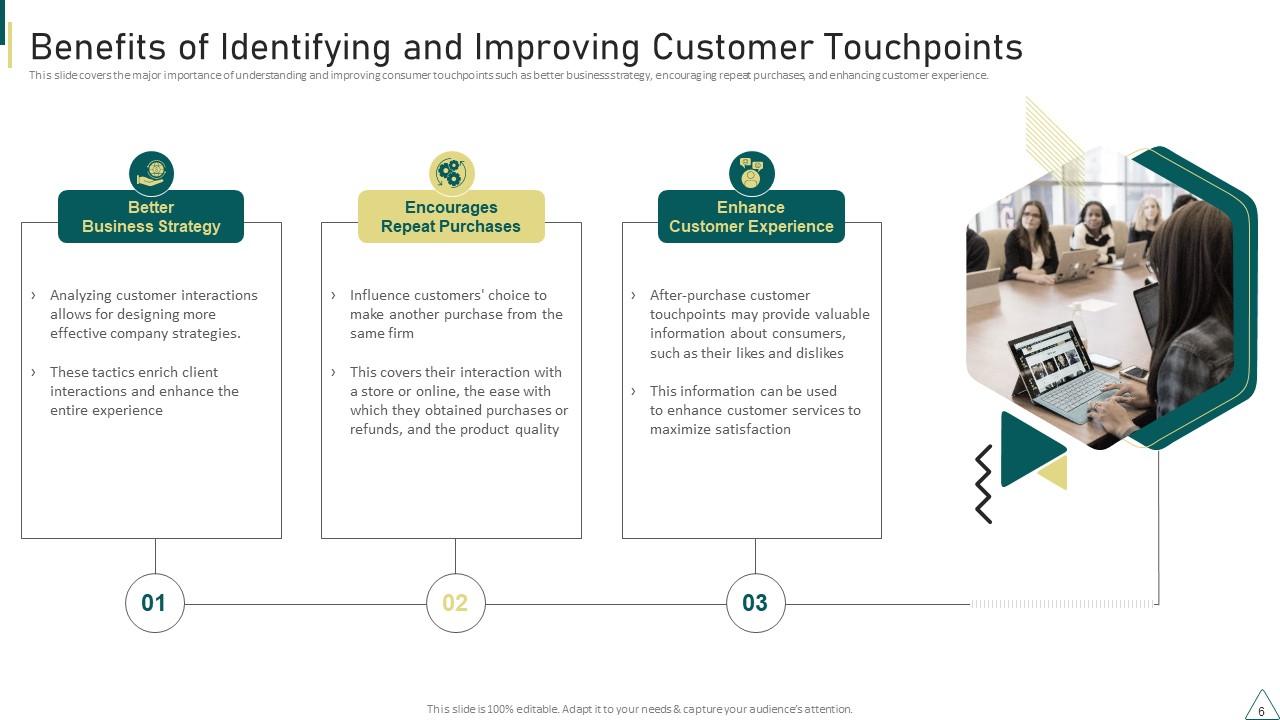
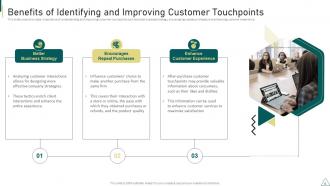
Slide 6: This slide covers the major importance of understanding and improving consumer touchpoints.
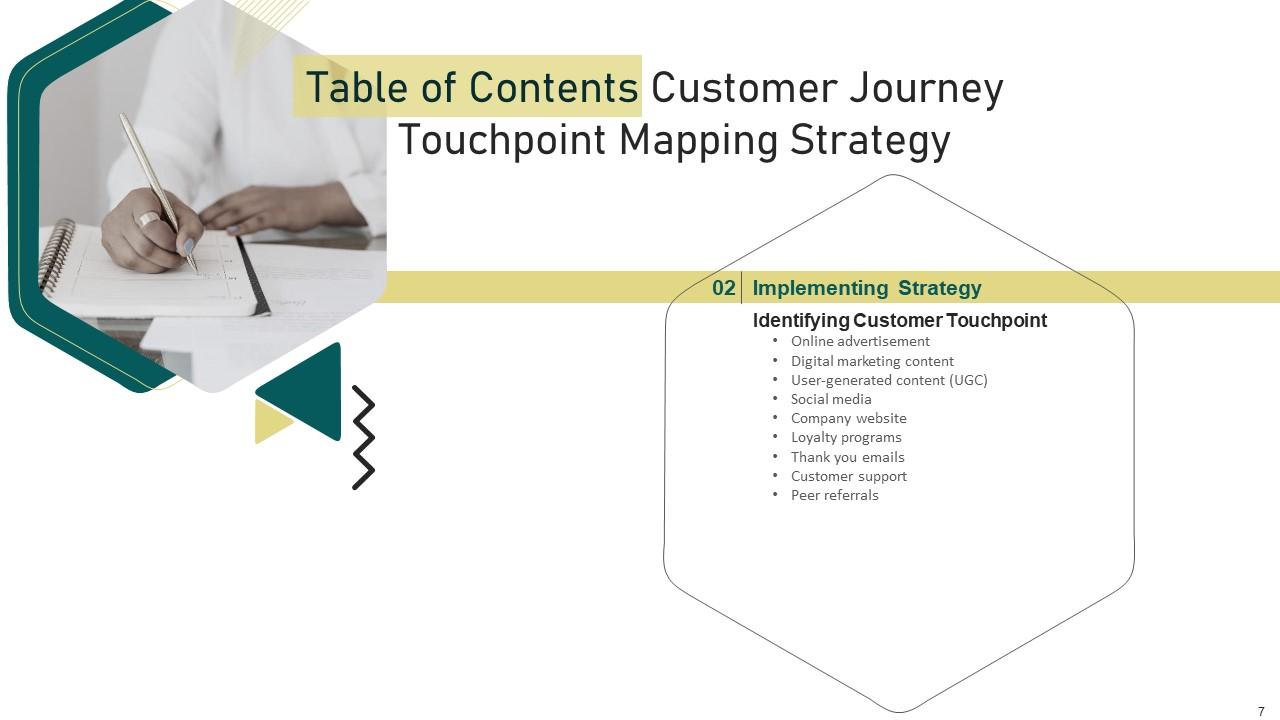
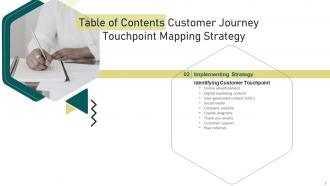
Slide 7: This slide depicts title for ten topics that are to be covered next in the template.
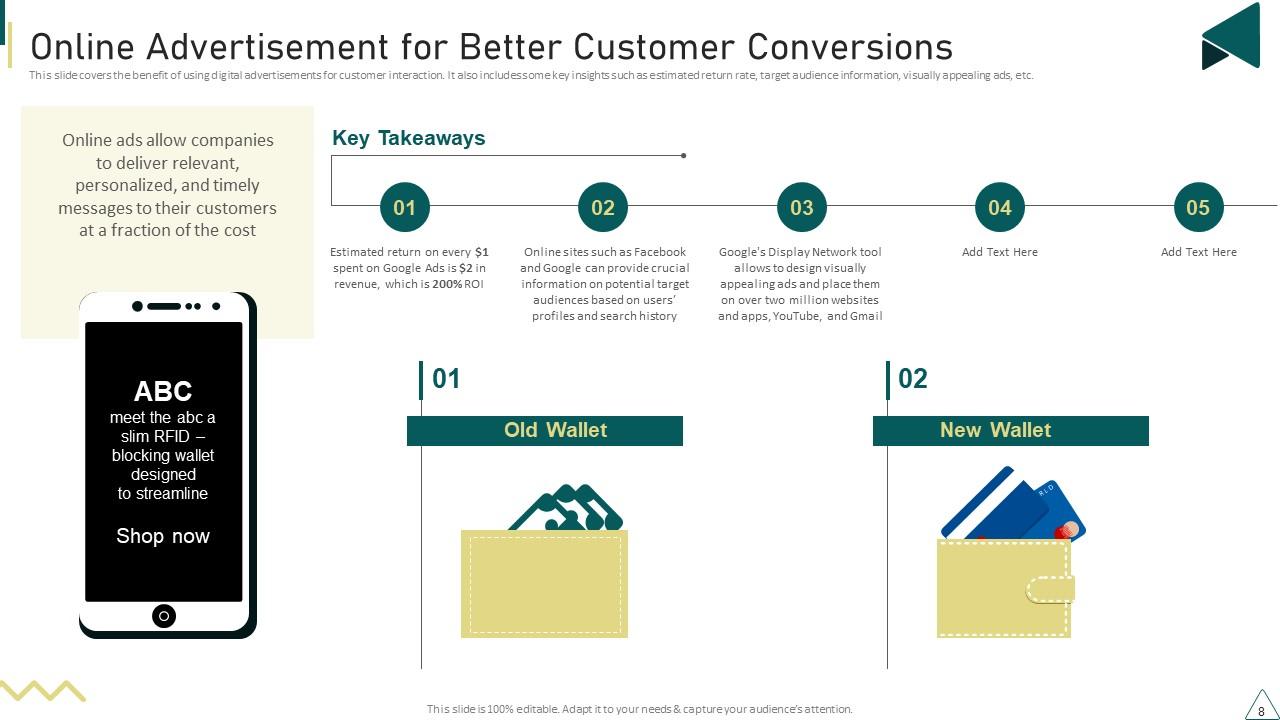
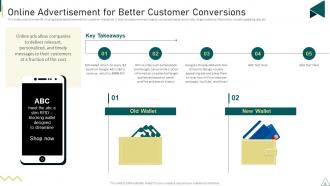
Slide 8: This slide covers the benefit of using digital advertisements for customer interaction.
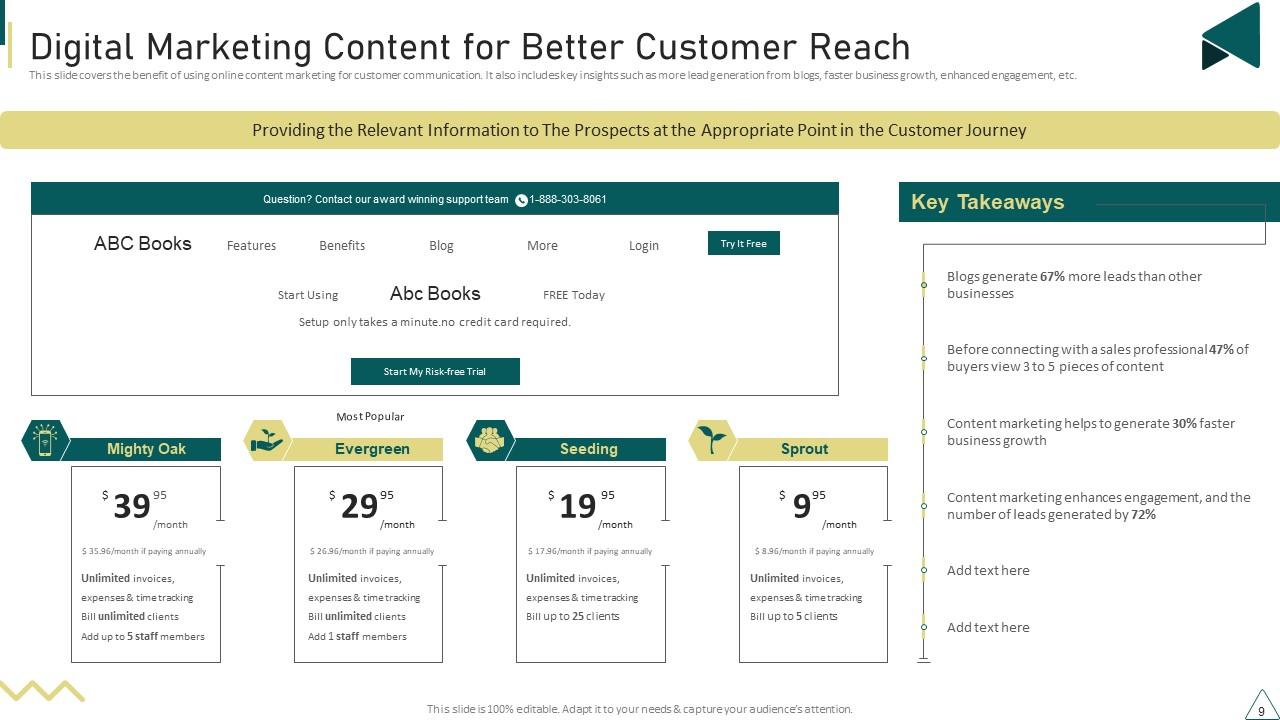
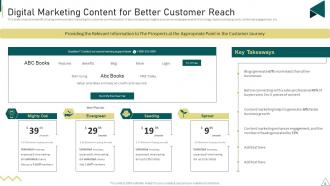
Slide 9: This slide covers the benefit of using online content marketing for customer communication.
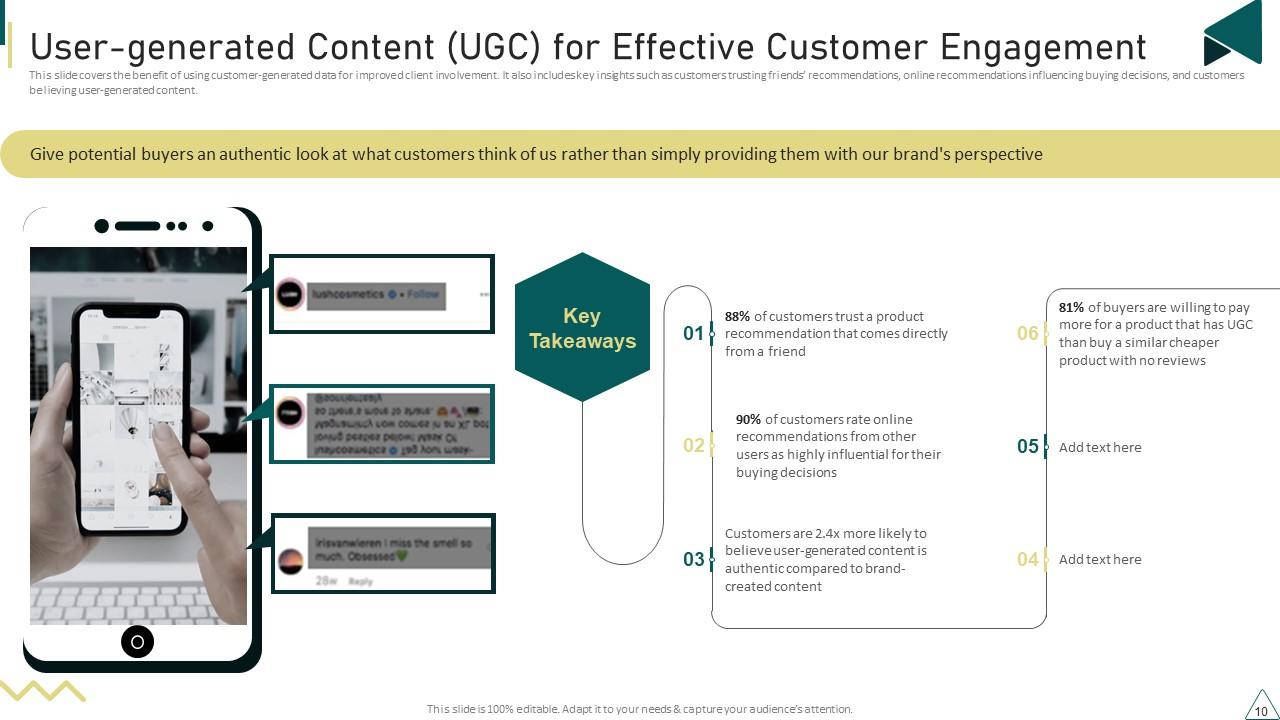
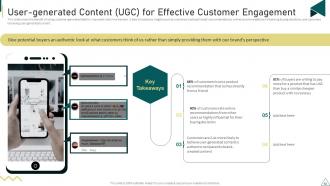
Slide 10: This slide covers the benefit of using customer-generated data for improved client involvement.
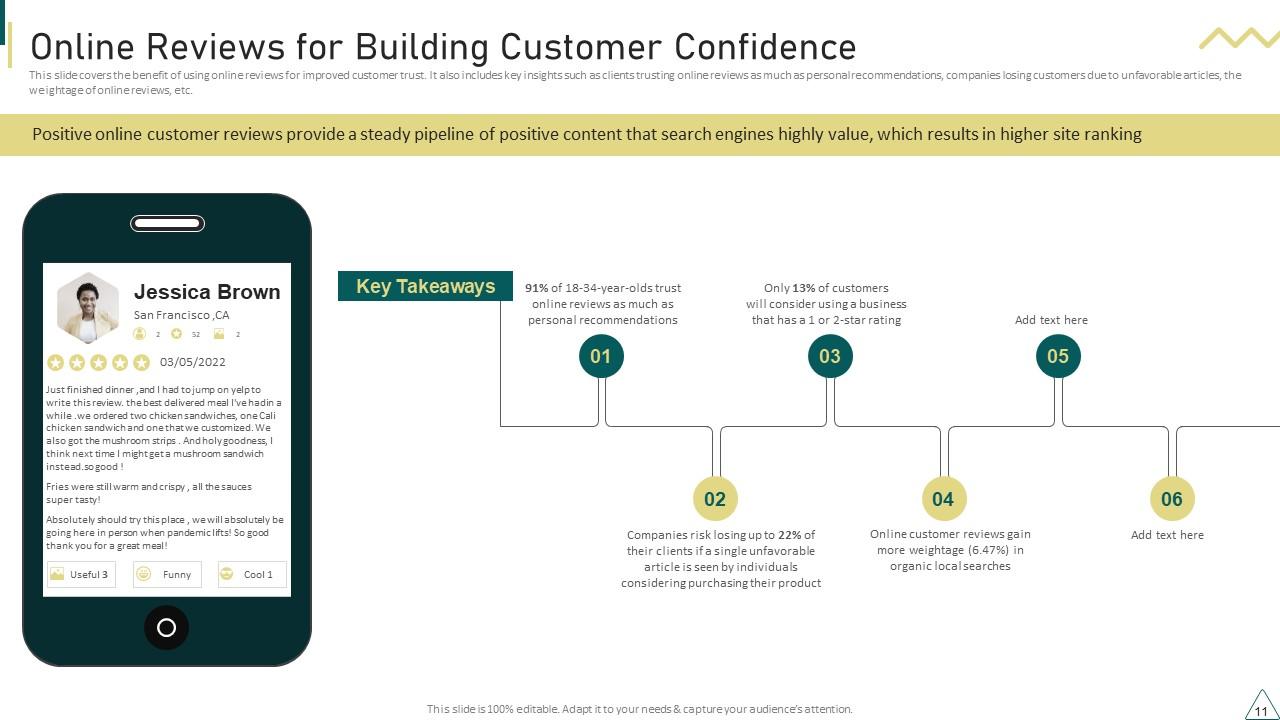
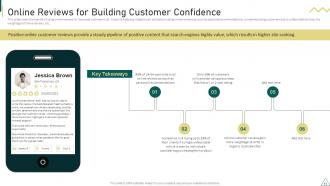
Slide 11: This slide covers the benefit of using online reviews for improved customer trust.
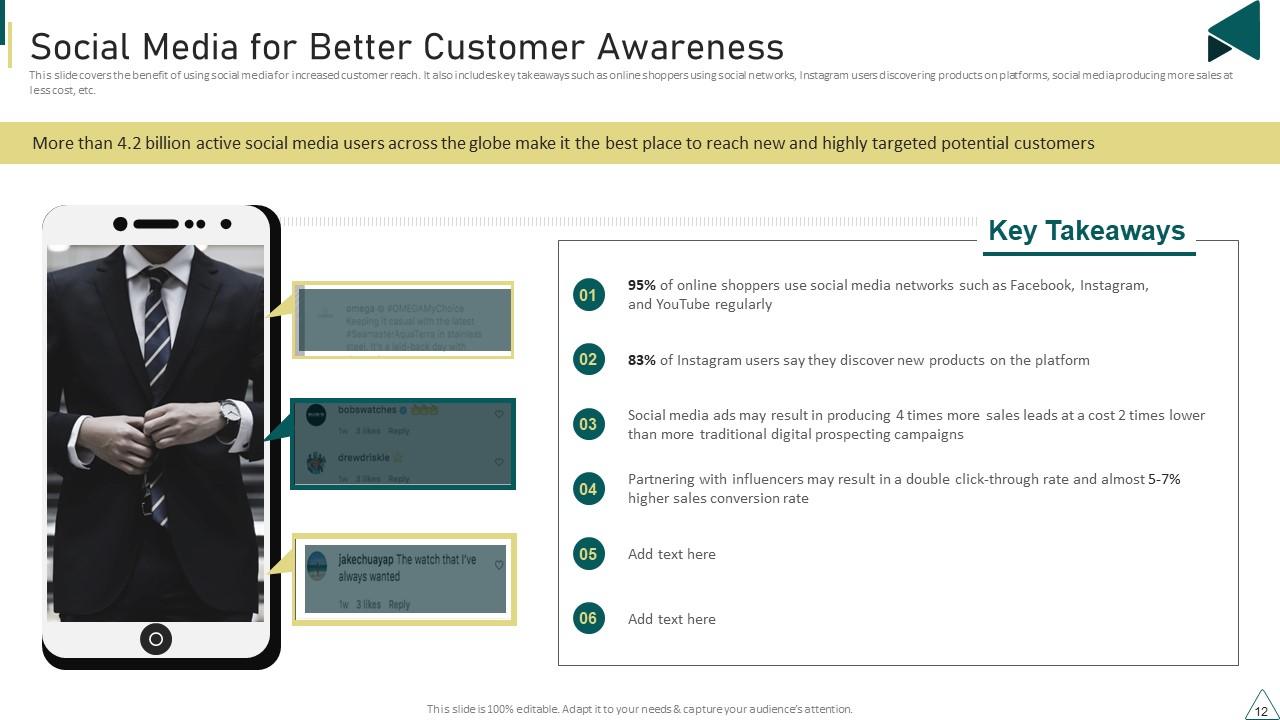
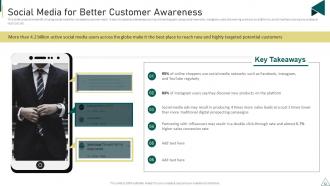
Slide 12: This slide covers the benefit of using social media for increased customer reach.
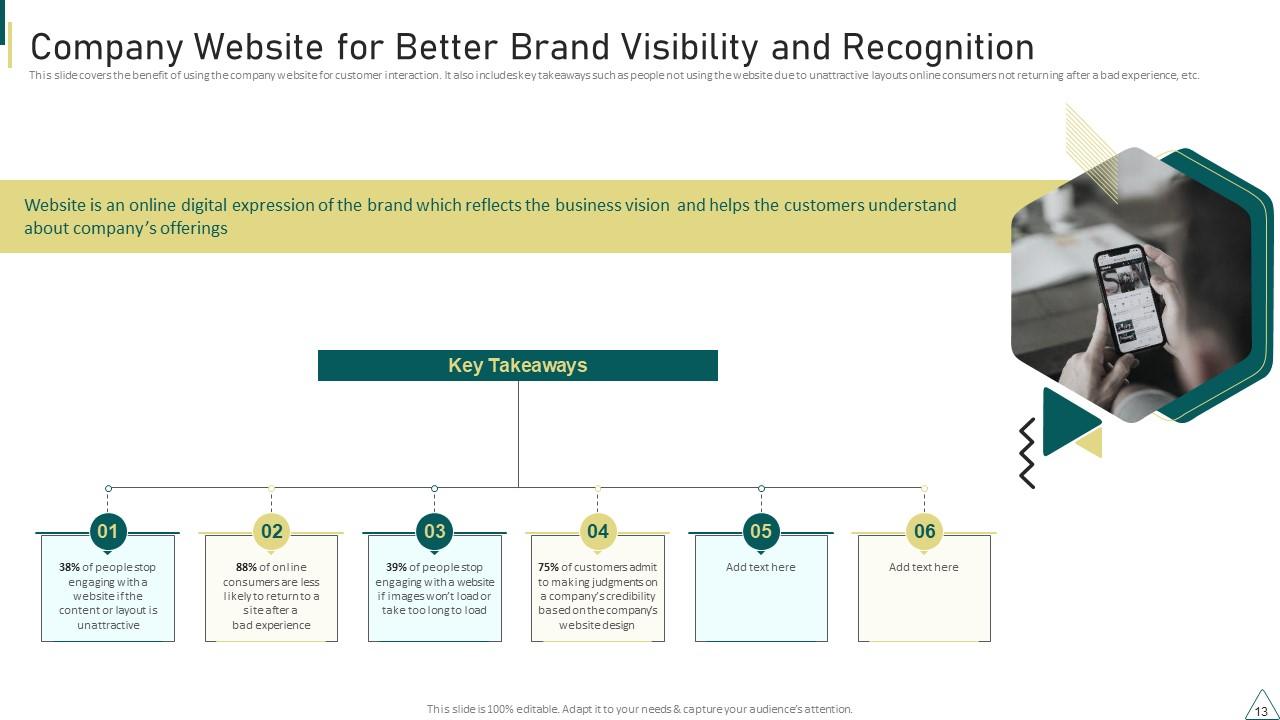
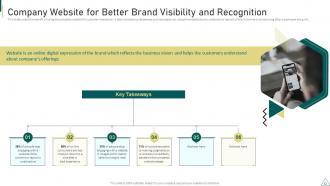
Slide 13: This slide covers the benefit of using the company website for customer interaction.
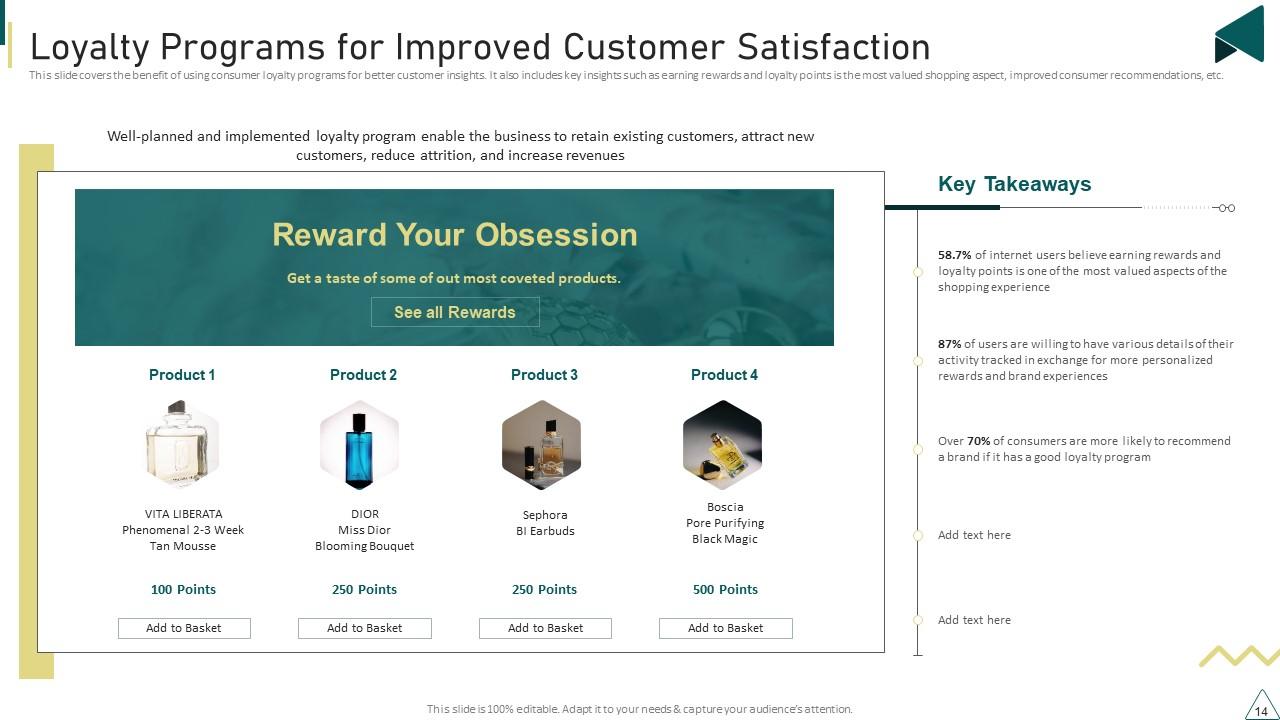
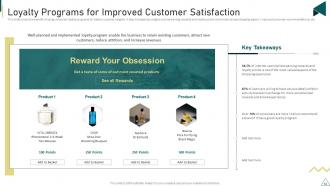
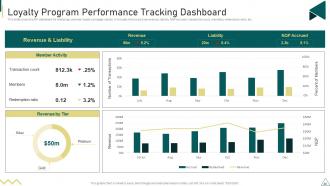
Slide 14: This slide covers the benefit of using consumer loyalty programs for better customer insights.
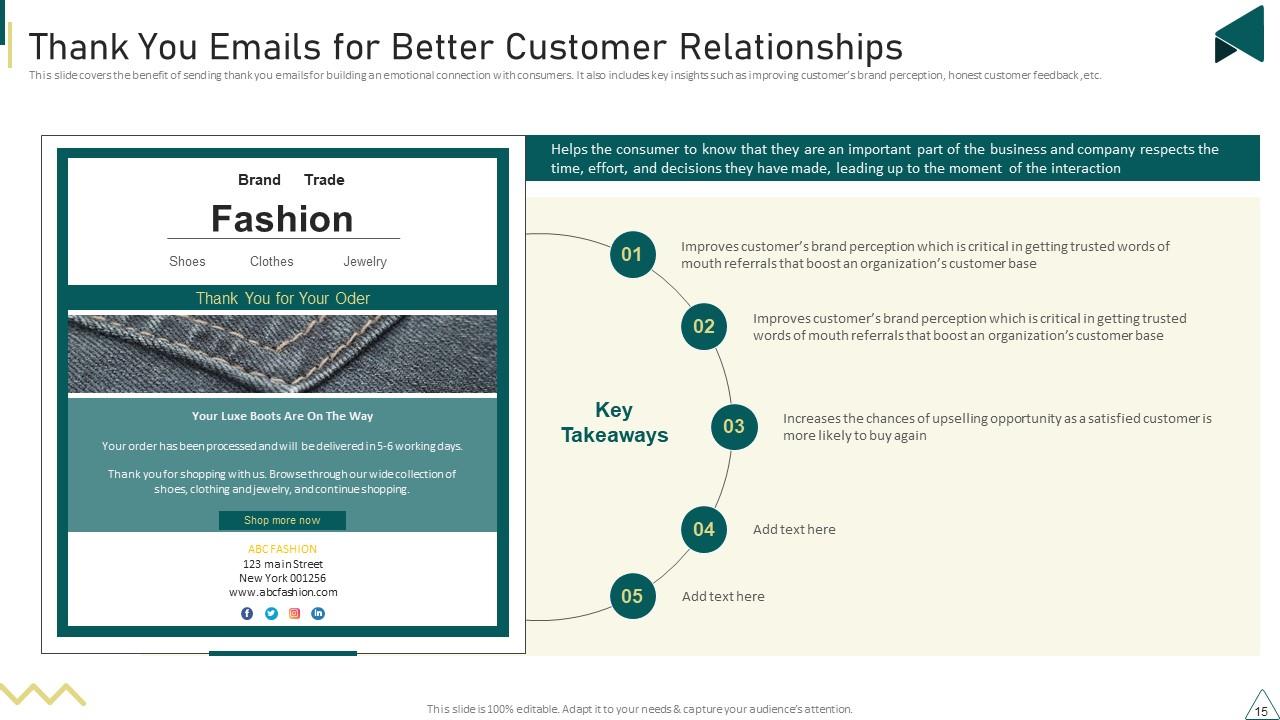
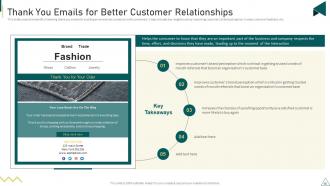
Slide 15: This slide covers the benefit of sending thank you emails for building an emotional connection with consumers.
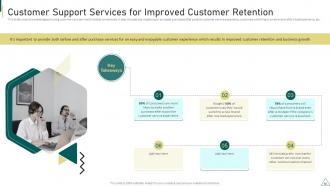
Slide 16: This slide covers the advantages of using customer care services for better conversions.
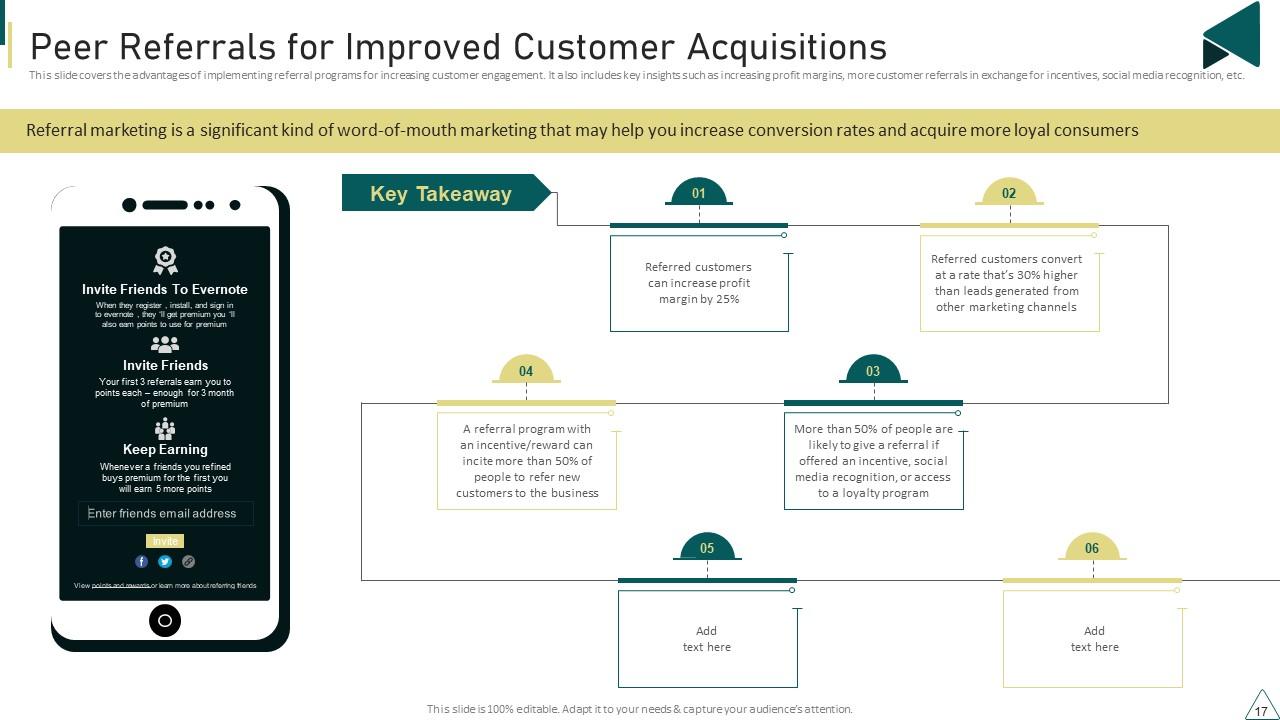
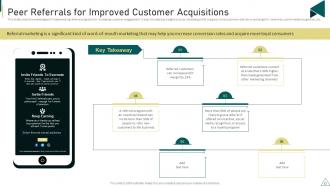
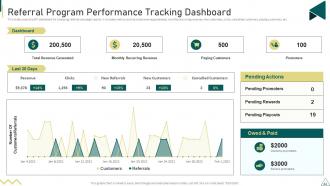
Slide 17: This slide covers the advantages of implementing referral programs for increasing customer engagement.
Slide 18: This slide depicts title for four topics that are to be covered next in the template.
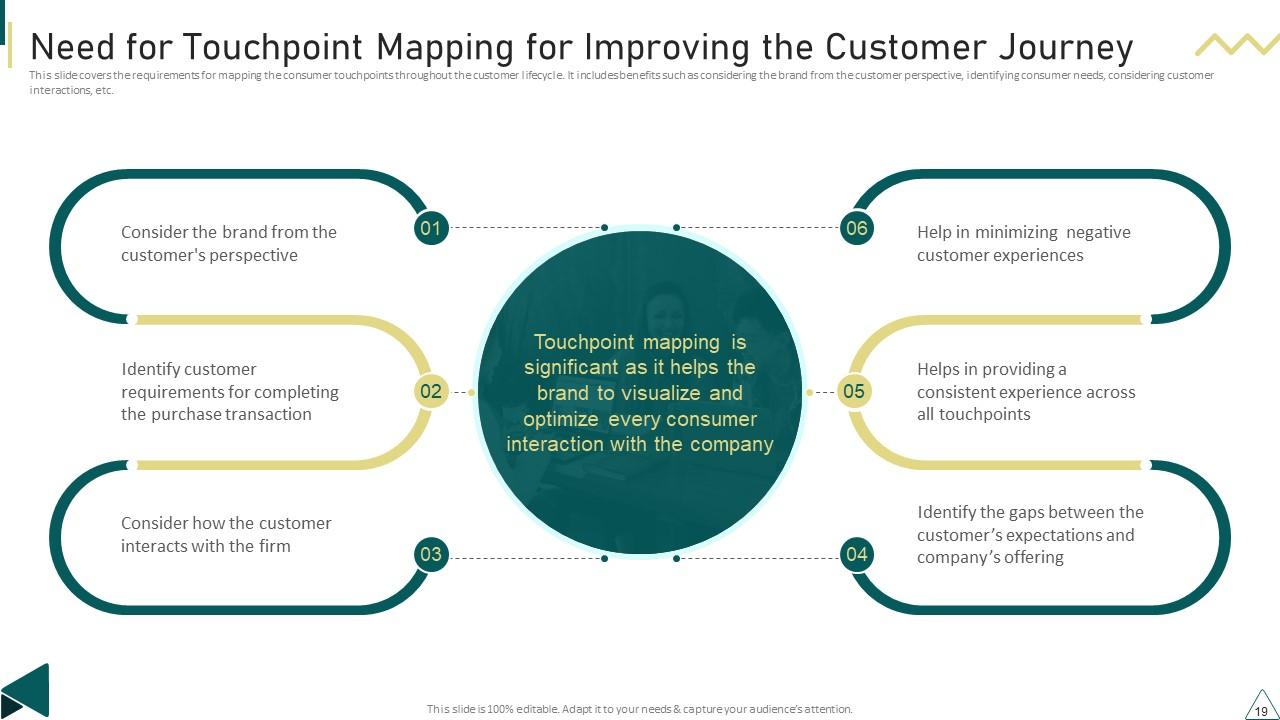
Slide 19: This slide covers the requirements for mapping the consumer touchpoints throughout the customer lifecycle.
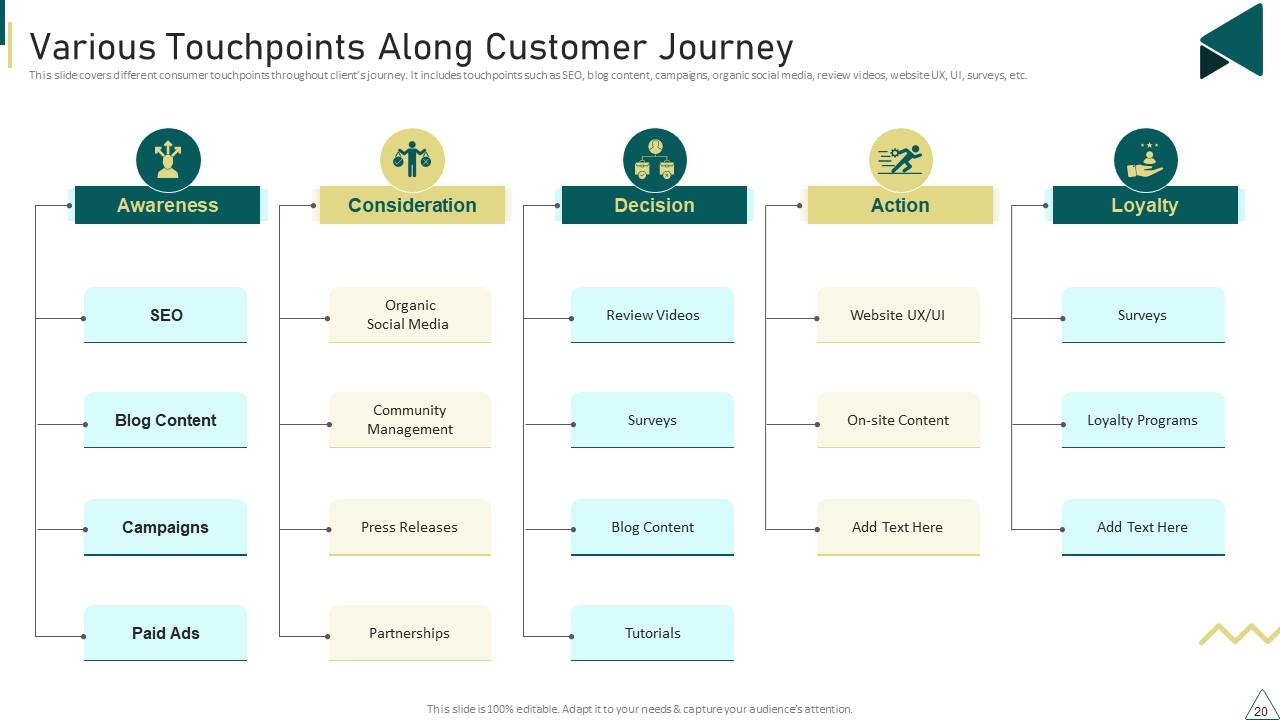
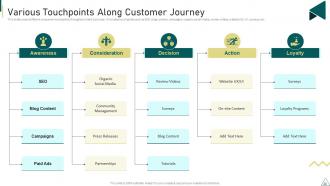
Slide 20: This slide covers different consumer touchpoints throughout client’s journey.
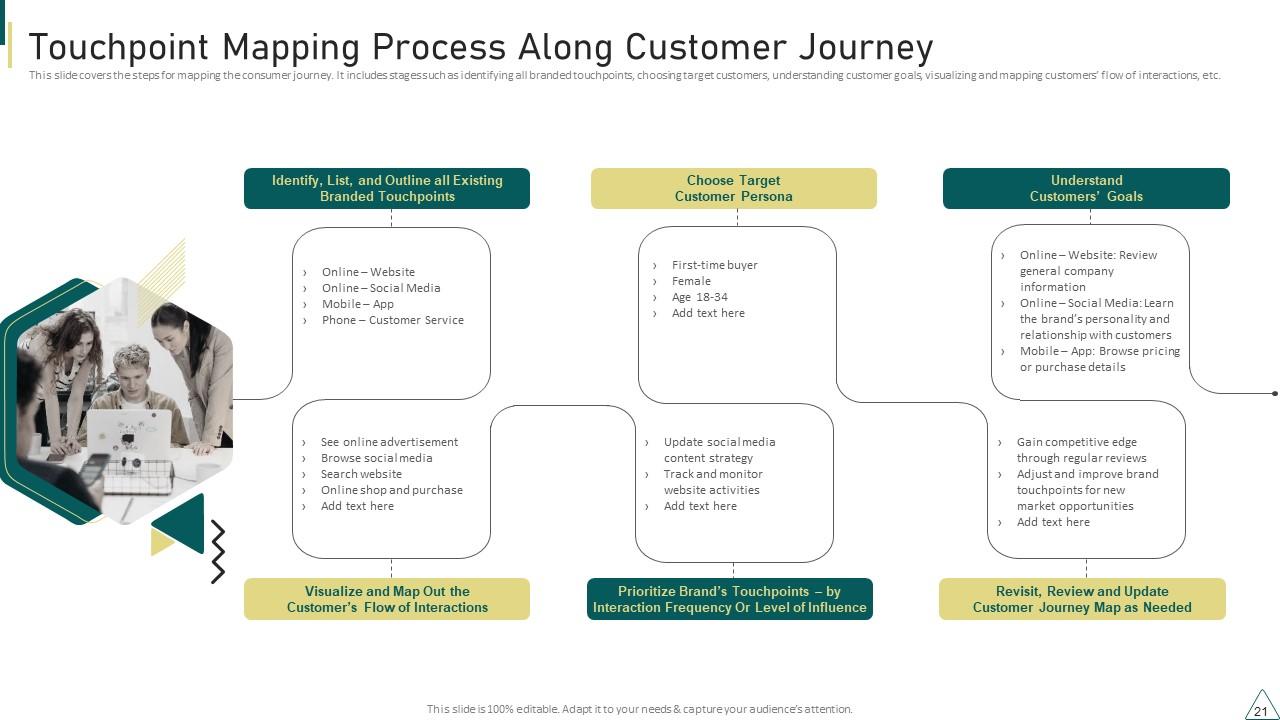
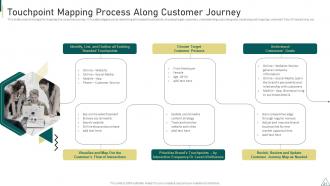
Slide 21: This slide covers the steps for mapping the consumer journey.
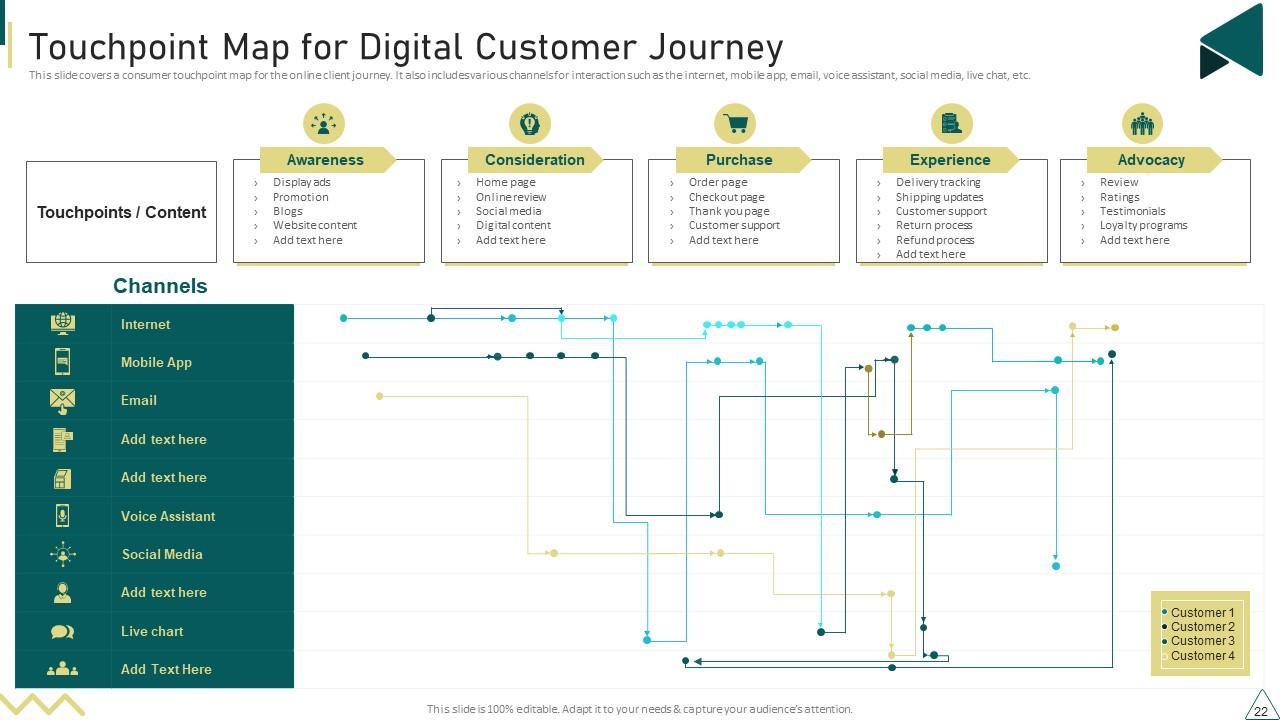
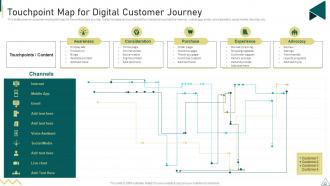
Slide 22: This slide covers a consumer touchpoint map for the online client journey.
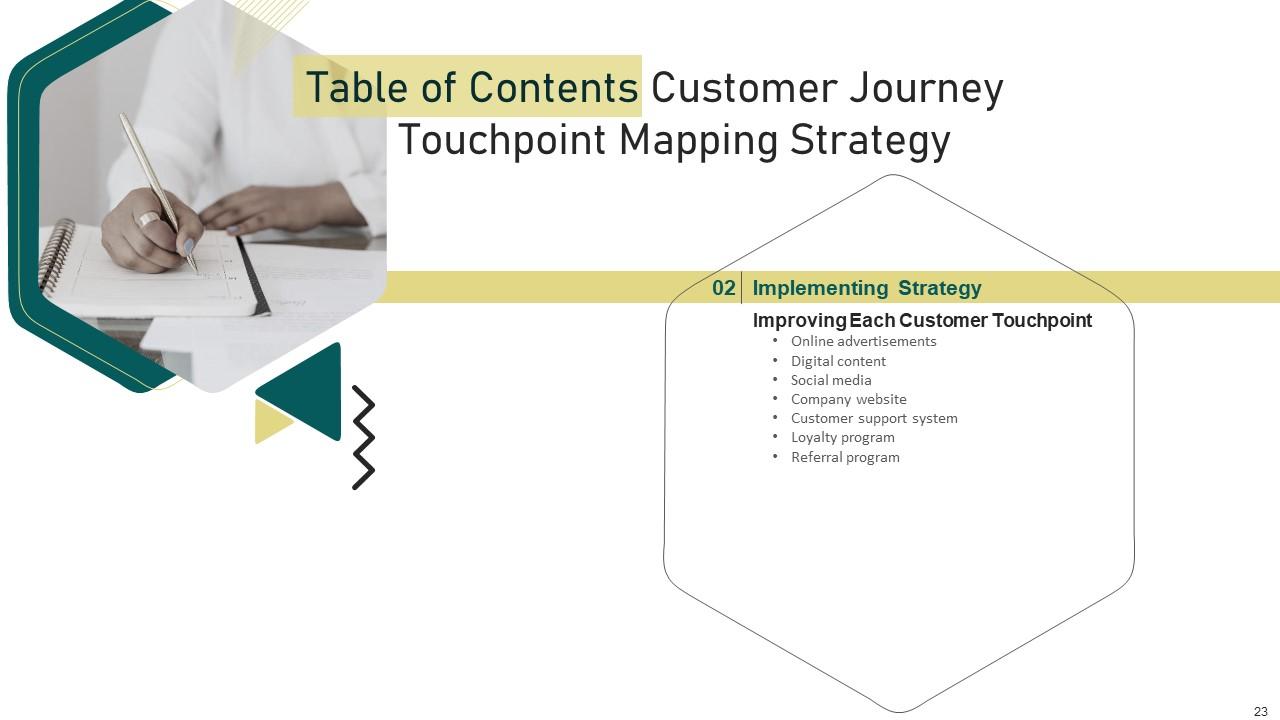
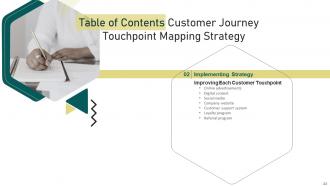
Slide 23: This slide depicts title for seven topics that are to be covered next in the template.
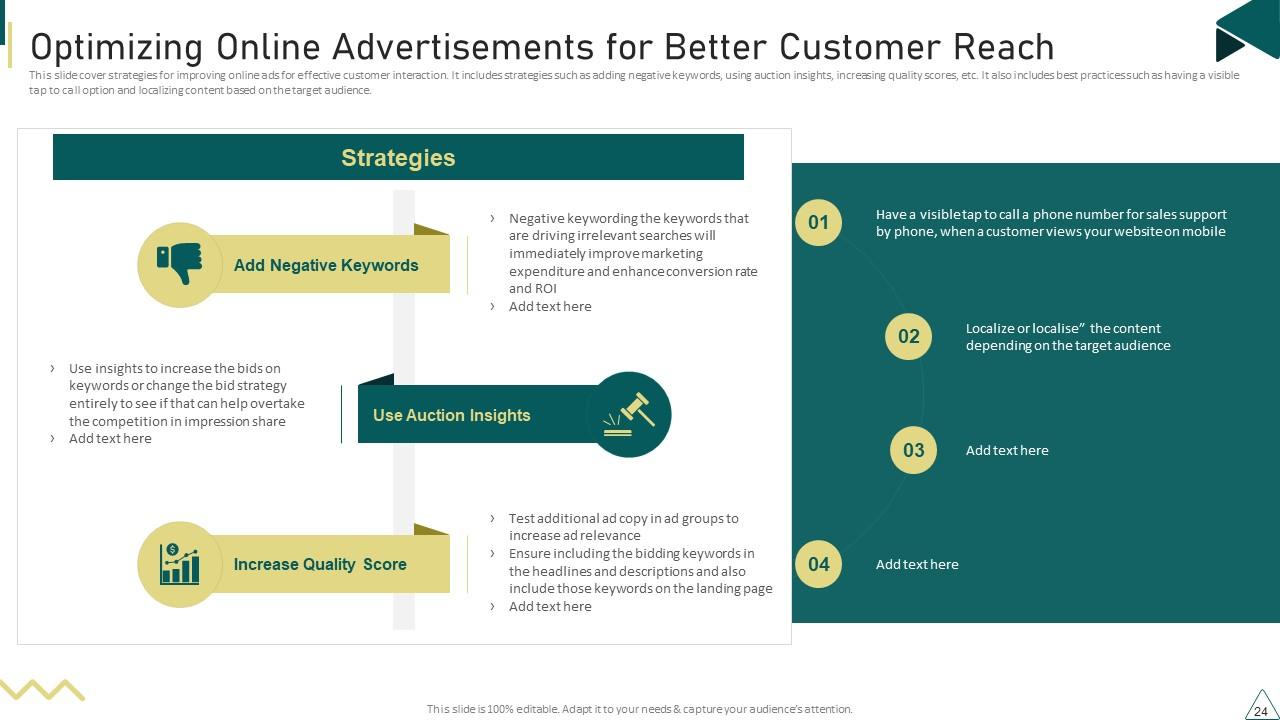
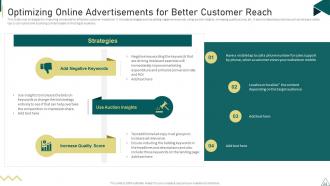
Slide 24: This slide cover strategies for improving online ads for effective customer interaction.
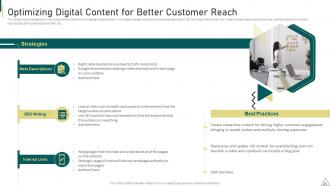
Slide 25: This slide covers strategies for improving online content for increasing brand visibility.
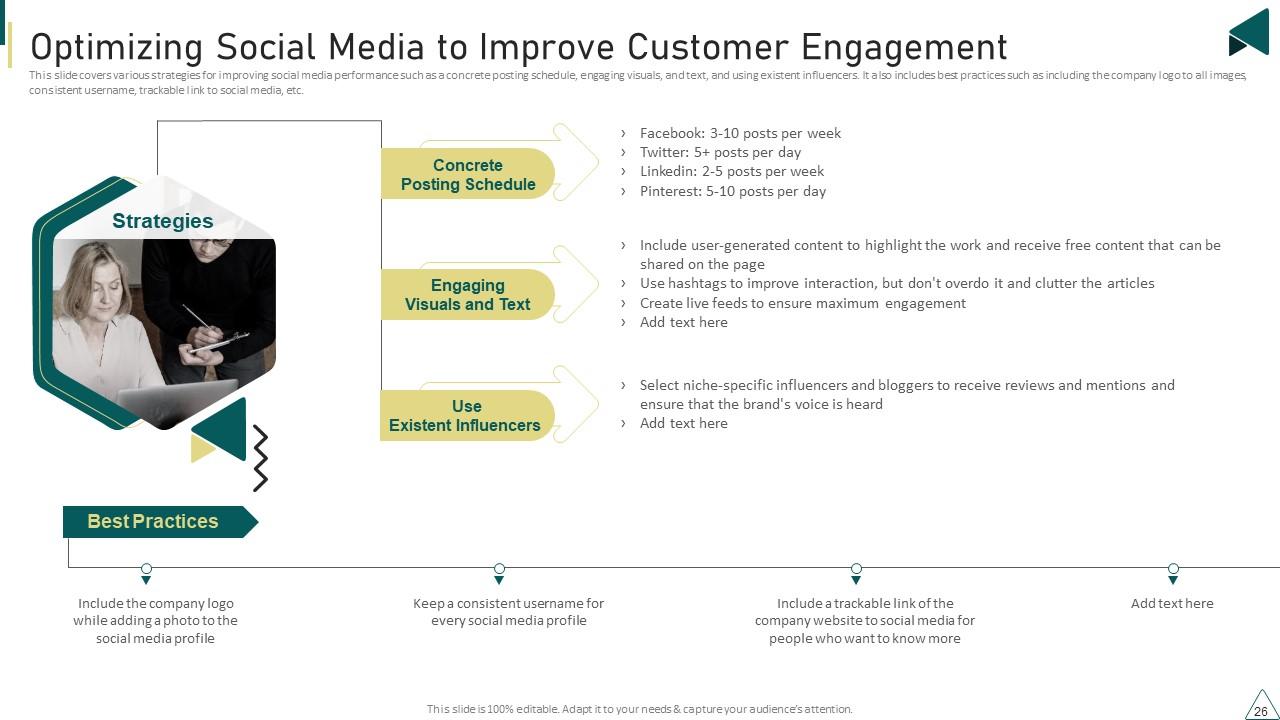
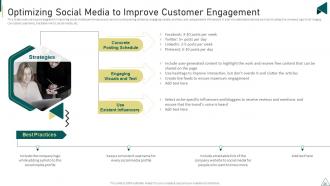
Slide 26: This slide covers various strategies for improving social media performance.
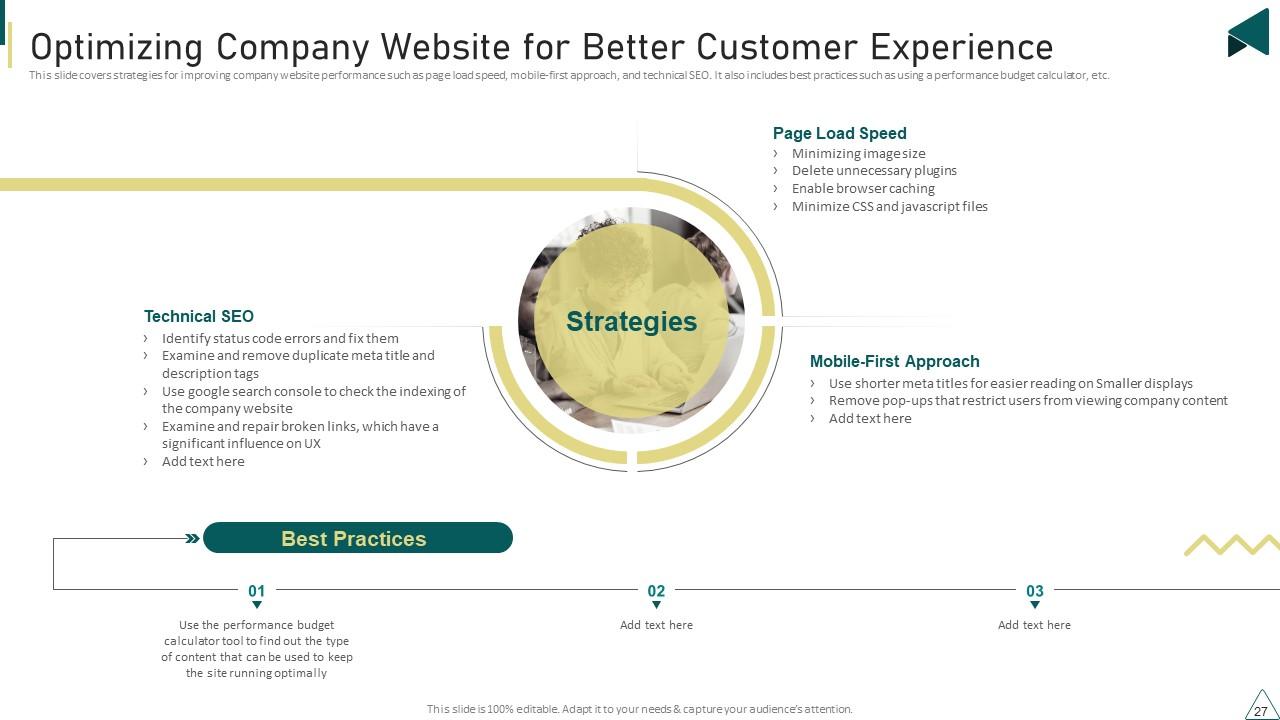
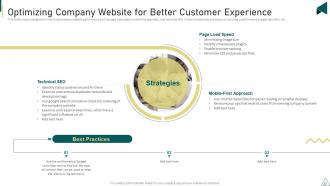
Slide 27: This slide covers strategies for improving company website performance such as page load speed, mobile-first approach, and technical SEO.
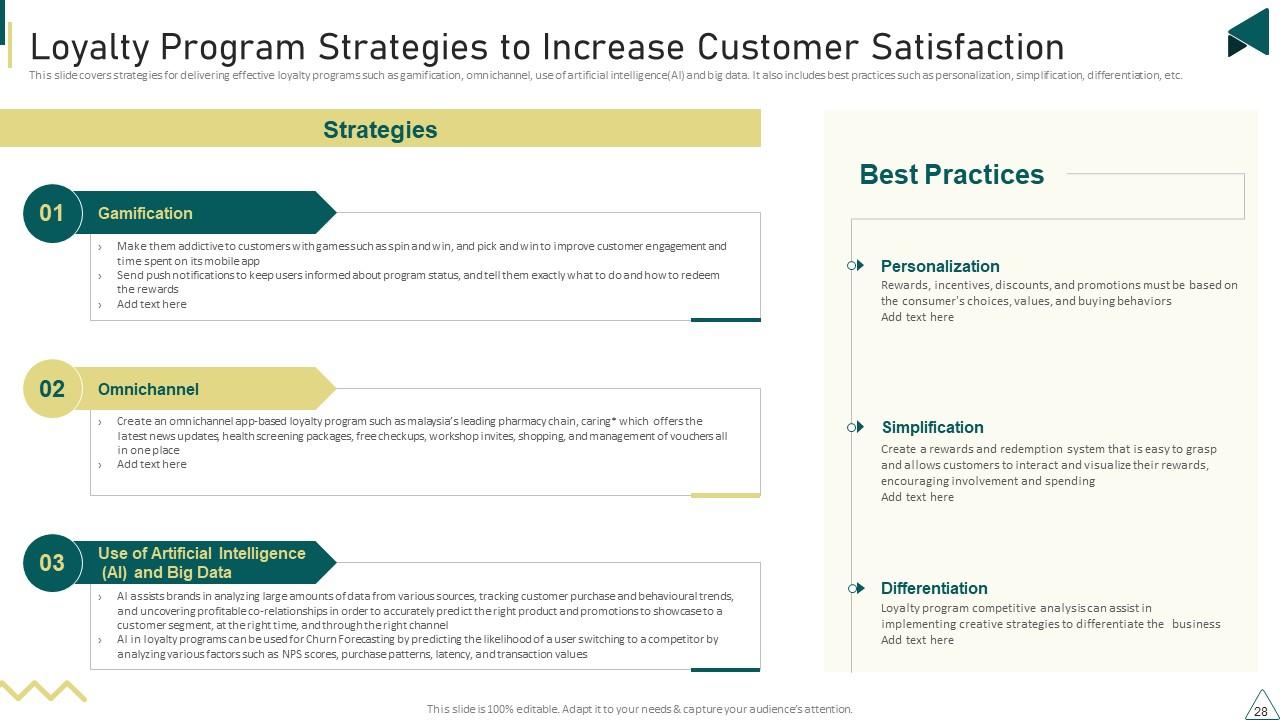
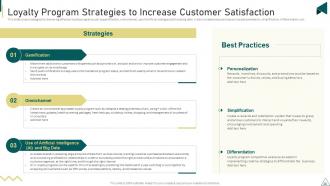
Slide 28: This slide covers strategies for delivering effective loyalty programs such as gamification, omnichannel, use of artificial intelligence(AI) and big data.
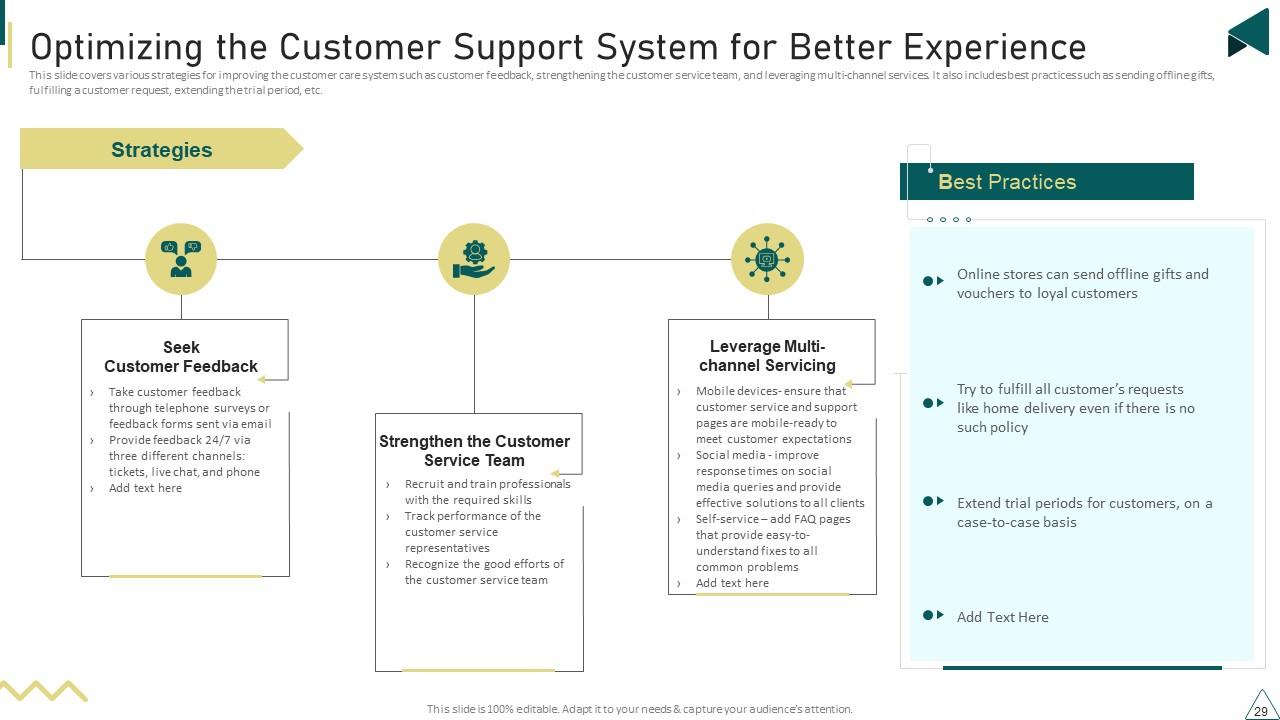
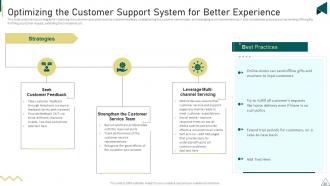
Slide 29: This slide covers various strategies for improving the customer care system.
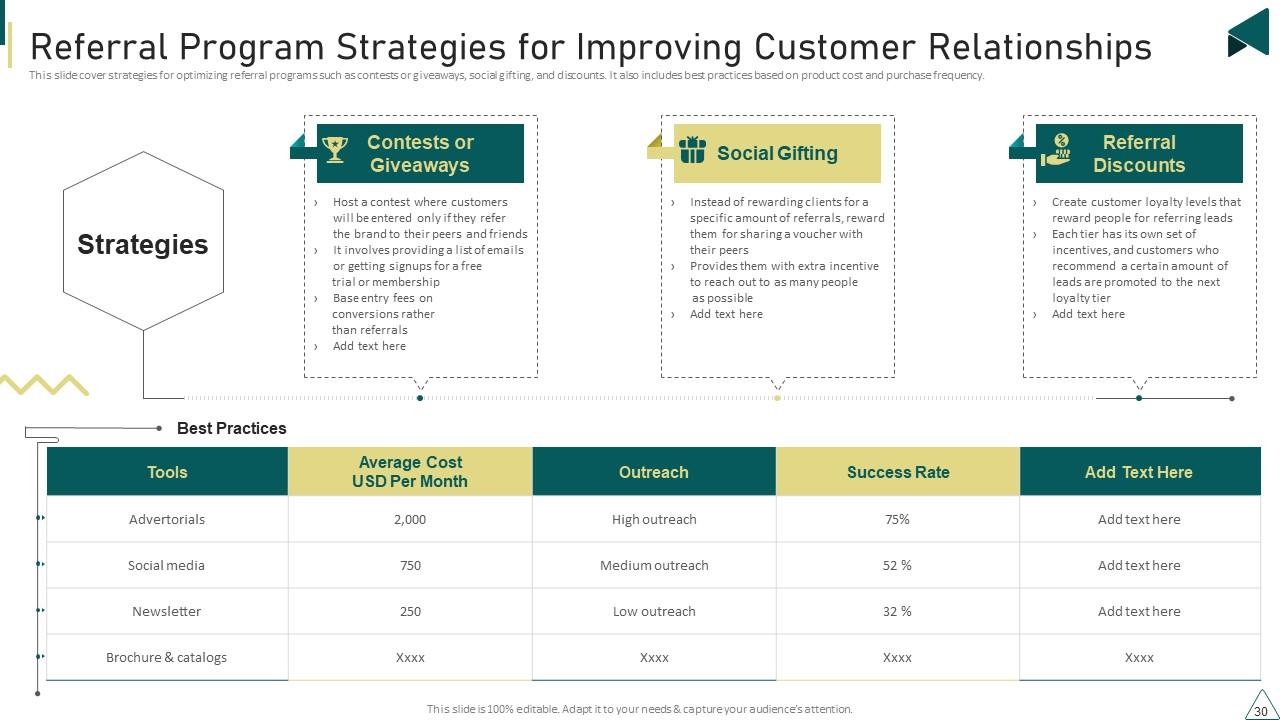
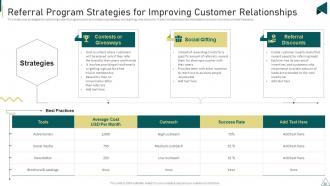
Slide 30: This slide cover strategies for optimizing referral programs such as contests or giveaways, social gifting, and discounts.
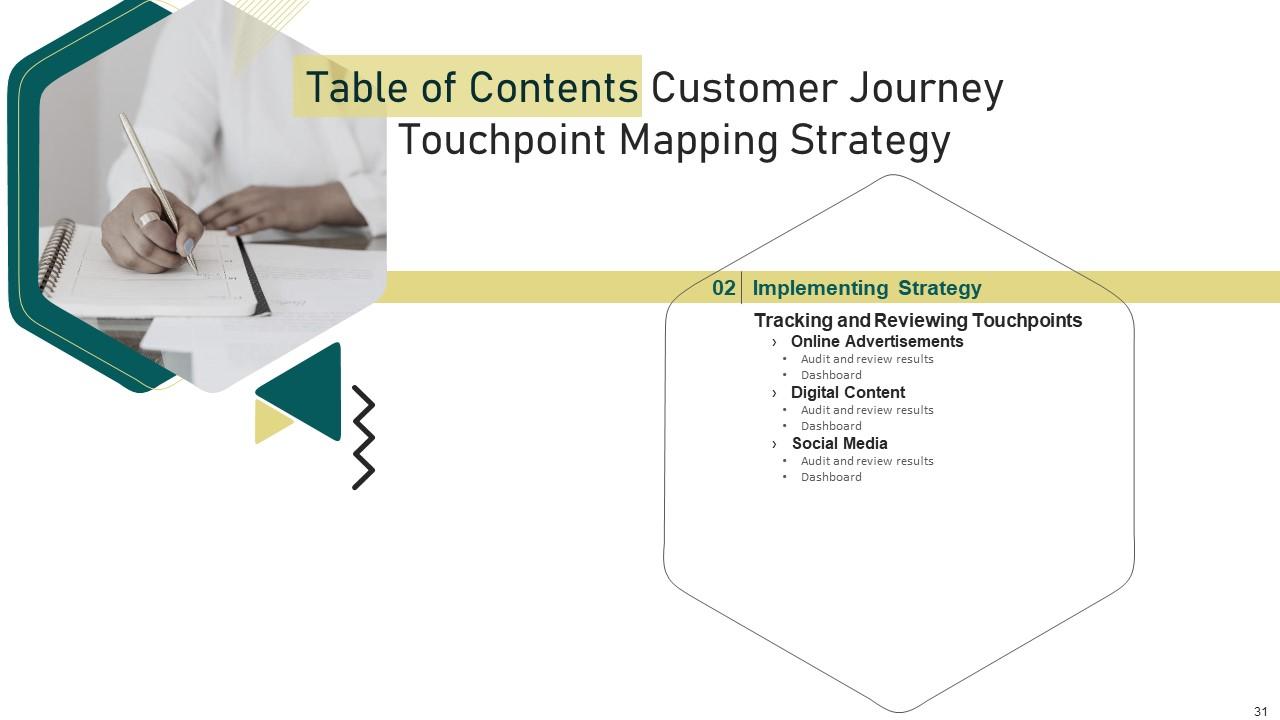
Slide 31: This slide depicts title for six topics that are to be covered next in the template.
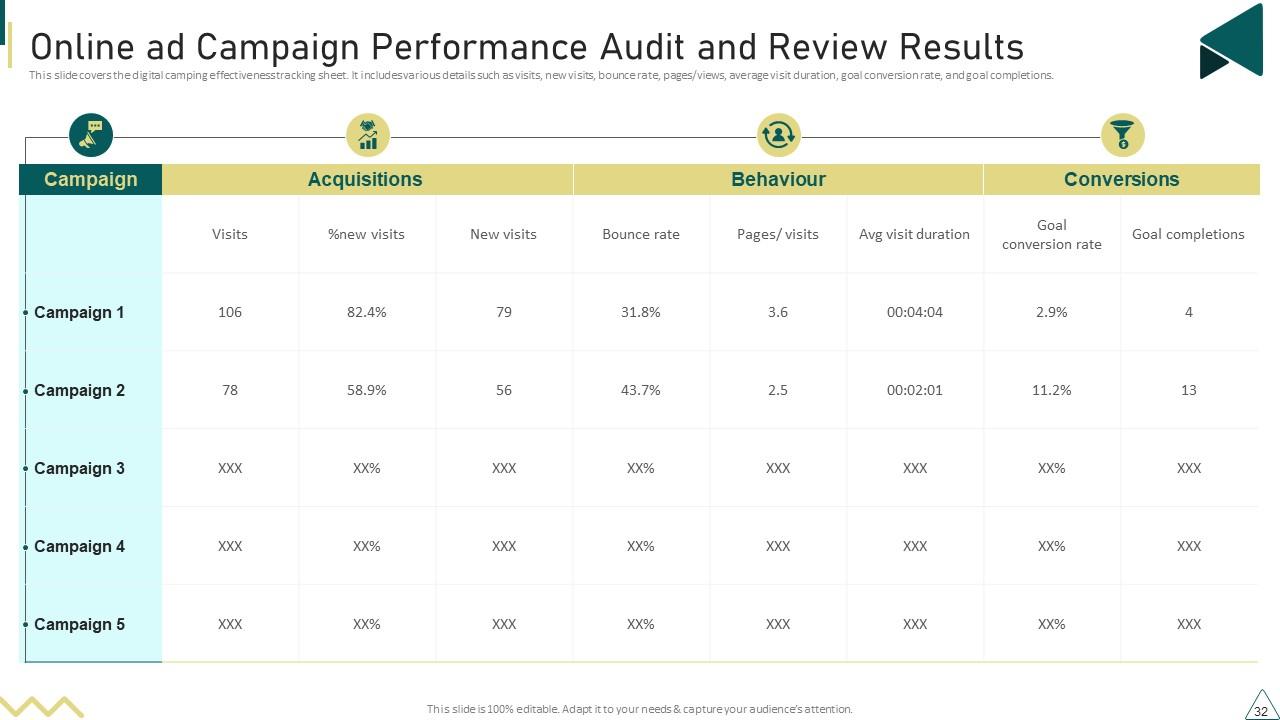
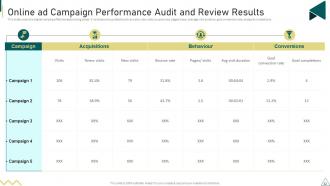
Slide 32: This slide covers the digital camping effectiveness tracking sheet.
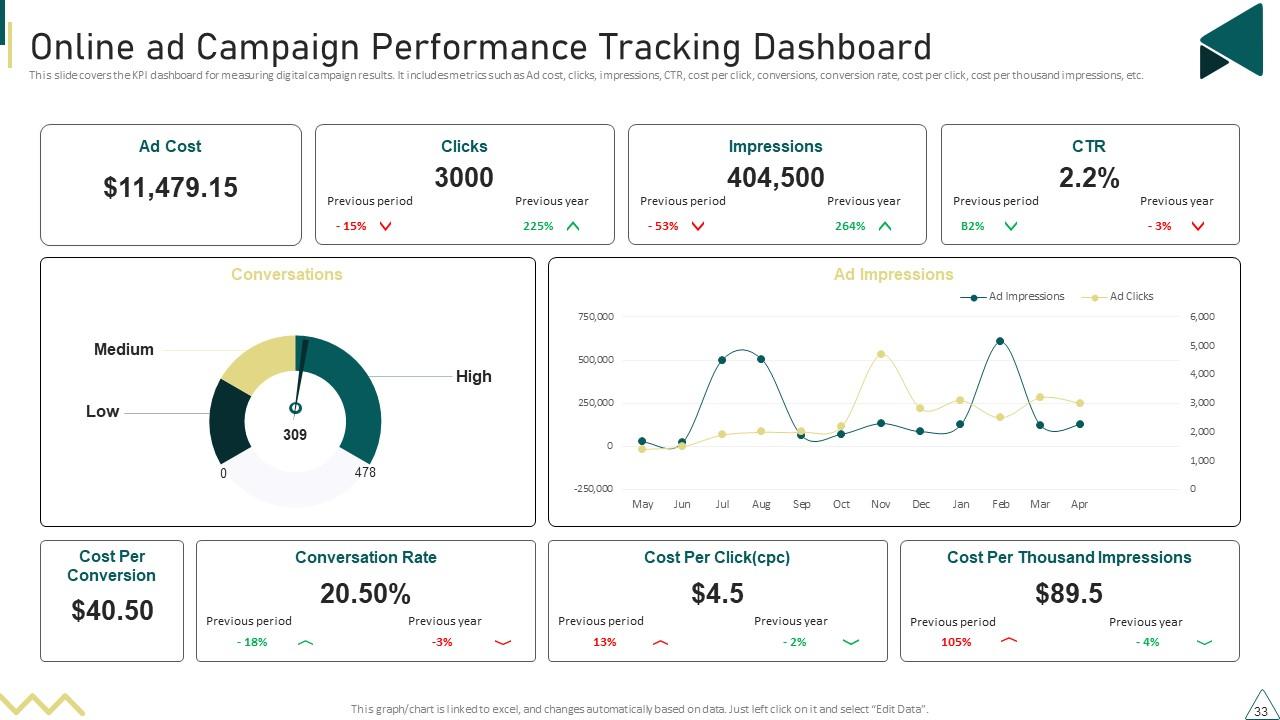
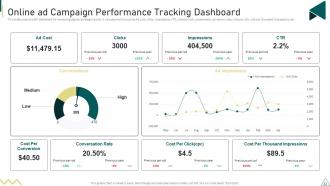
Slide 33: This slide covers the KPI dashboard for measuring digital campaign results.
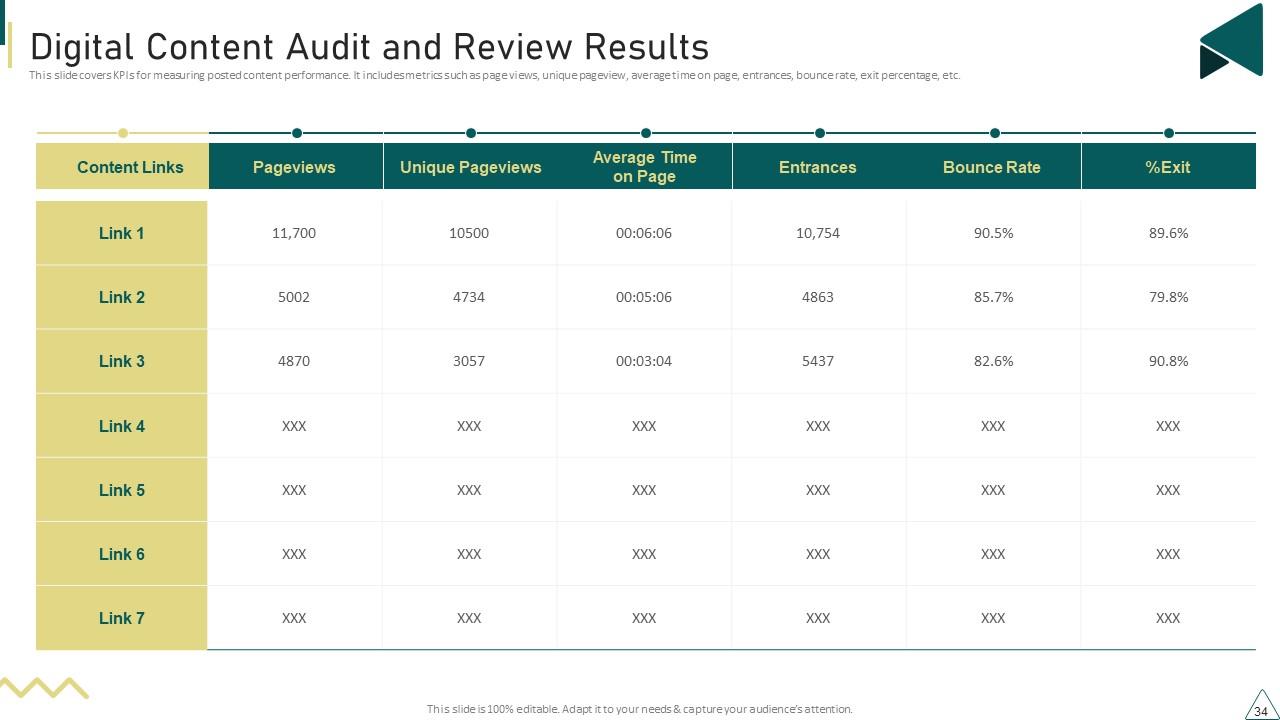
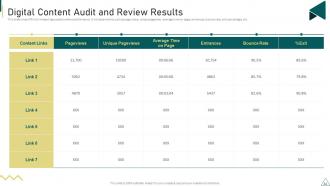
Slide 34: This slide covers KPIs for measuring posted content performance.
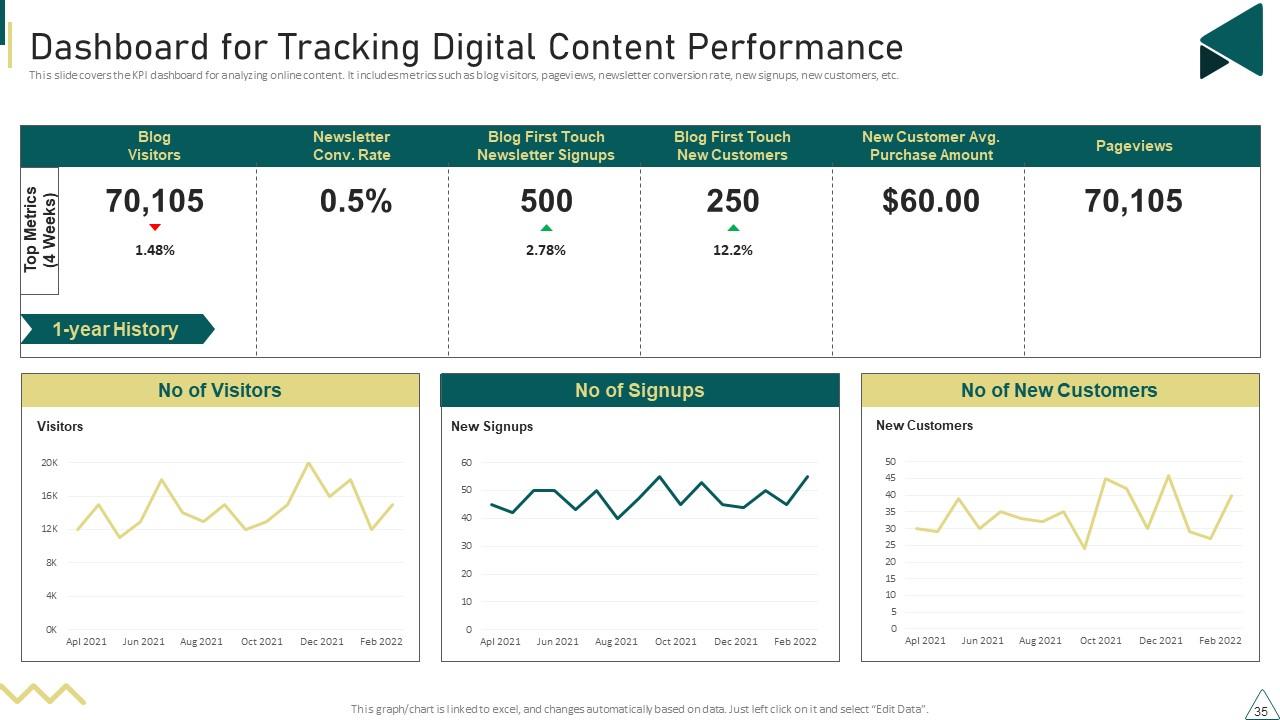
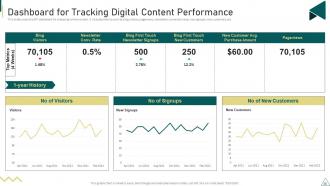
Slide 35: This slide covers the KPI dashboard for analyzing online content.
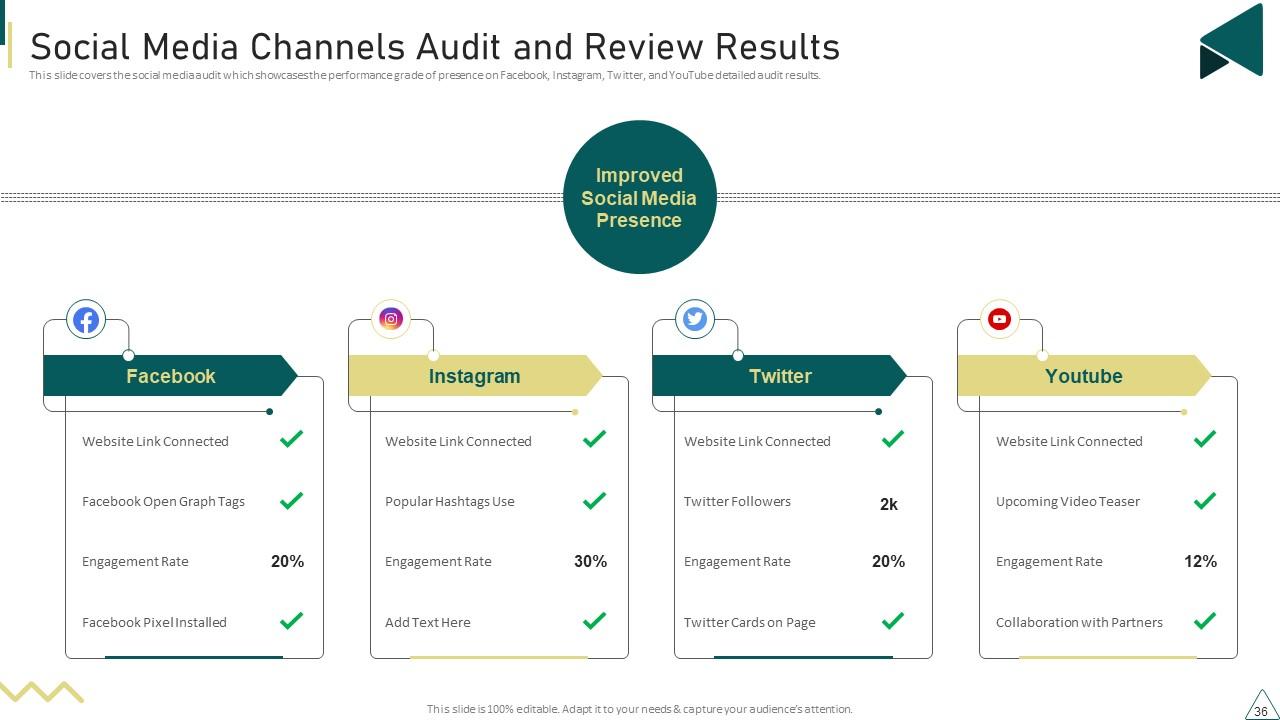
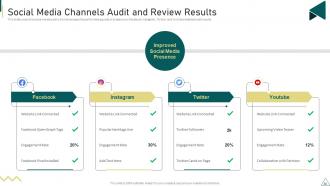
Slide 36: This slide covers the social media audit which showcases the performance grade of presence on Facebook, Instagram, Twitter, etc.
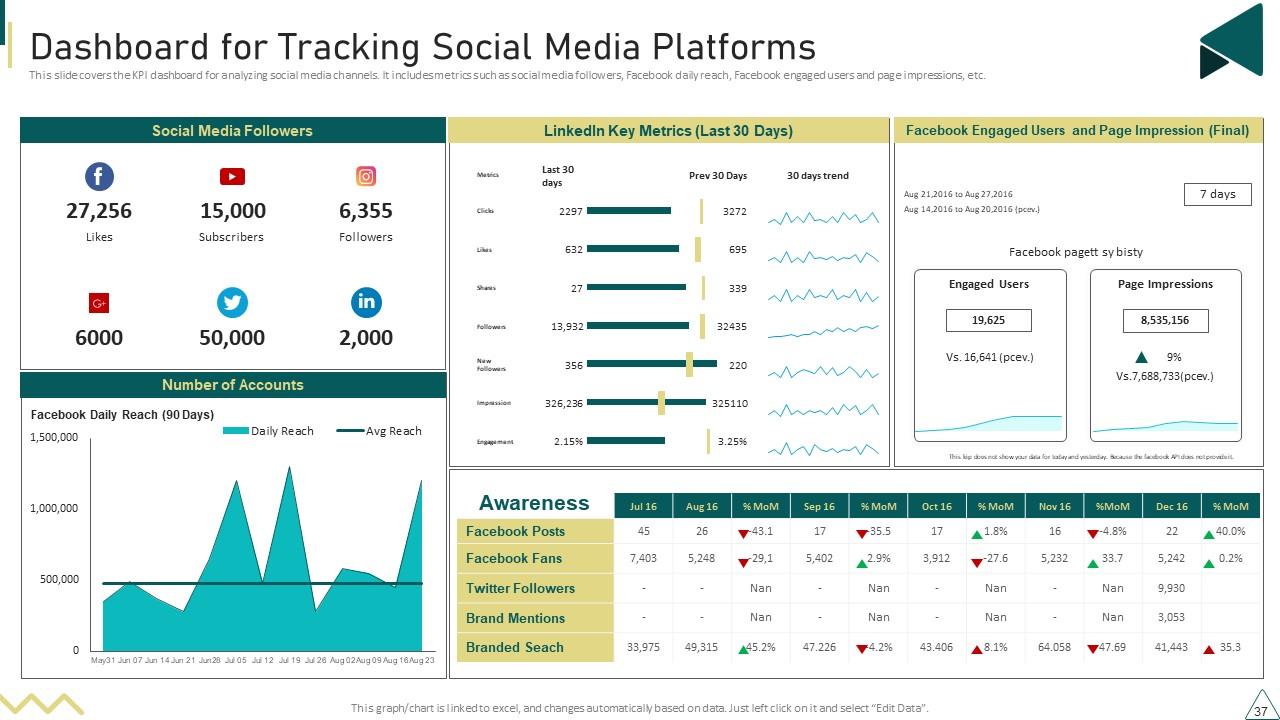
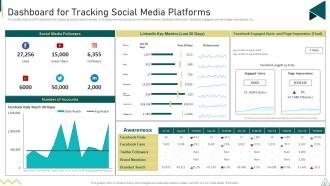
Slide 37: This slide covers the KPI dashboard for analyzing social media channels.
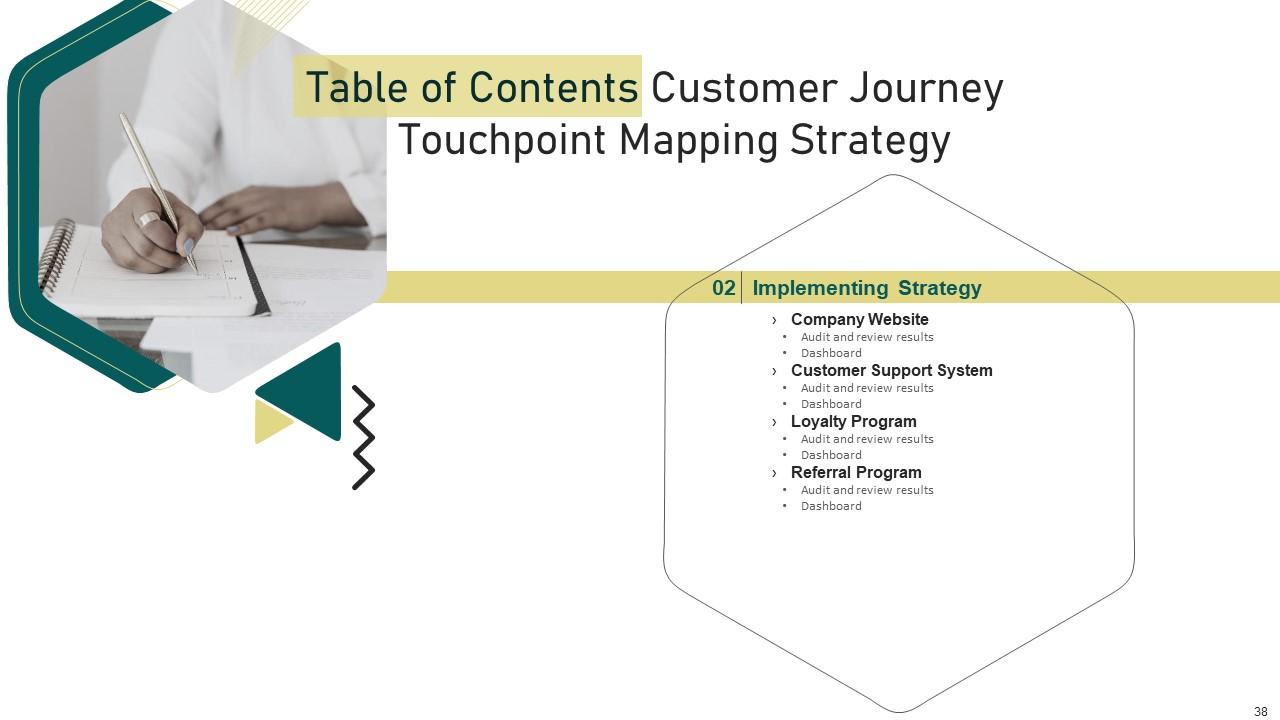
Slide 38: This slide depicts title for nine topics that are to be covered next in the template.
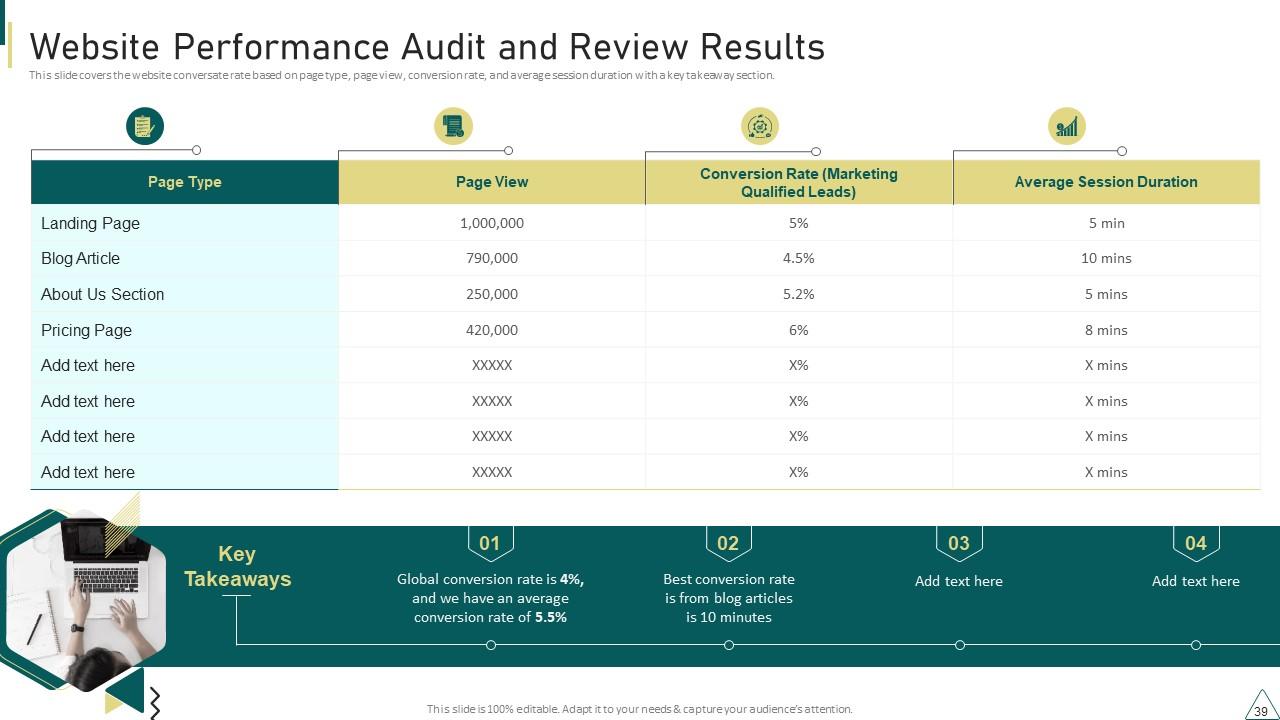
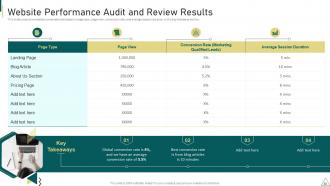
Slide 39: This slide covers the website conversate rate based on page type, page view, conversion rate, and average session duration with a key takeaway section.
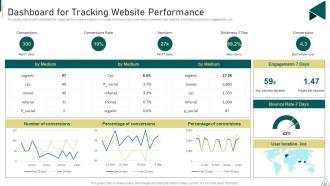
Slide 40: This slide covers the KPI dashboard for analyzing the company website.
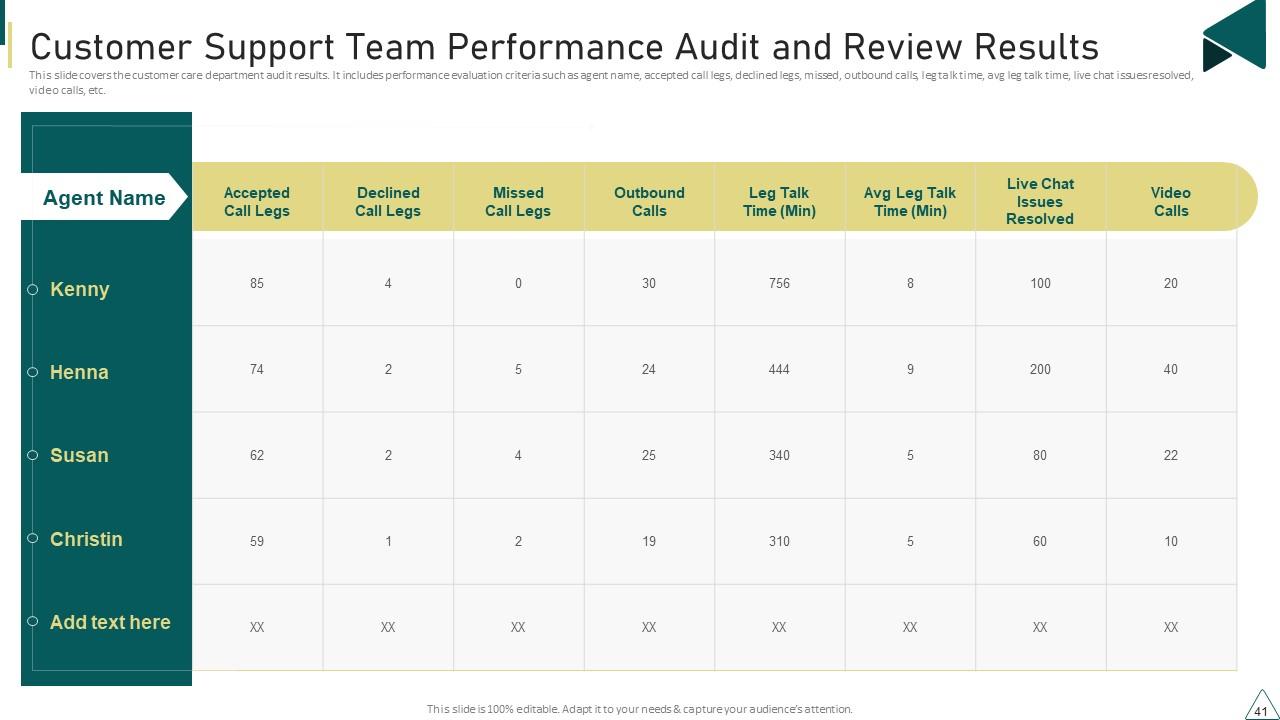
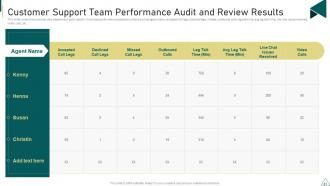
Slide 41: This slide covers the customer care department audit results.
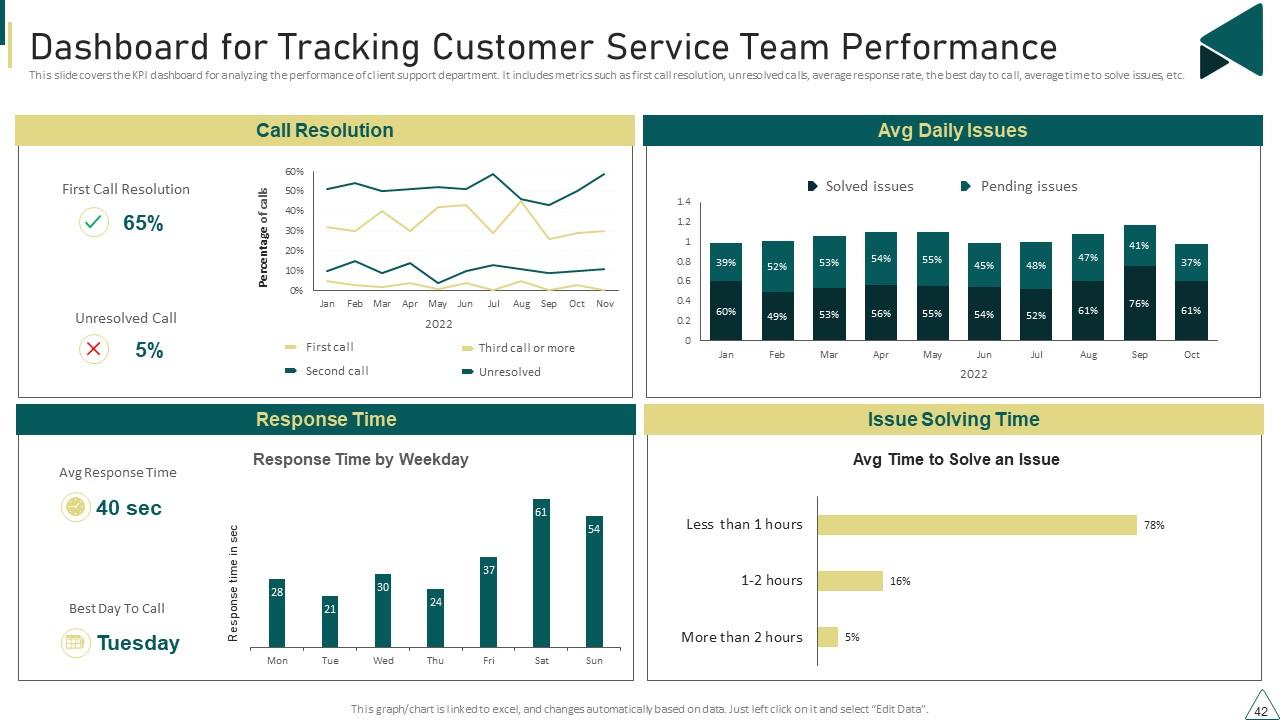
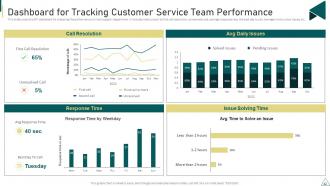
Slide 42: This slide covers the KPI dashboard for analyzing the performance of client support department.
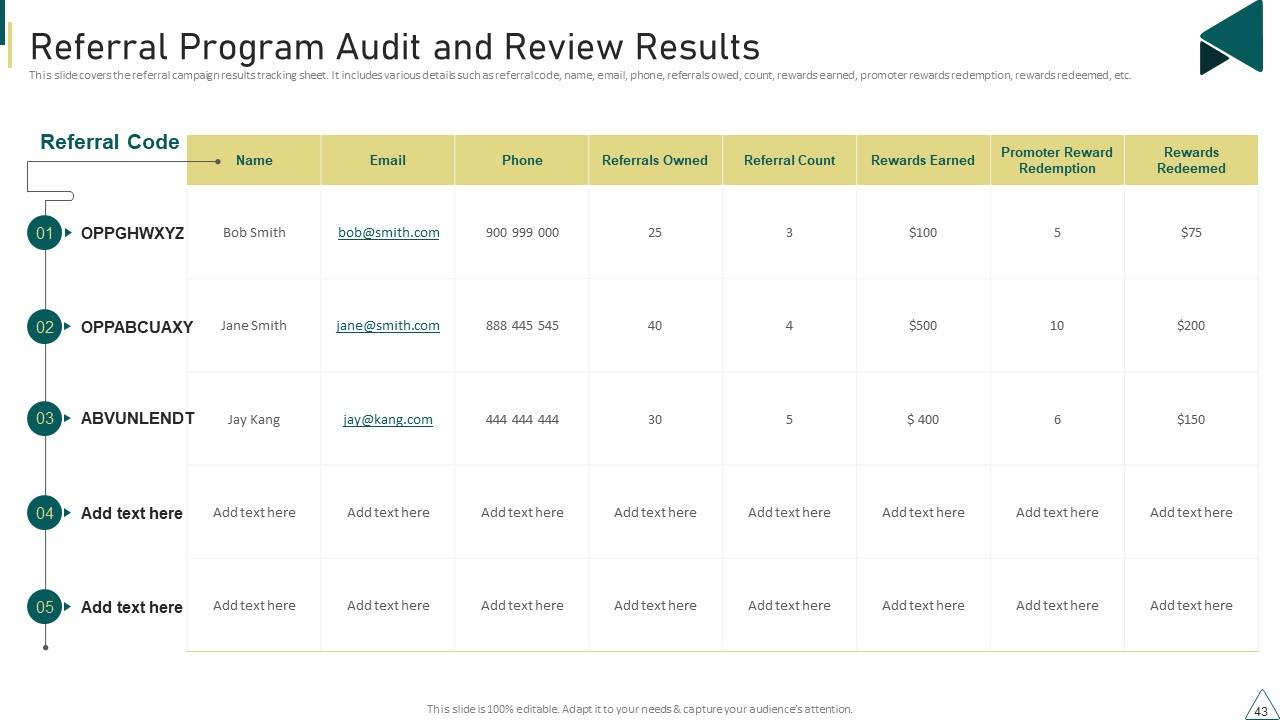
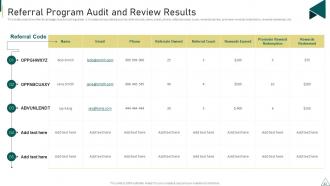
Slide 43: This slide covers the referral campaign results tracking sheet.
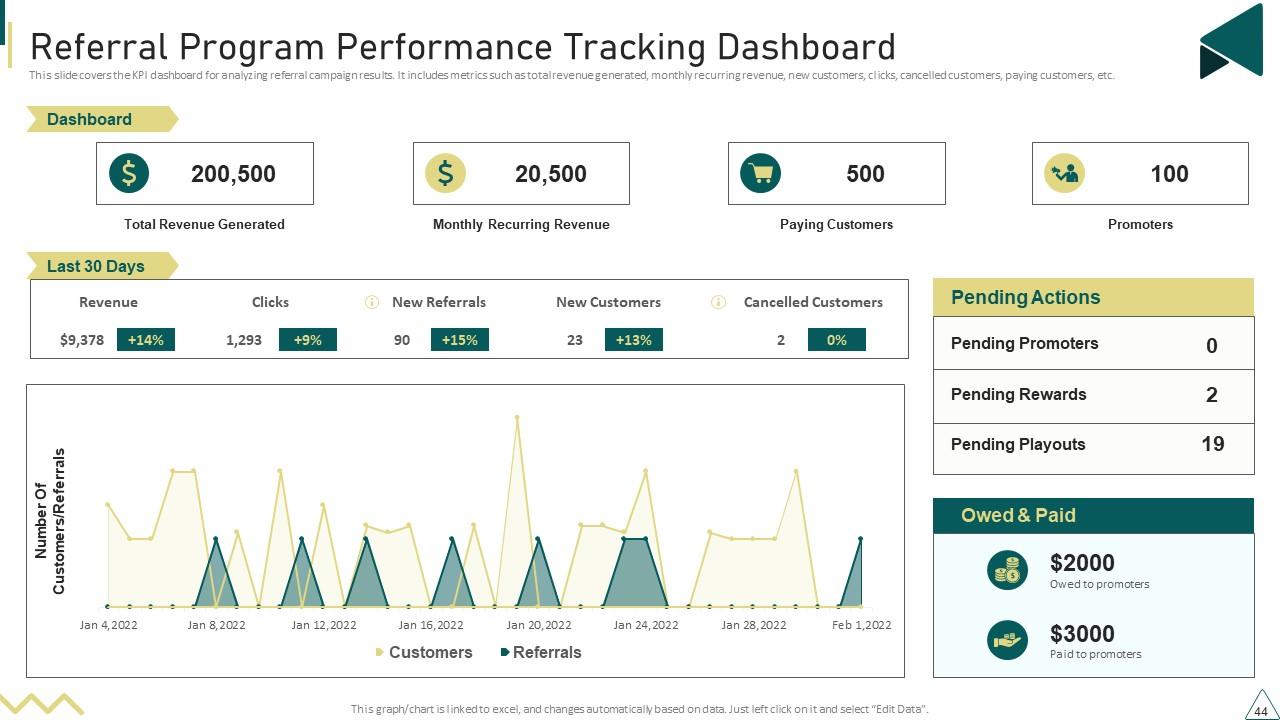
Slide 44: This slide covers the KPI dashboard for analyzing referral campaign results.
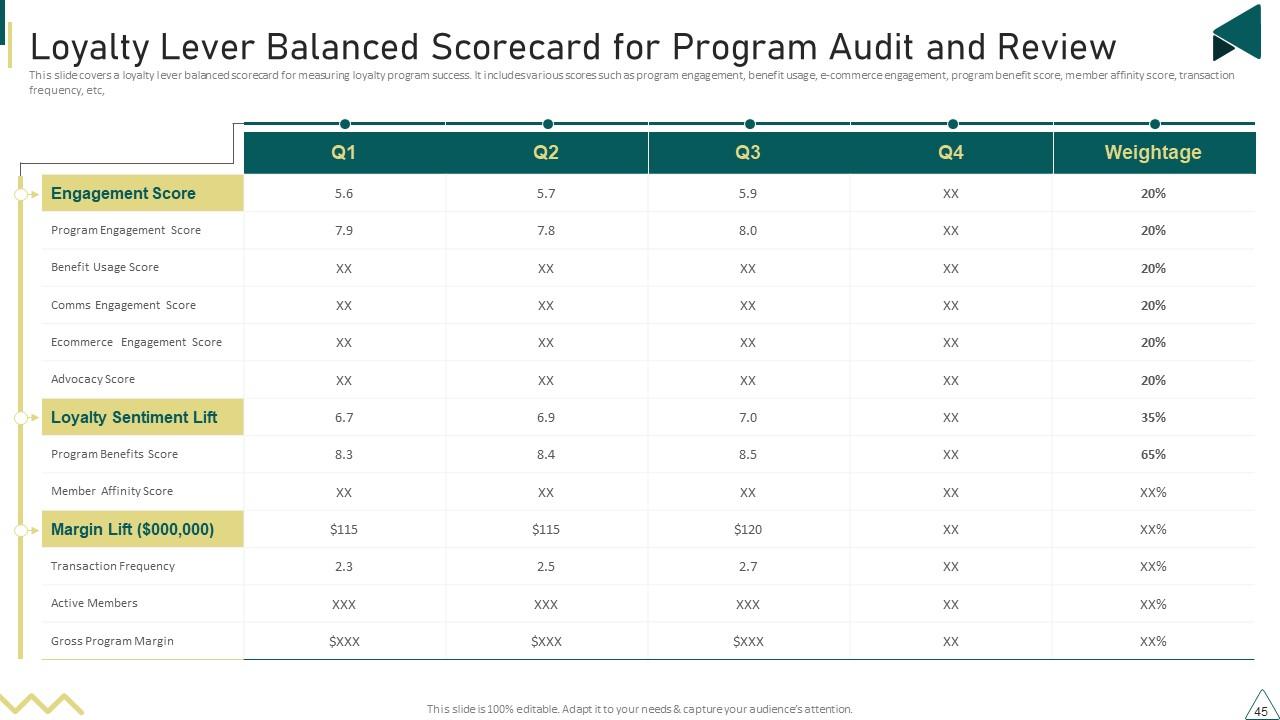
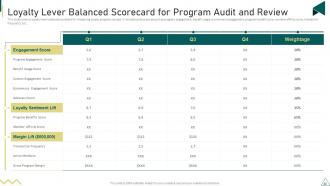
Slide 45: This slide covers a loyalty lever balanced scorecard for measuring loyalty program success.
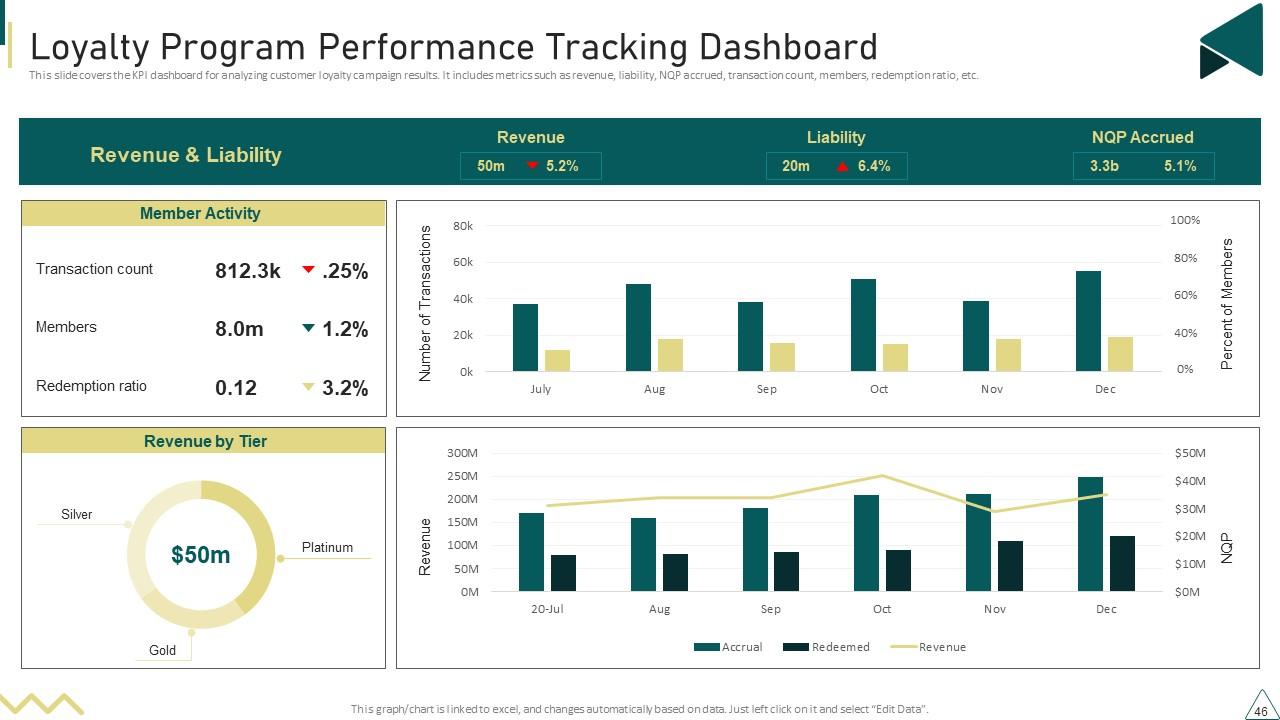
Slide 46: This slide covers the KPI dashboard for analyzing customer loyalty campaign results.
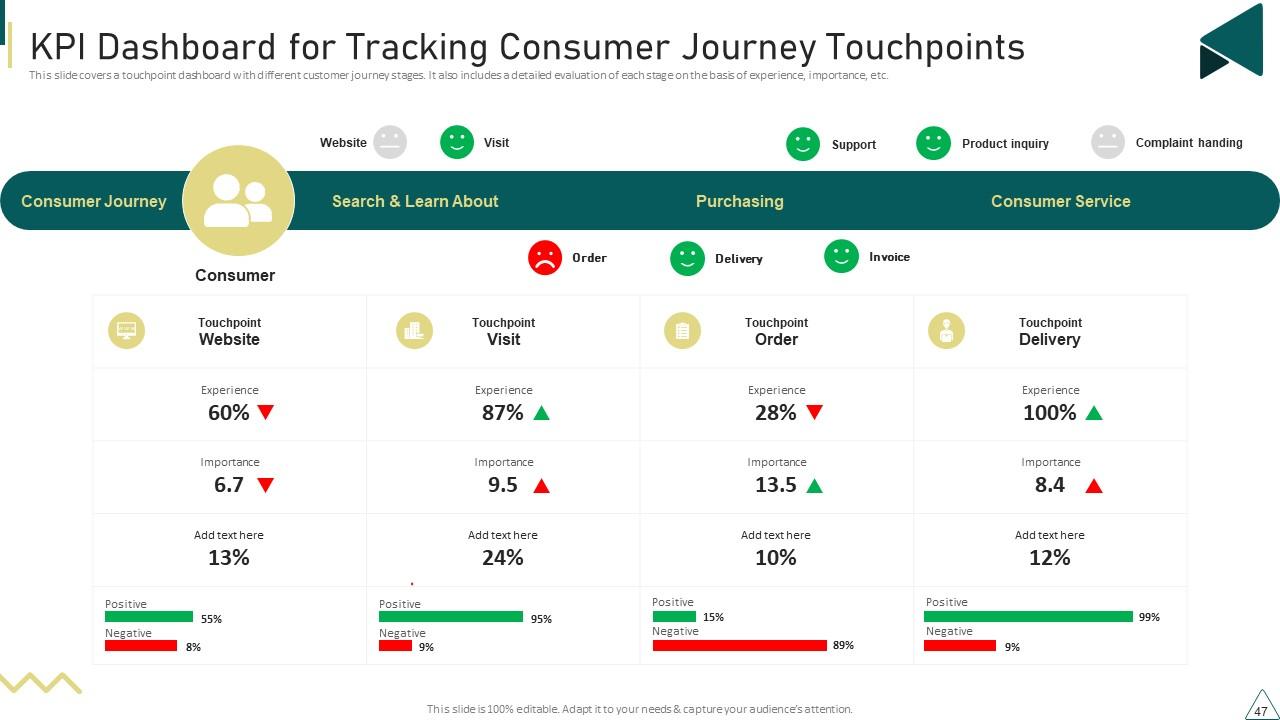
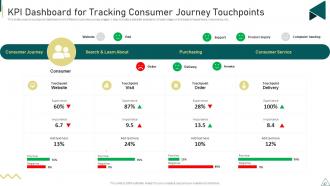
Slide 47: This slide covers a touchpoint dashboard with different customer journey stages.
Slide 48: This slide contains all the icons used in this presentation.
Slide 49: This slide is titled as Additional Slides for moving forward.
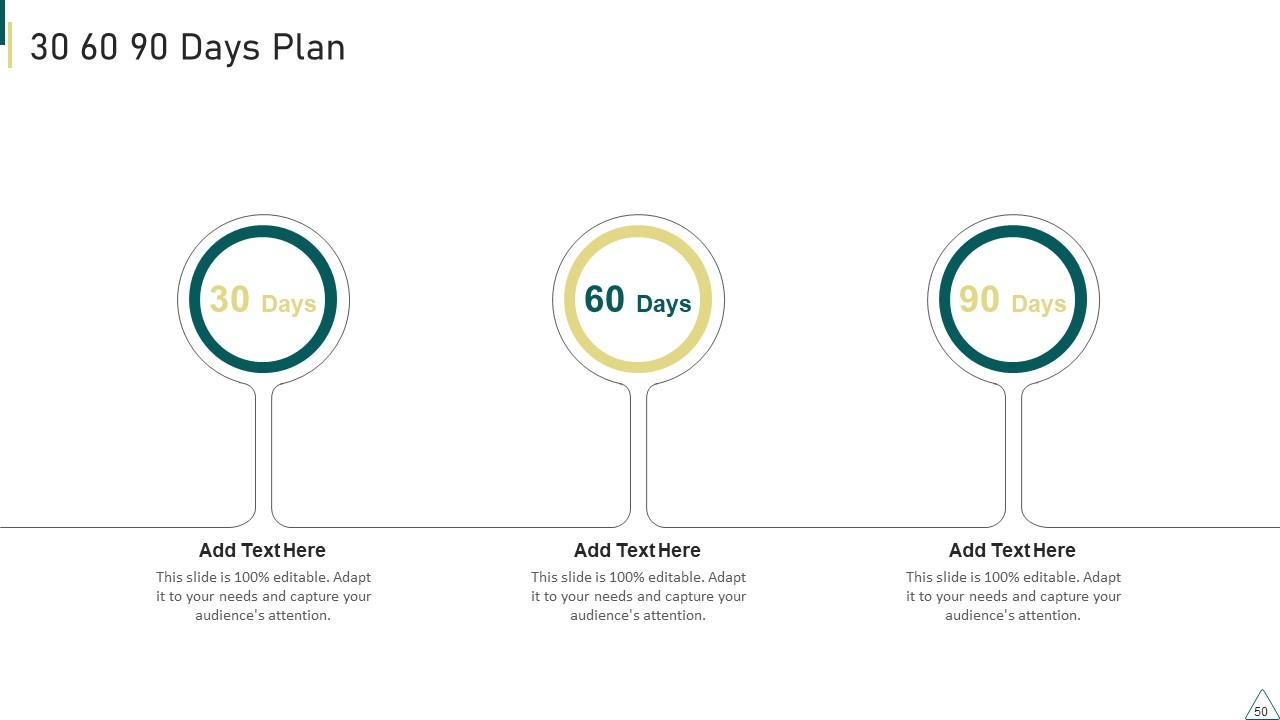
Slide 50: This slide provides 30 60 90 Days Plan with text boxes.
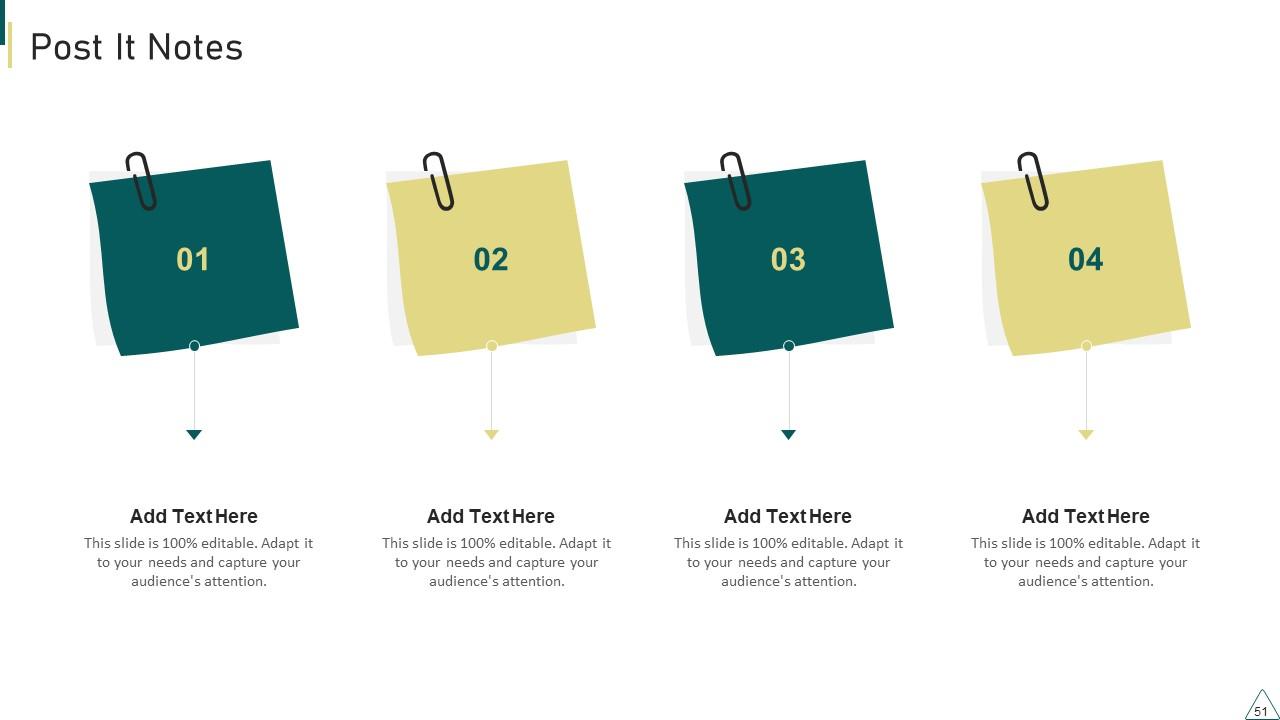
Slide 51: This slide shows Post It Notes. Post your important notes here.
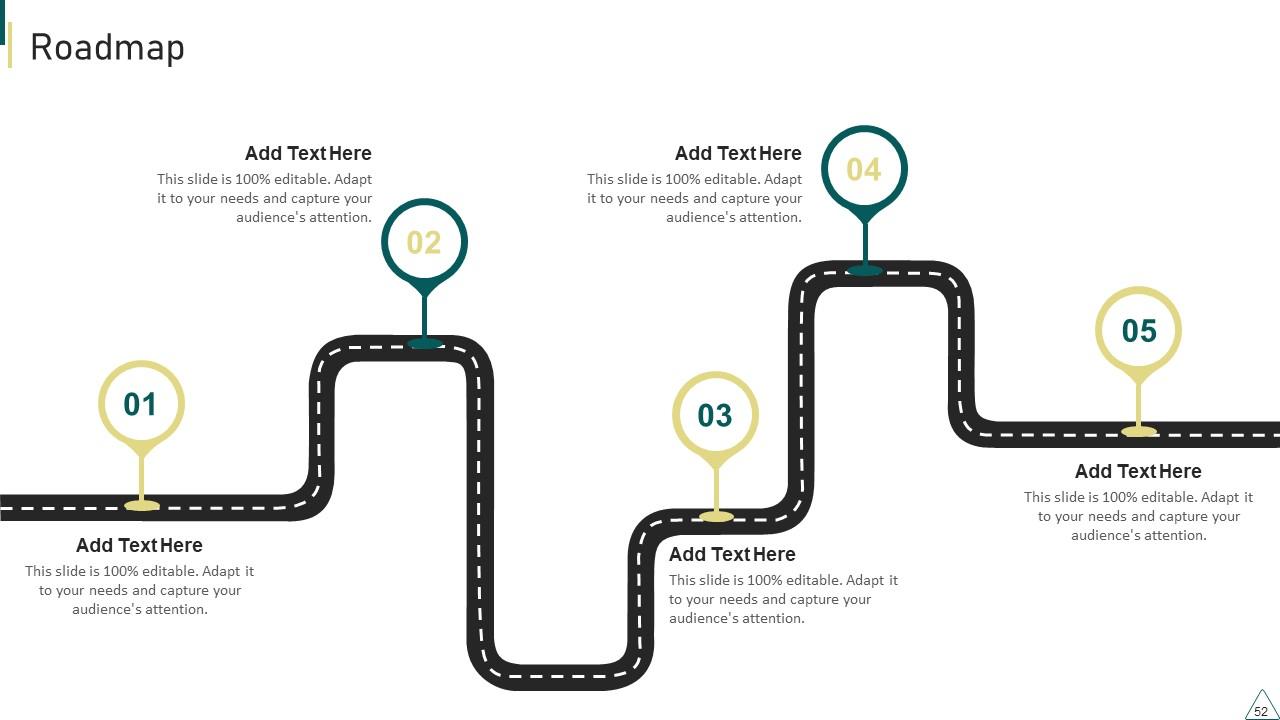
Slide 52: This slide presents Roadmap with additional textboxes.
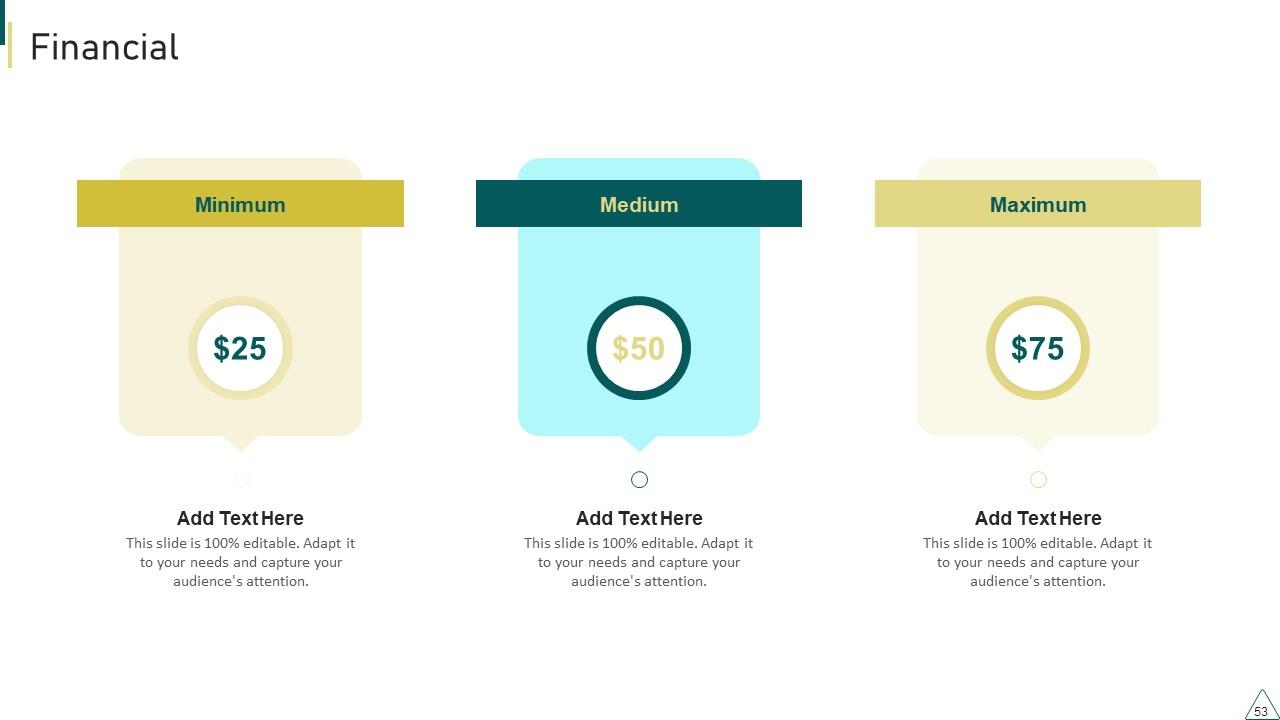
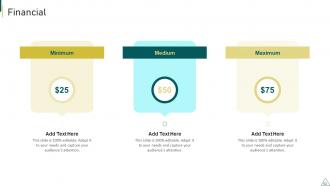
Slide 53: This is a Financial slide. Show your finance related stuff here.
Slide 54: This is an Idea Generation slide to state a new idea or highlight information, specifications etc.
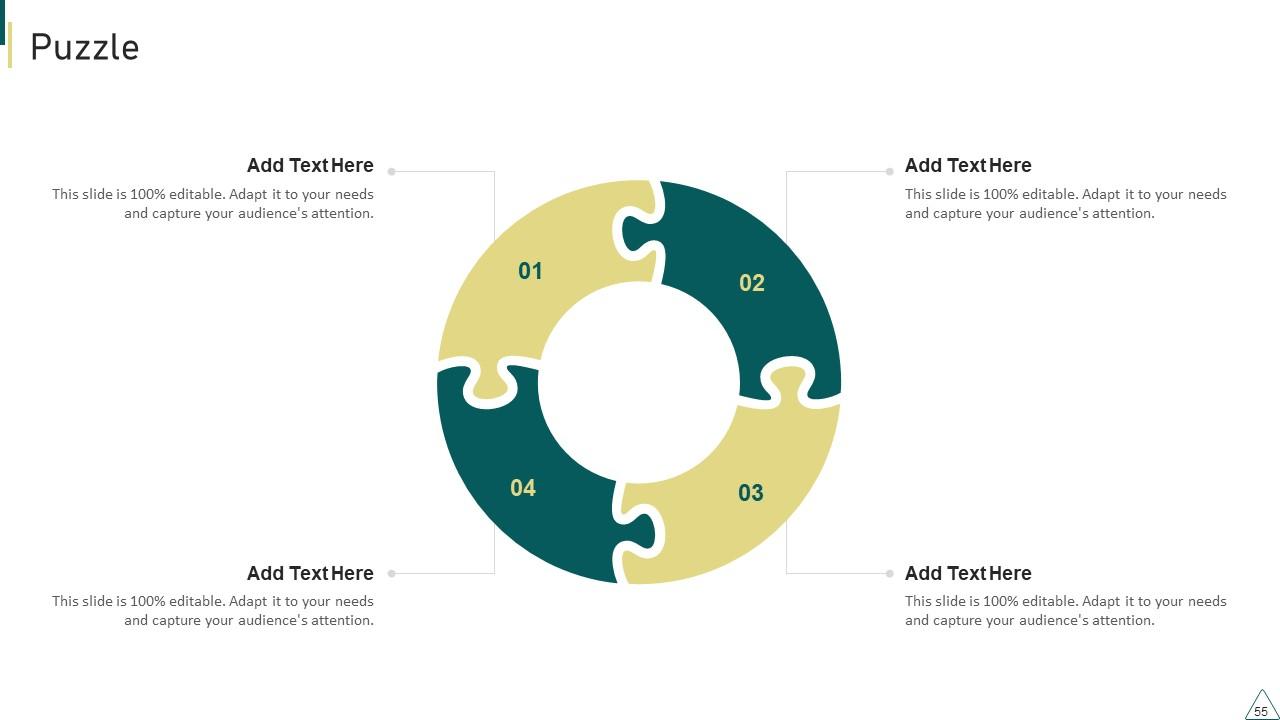
Slide 55: This slide contains Puzzle with related icons and text.
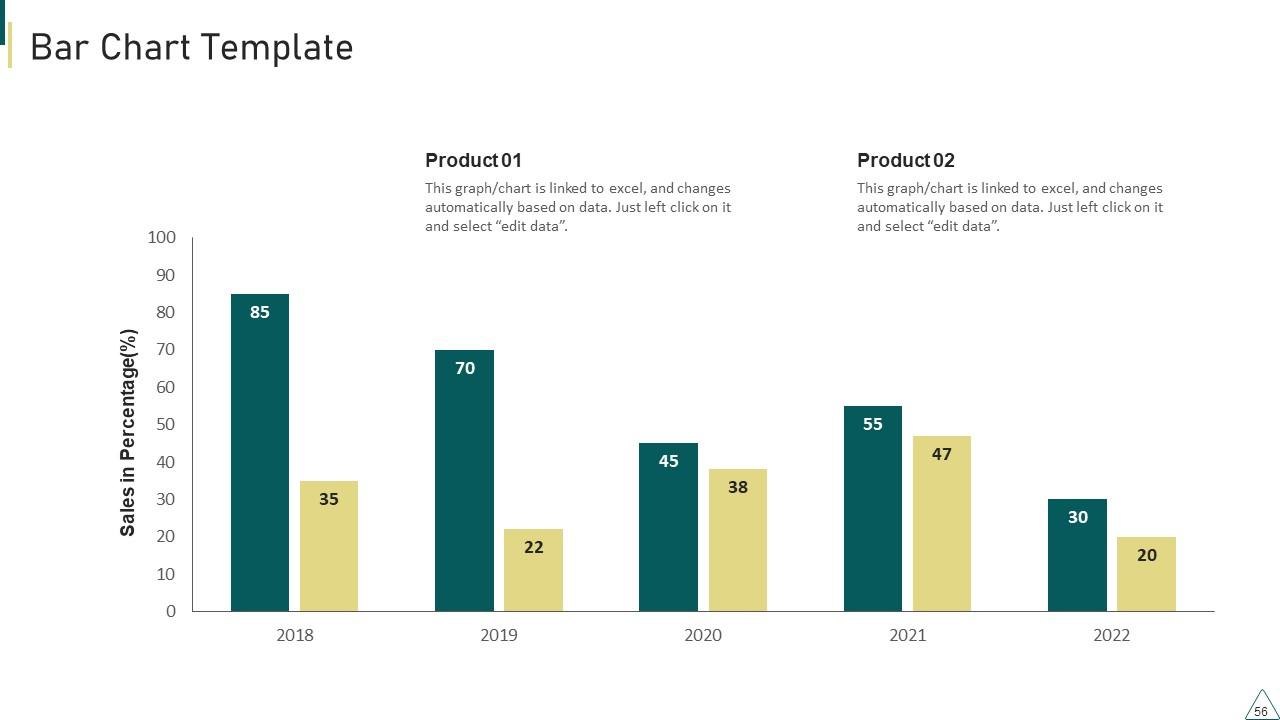
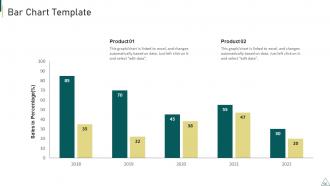
Slide 56: This slide presents Bar chart with two products comparison.
Slide 57: This slide showcases Magnifying Glass to highlight information, specifications etc
Slide 58: This is a Thank You slide with address, contact numbers and email address.
Customer Journey Touchpoint Mapping Strategy Powerpoint Presentation Slides with all 63 slides:
Use our Customer Journey Touchpoint Mapping Strategy Powerpoint Presentation Slides to effectively help you save your valuable time. They are readymade to fit into any presentation structure.
-
Kudos to SlideTeam for achieving the high success rate in delivering the top-notch slides.
-
SlideTeam’s readymade presentations have landed my unique images with my bosses in the past and it continues to reward me.
