


Customer Onboarding Journey Process And Strategies Powerpoint Presentation Slides
The customer onboarding journey is an important phase of the customer lifecycle to retain them. Check out our professionally crafted Customer Onboarding Journey Process and Strategies template. It showcases whether a customer uses your product for an extended period or abandons it after a few months. Our Customer Onboarding and strategies deck help organizations to attract new potential customers. It covers the challenges faced in client onboarding and its impact on the firm. The presentation further provides an overview of user onboarding journey process needs and positive survey results. Additionally, our Customer Persona PPT incorporates various steps in the onboarding journey. These include creating a signup page, sending a welcome email, the users initial login, etc. It further exhibits the strategies used to enhance clients onboarding journey by adopting software, preparing and tracking journey maps, and creating a customer persona. Lastly, it showcases the cost spent on each strategy adopted and its positive impact on the firm. Get access to this powerful template now.


































-

- Google Slides is a new FREE Presentation software from Google.
- All our content is 100% compatible with Google Slides.
- Just download our designs, and upload them to Google Slides and they will work automatically.
- Amaze your audience with SlideTeam and Google Slides.
-

Want Changes to This PPT Slide? Check out our Presentation Design Services
-

- WideScreen Aspect ratio is becoming a very popular format. When you download this product, the downloaded ZIP will contain this product in both standard and widescreen format.
-

- Some older products that we have may only be in standard format, but they can easily be converted to widescreen.
- To do this, please open the SlideTeam product in Powerpoint, and go to
- Design ( On the top bar) -> Page Setup -> and select "On-screen Show (16:9)” in the drop down for "Slides Sized for".
- The slide or theme will change to widescreen, and all graphics will adjust automatically. You can similarly convert our content to any other desired screen aspect ratio.
Compatible With Google Slides

Get This In WideScreen
You must be logged in to download this presentation.


Do you want to remove this product from your favourites?
PowerPoint presentation slides
Deliver this complete deck to your team members and other collaborators. Encompassed with stylized slides presenting various concepts, this Customer Onboarding Journey Process And Strategies Powerpoint Presentation Slides is the best tool you can utilize. Personalize its content and graphics to make it unique and thought-provoking. All the sixty four slides are editable and modifiable, so feel free to adjust them to your business setting. The font, color, and other components also come in an editable format making this PPT design the best choice for your next presentation. So, download now.

People who downloaded this PowerPoint presentation also viewed the following :
Content of this Powerpoint Presentation
Slide 1: This slide introduces Customer Onboarding Journey Process and Strategies. Commence by stating Your Company Name.
Slide 2: This slide depicts the Agenda of the presentation.
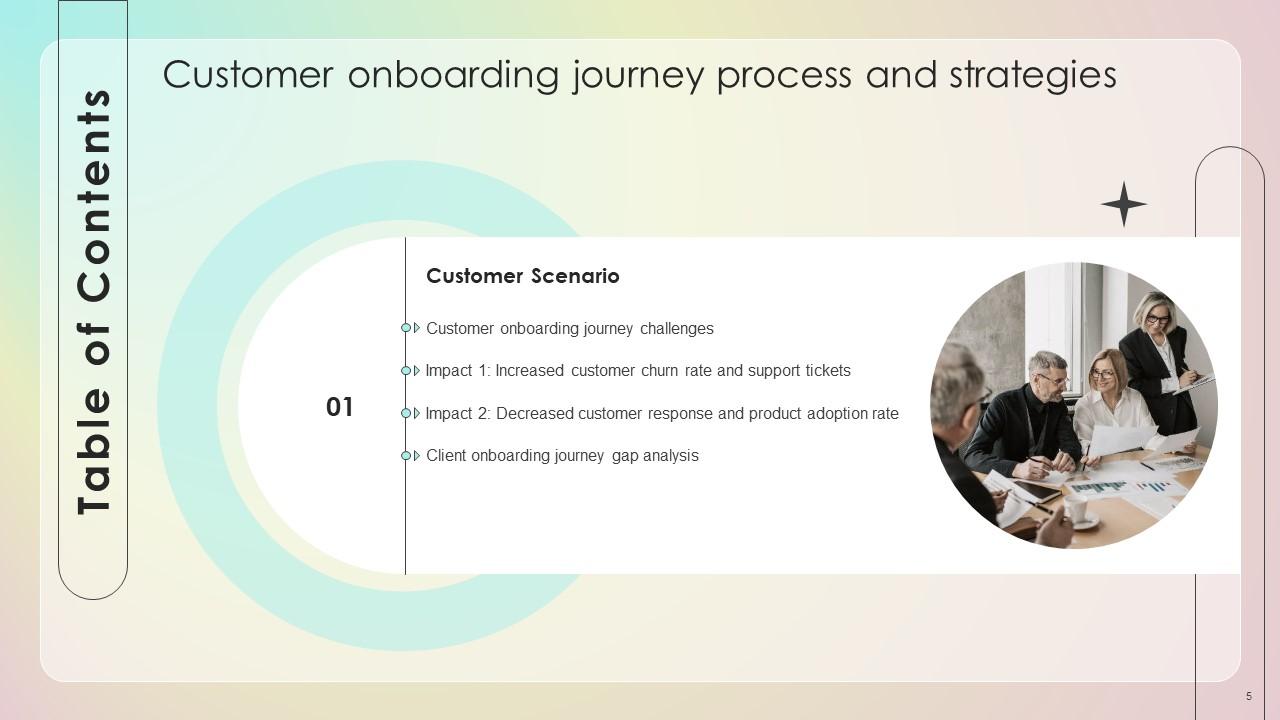
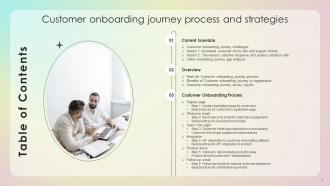
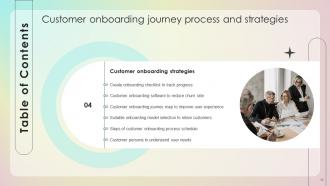
Slide 3: This slide incorporates the Table of Contents.
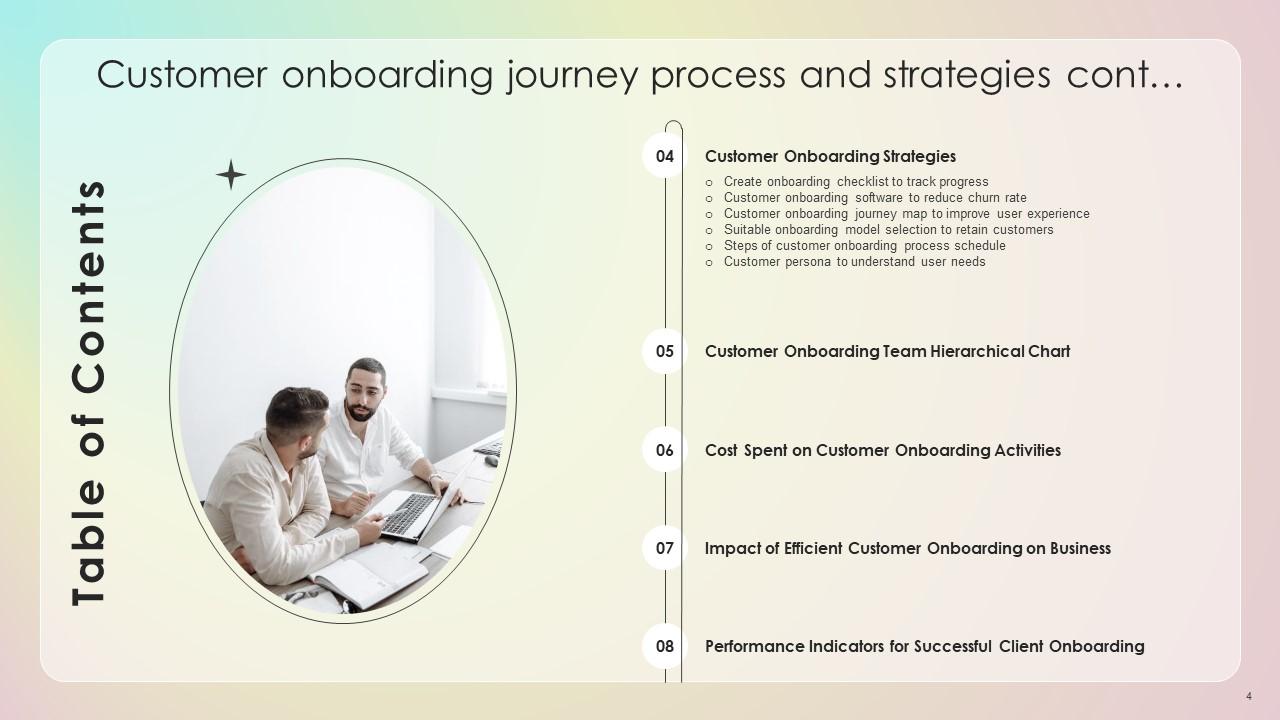
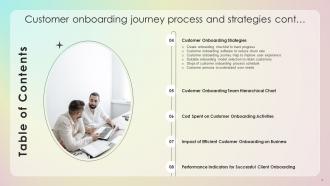
Slide 4: This is yet another slide contining the Table of Contents.
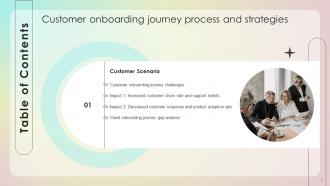
Slide 5: This slide highlights the Title for the Topics to be covered further.
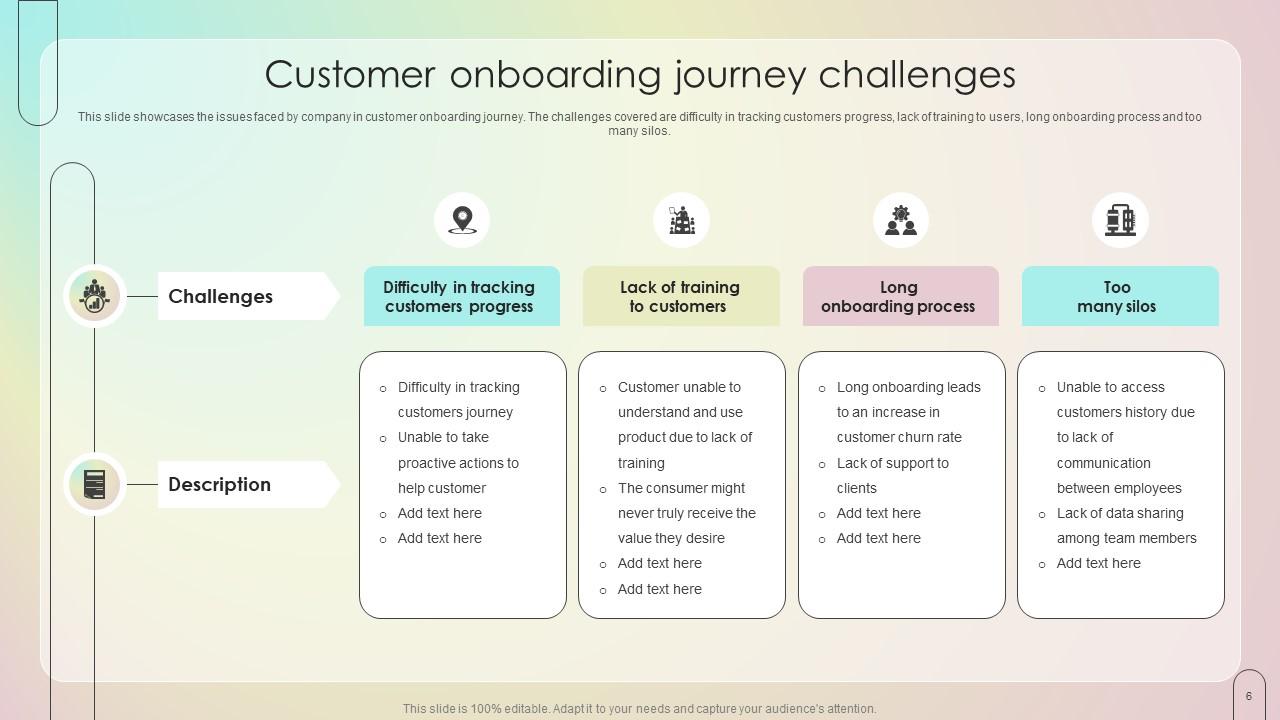
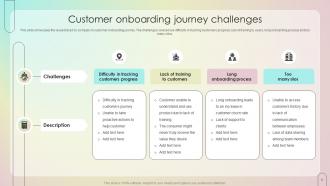
Slide 6: This slide showcases the issues faced by company in customer onboarding journey.
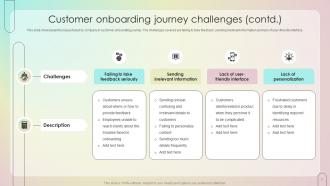
Slide 7: This slide continues the issues faced by company.
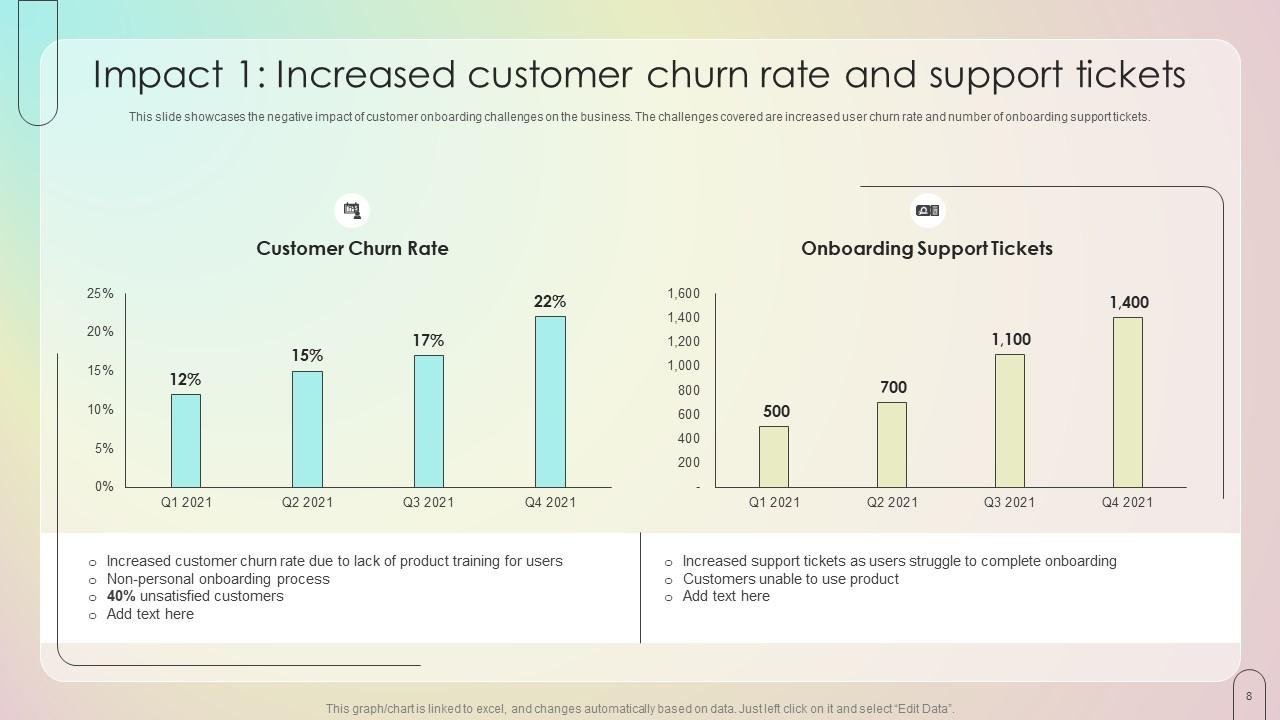
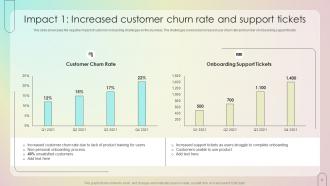
Slide 8: This slide elucidates the negative impact of customer onboarding challenges on the business.
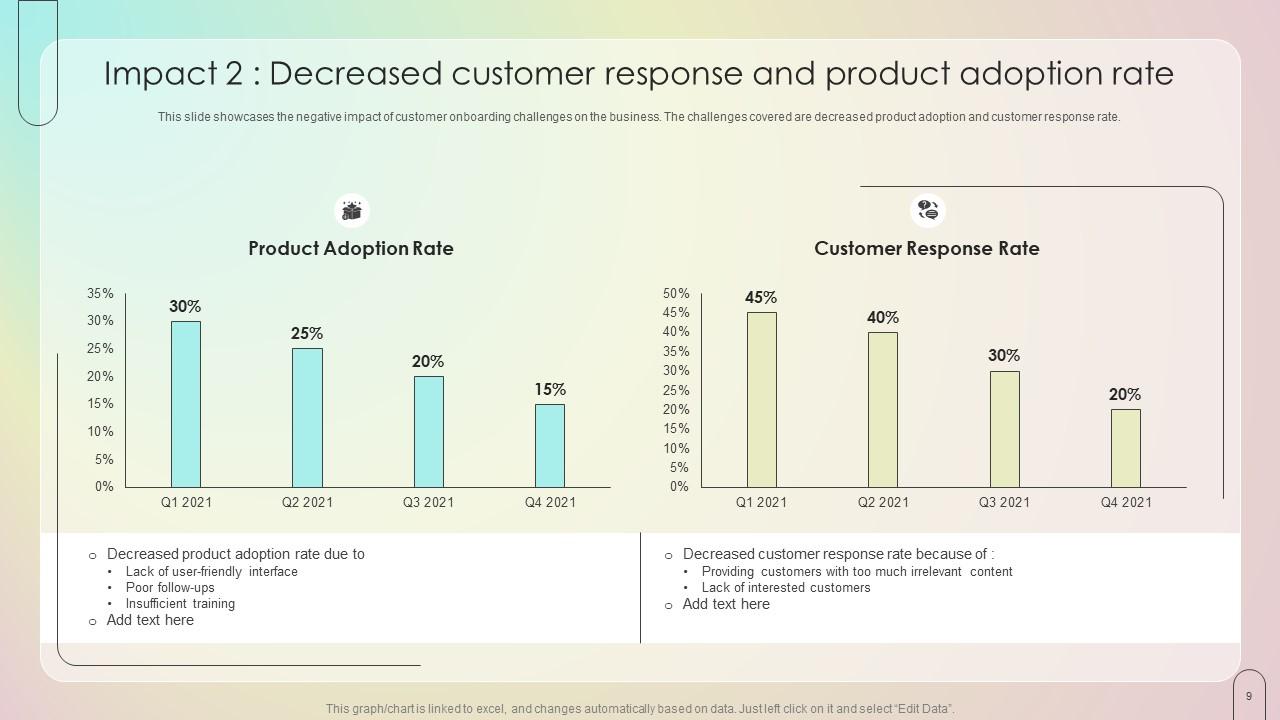
Slide 9: This slide showcases the negative impact of customer onboarding challenges on the business, in terms of Decreased customer response and product adoption rate.
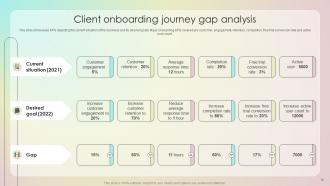
Slide 10: This slide presents the Client onboarding journey gap analysis.
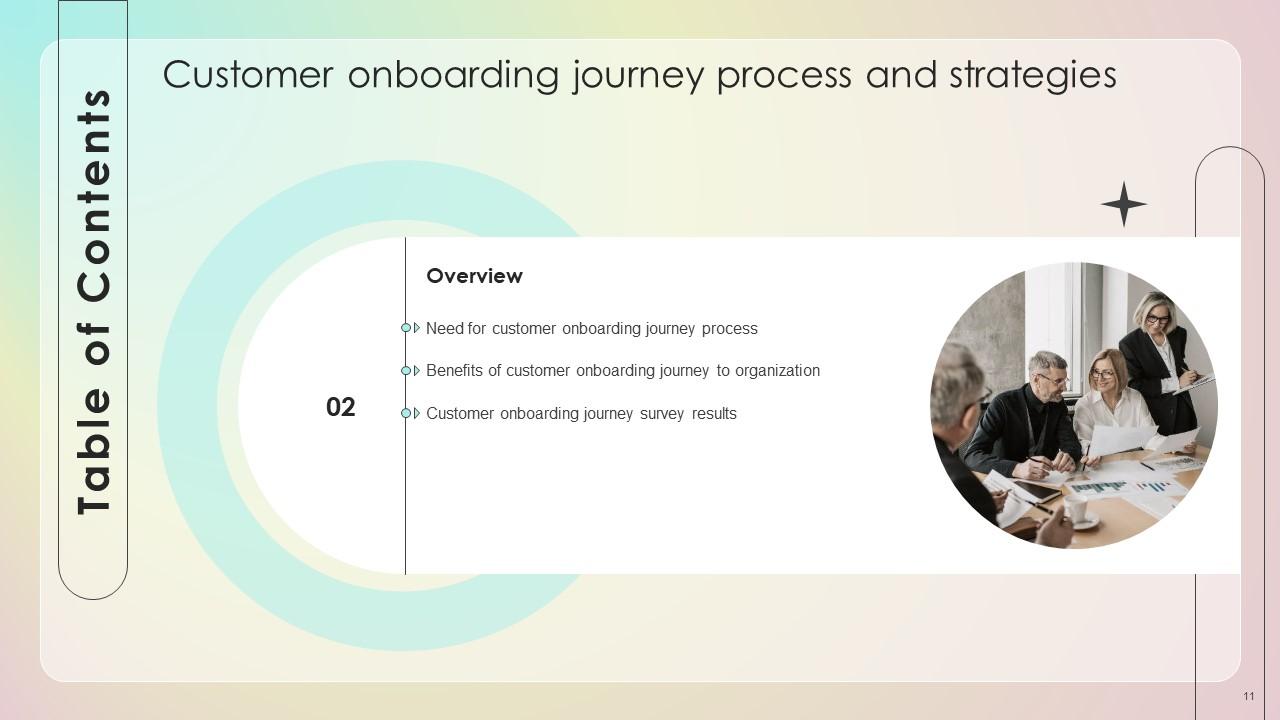
Slide 11: This slide contains the Heading for the Contents to be discussed next.
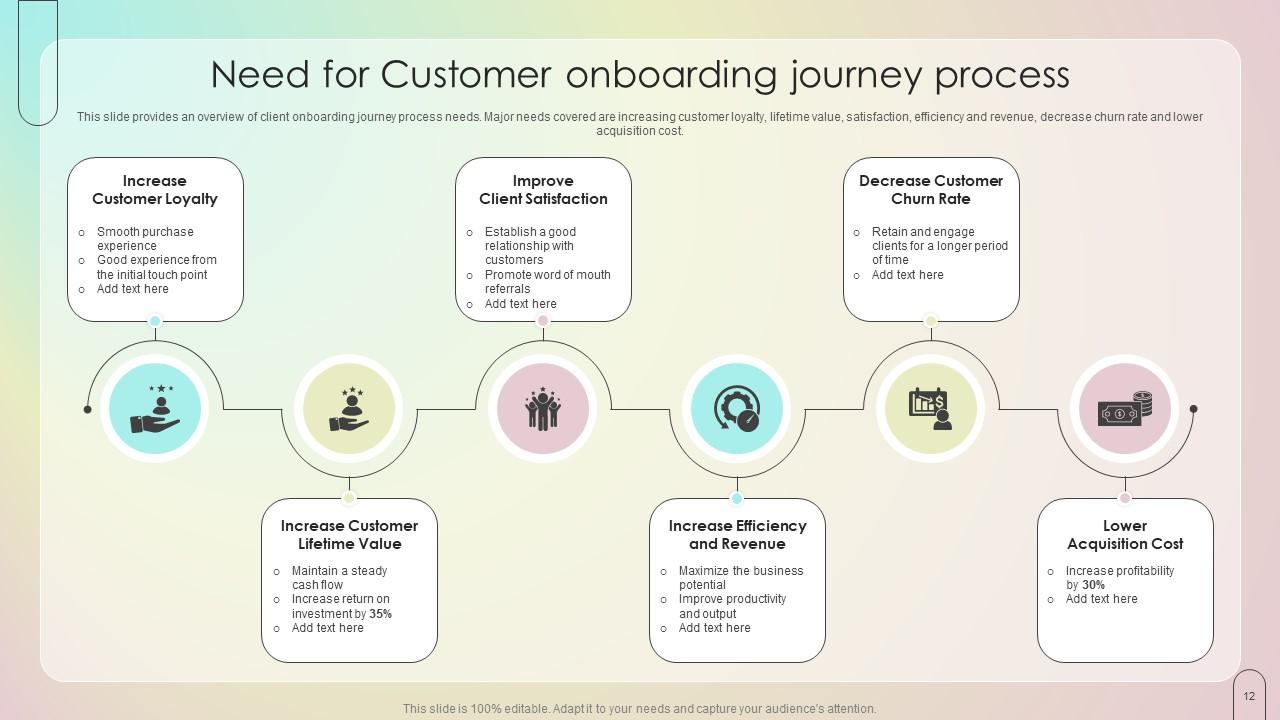
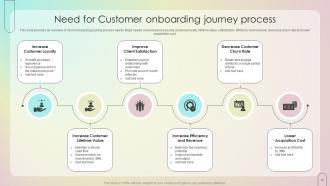
Slide 12: This slide emphasizes on the Need for Customer onboarding journey process.
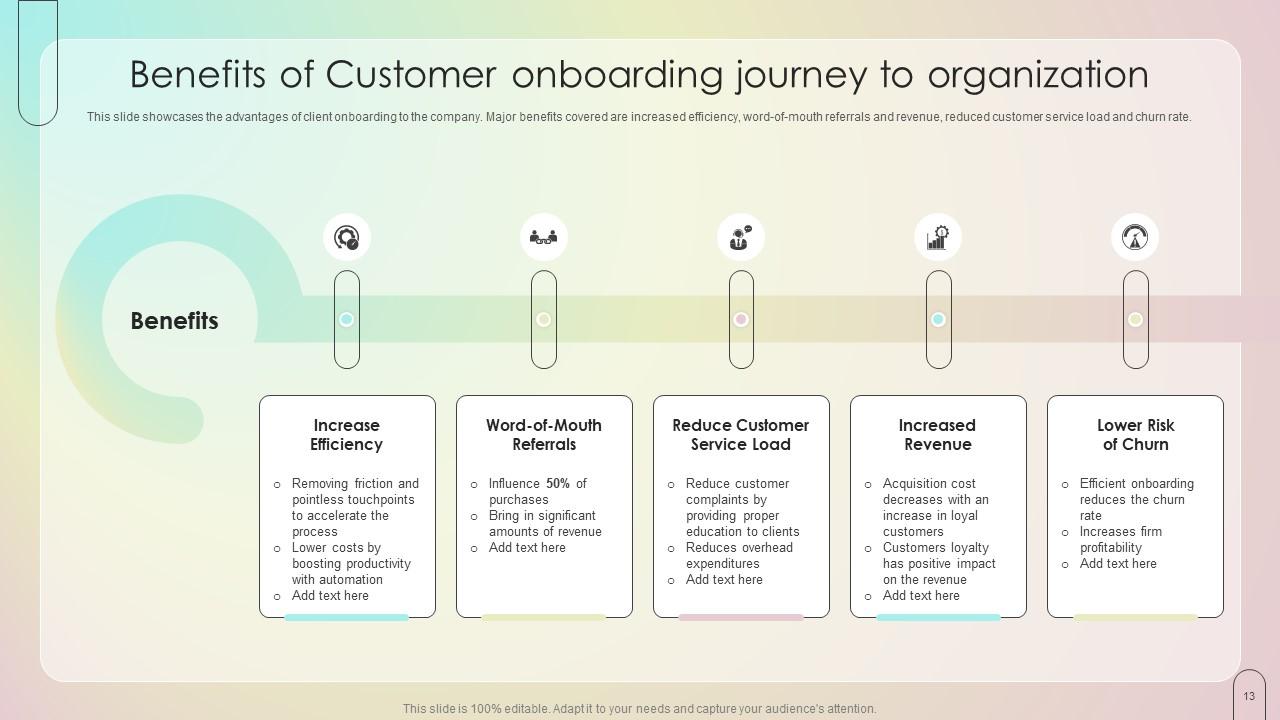
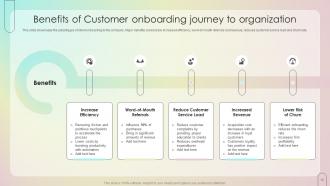
Slide 13: This slide presents the Benefits of Customer onboarding journey to the organization.
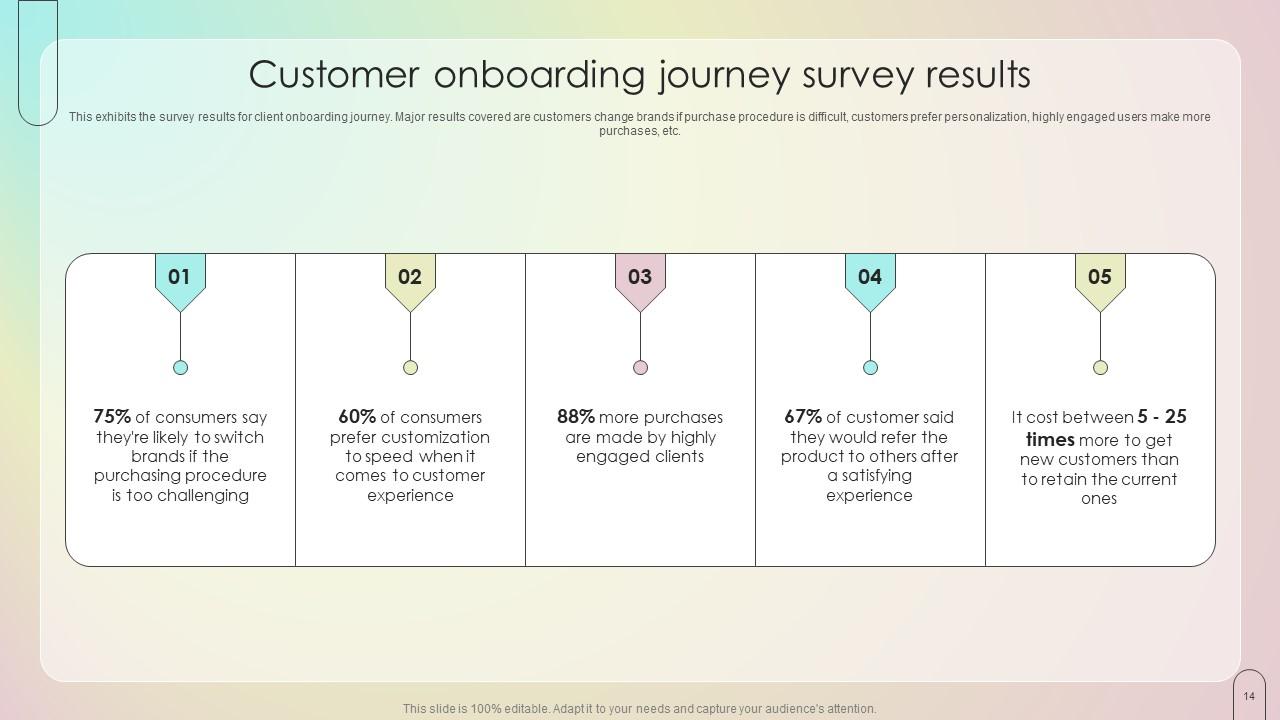
Slide 14: This slide exhibits the survey results for client onboarding journey.
Slide 15: This slide elucidates the Title for the Ideas to be discussed further.
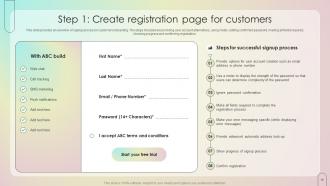
Slide 16: This slide provides an overview of signup process in customer onboarding.
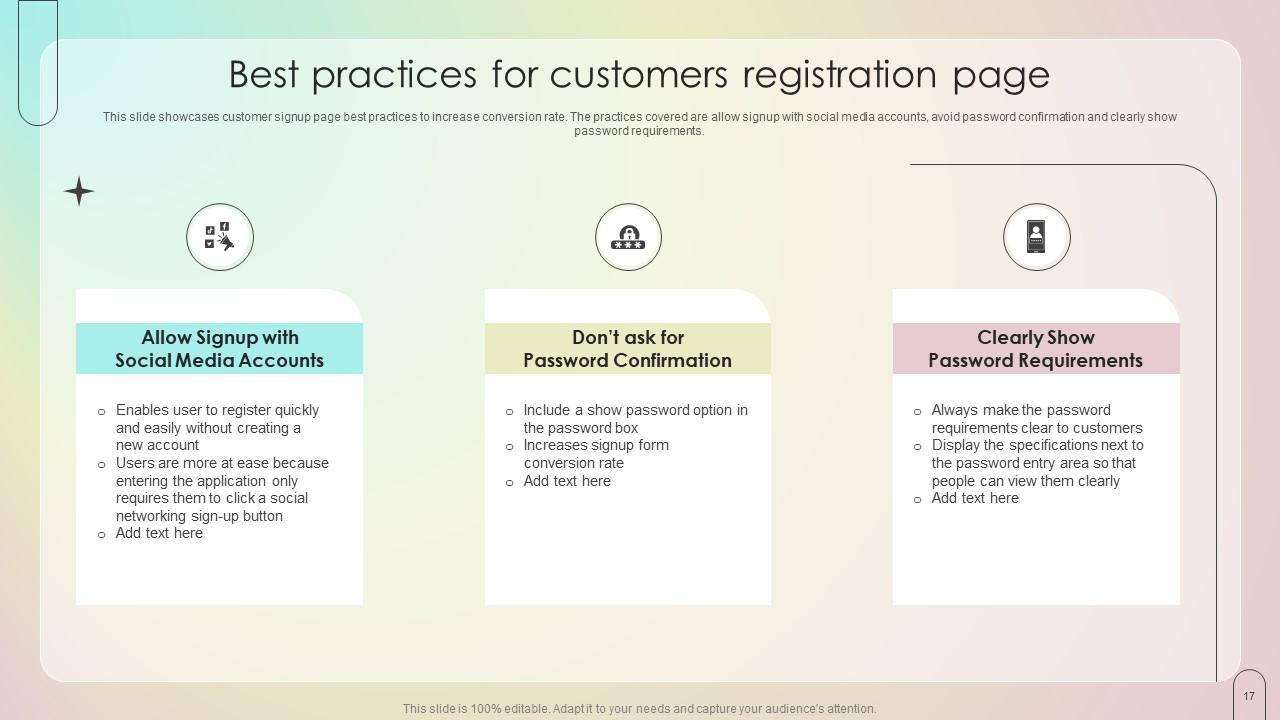
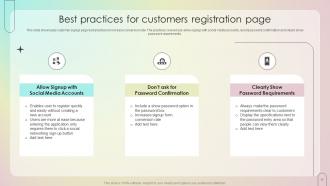
Slide 17: This slide emphasizes on the Best practices for customers registration page.
Slide 18: This slide mentions the Heading for the Ideas to be covered in the upcoming template.
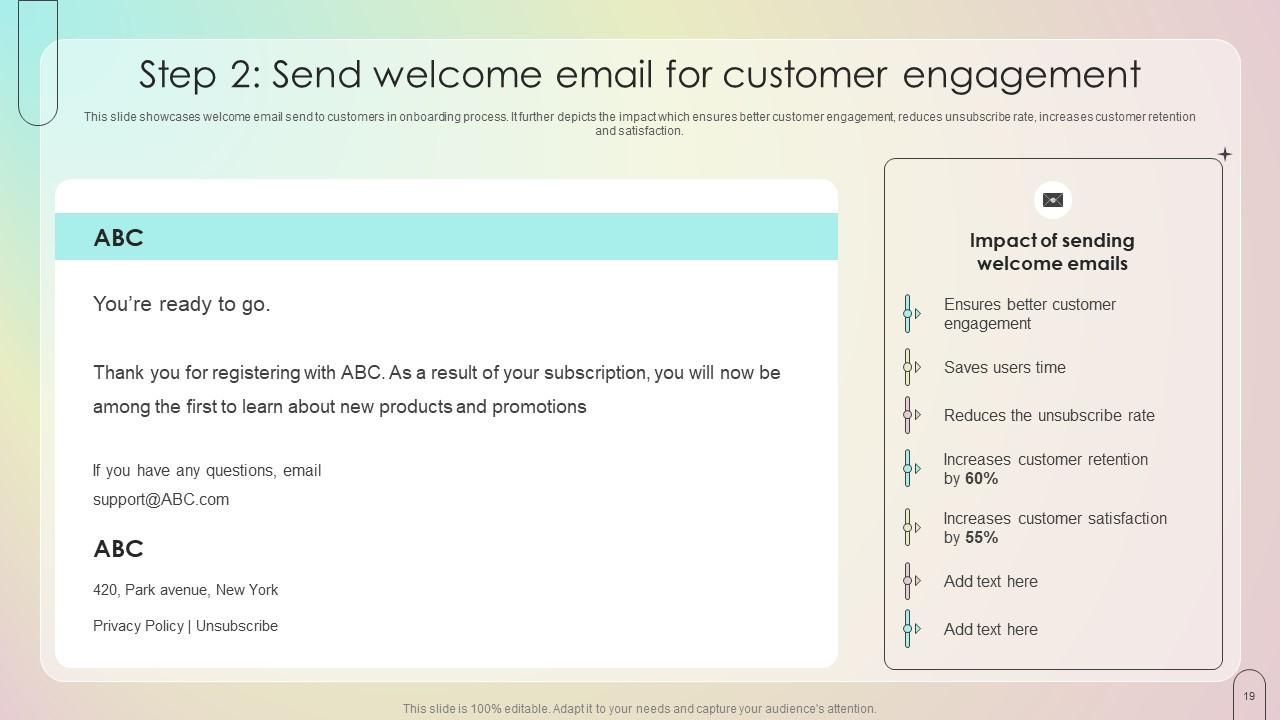
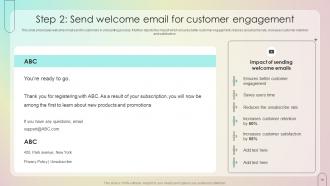
Slide 19: This slide showcases the second step of sending welcome email to customers in onboarding process.
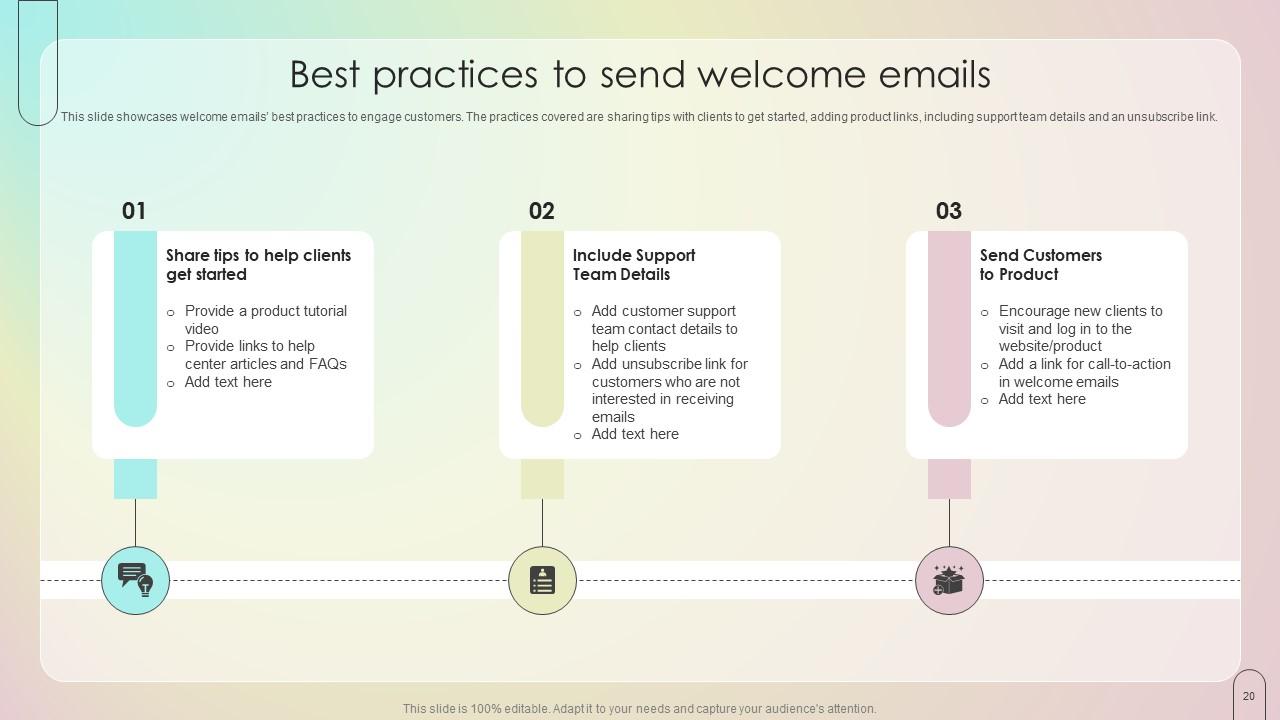
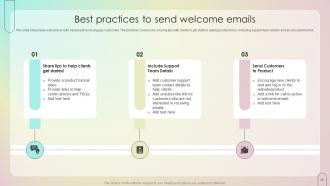
Slide 20: This slide depicts welcome emails’ best practices to engage customers.
Slide 21: This slide presents the Title for the Topics to be discussed next.
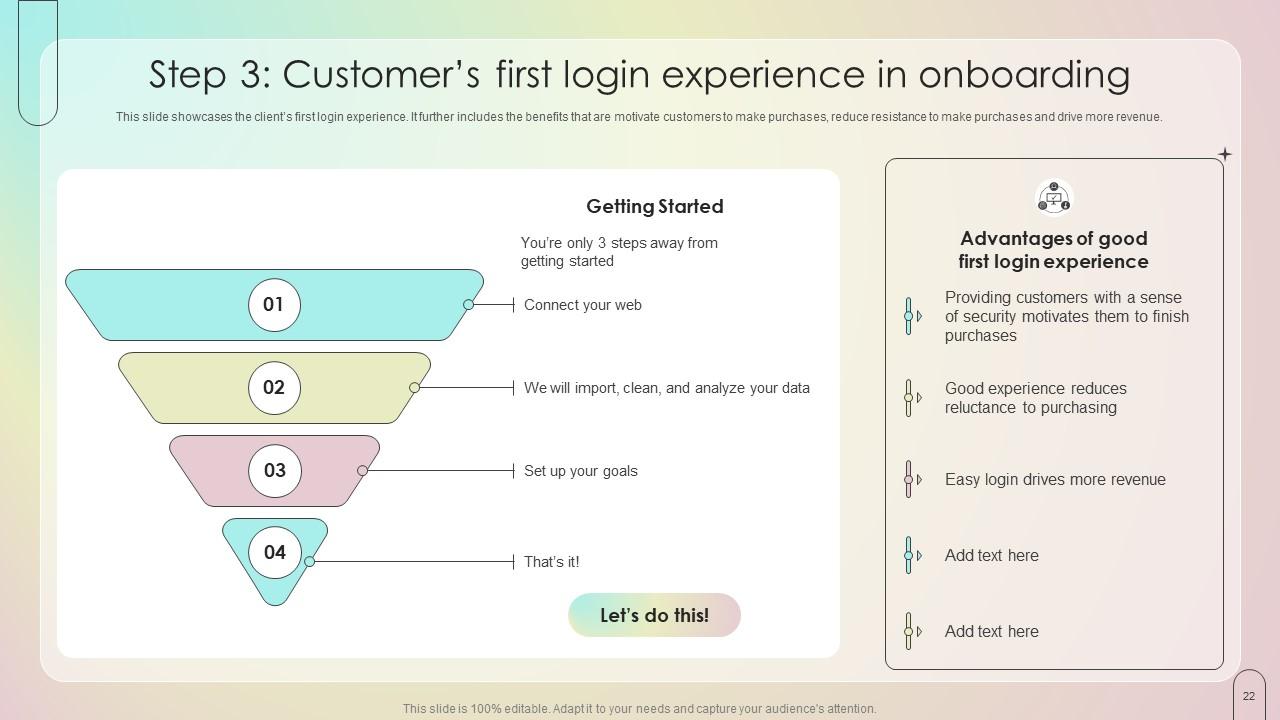
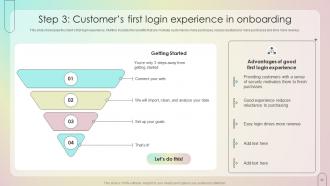
Slide 22: This slide reveals the client’s first login experience.
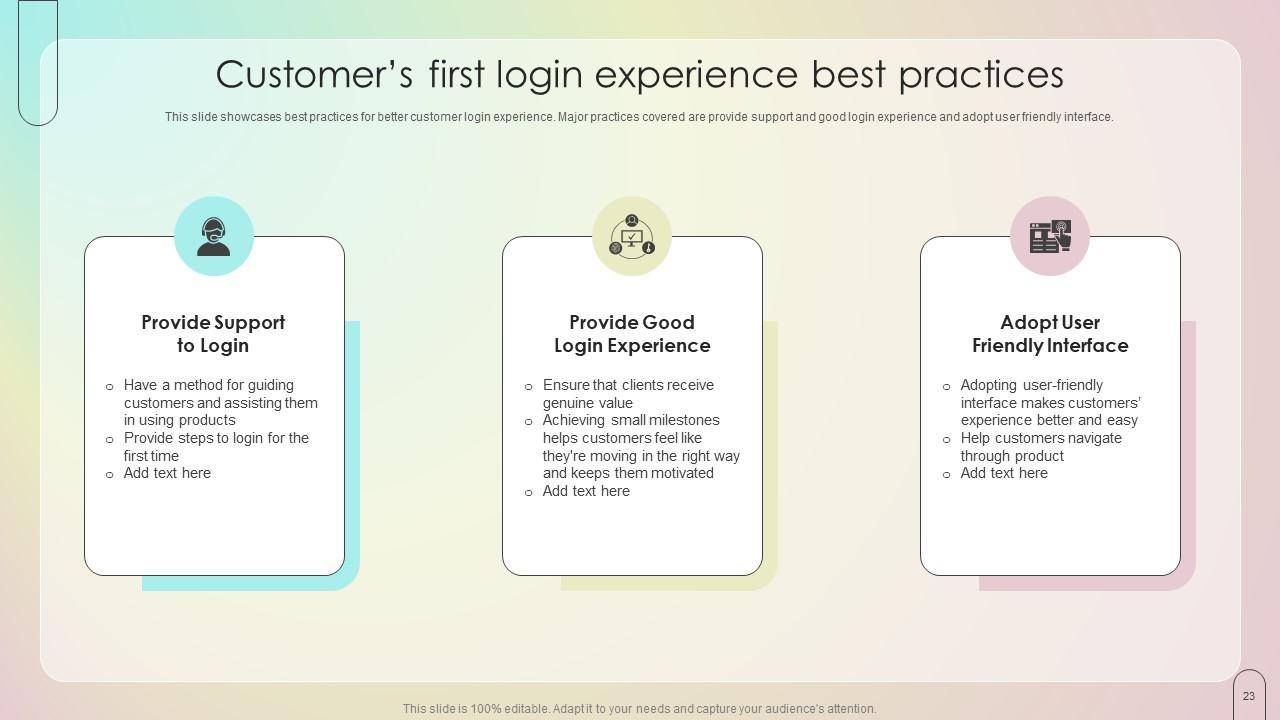
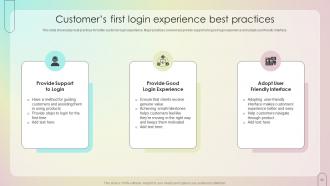
Slide 23: This slide showcases the best practices for better customer login experience.
Slide 24: This slide elucidates the Heading for the Components to be covered further.
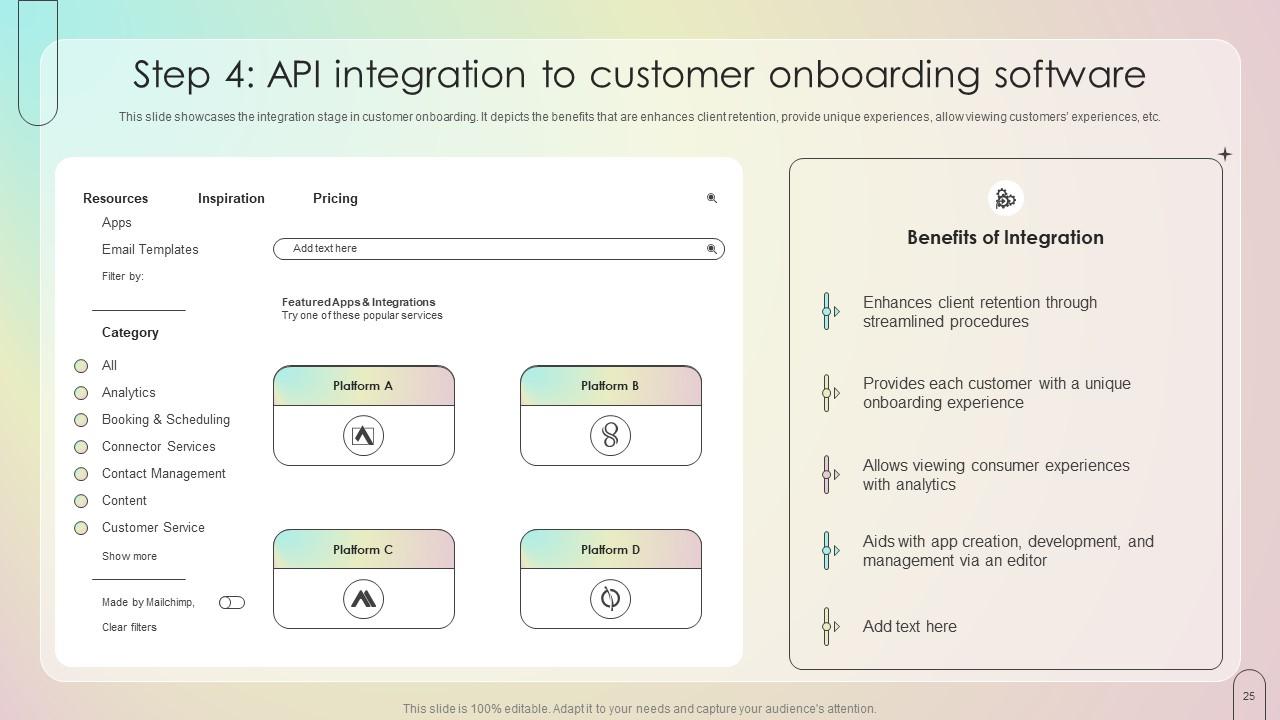
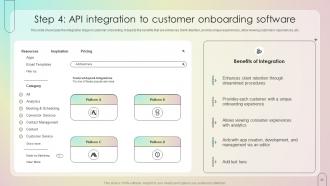
Slide 25: This slide reveals the integration stage in customer onboarding.
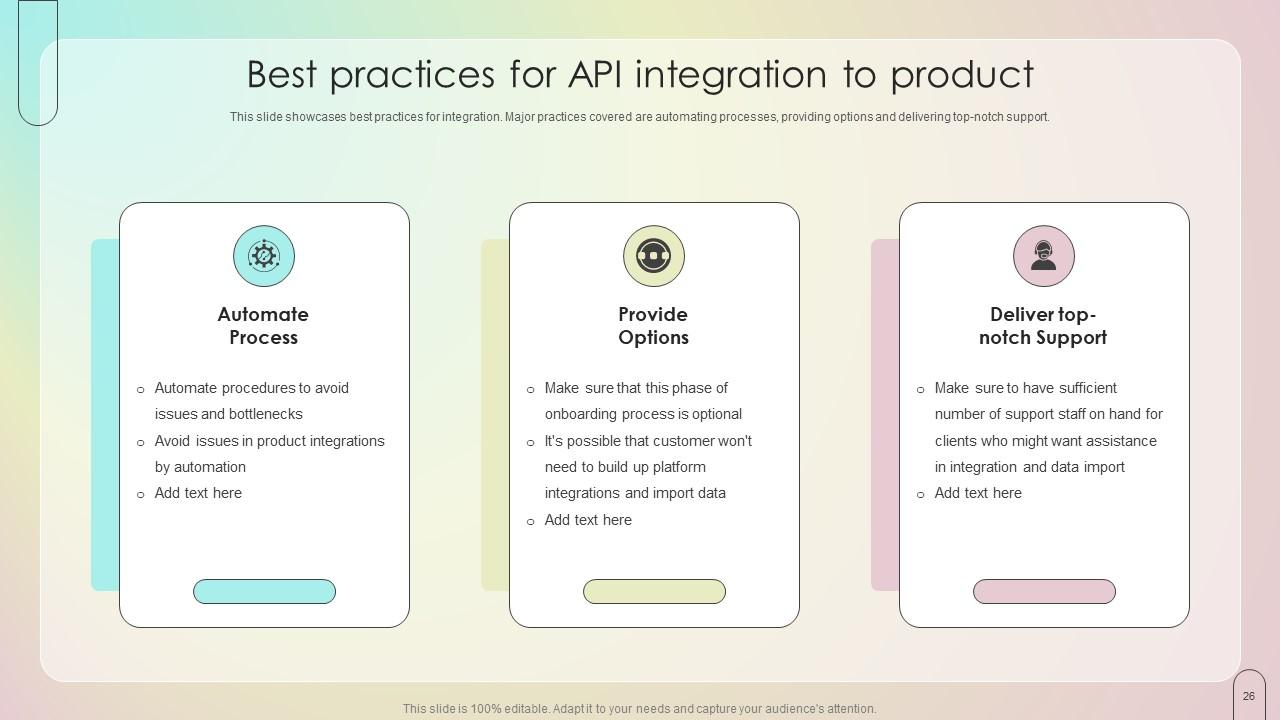
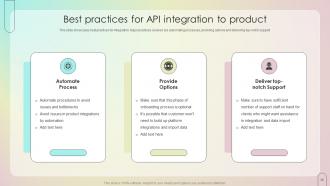
Slide 26: This slide highlights the best practices for integration.
Slide 27: This slide incorporates the Title for the Contents to be covered in the upcoming template.
Slide 28: This slide provides an overview of the product’s demo for clients.
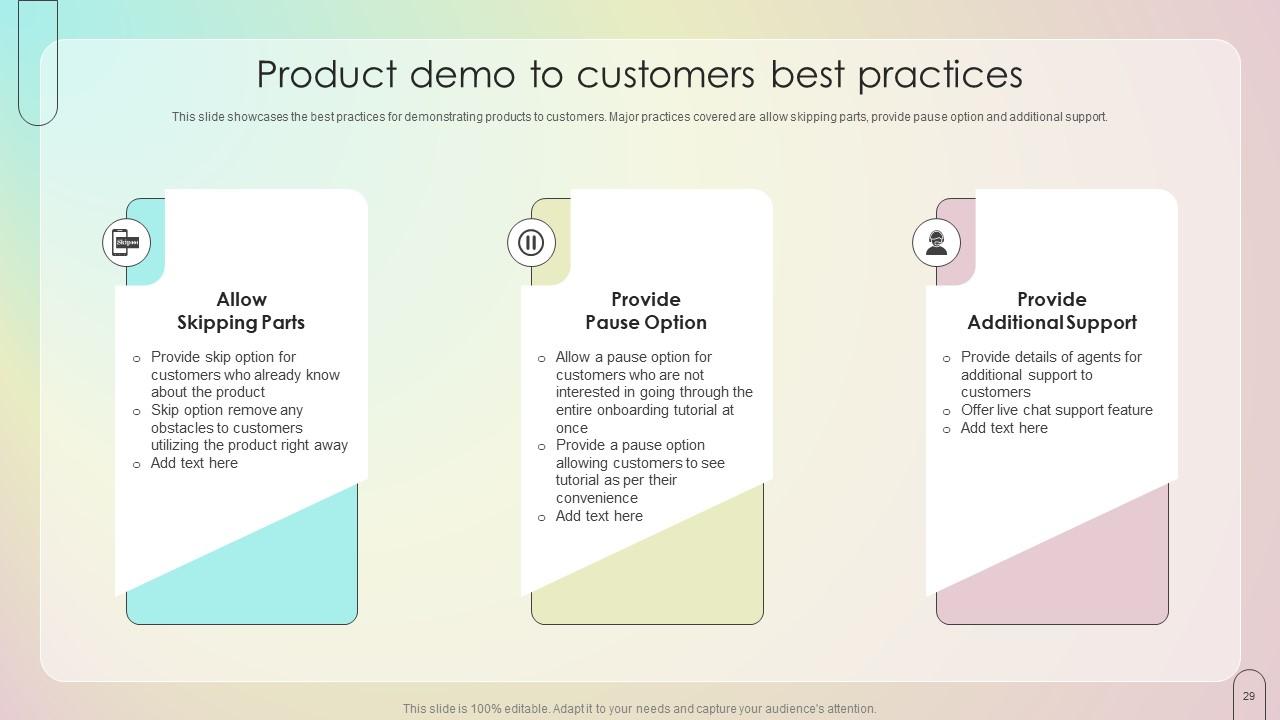
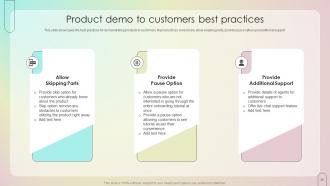
Slide 29: This slide exhibits the best practices for demonstrating products to customers.
Slide 30: This slide mentions the Heading for the Topics to be discussed next.
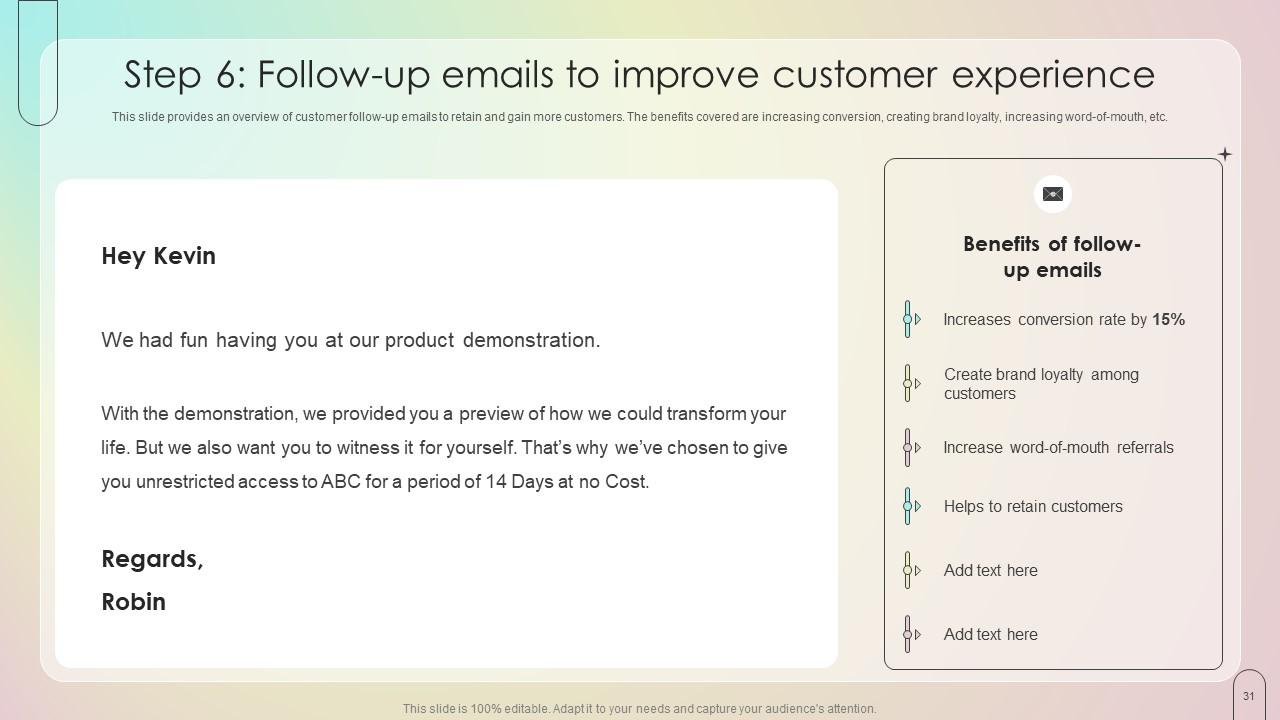
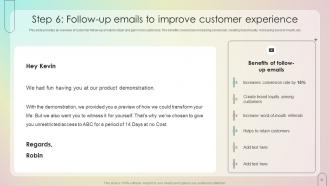
Slide 31: This slide represents customer follow-up emails to retain and gain more customers.
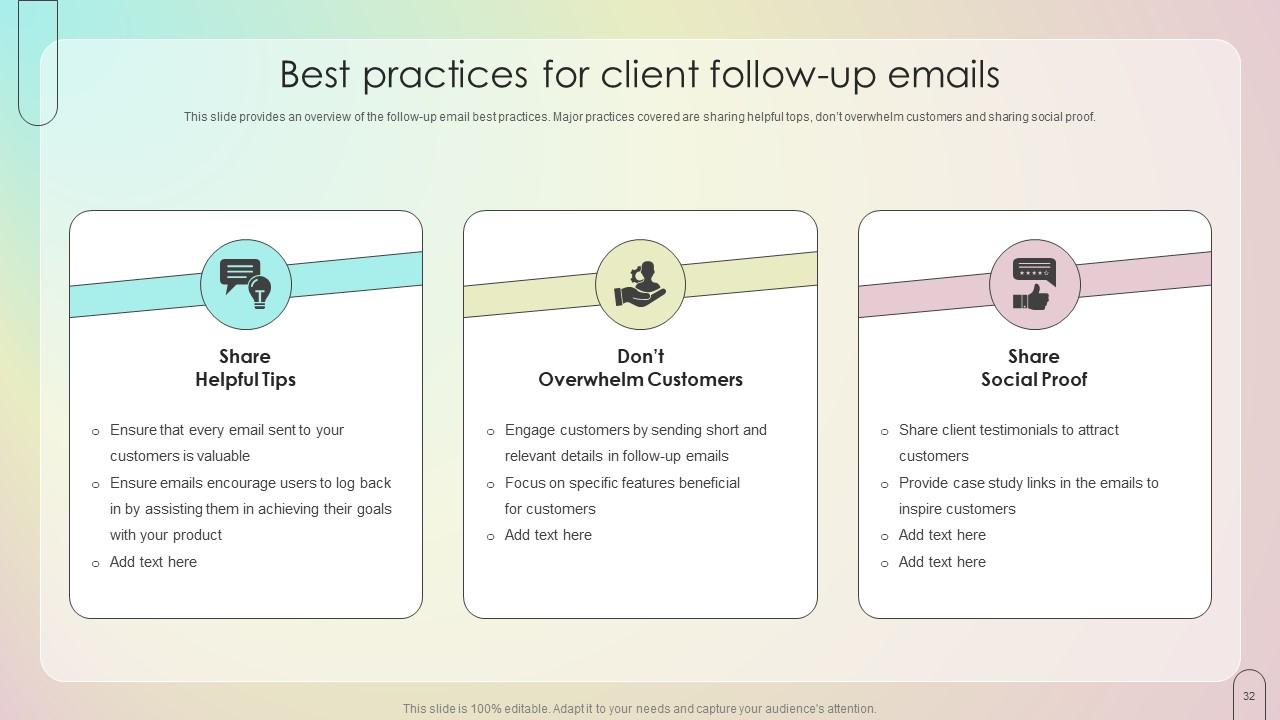
Slide 32: This slide portrays the Best practices for client follow-up emails.
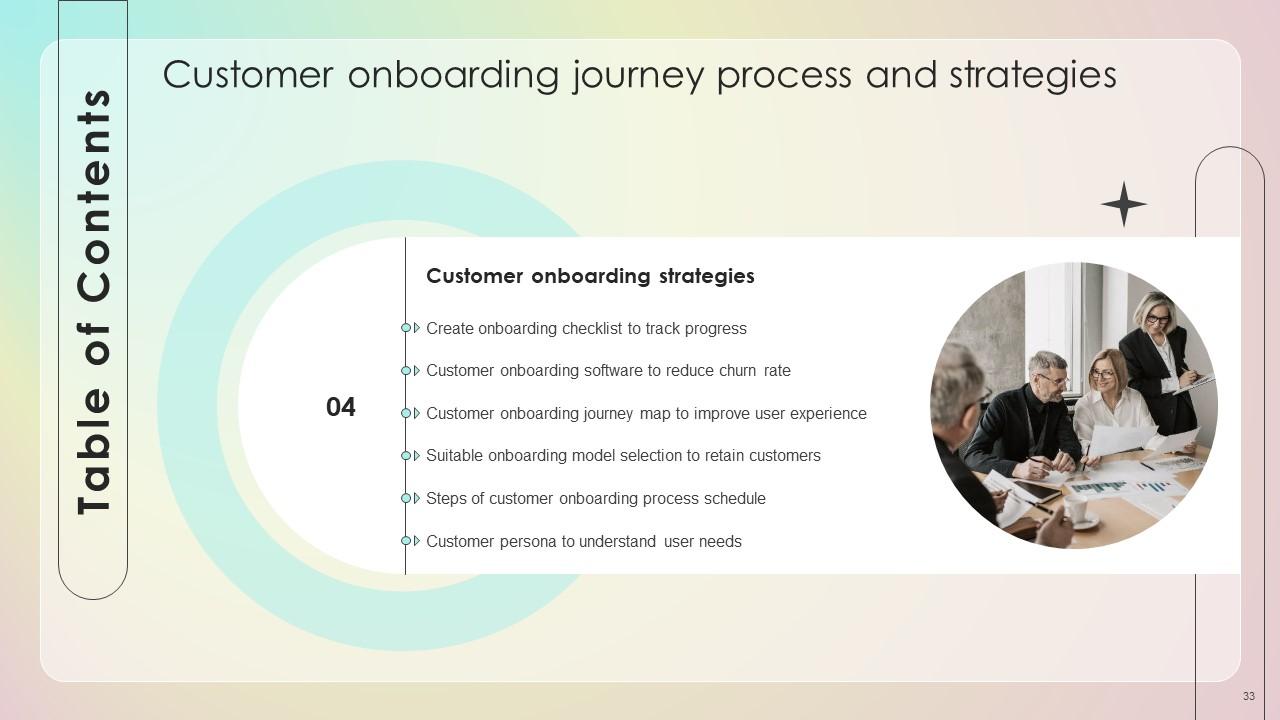
Slide 33: This slide includes the Title for the Ideas to be covered in the next template.
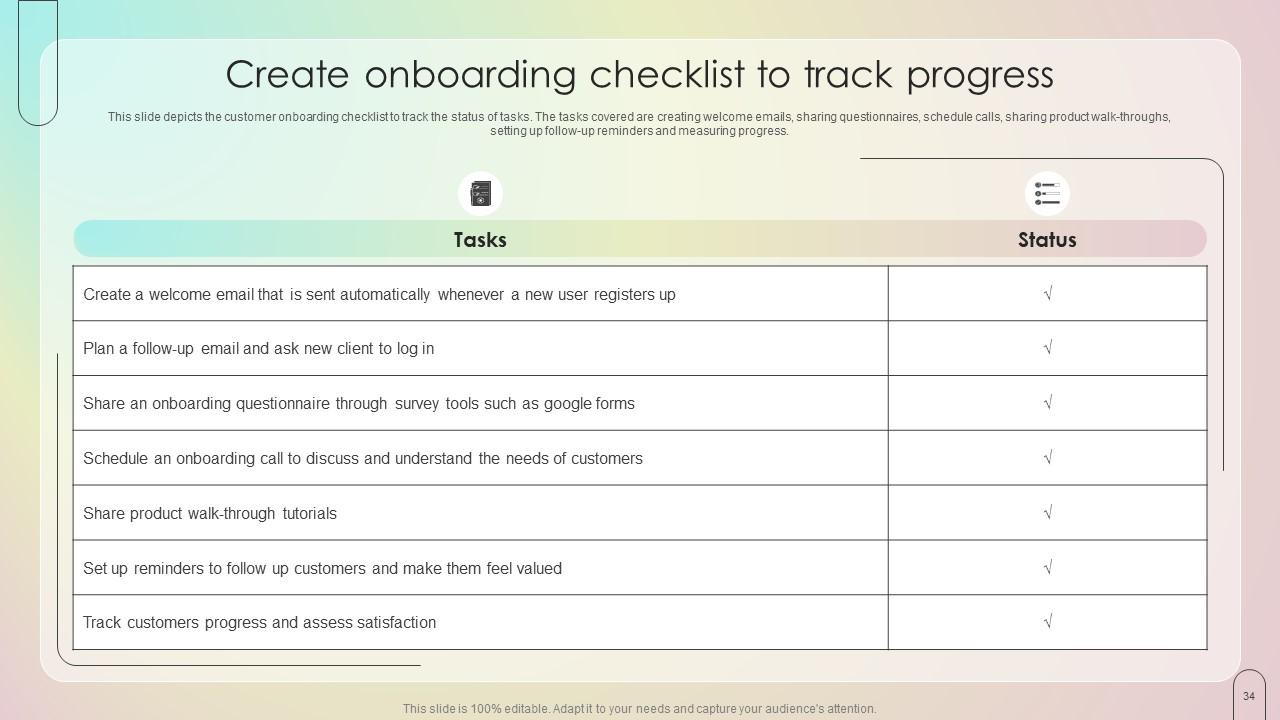
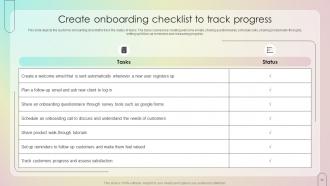
Slide 34: This slide depicts the customer onboarding checklist to track the status of tasks.
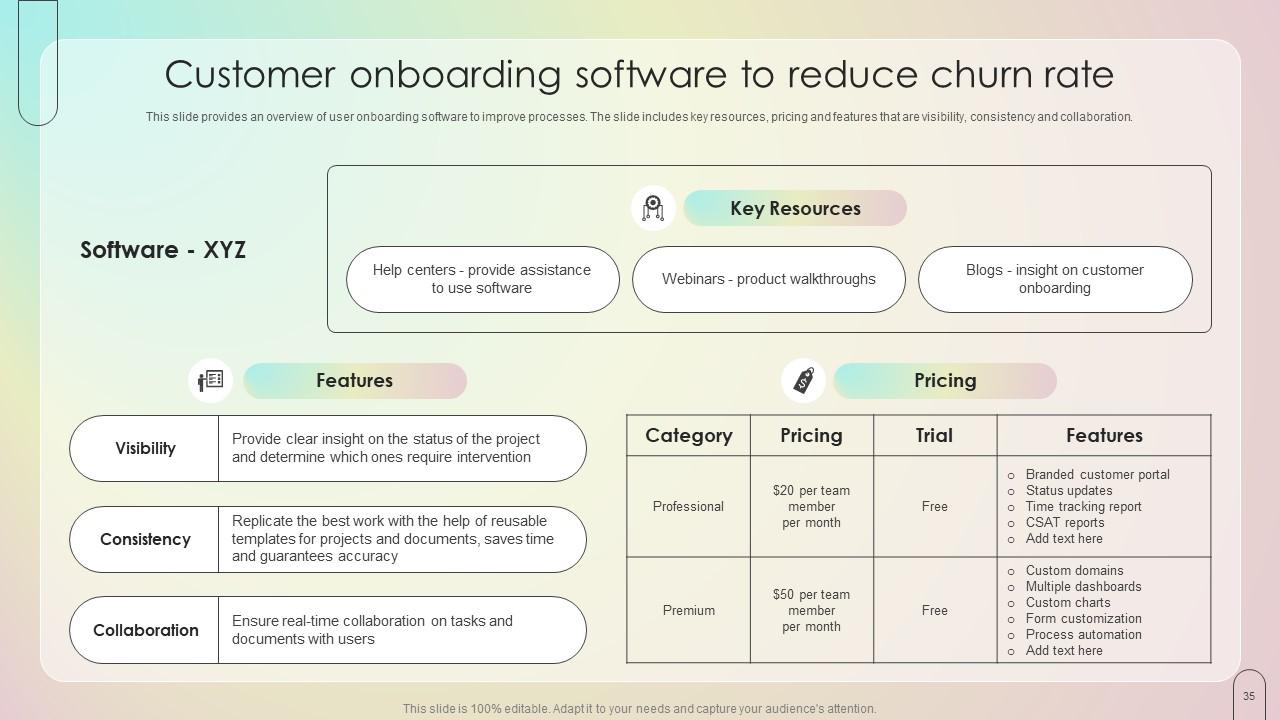
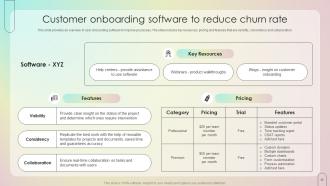
Slide 35: This slide indicates an overview of user onboarding software to improve processes.
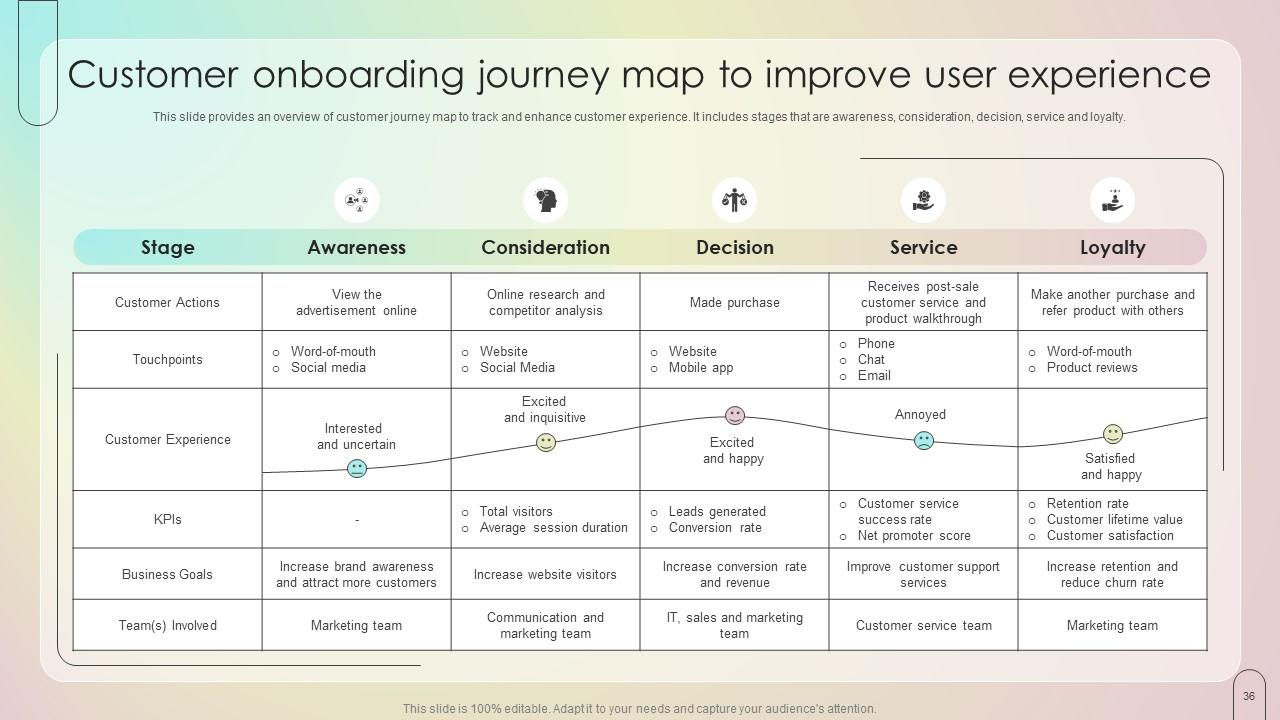
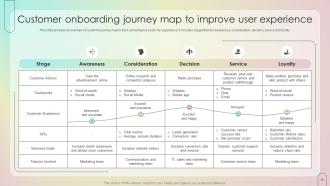
Slide 36: This slide emphasizes on the Customer onboarding journey map to improve user experience.
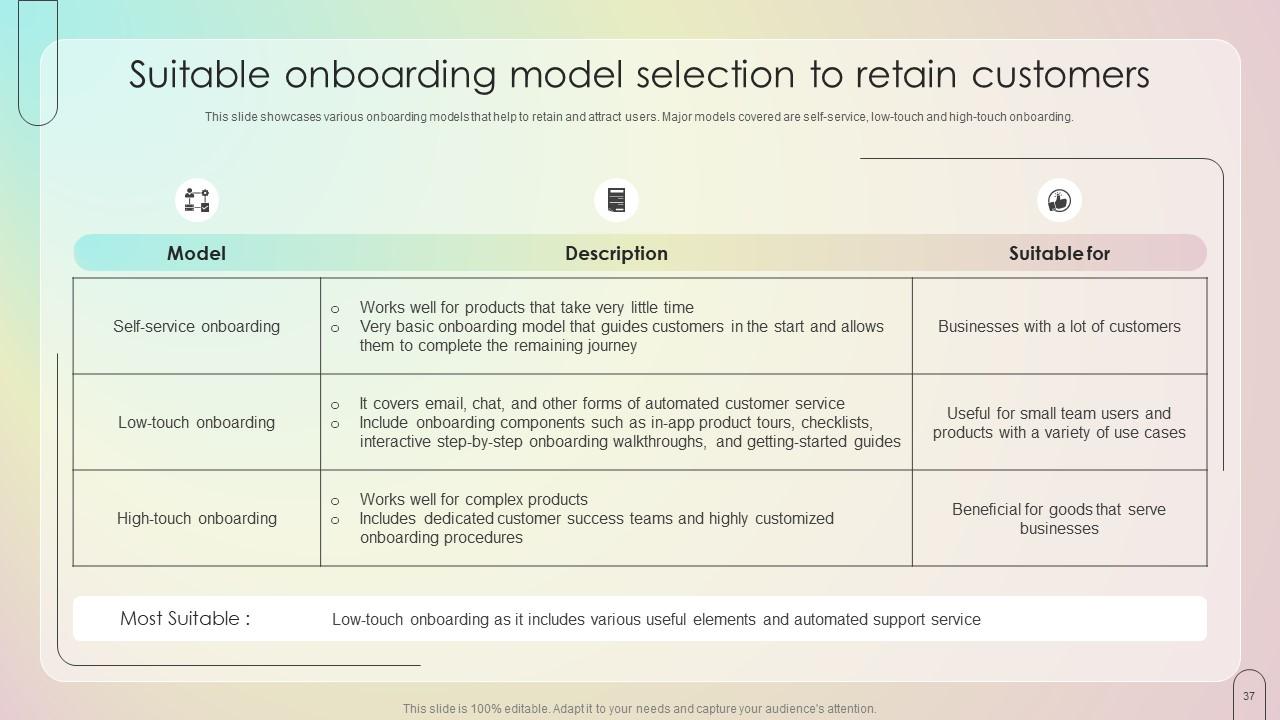
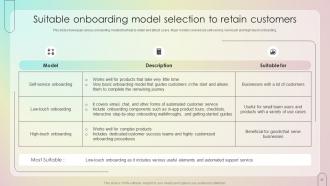
Slide 37: This slide deals with the Suitable onboarding model selection to retain customers.
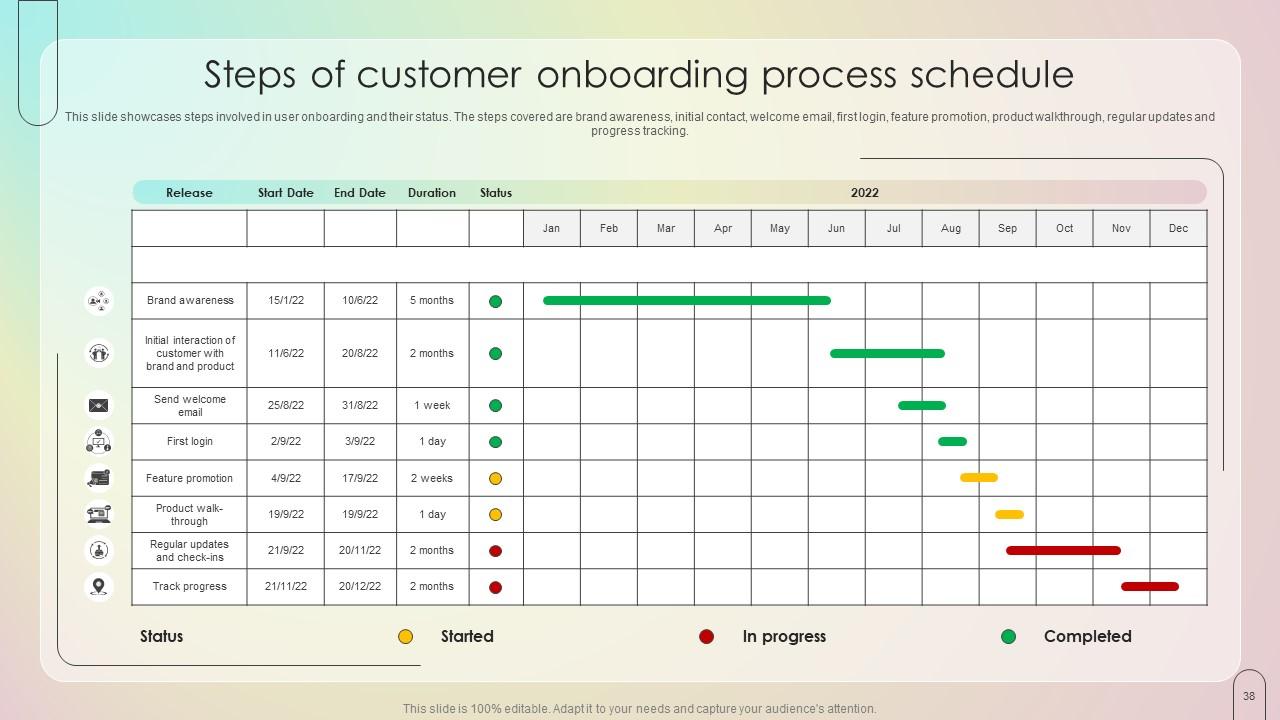
Slide 38: This slide lists the steps involved in user onboarding and their status.
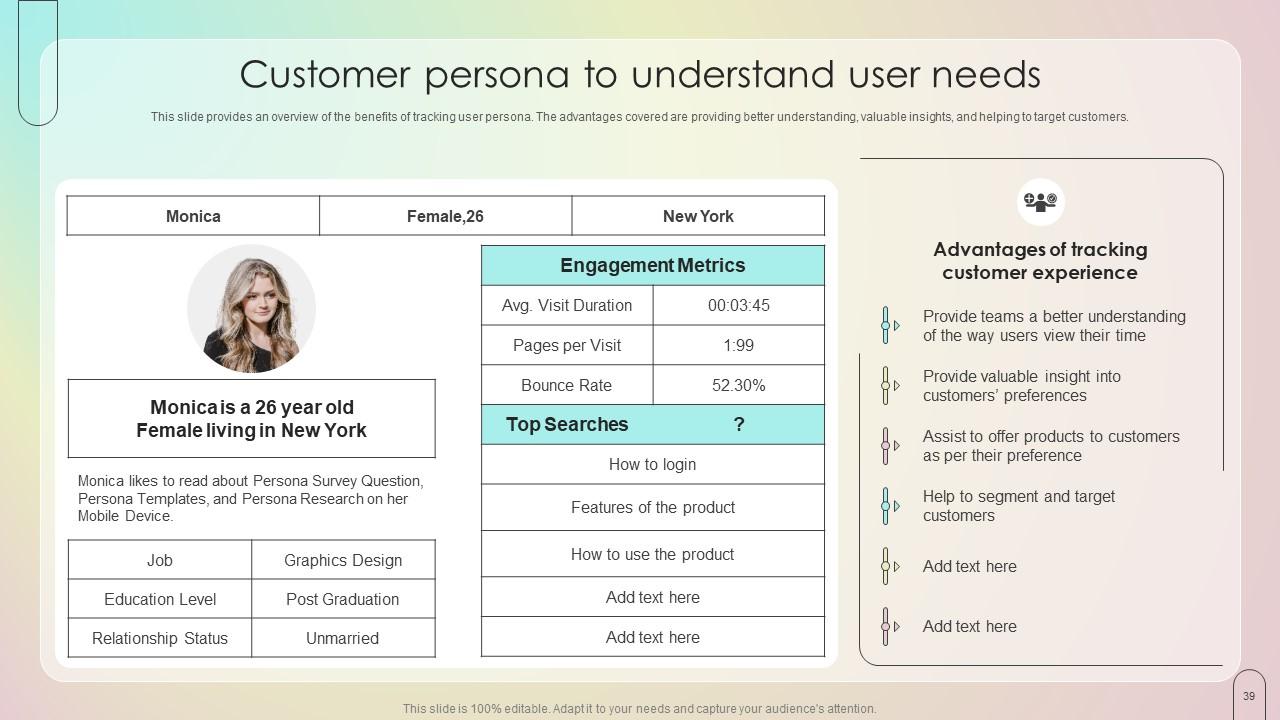
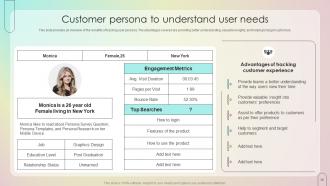
Slide 39: This slide talks about the Customer persona to understand user needs.
Slide 40: This slide presents the Heading for the Ideas to be discussed further.
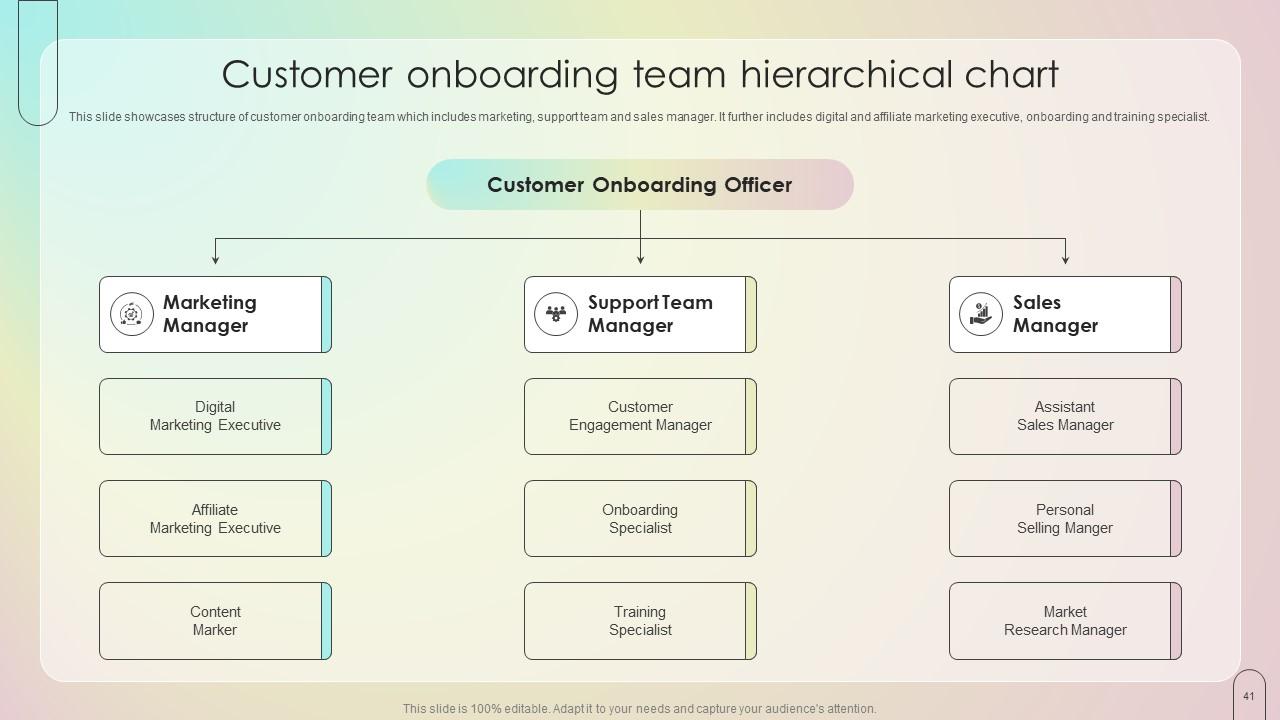
Slide 41: This slide illustrates the Customer onboarding team hierarchical chart.
Slide 42: This slide incorporates the Title for the Topics to be covered in the upcoming slide.
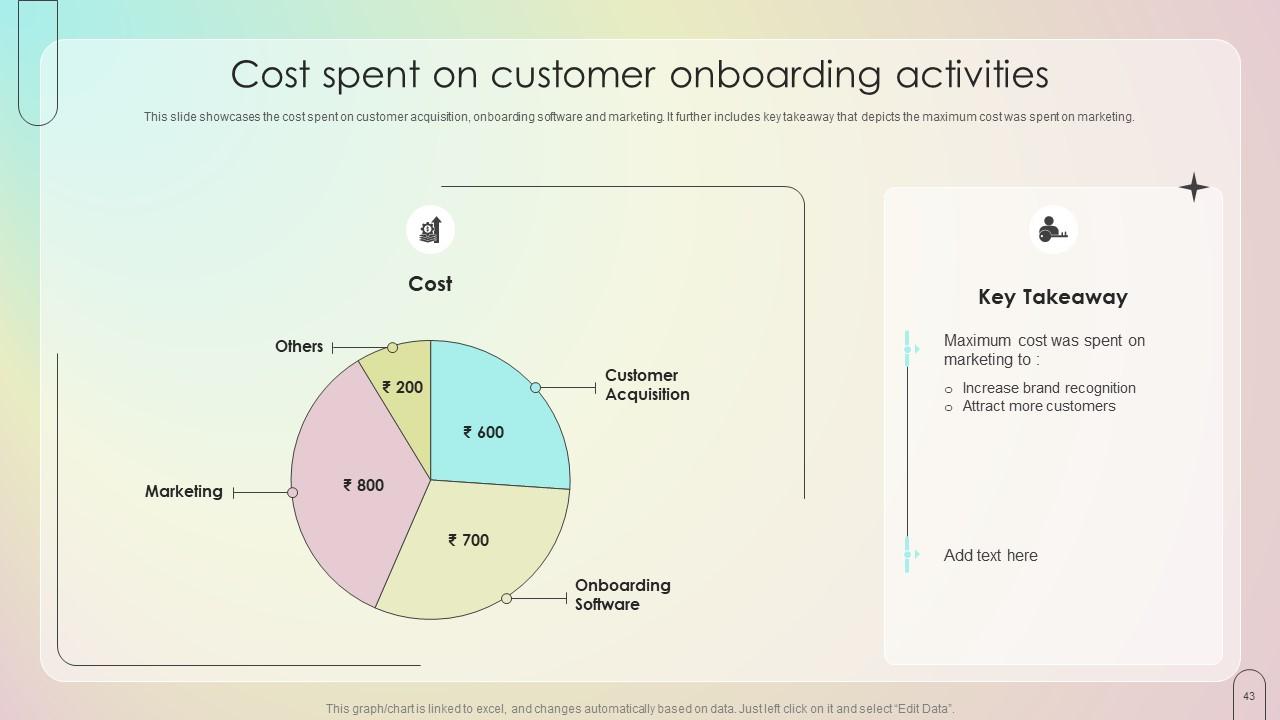
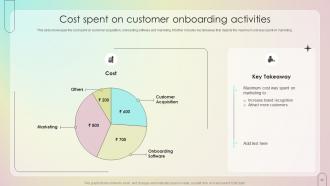
Slide 43: This slide showcases the cost spent on customer acquisition, onboarding software and marketing.
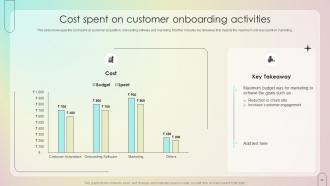
Slide 44: This slide reveals the cost spent on customer acquisition, onboarding software and marketing.
Slide 45: This slide portrays the Heading for the Components to be discussed further.
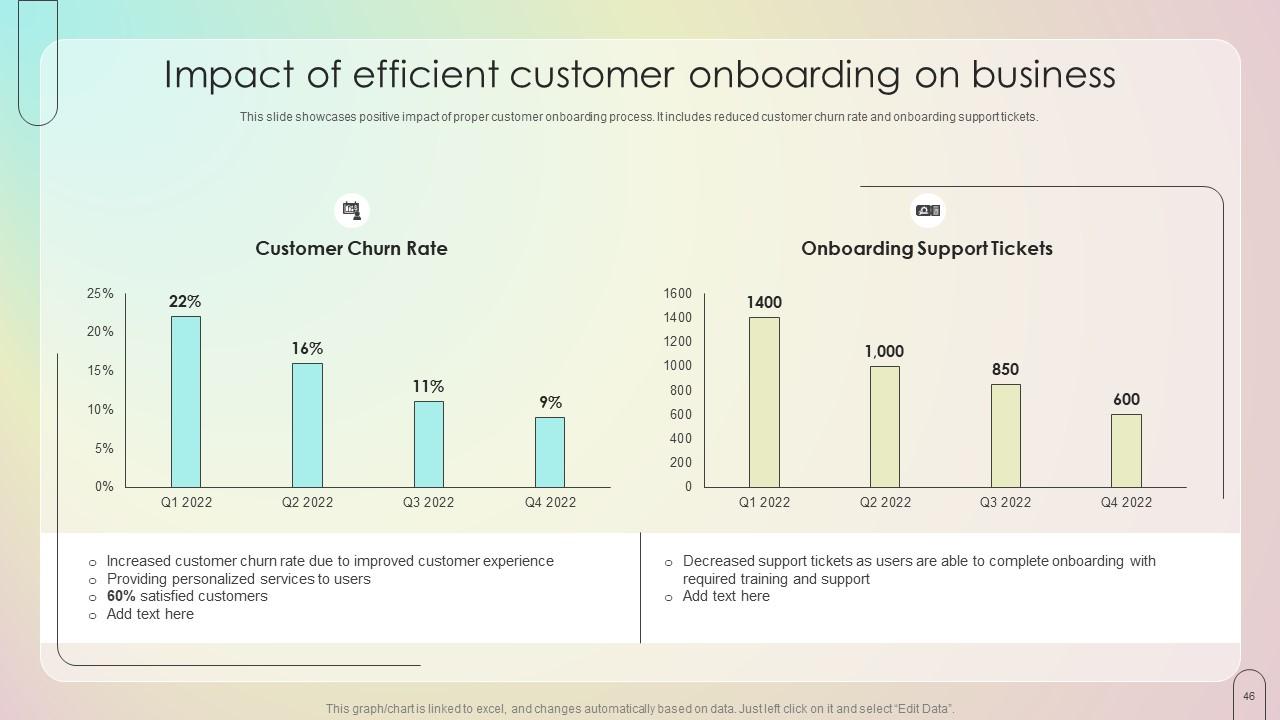
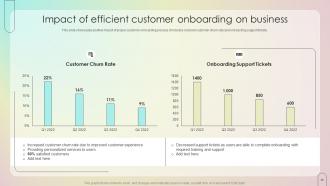
Slide 46: This slide highlights the Impact of efficient customer onboarding on business.
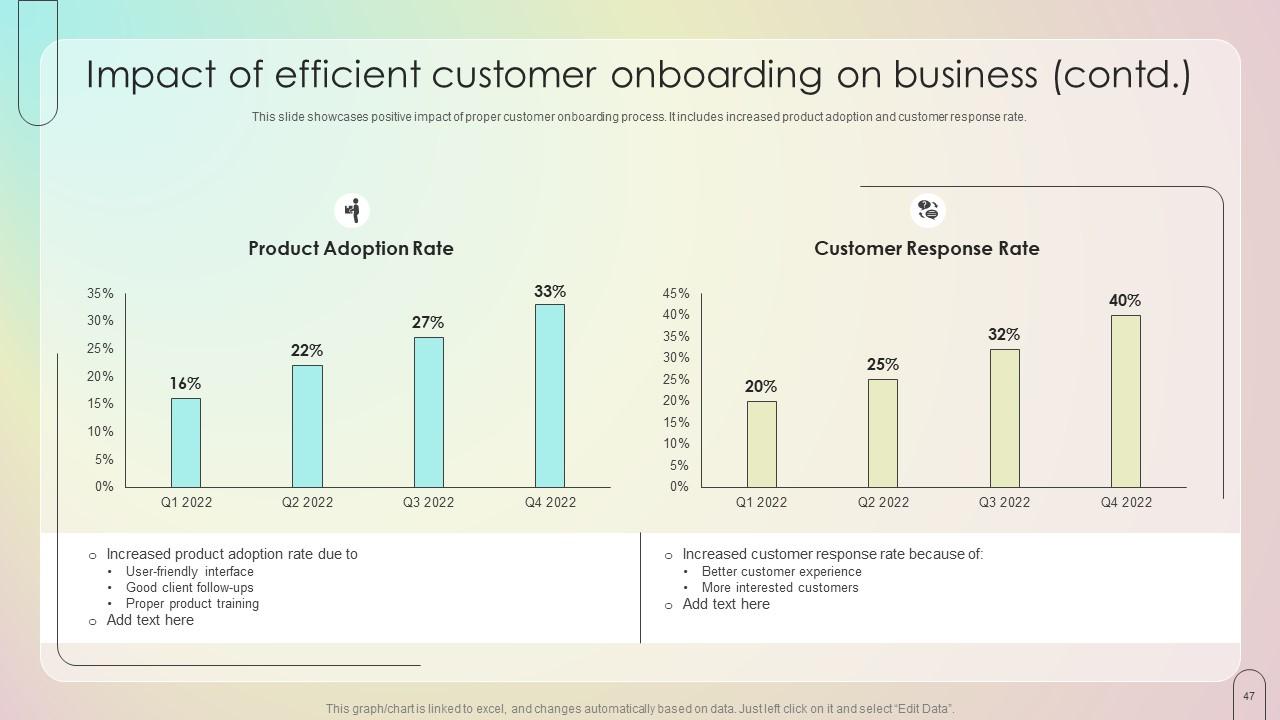
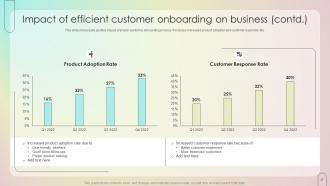
Slide 47: This slide continues the Impact of efficient customer onboarding.
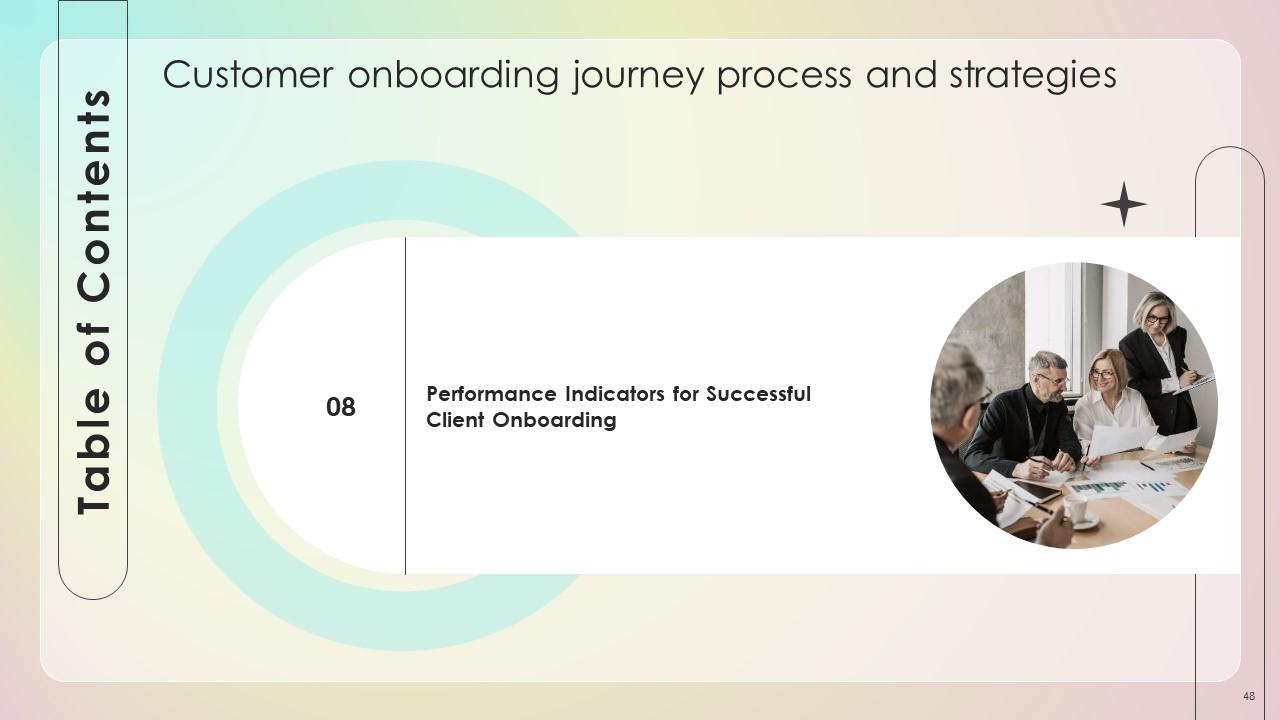
Slide 48: This slide contains the Title for the Ideas to be covered next.
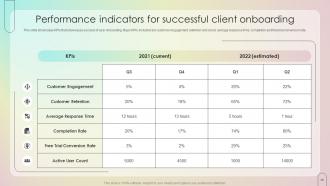
Slide 49: This slide showcases KPIs that reveal success of user onboarding.
Slide 50: This is the Icons slide containing all the Icons used in the plan.
Slide 51: The purpose of this slide is to depict some Additional information.
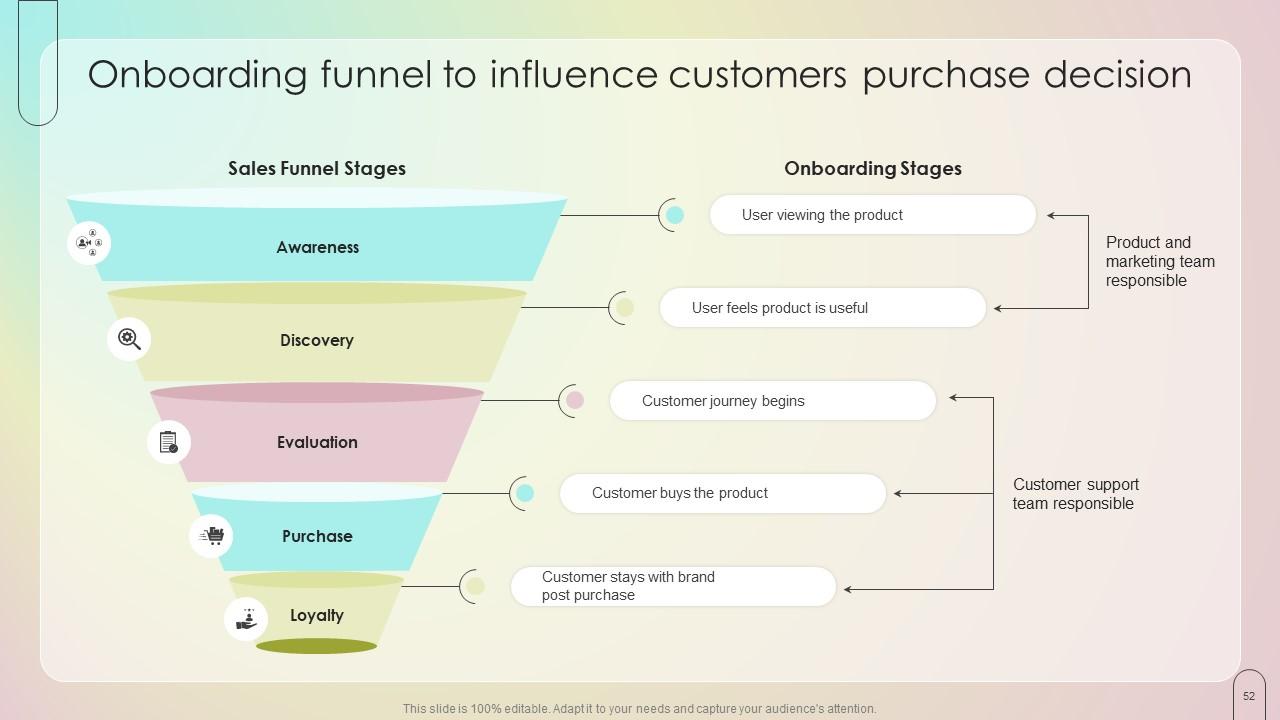
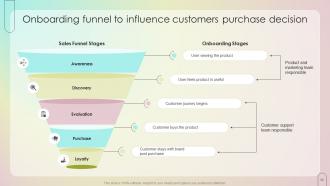
Slide 52: This slide deals with Onboarding funnel to influence customers purchase decision.
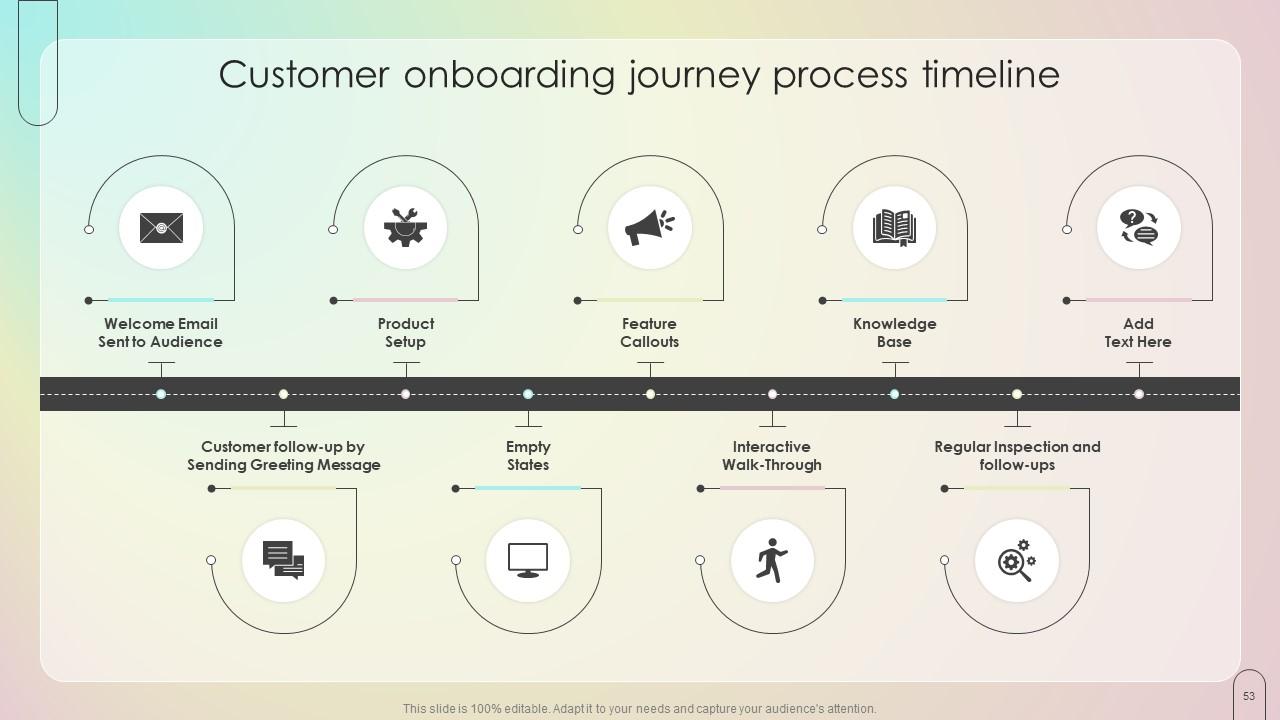
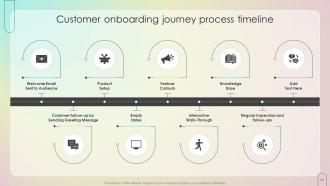
Slide 53: This slide represents the Customer onboarding journey process timeline.
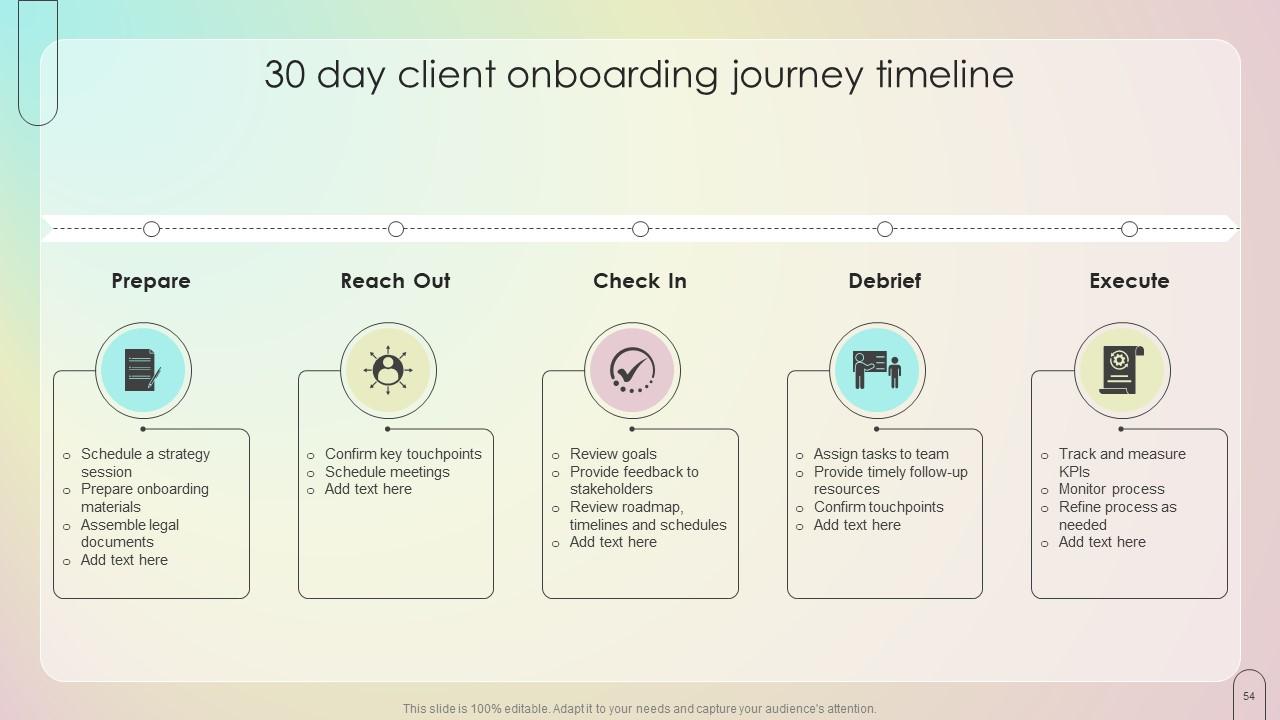
Slide 54: This slide displays the 30 day client onboarding journey timeline.
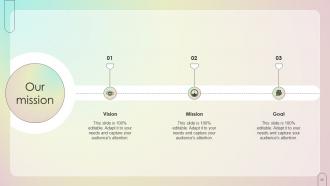
Slide 55: This slide elucidates the organization's mission, vision, and goals.
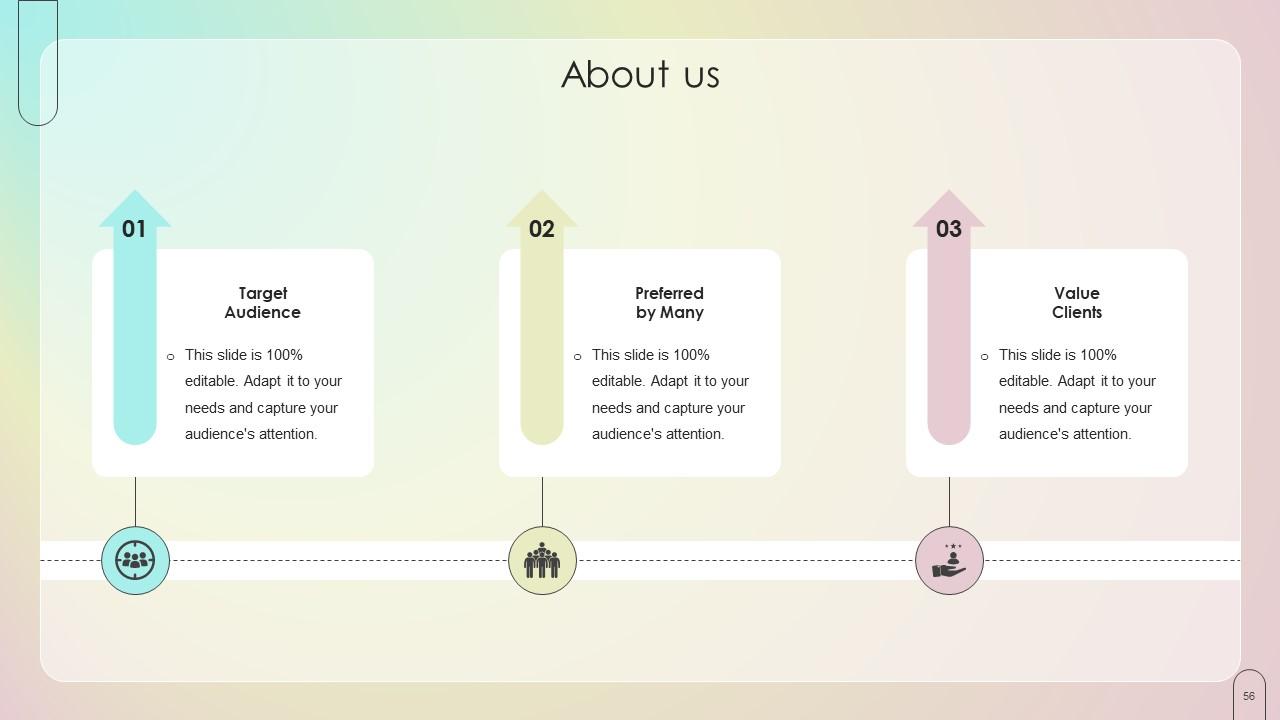
Slide 56: This is the About us slide for depicting some Company related information.
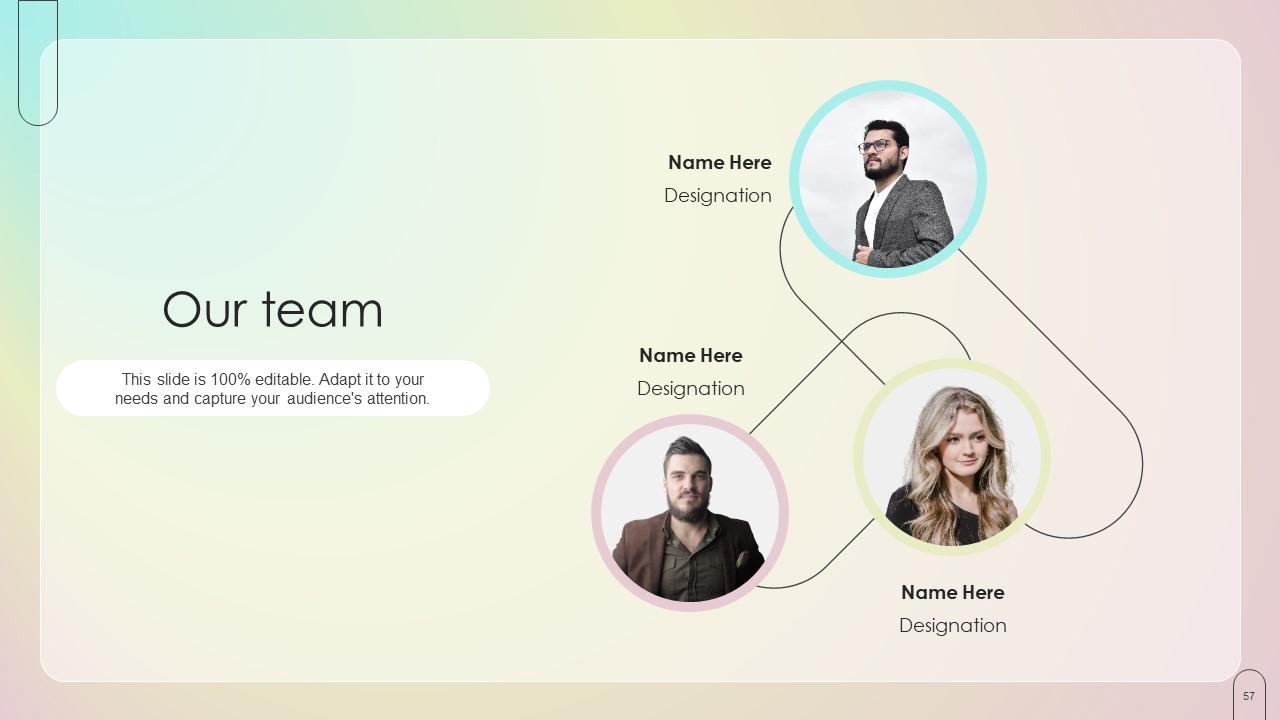
Slide 57: This is Our team slide. State the information related to your team members here.
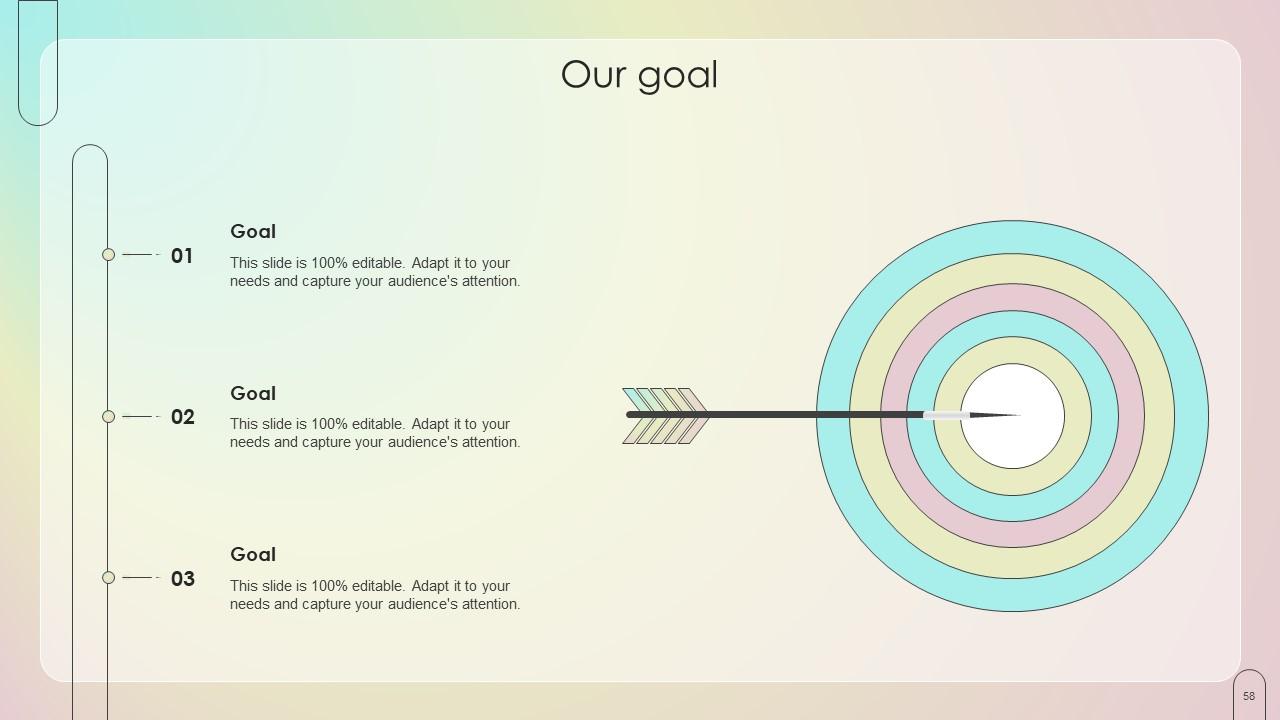
Slide 58: This slide is used for depicting the Company goals.
Slide 59: This is the Venn diagram slide.
Slide 60: This slide contains the Post it notes for reminders and deadlines.
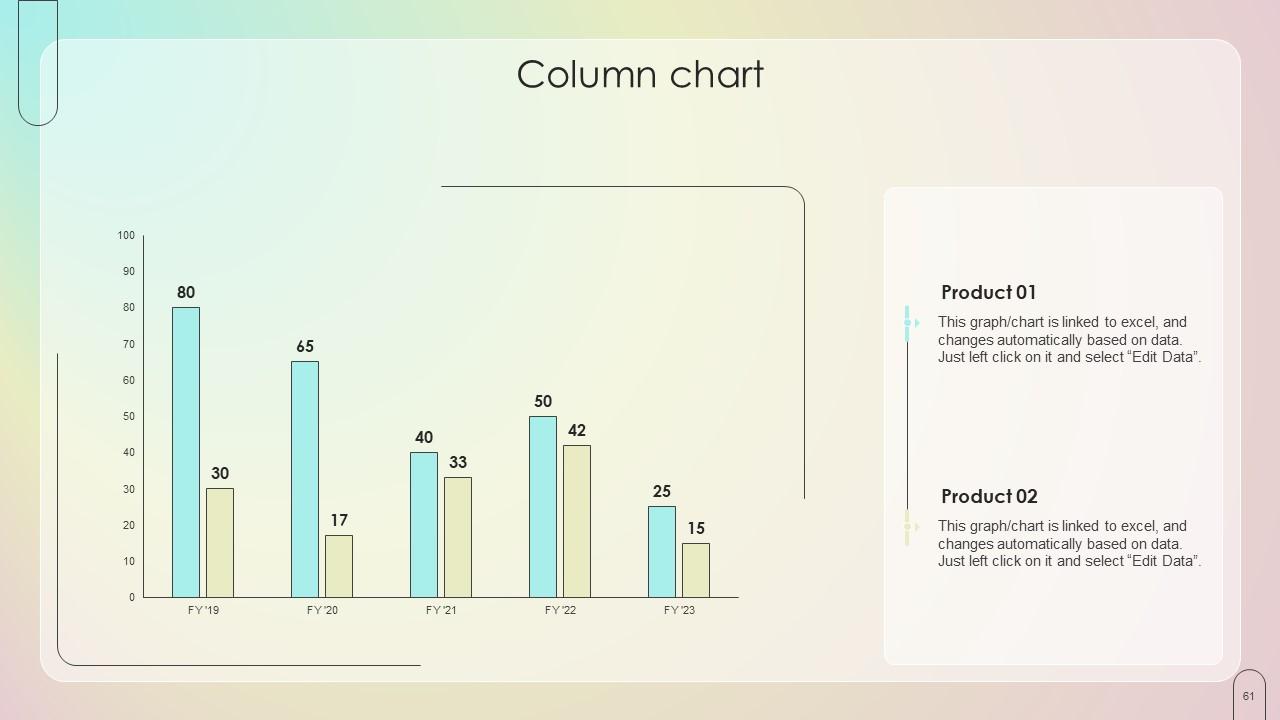
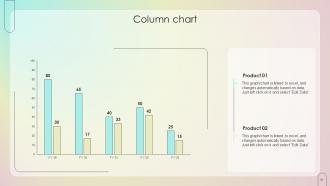
Slide 61: This is the Column chart with related imagery.
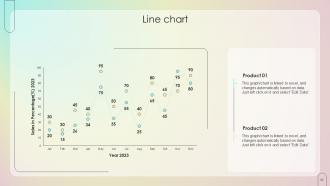
Slide 62: This slide displays the Line chart.
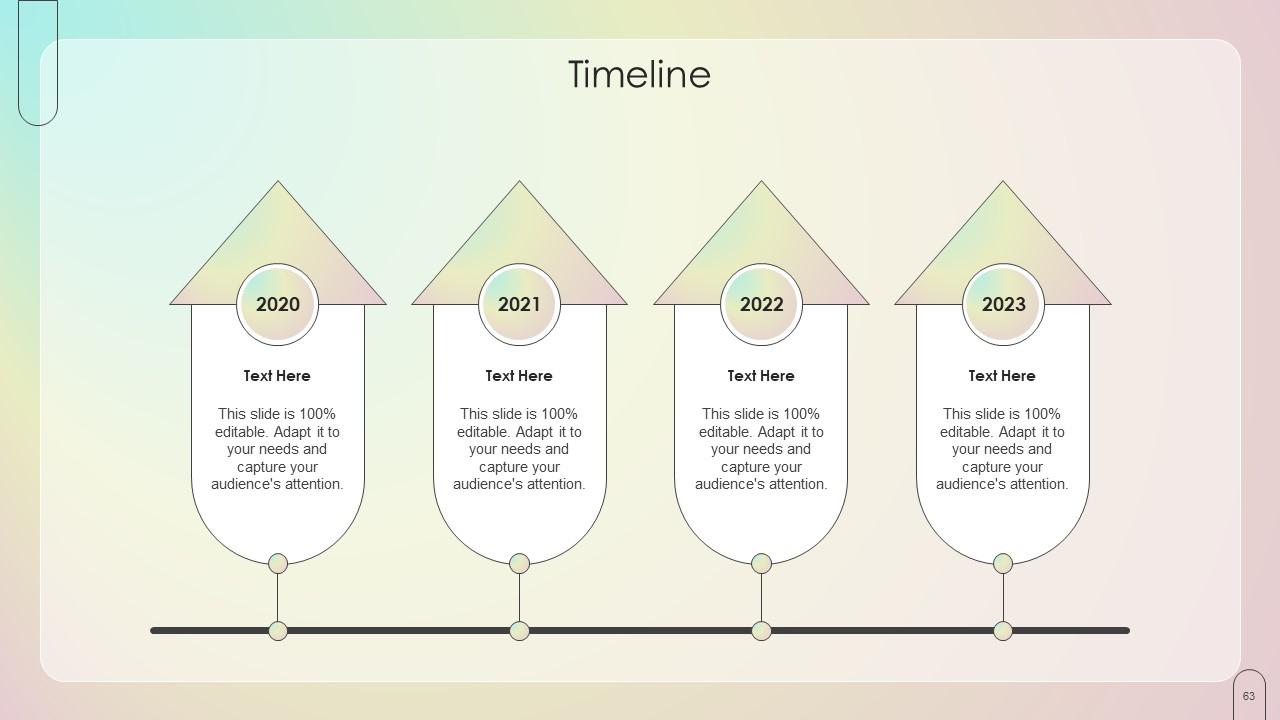
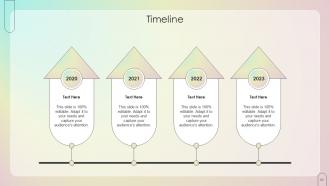
Slide 63: This slide exhibits the Organization's Timeline.
Slide 64: This is the Thank you slide for acknowledgement.
Customer Onboarding Journey Process And Strategies Powerpoint Presentation Slides with all 69 slides:
Use our Customer Onboarding Journey Process And Strategies Powerpoint Presentation Slides to effectively help you save your valuable time. They are readymade to fit into any presentation structure.
-
Wide collection of templates available. SlideTeam has made it easier to create presentations in just a few minutes.
-
Great product, helpful indeed!
