Customer Relationship Management Plan Powerpoint Presentation Slides
Are you planning to create a professional PPT presentation to illustrate the concept of customer relationship management, then download our content ready customer relationship management plan PowerPoint presentation slides. Use this customer acquisition management PowerPoint presentation to highlight a lot of approaches utilized to manage customers prospects and request generated by advertising. This customer relationship management PPT presentation covers a slide on variously related subtopics such as acquisition strategy plan, nurturing, email and marketing automation, and sale enablement checklist. With the aid of these editable consumer services management presentation slides, you will be able to teach your team members how to assure consumers to buy the products and services. You can employ these PowerPoint slides in your presentation to describe the concept of customer service management, consumer experiences, customer retention, customer attainment, customer services, customer satisfaction, sale improvement, and business development. Our graphics designers have provided graphs, chart, pareto, and pie charts so that you can be easily able to highlight the ratio of satisfied and unsatisfied clients. So, download these customer relationship management presentation slides and accomplish your sales targets. Our Customer Relationship Management Plan Powerpoint Presentation Slides are a bunch of added attractions. They will help better your campaign.
Are you planning to create a professional PPT presentation to illustrate the concept of
if(document.querySelectorAll(".pdp-description ").length > 0 ){
document.querySelector(".product-gallery-sub-title").classList.remove("content-trim");
var content = document.querySelector('.original_content').innerHTML;
var showChar = 500;
var ellipsestext = "..";
var moretext = "Read more";
var lesstext = " Read less";
resizePara(content);
window.addEventListener('resize', function() {
resizePara(content);
});
function resizePara(content) {
var windows_width = window.screen.width;
if (windows_width <= 1366 && windows_width > 768) {
showChar = 390;
} else if (windows_width <= 768 && windows_width > 500) {
showChar = 275;
} else if (windows_width <= 500) {
showChar = 125;
} else {
document.querySelector('.product-gallery-sub-title').innerHTML = content;
}
if (content.length > showChar && windows_width<=1366 ) {
var c = content.substr(0, showChar - 1);
var h = content.substr(showChar - 1, content.length - showChar);
var html = c + '' + ellipsestext + ' ' + h + '' + moretext + '';
document.querySelector('.product-gallery-sub-title').innerHTML = html;
document.querySelector('.product-gallery-sub-title.for_mobile').innerHTML = html;
}
};
}
Want Changes to This PPT Slide? Check out our Presentation Design Services
You must be logged in to download this presentation.
Do you want to remove this product from your favourites?
Presenting project closure activities in project management PowerPoint presentation slides. This presentation covers 29 professionally prepared PowerPoint templates, all of them being 100 percent editable in PowerPoint. Text fonts size and type, colors and slide background of the PPT slides are changeable. The template slides can be downloaded in both wide screen (16:9) and standard view (4:3) aspect dimension. The template slides are fully compatible with Google Slides and other online software’s. The templates can be saved in any of the options such as JPG or PDF. You can personalize the PowerPoint templates by adding a company name or logo. Premium product support is provided. People who downloaded this PowerPoint presentation also viewed the following : Slide 1: This slide introduces Customer Relationship Management Plan with your company name. State it here and proceed. Boldly lead them from the front with our Customer Relationship Management Plan Powerpoint Presentation Slides. They will call you ' Captain Courageous '.












Compatible With Google Slides


Get This In WideScreen



PowerPoint presentation slides
Content of this Powerpoint Presentation
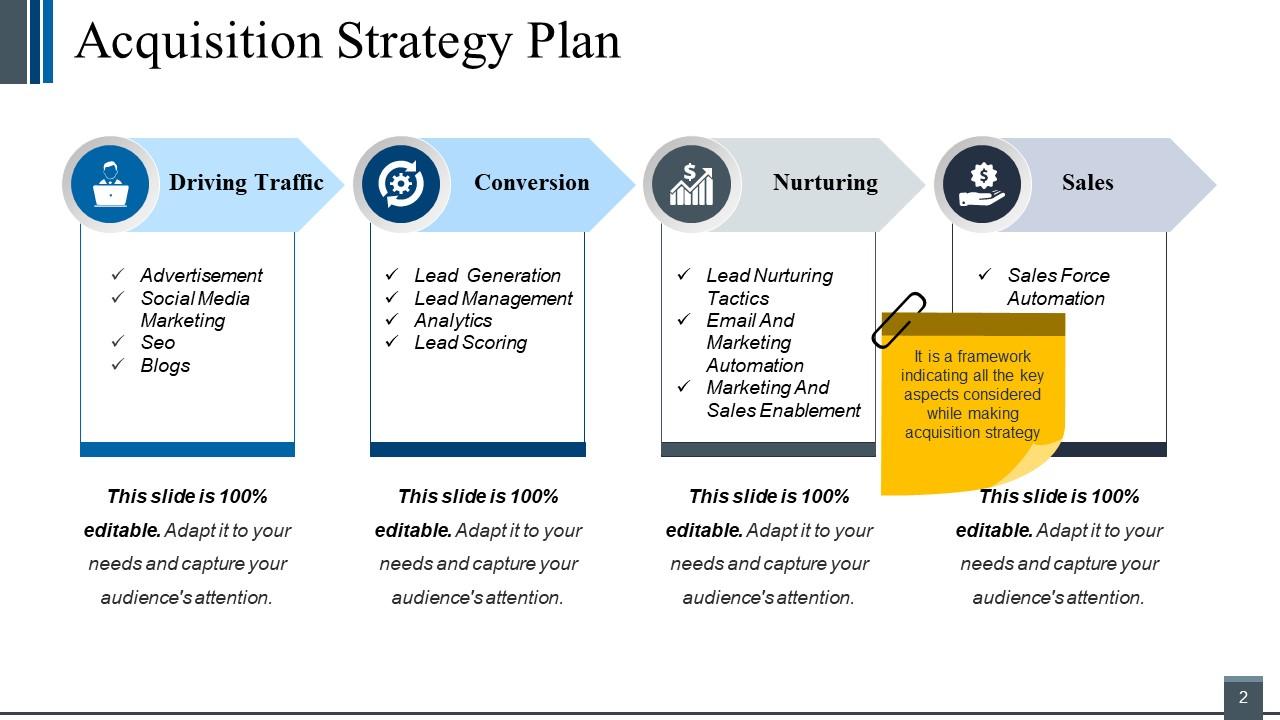
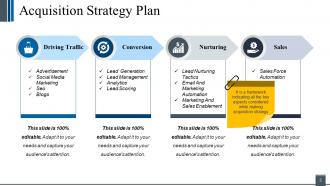
Slide 2: This slide showcases Acquisition Strategy Plan consisting of the following aspects- Driving Traffic, Conversion, Sales, Nurturing. It is a framework indicating all the key aspects considered while making acquisition strategy. You can alter them as per need.
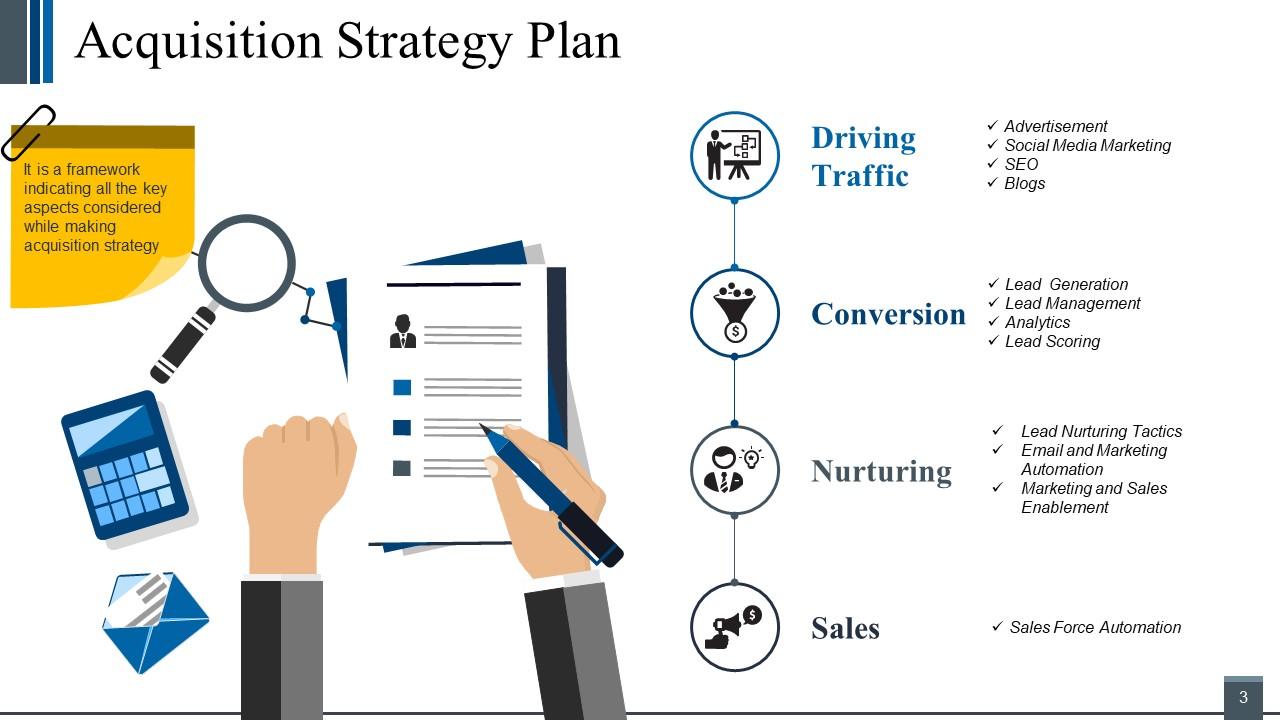
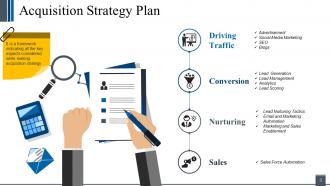
Slide 3: This slide also showcases Acquisition Strategy Plan with imagery.
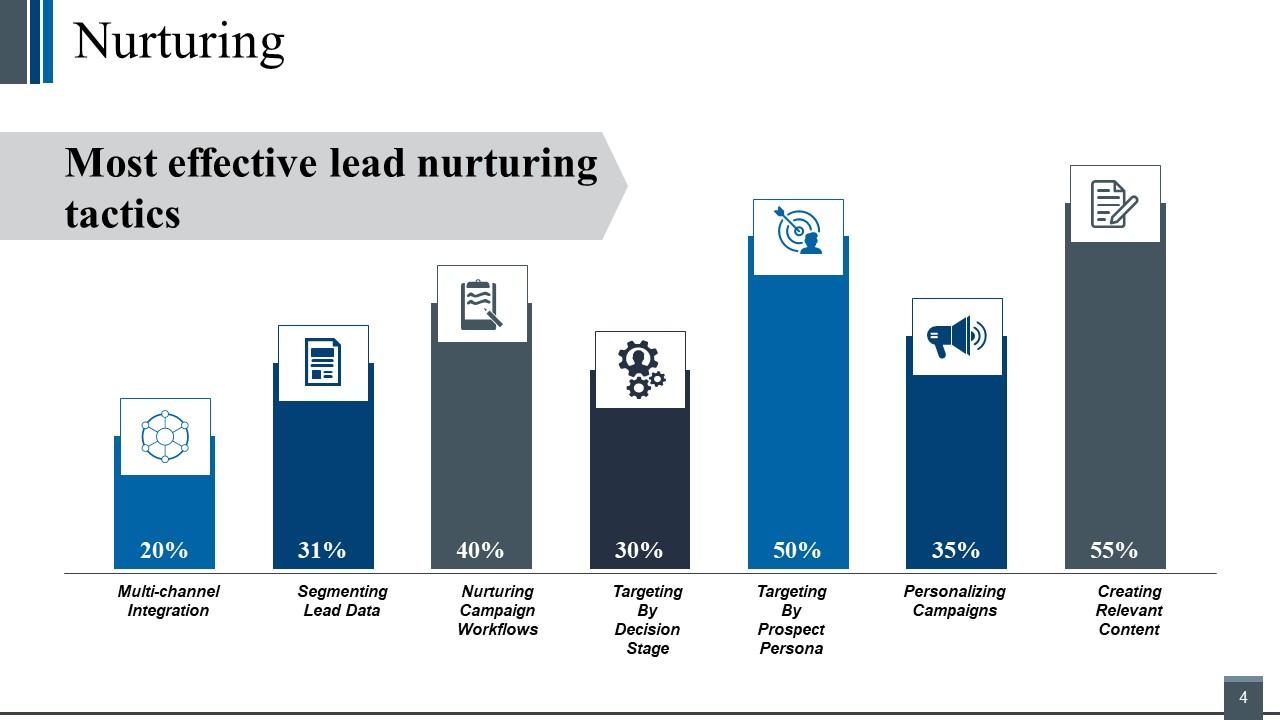
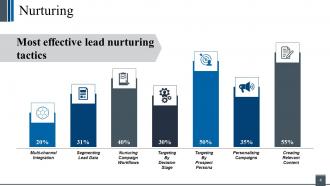
Slide 4: This is Nurturing slide showcasing Most effective lead nurturing tactics in a graphical form.
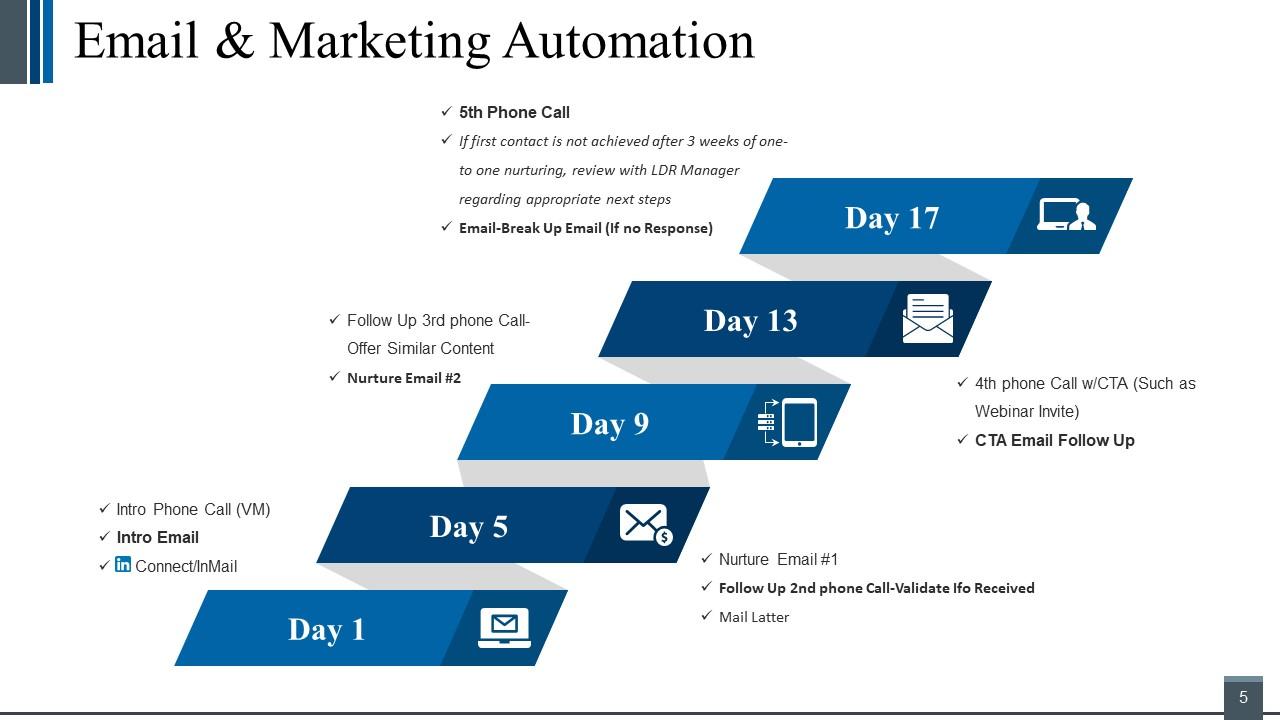
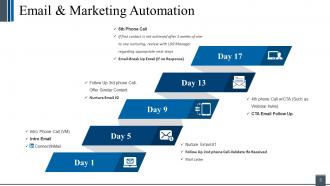
Slide 5: This is Email & Marketing Automation slide in days. Present relevant information here and use as per need.
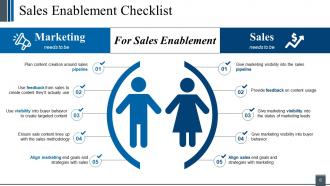
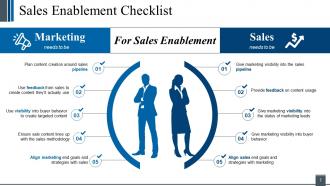
Slide 6: This slide presents Sales Enablement Checklist. Showcase the following two aspects here- Marketing needs to be, Sales needs to be.
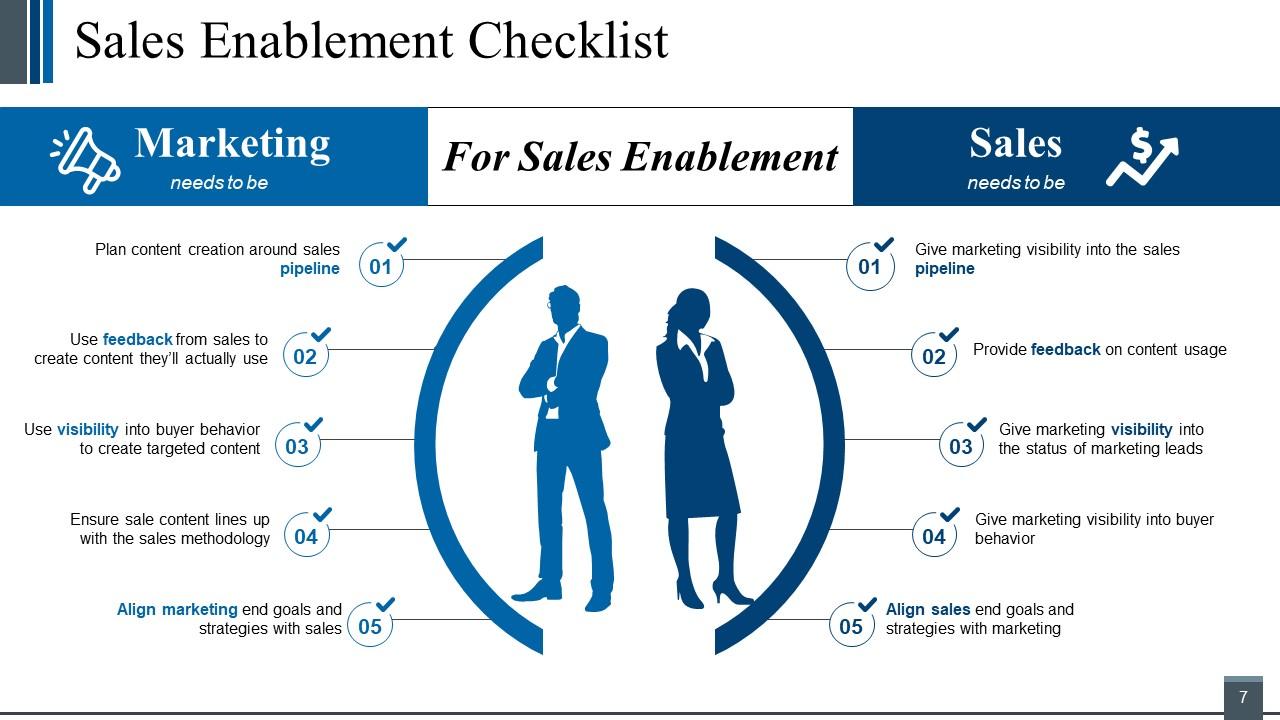
Slide 7: This slide also presents Sales Enablement Checklist in people silhouettes.
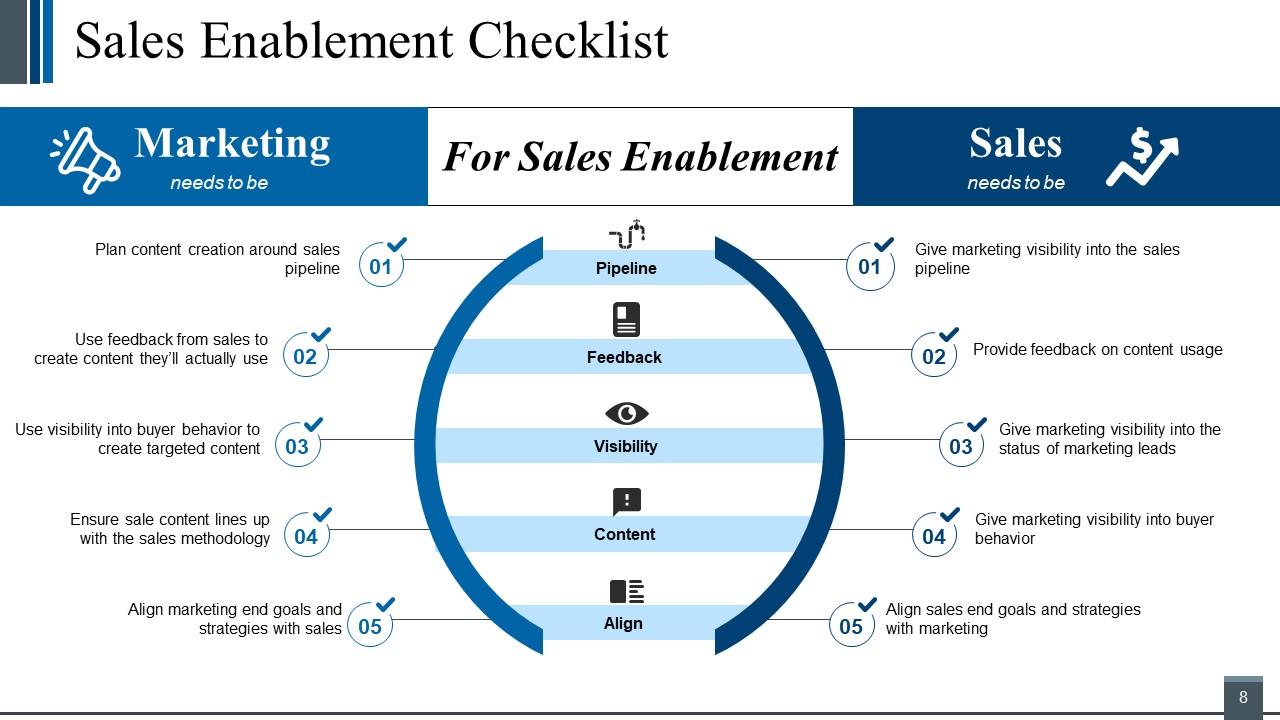
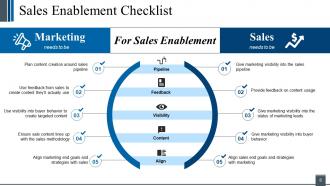
Slide 8: This slide presents another variation of Sales Enablement Checklist with- Pipeline, Feedback, Visibility, Align, Content.
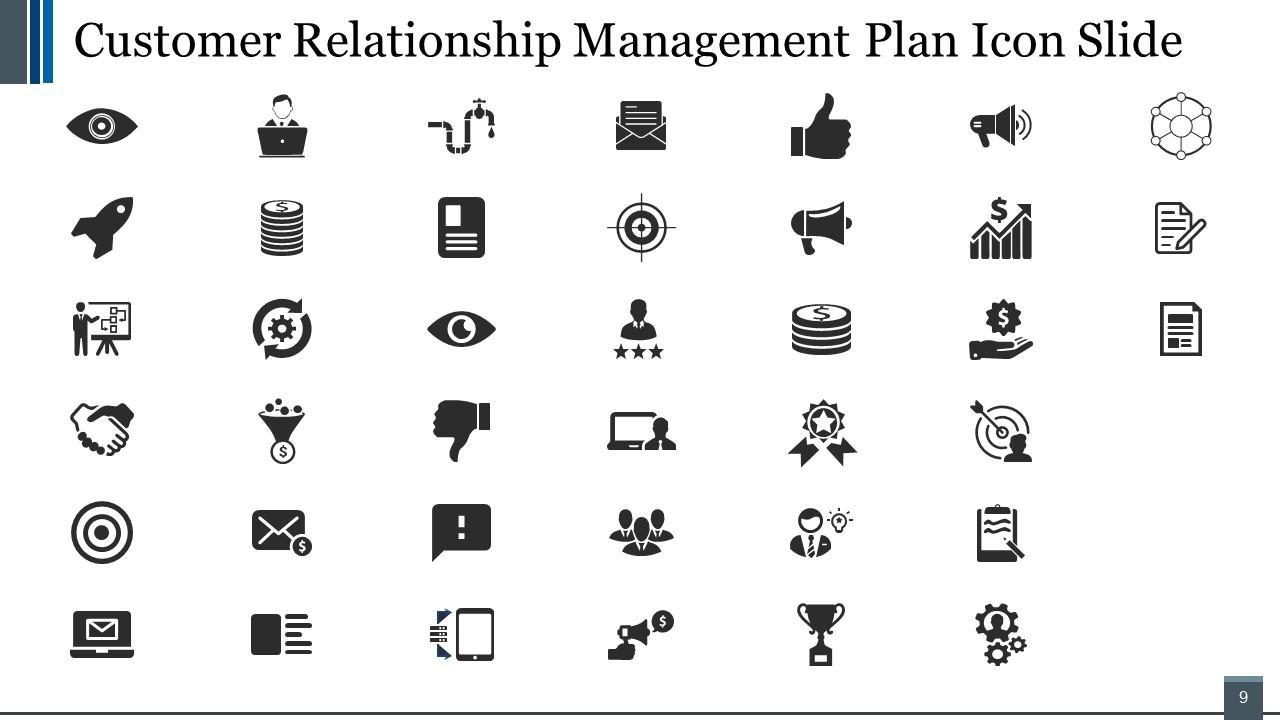
Slide 9: This is Customer Relationship Management Plan Icon Slide. Add/ remove icons as per need.
Slide 10: This slide forwards to Graphs and charts. You can alter the content on the basis of your requirement.
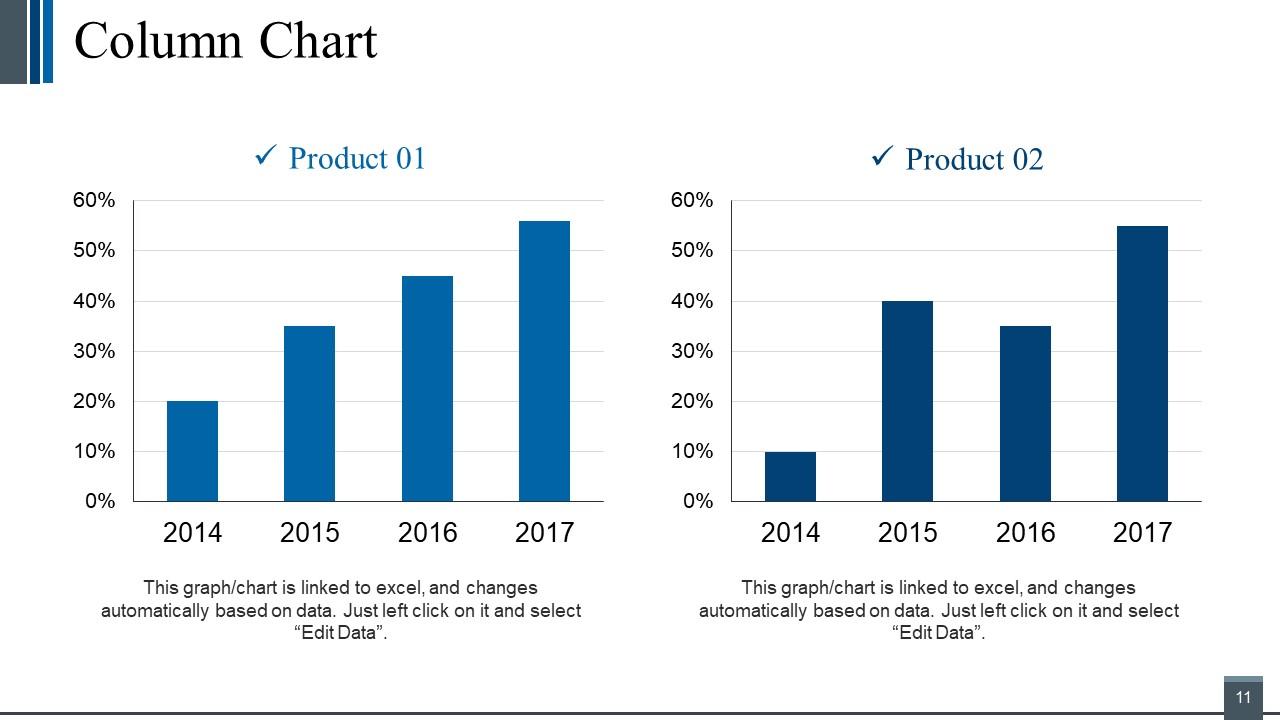
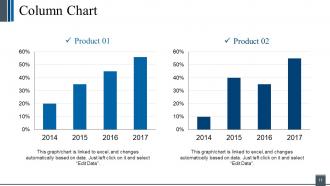
Slide 11: This slide presents a Column Chart for showcasing product/ company growth, comparison etc.
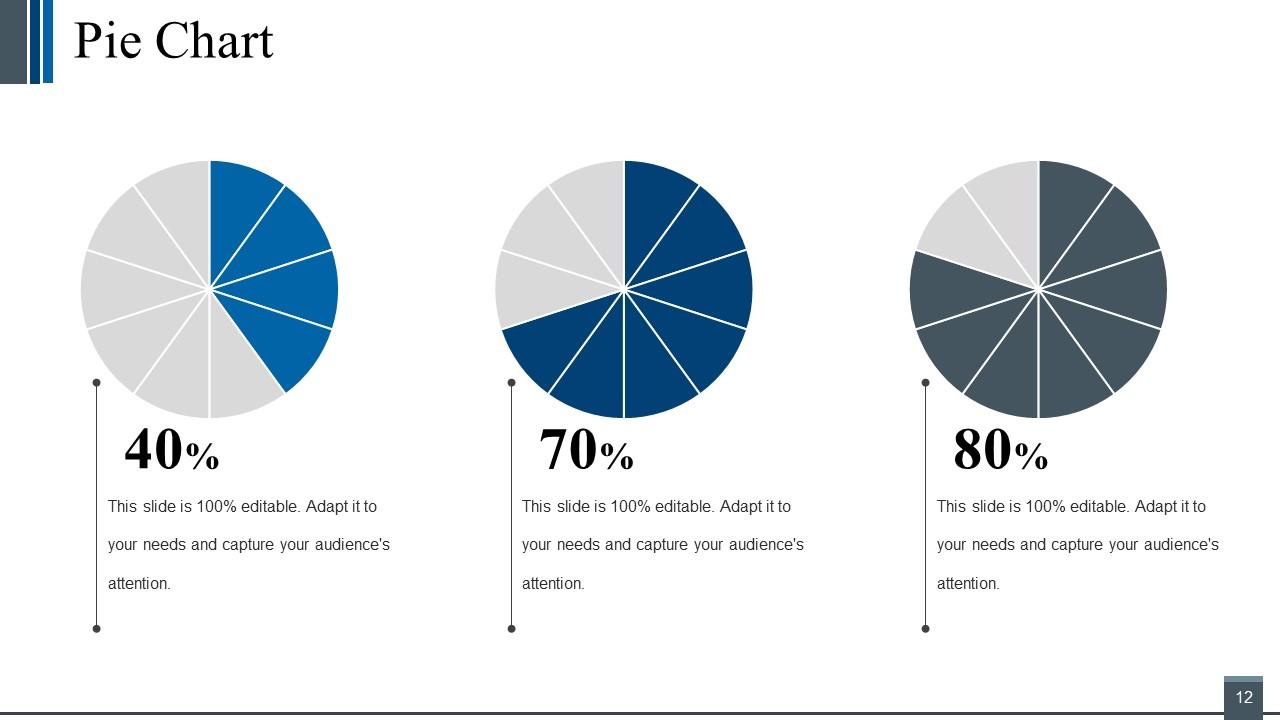
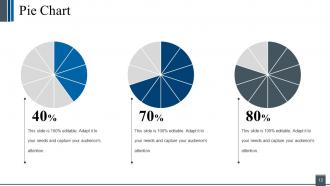
Slide 12: This is a Pie Chart slide to show product comparison etc.
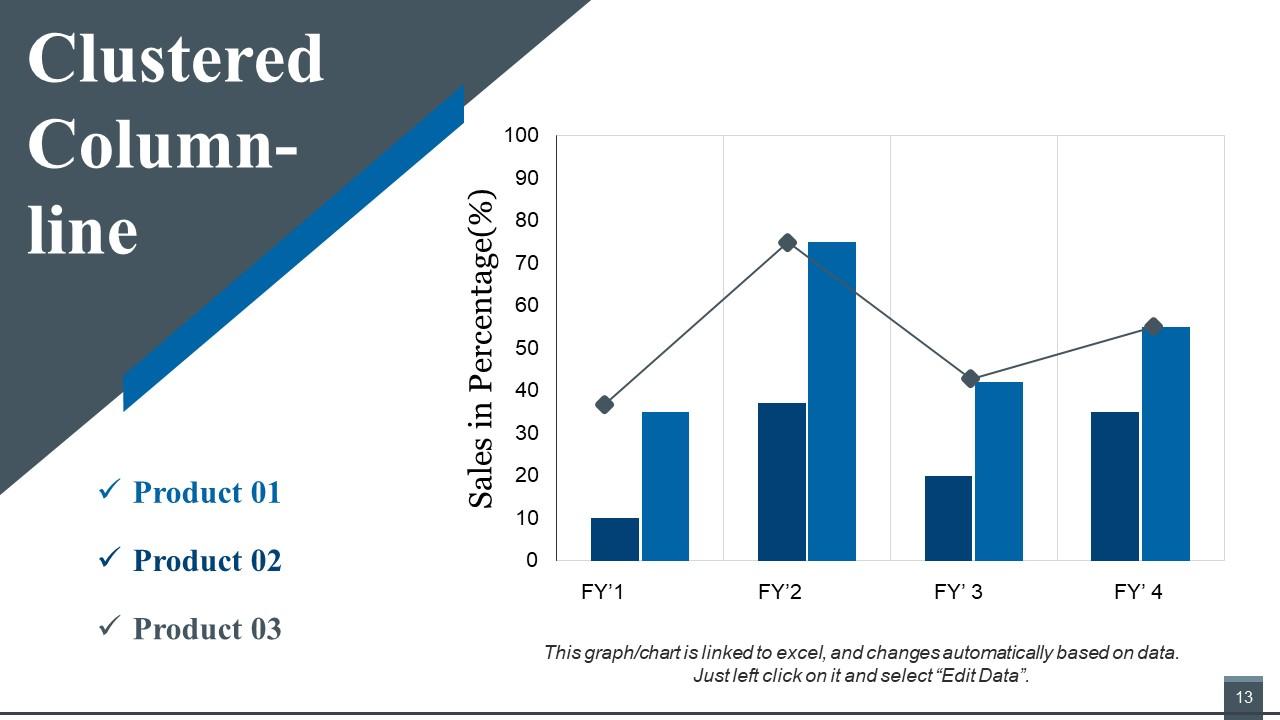
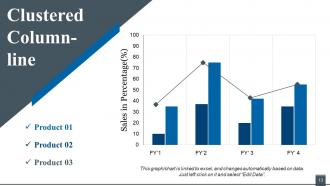
Slide 13: This is a Clustered Column - Line slide to present product/ entity comparison, specifications etc.
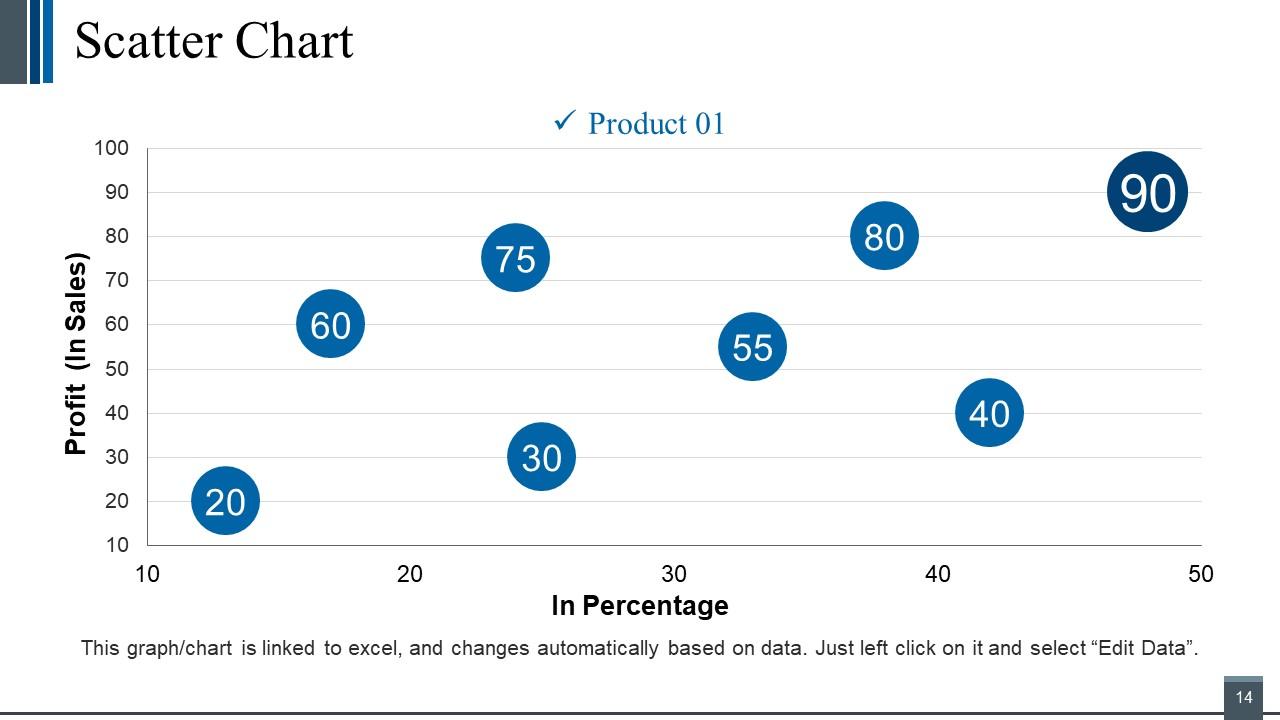
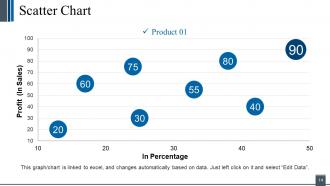
Slide 14: This is a Scatter Chart slide to present product/ entity comparison, specifications etc.
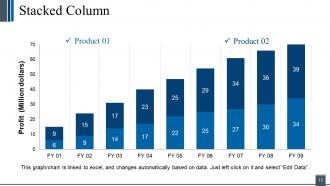
Slide 15: This is a Stacked Column graph slide to show product/ entity comparison, specifications etc.
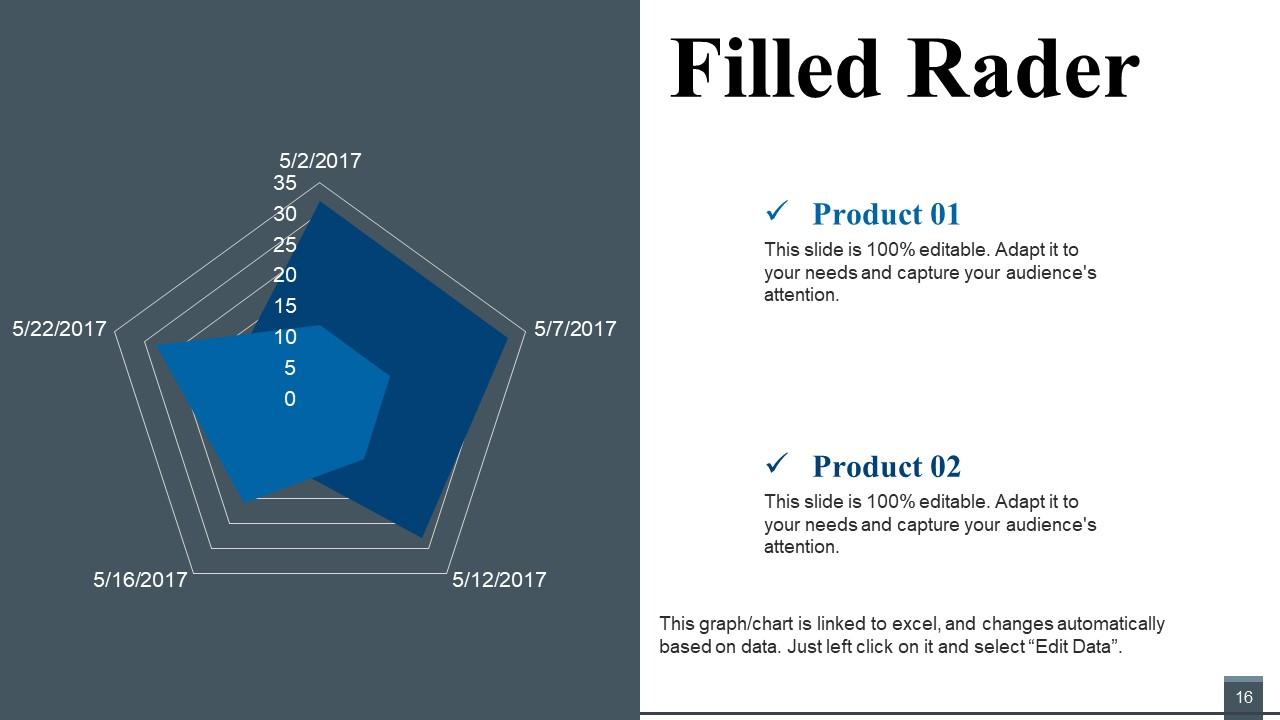
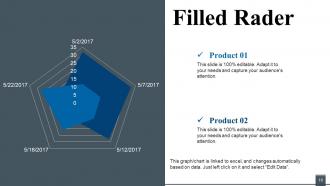
Slide 16: This is a Filled Radar Chart slide to show product/ entity comparison, specifications etc.
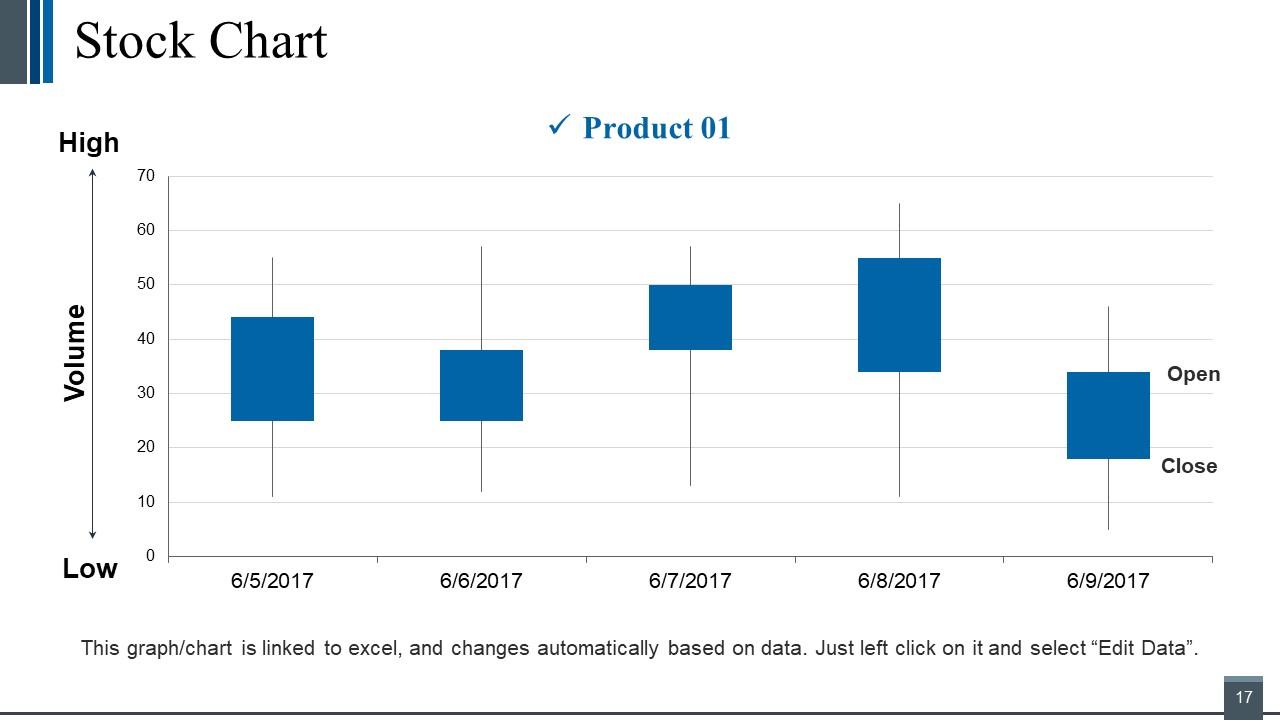
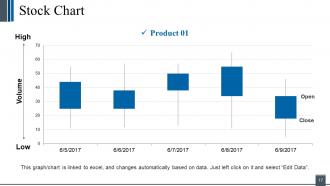
Slide 17: This is a Stock Chart slide to show product/ entity comparison, specifications etc.
Slide 18: This slide is titled Additional Slides to move forward. You can change the slide content as per need.
Slide 19: This slide represents Our Vision. State your vision, goals etc.
Slide 20: This is Meet Our Team slide with name, designation etc. to fill.
Slide 21: This is an About us slide to state company/ team specifications etc.
Slide 22: This is Our Goal slide to state your important goals.
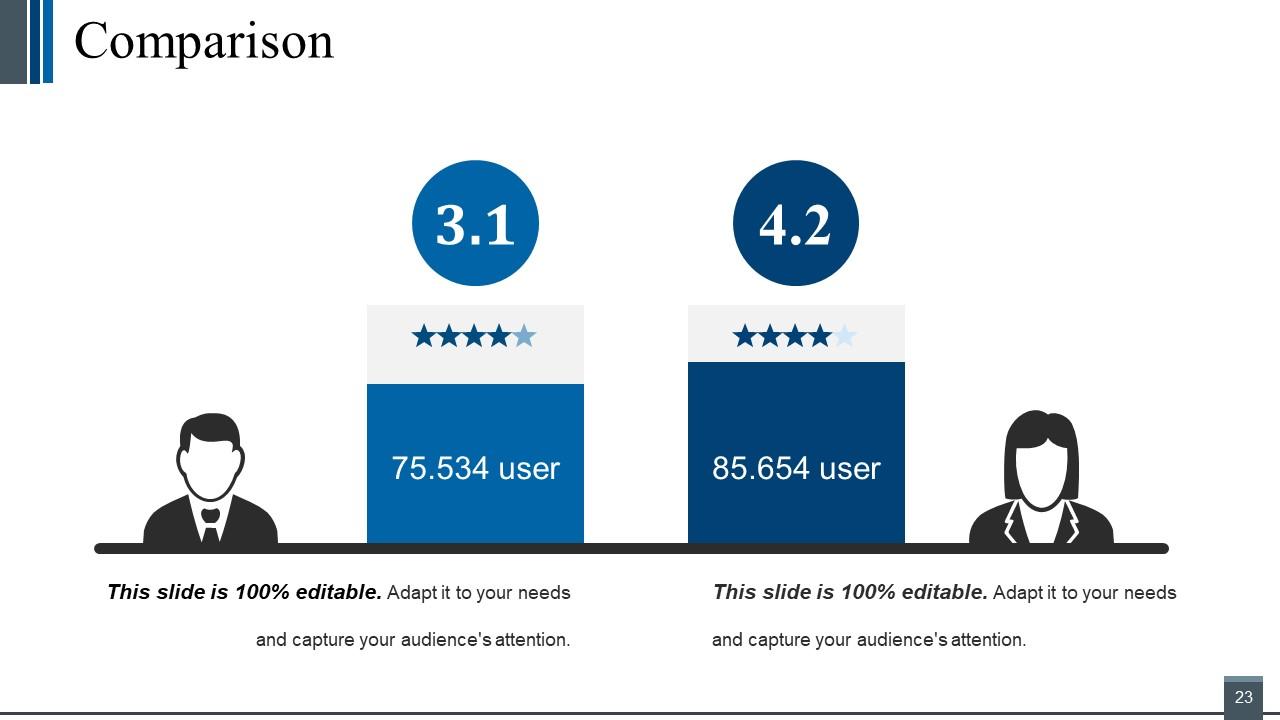
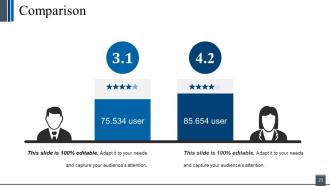
Slide 23: This slide shows comparison. You can use as per your requirement.
Slide 24: This slide is titled as Financials. Show finance related stuff here.
Slide 25: This is a Quotes slide to highlight, or state anything specific.
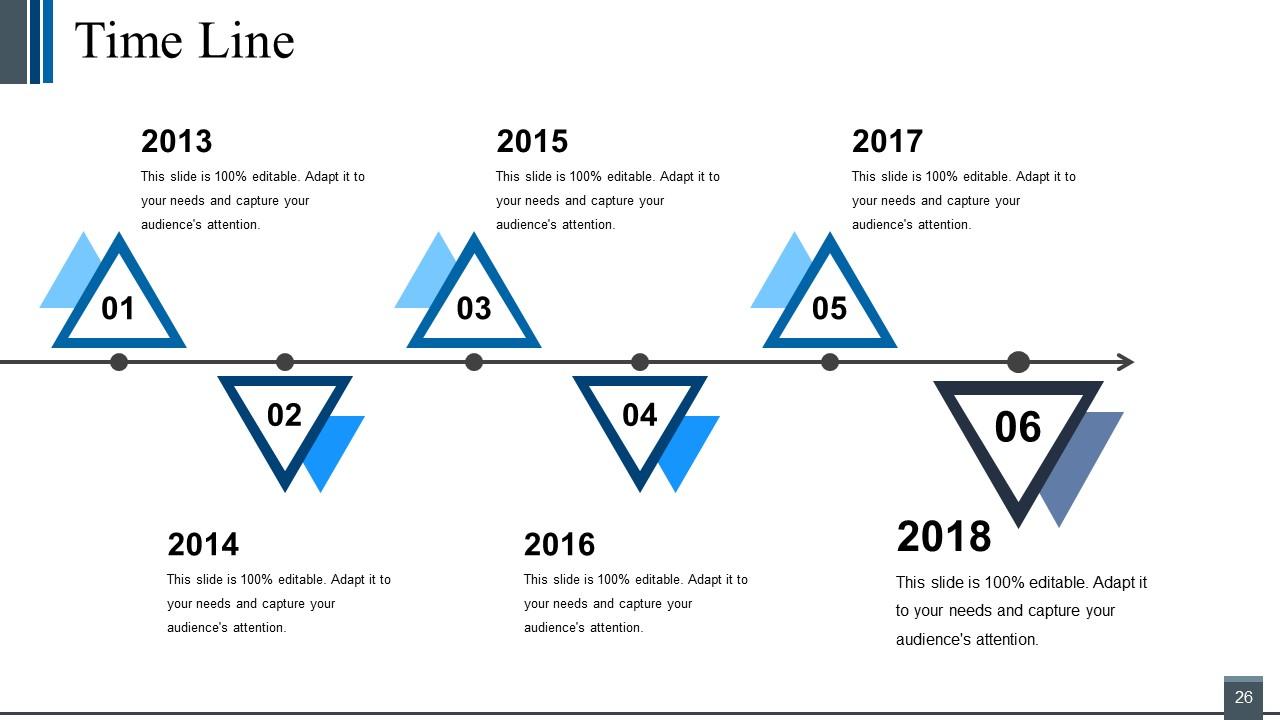
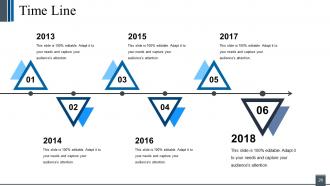
Slide 26: This slide presents a Timeline to show growth, milestones etc.
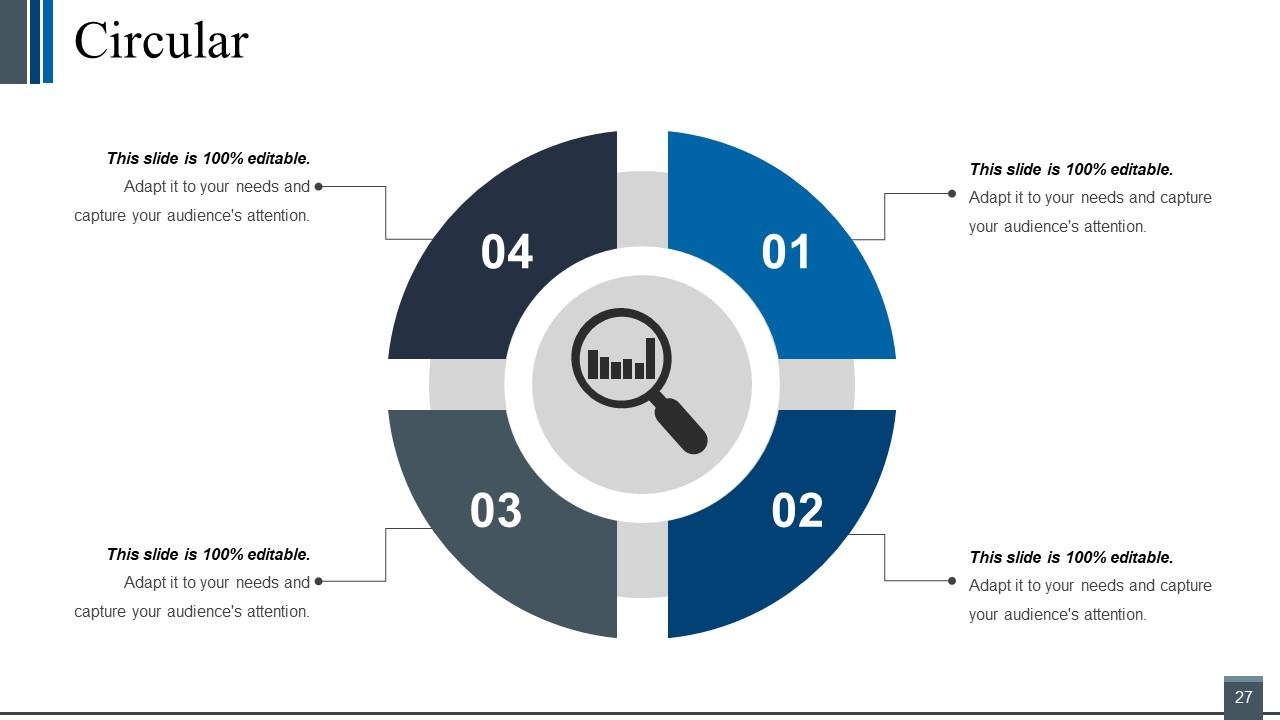
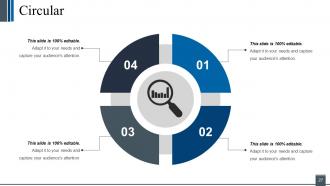
Slide 27: This is a Circular slide to show information, specification etc.
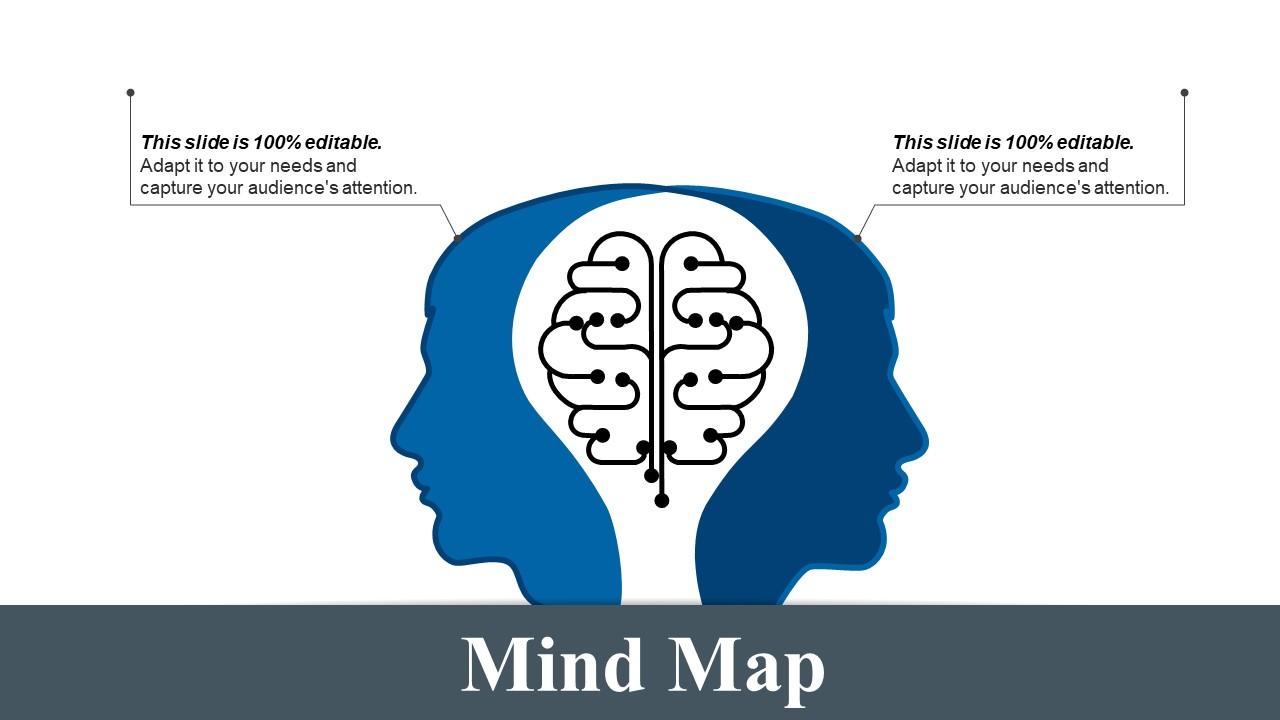
Slide 28: This slide shows a Mind map for representing entities.
Slide 29: This is a Thank You image slide with Address, Email and Contact number.Customer Relationship Management Plan Powerpoint Presentation Slides with all 29 slides: