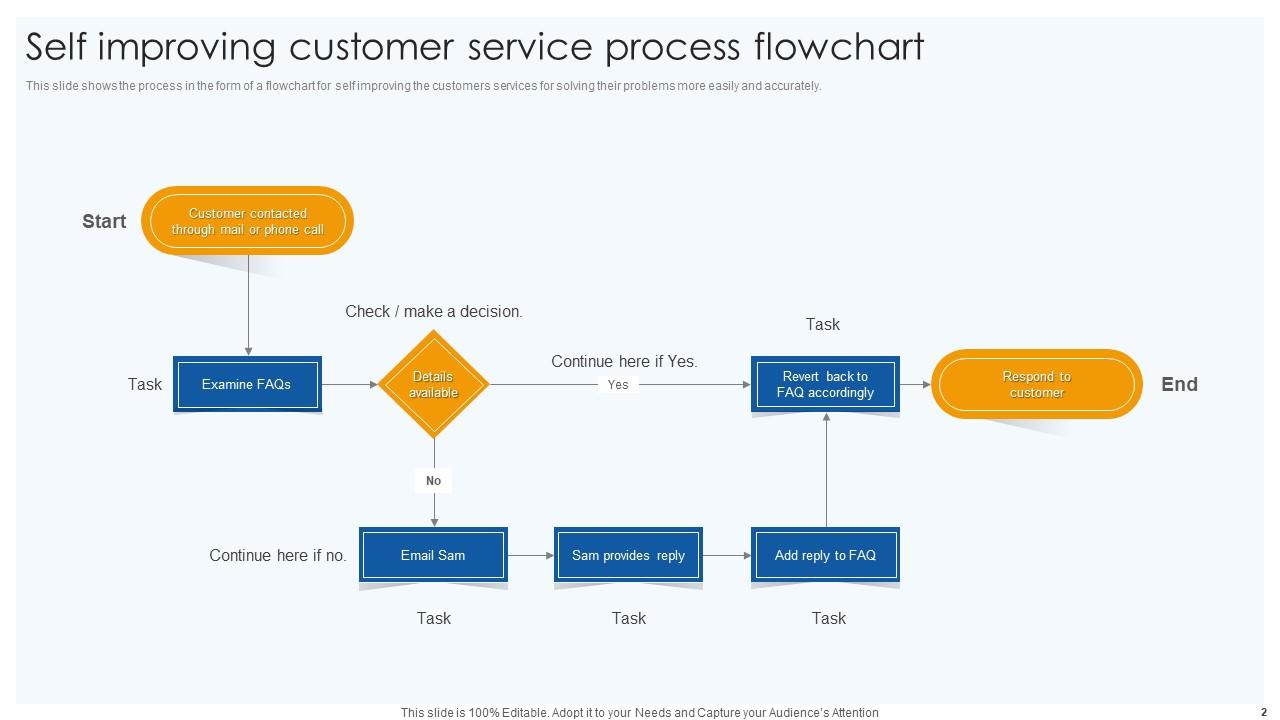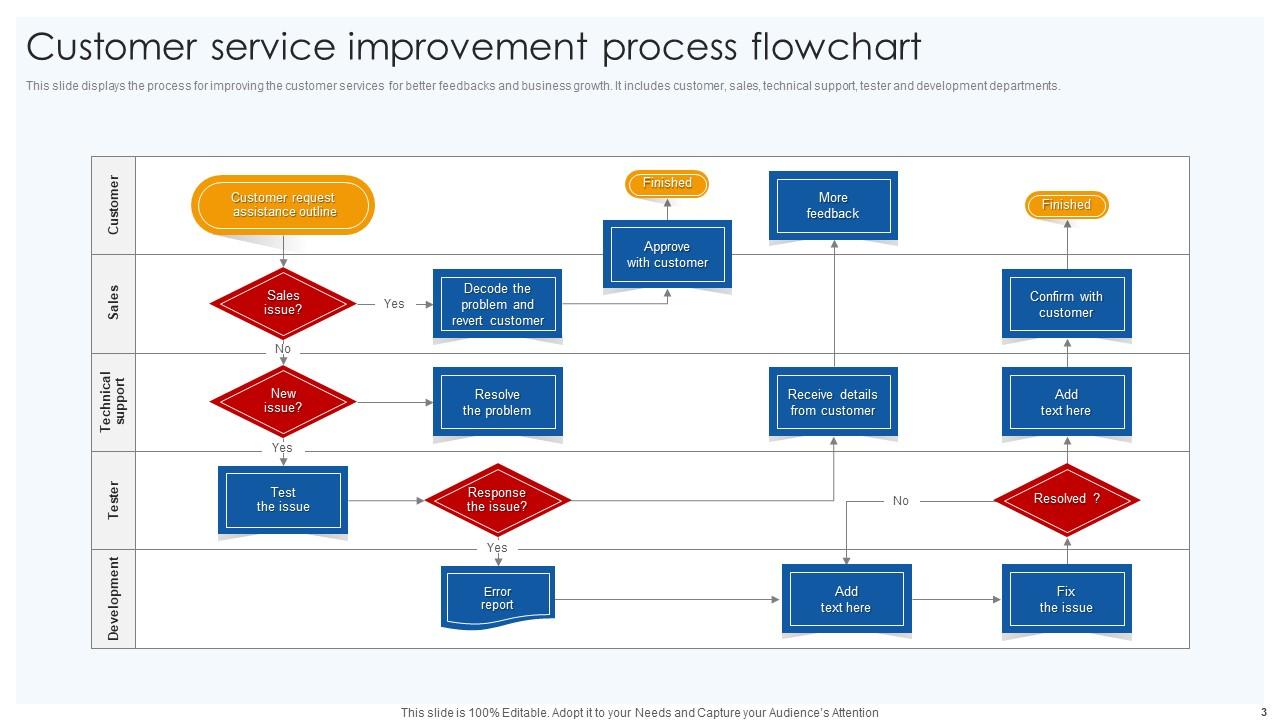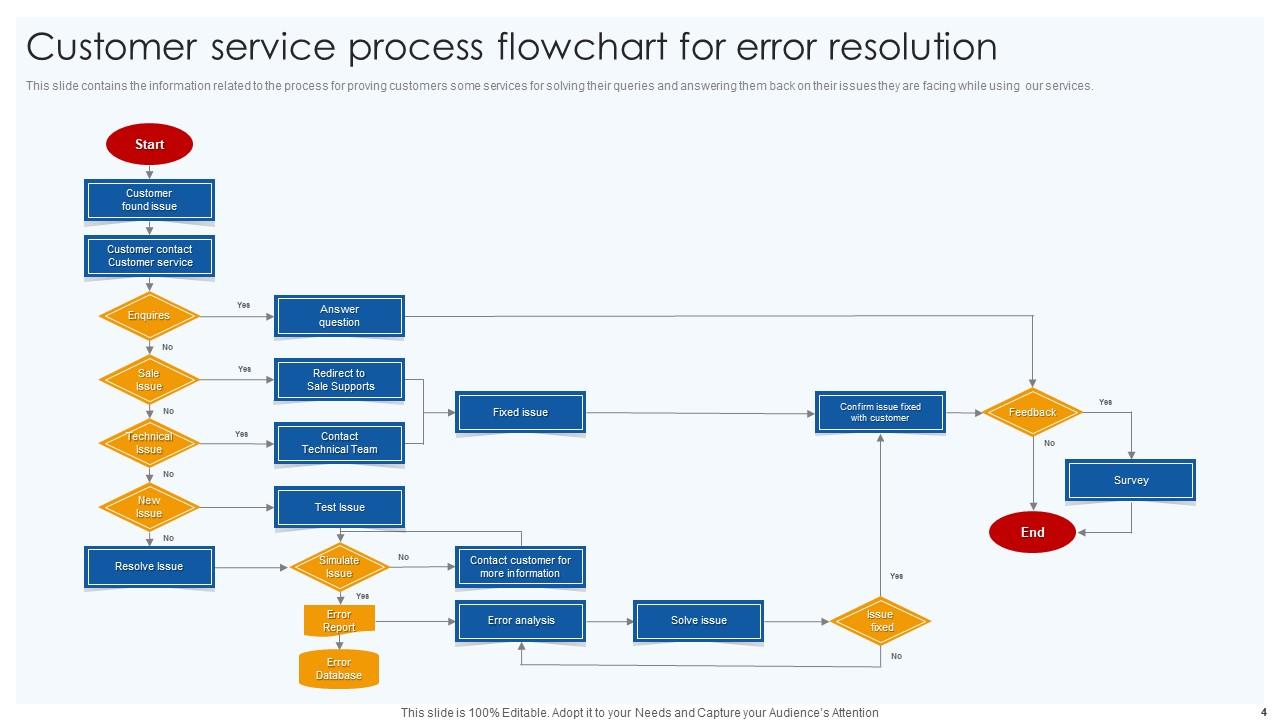
Customer Service Process Flowchart PowerPoint PPT Template Bundles

Rating:
90%
Customer Service Process Flowchart PowerPoint PPT Template Bundles
Slide 1 of 17

or

Favourites Favourites

Try Before you Buy Download Free Sample Product

Audience Impress Your
Audience
Editable 100%
Editable
Time Save Hours
of Time
The Biggest Sale is ending soon in
0
0
:
0
0
:
0
0
Rating:
90%
Introduce your topic and host expert discussion sessions with this Customer Service Process Flowchart PowerPoint PPT Template Bundles. This template is designed using high-quality visuals, images, graphics, etc, that can be used to showcase your expertise. Different topics can be tackled using the twelve slides included in this template. You can present each topic on a different slide to help your audience interpret the information more effectively. Apart from this, this PPT slideshow is available in two screen sizes, standard and widescreen making its delivery more impactful. This will not only help in presenting a birds-eye view of the topic but also keep your audience engaged. Since this PPT slideshow utilizes well-researched content, it induces strategic thinking and helps you convey your message in the best possible manner. The biggest feature of this design is that it comes with a host of editable features like color, font, background, etc. So, grab it now to deliver a unique presentation every time.

FAQs for Customer Service Process Flowchart PowerPoint

So basically you've got your initial contact when someone reaches out, then figuring out what's actually wrong and categorizing it. After that comes the investigation bit - sometimes this takes forever honestly - then developing and implementing whatever fix you need. Don't forget follow-up to make sure they're happy. Most places build in escalation paths too because stuff always gets complicated eventually. Oh, and feedback collection plus case closure if you want to be thorough about it. I'd start by mapping what you're doing now, then spot where things get stuck so you can fix those decision points.

Honestly, flowcharts are game-changers for customer service teams. Your agents get a clear roadmap for different situations instead of winging it or bugging their manager every five minutes. Refund requests, tech problems, complaints - they'll know exactly what to do. The best part? Everyone follows the same process, so customers don't get wildly different experiences depending on who picks up. New people catch on super quick too when they can actually see the steps laid out. Oh, and start with your most common issues first - don't try to map out every weird edge case right away.

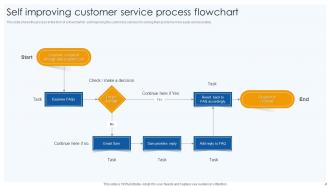
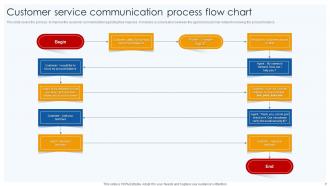
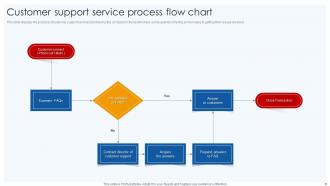
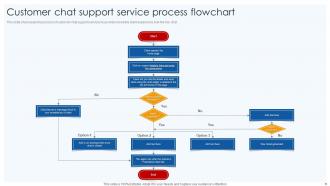
So there are four main shapes you'll need. Ovals mark your start and end points. Rectangles are for process steps - like the actual work getting done. Diamonds show decision points where you pick between options. Then arrows connect everything and show which direction the flow goes. Oh, and parallelograms handle inputs/outputs - stuff like data forms or customer info. You might see circles too when flowcharts get crazy complex and need to jump around the page (which happens more than you'd think). Some people add other shapes for delays or whatever, but honestly? Those four basics cover almost everything. Don't overthink it.

So basically everyone follows the same steps when weird customer stuff comes up, which is honestly a lifesaver. No more random escalations from one person while another just handles it - customers hate that inconsistency. Training new people becomes way easier too since you can just point to the chart instead of explaining everything twice. Oh and the visual thing really helps during those chaotic days when your brain's fried. I'd stick it somewhere obvious like your team Slack or print copies for desks so people actually use it.

Customer feedback is literally free consulting - they're telling you exactly what's broken in your process. When people complain about wait times or getting passed around between departments, that's your cue to fix those specific flowchart steps. I'd start by mapping complaints back to where they actually happen in your service flow. Then tackle the most painful points first. Short waits? Maybe not urgent. But if everyone's confused by step 3, that's your priority. Set up regular feedback collection and actually use it to eliminate bottlenecks. It's way easier than guessing what's wrong.

Oh totally! Flowcharts are perfect for this. Map out your whole customer service process step by step - you'll spot the problem areas right away. Like when tickets just sit there waiting for manager approval forever (seriously, why does that always take so long?). Time each step if you can. The visual part makes it super clear where things get stuck or where customers bounce between departments. Start fixing the slowest steps first. I actually used this at my old job and it was kind of shocking how obvious the issues became once we drew everything out.

Honestly, I'd go with Lucidchart first - super intuitive and has solid templates already built in. Your team can all jump in and edit together which is clutch. Visio's decent too if you're stuck in the Microsoft ecosystem. Oh, and Miro's actually great for the messy brainstorming part before you make things look official. Draw.io won't cost you anything if money's an issue. Just grab one of Lucidchart's customer service templates as your starting point and tweak it from there. Way easier than building from scratch, trust me on that one.

Flowcharts are like having a GPS for customer service calls - they show your new reps exactly what to do next without getting lost in some massive training manual. When someone calls, they can just follow the visual path from start to finish. Way less overwhelming than drowning people in text, you know? Your new hires won't be scrambling through pages during actual calls, which honestly saves everyone's sanity. Plus they'll all handle things the same way instead of making stuff up as they go. Oh, and definitely make different ones for different types of calls - way more helpful that way.

Honestly, start with how long it takes to solve customer problems from beginning to end - that's probably your biggest indicator. First-call resolution rates are solid too. Customer satisfaction scores obviously matter, but I'd also watch how often your agents have to go off-script or escalate things. Oh, and track how fast new people learn the process - good flowcharts should make training way easier. The whole point is making things smoother, not adding more steps. I'd stick to maybe 3-4 metrics and check them monthly so you can actually see what's happening over time.

Just take your flowchart and match it up with your CRM's automation stuff. Salesforce and HubSpot are pretty good at this - tickets come in and get routed automatically based on whatever logic you set up. The decision points are key though, you need those triggers to actually work. Honestly? Pick one super simple process first and just mess around with it. Way less overwhelming that way. Oh and definitely update your case statuses at each step - otherwise your team will have no clue where anything stands. It's actually not that complicated once you get your hands dirty with it!

Don't overcomplicate it - that's the biggest mistake I see. You'll create this confusing mess nobody can follow. Also, people always forget about weird edge cases (trust me, customers will call about the strangest stuff). Test your flowchart with actual team members first! I can't tell you how many times I've thought something made perfect sense, then watched someone get totally lost trying to use it. Oh, and resist the urge to make it "comprehensive" right away. Start basic, try it out on real situations, then build from there. Way easier than untangling a complicated mess later.

Keep your basic flow - customer calls, you figure out what's wrong, fix it, check back later. That part's universal. The middle stuff? That's where you swap in your industry's weird requirements. Retail gets inventory checks and returns. Healthcare needs insurance verification and appointments. You get the idea. Map out where your process branches differently, throw in whatever compliance nonsense your industry demands, and use the words your team actually says (not corporate speak). Honestly, most workflows are like 70% the same anyway - it's just those few industry-specific steps that make you feel special. Test it with real cases once you're done.

Your flowchart's visuals totally impact how professional you look to customers. Clean layouts with consistent colors and clear icons? You'll come across as trustworthy and organized. But if it's messy or confusing, people assume your actual service is chaos too. I'd go with warm colors for a friendly vibe or cool blues if you want that reliable, corporate feel. It's basically judging a book by its cover – which everyone does even though we pretend we don't. Leave plenty of white space and use symbols that make sense immediately. Oh, and definitely test it on a few people first!

Check your flowchart every quarter, or whenever you change something big - whatever hits first. Your customer service people are gold mines here since they deal with this stuff all day. They'll spot issues management totally misses. Track what's working and what's creating headaches, then fix it. Oh, and definitely keep your old versions! You'll want to see how things evolved over time. New updates? Get everyone trained within a week or it's chaos. Honestly, just put your next review date on the calendar right now - even if everything seems perfect today.

Get your team involved from day one instead of surprising them with a finished flowchart. Run some brainstorming sessions where people can actually suggest changes - honestly, this prevents so much drama later. Do training where everyone practices with real examples, not just theoretical stuff. Make sure they get WHY each step matters, not just what to do. Oh, and find a few people who are excited about it first. They'll help sell it to the skeptics. You don't want to be the only one pushing this thing uphill.

Ratings and Reviews

90% of 100
Review Form
Write a review
Most Relevant Reviews
  1. 100%

    by Doyle Andrews

    Informative design.
  2. 80%

    by Christoper Chavez

    SlideTeam’s pool of 2Million+ PPTs has really benefited my team, everyone from the IT department to HR. We are lucky to have crossed ways with them.

2 Item(s)