Customer Success Story Powerpoint Ppt Template Bundles

Rating:
80%
Slide 1 of 16
Favourites Favourites

Try Before you Buy Download Free Sample Product

Audience Impress Your
Audience
Editable 100%
Editable
Time Save Hours
of Time
The Biggest Sale is ending soon in
0
0
:
0
0
:
0
0
Rating:
80%
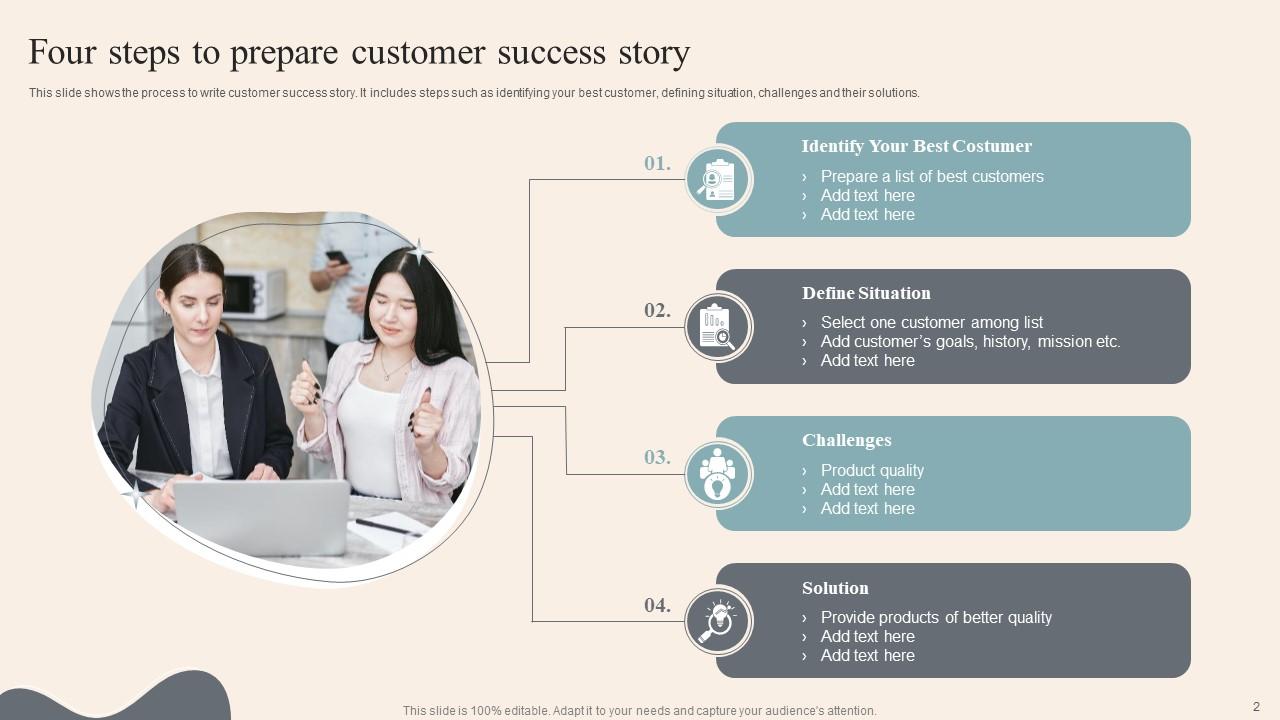
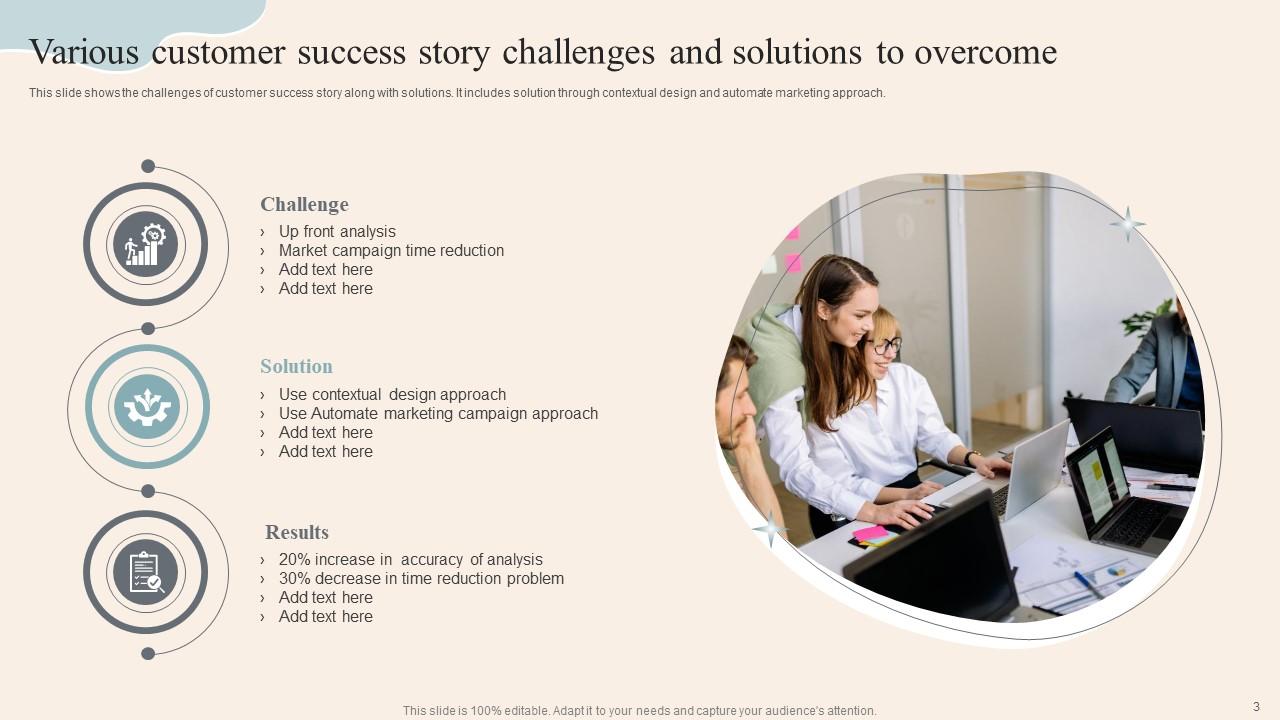
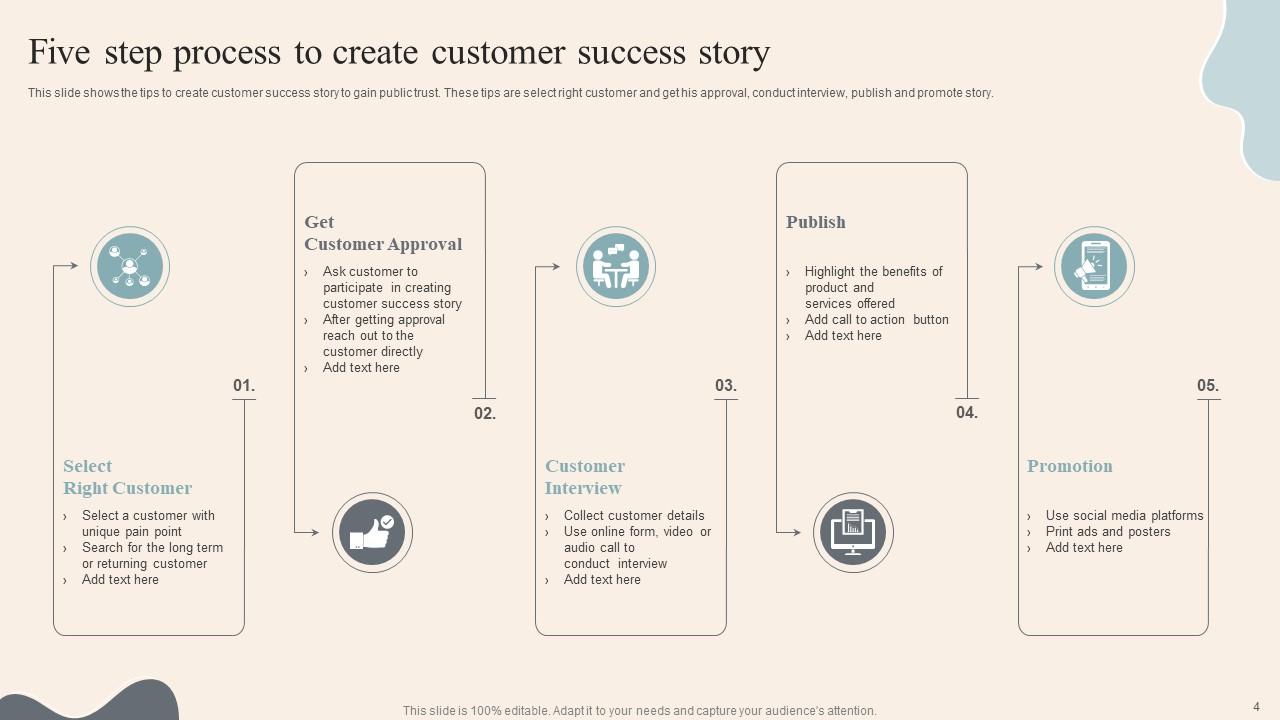
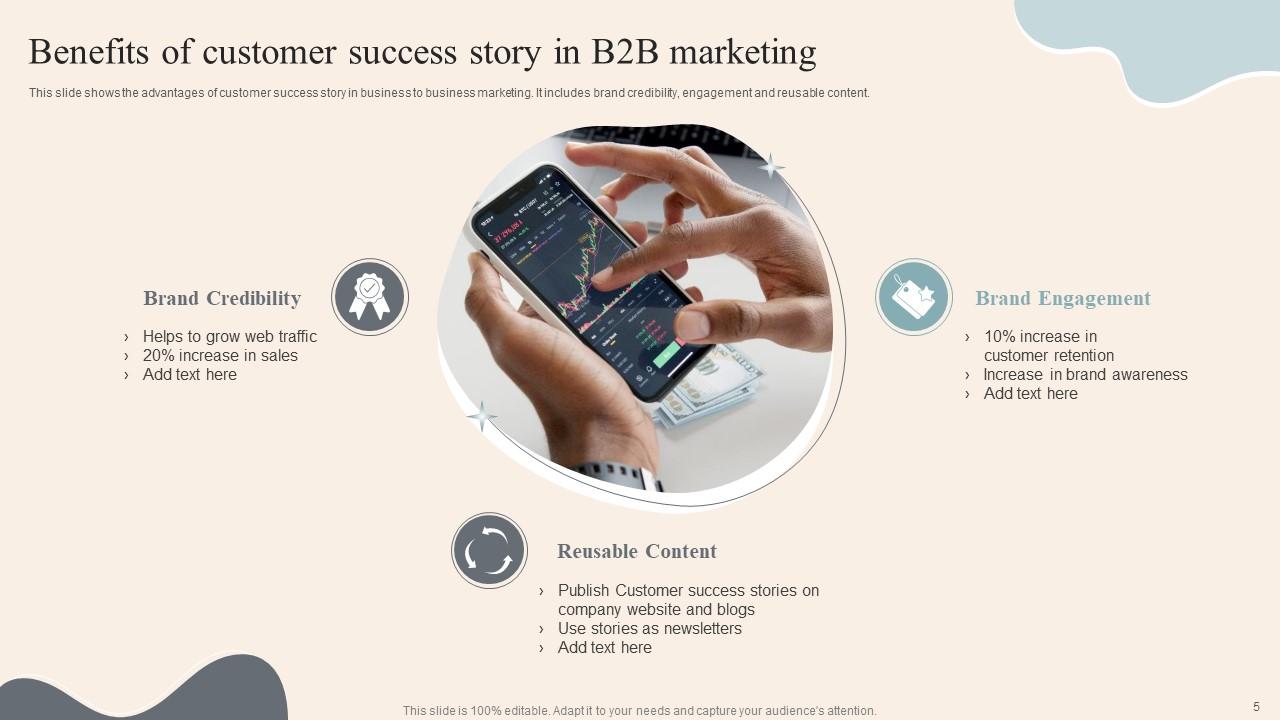
Deliver a credible and compelling presentation by deploying this Customer Success Story Powerpoint Ppt Template Bundles. Intensify your message with the right graphics, images, icons, etc. presented in this complete deck. This PPT template is a great starting point to convey your messages and build a good collaboration. The eleven slides added to this PowerPoint slideshow helps you present a thorough explanation of the topic. You can use it to study and present various kinds of information in the form of stats, figures, data charts, and many more. This Customer Success Story Powerpoint Ppt Template Bundles PPT slideshow is available for use in standard and widescreen aspects ratios. So, you can use it as per your convenience. Apart from this, it can be downloaded in PNG, JPG, and PDF formats, all completely editable and modifiable. The most profound feature of this PPT design is that it is fully compatible with Google Slides making it suitable for every industry and business domain.

FAQs for Customer Success Story Powerpoint

Start with the customer's original problem, then show exactly how you fixed it. Numbers are everything here - that's what actually sells the story, not some vague "we helped them succeed" nonsense. Get a real quote from the customer too, something that doesn't sound like marketing BS. Context matters - mention their company size and industry so prospects can see themselves in it. Hook them upfront, then walk through the whole before/after thing. Oh, and make each section detailed enough that your sales team won't need to hunt you down for more info later.

Honestly, think of it like you're directing a movie - start with darker visuals when showing their problem, then gradually brighten things up as you reveal the solution. Real photos of people beat fancy charts every time (trust me on this). White space is your friend here... gives those key moments room to actually land. I'd sketch the whole story arc first, then worry about matching visuals to each part. Maybe try a timeline layout? The whole point is making people *feel* what your customer went through, not just read about it. Oh and don't cram everything together - let it breathe.

Testimonials are like your credibility gold - they turn all your claims into actual proof instead of just sales fluff. Don't just slap them at the end though! Weave specific quotes throughout, right after you talk about each problem or solution. I always cringe when I see "Anonymous Fortune 500 company" - sounds so sketchy. Get real names and companies if you can. Look for quotes that hit pain points, show actual numbers, and capture how people felt. Short testimonials work better than novels too. Place them where they naturally support what you're saying, not where it's convenient.

Start with your best numbers right up front - grab them immediately with the most impressive stats. Throughout the story, sprinkle in your data instead of cramming it all together (nobody wants to read a spreadsheet, honestly). Mix the hard ROI stuff with softer metrics like time saved or how happy users are. Before-and-after comparisons work great for showing real change. Oh, and use actual percentages and dollar amounts - "significant improvement" sounds like you're hiding something. People trust specific numbers way more than vague corporate speak.

Skip the boring intro stuff and hit them with results right away - something like "How [Company] slashed costs by 40%." Then do problem-solution-results, but keep it snappy. Honestly, most case studies I read are way too long and rambling. Stick to numbers your audience actually cares about. Throw in a real customer quote so it doesn't sound like you made everything up. Show the journey without diving into technical rabbit holes that'll put people to sleep. Don't forget a clear next step at the end - otherwise you've just told a nice story that goes nowhere.

Yeah, so basically keep your main template but swap out the industry stuff. Like SaaS companies want to hear about churn reduction - "cut churn by 25%" hits different than talking production downtime. Manufacturing clients? They're all about that "40% less downtime" metric. The challenge-solution-results thing works everywhere though, which is kinda nice. You just gotta match the pain points each industry actually cares about. Healthcare's obsessed with compliance, retail lives for customer experience metrics. Oh, and definitely switch up the jargon - don't use tech speak with old-school manufacturers. Start with your base template, then just plug in the right KPIs and terminology for whoever you're pitching.

Oh man, so many good options! Canva's my go-to honestly - their templates are clutch when you're scrambling. PowerPoint and Google Slides still work great too, especially since they've stepped up their design game. Adobe Creative Suite if you want to get really fancy with it. Prezi adds cool interactive stuff but maybe overkill? For video testimonials, try Loom or Camtasia - both super easy for screen recordings. I'd probably just start with Canva and see how it goes. You can always get more sophisticated later once you figure out what style works best.

Honestly, it's all about knowing what each group actually cares about. Executives? Hit them with ROI and revenue numbers right off the bat - they live for that big picture stuff. But frontline people want the real deal: will this thing actually make my Tuesday easier or am I gonna hate it? I usually end up making two completely different versions of the same case study. One's all polished for the boardroom. The other feels more like "hey, here's how Sarah from accounting saved 3 hours a week." Figure out what keeps each group up at night, then just... write to that. Works way better than trying to make one presentation fit everyone.

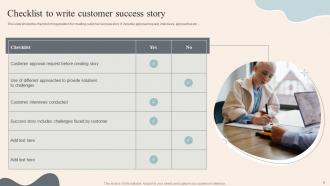
Don't make it sound like a brochure - nobody wants to read that. Focus on what actually changed for your customer, not how amazing your product is. Generic stories are boring too, so get specific with details and real numbers if you can. Oh, and definitely get approval first! I skipped that once and it was awkward. Start with their problem, then show the transformation. Skip the feature laundry list - honestly, people care more about results than technical specs. Keep it conversational instead of using corporate buzzwords. The best case studies read like you're telling a friend about how you helped someone solve a real headache.

Honestly, customer stories are like magic for every marketing channel you've got. Put them front and center on your homepage and product pages. Social media loves them too. Email campaigns? Toss in some snippets. Sales presentations are obvious wins - prospects trust other customers way more than your fancy marketing copy (which makes total sense, right?). One story can become a case study, video testimonial, blog post, or even just a simple quote graphic. Oh, and start with your happiest customers - just ask if they'd share their experience. Most people are surprisingly willing to help.

Check out how Slack shows off Airbnb's team scaling story, or HubSpot's case studies with actual numbers like "30% more leads." Salesforce nails this too - they throw in real quotes from customers with photos and job titles. The super polished ones honestly feel fake sometimes. You want that problem-solution-results flow with real metrics. What specific mess was your client dealing with? How'd you fix it? What changed after? Oh, and start grabbing these details from current clients now - you'll thank yourself later when you're not scrambling to remember what actually worked.

Here's what works best - make your CTA feel like the obvious next move after your story. Say something like "Ready to cut processing time in half like CompanyX did?" That connects directly to what they just read. Honestly? The CTAs that convert best don't even feel like CTAs. They're just natural invitations. Skip the boring "Contact us today!" garbage - nobody clicks that anymore. Instead, tie it back to whatever problem you solved in the story. "Want to see how this'd work for your team?" feels way more personal than generic sales-speak. It's like you're continuing the conversation rather than suddenly trying to sell them something.

Dude, forget just listing features - people connect with actual stories. When you're sharing case studies, focus on the emotional journey: how frustrated your customer was, their breakthrough moment, then the relief afterwards. Most companies just vomit numbers everywhere and wonder why nobody cares. Interview customers about their whole experience, not just the end results. Get those specific details that make it feel real. Short sentences work. But also let some flow naturally when you're painting the picture. Honestly, building up a collection of these stories now will save your ass later when you need them.

Get ready for the usual suspects - everyone's gonna ask about ROI and timelines, I swear it happens every single time. Make yourself a cheat sheet with extra numbers, implementation stuff, and any roadblocks you didn't mention. Also grab your customer's contact info (ask them first obviously) in case someone wants to chat directly. Oh, and definitely have that customer quote ready - nothing beats hearing it straight from their mouth when people start drilling down on specifics. Just stick to your original story but be ready to go deeper. You've got this!

So there's a bunch of ways to track this stuff. During presentations, watch if people are actually engaged - asking questions, scribbling notes, not checking their phones. After that, measure your conversion rates and meeting requests. Sales teams using the stories later? That's honestly the best sign they're working. Track deal velocity too and close rates where you shared the story. Oh, and don't forget asking prospects directly what hit home for them. Sounds obvious but most people skip that step. The feedback helps you tweak things for next time.

Ratings and Reviews

80% of 100
Review Form
Write a review
Most Relevant Reviews
  1. 80%

    by Dalton Aguilar

    Editable templates with innovative design and color combination.
  2. 80%

    by James Lewis

    The quality of PowerPoint templates I found here is unique and unbeatable. Keep up the good work and continue providing us with the best slides!

2 Item(s)

per page: