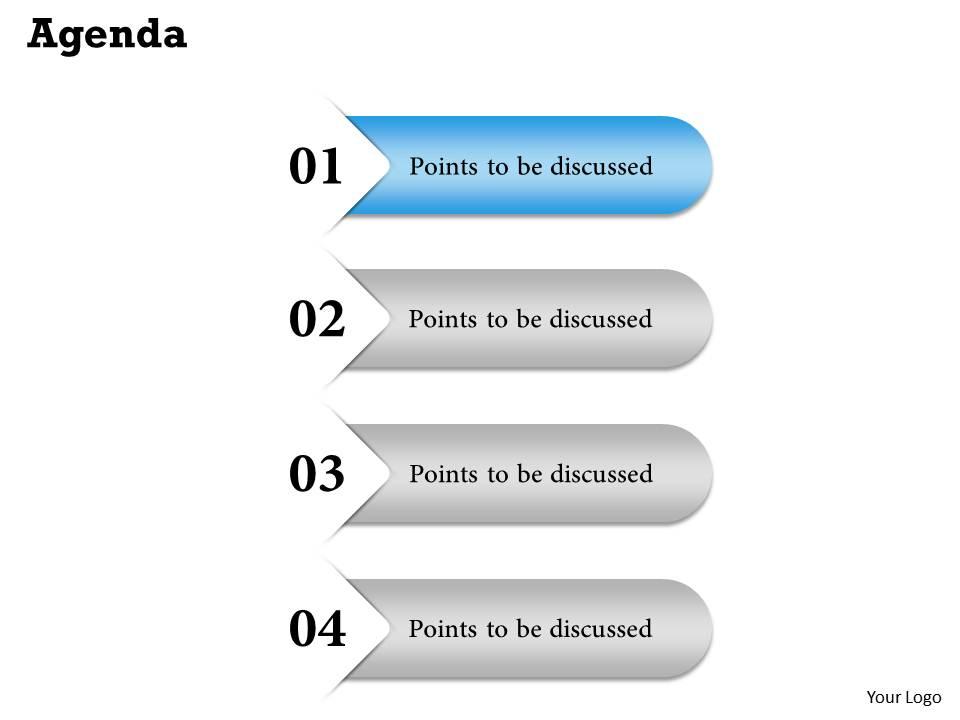
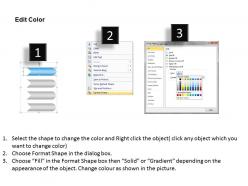
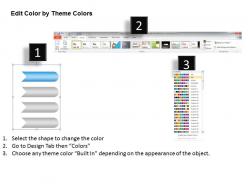
Four staged independent text boxes 0214

Rating:
100%
Four staged independent text boxes 0214
Slide 1 of 5
Favourites Favourites

Try Before you Buy Download Free Sample Product

Audience Impress Your
Audience
Editable 100%
Editable
Time Save Hours
of Time
The Biggest Sale is ending soon in
0
0
:
0
0
:
0
0
Rating:
100%
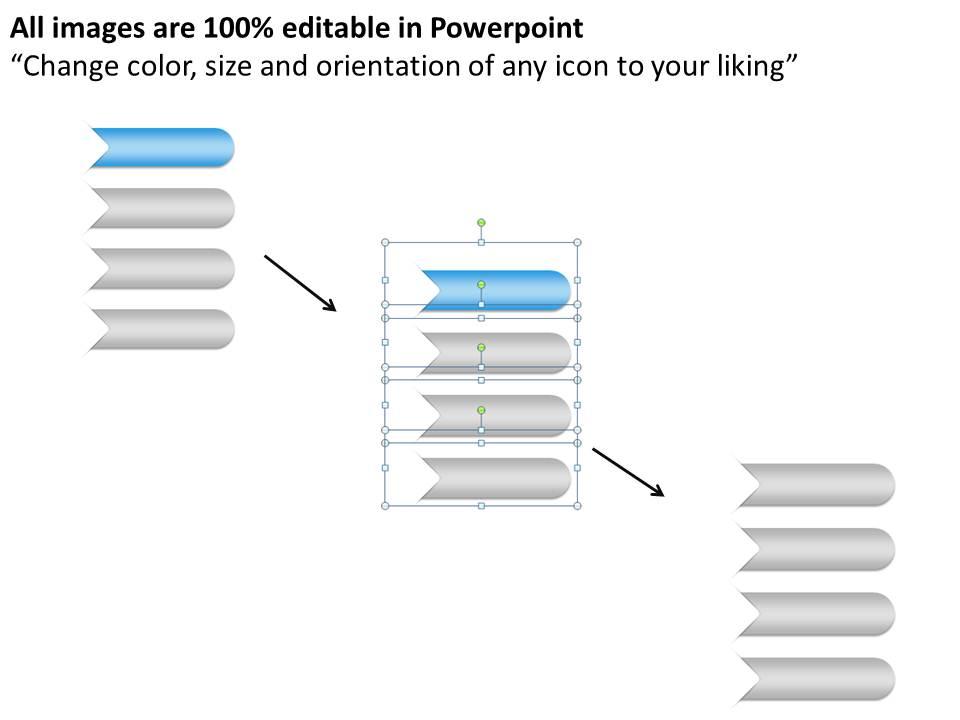
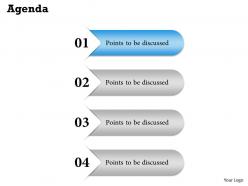
We are proud to present our four staged independent text boxes 0214. This power point slide is designed with four staged independent text boxes for explaining business agendas.

People who downloaded this PowerPoint presentation also viewed the following :

FAQs for Four staged independent

Four-staged independent text boxes enable presenters to break complex processes into digestible segments, control information flow through sequential reveals, maintain audience focus on specific points, and create visual hierarchy that enhances comprehension. This approach streamlines content delivery by preventing cognitive overload, allowing strategic pacing during presentations, and ultimately delivering clearer communication with improved audience retention across business and educational settings.

Four-staged independent text boxes enhance visual storytelling by enabling sequential narrative development, creating clear information hierarchy, maintaining audience focus through controlled revelation, and allowing flexible content organization across different story elements. These design components streamline complex narratives by separating key themes, supporting progressive disclosure techniques, and delivering structured messaging flow, with many presenters finding that this approach significantly improves audience comprehension and engagement.

**INPUT**: What design principles should be considered when creating four-staged independent text boxes? **OUTPUT**: Key design principles include visual hierarchy, consistent spacing, readable typography, balanced proportions, and clear content organization to ensure seamless information flow. These elements work together by establishing logical progression, maintaining visual cohesion, and enhancing user comprehension, with many organizations finding that strategic layout choices ultimately deliver improved audience engagement and clearer communication outcomes.

Four-staged independent text boxes enhance audience engagement by allowing presenters to reveal information progressively, maintain focused attention on specific points, control narrative pacing, and create interactive moments for discussion. This staged approach prevents information overwhelm while building anticipation, with many corporate trainers and sales professionals finding that audiences retain key messages more effectively, ultimately delivering higher participation rates and improved comprehension outcomes.

Four-staged independent text boxes work best for sequential processes, comparative analyses, feature breakdowns, strategic frameworks, and step-by-step methodologies. These formats excel in presenting complex business concepts like market entry strategies, product development phases, or service delivery models, with organizations across consulting, healthcare, and technology sectors finding that structured content enhances audience comprehension and decision-making effectiveness.

Color schemes significantly enhance four-staged independent text boxes by creating visual hierarchy, improving readability, guiding audience attention, and reinforcing information flow between stages. Strategic color choices enable presenters to differentiate content phases, highlight key transitions, and maintain audience engagement, with many organizations finding that consistent, purposeful color application ultimately delivers clearer communication and stronger message retention.

**INPUT**: What software tools or platforms are most effective for designing four-staged independent text boxes? **OUTPUT**: Effective platforms include PowerPoint, Canva, Adobe Creative Suite, Figma, and Google Slides, each offering customizable text box features and professional templates. These tools streamline design workflows by providing drag-and-drop functionality, alignment guides, and formatting consistency, with many organizations finding that PowerPoint and Canva deliver the optimal balance of accessibility and professional results.

Four-staged independent text boxes easily adapt to different presentation styles through strategic content structuring, visual formatting, and flow customization. For persuasive presentations, organizations use problem-solution-benefit-action sequences, while informative styles employ introduction-details-analysis-conclusion frameworks, with many presenters finding that the flexible format enhances audience engagement and message clarity across diverse business contexts.

Cultural considerations significantly influence four-staged independent text boxes through reading patterns, color symbolism, visual hierarchy preferences, and contextual interpretation frameworks. These design elements require strategic adaptation across different markets, with many international organizations finding that localized approaches enhance user comprehension, streamline cross-cultural communication, and ultimately deliver more effective stakeholder engagement and broader market accessibility.

Common mistakes include overcrowding boxes with excessive text, using inconsistent formatting across stages, failing to establish clear logical flow between boxes, and neglecting visual hierarchy through poor color or size choices. These presentation errors can confuse audiences and diminish message impact, with many presenters finding that maintaining concise content, consistent design elements, and strategic spacing ultimately delivers clearer communication and stronger audience engagement.

Animations and transitions enhance four-staged independent text boxes through sequential reveals, fade-in effects, slide transitions, and hover interactions that guide viewer attention systematically. These dynamic elements streamline complex information presentation by creating visual hierarchy, reducing cognitive load, and maintaining engagement, with many presenters finding that strategic animation timing ultimately delivers clearer messaging and improved audience retention.

Typography enhances four-staged independent text box clarity through strategic font hierarchy, consistent sizing, appropriate spacing, color contrast, and readable typefaces. These typographic elements streamline information processing by creating visual flow between stages, distinguishing headers from body text, and ensuring accessibility across devices, ultimately delivering enhanced user comprehension and professional presentation standards.

Four-staged independent text boxes enhance data-driven presentations by organizing complex information into digestible sequential segments, highlighting key metrics at each stage, and creating clear narrative flow through analytical findings. This approach enables presenters to guide audiences through data interpretation systematically, with financial services and healthcare organizations finding that staged reveals improve comprehension rates, maintain engagement during complex analyses, and ultimately deliver more compelling insights that drive strategic decision-making.

Best practices for accessibility in four-staged independent text boxes include implementing clear sequential navigation, high color contrast ratios, descriptive ARIA labels, keyboard accessibility, and screen reader compatibility. These approaches streamline user experiences by enabling seamless progression between stages, supporting diverse user needs, and ensuring compliance with WCAG guidelines, with many organizations finding that accessible design ultimately delivers broader audience reach and enhanced usability.

Audience feedback can refine four-staged independent text boxes by evaluating comprehension rates, pacing preferences, visual clarity, and content flow effectiveness across different presentation contexts. This feedback enables presenters to adjust timing between stages, optimize text density, and enhance visual hierarchy, with many organizations finding that iterative refinements based on audience insights significantly improve engagement and message retention.

Ratings and Reviews

100% of 100
Write a review
Most Relevant Reviews
  1. 100%

    by Charles Peterson

    Wonderful templates design to use in business meetings.
  2. 100%

    by Dorsey Hudson

    Easily Editable.

2 Item(s)

per page: