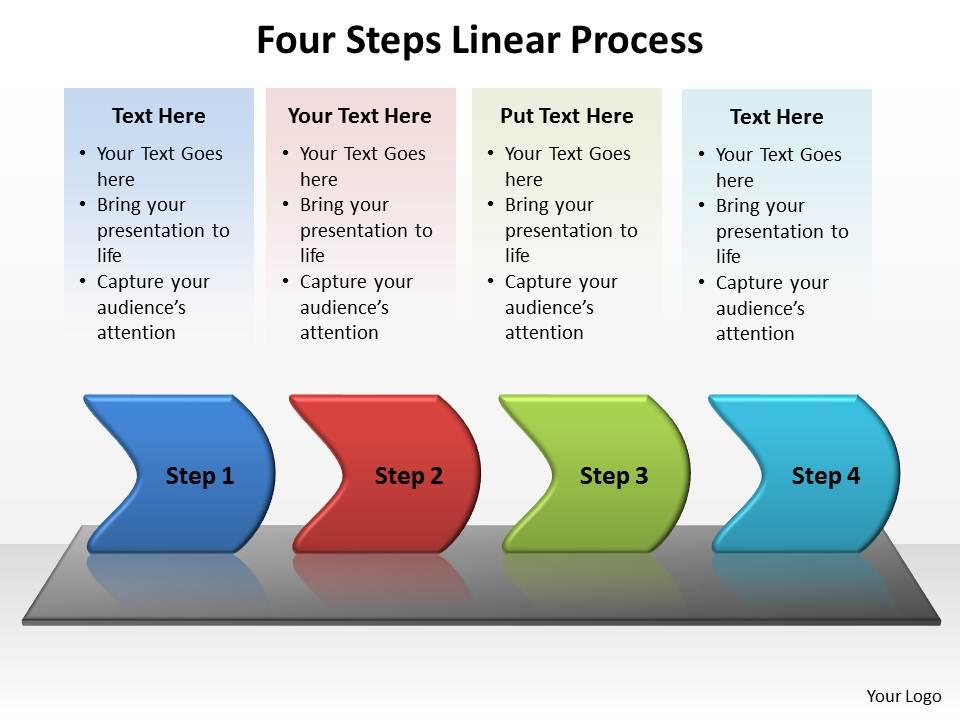
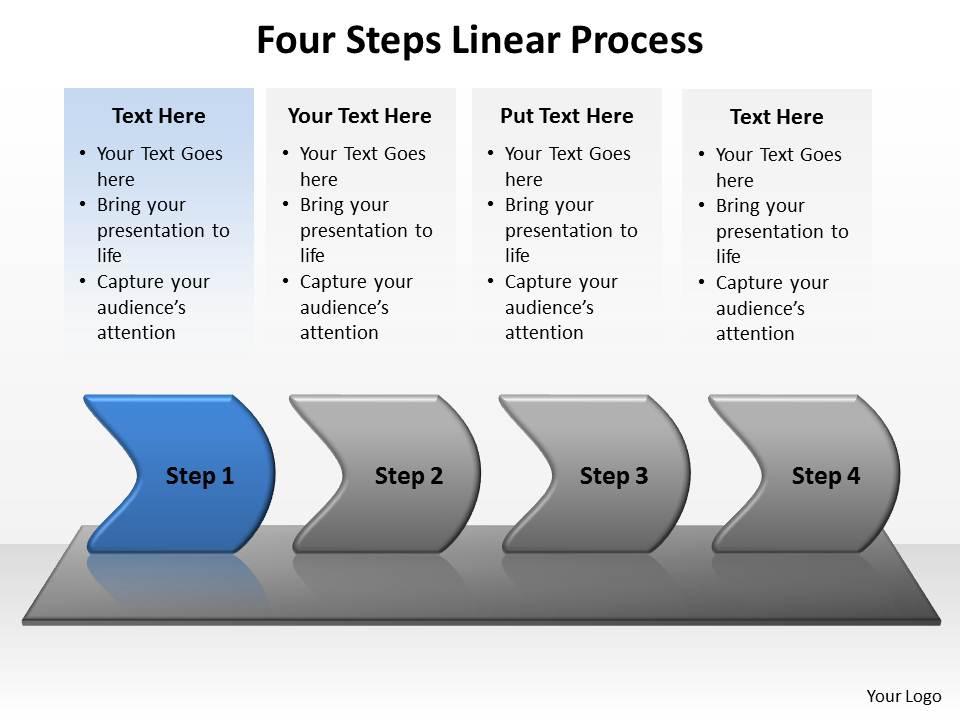
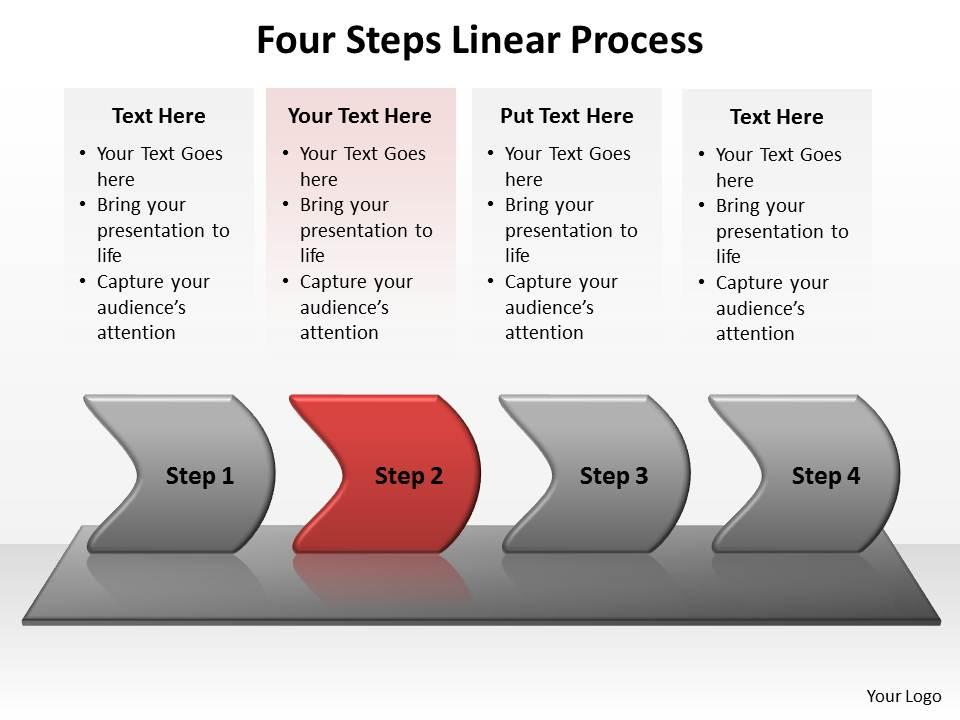
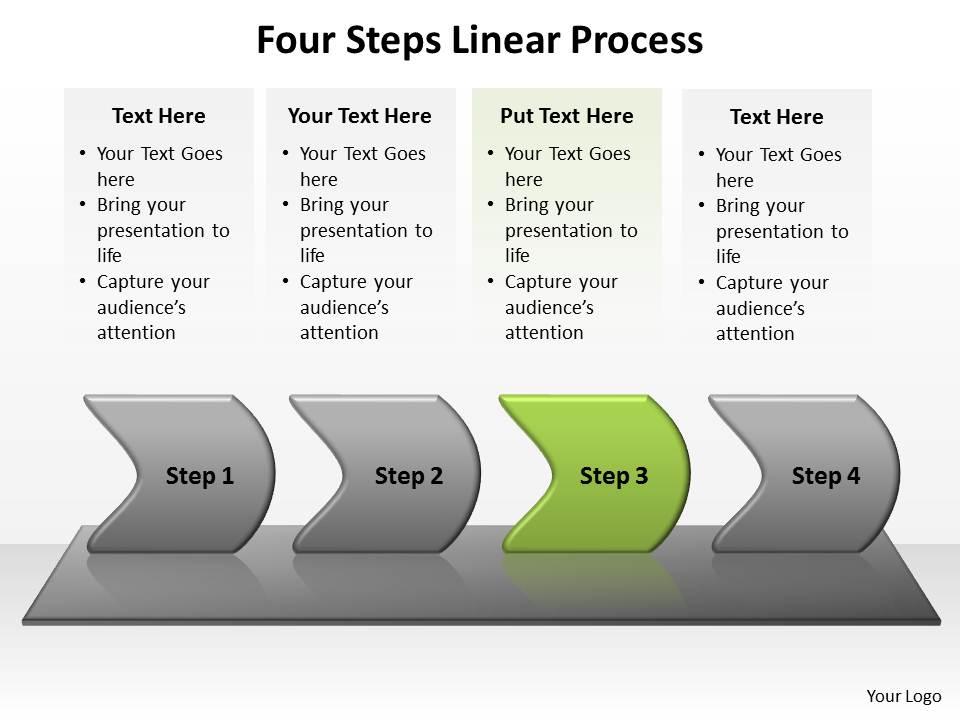
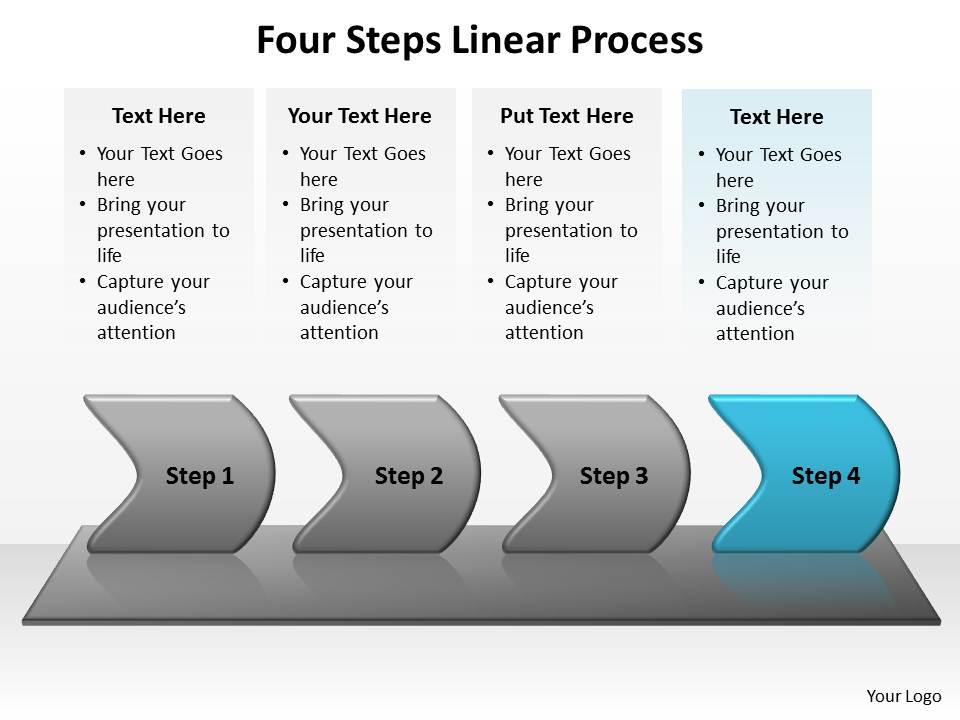
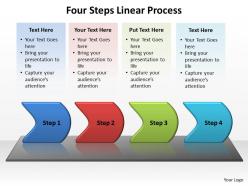
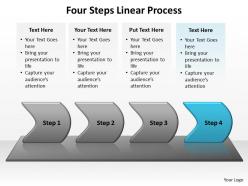
Four steps linear process powerpoint diagram templates graphics 712

Rating:
90%
Four steps linear process powerpoint diagram templates graphics 712
Slide 1 of 8

or

Favourites Favourites

Try Before you Buy Download Free Sample Product

Audience Impress Your
Audience
Editable 100%
Editable
Time Save Hours
of Time
The Biggest Sale is ending soon in
0
0
:
0
0
:
0
0
Rating:
90%
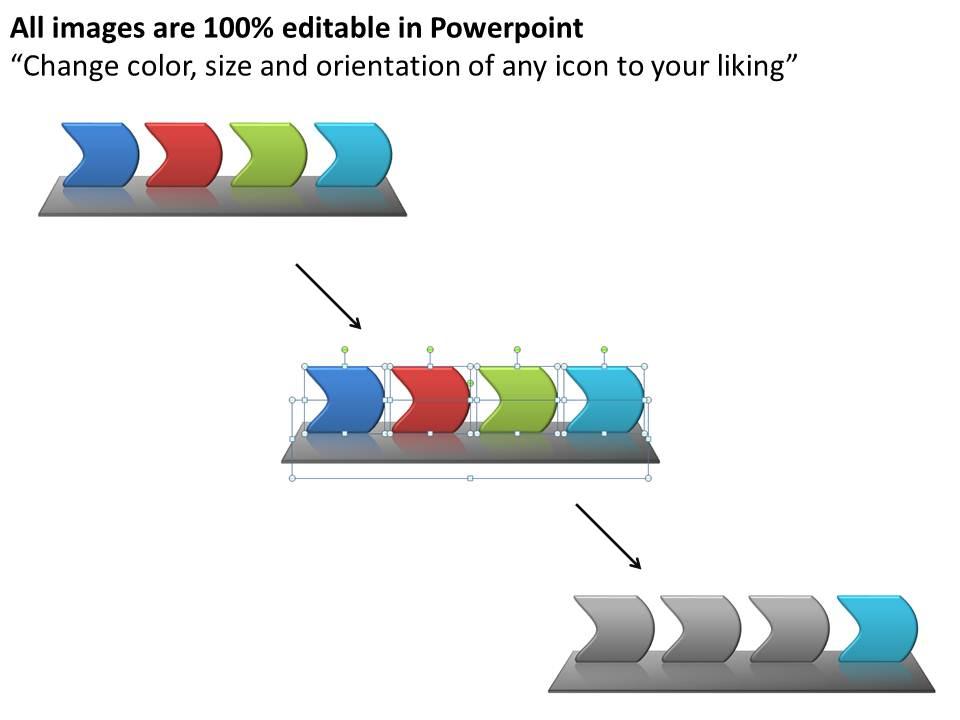
These high quality, editable pre-designed four steps linear process powerpoint diagram templates graphics 712 powerpoint slides and powerpoint templates have been carefully created by our professional team to help you impress your audience. Each graphic in every powerpoint slide is vector based and is 100% editable in powerpoint.

FAQs for Four steps linear process powerpoint diagram

Key components include sequential flow indicators, clear step numbering, descriptive titles for each phase, progress visualization elements, and outcome connections between stages. These design elements streamline audience comprehension by establishing logical progression, emphasizing milestone achievements, and maintaining visual consistency throughout presentations, with many organizations finding that well-structured linear diagrams ultimately enhance stakeholder understanding and decision-making processes.

Visuals enhance linear process understanding by creating clear sequential flow, reducing cognitive load, and transforming abstract steps into memorable visual narratives through icons, arrows, and color coding. These design elements enable audiences to grasp complex workflows more quickly, retain information longer, and follow decision trees seamlessly, with many organizations finding that well-structured process diagrams significantly improve stakeholder comprehension and project alignment.

Best practices for designing four-step linear process diagrams include maintaining consistent visual hierarchy, using clear directional flow indicators, applying unified color schemes, ensuring readable typography, and providing adequate white space between elements. These design principles streamline audience comprehension by creating logical progression paths, enhancing information retention through visual consistency, and delivering professional presentations that effectively communicate complex workflows, with many organizations finding that well-structured process diagrams significantly improve stakeholder understanding and decision-making efficiency.

Color schemes significantly enhance process diagram effectiveness by improving visual hierarchy, ensuring accessibility, maintaining brand consistency, and guiding audience attention through sequential steps. Strategic color choices help presenters differentiate process stages, highlight critical pathways, and create memorable visual experiences, with many organizations finding that cohesive color applications increase audience comprehension and retention rates.

Common mistakes include overcrowding slides with excessive text, using inconsistent fonts and colors, creating unclear flow directions, neglecting proper alignment, and choosing low-contrast color schemes that reduce readability. These design flaws undermine communication effectiveness by confusing audiences and diluting key messages, with many organizations finding that streamlined, visually consistent diagrams significantly enhance stakeholder understanding and decision-making processes.

Animation features in PowerPoint enhance step-by-step process presentations by using entrance animations, sequential reveals, motion paths, and timed transitions to guide audience attention methodically through each stage. These techniques enable presenters to control information flow, maintain engagement, and ensure comprehension, with many organizations finding that animated process diagrams significantly improve training effectiveness and stakeholder understanding during complex workflow explanations.

Icons and images enhance comprehension, retention, and visual appeal in four-step linear process diagrams by providing instant recognition cues, breaking up text-heavy content, and creating memorable associations with each step. These visual elements streamline communication across diverse audiences, especially in training materials and client presentations, with many organizations finding that incorporating relevant graphics significantly improves stakeholder engagement and reduces explanation time.

Maintaining audience engagement during linear process presentations requires interactive storytelling, visual variety, strategic pacing, and audience participation techniques. Effective presenters enhance engagement by incorporating real-world examples from sectors like manufacturing or healthcare, using progressive reveal animations, asking strategic questions throughout each step, and connecting process outcomes to audience-specific benefits, ultimately delivering more memorable presentations.

Tools that complement PowerPoint for dynamic linear process graphics include Canva, Adobe Illustrator, Lucidchart, Visio, and Figma for enhanced design capabilities. These platforms streamline workflow by offering advanced animation features, collaborative editing, and professional templates, with many organizations finding that integrating specialized design tools ultimately delivers more engaging presentations and competitive visual advantages.

Different industries customize four-step linear process templates by modifying terminology, visual elements, compliance requirements, and outcome metrics to match their specific workflows and regulatory standards. Manufacturing companies might focus on production stages with quality checkpoints, while healthcare organizations emphasize patient safety protocols and documentation requirements, ultimately delivering industry-relevant presentations that enhance stakeholder understanding and operational efficiency.

Consistency in process diagram design ensures seamless visual flow across presentations by maintaining uniform colors, fonts, shapes, and spacing throughout multiple slides. This standardized approach enhances audience comprehension, reduces cognitive load during complex process explanations, and reinforces professional credibility, with many organizations finding that consistent visual frameworks significantly improve stakeholder engagement and decision-making outcomes.

Storytelling can be integrated into linear processes by creating narrative threads that connect each step, using relatable scenarios, customer journey examples, and character-driven case studies that follow the process flow. This approach transforms abstract steps into memorable experiences, with many organizations finding that audiences retain up to 65% more information when processes are presented through compelling narratives rather than bullet points.

Successful four-step linear process presentations include project management workflows, sales funnel optimization, employee onboarding sequences, product development cycles, and strategic planning frameworks. These presentations streamline complex business operations by breaking down intricate processes into manageable phases, enhancing stakeholder understanding, and facilitating systematic implementation, with many organizations finding that visual linear progression significantly improves team alignment and execution efficiency.

Feedback can be incorporated by using PowerPoint's comment features for collaborative review, version control to track iterative changes, and systematic revision of each process step based on stakeholder input. Through real-time collaboration tools and structured feedback sessions, teams in sectors like project management and operations can refine workflows, clarify step sequences, and enhance visual clarity, ultimately delivering more accurate and actionable process documentation.

Presenting complex linear processes effectively involves breaking information into digestible stages, using consistent visual elements, emphasizing clear progression indicators, and highlighting key decision points or outcomes at each step. Through strategic color coding, concise labeling, and logical flow design, organizations can transform overwhelming workflows into accessible presentations, with many finding that simplified process diagrams significantly enhance stakeholder understanding and accelerate decision-making across departments.

Ratings and Reviews

90% of 100
Review Form
Write a review
Most Relevant Reviews
  1. 100%

    by Williams Nelson

    The Designed Graphic are very professional and classic.
  2. 80%

    by Dominic Arnold

    Very well designed and informative templates.

2 Item(s)