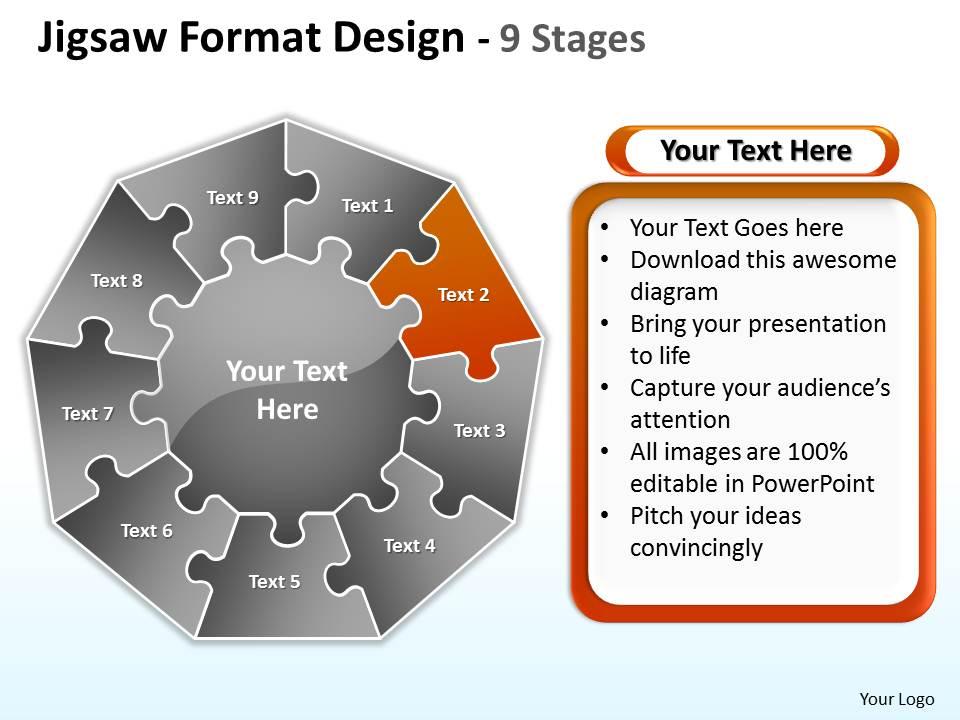
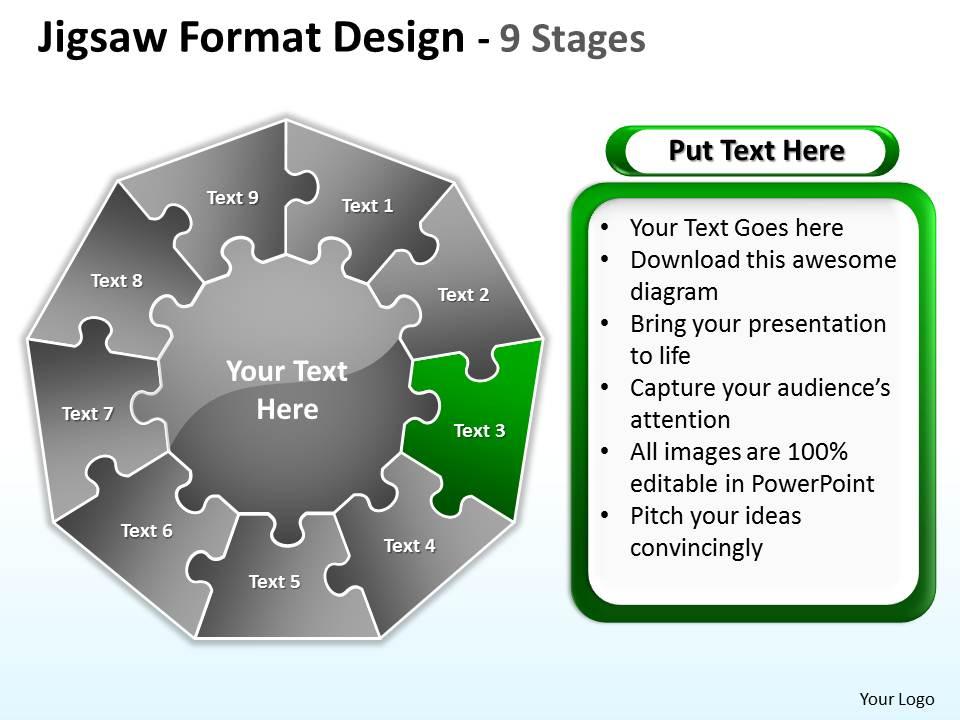
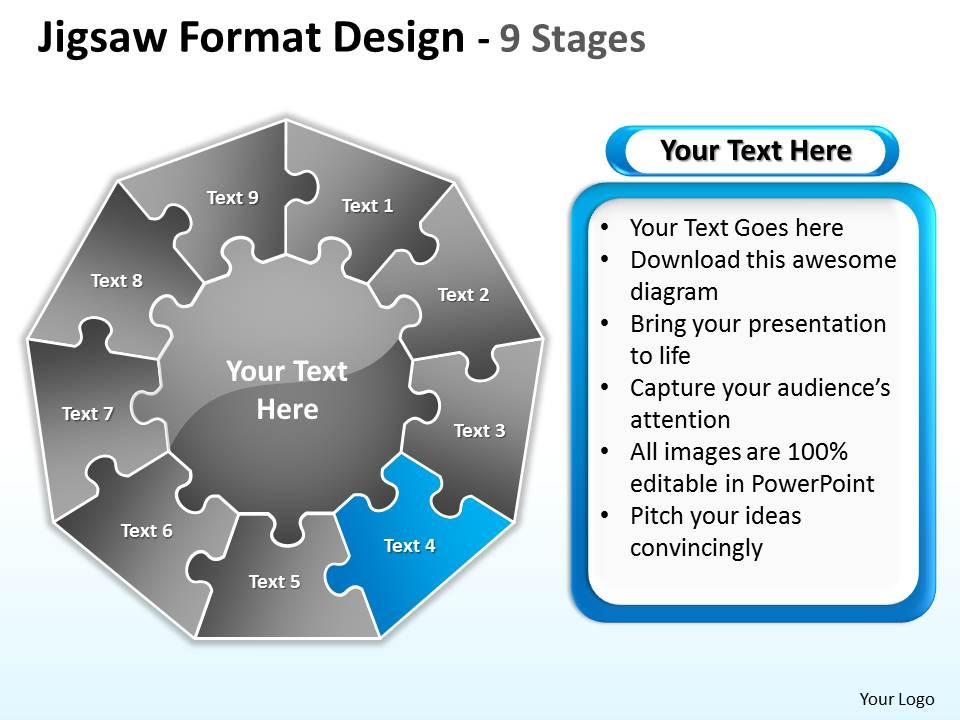
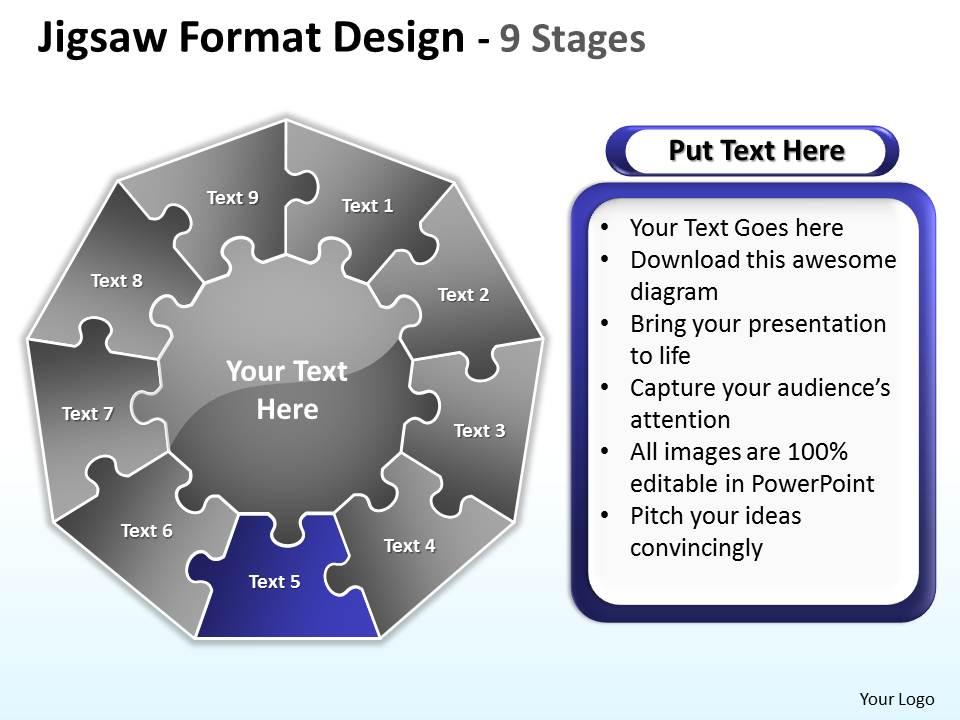
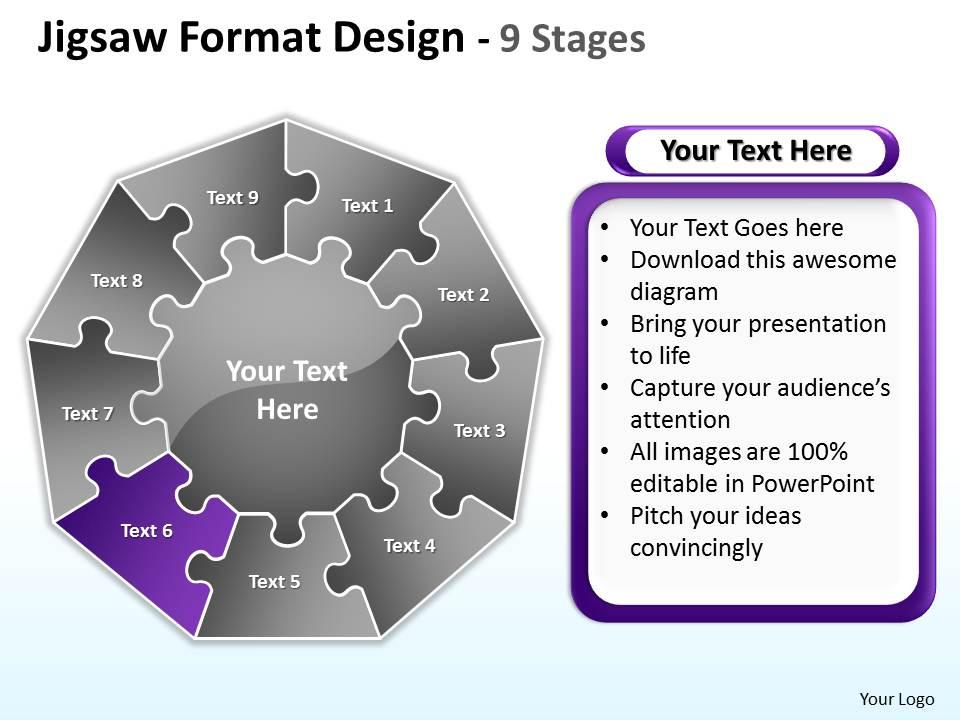
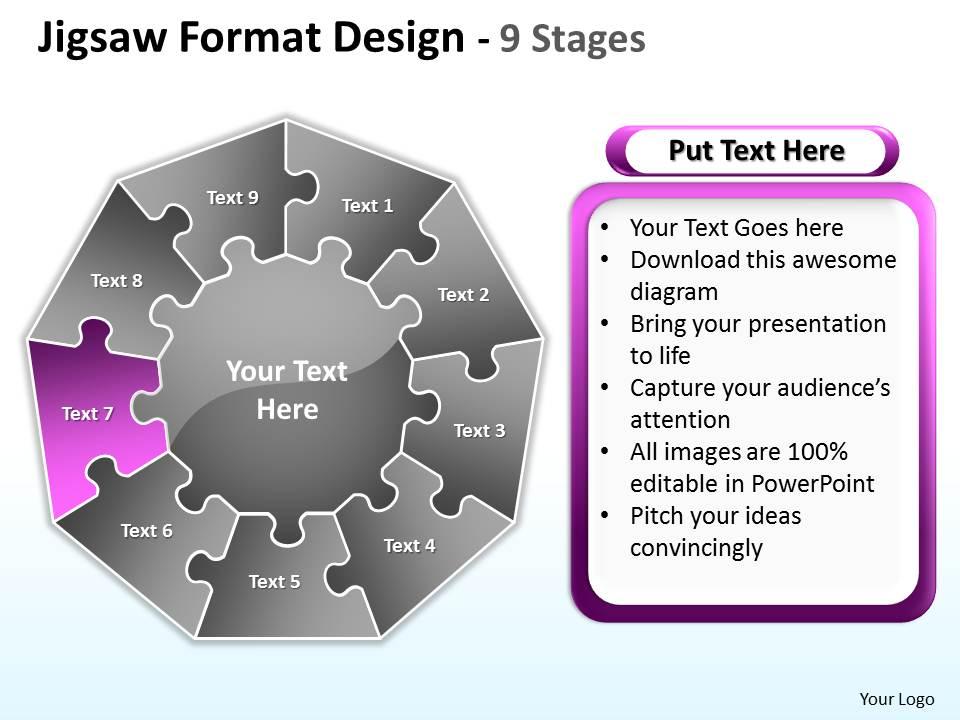
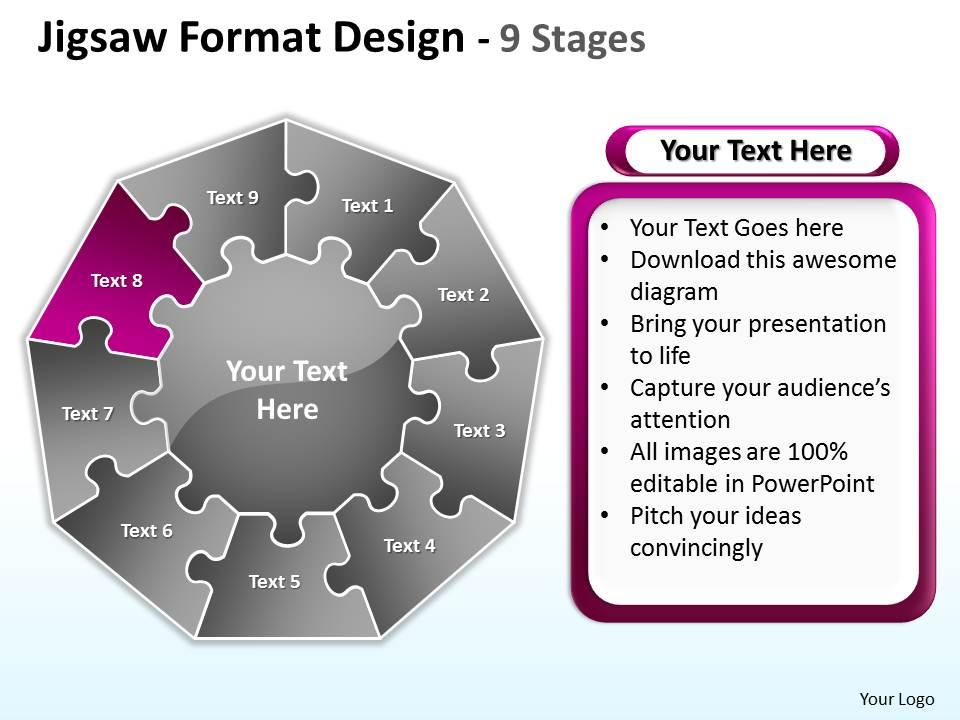
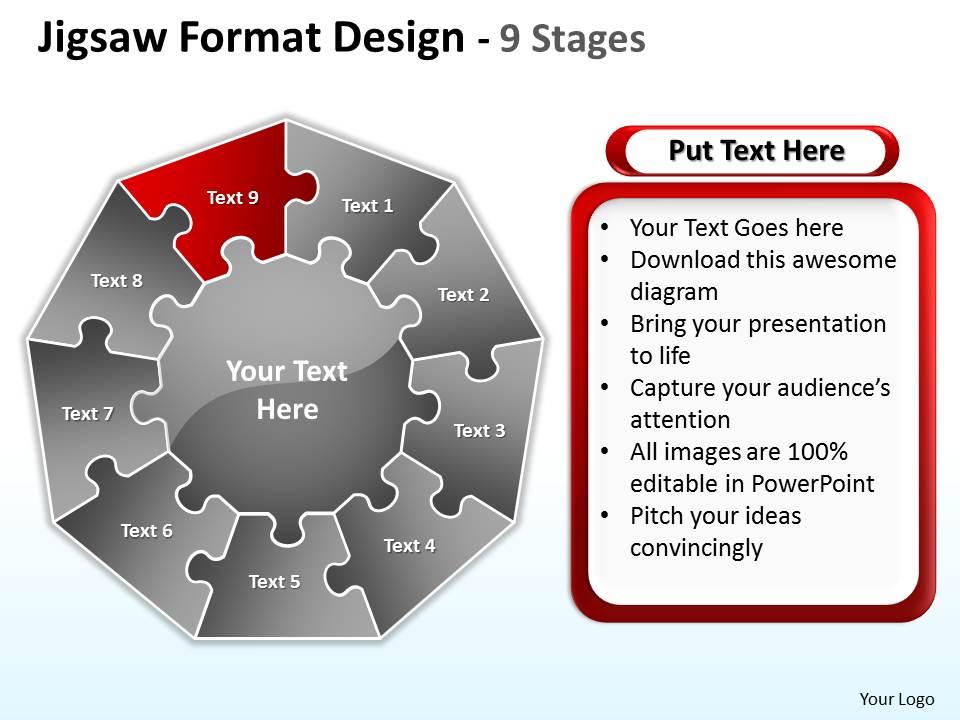
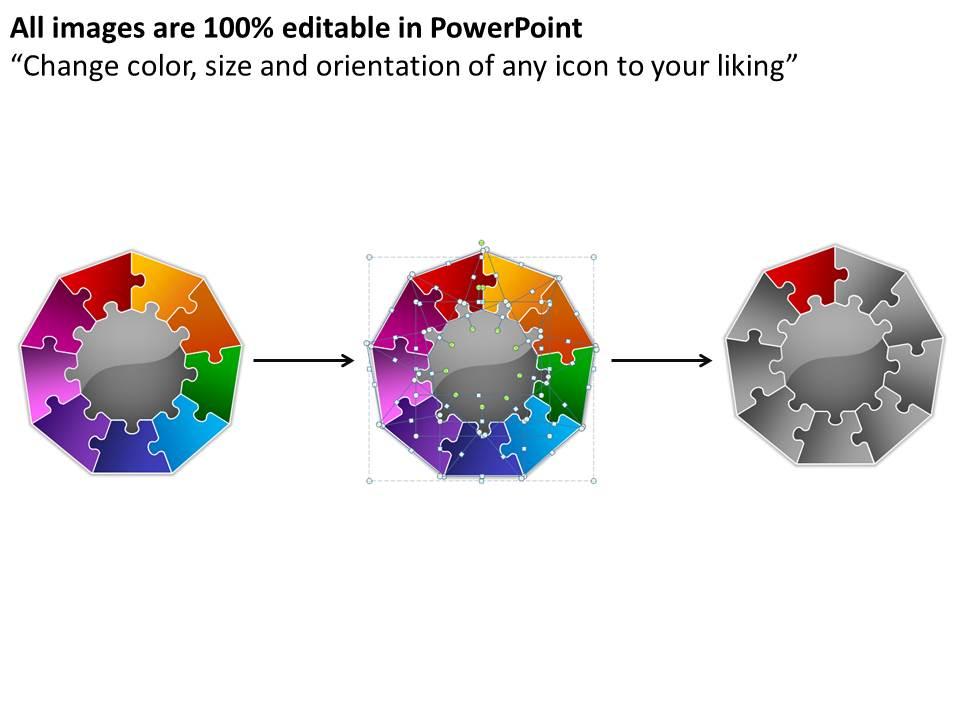
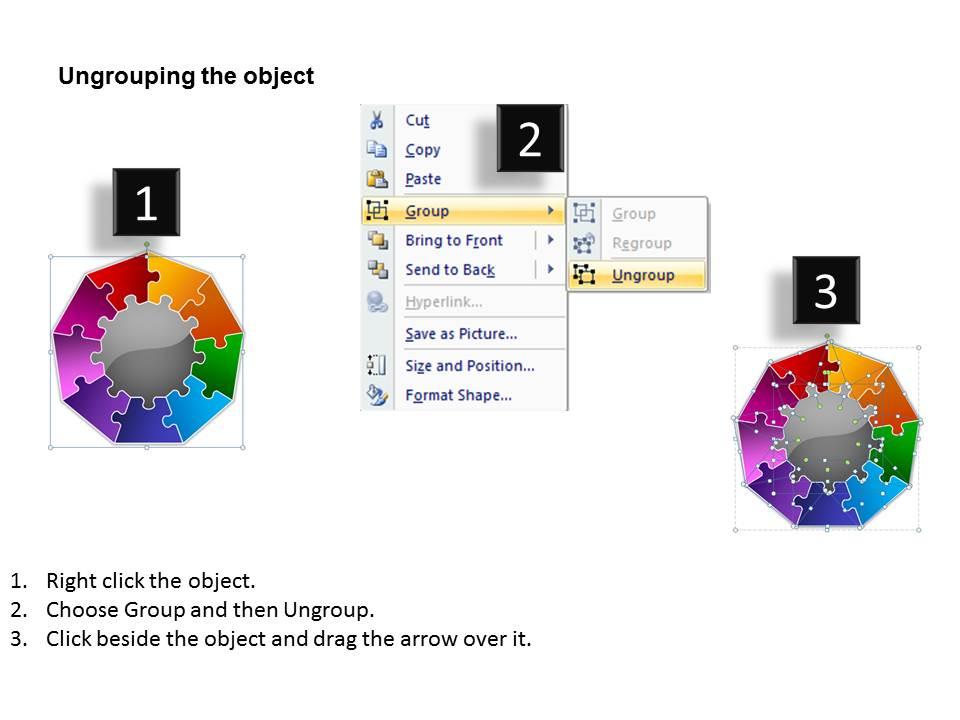
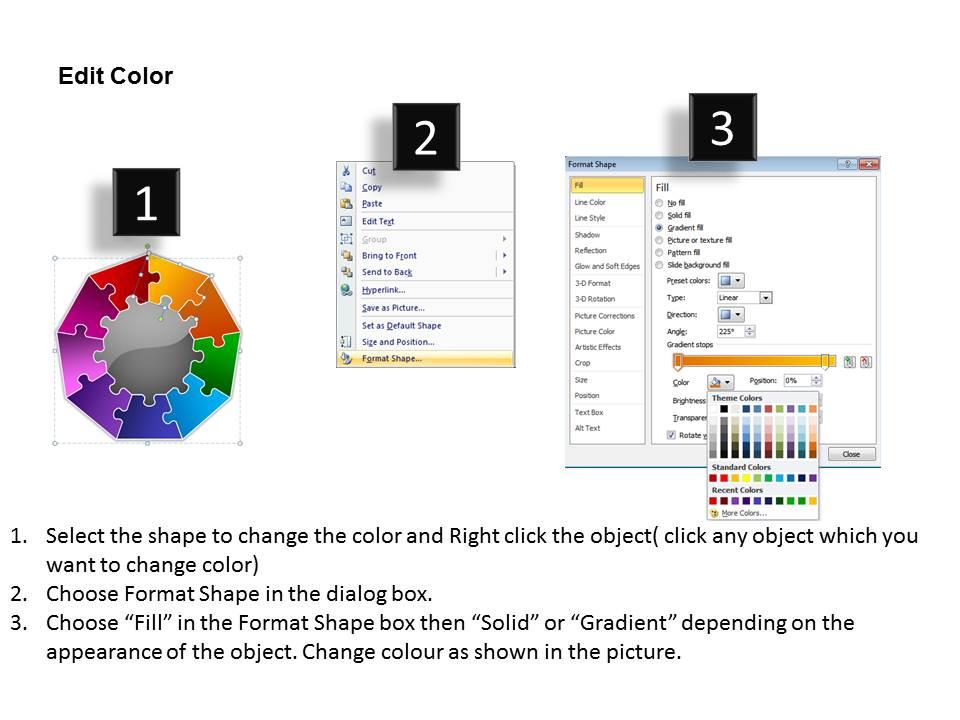
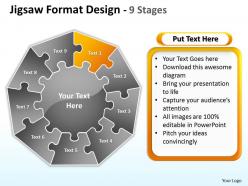
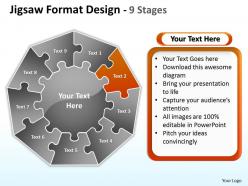
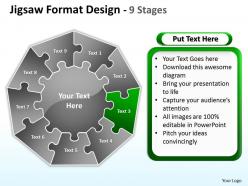
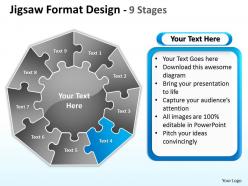
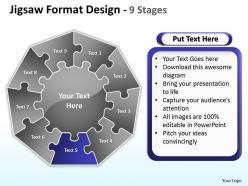
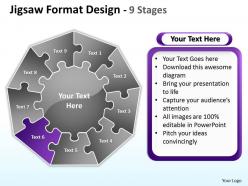
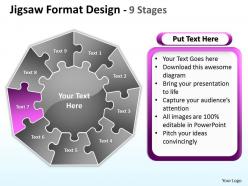
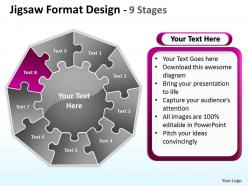
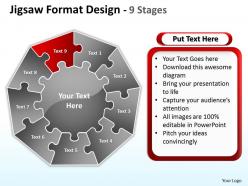
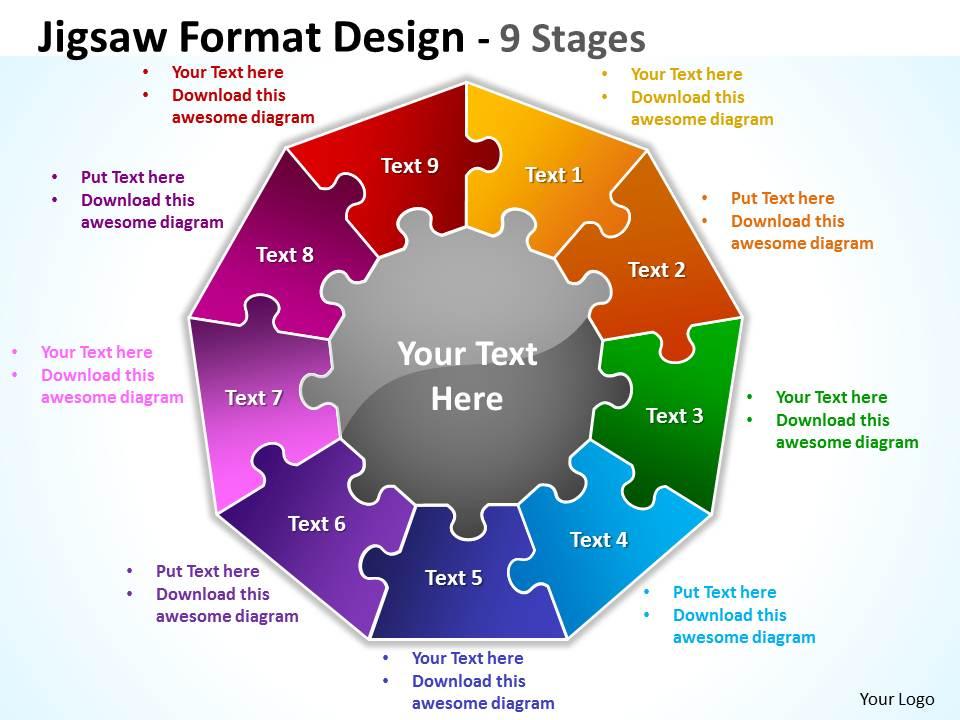
Jigsaw format diagram design 9 stages 5
Try Before you Buy Download Free Sample Product
Audience
Editable
of Time
Keep your audience totally engrossed. Bait them with our Jigsaw Format diagram Design 9 Stages 5.
People who downloaded this PowerPoint presentation also viewed the following :
Jigsaw format diagram design 9 stages 5 with all 13 slides:
Optimise returns with our Jigsaw Format diagram Design 9 Stages 5. They are a safe investment.
FAQs for Jigsaw format diagram design
**INPUT**: What are the key elements to include in an effective jigsaw diagram design? **OUTPUT**: Effective jigsaw diagram designs include clear interlocking pieces, consistent visual hierarchy, balanced color coding, readable text placement, and logical flow direction. These elements enhance comprehension by creating intuitive connections between concepts, streamlining complex information presentation, and ultimately delivering memorable visual storytelling that enables organizations to communicate strategic initiatives with greater impact and audience engagement. [Word count: 56 words]
Jigsaw diagrams enhance visual storytelling by breaking complex narratives into interconnected pieces, showing how different elements combine to create complete solutions or processes. These puzzle-piece visuals help audiences understand sequential development, dependencies between components, and strategic integration, with many presenters in consulting, project management, and strategic planning finding that jigsaw formats make abstract concepts more memorable and compelling.
Effective color schemes for jigsaw diagram templates include complementary palettes like blue-orange combinations, analogous schemes using adjacent colors, monochromatic variations with different saturations, high-contrast pairs for accessibility, and brand-aligned corporate colors. These approaches enhance visual clarity by creating distinct piece separation, improving information hierarchy, and ensuring readability across presentations, with many organizations finding that strategic color choices significantly boost audience engagement and comprehension rates.
Jigsaw diagrams in project management presentations effectively illustrate how different project components, phases, team responsibilities, and deliverables interconnect to form a complete strategy. These visual tools help project managers demonstrate dependencies between tasks, showcase team collaboration across departments like development, marketing, and operations, while enabling stakeholders to understand how individual contributions ultimately deliver successful project outcomes.
**INPUT**: What software tools are best suited for creating jigsaw diagrams? **OUTPUT**: Professional jigsaw diagrams are best created using PowerPoint, Visio, Canva, Adobe Illustrator, and Lucidchart, each offering specialized templates and design capabilities. These platforms enable organizations to streamline visual communication by providing drag-and-drop functionality, customizable puzzle pieces, and collaborative features, with many businesses finding that PowerPoint delivers the most accessible balance of professional quality and user-friendly design options.
Choosing the right data for jigsaw diagrams involves selecting interconnected elements that demonstrate clear relationships, dependencies, or collaborative processes within your business framework. Focus on data sets where each piece contributes to a larger strategic outcome, such as departmental workflows, project phases, or customer journey touchpoints, with many organizations finding that these visual representations enhance stakeholder understanding and streamline decision-making processes.
Common jigsaw diagram mistakes include overcrowding pieces with excessive text, using inconsistent sizing that disrupts visual flow, choosing poor color contrast that reduces readability, creating unclear piece connections, and neglecting logical information hierarchy. These design flaws significantly undermine comprehension and engagement, with many organizations finding that streamlined layouts, balanced text distribution, and strategic color schemes deliver clearer messaging and stronger audience retention.
Jigsaw diagrams facilitate better audience engagement by visualizing complex relationships through interconnected puzzle pieces, making abstract concepts tangible and memorable. Through interactive presentations, organizations can guide audiences step-by-step through strategic processes, product ecosystems, or team collaborations, with many finding that this visual storytelling approach significantly enhances comprehension and retention.
Jigsaw diagrams offer modular, interconnected pieces showing relationships and dependencies between components, while traditional pie charts display static proportional data within a fixed circle. Jigsaw formats enable dynamic storytelling through puzzle-piece connections, making complex business processes, strategic frameworks, and multi-departmental workflows more engaging and comprehensible than standard pie chart representations.
Jigsaw diagrams can be adapted across industries by customizing puzzle pieces to represent sector-specific components, processes, or stakeholders relevant to each field's unique challenges and workflows. In healthcare, pieces might represent patient care stages, while manufacturing diagrams could illustrate supply chain elements, and financial services versions might showcase risk management components, ultimately enabling organizations to visualize complex interdependencies with industry-relevant context.
Jigsaw diagrams simplify complex information by breaking down intricate concepts into interconnected visual pieces, showing relationships between components, and presenting step-by-step processes in digestible segments. These visual tools enable organizations to streamline communication across departments, enhance stakeholder understanding of multifaceted strategies, and ultimately deliver clearer presentations that accelerate decision-making and improve comprehension.
Strategies to enhance jigsaw diagram readability include consistent color coding, clear labeling, logical piece arrangement, adequate white space, and uniform sizing across interconnected elements. These design principles streamline complex information by reducing cognitive load, improving visual hierarchy, and ensuring seamless information flow, with many organizations finding that well-designed jigsaw diagrams significantly enhance audience comprehension and engagement during presentations.
Segment size and shape significantly influence audience perception by directing attention to priority elements, establishing visual hierarchy, and conveying relative importance within the overall concept. Larger, centrally-positioned segments naturally draw focus and suggest greater significance, while irregular shapes can emphasize complexity or interconnectedness, with many presenters finding that strategic sizing enhances comprehension and retention.
Annotations and labels serve as essential clarity enhancers in jigsaw diagrams by providing context, defining relationships between puzzle pieces, and ensuring viewers understand each component's specific function within the larger framework. These textual elements streamline comprehension by eliminating ambiguity, enabling organizations to communicate complex processes more effectively, and ultimately delivering presentations that resonate with stakeholders across departments and industries.
Jigsaw diagrams integrate seamlessly with other visual aids through strategic layering, where flowcharts show processes while jigsaws illustrate interconnected components, timelines demonstrate progression alongside puzzle pieces revealing dependencies, and infographics provide data context. This combination enhances audience comprehension by presenting complex information through multiple visual perspectives, with many presenters finding that alternating between detailed breakdowns and holistic jigsaw views maintains engagement while reinforcing key messages.
-
Thanks for all your great templates they have saved me lots of time and accelerate my presentations. Great product, keep them up!
-
The content is very helpful from business point of view.