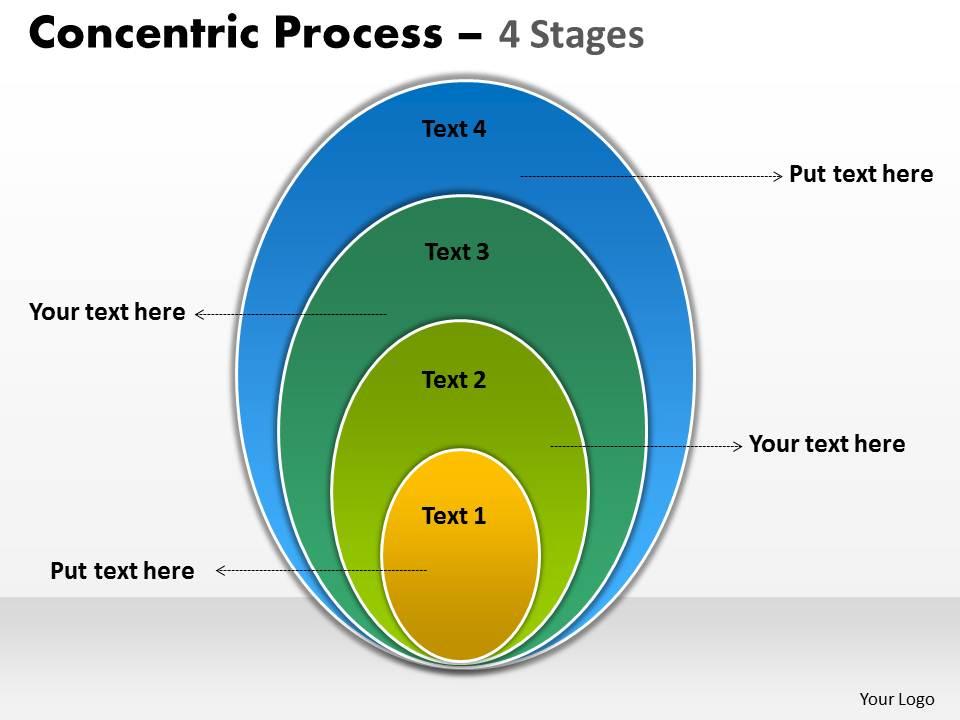
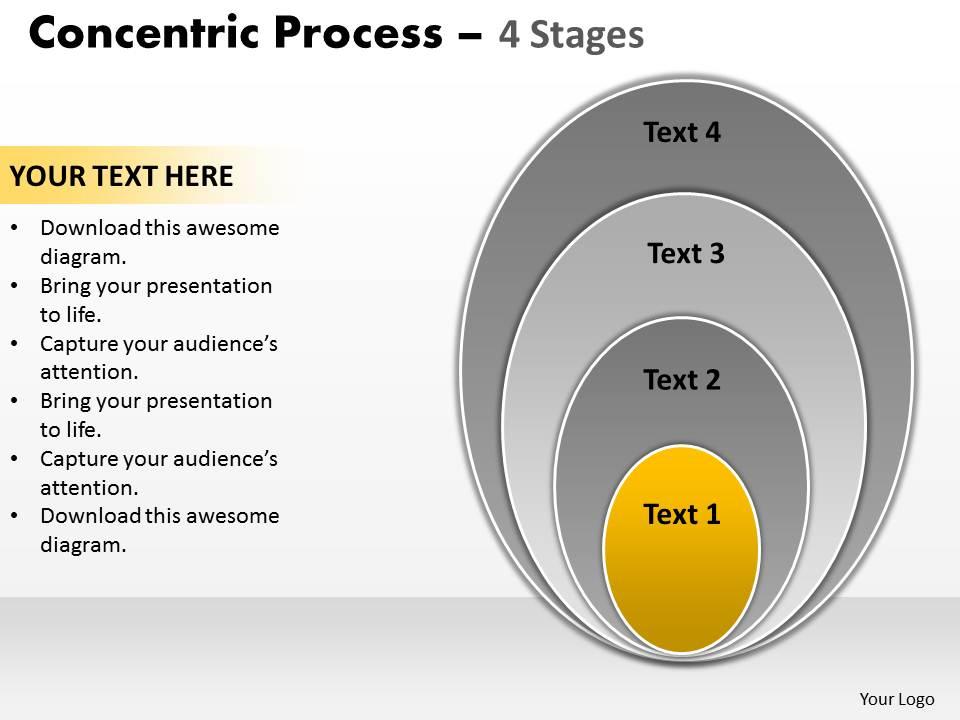
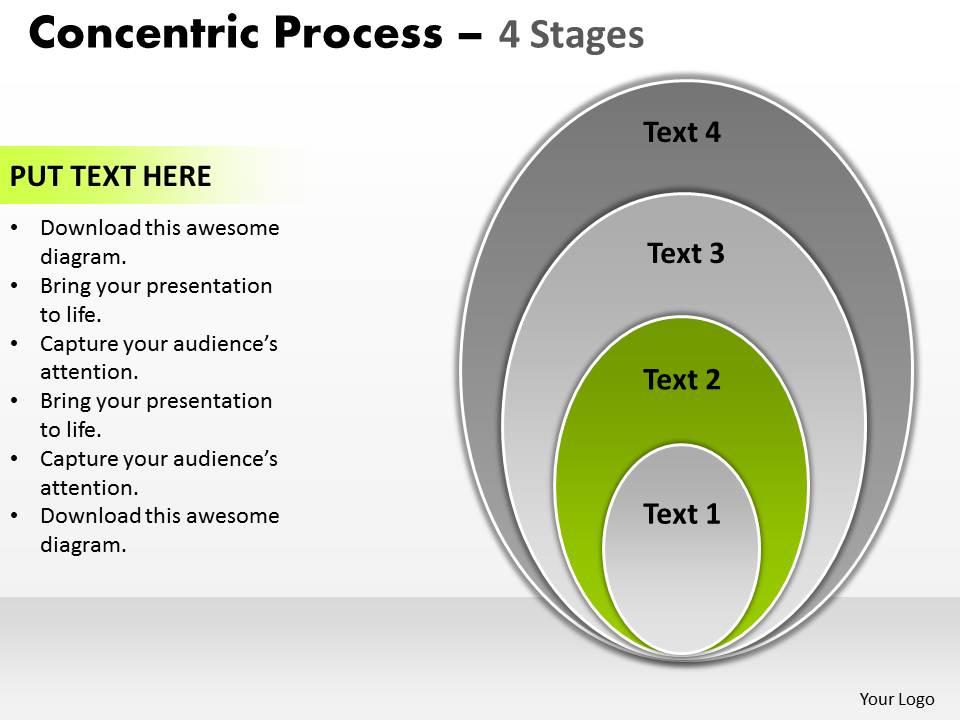
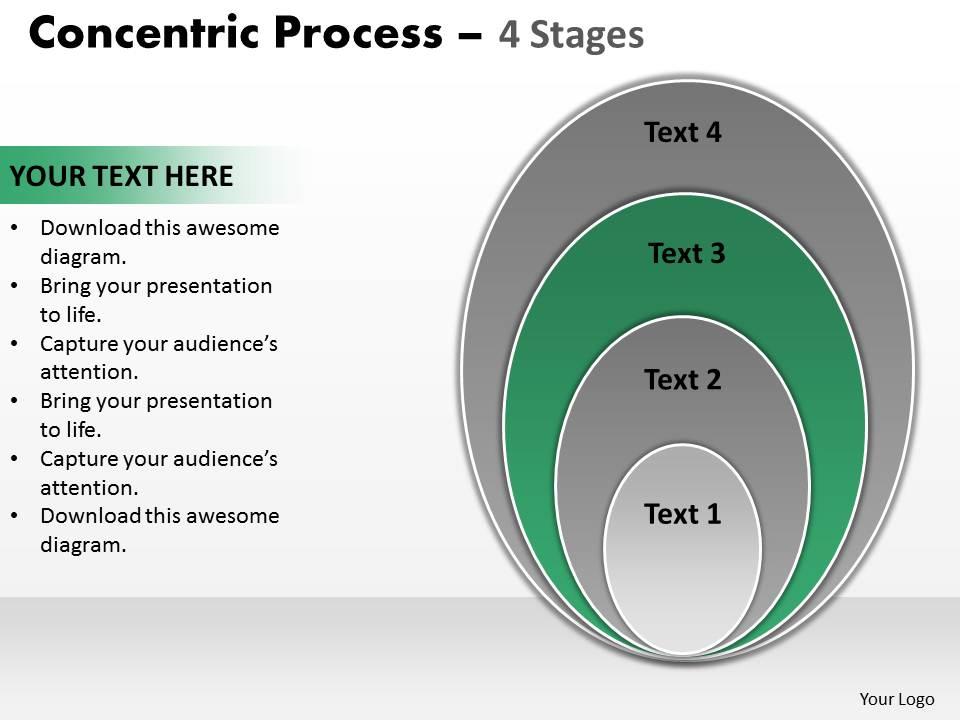
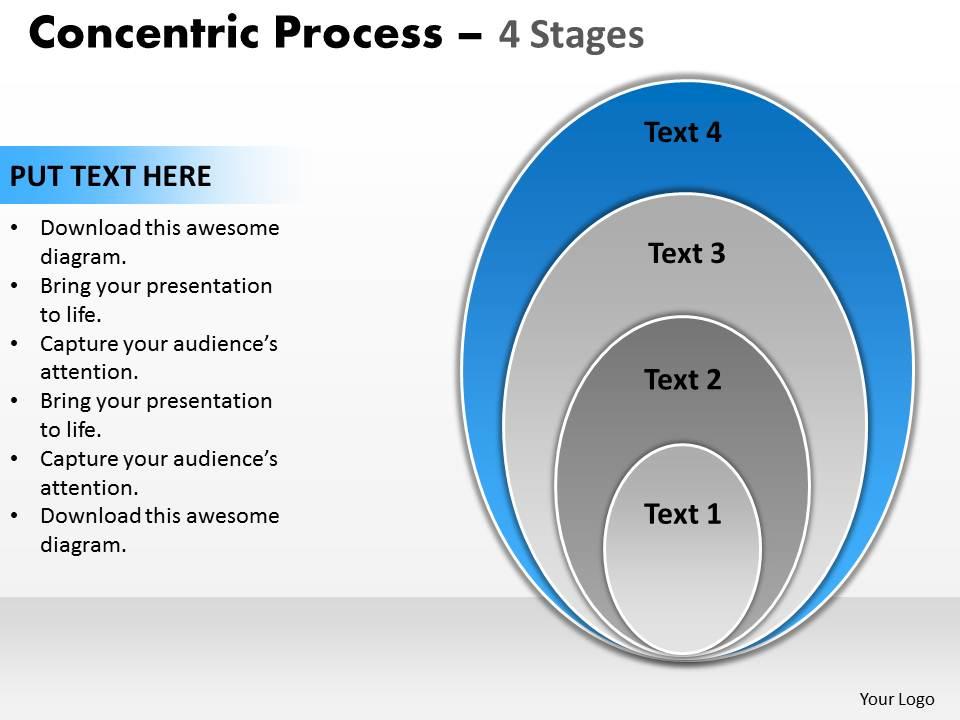
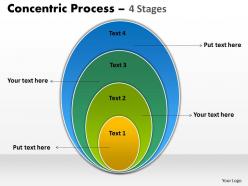
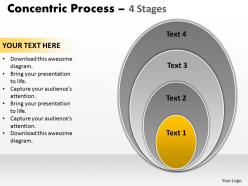
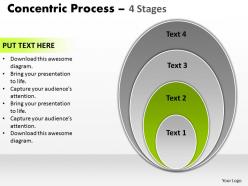
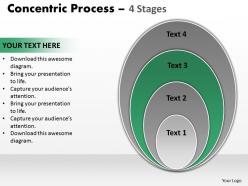
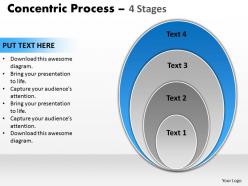
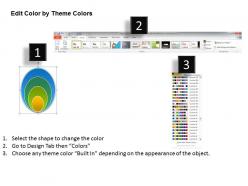
Oval shapes concentric process 4 stages 1

Rating:
90%
Oval shapes concentric process 4 stages 1
Slide 1 of 9
Favourites Favourites

Try Before you Buy Download Free Sample Product

Audience Impress Your
Audience
Editable 100%
Editable
Time Save Hours
of Time
The Biggest Sale is ending soon in
0
0
:
0
0
:
0
0
Rating:
90%
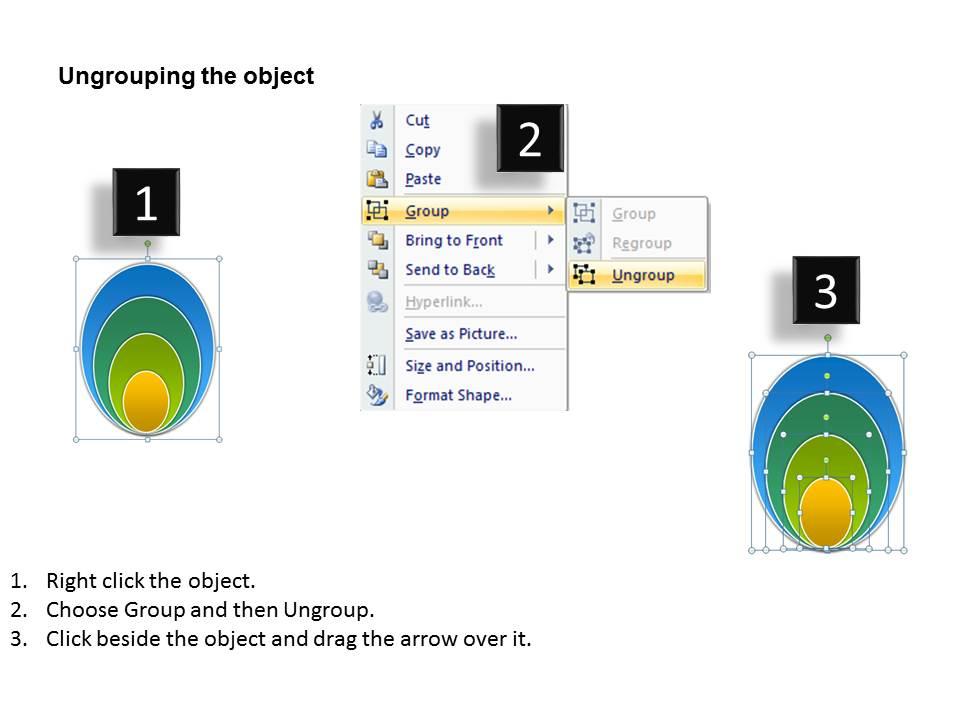
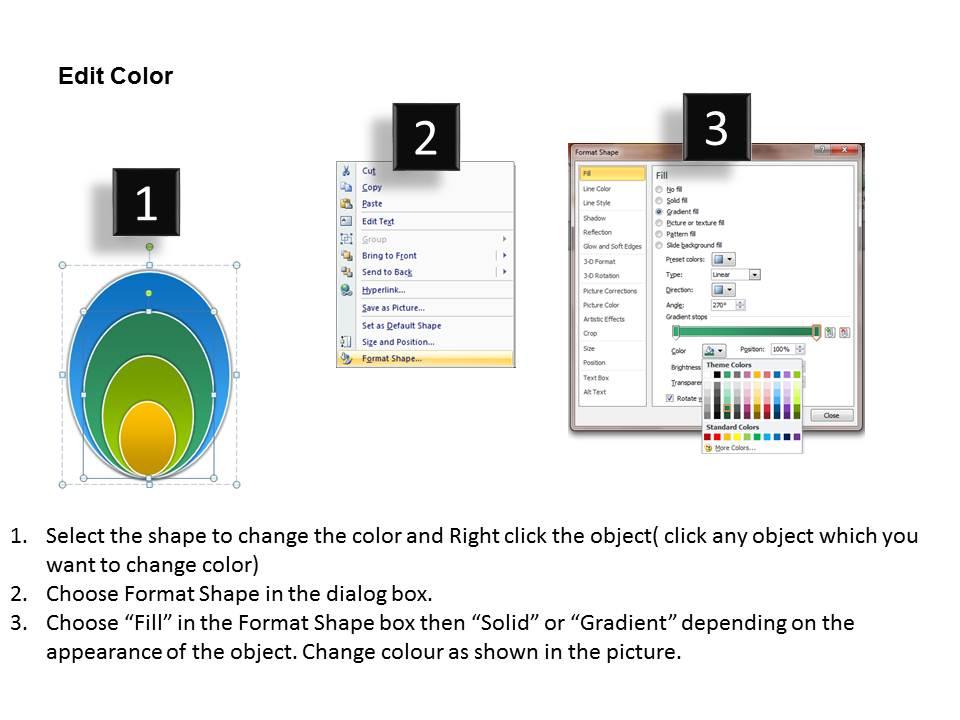
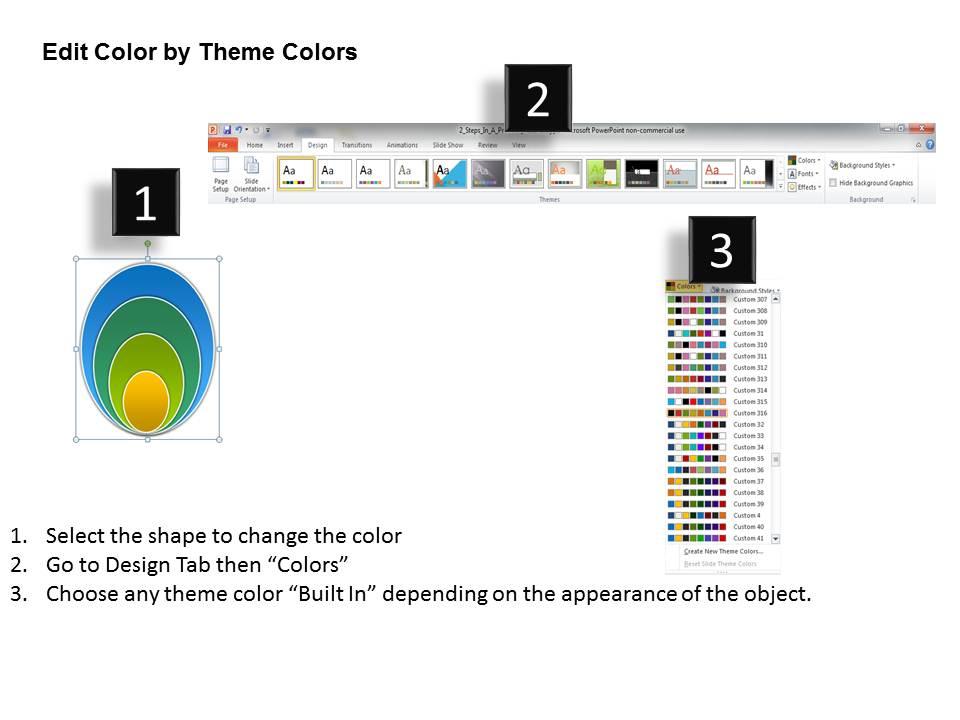
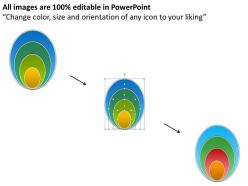
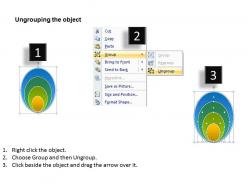
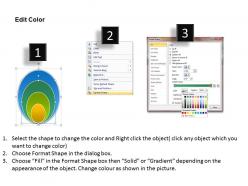
This template is skillfully designed and is completely editable to suit all the needs and requirements of the user. The color of the font, its size, style, and all other elements can be customized according to the user's desire The text in the PPT placeholder can be replaced with the desired information making this template highly flexible and adaptable as well. This template is also compatible with various Microsoft versions and formats like Google Slides, JPG, PDF, etc so the user will face no issue in saving it in the format of his choice.

People who downloaded this PowerPoint presentation also viewed the following :

FAQs for Oval shapes concentric process

So parametric equations are probably your best bet here. Use x = a*cos(t) and y = b*sin(t), then just scale up your a and b values for each ring. Like if your first oval is a=3, b=2, maybe try a=4.5, b=3 for the next one. You could also mess with the standard ellipse equation (x²/a² + y²/b² = 1) by tweaking those denominators. Honestly, getting perfectly uniform spacing is kind of a pain mathematically, but this'll get you close enough. I'd start with simple ratios first - way easier to debug if something goes wrong.

Concentric ovals work great for hierarchical stuff or showing confidence intervals. I actually like them better than circles sometimes - you can fit way more label text without everything looking squished together. They're solid for nested categories too, like different user segments within your whole audience, or uncertainty ranges around data points. Just make sure there's enough visual separation between each ring. Use different colors or stroke weights so people can actually tell the levels apart. Oh, and always put your most important data in the center first, then build outward from there.

Oh man, concentric ovals are wild - they basically create this tunnel effect that sucks your eye right in. Way more dynamic than circles too, something about that stretched shape just feels alive? Your brain reads them as having actual direction and flow, which can get pretty hypnotic if you stare too long (I've definitely gotten lost looking at some). They're amazing for focal points since that inward pull is so intense. Just heads up though - they'll totally dominate whatever else you've got going on in your design, so maybe don't go overboard.

Dude, concentric ovals are actually pretty genius for branding. They pull your eye right to the center where your main logo sits. Way more interesting than regular circles too – there's something about that oval shape that feels less corporate, more human? You get this cool layered effect that adds depth without looking flat. Plus you can tuck secondary text or elements into those outer rings. Honestly, just grab a pen and sketch your logo inside some ovals real quick. You'll see how it changes the whole vibe and makes everything flow better visually.

Ovals create way more movement than circles - your eye naturally follows that stretched shape, kinda like ripples but elongated. Circles just sit there all balanced and zen-like. Pretty boring honestly. When you need to guide someone's attention or add energy to a design, ovals are your friend. They also fit way better into rectangular layouts since most screens and pages aren't square anyway. The directional flow from ovals creates this visual tension that circles can't match. So if you want static and peaceful, go circles. Need movement and direction? Ovals all the way.

You know how stadiums have those tiered seating sections? That's concentric ovals right there - super practical for sightlines and sound. Architects love using them in lobby ceilings too, creates this cool depth thing. Religious buildings use them a ton because they naturally pull your focus inward. Oh, and skylights! Forgot about those. The shape just flows really well and creates visual layers without being too geometric and harsh. Perfect if your project needs some natural hierarchy but doesn't want to feel too rigid. They're honestly underrated in modern design.

Dude, gradients in concentric ovals are seriously underrated! Start with warm colors (reds to yellows) radiating outward for energetic vibes, or go cool (blues to purples) for something more chill. The oval shape just hits different than circles – way more organic and flowing, you know? I actually prefer it for most projects now. You can play with contrasting gradients between rings to create tension or keep them harmonious. Oh, and try putting your main brand color in the center first, then experiment with different gradient directions. Trust me, it'll completely change the mood.

Honestly, Illustrator's gonna be your easiest option here. Just use the Ellipse tool, then hit Object > Transform > Scale to get those perfect nested shapes. Figma's solid too if you don't want to deal with Adobe's subscription madness - plus it's free and runs in your browser. Start with your biggest oval first and scale down from there. Way less frustrating than trying to go outward. The trick is finding tools that let you duplicate and scale from the center instead of eyeballing it like an amateur. Even basic stuff like Canva works fine for simple projects, though you'll probably outgrow it pretty quick.

So concentric ovals are actually pretty cool for this - start with your main concept dead center, then work outward with your supporting stuff. Think ripples in a pond, you know? Each ring is like a different level of detail or timeline step. I usually put my core message in the middle oval, key points in the next layer out, then broader context on the edges. Way better than boring bullet points, honestly. People can see how everything flows back to your central idea instead of just reading a random list. Plus it looks way more professional than whatever PowerPoint template everyone else is using.

Okay so concentric ovals are literally everywhere once you notice them! Aboriginal art uses them for waterholes and sacred places in dreamtime paintings. Mandalas too - they're all about that inward spiral for meditation and cosmic stuff. Islamic patterns love this shape. Contemporary artists go crazy with them in sculptures because your eye just gets pulled into those nested curves naturally. I swear it's like a visual magnet or something. Next time you're wandering through a gallery, look for these oval patterns and you'll start seeing all the cultural stories hidden in what looks like simple geometry.

Okay so concentric ovals work because your eye naturally follows those flowing curves from outside in. There's this automatic rhythm that happens - way more organic than circles would be. Each oval echoes the next one but scales down gradually, which creates movement without feeling stiff. Kind of like pond ripples but classier, you know? They're perfect for logos or UI stuff when you want that stable-but-dynamic vibe. Oh and here's the thing - don't make the spacing between them too even or you'll get that weird target look. Keep it slightly irregular.

Ugh, concentric ovals are honestly such a pain with alignment and spacing. Grid systems hate curves - everything wants to be angular and your text will constantly fight those flowing shapes. Makes clean hierarchy super tricky. The proportions between nested ovals can look really weird too if you're even slightly off (learned that the hard way). Oh, and responsive design? Nightmare. Ovals scale totally differently than your rectangular content, so what looks good on desktop falls apart on mobile. Definitely sketch your proportions first and test on phone early - trust me on that one.

So concentric ovals are actually pretty cool for UI design. Your eye naturally follows them inward, kinda like ripples in a pond. I use the outer ones to group stuff together, then the inner ovals highlight what's most important. Dashboards work great this way - put your key metrics in the center, then let everything else flow outward. Way less rigid than boxes everywhere, you know? Honestly, I always sketch oval zones first now before doing the usual rectangle layout. Sounds weird but it really makes you think about how users move through your design.

So concentric ovals have been around forever - Romans used them in amphitheaters for crazy good acoustics. The Colosseum is actually a perfect example. Byzantine churches picked it up too, then Islamic art around the 8th century. Renaissance architects went nuts with the pattern, putting it in gardens and ceiling paintings because it supposedly meant divine perfection or whatever. Honestly, Borromini's baroque churches are probably your best bet if you need examples - his oval designs are pretty wild. The Romans were really onto something though, the sightlines work perfectly.

Honestly, concentric ovals are great because they naturally pull your eye to whatever you stick in the middle. Way less harsh than circles, which can look pretty rigid. I like layering text between the rings - gives you this cool depth thing going on. They're perfect for framing headshots or product photos too. The horizontal shape just feels more natural since that's how we read anyway. Oh, and start with low opacity! You don't want them fighting with your other elements. They work amazing as background stuff that won't compete with your main text.

Ratings and Reviews

90% of 100
Write a review
Most Relevant Reviews
  1. 100%

    by Dewitt Soto

    Attractive design and informative presentation.
  2. 80%

    by David Wright

    Illustrative design with editable content. Exceptional value for money. Highly pleased with the product.

2 Item(s)

per page: