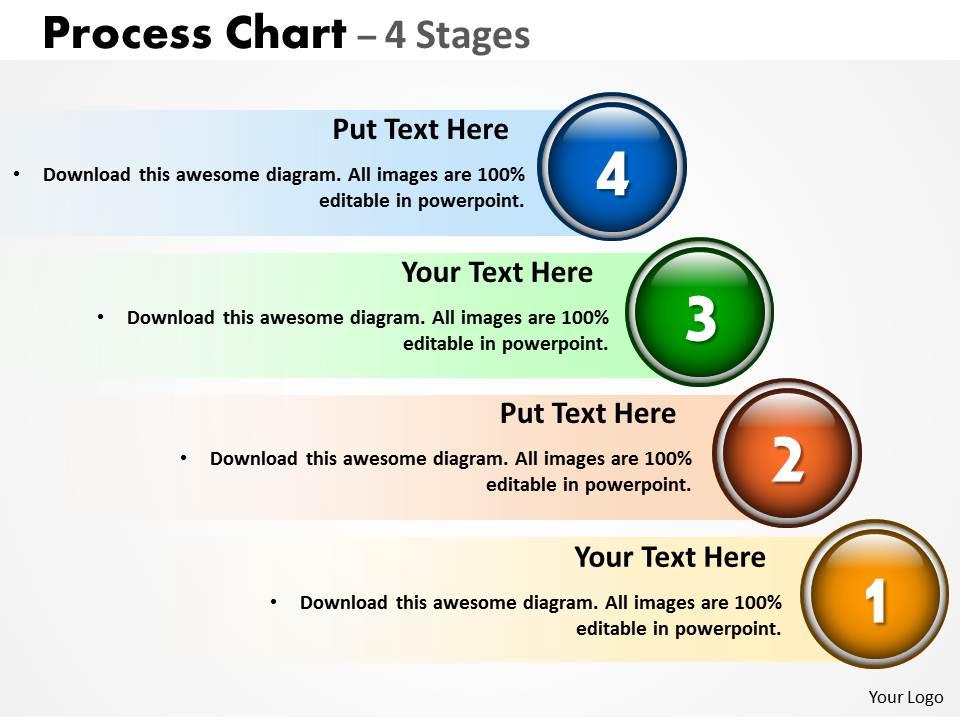
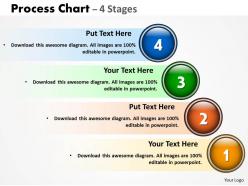
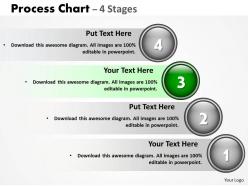
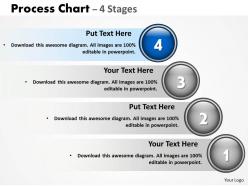
Process chart with 4 stages
Try Before you Buy Download Free Sample Product
Audience
Editable
of Time
Never leave another presentation to fate. Our Process Chart With 4 Stages take the guesswork out of giving the perfect presentation.
People who downloaded this PowerPoint presentation also viewed the following :
Process chart with 4 stages with all 8 slides:
Our Process Chart With 4 Stages are client centric. They go out of their way to please the customer.
FAQs for Process chart
Key elements in a process chart include start/end points, decision diamonds, process rectangles, connectors, input/output symbols, and clear labeling with timeframes. These components work together by establishing workflow clarity, identifying bottlenecks, and streamlining operations, with many organizations finding that well-designed process charts ultimately enhance efficiency and reduce operational complexity across departments.
Process charts improve team communication by providing visual clarity of workflows, standardizing procedures, and eliminating ambiguity around roles and responsibilities. Through clear documentation of each step, teams can identify bottlenecks, coordinate handoffs more effectively, and ensure consistent understanding across departments, ultimately delivering enhanced collaboration and reduced miscommunication in project execution.
Microsoft Visio, Lucidchart, Draw.io, Creately, and SmartDraw are among the most effective tools for creating professional process charts. These platforms streamline workflow visualization by offering extensive template libraries, collaborative features, and seamless integrations with business systems, with many organizations finding that cloud-based solutions like Lucidchart enhance team productivity and process optimization.
Process charts are more beneficial when demonstrating sequential workflows, decision points, and interconnected steps across departments or systems, particularly in manufacturing, healthcare protocols, and software development cycles. These diagrams excel at revealing bottlenecks, dependencies, and handoff points that other visualization methods might miss, enabling organizations to streamline operations and enhance efficiency.
Colors and symbols enhance process chart effectiveness by improving visual hierarchy, accelerating comprehension, and enabling instant recognition of different process elements like decisions, actions, and flow directions. Through strategic color coding and standardized symbols, organizations streamline training processes, reduce interpretation errors, and facilitate cross-functional collaboration, with many teams finding that well-designed visual elements significantly improve workflow understanding and operational efficiency.
Common mistakes include overcomplicating the flow, using inconsistent symbols, omitting decision points, lacking clear start/end markers, and failing to validate with stakeholders. These errors often result in confusion during implementation, with manufacturing teams, healthcare departments, and financial services finding that unclear process documentation leads to inefficiencies, compliance issues, and operational delays.
Process charts remain clear by using consistent symbols, logical flow sequences, minimal text, appropriate color coding, and standardized terminology throughout. These design principles streamline comprehension across departments, with many organizations finding that regular stakeholder reviews and simplified visual hierarchies ultimately deliver enhanced operational transparency and faster decision-making processes.
Process charts serve as visual roadmap tools in Agile and Lean methodologies, mapping workflows, identifying bottlenecks, tracking sprint cycles, and documenting continuous improvement processes. These charts enable project teams to streamline iterations, eliminate waste, and enhance collaboration across development phases, with many organizations finding that visual process mapping accelerates delivery timelines and improves stakeholder communication.
Process charts integrate with data analytics through real-time monitoring, performance tracking, bottleneck identification, predictive modeling, and automated alerts. These technologies streamline operations by capturing workflow data, analyzing cycle times, and highlighting resource constraints, with many organizations finding that this strategic combination delivers faster decision-making, reduced operational costs, and enhanced competitive advantage.
Linear process charts follow sequential, step-by-step workflows where each stage depends on the previous one's completion, while non-linear charts allow parallel processing, feedback loops, and iterative cycles. Linear charts work well for manufacturing assembly lines and regulatory approvals, whereas non-linear approaches enhance complex project management and creative workflows, ultimately delivering greater flexibility and operational efficiency.
Team member feedback improves process chart accuracy by identifying overlooked steps, revealing actual workflows versus documented ones, and highlighting inefficiencies or bottlenecks. Through direct input from employees who execute these processes daily, organizations can capture real-world variations, timing discrepancies, and practical challenges, ultimately delivering more precise documentation and streamlined operations.
**INPUT**: What format is best for presenting a process chart to an audience? **OUTPUT**: The best format combines clear visual hierarchy with sequential flow, using consistent shapes, directional arrows, readable fonts, and strategic color coding to distinguish process stages. Digital formats like PowerPoint or specialized software enable interactive presentations, while printed versions work well for workshops, with many organizations finding that combining both formats enhances audience engagement and comprehension.
Process charts adapt across industries by incorporating sector-specific workflows, compliance requirements, quality standards, regulatory protocols, and operational terminology. In healthcare, hospitals streamline patient care pathways and medication administration, while manufacturing facilities optimize production lines and quality control processes, ultimately delivering enhanced efficiency and industry-compliant operations.
Interactive process charts offer real-time data updates, clickable navigation between process steps, customizable filtering options, collaborative editing capabilities, and enhanced stakeholder engagement through dynamic visualizations. These features streamline workflow analysis by enabling instant modifications, facilitating cross-team collaboration, and providing deeper insights into operational bottlenecks, ultimately delivering improved decision-making speed and operational efficiency.
Measuring process chart effectiveness involves tracking key performance indicators like cycle time reduction, error rates, resource utilization, and stakeholder comprehension scores. Through regular audits and feedback collection, organizations in manufacturing, healthcare, and financial services find that successful charts deliver 20-30% efficiency improvements, enhanced team alignment, and measurable cost reductions, ultimately providing clear ROI validation.
-
Awesome presentation, really professional and easy to edit.
-
Easily Understandable slides.