Project management kickoff meeting template powerpoint presentation slides

Project management kickoff meeting template powerpoint presentation slides
Slide 1 of 23
Favourites Favourites

Try Before you Buy Download Free Sample Product

Audience Impress Your
Audience
Editable 100%
Editable
Time Save Hours
of Time
The Biggest Sale is ending soon in
0
0
:
0
0
:
0
0
Presenting this set of slides with name - Project Management Kickoff Meeting Template Powerpoint Presentation Slides. This presentation comprises a total of 23 slides. Our team of PPT designers used the best of professional PowerPoint templates, images, icons and layouts. Also included are impressive, editable data visualization tools like charts, graphs and tables. When you download this presentation by clicking the Download button, you get the presentation in both standard and widescreen format. All slides are fully customizable. Change the colors, font, size, add and remove things as per your need and present before your audience.

People who downloaded this PowerPoint presentation also viewed the following :

Content of this Powerpoint Presentation


Slide 1: This slide introduces Project Management Kickoff Meeting Template. State Your Company Name and begin.
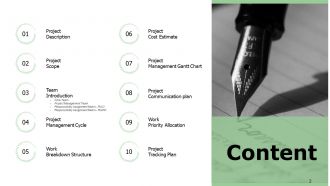
Slide 2: This slide shows Table of Content of the presentation.
Slide 3: This slide presents Meeting Agenda as- Discuss Project Background, Identify Stakeholders, Review Project Objectives.
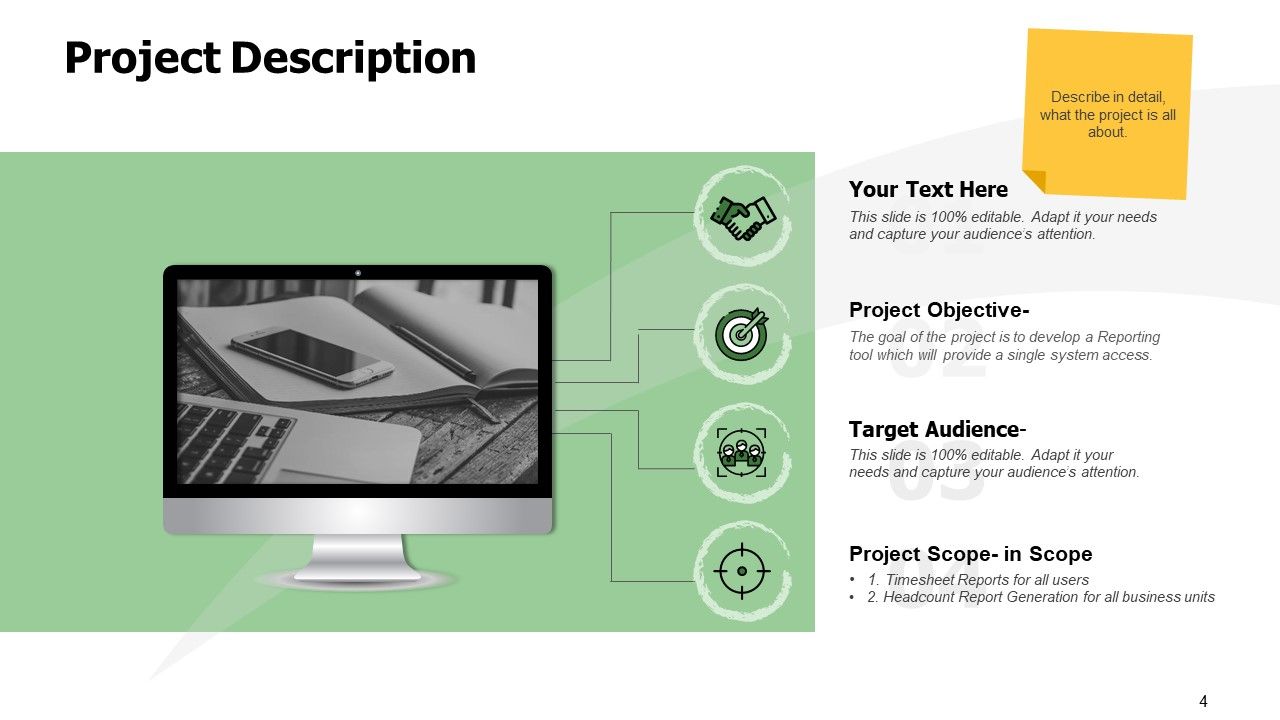
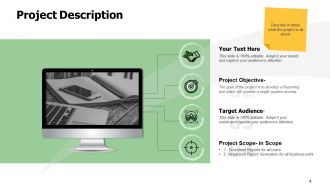
Slide 4: This slide represents Project Description including- Project Objective, Target Audience, Project Scope.
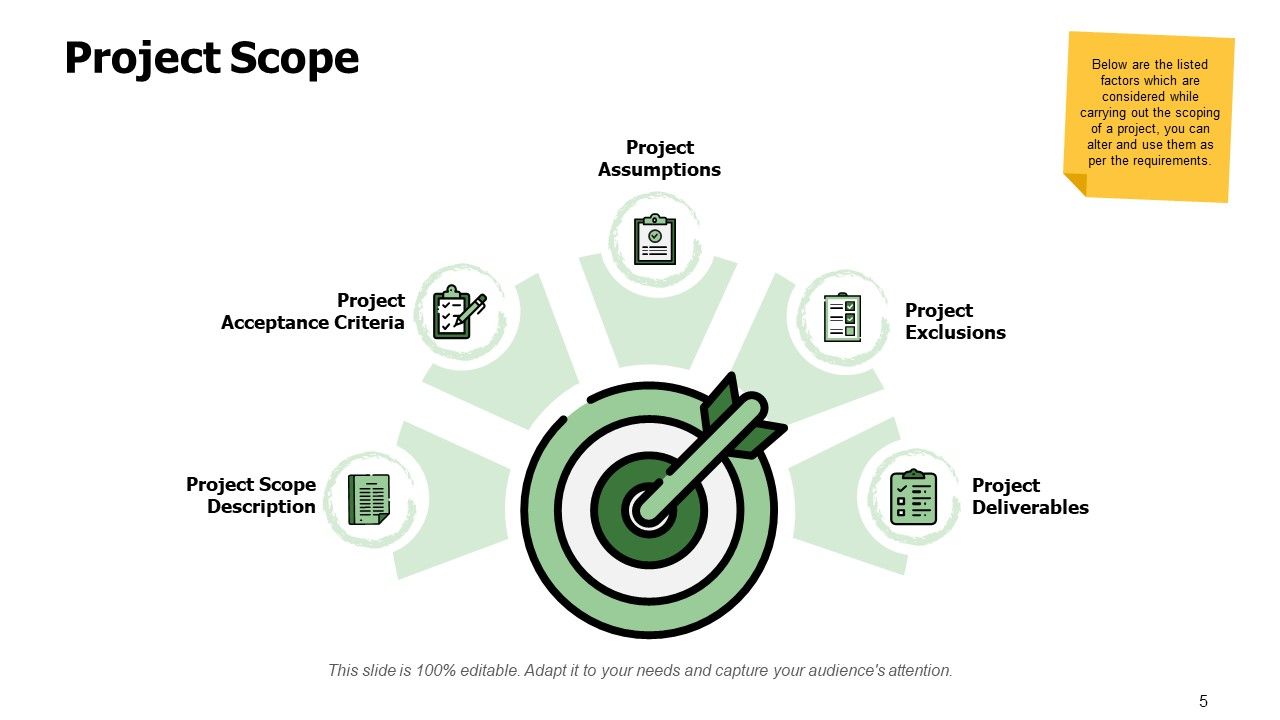
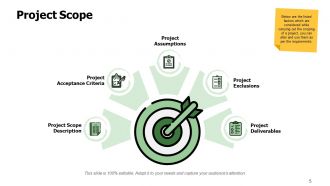
Slide 5: This slide displays Project Scope describing- Project Acceptance Criteria, Project Scope Description, Project Exclusions, Project Assumptions, Project Deliverables.
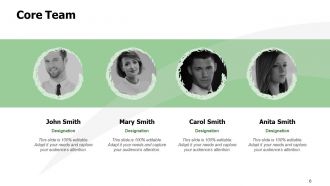
Slide 6: This is Core Team slide with names and designation.
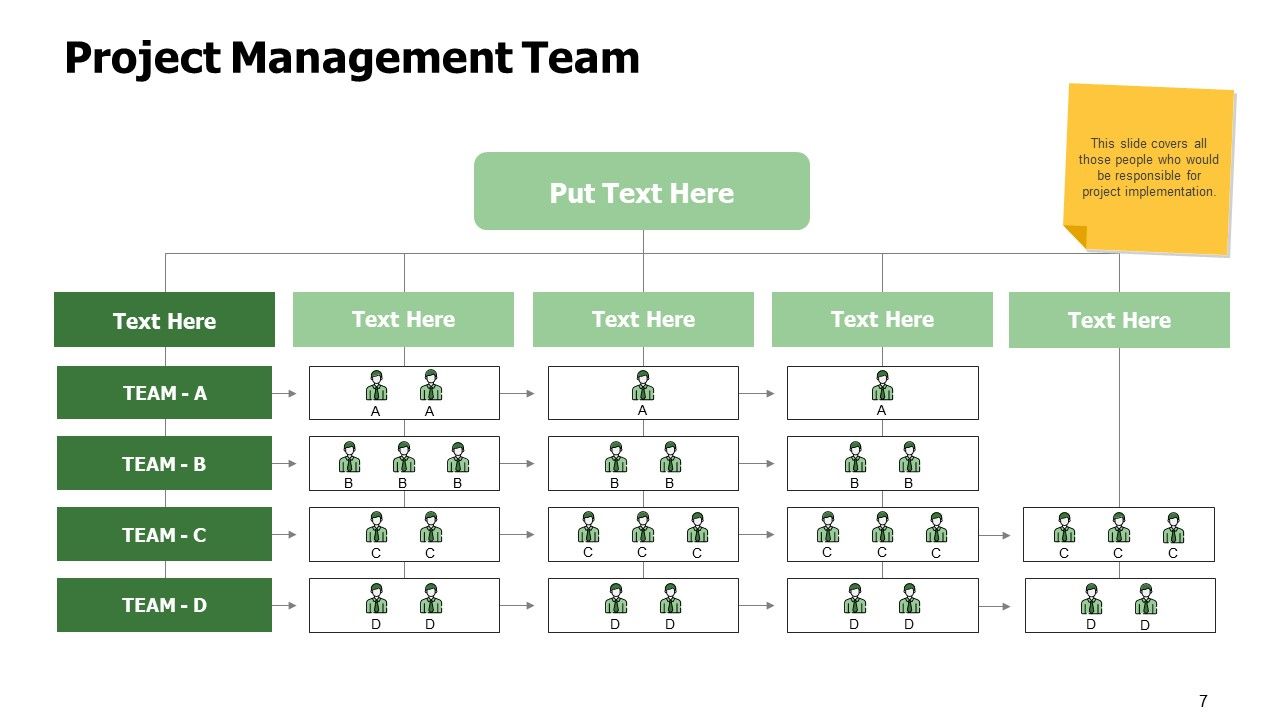
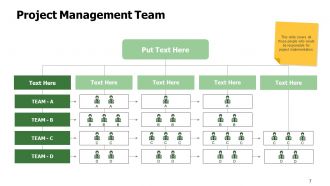
Slide 7: This slide showcases Project Management Team covering all those people who would be responsible for project implementation.
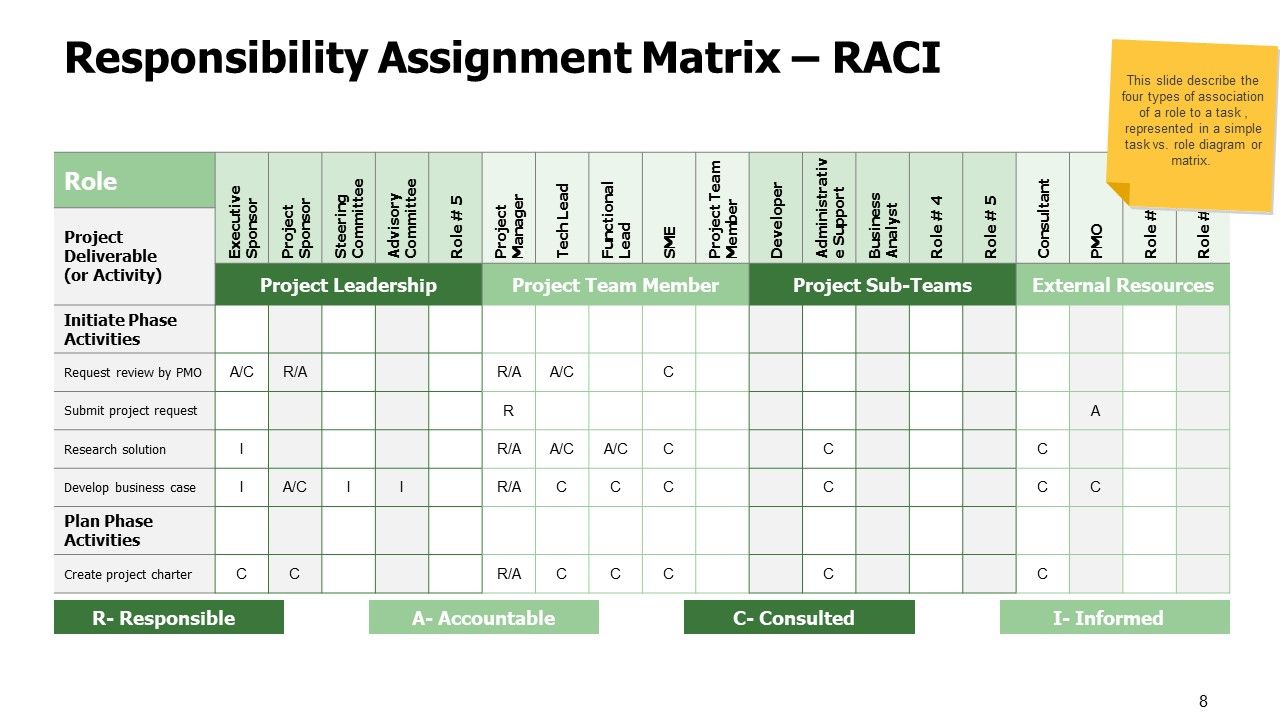
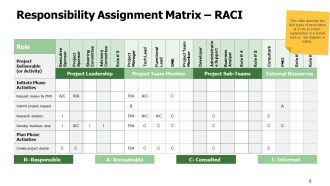
Slide 8: This slide shows Responsibility Assignment Matrix - RACI describing the four types of association for a role to a task.
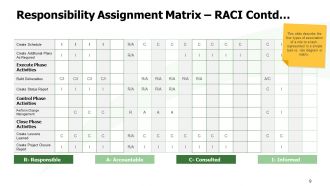
Slide 9: This is another slide continuing Responsibility Assignment Matrix – RACI.
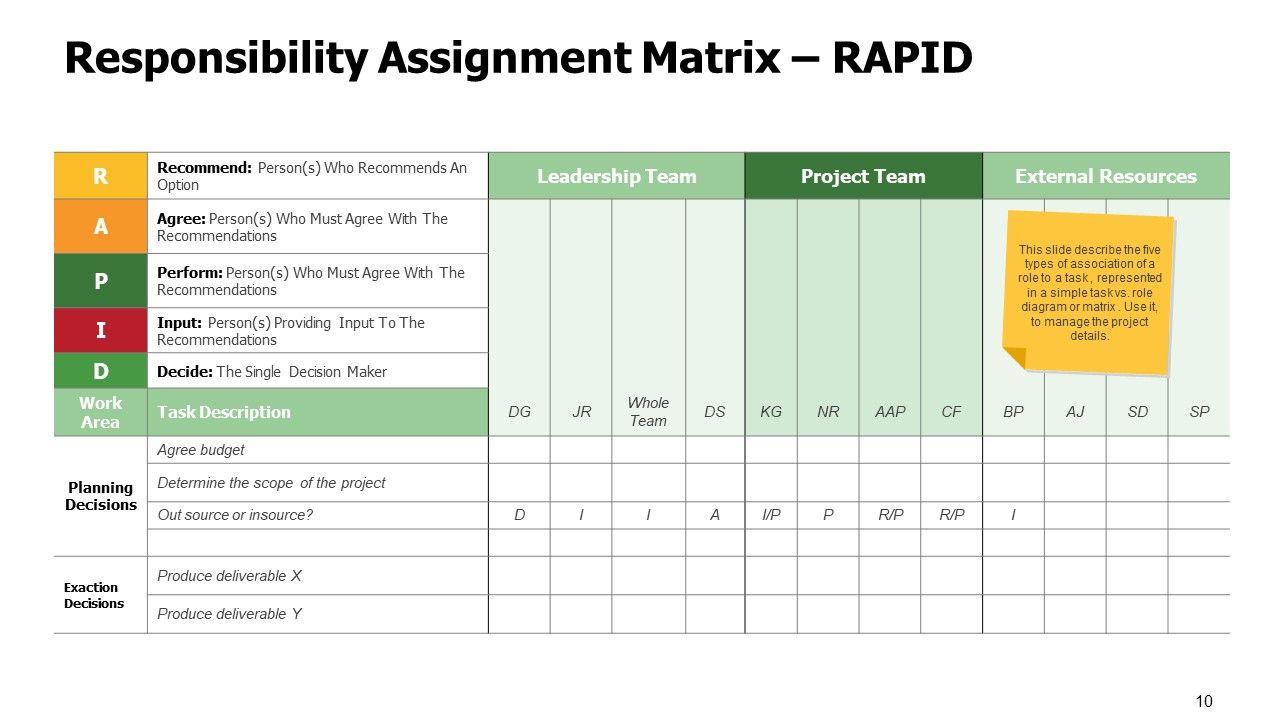
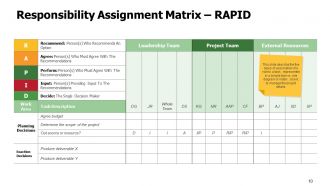
Slide 10: This slide presents Responsibility Assignment Matrix - RAPID describing the five types of association for a role to a task.
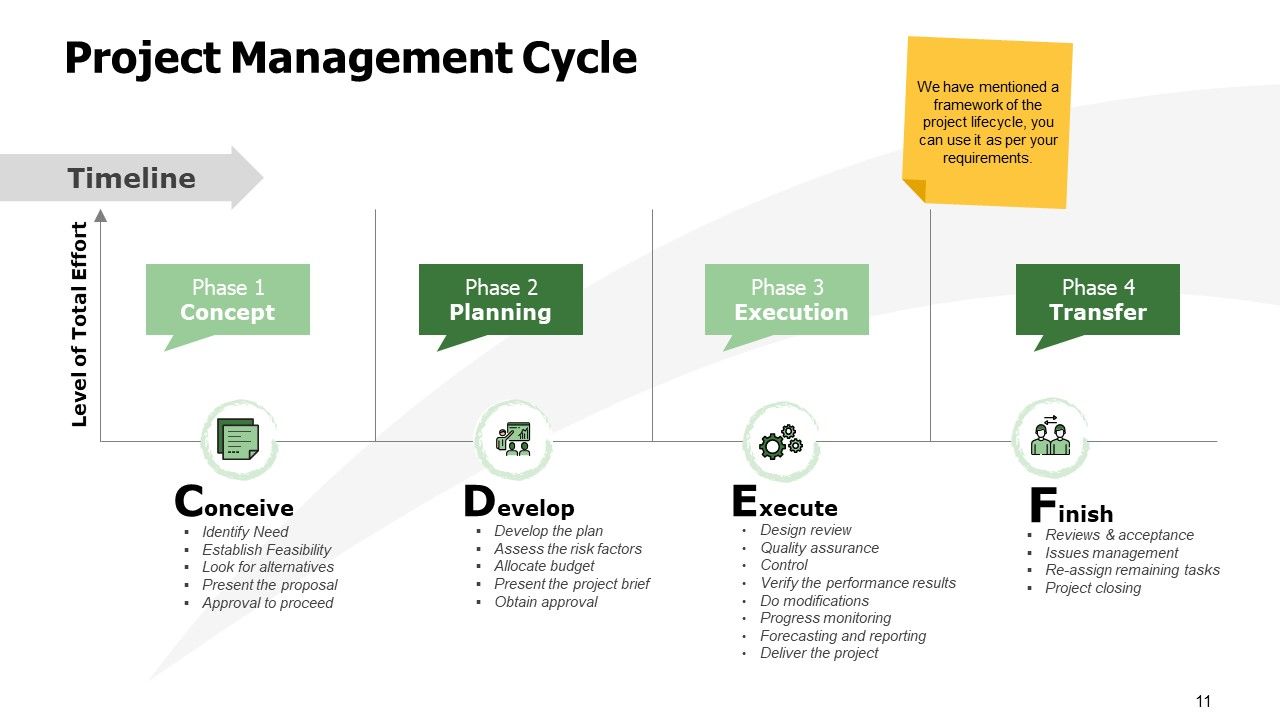
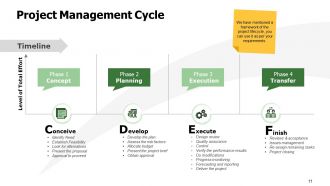
Slide 11: This slide displays Project Management Cycle describing- Conceive, Develop, Execute, Finish.
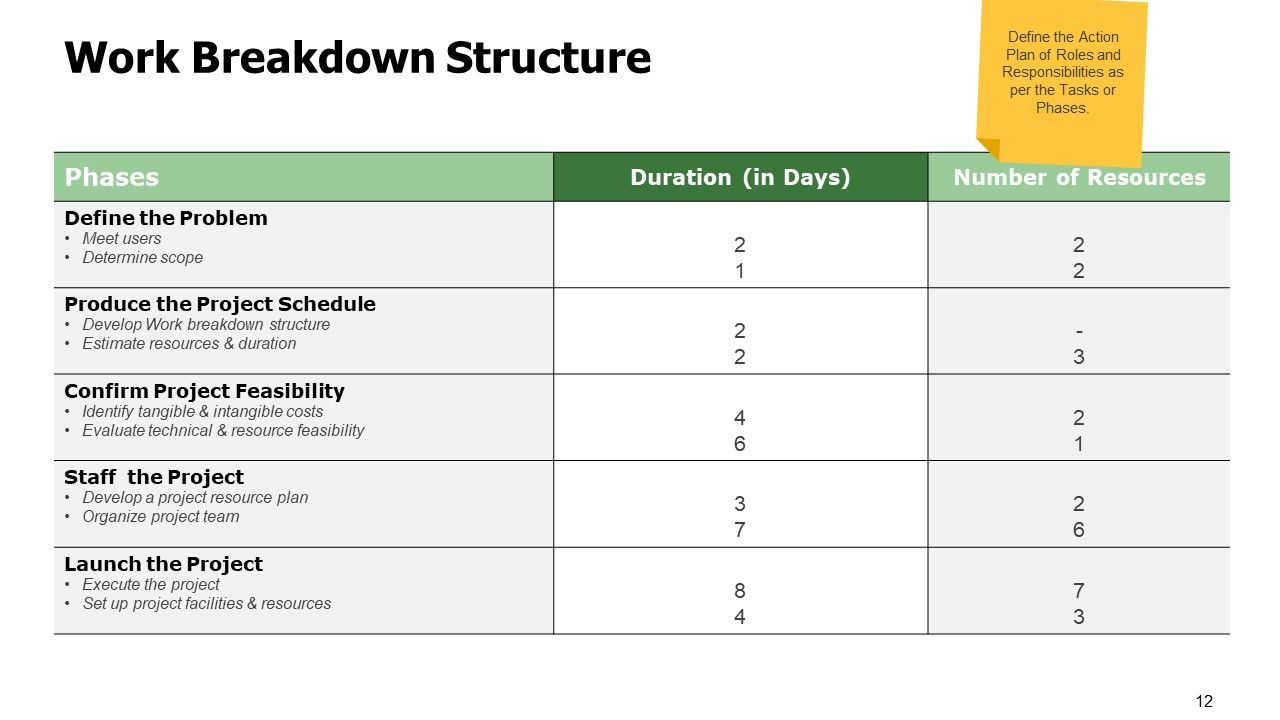
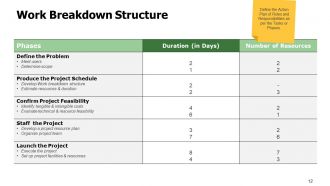
Slide 12: This slide represents Work Breakdown Structure defining the Action Plan of Roles and Responsibilities as per the Tasks or Phases.
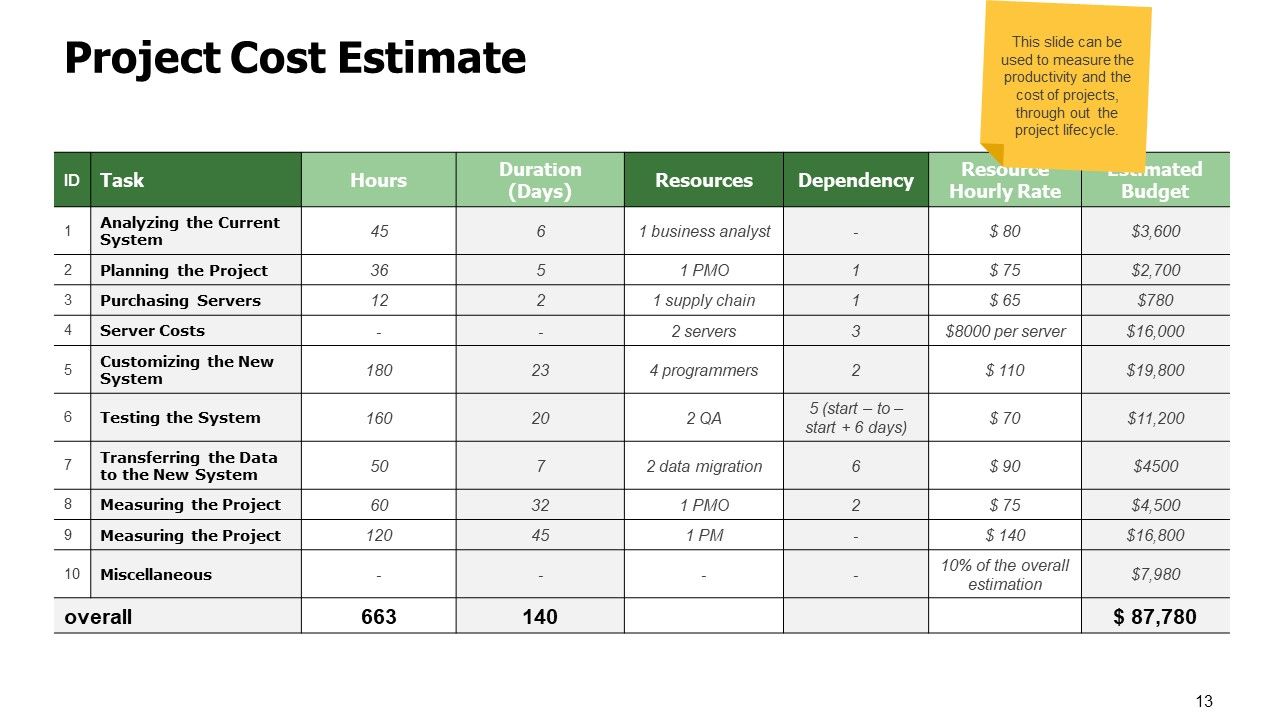
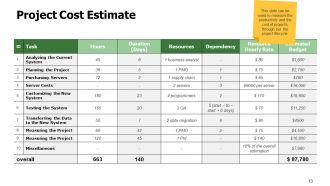
Slide 13: This slide showcases Project Cost Estimate to measure the productivity and the cost of projects, through out the project lifecycle.
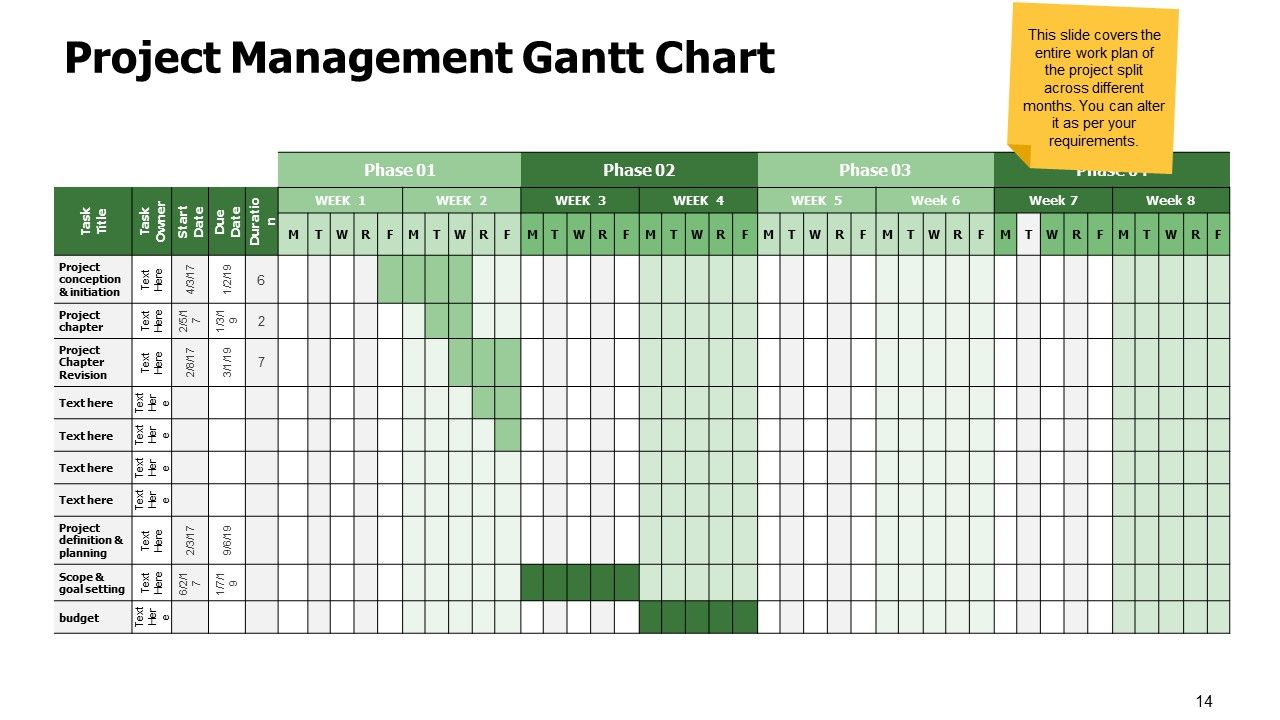
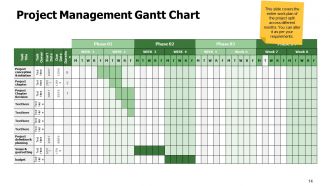
Slide 14: This slide shows Project Management Gantt Chart covering the entire work plan of the project split across different months.
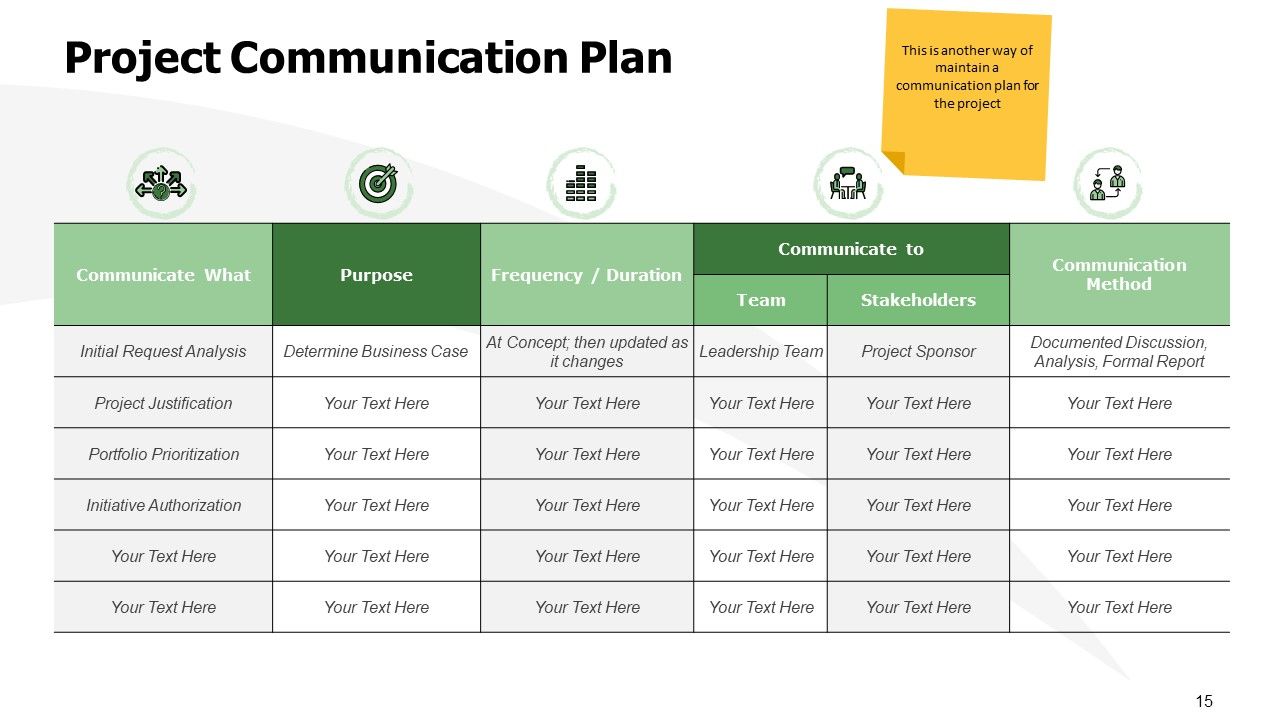
Slide 15: This slide presents Project Communication Plan in tabular form. You can change the data as per needs.
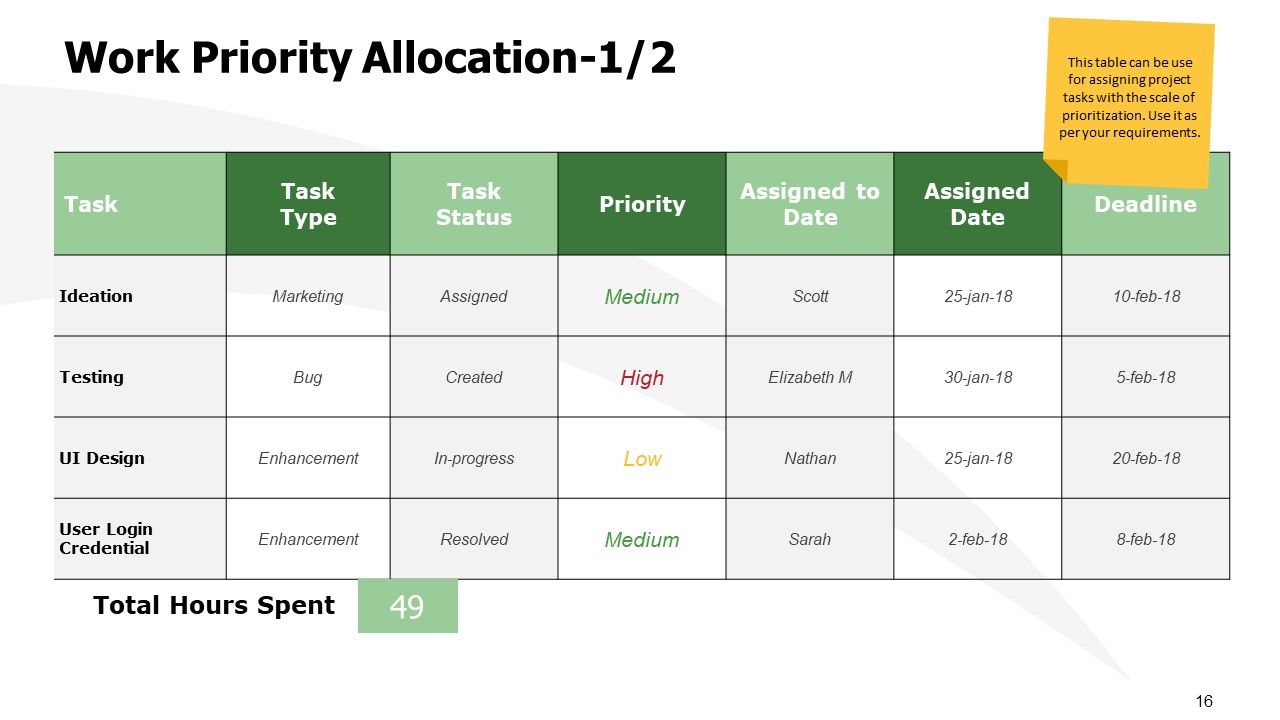
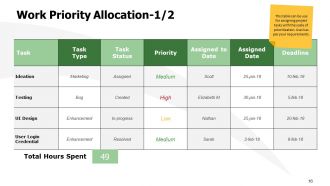
Slide 16: This slide displays Work Priority Allocation in tabular form for assigning project tasks with the scale of prioritization.
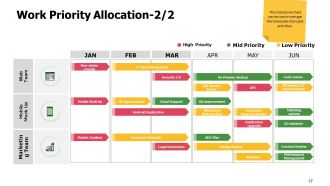
Slide 17: This is another slide for Work Priority Allocation with a milestone chart to manage the timescale of project activities.
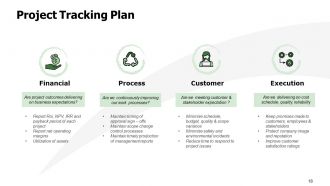
Slide 18: This slide represents Project Tracking Plan with four common KPI objectives to keep a track of overdue tasks.
Slide 19: This is About us slide to show company specifications etc.
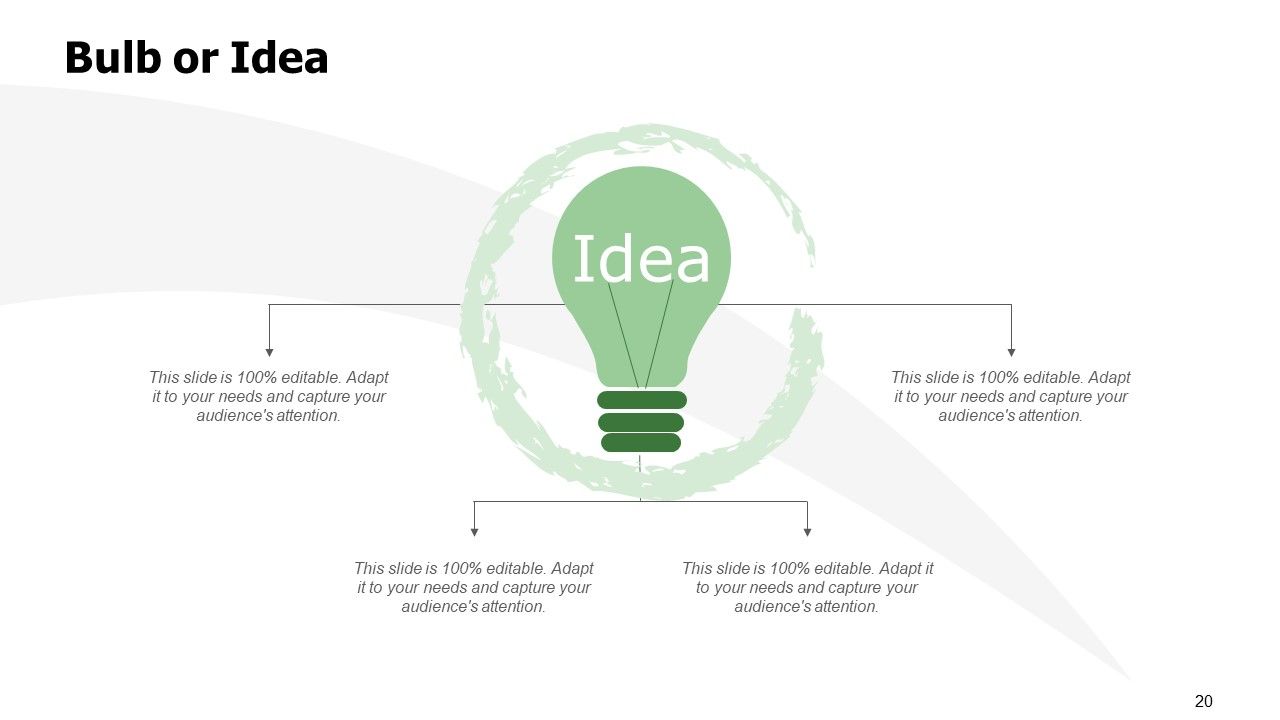
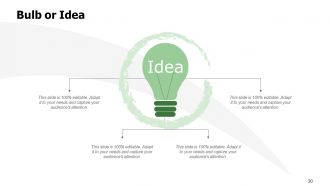
Slide 20: This is a Bulb or Idea slide to state a new idea or highlight information, specifications etc.
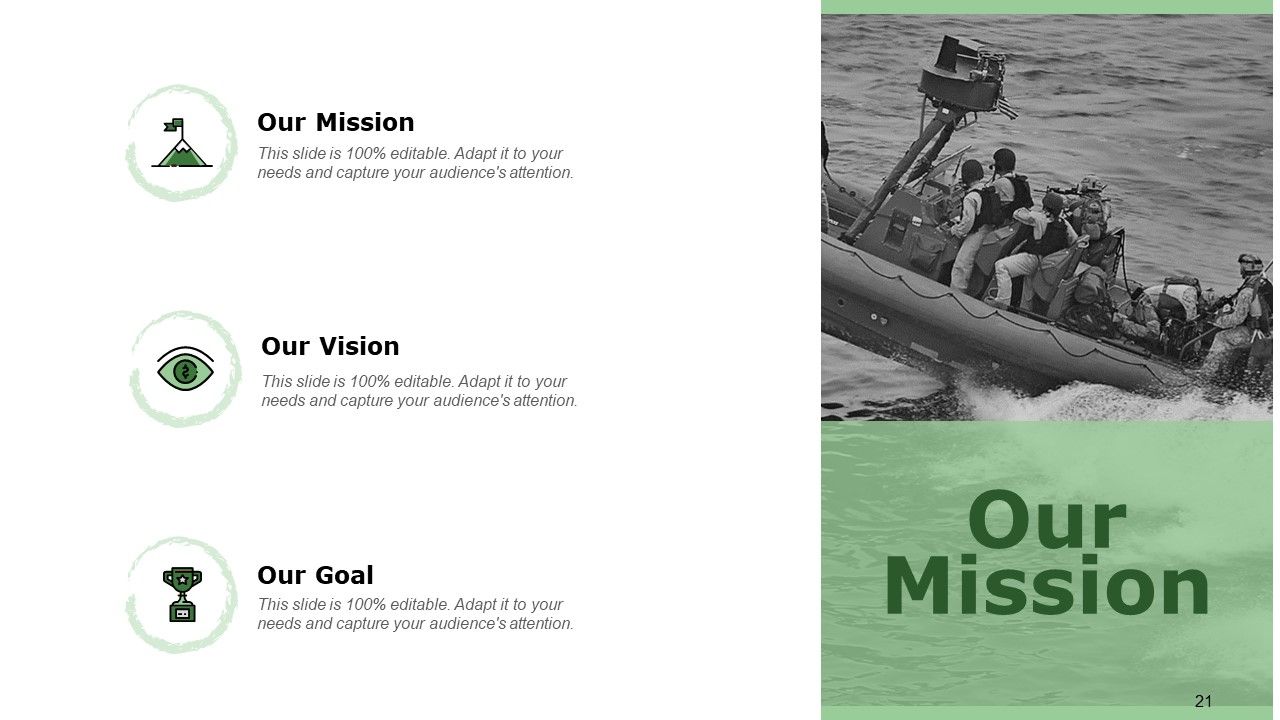
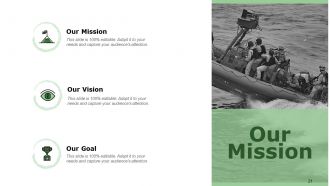
Slide 21: This is Our Mission slide with related imagery and text.
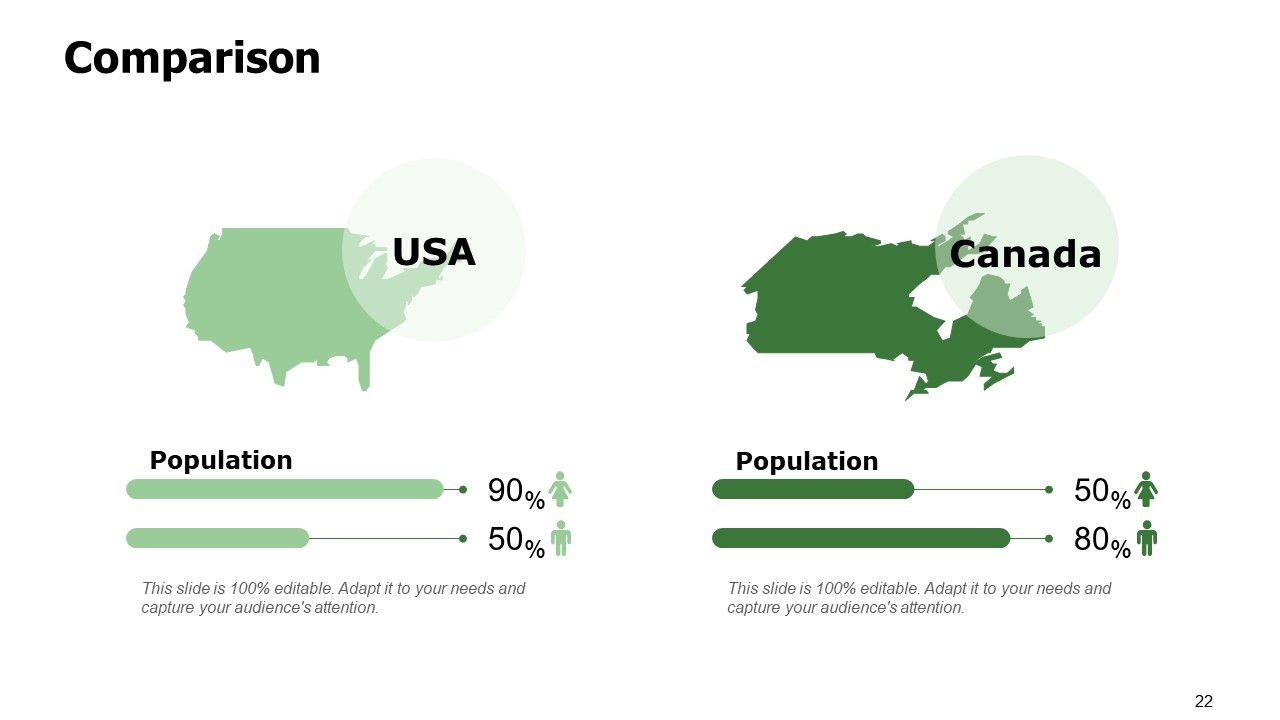
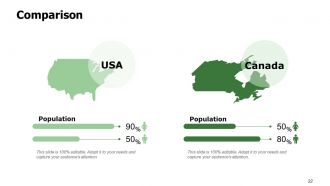
Slide 22: This is a Comparison slide to state comparison between commodities, entities etc.
Slide 23: This is a Thank You slide with address, contact numbers and email address.

FAQs for Project management kickoff meeting template

Hey! So basically you want to get everyone on the same page about what you're actually building, when it needs to be done, and who's doing what. Introduce people if they haven't met - awkward but necessary. Make sure the team knows what success looks like and how you'll communicate (Slack? Email? Carrier pigeon?). Honestly, spending time on potential risks now beats panic later. Figure out decision-making upfront because that's where projects usually go to die. Don't let people leave without clear next steps, or you'll lose all momentum immediately.

Honestly, kickoff meeting templates are game-changers because they stop you from forgetting half the important stuff. You get everyone aligned on goals and who's doing what right from the start. No more of those painful meetings where you ramble for an hour and somehow decide nothing - we've all been there, right? The template becomes your go-to reference when things get messy later (and they always do). It also sets up how you'll actually communicate - meeting frequency, tools, decision-makers. I'd stick with the same format across projects since consistency makes life easier.

Hit these main points: project overview, team intros, scope/deliverables, timeline, and communication plan. Don't forget next steps at the end. I'd definitely add time for Q&A because there's always someone with a burning question they've been holding back. The scope part usually takes longer than you think - people get into the weeds fast. Keep it to 90 minutes tops or you'll lose them. Oh, and send the agenda out the day before so they can't use the "I didn't know what this was about" excuse.

Look, you want stakeholders showing up with their concerns and resource issues mapped out beforehand. Get them asking about timelines and calling out potential problems early. The quiet ones actually scare me more than the talkative ones - silence usually means they're confused or pissed about something. Push everyone to be honest about their team's bandwidth and competing projects. Make sure they walk away crystal clear on what you need from them and by when. Oh, and shoot them a summary email the next day with all the stuff people committed to.
So you're running the show here - get your agenda ready and keep people focused on the important stuff. Walk everyone through the project scope, timeline, and who's doing what. There'll definitely be questions (always are), so leave room for those. Set up how you'll all communicate going forward and nail down next steps before people start checking their phones. Honestly, the biggest thing is making sure everyone's on the same page when they leave. Have your template ready but don't be too rigid - sometimes the best conversations happen when you let people actually talk through stuff organically.

Set aside 15-20 minutes just for risk brainstorming. Go around the room and ask everyone what worries them most about the project - seriously, the quiet people usually catch stuff nobody else thinks of. Write everything down on a whiteboard or shared screen, no filtering yet! Once you've got your list, sort them quickly by how likely they are and how much damage they'd do. I learned this the hard way on a project last year. Make sure to assign owners for the big risks right there in the meeting, otherwise they'll just sit on your list forever.
Oh man, this is so important! Send stuff ahead so remote people can actually prep. During the meeting, call them out by name - seriously, they feel invisible otherwise. Use polls and breakout rooms to keep everyone engaged. One thing that's been a game-changer for me? Having someone watch the chat religiously because remote folks often type questions instead of speaking up. Pause for questions way more than you think you need to. And definitely record everything - someone's internet always craps out at the worst moment and they'll need to catch up later.

Okay so definitely do a RACI matrix before your kickoff and go through it with everyone there. Trust me on this one - I had a project where three different people thought they were running the same thing and it was a nightmare. RACI breaks down who's Responsible for what, who's Accountable (the person making final calls), who gets Consulted, and who just needs updates. During the meeting, make everyone say out loud what they think their role is. Sounds weird but it works. Then shoot everyone an email within a day or two with all the roles written out so nobody can claim they "forgot" later.

Oh man, biggest things to watch out for - don't let meetings drag on forever without actually deciding anything. And seriously, shut down whoever tries to monopolize the whole conversation (there's always that one person). Skip the technical rabbit holes for now, handle those separately later. Even if everyone "knows" each other, do proper intros anyway since work dynamics are totally different. Define who's doing what upfront or you'll get that awkward "I thought YOU were handling it" situation later. Focus on getting aligned and figuring out next steps rather than solving every tiny detail. Set an end time and don't be afraid to actually enforce it.
Yeah, visuals and templates are total game-changers for kickoffs. People actually pay attention when you've got clear slides showing timelines and who's doing what – way better than just talking at them for an hour. Templates save your butt too because you won't forget the important stuff like success metrics or how everyone's supposed to communicate. I've watched projects crash and burn because someone thought the setup details were too boring to cover properly. Oh, and keep your slides clean – nobody wants to decode some nightmare PowerPoint with tiny text everywhere. Your team will actually leave knowing what they're supposed to do.

Oh yeah, definitely nail down what happens next before people scatter - I've watched so many good meetings just... die afterward. Give everyone specific tasks with deadlines and pick who owns what. Someone needs to send out notes within a day or two (people forget everything otherwise). Set up your communication thing too - Slack, email, whatever doesn't suck for your team. Schedule the next check-in while you're all still there. Trust me, if people leave confused about their next move, nothing gets done. Make it crystal clear who's doing what by when.

Honestly, just send people a quick survey afterward asking if they're clear on their roles and deadlines - even a basic 1-10 scale works fine. I always check how many follow-up questions roll in over the next few days too. If everyone's blowing up your inbox asking for clarification, that's a pretty good sign your kickoff kinda sucked. The real test though? Whether you actually hit those first couple milestones on time. A solid kickoff should set you up to nail the early stuff. Oh and definitely make a feedback template you can just copy-paste for next time.

Send them the project charter and timeline 2-3 days ahead. Don't forget their specific roles too. Background context is key - scope, objectives, whatever they need to actually contribute. Always include the agenda because surprise meetings are the worst. Oh, and any docs they should review beforehand like requirements or stakeholder lists. You want everyone prepped so you're not wasting time on basic explanations. Give people enough time to actually read it though - sending stuff the night before doesn't count.

Build a basic template that you can scale up based on project size. Small stuff? Just hit objectives, key people, timeline, and what you're delivering - 30 minutes tops. Medium projects can throw in some risk assessment and communication planning. Big projects get everything: detailed resources, governance, multiple workstreams, the works. I swear I've sat through hour-long kickoffs for projects that lasted two weeks. Total waste of everyone's time. Match your meeting depth to how complex things actually are. Start simple and add sections rather than trying to trim down some monster template later.

Honestly, I'd start with Miro or Mural for whiteboarding - people can jump in and add to timelines or brainstorm risks together. Mentimeter's solid for live polls too, especially since folks can ask questions anonymously (way better for getting real feedback). Breakout rooms in Zoom work fine for small group stuff, though they're kinda annoying to set up sometimes. Oh, and keeping a Slack or Teams chat running during the meeting helps too. Don't go crazy with too many tools at once though - pick one you actually know how to use first.

Ratings and Reviews

0% of 100
Write a review
Most Relevant Reviews

No Reviews