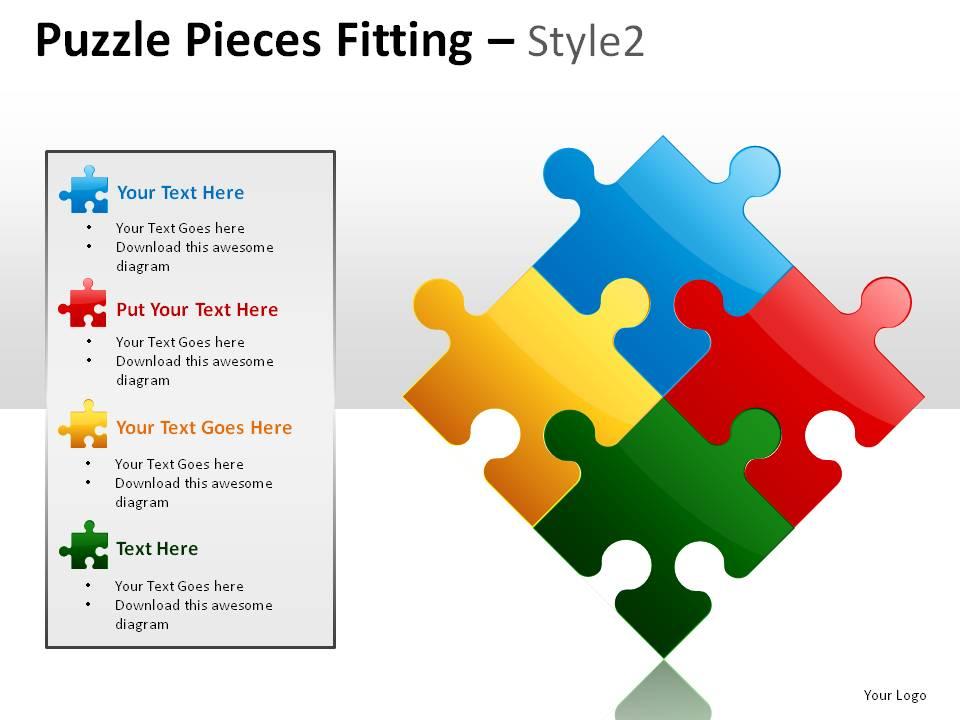
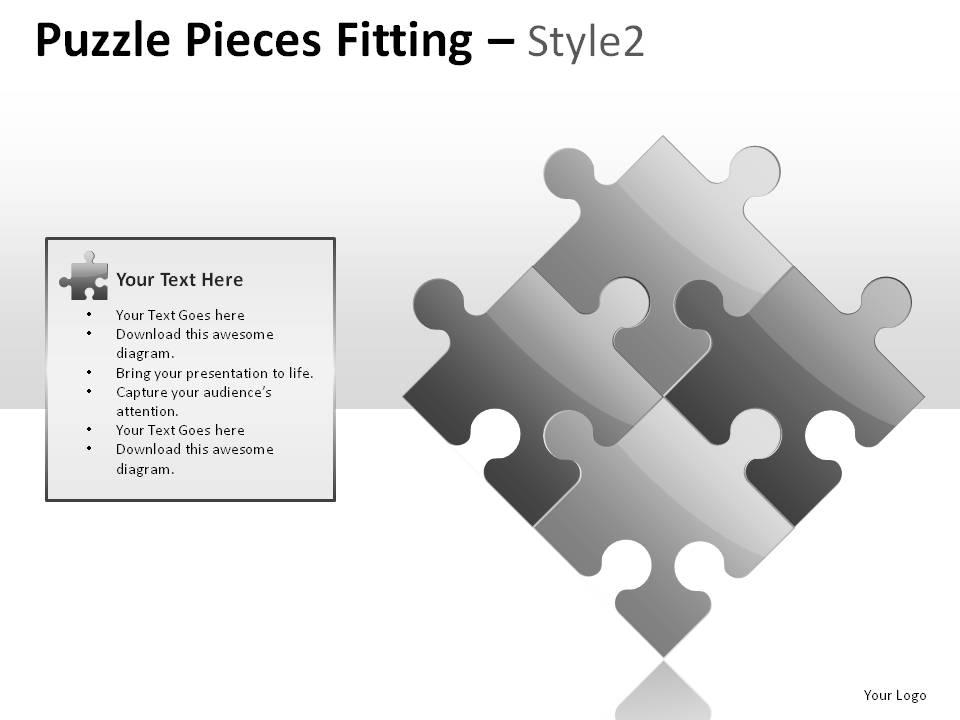
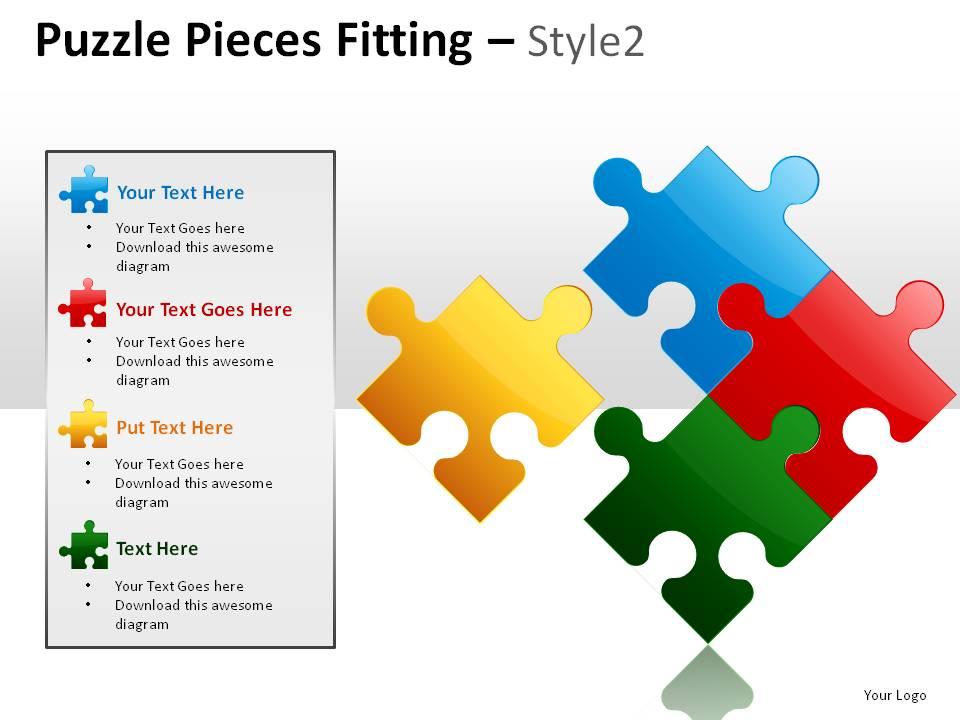
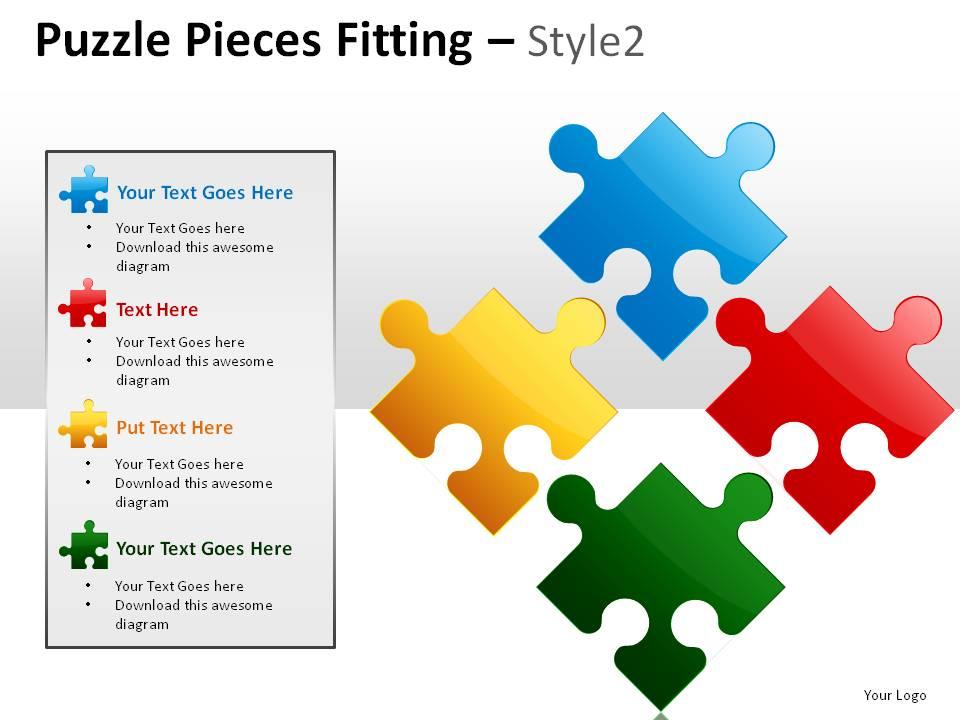
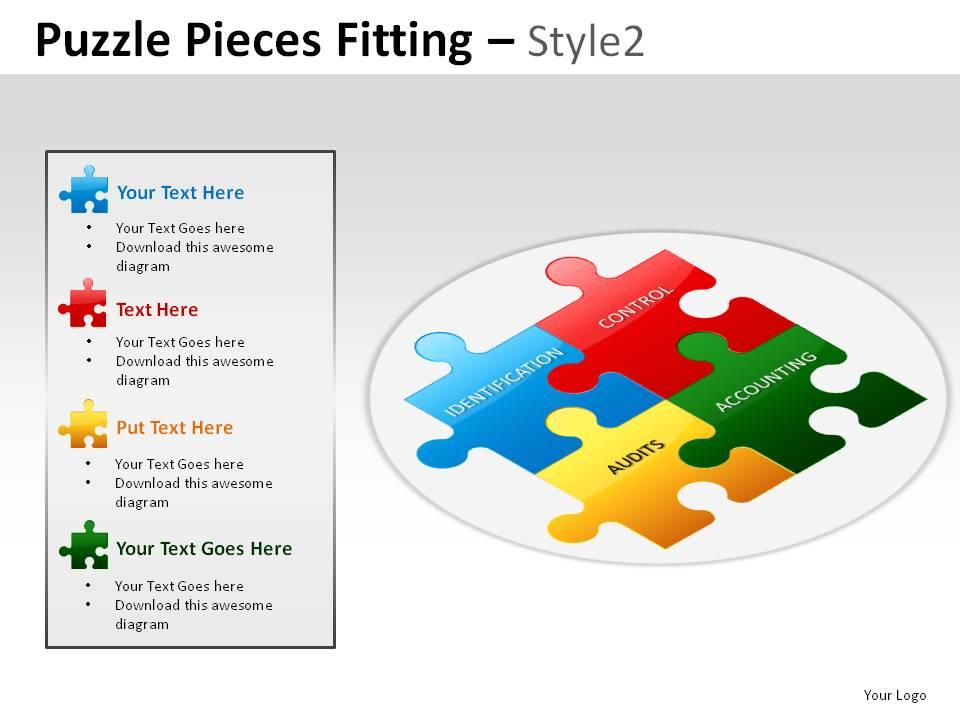
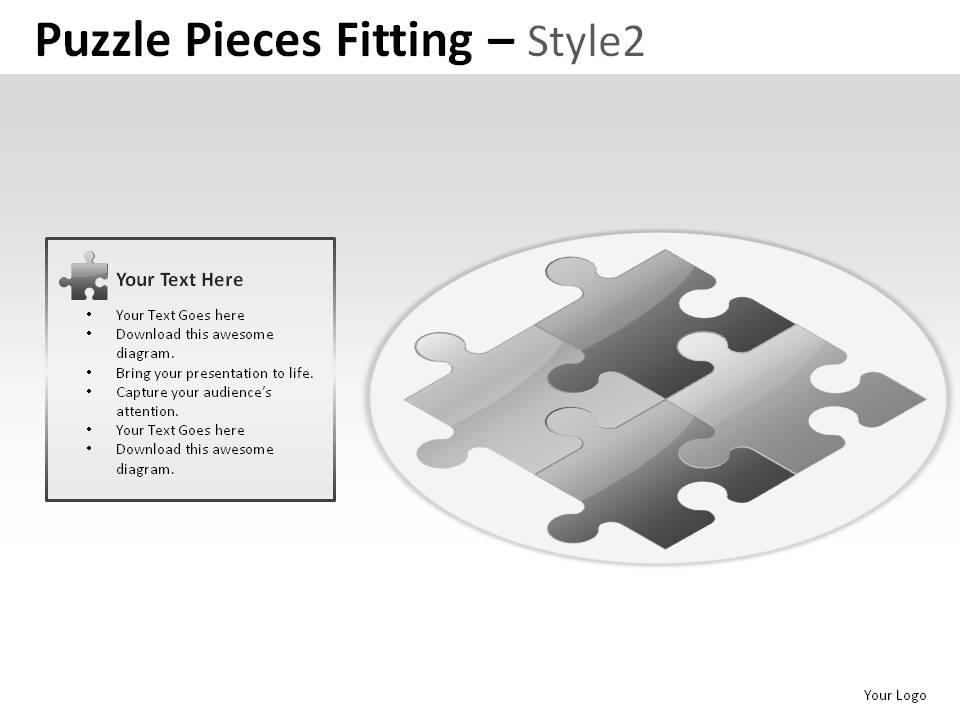
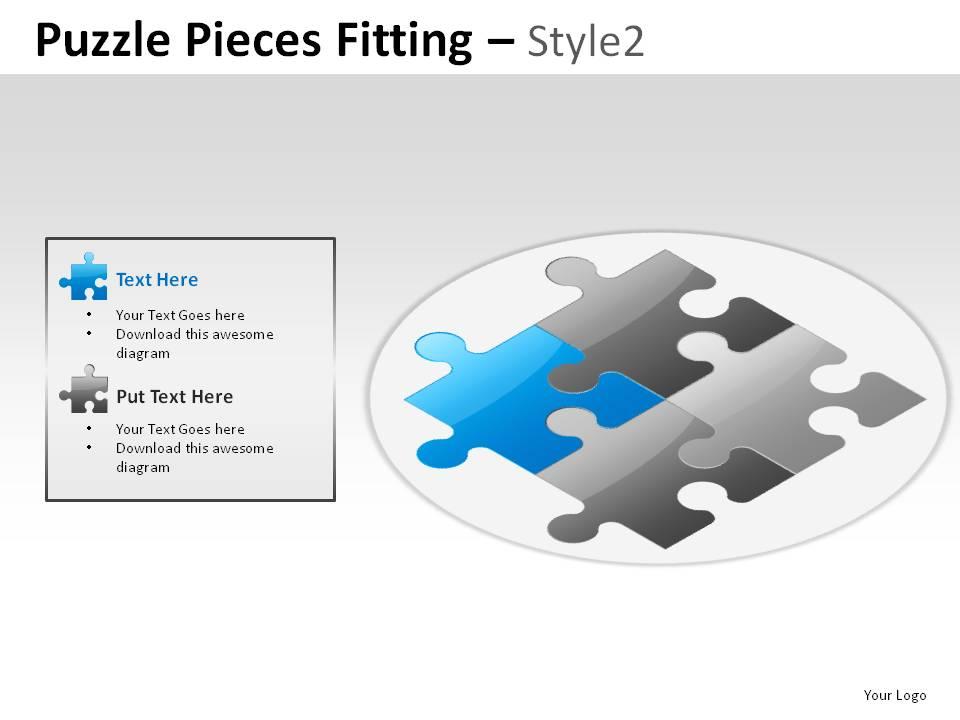
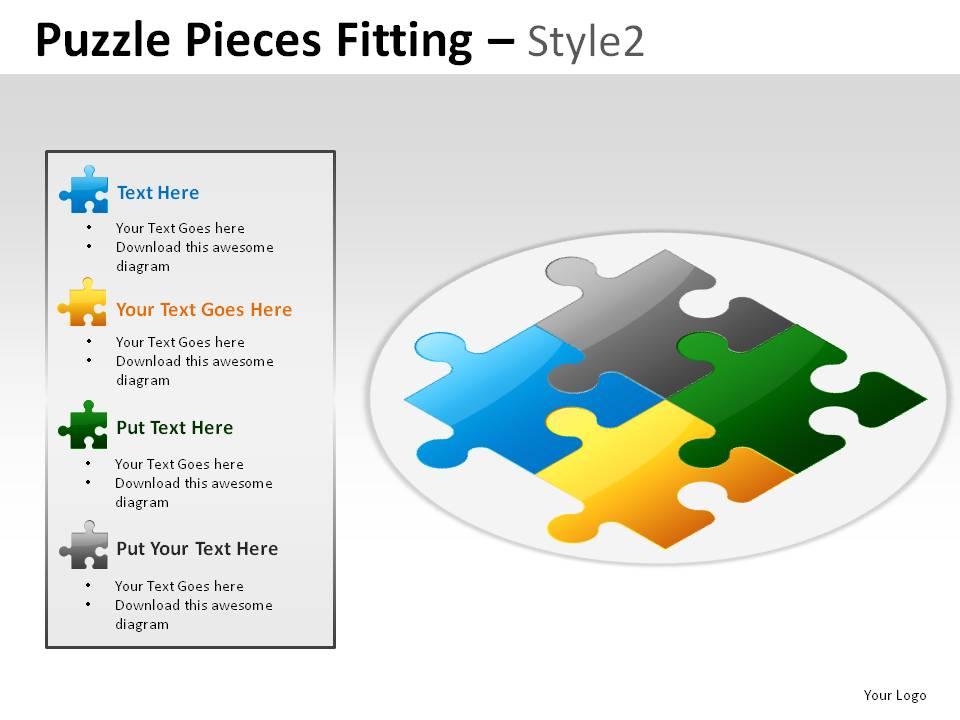
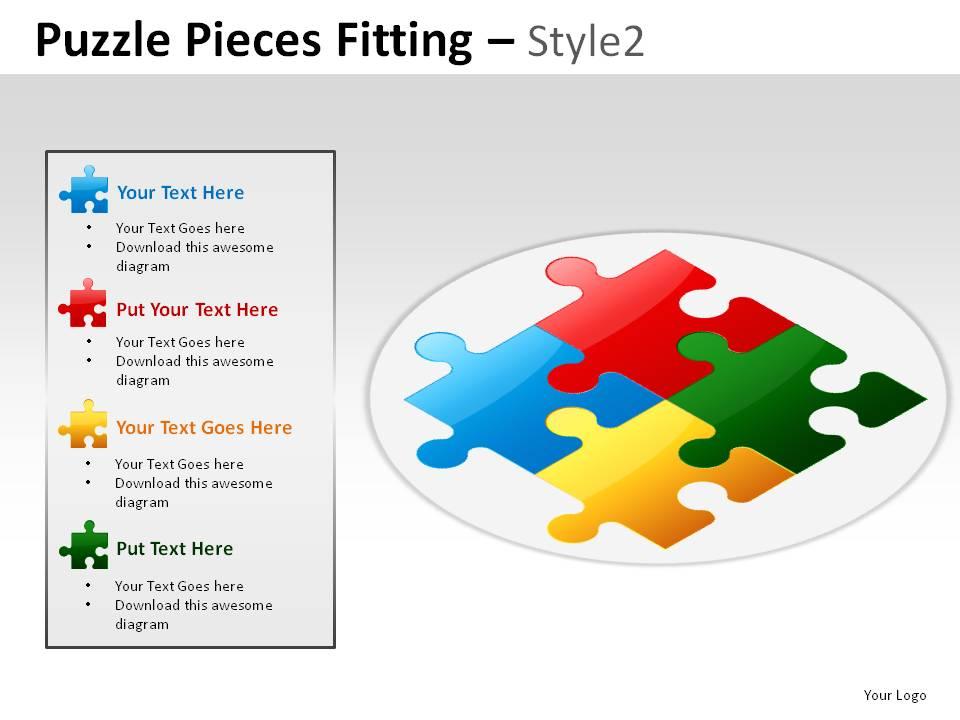
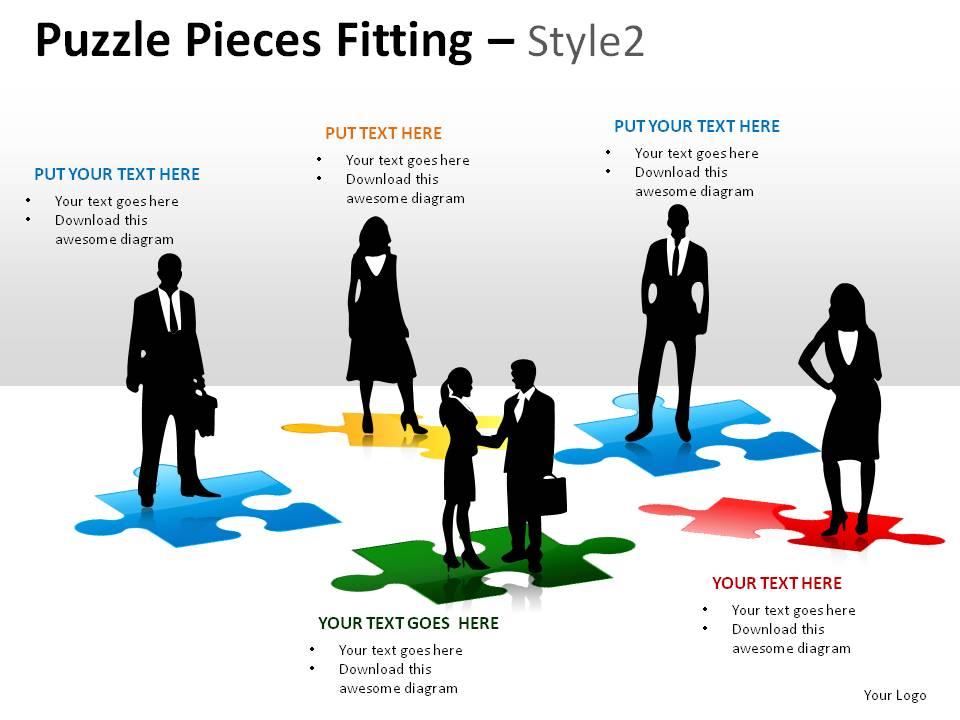
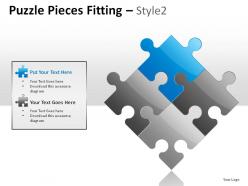
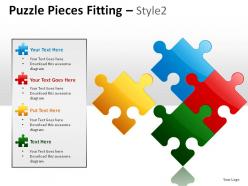
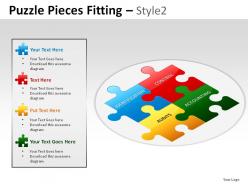
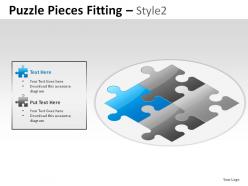
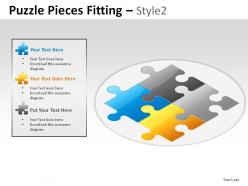
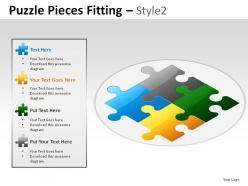
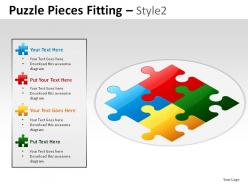
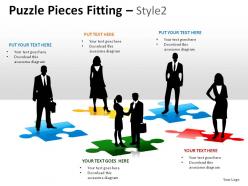
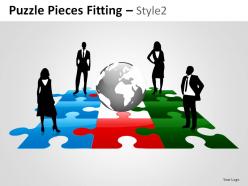
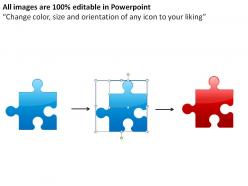
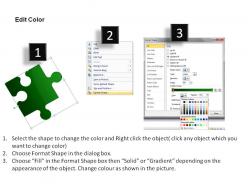
Puzzle pieces fitting style 2 powerpoint presentation slides
Try Before you Buy Download Free Sample Product
Audience
Editable
of Time
With thousands of designs to choose from our Puzzle Pieces Fitting Style 2 Powerpoint Presentation Slides library offers near limitless choice. We've got what you need to make your next presentation stellar.
People who downloaded this PowerPoint presentation also viewed the following :
Puzzle pieces fitting style 2 powerpoint presentation slides with all 20 slides:
Jazz it up with our Puzzle Pieces Fitting Style 2 Powerpoint Presentation Slides. They will jam well with your thoughts.
FAQs for Puzzle pieces fitting style 2
Puzzle piece presentation slides enhance complex information delivery by breaking down intricate concepts into digestible segments, showing interconnected relationships, creating visual memorability, enabling step-by-step revelation, and facilitating audience engagement through interactive storytelling. These slides streamline comprehension by transforming overwhelming data into logical components, with many organizations finding that audiences retain information more effectively when complex processes are presented as interconnected puzzle elements rather than dense text blocks.
Puzzle piece designs aid presentations by visually demonstrating how individual concepts interconnect, showing dependencies between ideas, illustrating step-by-step processes, and emphasizing that complete understanding requires all components working together. These visual metaphors enhance audience comprehension by making abstract relationships tangible, with many presenters finding that puzzle formats increase retention and engagement while clearly communicating complex interconnected systems.
Puzzle piece presentation slides work best for topics involving interconnected components, strategic frameworks, problem-solving processes, team collaboration structures, and step-by-step methodologies. These visual metaphors excel when presenting business strategies, project phases, organizational development plans, and process workflows, with many presenters finding that puzzle formats effectively demonstrate how individual elements combine to create comprehensive solutions, ultimately enhancing audience understanding of complex relationships.
Color psychology enhances puzzle piece presentations by creating emotional connections, improving information retention, and guiding audience focus through strategic hue selection. By using warm colors for urgent priorities, cool tones for analytical content, and complementary schemes for interconnected elements, organizations can significantly boost comprehension rates and engagement levels, with many finding that thoughtful color choices ultimately transform complex concepts into memorable, actionable insights.
Effective puzzle piece slides require balanced visual hierarchy, consistent color schemes that distinguish each piece while maintaining cohesion, and clear labeling with readable fonts. These elements should align logically to show relationships, use adequate white space to avoid clutter, and ensure each puzzle piece represents proportional importance, with many organizations finding that strategic color coding and directional flow ultimately enhance audience comprehension and engagement.
Interactive elements in puzzle piece slides include clickable hotspots, animated reveals, drag-and-drop functionality, progressive disclosure, and embedded polls or quizzes. These features transform static presentations into dynamic experiences by allowing audiences to control content flow, participate in real-time problem-solving, and engage with each puzzle component individually, ultimately delivering higher retention rates and more memorable presentations.
Puzzle piece slides help outline project milestones by visually representing each task as an interlocking component, showing dependencies, sequential phases, and how individual deliverables connect to form the complete project scope. This approach enables project managers to demonstrate task relationships, highlight critical path elements, and illustrate progress tracking, with many organizations finding that stakeholders better understand complex project timelines and resource allocation through these interconnected visual frameworks.
Balancing aesthetics and functionality in puzzle piece slides requires strategic color schemes, clear typography, and logical piece arrangement that supports your narrative flow. Successful presentations combine visually appealing interlocking designs with readable content hierarchy, ensuring each puzzle piece contributes meaningfully to the overall message while maintaining professional visual coherence throughout.
Common mistakes include overcrowding slides with too many puzzle pieces, using inconsistent colors or sizing that confuses the message hierarchy, and failing to clearly label each component. Additionally, many presenters create puzzle pieces that don't visually connect properly or use overly complex designs that distract from content, with successful presentations finding that simplified, well-aligned pieces with clear relationships ultimately deliver stronger audience comprehension and engagement.
Effective puzzle piece transitions maintain engagement through strategic revelation, where each piece builds anticipation by referencing upcoming connections, using visual cues like highlighting or zooming, and creating narrative bridges that explain relationships. This approach enables presenters to control pacing, enhance comprehension, and deliver compelling storylines, with many organizations finding that structured puzzle reveals significantly improve audience retention and message clarity.
**INPUT**: What software or tools are recommended for creating high-quality puzzle piece presentation templates? **OUTPUT**: Recommended tools include PowerPoint, Google Slides, Canva, Adobe Illustrator, and Keynote, each offering unique design capabilities and collaborative features. These platforms enable organizations to create compelling visual narratives through customizable templates, professional graphics libraries, and seamless team collaboration, with many businesses finding that PowerPoint and Google Slides deliver the optimal balance of functionality and accessibility for strategic presentations.
Successful puzzle piece presentations include Apple's product ecosystem launches, McKinsey's strategic framework presentations, educational institutions explaining curriculum integration, healthcare organizations demonstrating patient care workflows, and financial services firms outlining comprehensive solutions. These presentations excel by showing how individual components interconnect seamlessly, with audiences finding that puzzle metaphors enhance understanding of complex relationships, ultimately delivering clearer communication and stronger stakeholder buy-in.
Visual metaphors within puzzle piece presentations enhance storytelling by creating intuitive connections between abstract concepts and familiar imagery, enabling audiences to grasp complex relationships, processes, and interconnected systems more effectively. Through strategic metaphor placement, presenters can illustrate how different departments, strategies, or market factors fit together seamlessly, ultimately delivering more memorable narratives and deeper audience engagement.
3D puzzle piece designs create visual depth and engagement that captures audience attention, while flat designs offer cleaner readability and faster comprehension of content relationships. While 3D elements can enhance memorability and visual appeal, they may distract from core messages, whereas flat designs streamline focus on data connections, with many presenters finding that strategic combination delivers optimal audience engagement.
Audience feedback shapes future puzzle piece presentations by identifying content gaps, visual clarity issues, and engagement preferences through surveys, analytics, and direct responses. Organizations increasingly use this data to refine slide sequences, adjust complexity levels, and enhance interactive elements, with many presenters finding that iterative improvements based on audience insights significantly boost comprehension and retention rates.
-
Topic best represented with attractive design.
-
Excellent Designs.