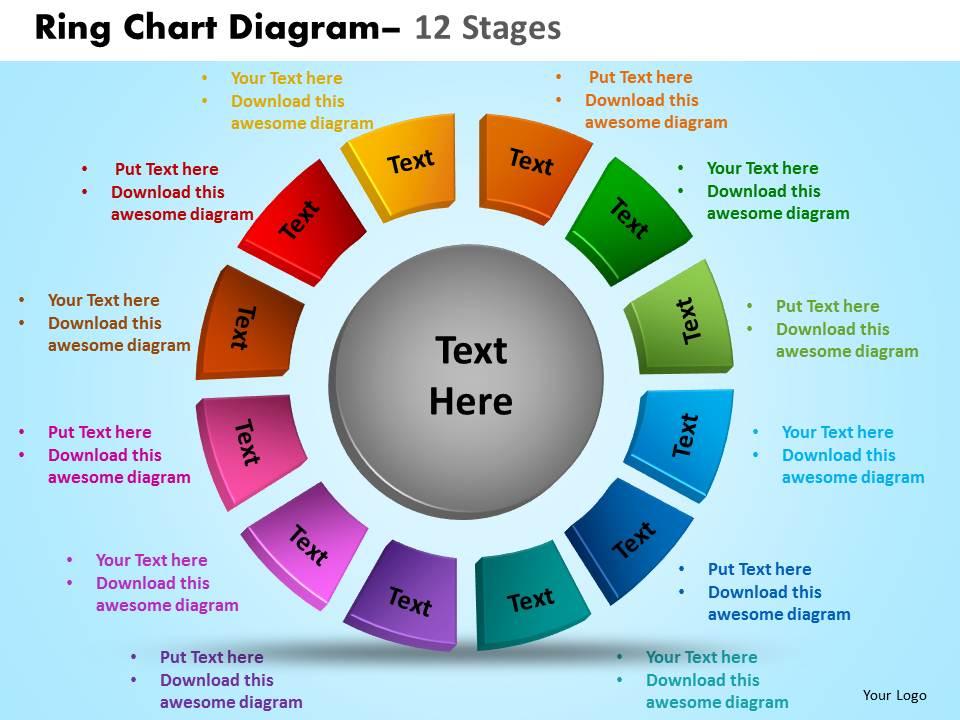
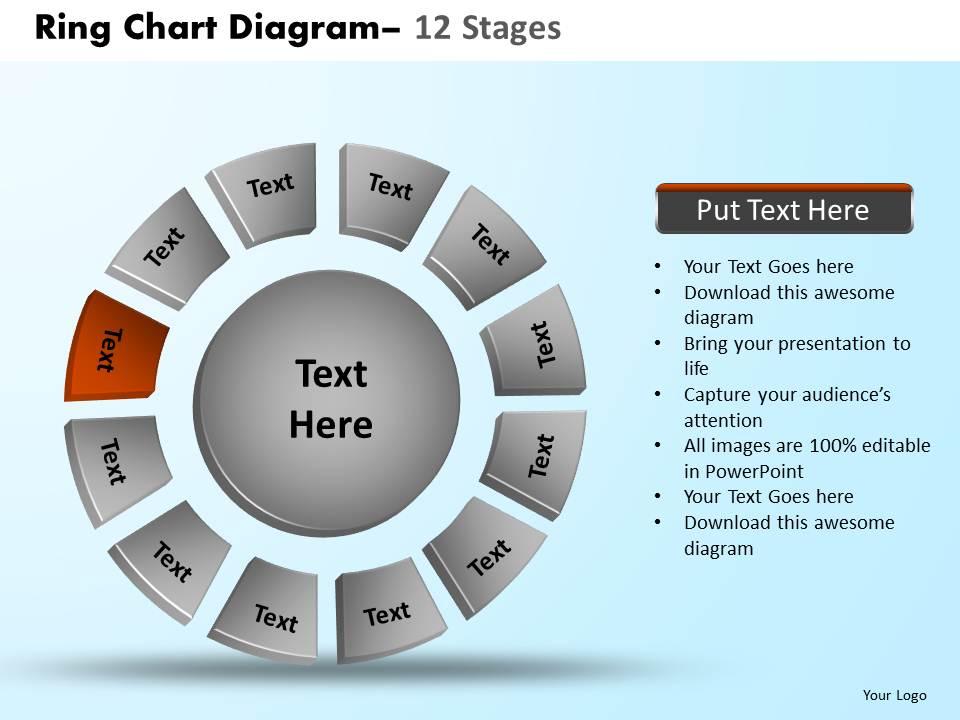
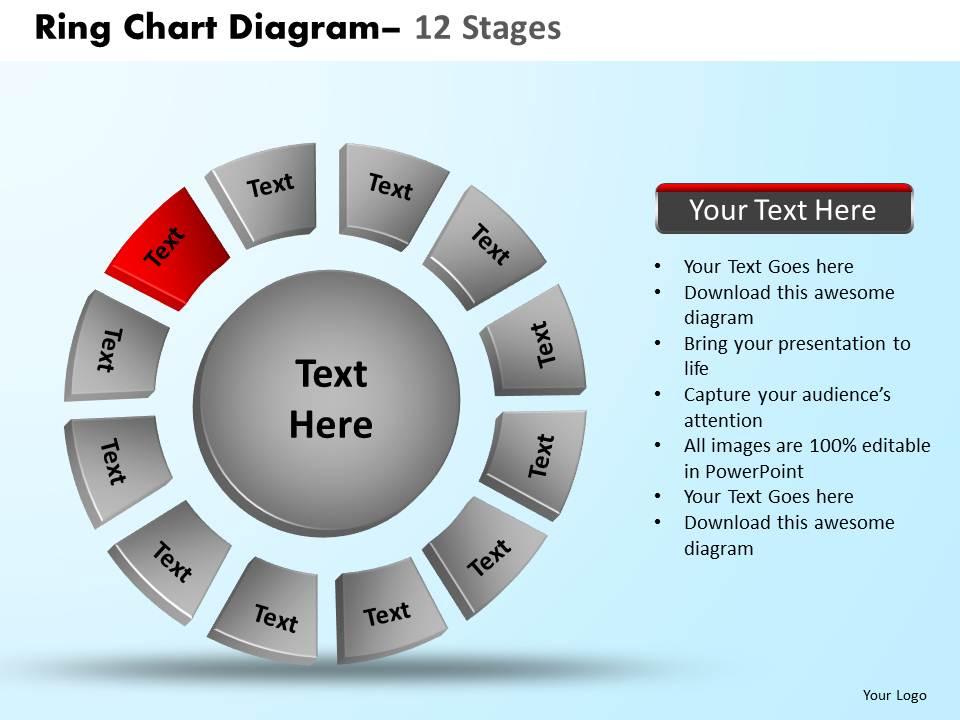
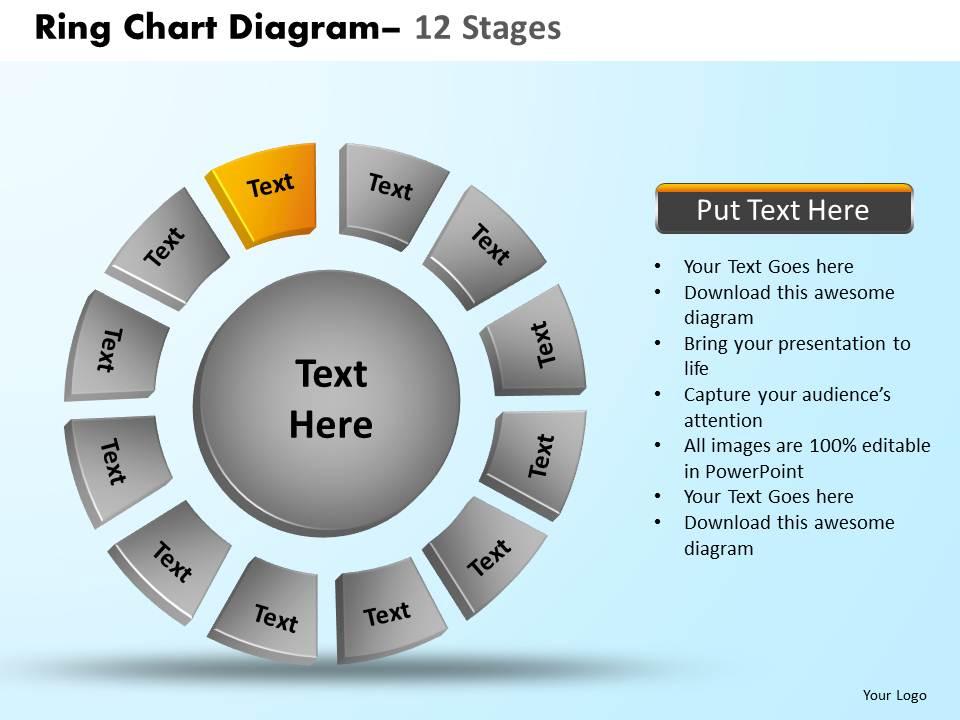
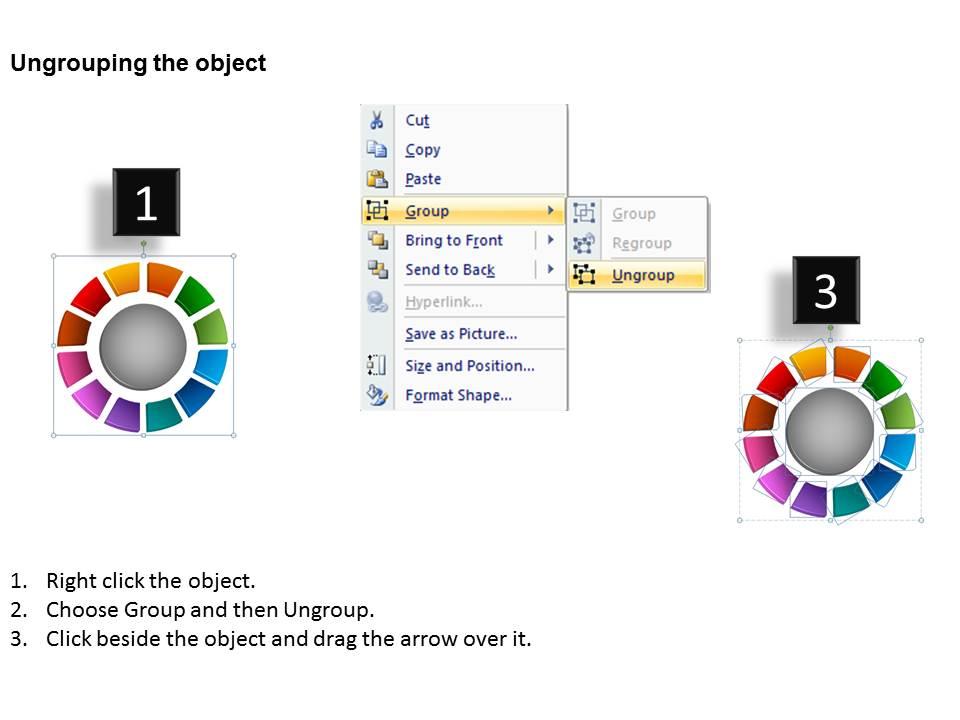
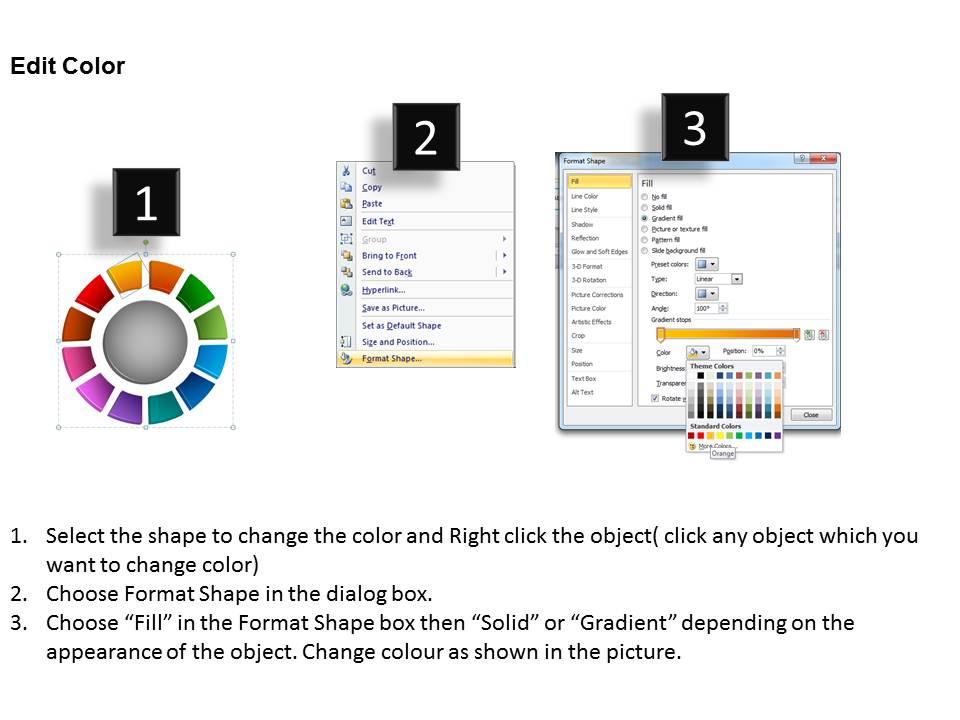
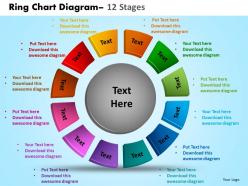
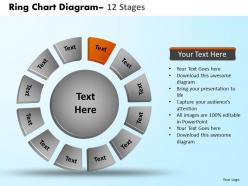
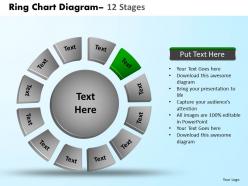
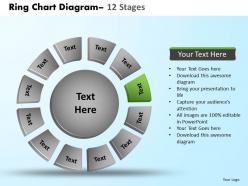
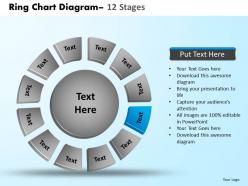
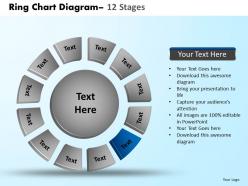
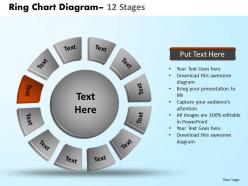
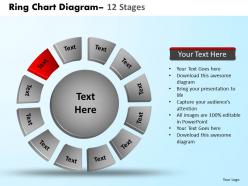
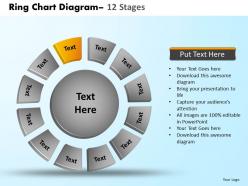
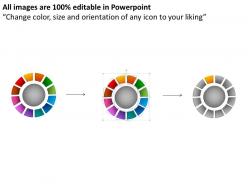
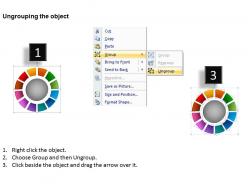
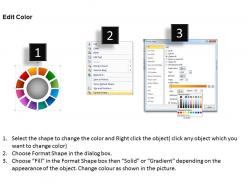
Ring chart diagram 12 stages 12
Try Before you Buy Download Free Sample Product
Audience
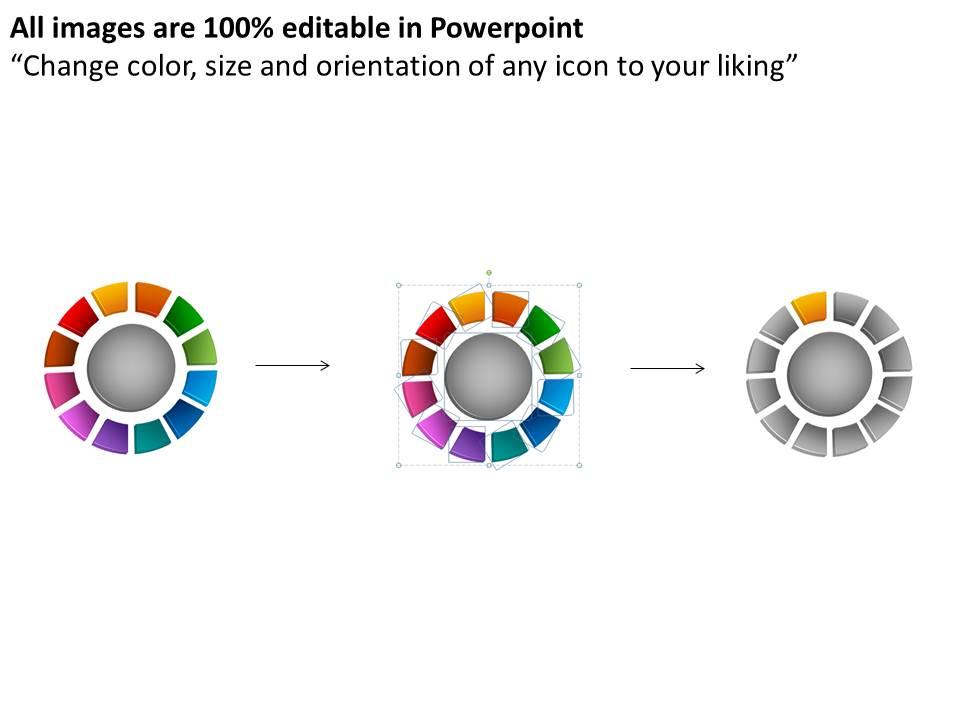
Editable
of Time
A pro is a pro anytime anywhere that is why we don't only talk our Ring Chart Diagram 12 Stages 12are there to prove it. Take your business to a different level with all we have to offer.
People who downloaded this PowerPoint presentation also viewed the following :
Ring chart diagram 12 stages 12 with all 16 slides:
Achieve distinction with our Ring Chart Diagram 12 Stages 12. Your thoughts will push the envelope.
FAQs for Ring chart diagram
Key elements for effective ring chart diagrams include clear segment labels, consistent color coding, logical data hierarchy, appropriate proportions, and intuitive legends. These components work together by enhancing visual clarity, enabling quick comparisons across categories, and maintaining audience engagement, with many organizations finding that well-designed ring charts significantly improve data comprehension and decision-making processes.
Ring chart diagrams enhance understanding by presenting complex processes through circular, interconnected stages that show relationships, dependencies, and flow patterns more intuitively than linear formats. This visual approach enables teams to grasp cyclical workflows, identify bottlenecks, and understand how each stage connects to others, with many organizations finding that circular representations improve strategic planning and process optimization across departments.
Ring charts offer superior visual clarity, space efficiency, enhanced data comparison capabilities, modern aesthetic appeal, and flexible labeling options compared to traditional pie charts. These design advantages enable presenters to display multiple data series simultaneously, incorporate central information or logos, and create more engaging presentations, with many organizations finding that ring charts deliver better audience comprehension and professional visual impact.
Color schemes in ring charts significantly influence audience perception by creating visual hierarchy, emotional responses, and cognitive clarity that guide interpretation. Strategic color choices enhance engagement through improved readability, faster data comprehension, and professional aesthetics, with many organizations finding that consistent, accessible palettes increase presentation effectiveness and audience retention across business communications.
Ring chart clarity requires consistent spacing between segments, readable font sizes, strategic color differentiation, clear labeling, and logical data organization from largest to smallest segments. These design principles streamline data interpretation by minimizing visual clutter, enhancing contrast ratios, and maintaining proportional accuracy, with many organizations finding that thoughtful typography and color schemes ultimately deliver more effective presentations and improved audience comprehension.
A 12-stage ring chart proves most effective for displaying comprehensive cyclical processes, annual planning cycles, detailed project management phases, strategic business transformations, and complex workflow sequences. Organizations in manufacturing, healthcare, financial services, and consulting find these charts particularly valuable for presenting year-long initiatives, quality management systems, and multi-phase operational processes, ultimately delivering enhanced stakeholder understanding and strategic alignment.
Animations and transitions enhance ring chart presentations by revealing data segments sequentially, highlighting key insights through motion, and maintaining audience engagement throughout complex multi-stage information. These visual techniques enable presenters to control information flow, emphasize critical relationships between the twelve stages, and create memorable storytelling moments, with many organizations finding that animated ring charts significantly improve audience comprehension and retention rates.
Professional ring chart creation tools include Microsoft PowerPoint, Excel, Tableau, Adobe Illustrator, and Canva, each offering different levels of customization and design flexibility. PowerPoint and specialized presentation platforms like SlideTeam deliver pre-designed templates with professional aesthetics, while data visualization tools like Tableau enhance analytical capabilities, ultimately enabling organizations to create compelling visual communications that streamline complex information presentation.
Determining the right data for a 12-stage ring chart requires selecting sequential, cyclical, or hierarchical information that naturally divides into twelve meaningful segments, such as monthly performance metrics, annual business cycles, or multi-phase project timelines. Choose data where each stage represents distinct value proportions or progression steps, with many organizations finding that financial quarters, product development phases, or customer journey touchpoints work effectively, ultimately delivering clear visual comparisons and strategic insights for stakeholder decision-making.
Common mistakes include overcrowding segments with excessive text, using too many similar colors that reduce visual distinction, failing to maintain proportional accuracy between segments, and neglecting clear labeling hierarchies. These design pitfalls significantly compromise data comprehension and decision-making effectiveness, with many organizations finding that streamlined visual elements and strategic color choices ultimately deliver enhanced stakeholder engagement and clearer analytical insights.
Ring chart diagrams are widely utilized across healthcare for patient flow analysis, manufacturing for quality control stages, project management for milestone tracking, financial services for risk assessment processes, and supply chain management for logistics optimization. These industries leverage ring charts to visualize cyclical workflows, sequential processes, and interconnected operational phases, with many organizations finding that this format enhances stakeholder understanding and streamlines decision-making across complex multi-stage operations.
Interactive ring chart diagrams enhance user engagement by enabling clickable segments, hover effects, animated transitions, and progressive data reveals that transform passive viewing into active exploration. Through these dynamic features, presenters can guide audiences through complex 12-stage processes while maintaining attention, with many finding that interactive elements increase comprehension rates and participant retention, ultimately delivering more memorable and impactful online presentations.
Storytelling transforms ring chart diagrams from static data displays into compelling narratives by guiding viewers through each stage sequentially, creating logical flow and emotional connection. Through strategic color coding, progressive reveals, and contextual annotations, presenters craft data stories that resonate with stakeholders, ultimately delivering clearer insights and more persuasive business communications.
Labels and legends in ring charts can be optimized through clear, concise text positioning, strategic color coding, consistent formatting, and hierarchical information display that guides readers naturally through data segments. These design elements enhance comprehension by minimizing visual clutter, ensuring adequate spacing between labels, and using contrasting colors for accessibility, with many organizations finding that well-optimized ring charts significantly improve stakeholder engagement and decision-making speed.
Creative ring chart customization includes incorporating brand colors throughout segments and backgrounds, using custom icons or logos as central focal points, applying branded typography for labels and data points, adjusting ring thickness to match design aesthetics, and integrating brand patterns or textures. These visual elements enhance brand recognition while maintaining data clarity, with many organizations finding that consistent color schemes, strategic logo placement, and branded design elements create more engaging presentations that reinforce corporate identity and deliver stronger audience connection.
-
Helpful product design for delivering presentation.
-
Awesome presentation, really professional and easy to edit.