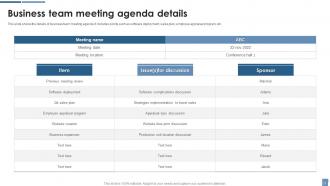
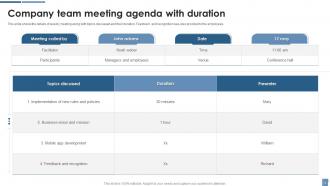
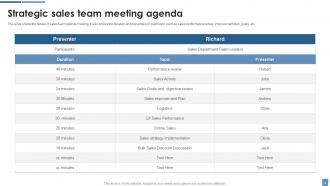
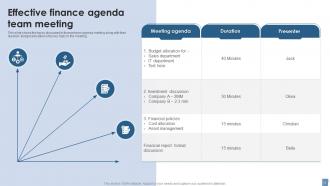
Team Meeting Agenda Powerpoint Ppt Template Bundles

Rating:
90%
Team Meeting Agenda Powerpoint Ppt Template Bundles
Slide 1 of 16
Favourites Favourites

Try Before you Buy Download Free Sample Product

Audience Impress Your
Audience
Editable 100%
Editable
Time Save Hours
of Time
The Biggest Sale is ending soon in
0
0
:
0
0
:
0
0
Rating:
90%
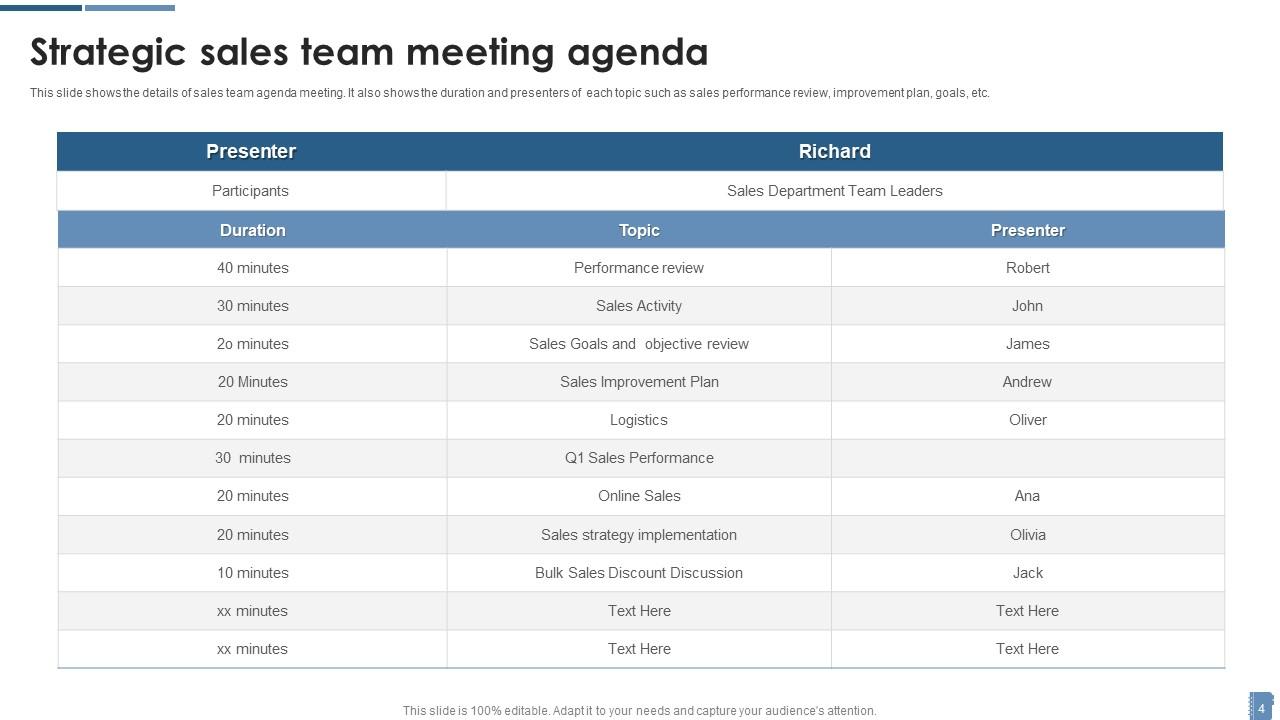
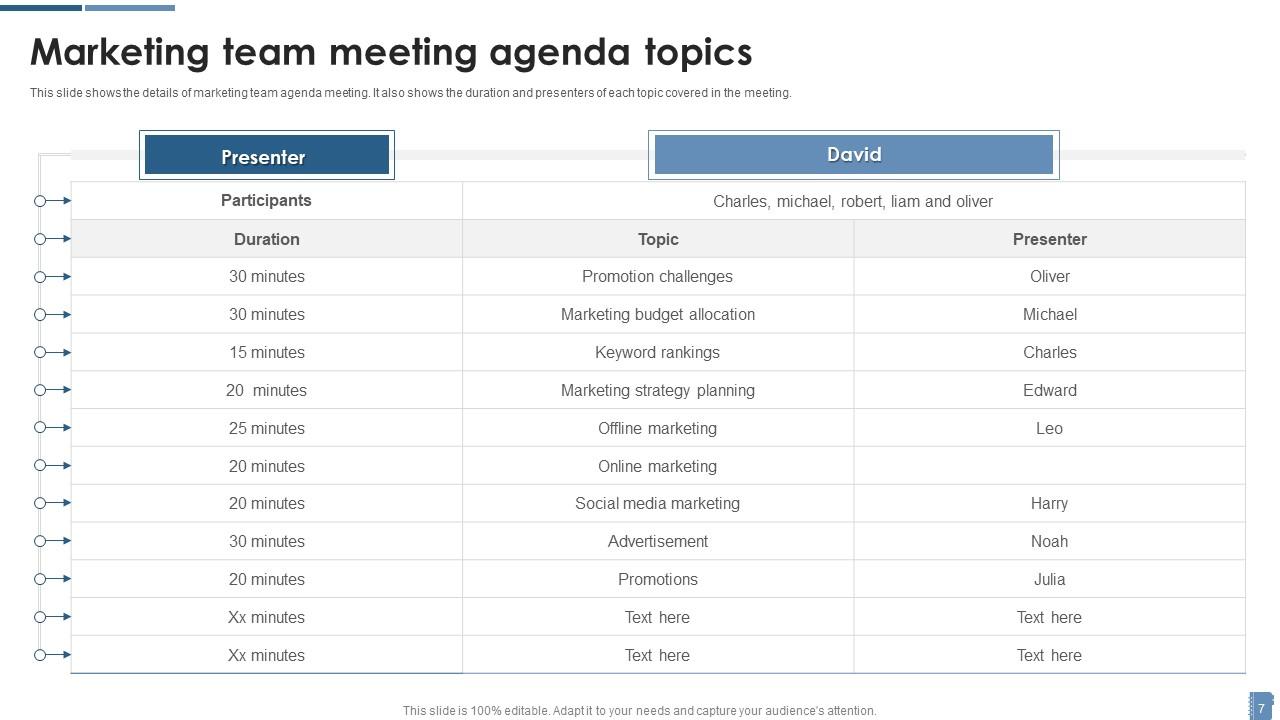
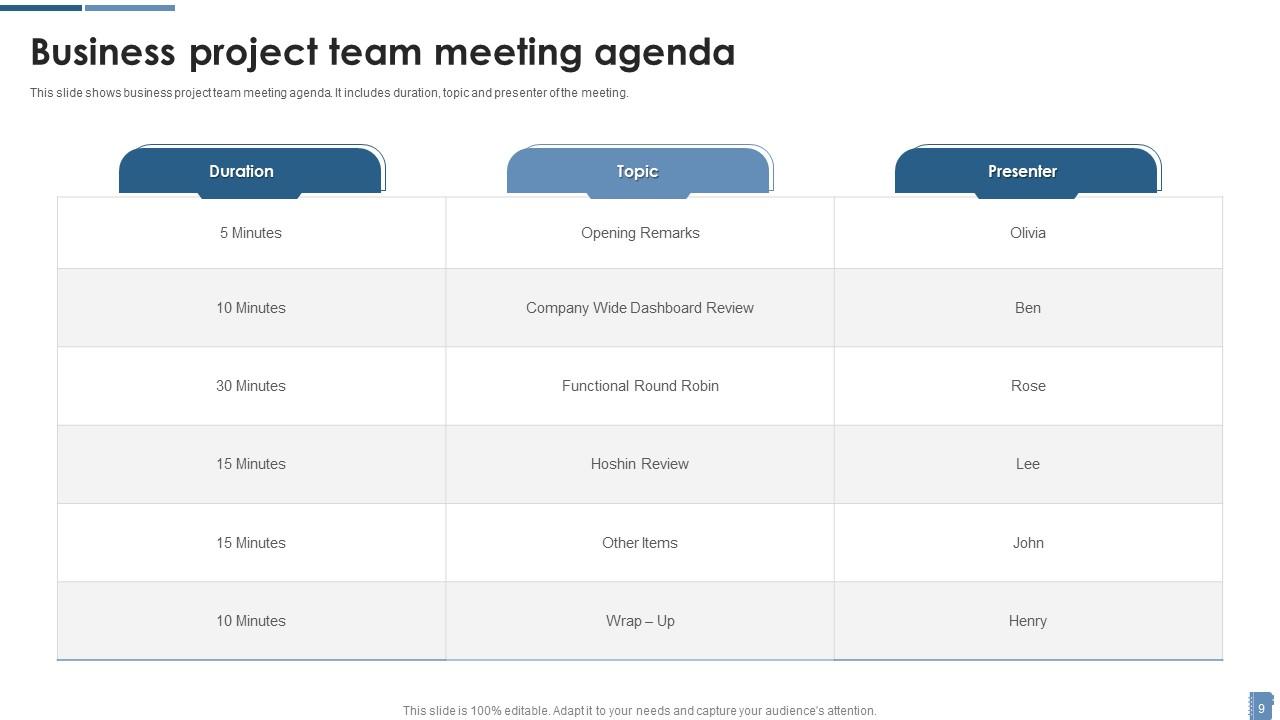
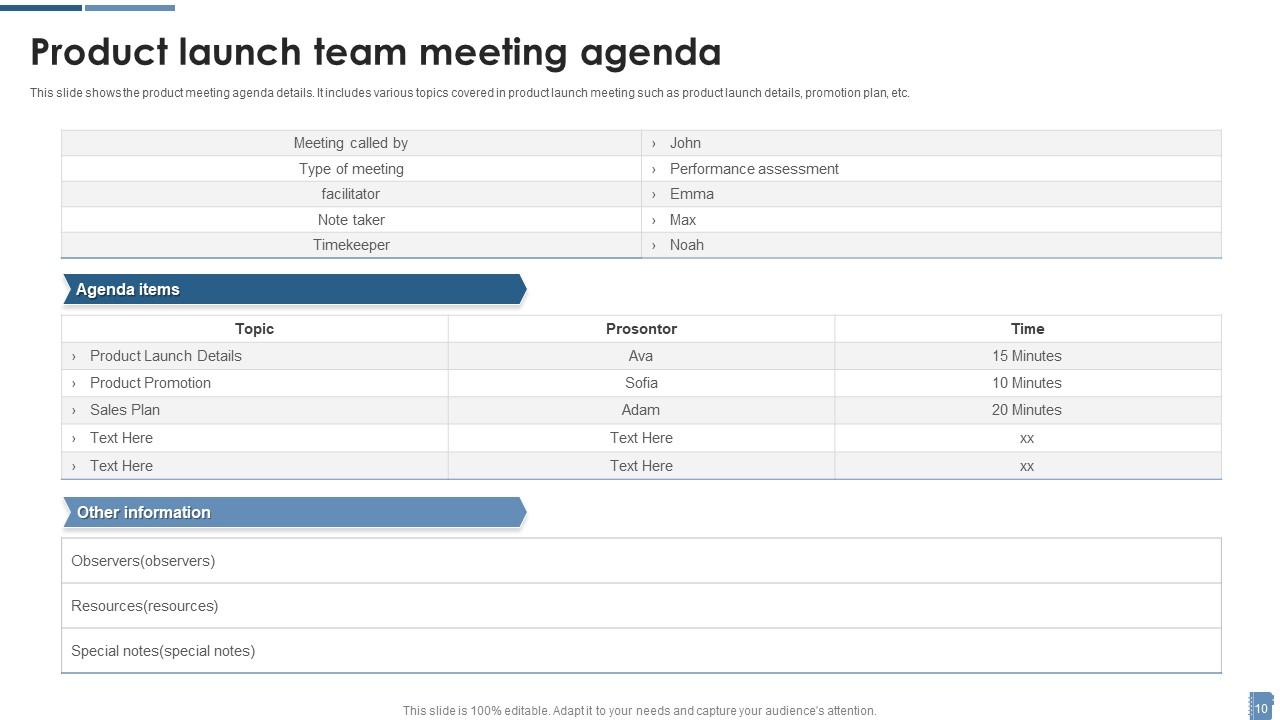
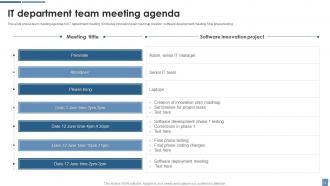
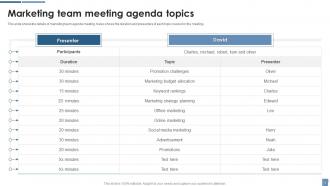
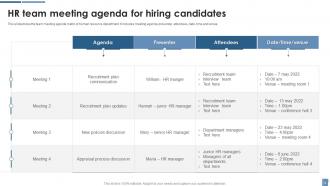
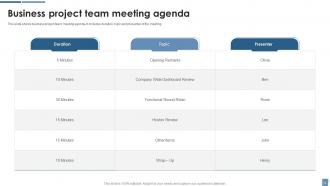
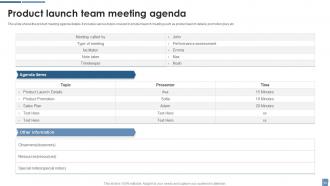
Deliver a credible and compelling presentation by deploying this Team Meeting Agenda Powerpoint Ppt Template Bundles. Intensify your message with the right graphics, images, icons, etc. presented in this complete deck. This PPT template is a great starting point to convey your messages and build a good collaboration. The eleven slides added to this PowerPoint slideshow helps you present a thorough explanation of the topic. You can use it to study and present various kinds of information in the form of stats, figures, data charts, and many more. This Team Meeting Agenda Powerpoint Ppt Template Bundles PPT slideshow is available for use in standard and widescreen aspects ratios. So, you can use it as per your convenience. Apart from this, it can be downloaded in PNG, JPG, and PDF formats, all completely editable and modifiable. The most profound feature of this PPT design is that it is fully compatible with Google Slides making it suitable for every industry and business domain.

FAQs for Team Meeting Agenda Powerpoint

Start with clear objectives - nobody wants to sit through a pointless meeting. List your agenda items with time slots, and assign owners to each section. Seriously, meetings without clear ownership are the worst. Include any prep work or materials people need to review beforehand. Build in time for Q&A and next steps at the end (that's where actual work gets decided). Send everything out 24+ hours early so people can prepare properly instead of just showing up confused. Oh, and keep it realistic - don't jam 90 minutes of content into an hour slot.

Honestly, agendas are a game-changer for meetings. Send one out the day before and people actually show up prepared instead of just winging it. Time slots for each topic? That's where the real magic happens - suddenly your 2-hour snoozefests turn into tight 45-minute sessions. Without structure, meetings just drift and you end up discussing Karen's weekend plans for 20 minutes (we've all been there). Plus everyone knows what's coming so they can't complain later about being blindsided. Your team will actually engage when they see you're not wasting their time.

Okay so first thing - put strict time limits on each agenda item and actually stick to them. Keep it to 3-5 topics max because honestly, people zone out after that. I learned this the hard way lol. Write everything as bullet points, not those long paragraph things nobody reads. For each topic, be super clear about what outcome you want. The game-changer though? Send it out 24 hours early and tell people to bring specific talking points. You'll avoid those painful "uhh let me think" moments that kill momentum. Trust me, it works.

Put your big decisions first when everyone's still sharp. The stuff that actually needs group input should be right at the top - you don't want people making important calls when they're already mentally checked out. I'd stick action items in the middle to keep things moving. Honestly, save all the announcements for last since people zone out during those anyway (myself included lol). Oh and try not to jump around randomly between like budget stuff and strategic planning - group similar topics together. Quick wins work well after the heavy stuff too.

Honestly, getting feedback after meetings is a game changer. Just ask people "what worked, what didn't?" or do quick surveys. You'll figure out what topics actually matter and how much time things really need. I swear, half the meetings I've been in could've been handled over Slack. But anyway - use what people tell you to tweak your agenda template. Maybe you need more discussion time, fewer boring updates, or different formats entirely. Oh, and always ask "what should we tackle next time?" before everyone bolts.

Honestly, I'd say every 2-3 months - or sooner if your meetings start feeling pointless. Same thing happened to me actually, kept using this ancient agenda format until I realized half the stuff on there was totally irrelevant. Your team's constantly changing, right? New projects, different priorities, so the agenda needs to keep up. Watch for items that always get skipped or rushed through - dead giveaway you need to switch things up. Oh, and definitely ask your team what's working quarterly. They'll tell you straight up what's annoying them.

Oh man, the worst thing you can do is be super vague about what you're actually discussing. Like "review project status" - what does that even mean? Also don't try to squeeze 8 topics into an hour meeting. I learned that one the hard way lol. Send the agenda at least a day before, not while people are walking into the room. Three solid topics max works way better. Be specific about what decision you need from each item, and make sure someone owns the follow-up. Trust me, your sanity depends on it.

Honestly, start with something like Notion or Google Docs for your agenda templates. Everyone can toss in their topics ahead of time - saves you from those awkward "uh, what now?" moments. I'd set up reminders 24 hours before so people actually remember to contribute. Real-time note-taking on shared screens during meetings is a game changer. Miro's pretty solid for brainstorming if your team's into that visual stuff. Here's the thing though - pick ONE tool and stick with it. Switching between platforms just confuses everyone and nothing gets done.

Honestly? Just go digital. PDFs or Google Docs work great - people can pull them up on their phones during the meeting. Email's probably your best bet for sending them out since everyone's already checking it constantly anyway. I mean, you could do paper copies but that feels pretty 2015 unless you've got those old-school executives who still love their printouts. The cool thing about digital is you can make last-minute changes and just resend if needed. Oh, and definitely get it out at least 24 hours ahead of time - nobody reads stuff you send an hour before.

Definitely mix up your agenda with different ways for people to jump in. Some love talking through ideas, but others need quiet time to jot down thoughts first. Anonymous feedback is clutch—seriously, some people will never speak up otherwise. Visual stuff helps too, like slides or handouts. Send everything out beforehand so the introverts can actually prepare (they'll thank you for it). Oh, and rotate who does the updates each time. Gets everyone used to different parts of the meeting instead of the same person always presenting.

Send that agenda 24-48 hours early - people need time to actually think about stuff, not just show up clueless. Give different people ownership of specific topics. When someone's responsible for a section, they're way more engaged. Honestly, the quiet ones drive me crazy, so ask them direct questions. Round-robin discussions work too where everyone has to say something. Oh, and rotate who keeps time - spreads the responsibility around. The biggest thing? Make participation feel expected, not like "eh, whatever." Always end with clear action items and who's doing what.

Start with action verbs and nail down what you actually want to achieve - like "Decide on Q4 budget allocation" vs just "Budget discussion." I'm terrible at this when I'm rushing lol. Frame stuff as "Review X to determine Y" or "Discuss Z so we can align on next steps." What does winning look like for each item? That's your objective right there. Oh, and throw in a quick line under each one explaining why it matters to the team. People show up way more prepared when they know what they're walking into and why it affects them.

Honestly, time limits are a lifesaver for meetings. Nobody wants to sit through an hour-long debate about lunch spots when you've got actual work to do. Set specific minutes for each topic and suddenly people focus on what matters. Plus your team knows they're not walking into some endless black hole of discussion. One person can't hijack the whole thing anymore either. Oh, and always pad in like 5 minutes between big topics - conversations don't just stop on a dime, you know? People will actually thank you for respecting their time.

Put your action items from last meeting right at the top - honestly, it's the only way people stay accountable. I do a quick "Action Items Review" section with who was supposed to do what and where things stand. Nobody wants their commitments to just vanish into thin air, you know? Have people either give quick updates or send status beforehand. The key is not letting old business eat up your whole meeting. Keep it moving and toss incomplete stuff onto your ongoing tracker. Works way better than pretending last week didn't happen.

Honestly, remote meetings are way more work to plan. You need super specific time blocks and clear transitions - can't just wing it like you do in person. Always build in a few minutes upfront for tech issues because someone's mic will inevitably crap out. I've learned to add way more check-ins too since you can't tell if people are zoned out staring at their phones. In-person meetings? Much easier. You can read facial expressions, go with the flow more. Oh, and definitely assign who's screen-sharing what ahead of time for remote ones. Trust me on that.

Ratings and Reviews

90% of 100
Review Form
Write a review
Most Relevant Reviews
  1. 100%

    by Demarcus Robertson

    “Slides are formally built and the color theme is also very exciting. This went perfectly with my needs and saved a good amount of time.”
  2. 80%

    by Eddy Guerrero

    Loved the fact that SlideTeam provides clean, high-definition, and professional PowerPoint products. 

2 Item(s)

per page: