

 0 Comment
 Customer Reviews

The deck's already built. Slides are numbered, transitions are set, the logo's in the corner.
But somewhere between "deploy the chatbot" and "explain why the chatbot," someone has to stand in a room and make the case. Not just that conversational AI works—but how it works, what it costs, what it handles, and why it's better than whatever people were doing before.
That part's harder than it sounds. Not because the technology is confusing. It isn't, once you know it. The hard part is the audience. Half the room thinks AI means robots taking jobs. The other half wants a live demo yesterday. Neither group is reading a slide with twelve bullet points.
And then there's the internal sell. The IT team wants to know about NLP Chatbot integration. The CFO wants ROI numbers. Customer service leads want to know if AI Customer Service can handle edge cases without escalating everything. You're writing one deck for four different conversations.
The wrong structure makes you look like you don't understand the technology. One slide trying to cover Natural Language Processing, sentiment analysis, and omnichannel deployment at once—that's not a presentation, that's a disclaimer.
So templates for this exist. Not because conversational AI is new—it's not—but because the gap between knowing the tech and presenting it clearly is wide enough that most teams fall in. Someone built frameworks for this because the problem comes up constantly: smart people with real knowledge, stuck on how to make it land.
SlideTeam's conversational AI templates handle that exact gap. Pre-designed slides that already carry the structure—so you're not building from scratch at midnight before a product review. Content-ready frameworks for everything from chatbot development walkthroughs to AI virtual assistant roadmaps.
Here's what's available.
Template 1: Conversational AI Solutions PPT Bundles ChatGPT
Twenty-five purpose-built slides anchor this complete conversational AI solutions bundle. Each slide delivers a polished visual structure for expert-level discussions on ChatGPT and AI deployment. The consistent thematic design across all slides creates instant credibility with your audience. Best-in-class design practices ensure every idea is placed with precision and clarity. Use this deck to present your vision confidently in high-stakes discussion meetings. No slide feels out of place—every graphic and image reinforces your narrative. Transform your conversational AI presentations with a deck built for real business impact. Download this dynamic bundle now and elevate every stakeholder conversation you lead.
[product_image id=1160445]
Template 2: AI Powered Conversational Agents for Business Use PPT Designs
Building a business case for AI-powered conversational agents demands more than a list of features. This PPT preset is built for product managers and enterprise teams presenting automated customer support capabilities to decision-makers. Whether you're walking through a chatbot platform comparison or pitching AI customer engagement improvements, this deck carries the argument clearly. The visual design pairs functionality with professional appeal, so content holds attention without distraction. The template is 100% editable and customizable.
[product_image id=1671048]
Template 3: Conversational Excellence with AI Powered Chatbots Training PPT
Training teams on conversational AI takes more than a slide with definitions. This PPT template is built for managers and L&D leads delivering structured learning sessions on AI-powered chatbot capabilities. It works well for onboarding programs covering customer service automation workflows and chatbot interaction design. The layout keeps complex concepts visually ordered, so participants follow without getting lost. The template is 100% editable and customizable.
[product_image id=831240]
Template 4: Conversational AI 24X7 Digital Assistant PPT
Round-the-clock AI support is a real operational decision, not just a feature claim. This PowerPoint slide is built for teams presenting a 24x7 digital assistant deployment to operations or CX leadership. It fits neatly into discussions on intelligent virtual assistant rollouts and AI customer service continuity planning. The balance of simplicity and structure keeps the business case readable under boardroom scrutiny. The template is 100% editable and customizable.
[product_image id=1393199]
Template 5: Conversational AI for Strategic Depth PPT Summary
Clarity under pressure is what makes a conversational AI summary deck useful. This template captures the balance between simplicity and strategic depth, giving presenters a confident visual footing. The clean design adapts quickly to your organization's brand and discussion priorities. Use it to walk stakeholders through AI deployment summaries, capability reviews, or project status presentations. Transform your conversational AI updates today. Download this dynamic deck and make every summary count.
[product_image id=1386214]
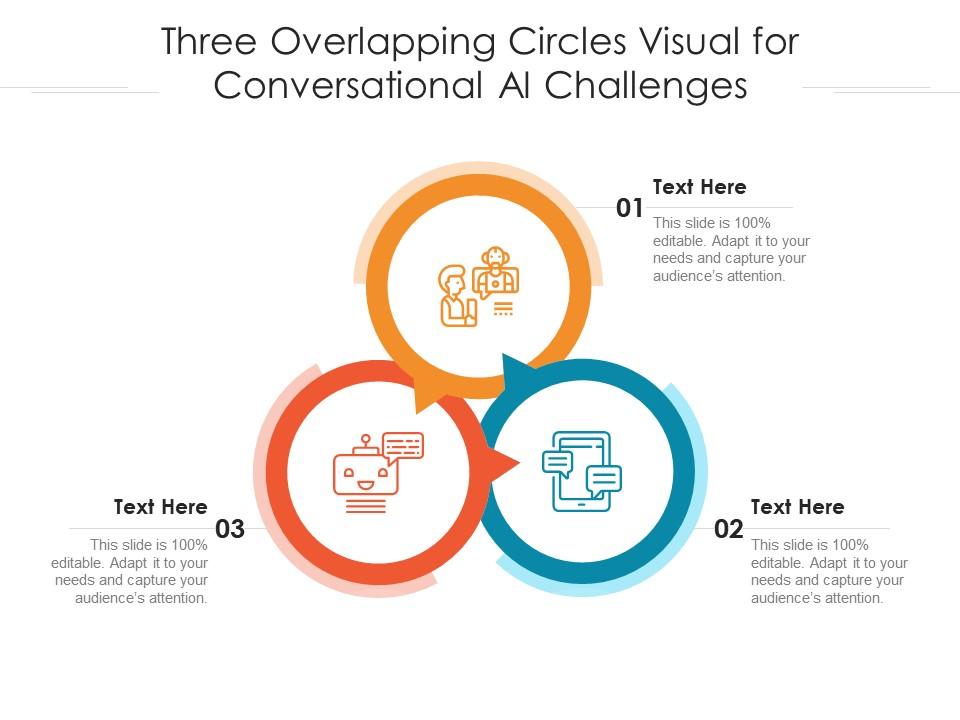
Template 6: Three Overlapping Circles Visual for Conversational AI Challenges Infographic
Framing the challenges of conversational AI clearly matters as much as showcasing its strengths. This PPT preset uses a three-overlapping-circles visual to organize AI challenge categories in a way audiences immediately grasp. It suits strategy reviews where leaders need to see competing priorities or tension points mapped visually. For context, this layout is useful in enterprise chatbot solution discussions where trade-offs need honest framing. The template is 100% editable and customizable.
Download this PowerPoint Template
Template 7: AI in Conversational Commerce and Virtual Shopping Assistants PPT Summary
Conversational commerce is moving fast, and virtual shopping assistants are now a boardroom topic. This PPT template is built for e-commerce strategists and digital leads presenting AI-driven retail engagement to senior stakeholders. It works well for sessions covering AI virtual assistant deployment in customer-facing retail environments. The clean, adaptable layout keeps the commercial case front and center without visual noise. The template is 100% editable and customizable.
[product_image id=1397981]
Template 8: Conversational AI Company PPT Slides
Presenting a conversational AI company profile requires a deck that reflects the product's sophistication. This PowerPoint slide is built for founders, sales leads, and investor-facing teams communicating an AI dialogue system's value proposition. It handles both boardroom meetings and client pitches without needing a redesign between sessions. The structure lets content carry the room — not the formatting. The template is 100% editable and customizable.
[product_image id=1419330]
Template 9: Conversational AI Platform Startup PPT Guidelines
Startup pitches for conversational AI platforms live or die on structural clarity. This deck delivers a professional presentation framework that holds up from early-stage investor meetings to product demo sessions. The design combines visual energy with business-grade structure for maximum audience impact. Every slide is built to make your conversational AI platform narrative land with precision and authority. Transform your startup presentation today. Download this dynamic template and give your chatbot platform pitch the foundation it deserves.
[product_image id=1394397]
Template 10: AI-Based Conversational Chatbot Icon
Icon sets for AI-based conversational chatbots serve a specific need: fast, clear visual communication without building from scratch. This slide gives designers and presentation leads ready-made icon assets tied directly to chatbot and AI themes. So yeah, it's a time-saver for decks covering NLP chatbot architecture or AI chat software overviews. Drop these icons into existing presentations to sharpen visual consistency across slides. The template is 100% editable and customizable.
[product_image id=1104562]
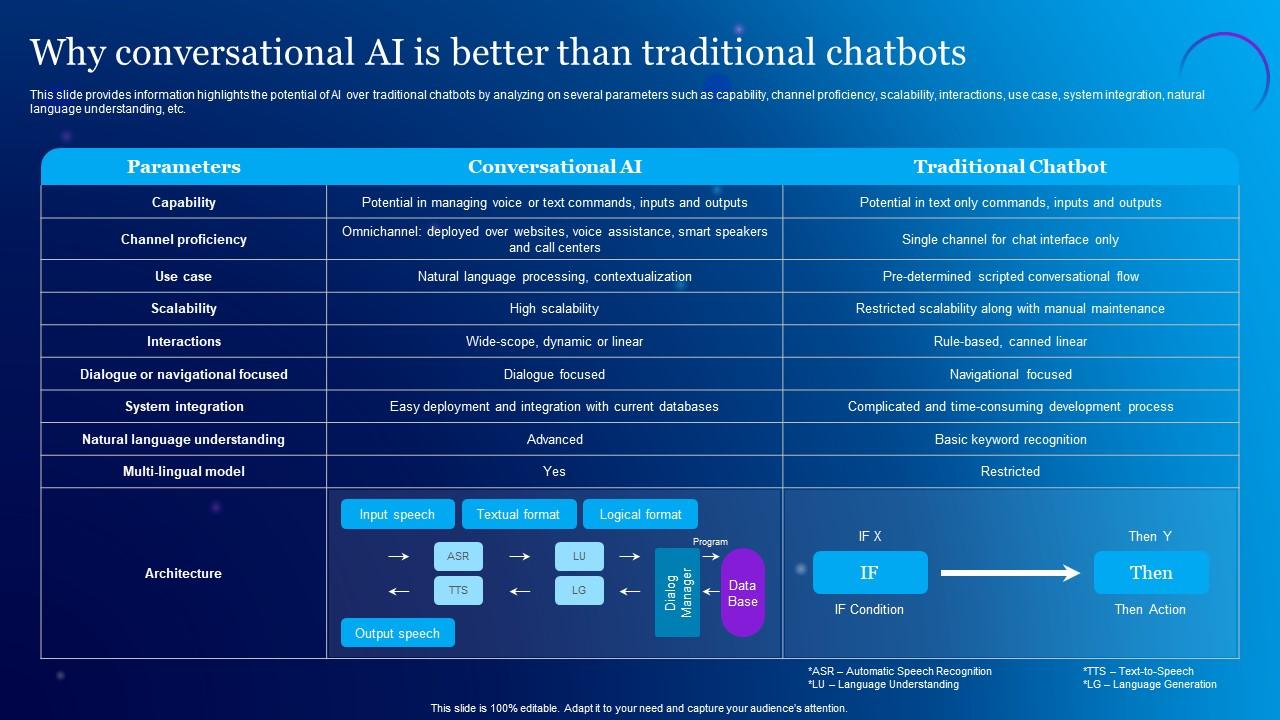
Template 11: Why Conversational AI Is Better than Traditiona Chatbots
Comparing conversational AI against traditional chatbots requires a precise, parameter-by-parameter breakdown. This slide delivers exactly that—capability, scalability, natural language understanding, and system integration, all mapped clearly. Audiences see the performance gap immediately, without needing a technical background to follow the argument. Use this as your anchor slide when making the case for AI over legacy rule-based systems. Transform your ChatGPT and AI comparison presentations today. Download this dynamic slide and make the technology advantage impossible to miss.
Download this PowerPoint Template
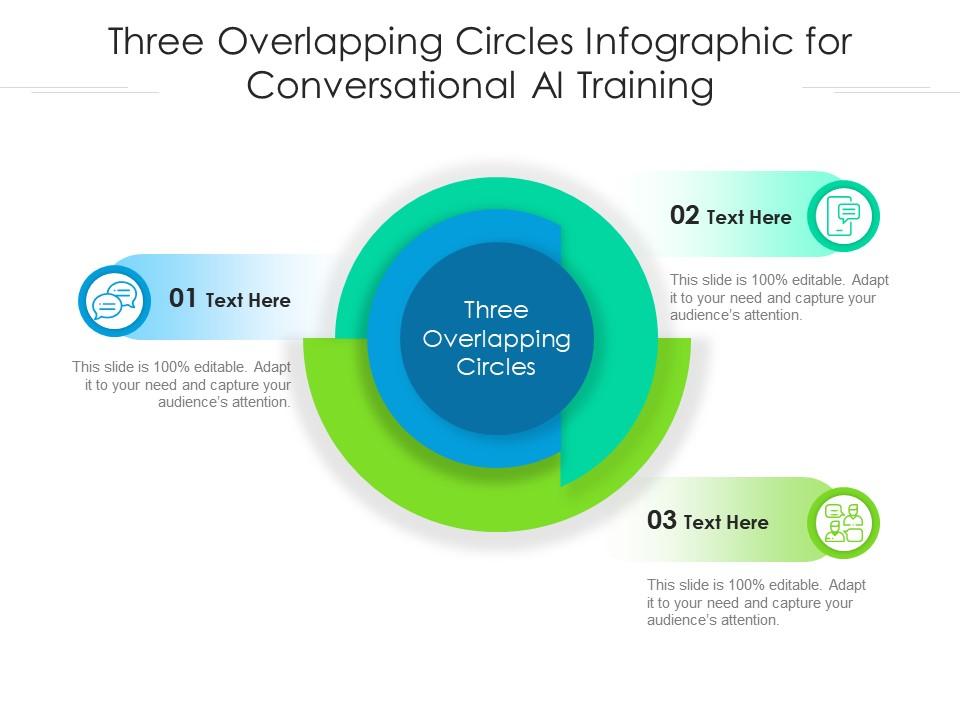
Template 12: Three Overlapping Circles for Conversational AI Training Infographic Template
Training programs for conversational AI benefit from visual frameworks that show overlap and interdependence. This PPT preset uses a three-circle infographic structure to map training dimensions clearly for workshop facilitators and L&D teams. It fits sessions covering machine learning chatbot development cycles or AI model training pipelines. For context, this layout works well when you need audiences to hold three ideas simultaneously. The template is 100% editable and customizable.
Download this PowerPoint Template
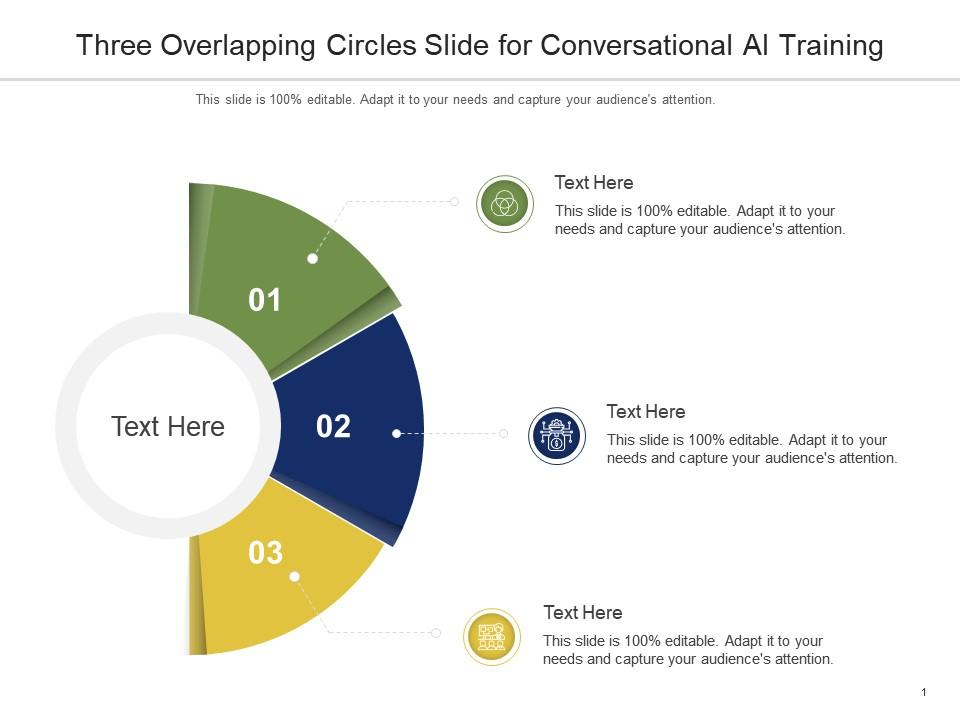
Template 13: Three Overlapping Circles Slide for Conversational AI Training Frameworks Infographic Template
Some concepts in AI training require a Venn-style visual to make sense of the relationships. This slide is built for instructors and program managers presenting conversational AI training frameworks to mixed-expertise audiences. It suits curriculum design reviews where overlapping competency areas need visual definition. The clean three-circle layout keeps the room oriented without over-explaining each segment. The template is 100% editable and customizable.
Download this PowerPoint Template
Template 14: Conversational AI Virtual Assistant Models PPT Presentation
Choosing the right conversational AI virtual assistant model is a real business decision, not a theoretical one. This PPT template maps four deployment models—including interactive FAQs and form-filling assistants—for managers evaluating options. It suits product reviews where teams need to compare intelligent virtual assistant approaches before committing resources. The four-stage structure keeps the decision framework visible and easy to discuss. The template is 100% editable and customizable.
[product_image id=1239623]
Template 15: Conversational AI and Future of Customer Service
Mapping conversational AI maturity across agent assist, agent-in-loop, and automated virtual agents clarifies where customer service is heading. This slide anchors that narrative for CX leaders and technology decision-makers presenting the future of AI customer service. The structured layout makes the technology progression readable at a glance. Use it to frame the investment case for automated customer support with clarity and confidence. Transform your customer service future presentations today. Download this dynamic slide and make technological maturity undeniable.
[product_image id=1219937]
Template 16: Conversational AI Workflow for Customer Interactions PPT Presentation
End-to-end workflow visibility is what separates a good conversational AI pitch from a vague one. This PPT preset maps the full customer interaction process — from initial query through automatic speech recognition to resolution. Operations leads and CX teams use it to present AI customer engagement workflows to senior stakeholders. It's specific enough for technical reviews and clean enough for executive briefings. The template is 100% editable and customizable.
[product_image id=1239624]
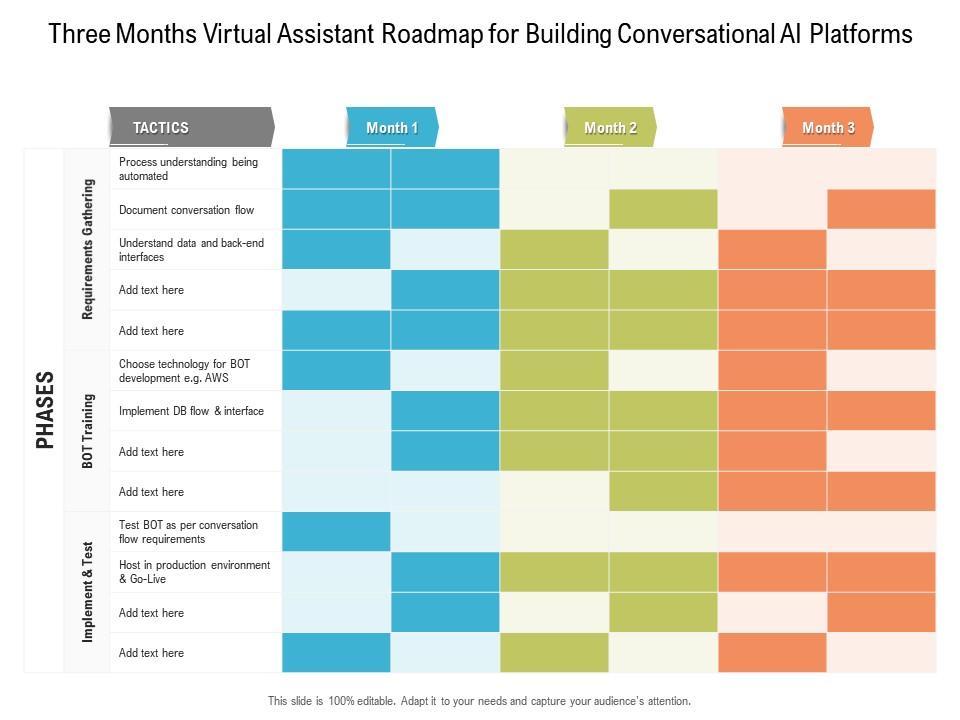
Template 17: Three Months Virtual Assistant Roadmap for Building Conversational AI Platforms
A three-month roadmap for building conversational AI platforms gives product teams a credible, time-bound delivery narrative. This PowerPoint slide is built for project leads and product managers presenting near-term AI virtual assistant development milestones. It works well in sprint planning reviews or stakeholder updates where accountability to a timeline matters. The layout keeps phases readable without crowding the slide. The template is 100% editable and customizable.
Download this PowerPoint Template
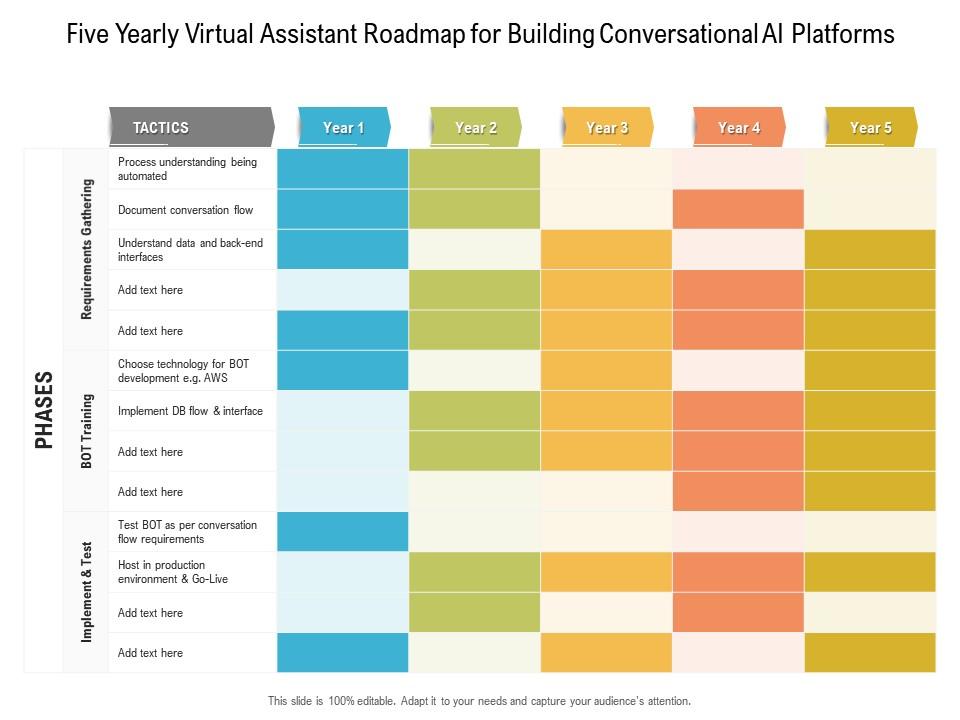
Template 18: Five-Yearly Virtual Assistant Roadmap for Building Conversational AI Platforms
Five-year planning for conversational AI platforms requires a roadmap that balances ambition with operational reality. This PPT template is built for technology leaders and CIOs presenting long-horizon AI virtual assistant development plans. It suits board-level strategy sessions where multi-year investment in chatbot platform evolution needs a clear visual anchor. The structured layout makes long timelines manageable and credible at a glance. The template is 100% editable and customizable.
Download this PowerPoint Template
Template 19: Quarterly Virtual Assistant Roadmap for Building Conversational AI Platforms
Quarterly milestones define whether a conversational AI platform build stays on track. This roadmap slide delivers a crisp, time-boxed framework for presenting virtual assistant development progress to product and executive audiences. Each phase is visually distinct, making sprint-level accountability easy to communicate. Use this to anchor quarterly reviews, investor updates, or product planning sessions with confidence. Transform your AI platform roadmap presentations today. Download this dynamic slide and keep every quarter accountable.

Download this PowerPoint Template
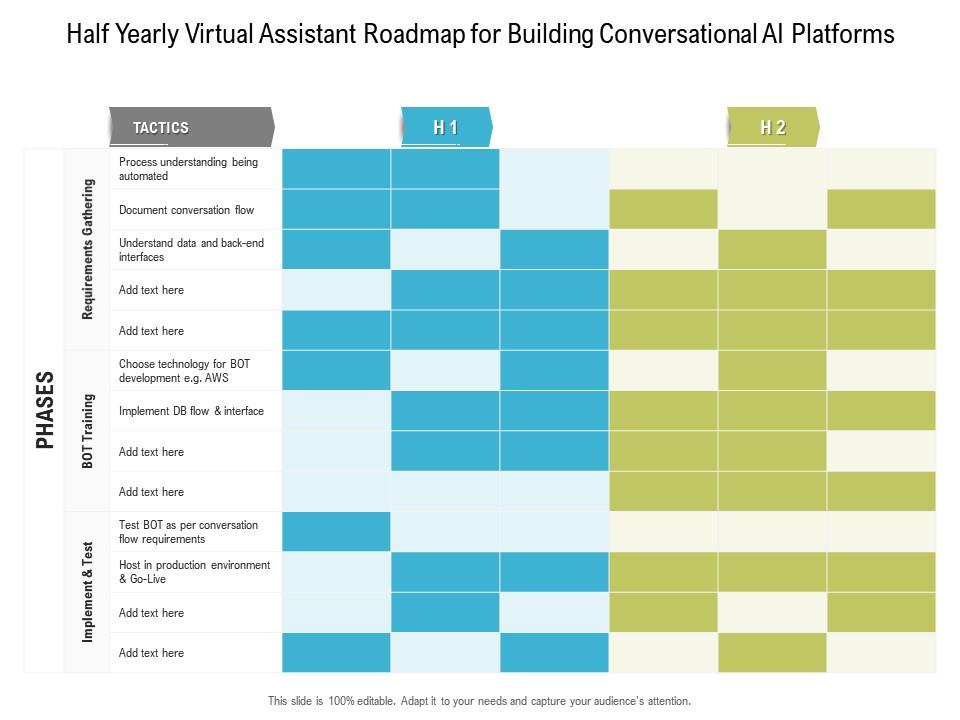
Template 20: Half-Yearly Virtual Assistant Roadmap for Building Conversational AI Platforms
Half-year planning for conversational AI platforms sits in an awkward middle ground—too short for strategy, too long for sprints. This slide resolves that by giving teams a clear six-month visual structure for virtual assistant development milestones. Use it in mid-year reviews or investor updates where progress against platform-building targets needs to be visible. The layout makes the half-year arc easy to follow without oversimplifying the work. Transform your AI roadmap planning presentations today. Download this dynamic template and make every half-year milestone count.
Download this PowerPoint Template
Win Every Conversational AI Presentation with SlideTeam
SlideTeam's PowerPoint templates are the best in the industry for conversational AI presentations. These content-ready slides give you professional structure for everything from chatbot platform pitches to AI customer service roadmaps—saving hours of design time. Use these ready-made frameworks to communicate complex AI concepts with clarity and confidence. Deploy these PowerPoint slides today and make every conversational AI presentation impossible to ignore.
FAQs on Conversational AI
How does conversational AI differ from traditional rule-based chatbots in handling user intent?
Traditional chatbots follow fixed decision trees — they match keywords to scripted responses. Conversational AI uses machine learning to interpret user intent from context, not just keywords. It handles ambiguous phrasing, incomplete sentences, and topic shifts mid-conversation. The practical result: far fewer dead ends and escalations. Users get answers without needing to phrase things the "right" way.
What role does natural language understanding play in improving the accuracy of conversational AI responses?
Natural language understanding (NLU) is what lets an AI parse what someone actually means, not just what they typed. It identifies intent, extracts key entities, and accounts for context across a conversation. Without it, responses are brittle — one rephrased question breaks the flow. With strong NLU, the system handles synonyms, implied meaning, and follow-up questions without losing the thread.
How can businesses leverage conversational AI to create personalized customer experiences at scale?
Businesses use conversational AI to pull data from CRM systems and serve responses tailored to individual customer history and behavior. At scale, this means every customer gets a relevant interaction without a human agent involved. The key is connecting the AI to real customer data — purchase history, support tickets, preferences. Personalization without that data connection is just branded small talk.
What are the key challenges in training conversational AI models to handle multilingual interactions?
Multilingual AI models need training data in each target language — not just translation of an English model. Grammar structure, idioms, and intent signals vary significantly across languages. Code-switching (users mixing two languages mid-sentence) is an additional layer most models handle poorly. The practical fix: language-specific training sets and separate intent models per language, rather than one universal model.
How does sentiment analysis enhance the emotional intelligence of conversational AI systems?
Sentiment analysis reads tone signals — word choice, phrasing patterns — to flag frustration, confusion, or satisfaction in real time. The AI can then adjust its response style or escalate to a human agent when negative sentiment crosses a threshold. It doesn't make the AI empathetic, but it makes it responsive to emotional context. That's the practical value: fewer customers hanging up angry.
What distinguishes a task-oriented conversational AI from an open-domain dialogue system?
Task-oriented systems are built to complete specific actions — booking, FAQs, form filling — within a defined scope. They fail gracefully outside that scope by design. Open-domain systems attempt to handle any topic, like a general conversation partner. For most business deployments, task-oriented is the right choice: narrower, more reliable, and easier to measure. Open-domain works for consumer products where breadth matters more than precision.
How can conversational AI be integrated into presentation delivery to provide real-time audience interaction?
Conversational AI can be embedded into live presentation tools to accept audience questions via text or voice, then surface real-time answers or relevant slides. This works well for large webinars or training sessions where Q&A volume exceeds what one presenter can manage. The AI handles common questions instantly; the presenter focuses on the ones that need a human answer. Setup requires API integration with the presentation platform.
What ethical considerations should organizations address when deploying conversational AI in customer-facing roles?
Three areas demand immediate attention: transparency, data privacy, and bias. Users should know they're talking to an AI, not a human. Customer data fed into the system must comply with GDPR and equivalent regulations. Training data often carries demographic bias, leading to unequal response quality across user groups. Organizations should audit outputs regularly and publish clear escalation paths to human agents.