Example Presentation For Job Interview PowerPoint Presentation Slides
Try Before you Buy Download Free Sample Product
Audience
Editable
of Time
Our Example Presentation For Job Interview PowerPoint Presentation Slides are topically designed to provide an attractive backdrop to any subject. Use them to look like a presentation pro.
People who downloaded this PowerPoint presentation also viewed the following :
Content of this Powerpoint Presentation
Slide 1: This slide introduces Example Presentation For Job Interview. State Your Company Name and begin.
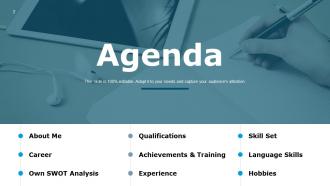
Slide 2: This is an Agenda slide. State your agendas here.
Slide 3: This slide shows About Me with imagery and text boxes to explain about yourself.
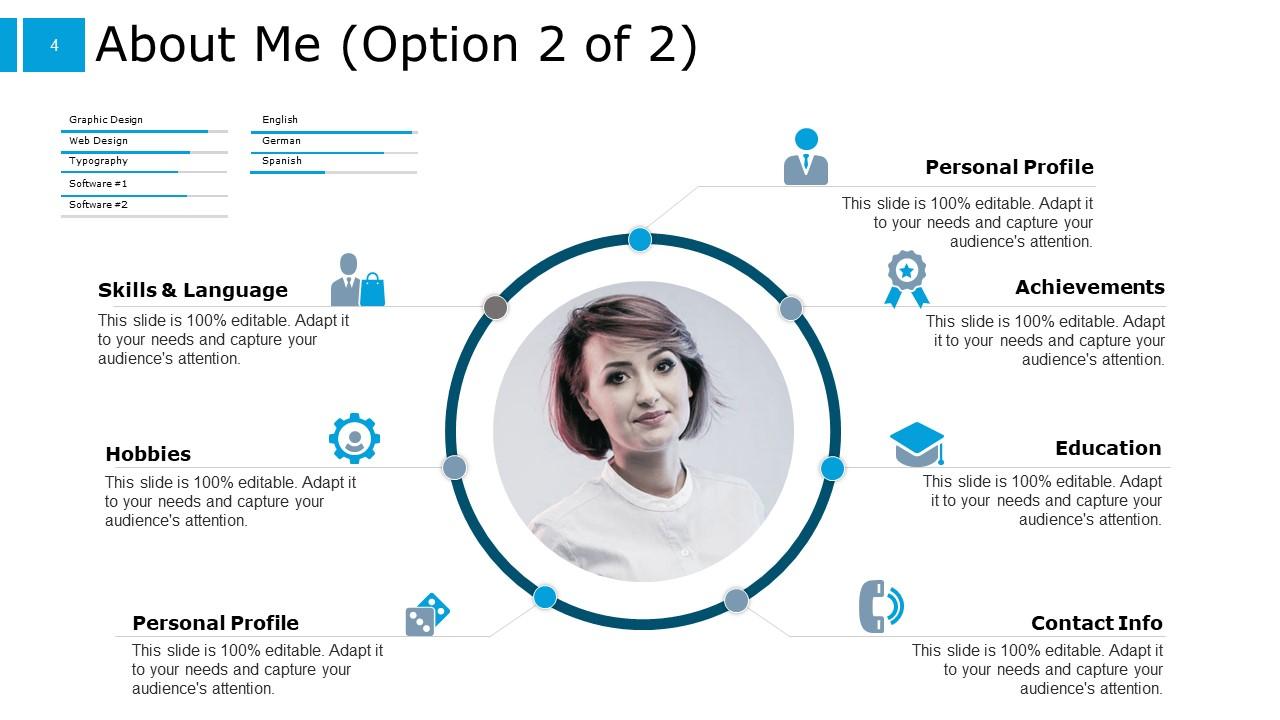
Slide 4: This is another slide titled as About Me including- Personal Profile, Skills & Language, Achievements, Contact Info, Personal Profile, Hobbies, Education.
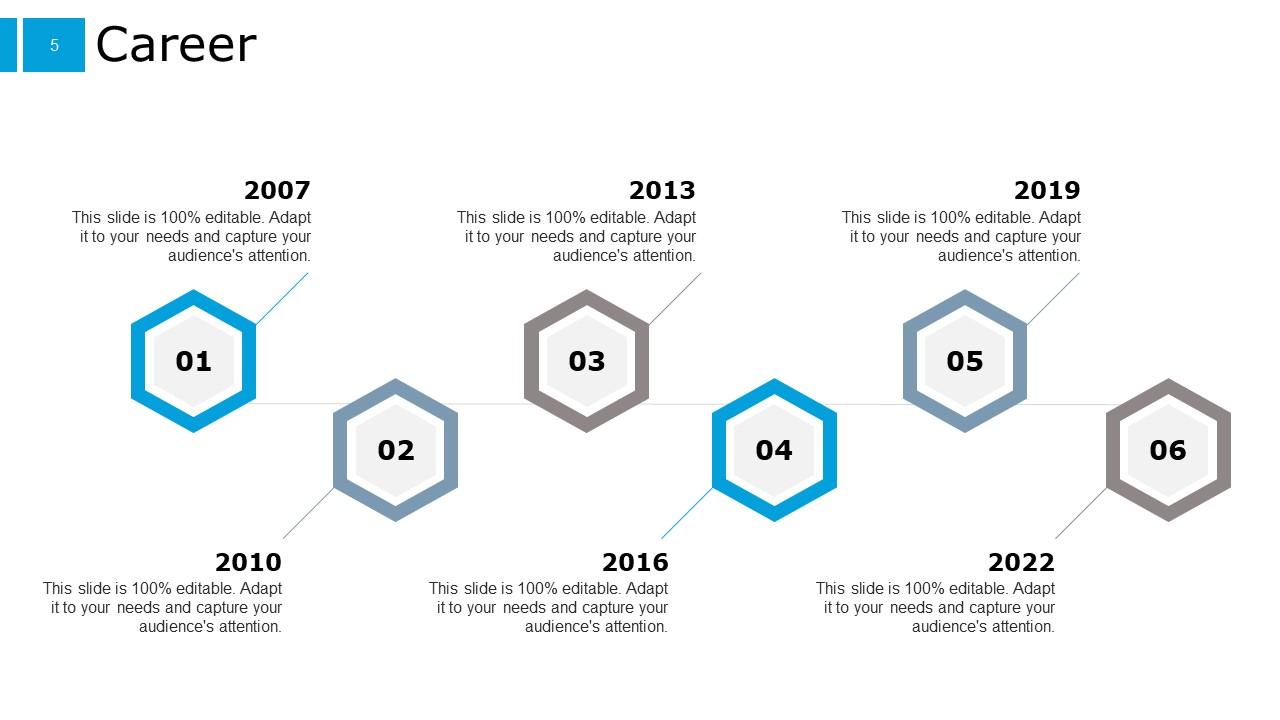
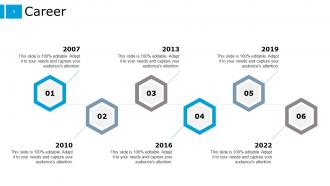
Slide 5: This slide presents Career with the help of a timeline. Explain about your career here.
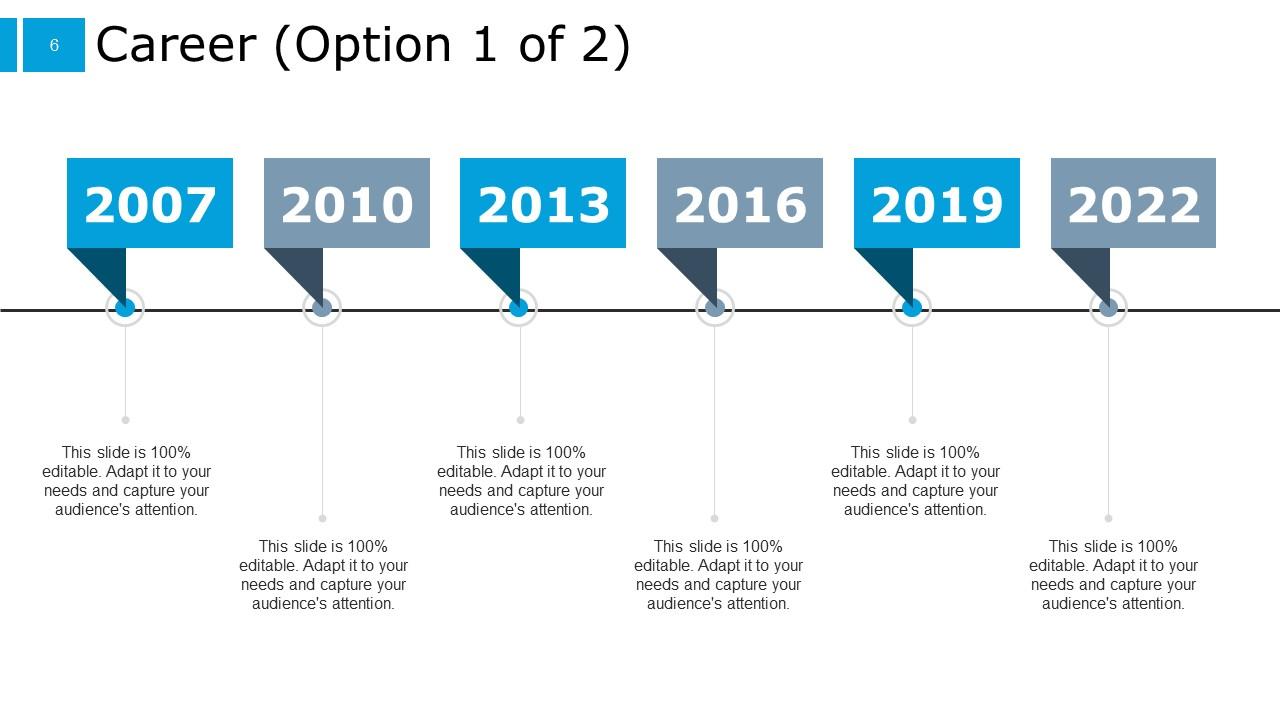
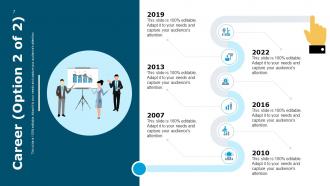
Slide 6: This is an optional slide for Career.
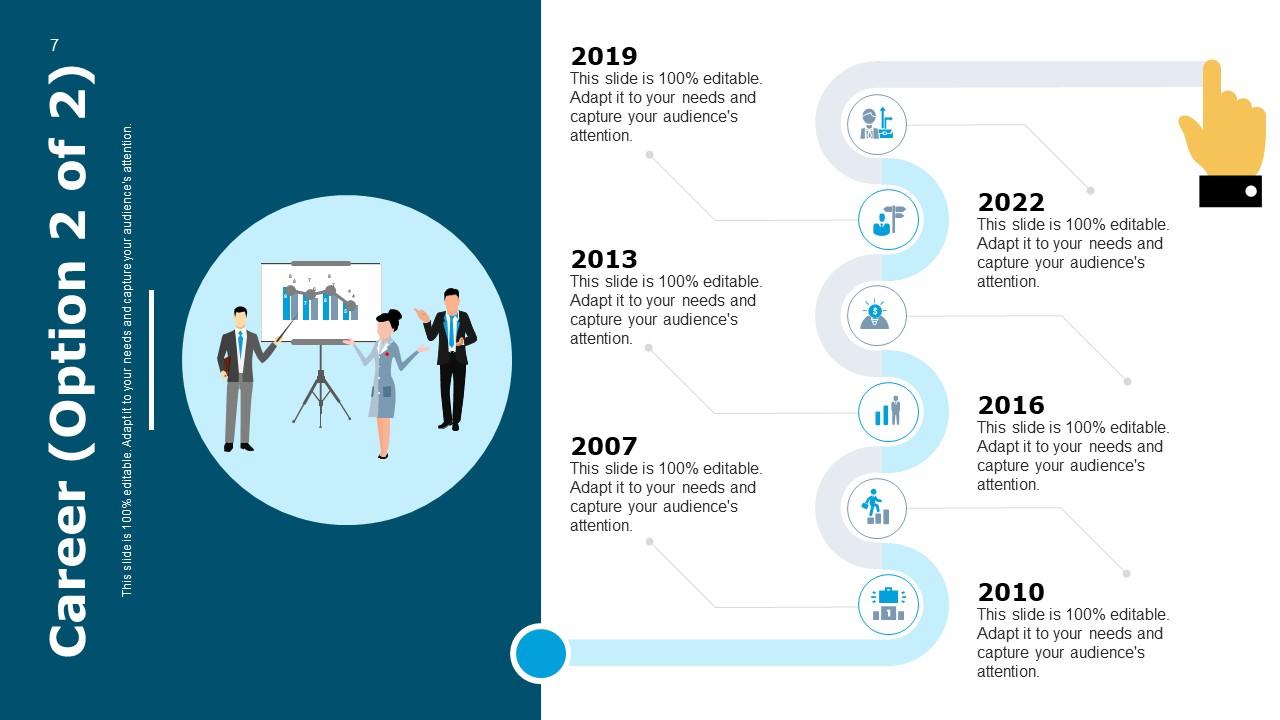
Slide 7: This is another optional slide for Career with imagery and timeline.
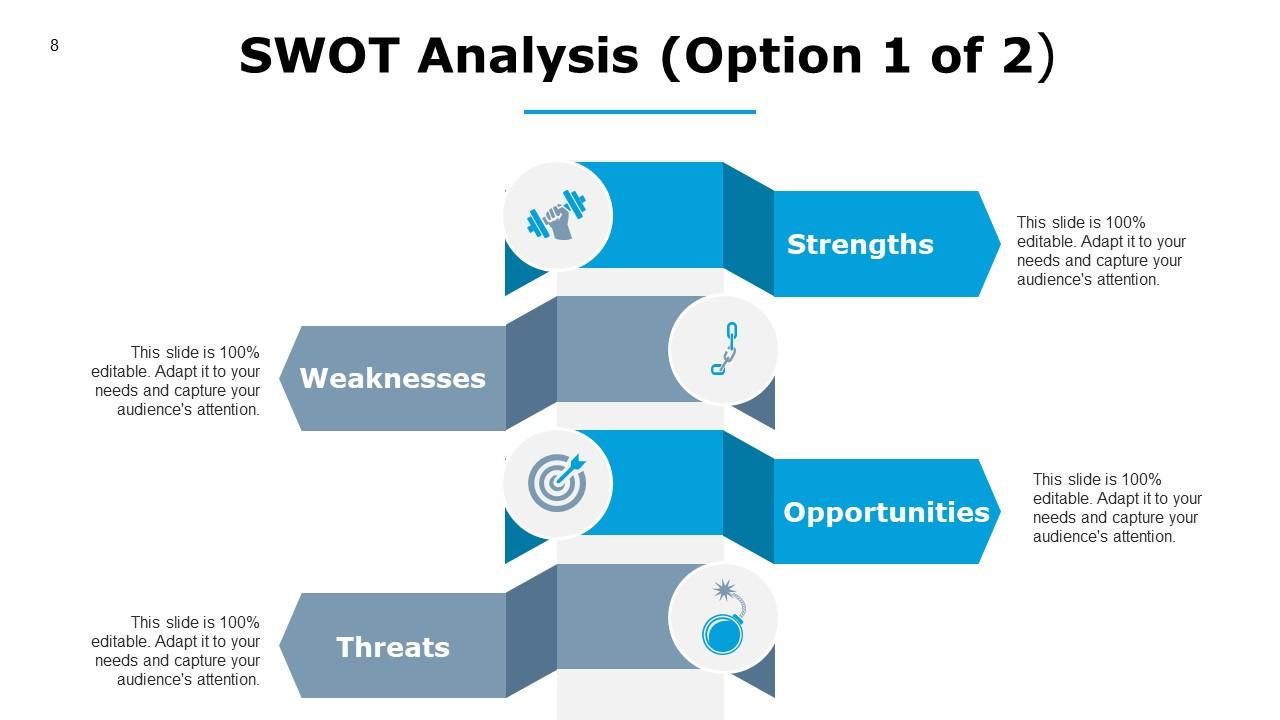
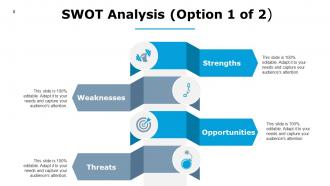
Slide 8: This slide represents SWOT Analysis describing- Strengths, Threats, Opportunities, Weaknesses.
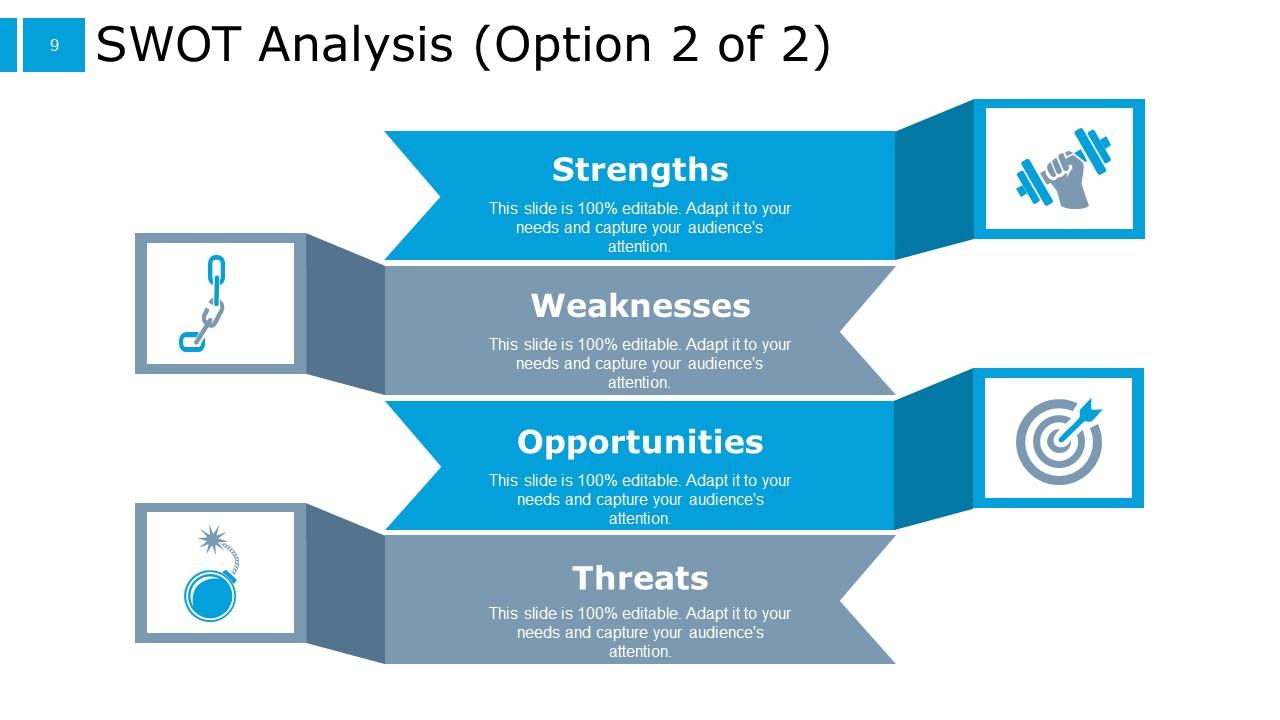
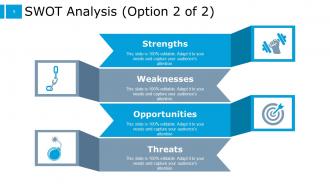
Slide 9: This is an optional slide for SWOT Analysis.
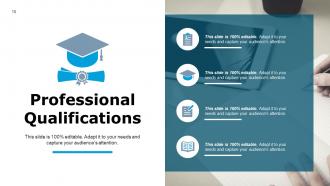
Slide 10: This slide showcases Professional Qualifications with imagery and text boxes.
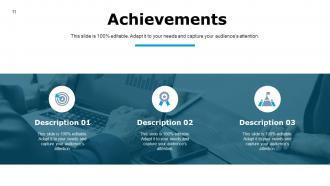
Slide 11: This slide shows Achievements with imagery and text boxes to show information.
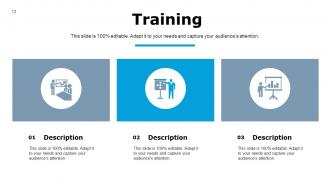
Slide 12: This slide presents Training with icons and additional text boxes.
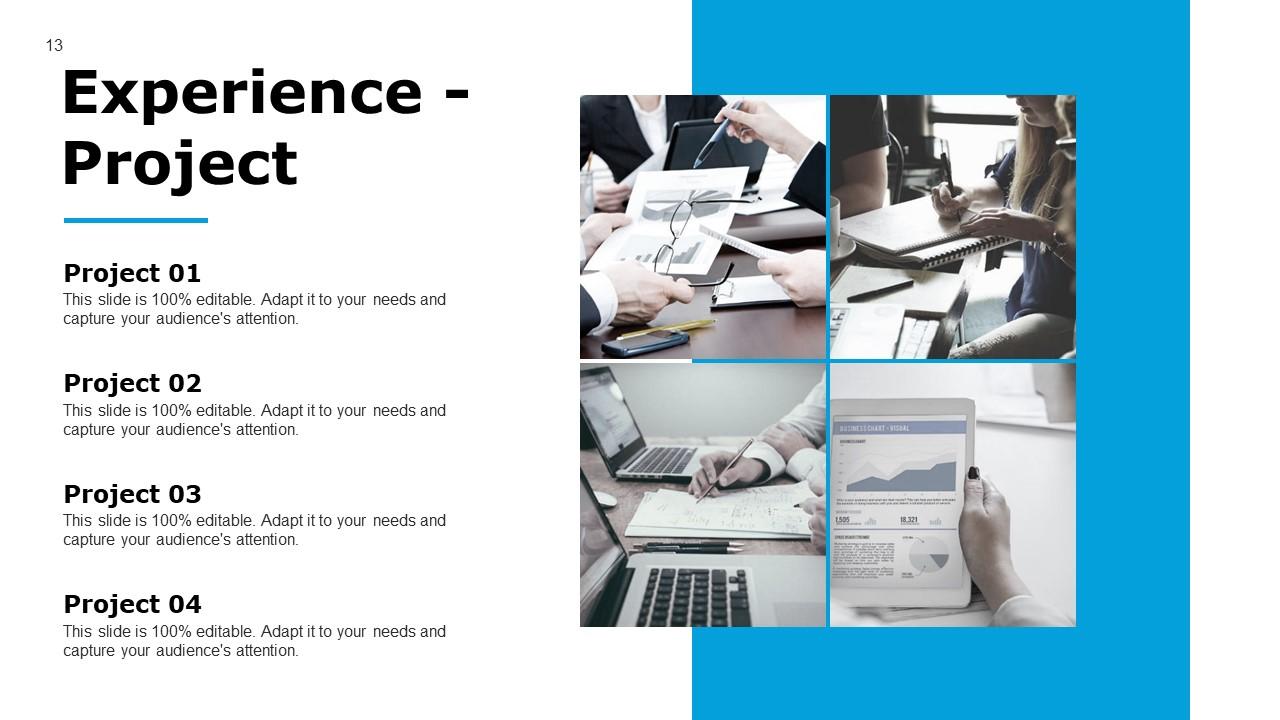
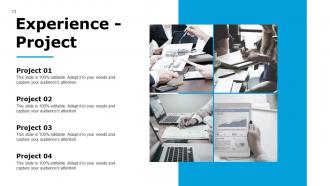
Slide 13: This slide displays Experience - Project with imagery and text boxes.
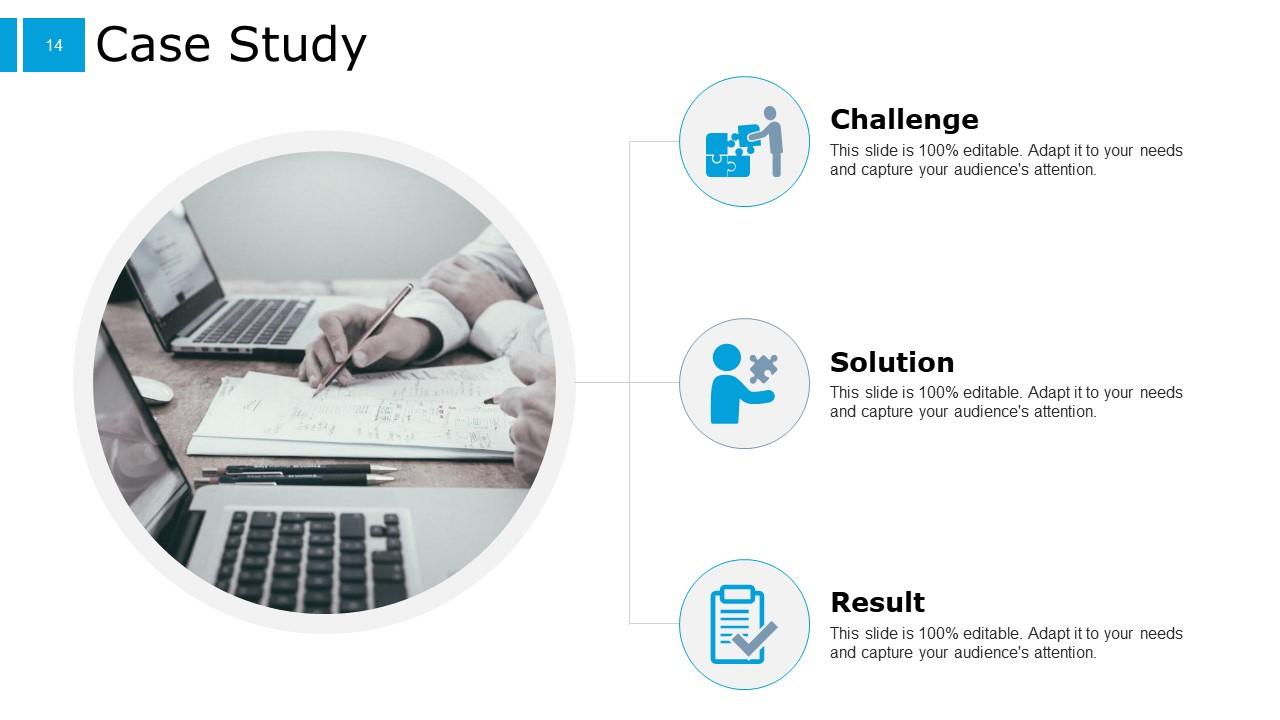
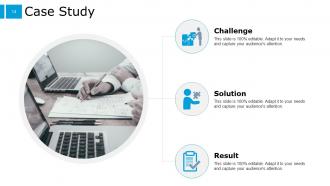
Slide 14: This slide represents Case Study with Challenge, Solution and result.
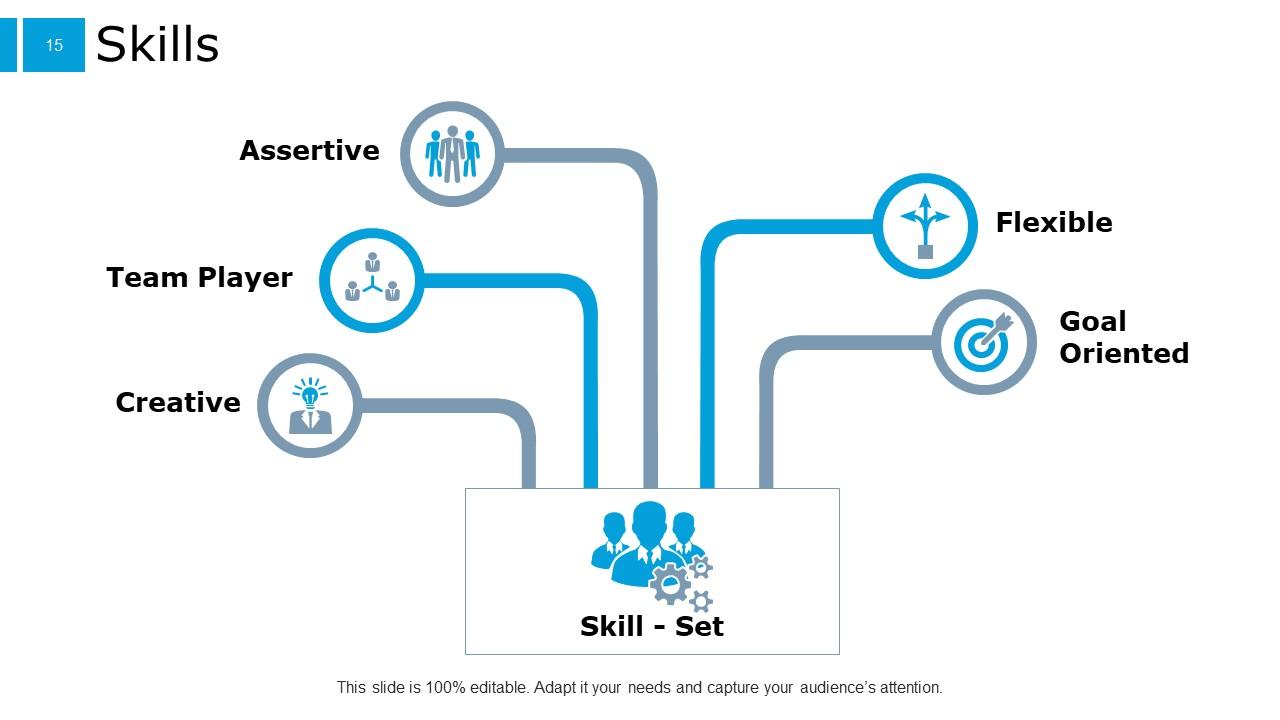
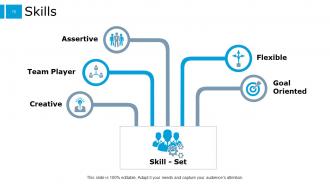
Slide 15: This slide showcases Skills describing- Goal Oriented, Flexible, Team Player, Creative, Assertive.
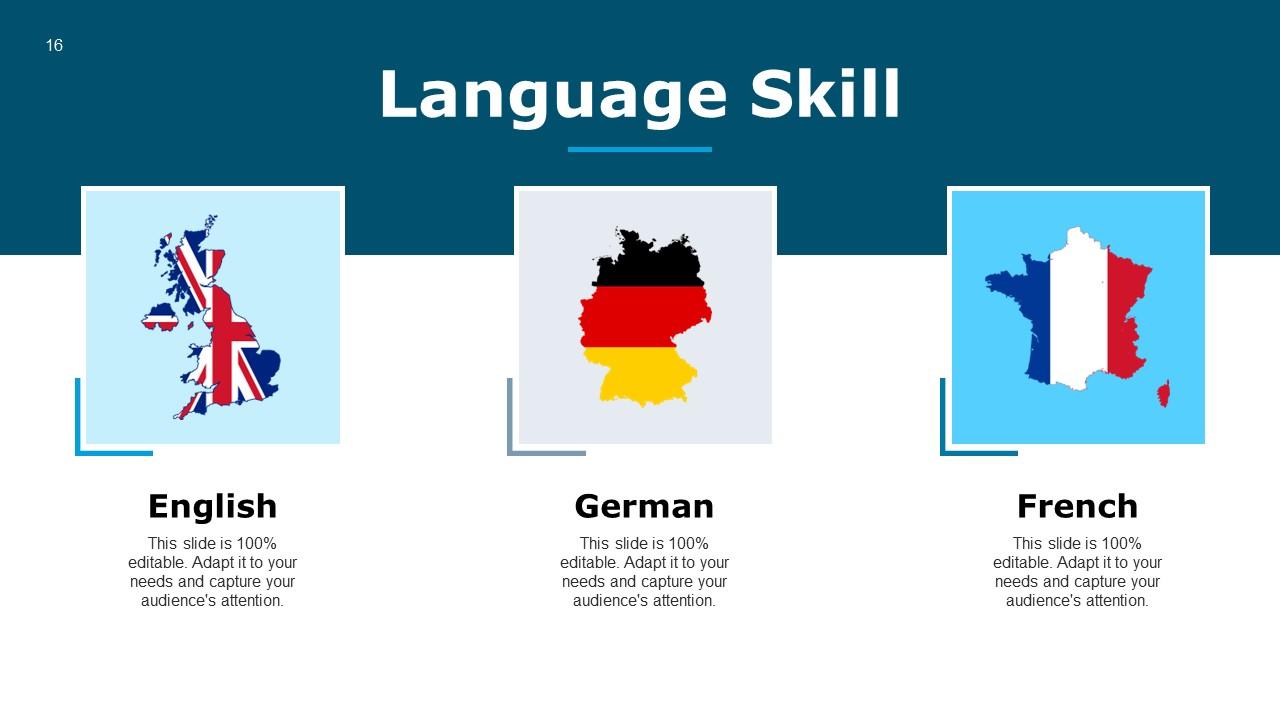
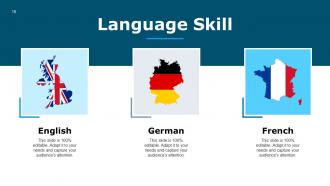
Slide 16: This slide shows Language Skill with additional text boxes for detailed information.
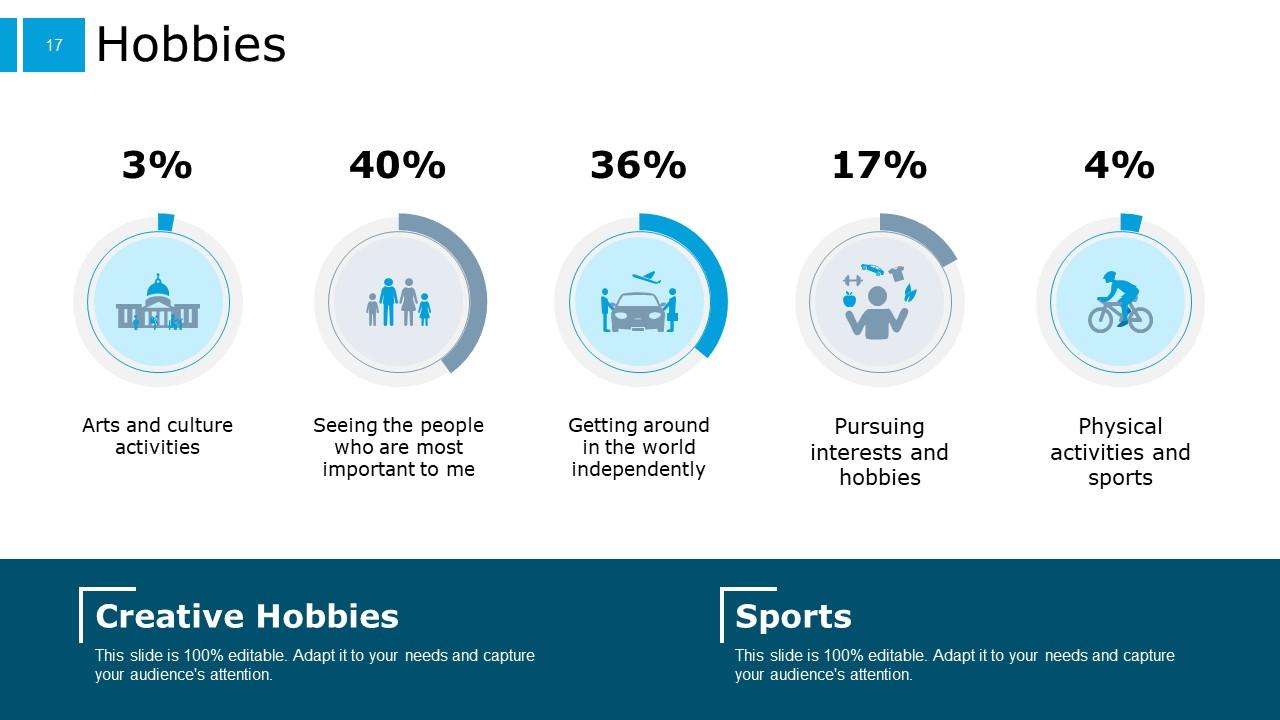
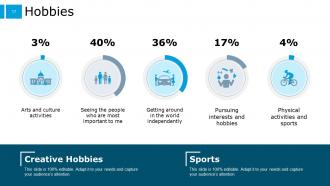
Slide 17: This slide presents Hobbies as- Arts and culture activities, Seeing the people who are most important to me, Getting around in the world independently, Pursuing interests and hobbies, Physical activities and sports.
Slide 18: This slide displays Example Presentation For Job Interview Icons.
Slide 19: This is another slide continuing Example Presentation For Job Interview Icons.
Slide 20: This slide reminds us about 30 minute coffee break.
Slide 21: This slide is titled as ADDITIONAL SLIDES for moving forward.
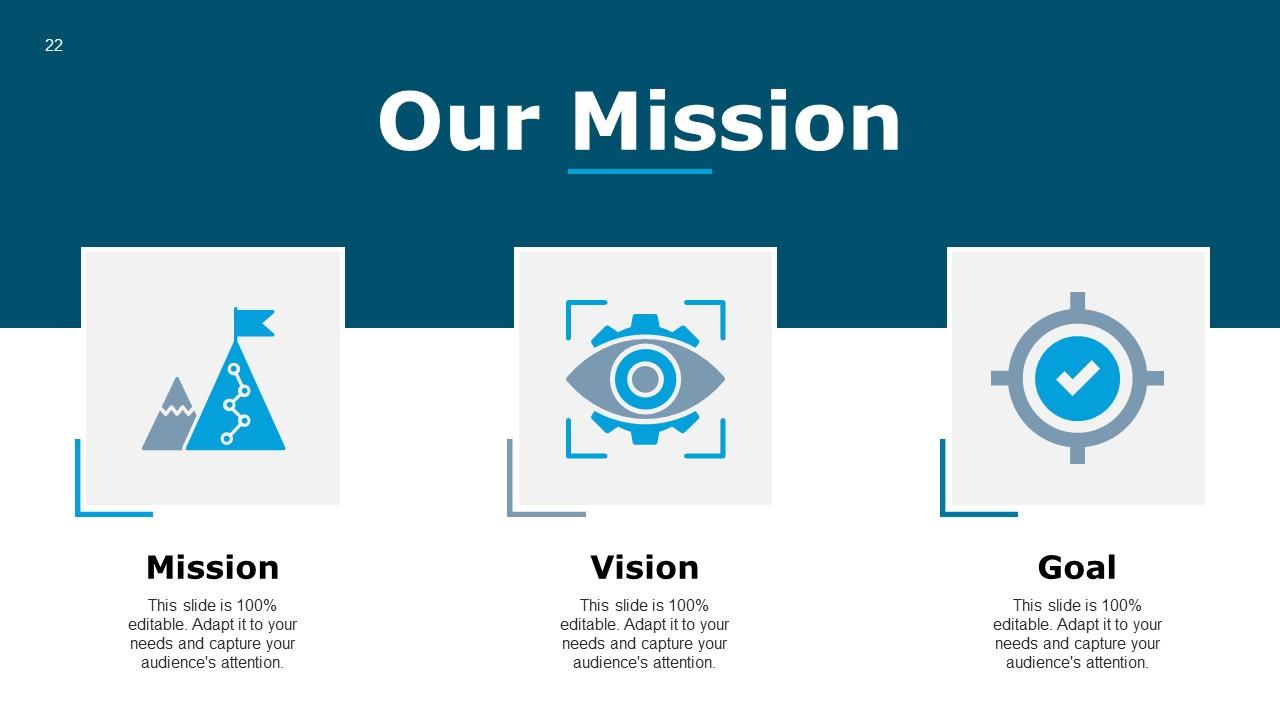
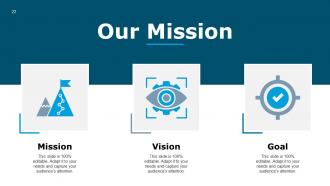
Slide 22: This is Our Mission slide with text boxes to show information.
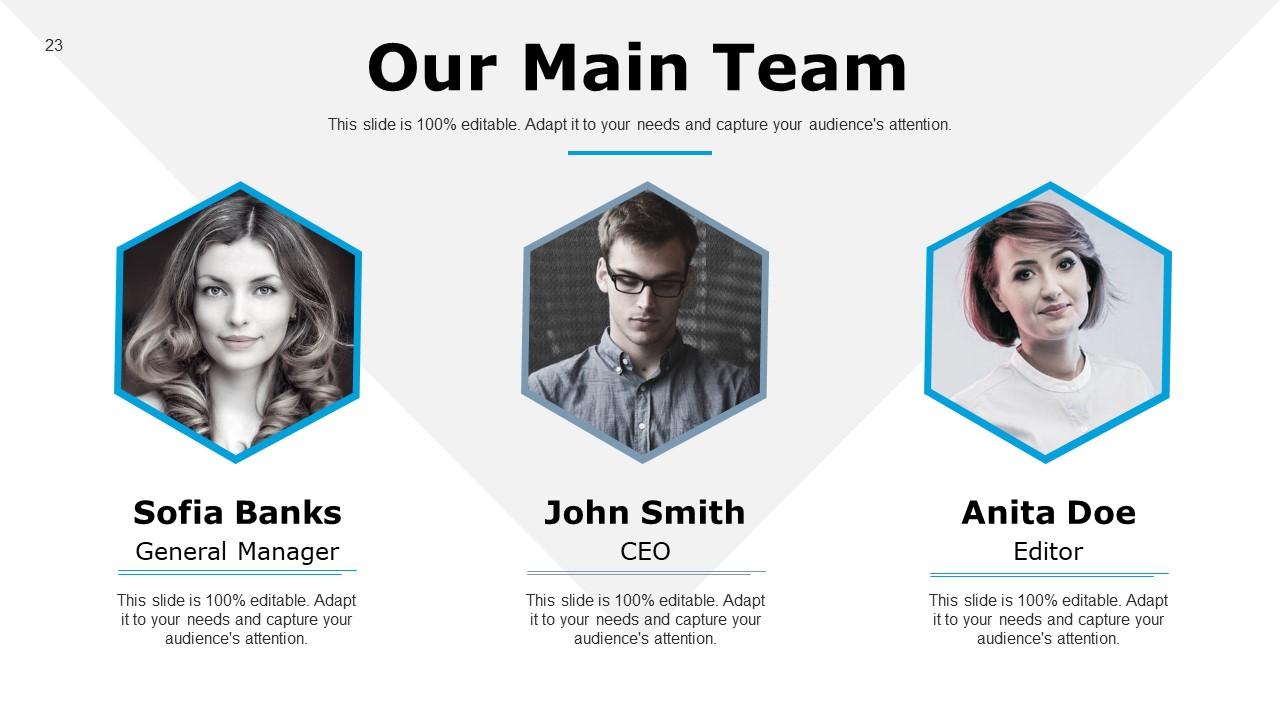
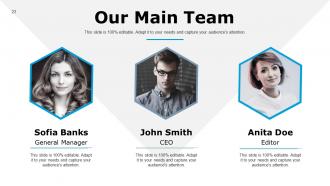
Slide 23: This is Our Main Team slide with names and designation.
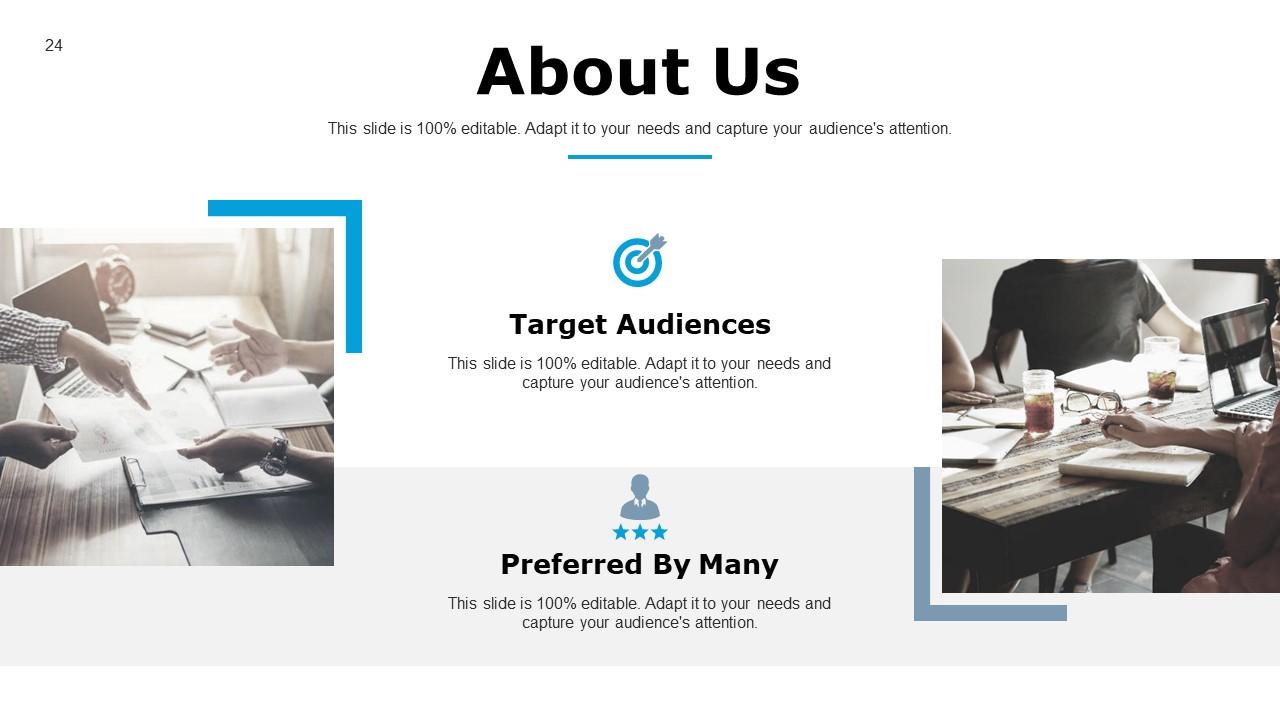
Slide 24: This is About Us slide to show company specifications etc.
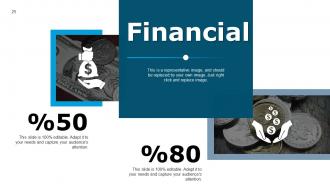
Slide 25: This is a Financial slide. Show finance related stuff here.
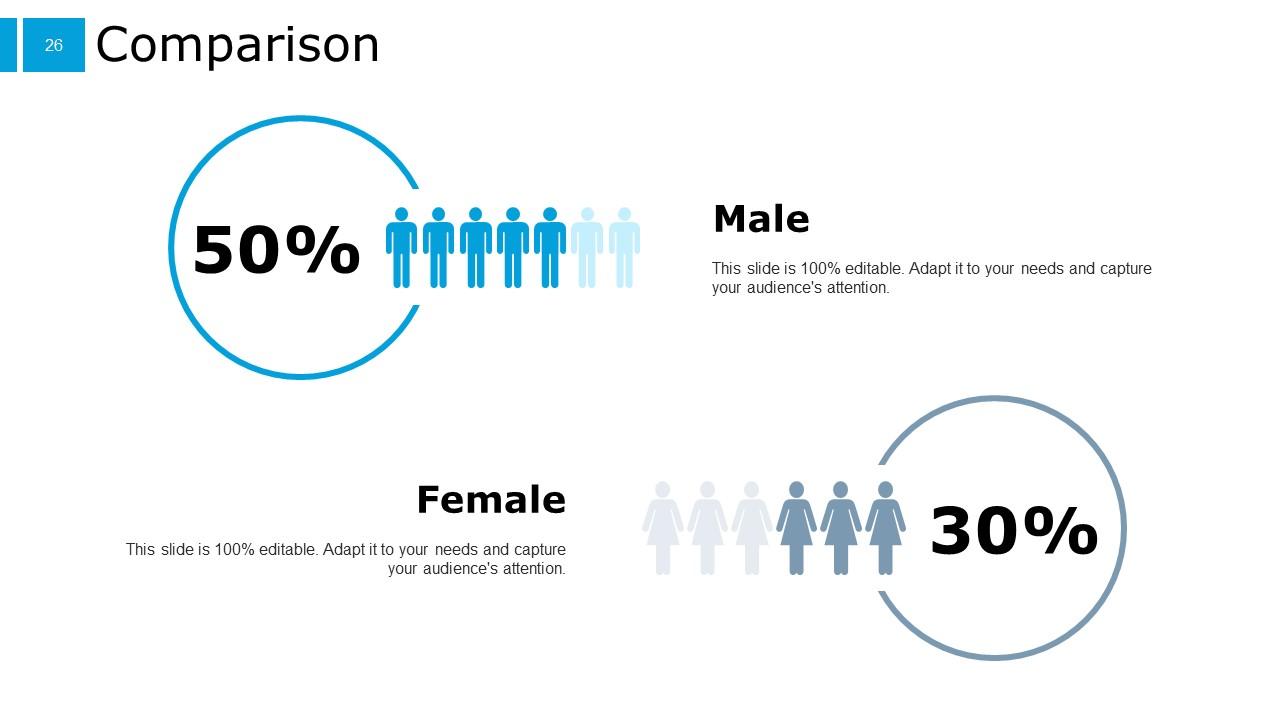
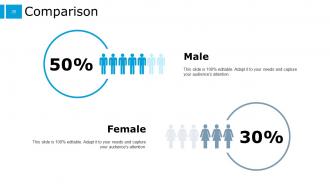
Slide 26: This is a Comparison slide to state comparison between commodities, entities etc.
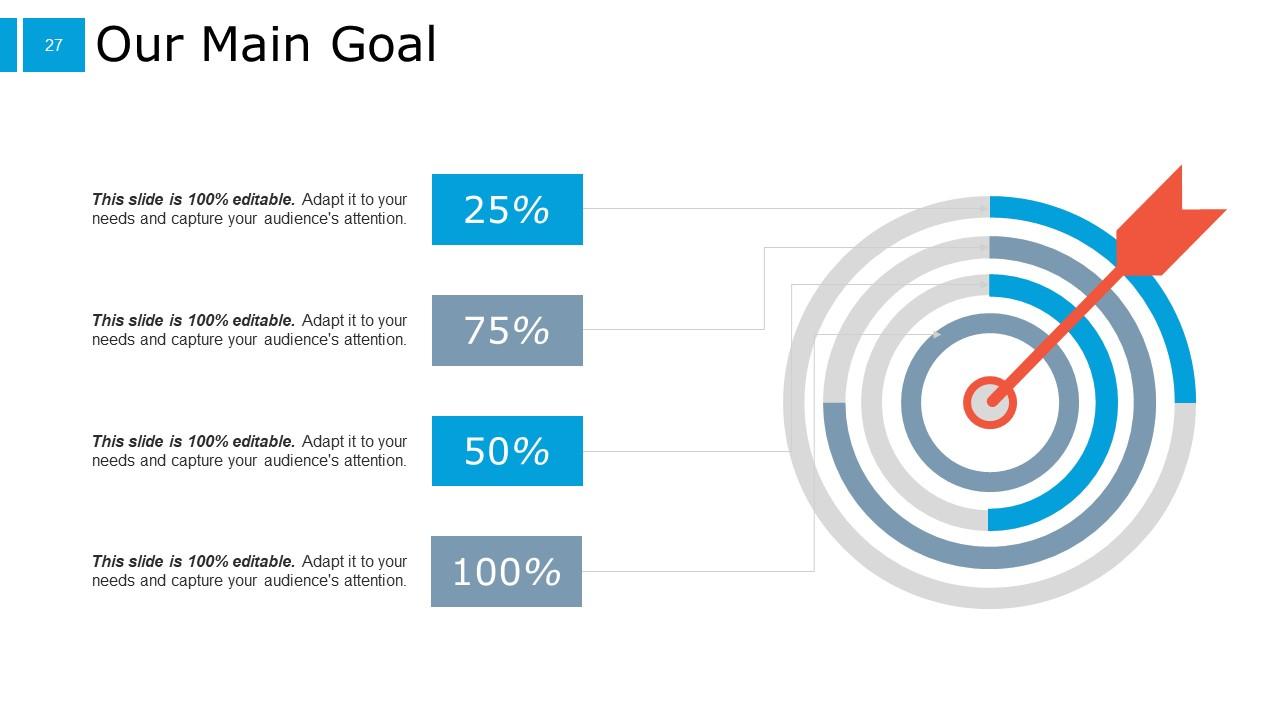
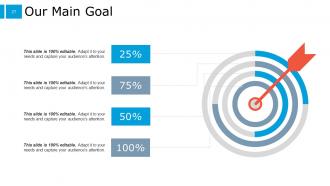
Slide 27: This is Our Main Goal slide. Show your important goals here.
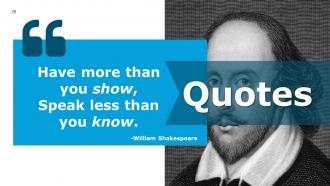
Slide 28: This is Quotes slide to highlight or state anything specific.
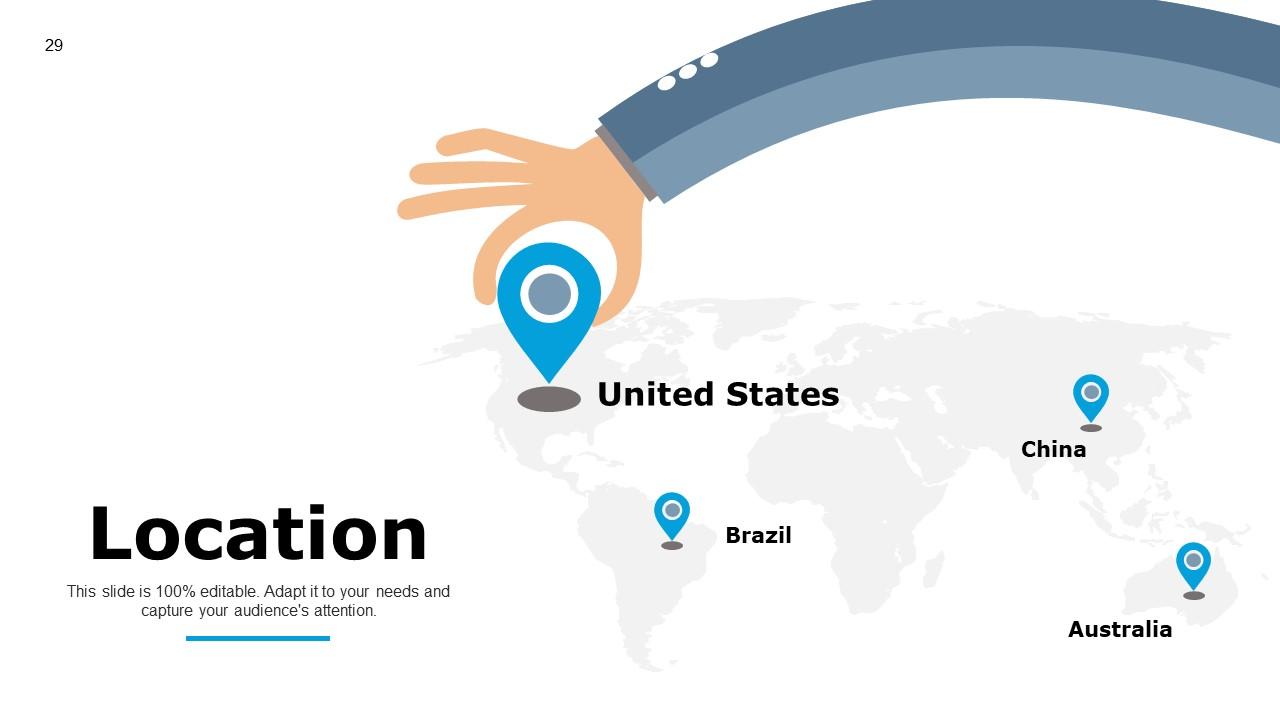
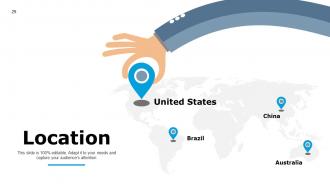
Slide 29: This is Location slide. Show location related data here.
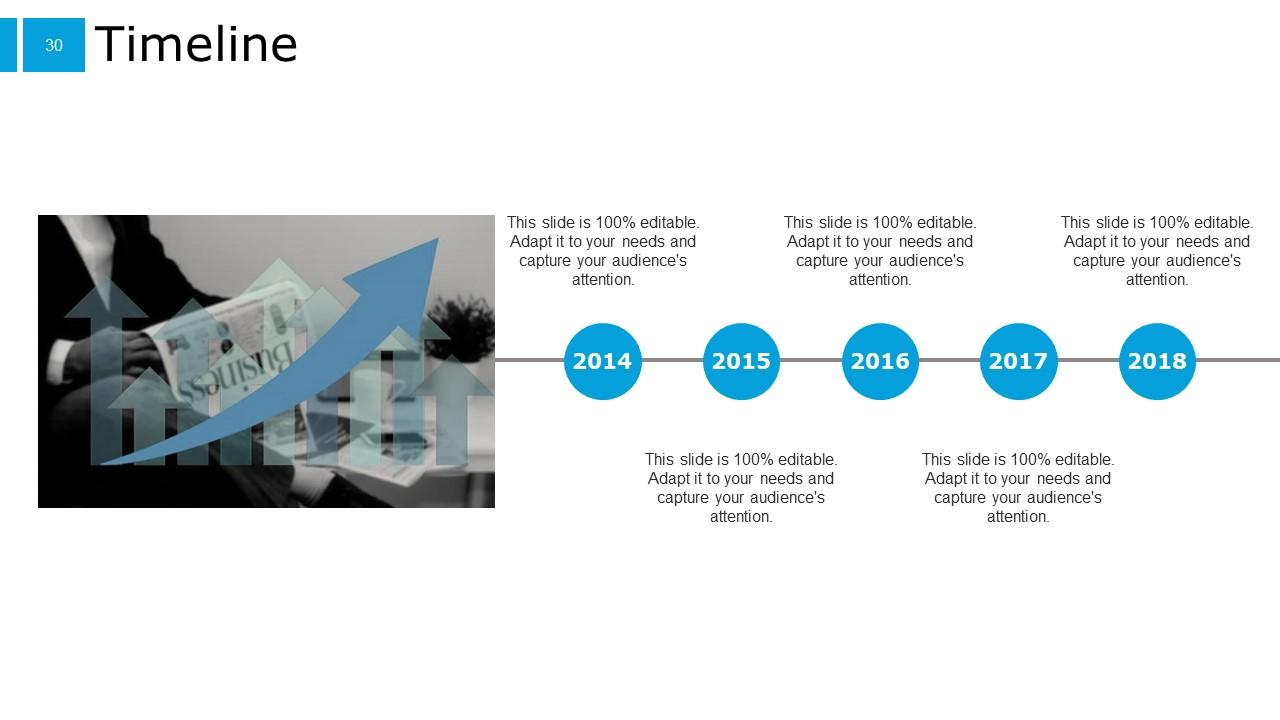
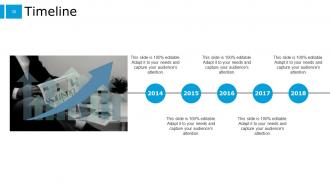
Slide 30: This is a Timeline slide. Show information related with time period here.
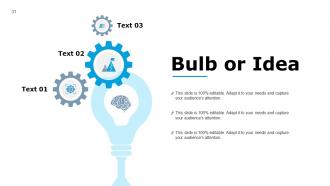
Slide 31: This is Bulb or Idea slide to state a new idea or highlight specifications, information etc.
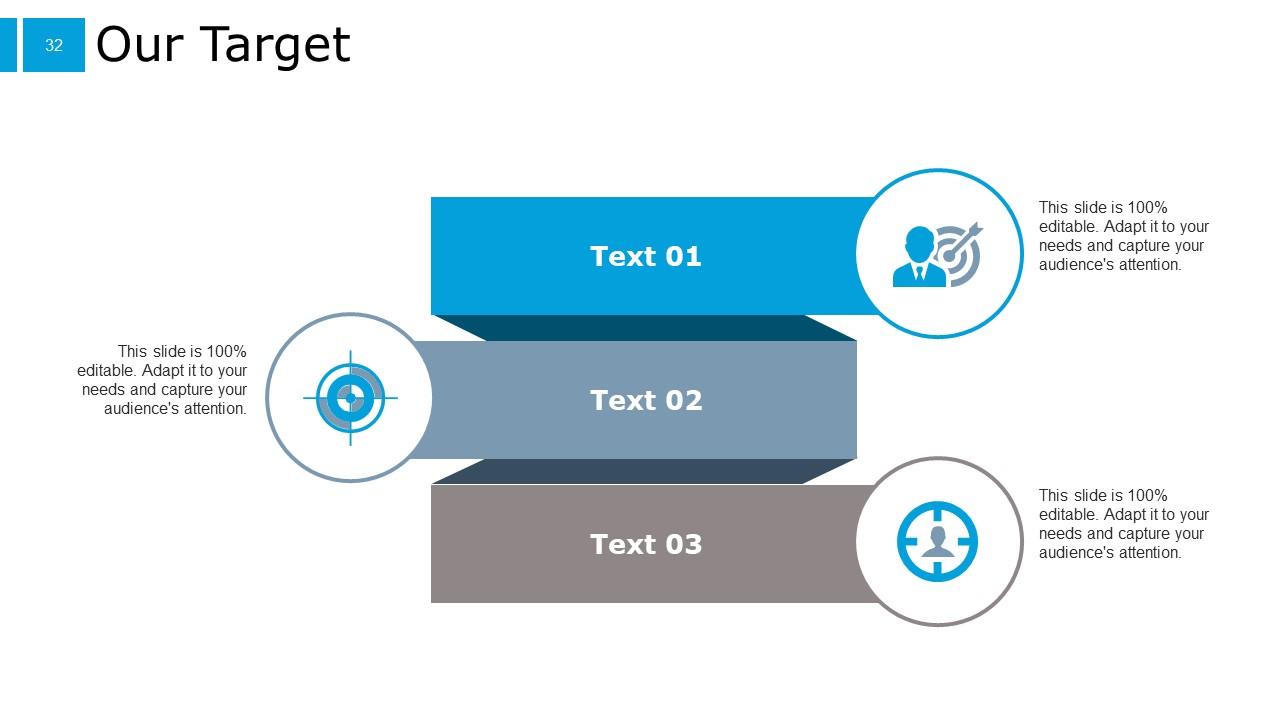
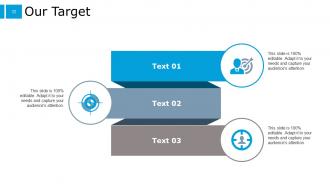
Slide 32: This is Our Target slide. Show your targets here.
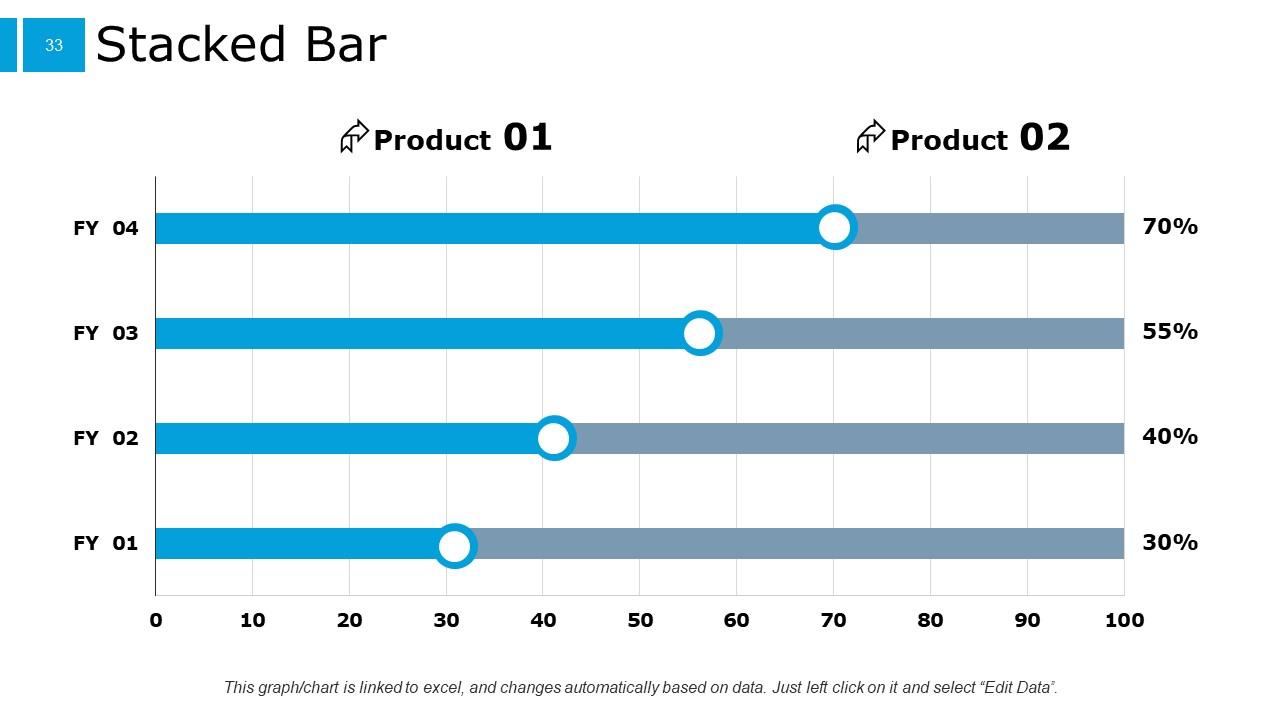
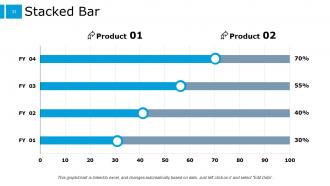
Slide 33: This slide shows a Stacked Bar graph with two product comparison.
Slide 34: This is a Thank you slide with address, contact numbers and email address.
Example Presentation For Job Interview PowerPoint Presentation Slides with all 34 slides:
Use our Example Presentation For Job Interview PowerPoint Presentation Slides to effectively help you save your valuable time. They are readymade to fit into any presentation structure.
FAQs for Example Presentation For Job Interview
Okay so three main things: problem statement, your solution, and what you'd do next. Show them you actually get what they're dealing with first - proves you did your homework. Walk through your approach with real examples from stuff you've done before. Oh and definitely add an "if I started tomorrow" bit because hiring managers totally love that. Numbers and timelines wherever you can swing it. Keep the whole thing under 15 minutes, leave room for questions. Practice saying it out loud though - I learned this the hard way, it's way different than just thinking through it. Your brain tricks you into thinking you sound smoother than you actually do.
Okay so first thing - actually read their job description like your life depends on it. Pull out the specific skills and challenges they mentioned. Then build your whole presentation around solving THEIR problems, not just showing off random stuff you can do. Honestly, nothing's worse than those cookie-cutter presentations everyone gives. Use their industry lingo. Mention their competitors if you know them. If the role says "drive digital transformation," don't waste time on basic marketing fluff - they'll see right through that. Structure everything around what they actually listed in the job requirements. Make it super obvious you get what they need.
Don't just stare at whoever asked the question - look at everyone on the panel. I bombed this presentation once by literally talking AT people for 20 minutes straight, learned my lesson fast. Get them involved by asking stuff like "Have you dealt with this on your team?" When you remember someone's name, use it. Actually pause for questions instead of rushing through slides. Oh, and definitely research specific company details beforehand to weave in. Body language is huge though - if someone looks lost, just stop and ask if they want clarification rather than plowing ahead.
Honestly, less is more with visuals. Don't cram a bunch of charts on one slide - I've sat through presentations where people had like 8 graphs and my brain just shut off. Stick to one or two simple visuals per main point. They should back up what you're saying, not just look nice. Keep slide text super minimal so people actually listen to you instead of reading. Here's how I test it: if I took away the visual, would my point still make sense? If yeah, you're good. Also practice pointing to specific parts of your charts so you don't just stand there awkwardly while people squint at tiny numbers.
Hey! Okay so first thing - practice out loud beforehand because stumbling through it is awkward for literally everyone. Keep slides super clean, no walls of text that make people's eyes glaze over. Focus on their problems and how you'd fix them instead of just rattling off your accomplishments. Oh and stick to your time limit! When they say 10 minutes, they mean it. Honestly, skip the flashy animations - nobody cares and it usually backfires anyway. Make sure you can actually read your slides from the back of the room. Prep for questions after since that's where they really judge you.
STAR method is your best friend here - Situation, Task, Action, Result. Grab 2-3 solid examples that match what they want. Don't just say you're good at problem-solving, tell them about when you saved that project from complete chaos (honestly, hiring managers eat up those comeback stories). Numbers make everything better if you've got them. Each story should connect back to how you'd crush it in their role. Oh, and practice the timing - nobody wants to sit through a 10-minute saga about your spreadsheet skills.
Practice out loud - seriously, not just in your head. I know it feels weird talking to yourself but it works. Once you know your stuff cold, the nerves chill out. Do some deep breathing right before you walk in. Oh and they already want to meet you, so you're doing something right! I try to think of those butterflies as excitement instead of panic (easier said than done lol). Run through it once more the night before, then just get decent sleep. You've got this.
Don't interrupt them mid-question - I know it's tempting but let them finish talking first. When you don't know something, just be straight up: "I don't have those numbers on me right now, but I'll get back to you tomorrow." Honestly way better than bullshitting your way through it. Repeat back their question if it's confusing so you're both clear. Keep answers short and actually answer what they asked (people ramble when they're nervous). Oh and bring a notepad! Write down stuff you can't answer so you don't forget to follow up later.
Dude, body language can totally make or break your presentation. Stand up straight and make eye contact with people around the room - don't just stare at one person the whole time. Use your hands when you talk, but like, purposefully. I used to rock back and forth constantly (so annoying lol). Don't cross your arms either - makes you look defensive. Practice in front of a mirror first so you can catch yourself doing weird stuff. Trust me, if your body language is off, it doesn't matter how good your content is.
Okay so first thing - time yourself during practice, no joke. Most people go way over at first, totally normal. Pick your 3-4 main points and ditch everything else. I learned this the hard way lol. Don't stuff your slides with text either, just use them as visual cues. Build in like 2-3 minutes of buffer time because adrenaline makes you talk weird - either super fast or painfully slow. Keep practicing with that timer until you nail it consistently. Oh, and have a solid closing ready so if you're running behind, you can wrap up smoothly instead of panicking.
PowerPoint's probably your best bet - everyone can open it without drama. Google Slides is solid too, especially if you need to share it quickly. Honestly though? I've been using Canva a ton lately. Their templates actually look decent without needing to be a designer. For creative jobs, maybe try Prezi if you want something flashier, but I'd stick with basic stuff for corporate places. Oh, and definitely save a PDF version and throw it on a USB drive. You never know when their projector will hate your file or something weird happens.
Here's how I'd approach it - flip the focus from "I did this" to what actually happened because of your work. So instead of "I boosted sales 30%," try "That new strategy we implemented drove a 30% jump in sales, letting us break into two markets we'd been eyeing." Numbers are your friend here since they feel less show-offy somehow. Don't forget to give props to your team or mention what obstacles you hit along the way. Shows you're not taking all the credit and you get that stuff's messy. Honestly, concrete examples beat a laundry list of accomplishments every time.
Okay so first thing - stalk their company online lol. Hit up their website, LinkedIn, maybe Glassdoor reviews. You're trying to figure out if they're stuffy corporate types or more laid-back and creative. I once showed up with this super formal PowerPoint to a startup that had bean bags instead of chairs... awkward. Check out how their employees dress in company photos and what tone they use in posts. Short sentences work. Then match that energy when you present. If they're all about innovation, don't bore them with traditional slides. Make it feel like you already fit in there, not like you're from another planet entirely.
Record yourself doing the presentation - yeah it's cringe watching it back but you'll catch all those "ums" and weird hand movements. Ask friends or family for feedback, they're usually pretty honest. There's probably a Toastmasters group near you if you want something more formal. I know it sounds dumb but practicing in front of a mirror actually works. Even presenting to your dog helps with nerves lol. The main thing is getting lots of reps in. Oh and try to set up your practice space like the real thing - stand up, use your slides, whatever you'll have during the actual interview.
Okay so here's the thing - don't just awkwardly trail off at the end like most people do! You want to wrap up strong. Quick recap of your main points in 2-3 sentences, then be direct about why you actually want this job and what you'd bring. Make eye contact and say something like "I'm really excited about contributing to [specific project] and would love to talk more about how my experience in [relevant area] can help drive results here." Then pause confidently - that confidence really sticks with interviewers. Oh, and ask if they have questions!
-
Fabulous presentation!!! Love it!
-
AMAZING!
-
Excellent
-
wow
-
It is very helpful! Great work!
-
Understandable and informative presentation.
-
Excellent template with unique design.
-
very good
-
Perfect
-
great