

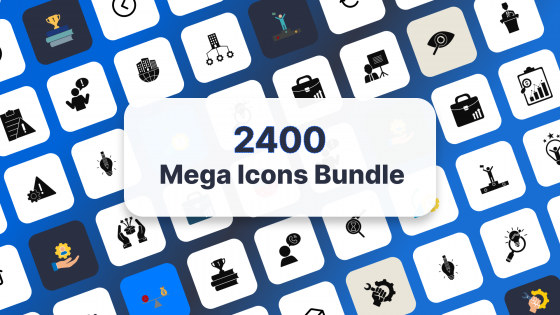
Mega Icons Bundle with 2400 colored and black and white icons in PowerPoint EPS and PNG format


Try Before you Buy Download Free Sample Product
 Impress Your
 Audience
 100%
100% Editable
 Save Hours
 of Time
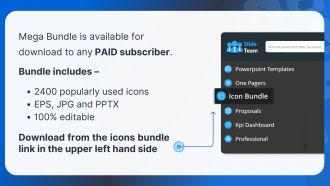
Presenting Mega Icons Bundle – a collection of our most popular icons available for download in a single pack. Icons will be in EPS, PNG, and PPTX format, and 100% editable.
This is our collection of the most popular colored and black-and-white icons, available as a single downloadable pack. We have divided the icons into categories, such as Business, Finance, Sales, Technology, Health care, Medical, Law, Networking, Manufacturing, Social Media, Architecture, Green Energy, Transport, Leadership, Music, Money, Globe, Animal, Travel, Food, Government, Festival, Religion, Entertainment, Mobile Devices and Science, etc. These are the benefits and features that make these icons special:
- Over 2,400 Fully-Editable, Most Popular Colored and Black and White Icons
- Any PAID Slide Ream Customer can download
- The downloadable ZIP file contains:
- SVG files for each icons
- PNG file of each icon
- One Single PowerPoint File with all the Icons (2,400)
- 100% Editable in Microsoft PowerPoint, Adobe Illustrator, Apple Keynote, and any vector editing software (e.g., CorelDRAW, etc.) for Vector files.
Frequently Asked Questions
Dude, those Mega Icons Bundle templates are actually pretty solid. All the icons are scalable vectors, so they won't get pixelated when you resize them. Color customization is super easy too - just drag and drop, then tweak the colors to match your brand. What I really like is how consistent everything looks across slides. There's a crazy amount of variety - business stuff, tech icons, creative ones, whatever you need. They throw in some pre-made layouts that honestly look way better than anything I'd design myself. I'd grab a few different packs since you never know what style you'll need.
Honestly, those icon bundles are game-changers for presentations. Your audience processes visuals way faster than text - like 60,000 times faster, which is wild when you think about it. So instead of drowning people in bullet points, throw in a lightbulb for ideas or a target for goals. Way more engaging than watching everyone's eyes glaze over by slide 12. The consistent styling is clutch too - makes everything look professional without you scrambling to find matching graphics. I'd start with your most text-heavy slides first and just swap in icon layouts.
So this bundle has icons for pretty much everything - business, tech, health, finance, education, lifestyle stuff. Perfect for whatever industry you're working with. Healthcare apps get their medical symbols, fintech gets payment icons, education platforms get learning graphics. You know the drill. What I really liked about it (and didn't expect honestly) was how much ground it covers. Works well for websites, apps, presentations, marketing materials - whatever you're building. My advice? Browse the categories first to see what fits your current projects. Don't just jump in blind, you'll waste time scrolling through stuff you don't need.
Yeah, it's got really good customization options! Colors are super easy to change, and since they're vector-based you can resize without any quality loss. Stroke weights on the outlined versions are adjustable too. They give you multiple formats - SVG, PNG, and AI files - which is honestly pretty convenient since you can use whatever software you want. Most icons come in both filled and outlined styles. Oh, and definitely keep your original files somewhere safe when you're messing around with different looks. I learned that the hard way with another icon pack last year.
Honestly, those icon bundles are game-changers for keeping people engaged. Your audience can process info way faster when everything looks consistent - no more random clipart mixed with boring bullet points. People's brains just work better with visual cues, you know? I've noticed folks actually stay focused instead of checking their phones when presentations look polished. The key is swapping out at least half your text-heavy slides for icon-based ones. Trust me, it makes a huge difference. Professional visuals = people actually paying attention to what you're saying instead of zoning out.
Pick one style from your icon bundle and stick with it - mixing styles looks messy. Resize them proportionally so they don't get all stretched out and weird. Less is definitely more here, trust me. Don't put icons on every slide just because you can; use them to highlight your main points instead. Make sure there's good contrast with your background colors so people can actually see them. Oh, and line everything up with your text elements. Nothing screams "amateur" like randomly placed icons floating around your slides.
Yeah, totally works for both! I use them for everything - PowerPoint slides, printed stuff, websites, whatever. The cool thing is they're vector files so they don't get pixelated when you resize them. Way better than regular images that look terrible blown up. I've thrown them on huge presentation screens and tiny business cards and they stay crisp. Just grab the right file type though - SVG for web stuff, EPS or AI for print works well. Honestly saved me so much time not having to hunt for different sized versions of the same icon.
You get both SVG and PNG formats in the bundle. SVGs scale perfectly without getting blurry - super helpful for responsive sites. PNG sizes go from tiny 16x16 up to 512x512 for those crazy high-res displays. There's also @2x and @3x versions for Retina screens, which is nice I guess. For web stuff, I'd stick with SVGs since they're so flexible. But if you're doing app design and need exact pixel control, the PNGs work better. Oh, and the vector files are honestly a game-changer once you start using them regularly.
Honestly, that Mega Icons Bundle is perfect for this stuff. You know how people's eyes glaze over when you show them spreadsheets? Icons fix that problem instantly. Just use them to represent your data categories and metrics - way more digestible. Plus they all match stylewise, so your dashboards won't look like a hot mess (I've been there). The cool thing is you can drop them right into your existing charts as visual anchors. People follow along so much easier when there's a clear visual language they get right away. No explaining needed!
Oh nice, they update it monthly! Usually hits around the 15th with like 50-100 new icons plus some template stuff. You'll get an email when it drops. There's also a changelog on your dashboard - honestly that's way more useful than waiting for emails. I always forget to check mine anyway lol. But yeah, it's actually a solid deal since you're not paying extra for all the new stuff. Bookmark that changelog page though, makes it super easy to see what's worth downloading for whatever you're working on.
The bundle's usually around $29-49 for lifetime access, which honestly isn't bad. You get thousands of icons in different styles - line, filled, all that. Commercial licensing is included too, so you can use them for client stuff without worrying about getting sued or whatever. They give you multiple formats like SVG and PNG, which is convenient. If you buy icon sets individually you'd spend way more. I think it's worth it if you actually use icons regularly for work. Just double-check what's in the current bundle first - sometimes they switch things up.
Honestly, this bundle is pretty solid for what's trending right now. Clean lines, flat design, no cheesy 3D stuff from like 2012. The colors are mostly monochromatic and muted - perfect if you're doing corporate presentations or startup decks. Everything has tons of whitespace, which I guess fits that whole minimalist thing everyone's into. Bold geometric shapes too, which look way more professional than whatever clip art people used to throw around. I'd probably just grab a handful of the most versatile ones and see how they work in your next deck. Sometimes simple changes make a bigger difference than you'd expect.
Yeah totally! It works great with both PowerPoint and Google Slides. Just drag and drop the icons right in. They come in different formats like SVG and PNG, so you've got options depending on what works better. PowerPoint handles the vector stuff really well - stays sharp when you resize. For Google Slides, I'd go with PNG files honestly, way less hassle. Oh and definitely sort them into folders by category first or you'll be scrolling through like 3000 icons trying to find that one perfect arrow when you're already running late for your presentation.
Honestly, most people seem pretty happy with the Mega Icons Bundle. The variety is solid and everything's consistent quality-wise. Big time saver since you're not scrambling around different sites for icons. File organization is kind of a mess though - like, SO many folders to dig through. But the vector quality is really good, scales nicely for web or print stuff. Oh and people definitely appreciate having everything in one place instead of piecing together random icon packs. If you're thinking about it, I'd say the time you'll save makes it worth a look.
Honestly, this bundle is pretty solid for classroom stuff. You get tons of icons for every subject - math, science, history, whatever you're teaching. No more wasting time digging through random websites for graphics that don't look terrible (ugh, the worst). Everything's editable too, so you can change colors and sizes to match your vibe. Makes worksheets and presentations look way more professional without much effort. Students actually pay attention when things look decent instead of like... well, you know how most teacher handouts look. I'd grab a few subject packs first and test them out.
Mega Icons Bundle with 2400 colored and black and white icons in PowerPoint EPS and PNG format with all 79 slides:
Use our 3500 Plus Mega Icon Bundle Slides Most Popularicons In Editable Formats to effectively help you save your valuable time. They are readymade to fit into any presentation structure.
-
Mega Icons Bundle
-
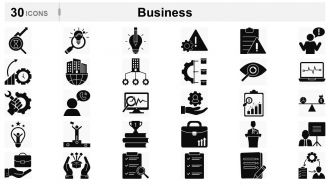
Business Icons
-
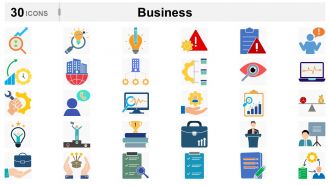
Business Icons
-
Business Icons
-
Business
-
Business Icons
-
Business Icons
-
Business Icons
-
Business Icons
-
Finance Icons
-
Finance
-
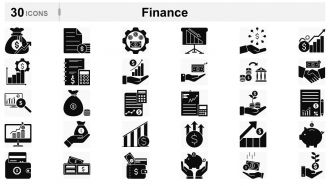
Finance Icons
-
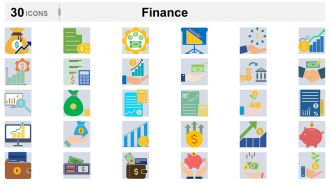
Finance
-
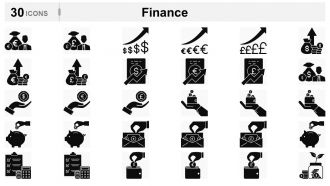
Finance Icons
-
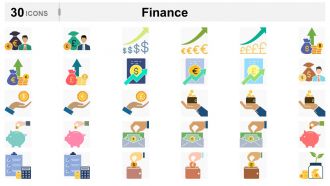
Finance
-
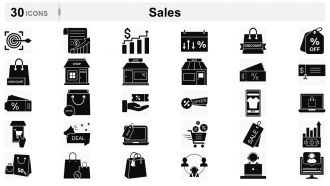
Sales Icons
-
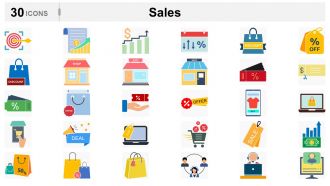
Sales
-
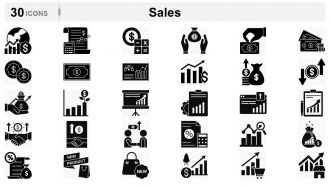
Sales
-
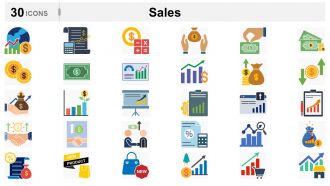
Sales
-
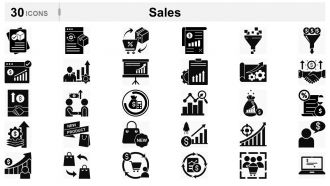
Sales Icons
-
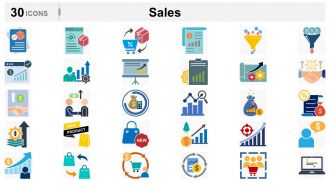
Sales
-
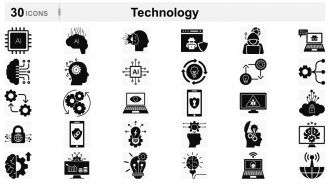
Technology Icons
-
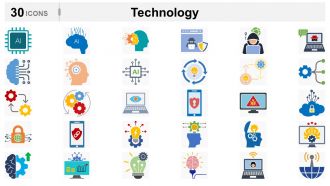
Technology Icons
-
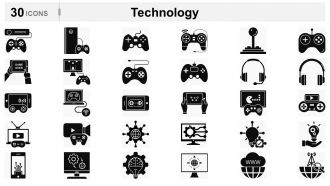
Technology Icons
-

Technology
-
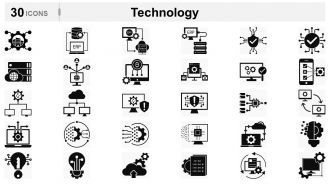
Technology
-
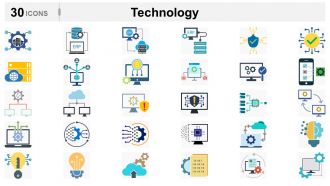
Technology Icons
-
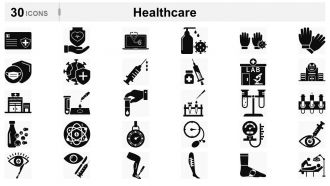
Healthcare
-

Healthcare
-
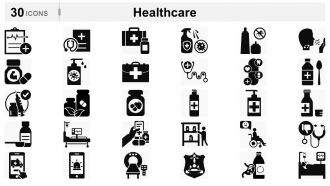
Healthcare Icons
-
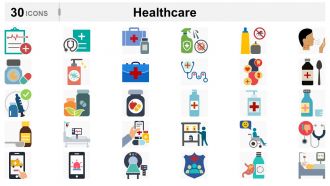
Healthcare
-

Medical Icons
-

Medical Icons
-
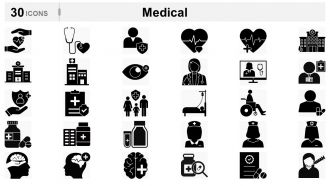
Medical Icons
-
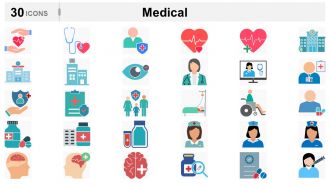
Medical Icons
-
Law
-
Law
-
Law
-
Law
-
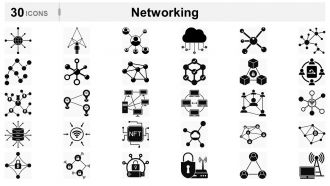
Networking
-
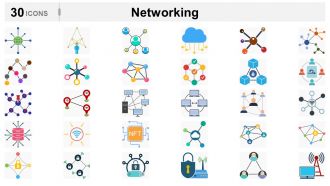
Networking
-
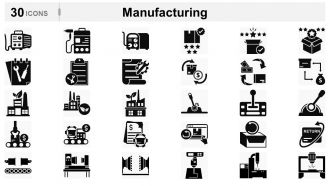
Manufacturing
-
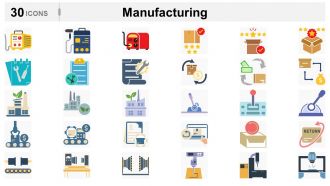
Manufacturing
-
Social Media Icons
-
Social Media Icons
-
Architecture
-
Architecture
-
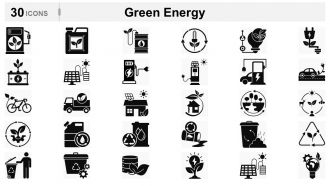
Green Energy
-
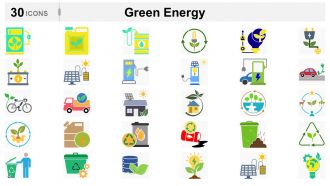
Green Energy
-
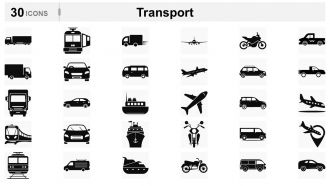
Transport Icons
-
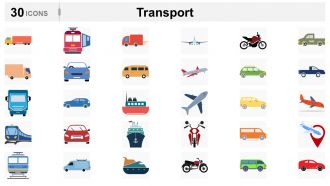
Transport
-
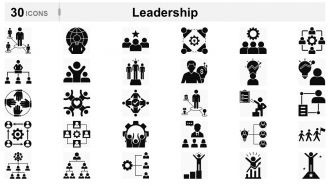
Leadership
-
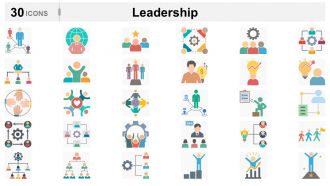
Leadership
-
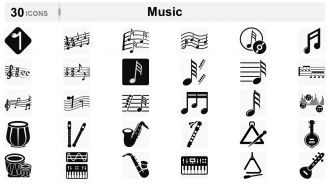
Music Icons
-
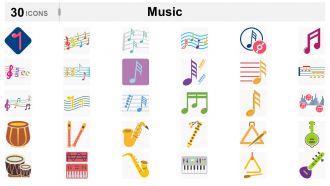
Music Icons
-
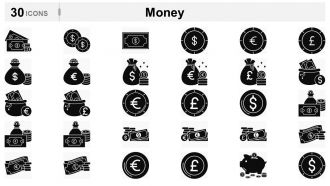
Money
-
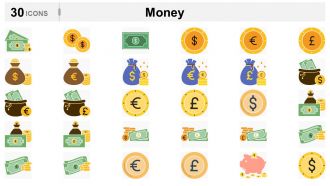
Money
-
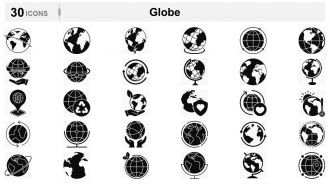
Globe
-
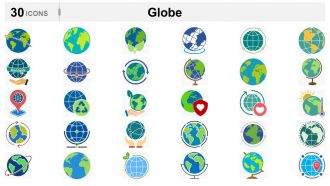
Globe
-
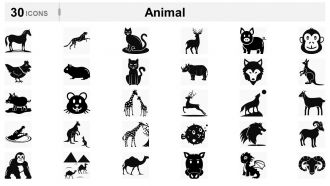
Animal Icons
-
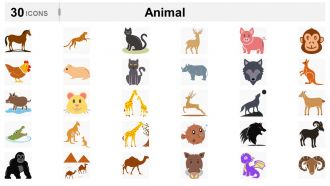
Animal Icons
-
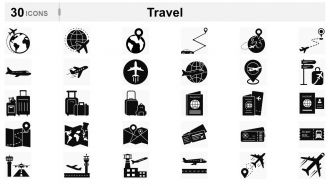
Travel Icons
-
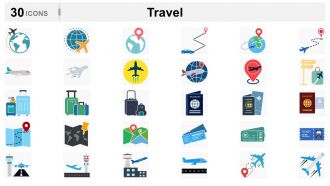
Travel
-
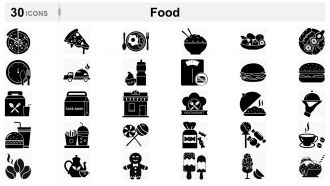
Food Icons
-
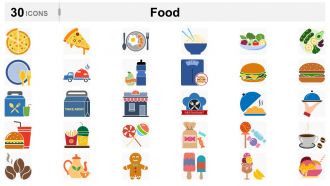
Food Icons
-
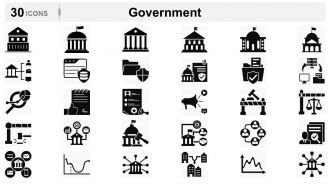
Government Icons
-
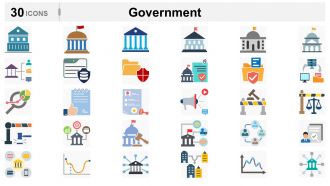
Government
-
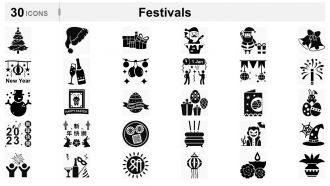
Festivals
-
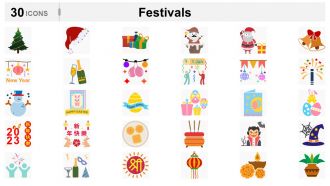
Festivals
-
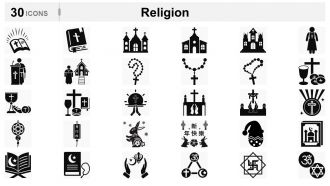
Religion
-
-
-
-
-
-
-
-
-
-
nice icons
-
Pretty cool icons
-
Much better than the original! Thanks for the quick turnaround.
-
Fantastic and innovative graphics with useful content. The templates are the best and latest in the industry.
-
I'm not a designer, but with these icons, I feel like one! They're so easy to work with and add a professional touch to my work. Worth every penny.
-
I'm seriously impressed with the selection here. Colored, black and white, editable, and compatible with different software – it's everything I need. Super happy with my purchase.
-
I've been a customer for a while now, and I have to say that this icons bundle is one of the best investments I've made. The icons are high-quality, and the options are endless.
-
Skeptical at first, but now I'm a believer. These icons have transformed my presentations. They're easy to customize and blend seamlessly with my slides.
-
Icons speak louder than words, and these icons definitely speak volumes. The attention to detail is impressive, and the fact that they're fully editable is just icing on the cake.
-
I'm not one to leave reviews, but this bundle deserves recognition. The quality is outstanding, and I appreciate the convenience of having them available in various formats.
