

Sample Powerpoint Career Portfolio PowerPoint Presentation Slides





Try Before you Buy Download Free Sample Product
 Impress Your
 Audience
 100%
100% Editable
 Save Hours
 of Time


Our Sample Powerpoint Career Portfolio PowerPoint Presentation Slides are topically designed to provide an attractive backdrop to any subject. Use them to look like a presentation pro.
People who downloaded this PowerPoint presentation also viewed the following :
Content of this Powerpoint Presentation
“Why should we hire you? Are you the right fit for the role? How will you help our business grow?” These are common questions asked during recruitment of candidates. The aim is to understand the plans of the candidates and gaze into their thinking a bit.
If you attend the interview on call or face-to-face, you can answer, emphasizing your positive attributes. But what happens when your profile is one among the many that sit on the recruiter's desk (or mail)? What is your differentiating factor?
Give your career a new direction with SlideTeam’s well-planned career roadmap Templates that feature clutter-free, clear designs to help you rise faster.
A well-organized career portfolio could be the solution. It represents your diverse professional journey and the skills and interests you have picked up along the way. It showcases your ownership over your career and personal brand and how you are up to speed in the quick-evolving digital landscape.
Career Portfolio Templates
SlideTeam’s career portfolio PowerPoint Templates are designed to convey the most information in a minimalistic manner. For example, design elements like outlines, lists, timelines, and roadmaps are used to keep the information concise. The use of flat icons and a consistent color palette creates a cohesive and professional viewing experience.
Making your case for a promotion is a critical professional life-skill. Make it a lot easier to cross this hurdle with this complete deck on career promotion from SlideTeam.
Let us look at some sample PowerPoint Templates, all 100% editable and customizable, that can help elevate your career portfolio.
Template 1: Agenda
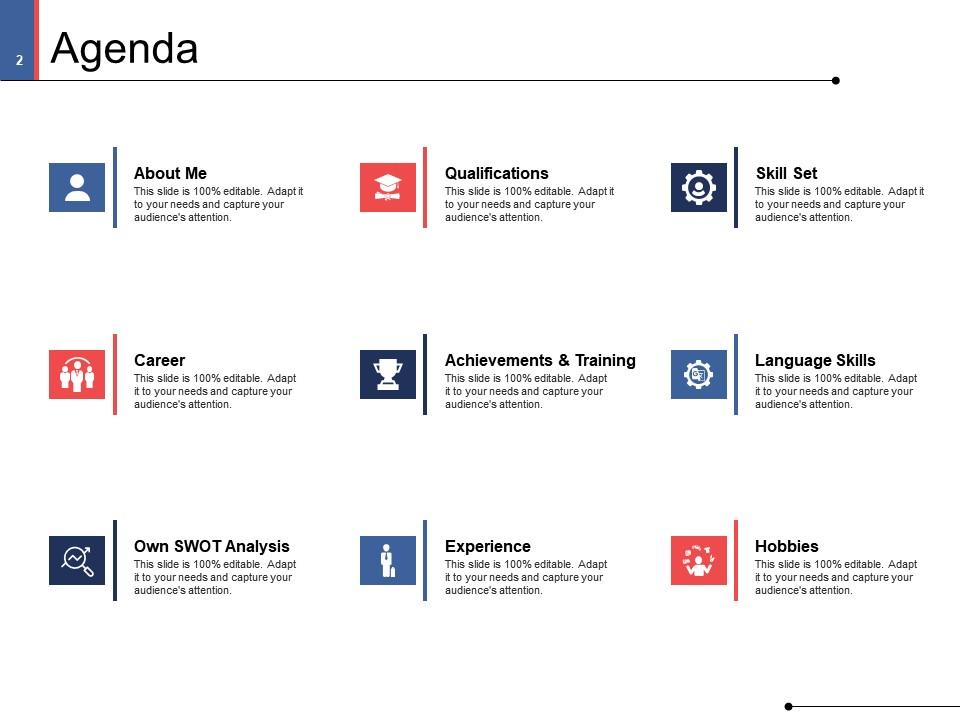
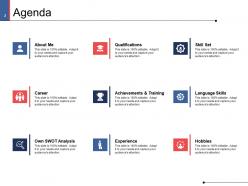
The agenda slide provides structure to the career portfolio. It lets the viewers know what to expect from the presentation. Without an agenda, the audience could be left confused by the barrage of slides. The agenda is neatly divided into categories like about me, qualifications, skill set, career, and hobbies. The slide can be an overview of your personal brand. The use of icons and colors adds an aesthetic appeal to the slide, improving viewer engagement.
Template 2: Career
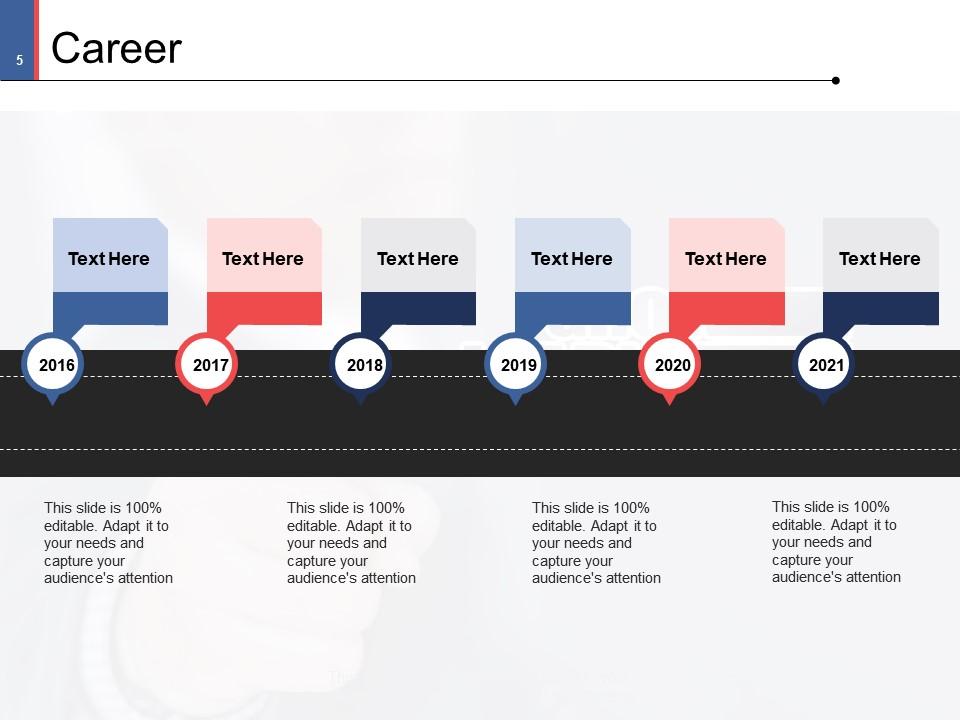
The career slide showcases your professional story: where you started, how you have grown through the years, and where you are currently. The slide uses a horizontal chronological timeline design, which helps to condense years of your professional career into an easy-to-understand format. The slide structure and visual elements provide clarity, making them more impactful than a lengthy bulleted list.
Template 3: SWOT Analysis
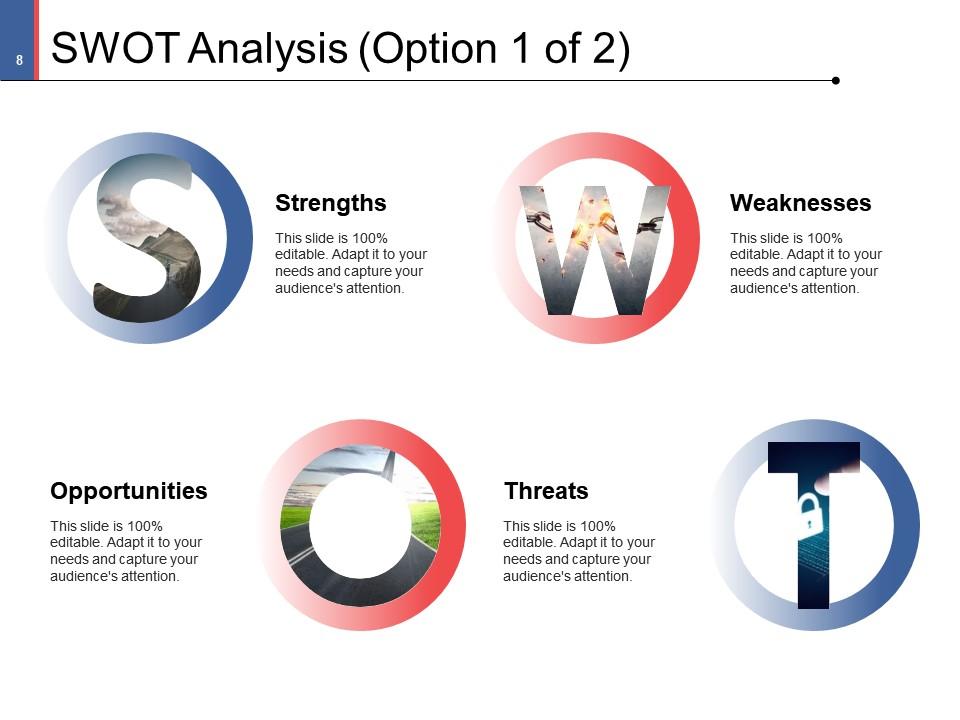
SWOT analysis is a popular tool that recruiters use to understand prospective employees. For example, if the candidate is self-aware, how do they react to challenges, and how do they plan to improve? The analysis could help you land roles and opportunities you are better suited for. You can convey your strengths, weaknesses, opportunities, and threats using a single slide. Well-defined alphabet icons with images are used for clear categorization.
Template 4: Professional Qualifications

Professional qualifications are credentials you have earned through learning, training, and experience. The certificate, for example, shows you have the necessary skills to perform a specific role in a specific industry. The slide includes specialized icons like a graduation cap, note, employee badge, and book. You can use them to convey the type of credentials and how you earned them. Below the icons, you can mention the qualifications and provide a crisp overview.
Template 5: Training
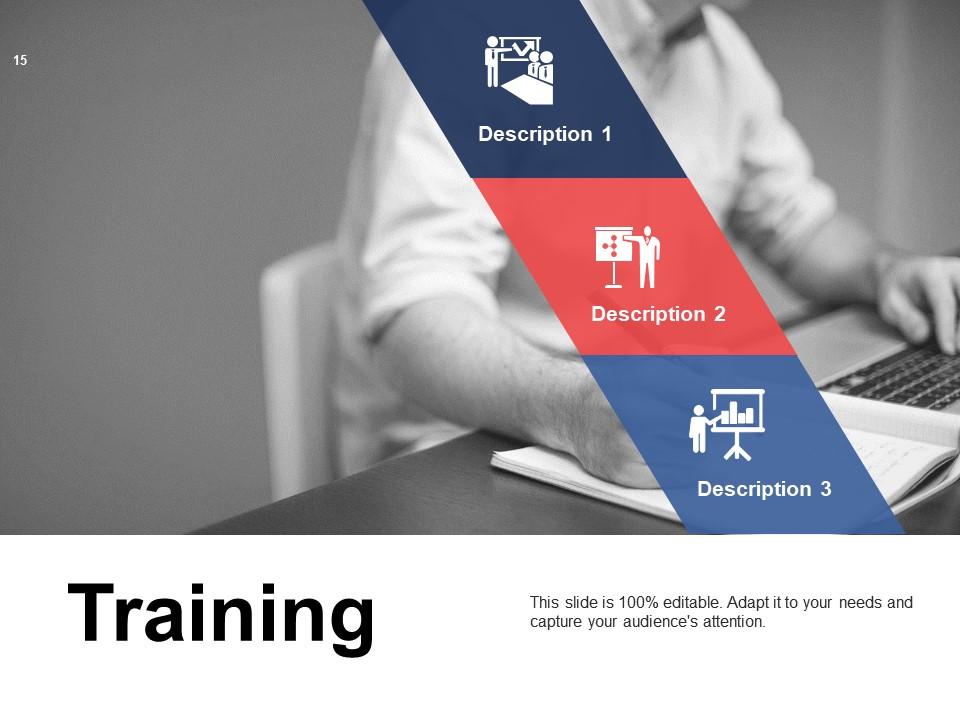
Training helps you stay updated with changing industry trends and technology. The mere act of completing a training is also a plus. It shows your willingness to improve and your ability to go the extra mile. The training slide has a background image with a slanting banner on top divided into sections. You can mention your training in these sections. This slide has a unique design to keep things interesting. However, it follows the same color palette, fonts, and icon template; the consistency is still maintained.
Template 6: Experience - Projects
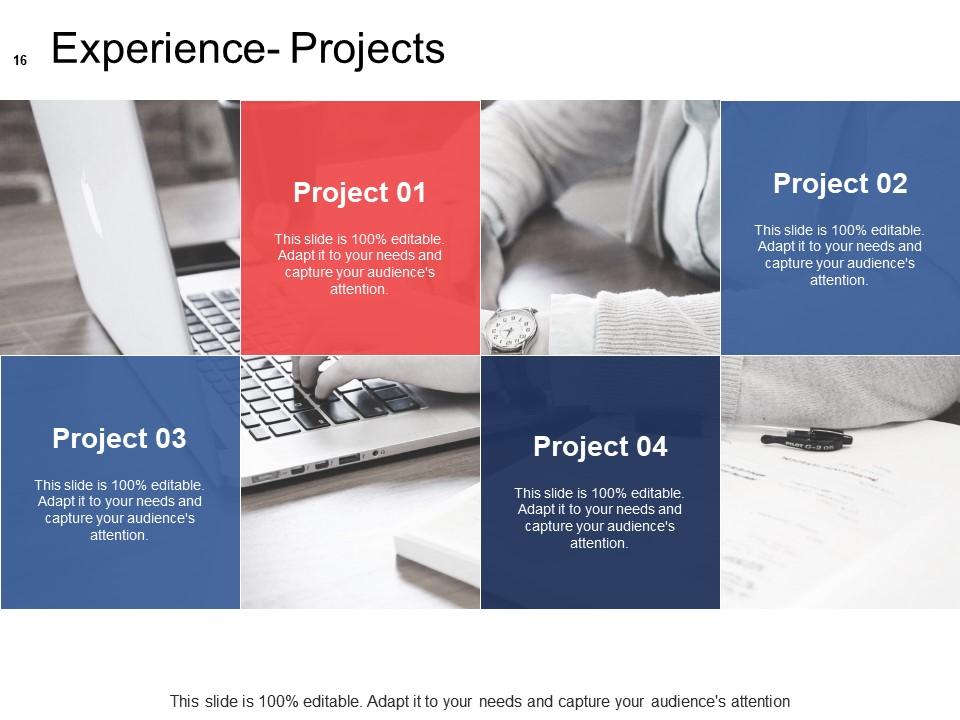
If there are professional or personal projects that you are proud of, use the projects slide under the experience section to showcase them. The information is tangible evidence of what you are capable of. It is another opportunity for you to display your interests and creativity. The projects slide includes a background image and colorful sections where you can add text. There is ample space to add your role or explain the problem statement and solution.
Template 7: Case Study
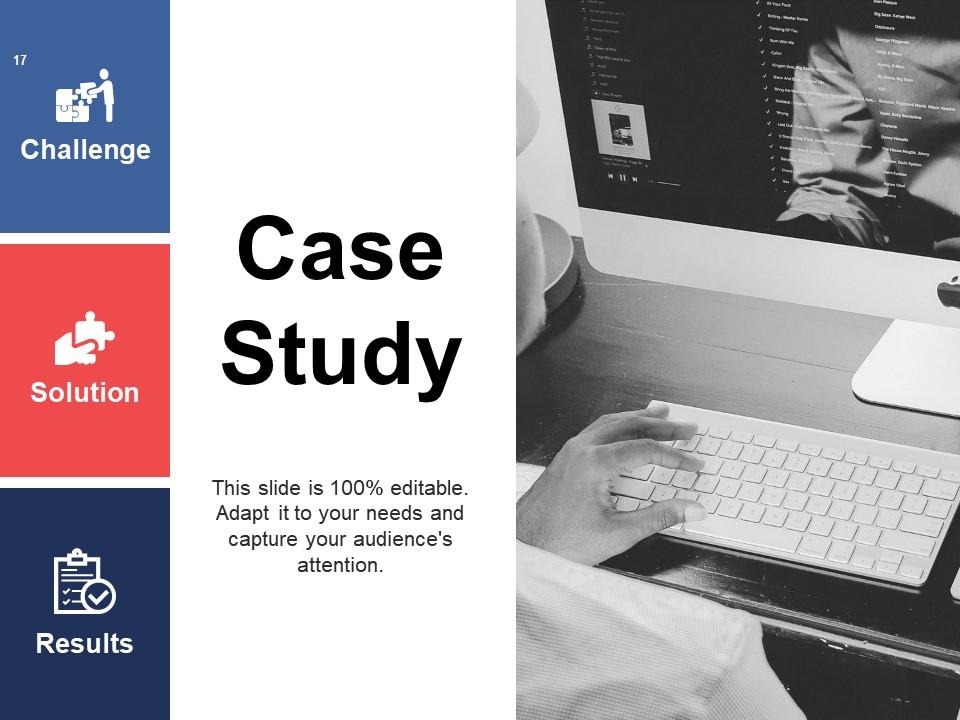
If tangible evidence is your goal, the case study slide is another slide where you can excel. For example, instead of stating project management as a skill, mention a project as a case study and how you applied your skills to achieve the desired result. The case study slide is divided into three sections: challenge, solution, and result. Owing to the great and clutter-free design, the viewer can understand your accomplishments at one glance.
Template 8: Skills
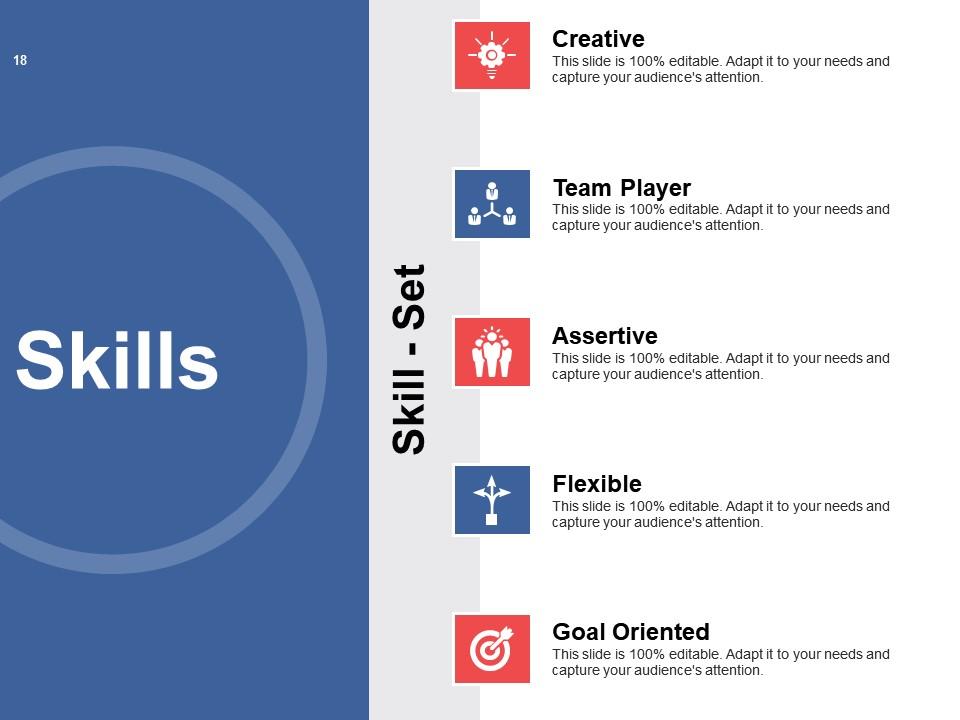
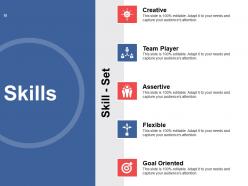
The skills slide is where we circle back to the question, 'Why should we hire you?' The slide comes with an editable data set. It includes skills like creative, team player, and goal-oriented to help you get started. We recommend a short description of the skills you possess. For example, you can tie the skills back to your accomplishments or job description. This makes them more impactful than random attributes on a slide. The slide structure allows you to convey maximum information in a clutter-free manner.
Template 9: Language Skills
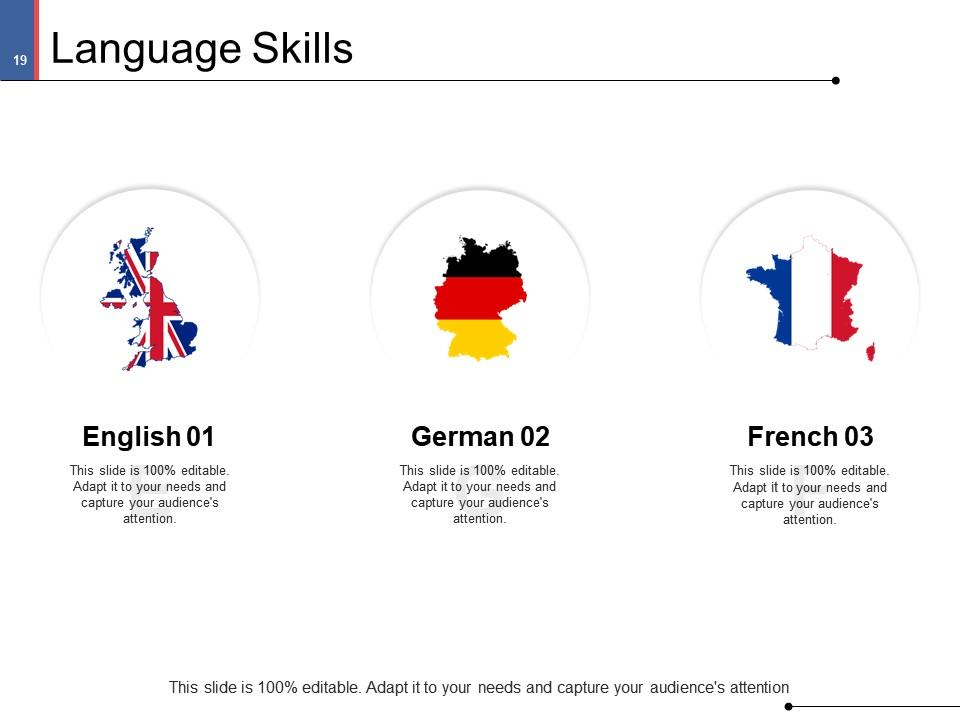
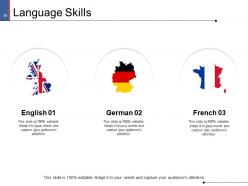
If you can communicate in any language other than your native tongue, this is the slide where you can shine. Language skills can unlock opportunities across the world. In terms of design, this slide takes more creative liberty. The respective country's map and flag represent the languages you know. You can add text below these icons. For example, you can mention language proficiency or certification courses you have completed.
Template 10: Hobbies
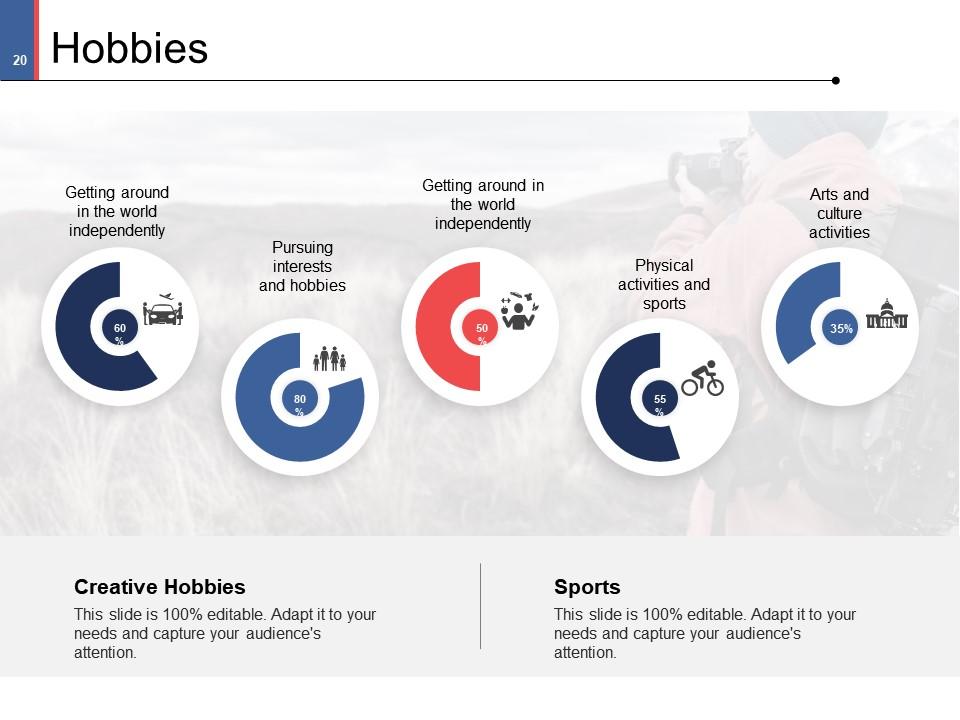
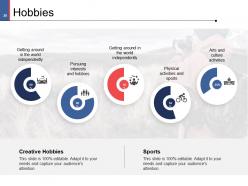
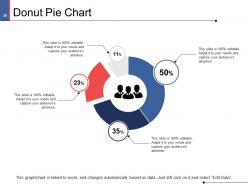
Hobbies make you a well-rounded person. Having a life outside work is important. It is what keeps you satisfied and motivated to stay in your role longer. Using the hobbies slide, you can show your interests and your passion for them. A donut pie chart represents each hobby. You can adjust the percentage on the charts depending on your interest level. If there are hobbies that are close to your heart or the ones that can complement your job role, you can highlight them at the bottom of the slide.
Scale New Heights with a Career Portfolio
A career portfolio could be your differentiating factor from the get-go. Instead of a cut-and-dry text resume, a PowerPoint can help you convey information while encouraging engagement. It shows your commitment to your professional growth. You can write about yourself, your career, qualifications, skills, projects, and hobbies. Using our editable slides with data and design elements like icons, charts, and images, you can create a visual experience while saving on time and effort.
PS Showcase your work experience in the most pleasing, and effective manner with our complete deck.
Sample Powerpoint Career Portfolio PowerPoint Presentation Slides with all 29 slides:
Use our Sample Powerpoint Career Portfolio PowerPoint Presentation Slides to effectively help you save your valuable time. They are readymade to fit into any presentation structure.
-
Sample PowerPoint Career Portfolio
-
Agenda
-

About Me Option 1 of 2
-
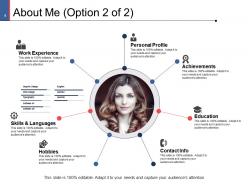
About Me Option 2 of 2
-

Career
-
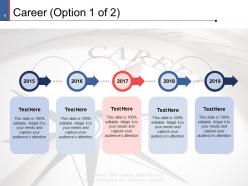
Career Option 1 of 2
-
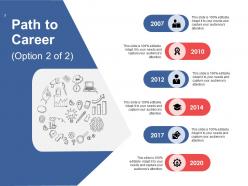
Path to Career Option 2 of 2
-
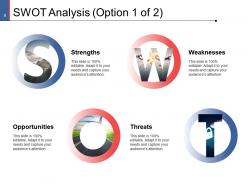
SWOT Analysis Option 1 of 2
-
SWOT Analysis Option 2 Of 2
-
Weaknesses
-
Opportunities
-
THREATS
-

Professional Qualifications
-
Achievements
-
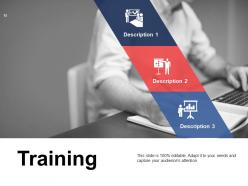
Training
-
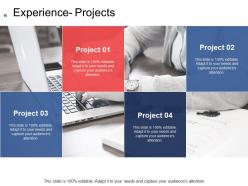
Experience Projects
-
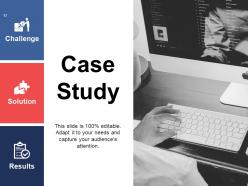
Case Study
-
Skills
-
Language Skills
-
Hobbies
-
Sample PowerPoint Career Portfolio Icons Slide
-
Additional Slides
-
Our Mission
-
Our Team
-
Our Main Goal
-
Comparison
-
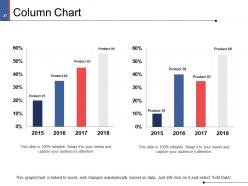
Column Chart
-
Donut Pie Chart
-
Thank You
FAQs for Sample Powerpoint Career Portfolio
Okay so for your portfolio - pick 5-7 of your absolute best work samples that show you've grown over time. Don't just say "improved sales," give actual numbers like "boosted sales 30%." Each piece needs a quick story explaining what problem you tackled and how it connects to where you want to go career-wise. Honestly, ditch the random stuff like old transcripts - nobody cares about that anymore. Make sure everything you include actually relates to the job you're going after. Oh and update it every few months so it doesn't get stale!
Honestly, ditch the static PDF - digital portfolios are so much better. You can throw in videos, clickable prototypes, interactive timelines, all that good stuff. Way more engaging than just describing your work, you know? I love how you can actually see which sections people spend time on with analytics (kinda nerdy but super helpful). Webflow's my favorite, but Notion or even Google Sites work great too. Oh, and don't overwhelm yourself - just pick one platform and start with your 3-4 strongest projects. Add some rich media and you're golden.
So your resume is basically that 1-2 page rundown of your experience and skills. But a portfolio? That's where you actually show off your work - samples, projects, certificates, the whole deal. Your resume tells them what you can do, your portfolio proves it. I always think of it like this: resume gets you the interview, portfolio gets you the job. Most people either bring theirs to interviews or share them online during the process. Oh, and start collecting your best stuff now - you'll thank yourself later when you're scrambling to put one together.
Don't just list what you built - show the impact with real numbers. "Increased conversion by 23%" hits way harder than "improved website performance." I learned this the hard way after my first portfolio was basically a boring project dump. Tell the story: what problem you solved, your role, actual results. Mobile's huge since people browse portfolios on their phones constantly. Bullet points help too. Oh, and definitely cut old work - nobody needs to see that jQuery project from 2019. Lead with your strongest stuff first.
Okay so here's the thing - your portfolio shouldn't just be a random list of what you did. Walk people through the actual story behind each project. Like instead of "boosted sales 20%" tell them about the mess you inherited, what you tried first (spoiler: probably didn't work), then how you figured it out. That whole narrative arc thing actually matters because our brains are wired for stories, not bullet points. Each project needs that beginning-middle-end flow so they can follow your thought process. Honestly just pick one project and pretend you're telling your friend about it over drinks. That's literally how it should sound.
Honestly, you gotta tailor that portfolio for each job - it makes such a difference. Pull the most relevant stuff forward based on what they're actually asking for. Data analysis role? Lead with your best analytics work, not that random creative project (even if you loved it). Swap out samples that don't fit and tweak your descriptions to match their keywords. I usually keep one master version, then create targeted ones from there. Short sentences in your descriptions hit different too. The whole point is making it super obvious why you're perfect for *their* specific role.
Okay so definitely go with clean, professional visuals but throw in some personality too. High-quality screenshots of your work are obvious winners, plus before/after comparisons hit different - people love seeing transformations. Got any data? Charts showing your impact are seriously gold. I've seen some really engaging career timeline graphics lately too, which sounds boring but actually works well. Just don't get carried away with flashy animations and stuff, they're more distracting than helpful. The whole point is making sure each visual actually tells part of your story instead of just taking up space. I'd start by looking at what you have now and swapping out those text-heavy sections.
Put actual numbers on everything - revenue bumps, money saved, how much faster things got done. Don't just say "made the team more efficient." Say you cut project time by 30% and boosted productivity 25%. Numbers hit way harder than fluffy language, trust me. Before/after comparisons work great too, like "got customer response time down from 48 hours to 6." Charts help if your data gets messy. Go dig through your old work right now and find 3-5 solid metrics for each big win you had. Being specific is everything here.
Honestly, the worst thing you can do is dump every project you've ever touched into your portfolio. Quality beats quantity every time. Also, don't send the same generic portfolio to everyone - hiring managers can smell that from a mile away! Tailor it to what they actually want. Pick maybe 5-7 of your strongest pieces that show where you're going, not just where you've been. Oh, and update your contact info - I can't tell you how many people mess that up. Keep your descriptions punchy but meaningful, and make sure everything's actually relevant to the role.
Honestly, I'd update it every 3-4 months or after finishing something big. Super easy to let it slide though - I literally ignored mine for like a whole year once and regretted it. Set a phone reminder or you'll definitely forget! What really helps is keeping a random notes doc all year where you dump accomplishments and feedback as stuff happens. Way better than trying to remember everything later. Remove the old work that makes you cringe now, add new samples, refresh your skills. The whole thing takes maybe an hour if you stay on top of it.
Digital's the way to go first - make sure it loads fast and works on phones since everyone's viewing stuff differently now. Most people just expect that anyway, way easier to send around. Physical portfolios can be awesome though, especially if you're in something creative or doing in-person meetings. Get a nice clean binder that flips smoothly, good quality prints obviously. Honestly I'd focus on nailing the digital version since you can use it everywhere, then maybe do physical later if your field really values that hands-on thing. Digital just gives you way more options.
Honestly, you've gotta get real feedback from people who matter - your boss, mentors, whoever's in the role you want. Don't just ask "how's it look?" because you'll get useless "looks great!" responses. Be specific: what skills am I missing? Does this actually show my impact? Then do something with what they tell you - I know it sounds obvious but most people don't. Keep tweaking your portfolio based on their input and track which versions work better in interviews. Mine's changed like 5 times this year alone. Set a calendar reminder to update it every few months because you're growing, so it should too.
Honestly, go with something clean and minimal - those flashy designs just end up being distracting. You'll want plenty of white space so your actual work stands out. Grid layouts are clutch if you're showing visual stuff, but if it's more text-heavy, stick with simple sidebar navigation. Make sure whatever you pick has clear sections and consistent fonts throughout. Oh, and definitely check that it looks good on mobile since everyone's gonna be scrolling through on their phone anyway. I'd test it with a couple friends first - they'll spot weird navigation issues you might miss.
Honestly, networking is like getting the inside scoop on what employers actually care about. People in your target roles will straight-up tell you which skills they value most and what projects make them pay attention. Sometimes they'll even mention what mistakes everyone else makes - which is gold. You'll learn industry expectations that you'd never find in random online advice. Oh, and these conversations often tip you off to new trends or tools worth showcasing. Just ask specific questions about what grabs their attention in portfolios, then adjust yours accordingly.
Dude, start with personal projects and volunteer stuff to show what you can do. Mock projects work great too - redesign some local business's terrible website or crunch numbers for a nonprofit you actually care about. Upwork and Fiverr are honestly pretty solid for getting your first gigs, even the tiny $50 ones add up. Oh, and contributing to open source projects or blogging about your field helps too. Some of my favorite portfolio pieces literally started as weekend rabbit holes I went down. The trick isn't just showing the final thing - document your whole process and explain why you made certain choices. That's what actually impresses people.
-
Unique and attractive product design.
-
Topic best represented with attractive design.
-
Professional and unique presentations.
-
Good