


1214 blue icons for internet things with network technology powerpoint template
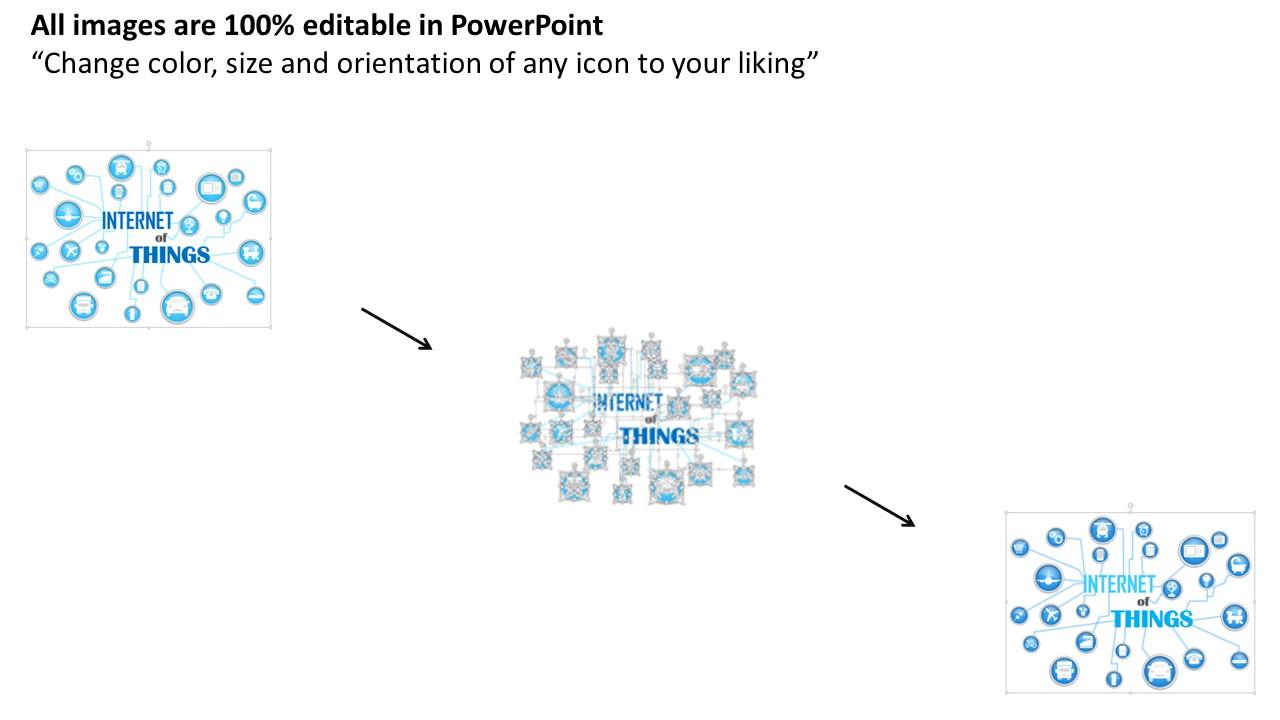
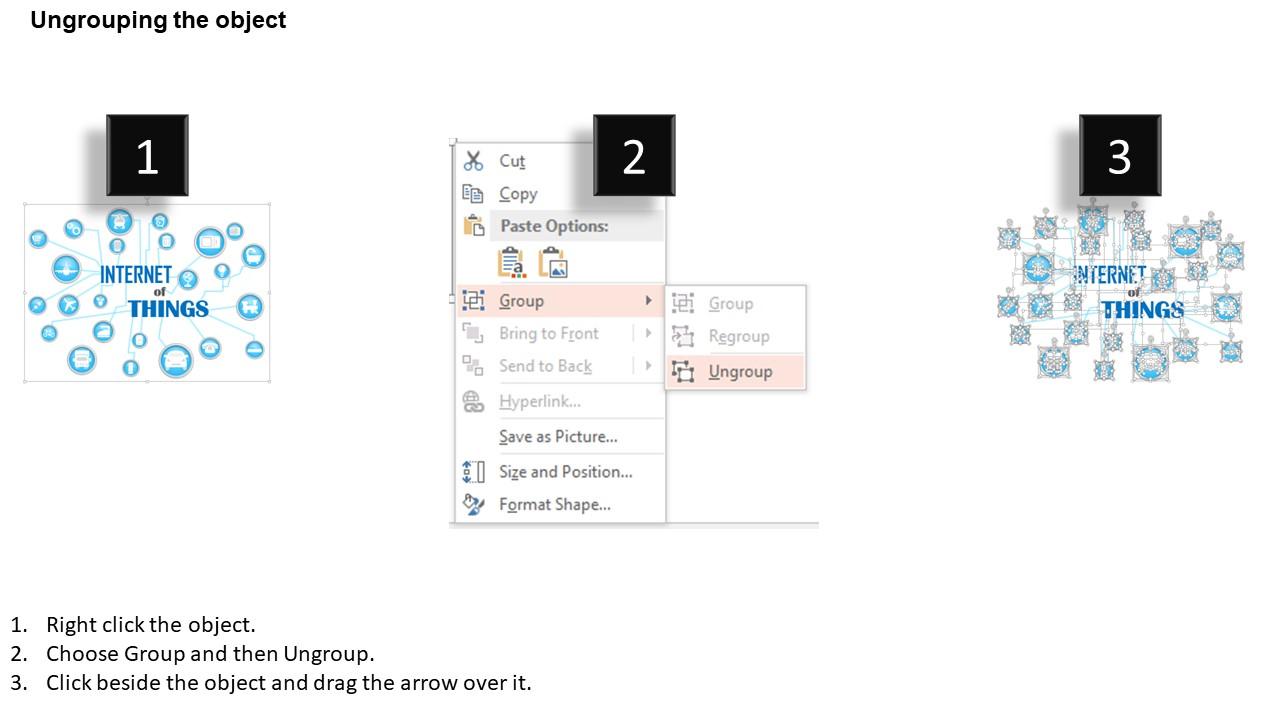
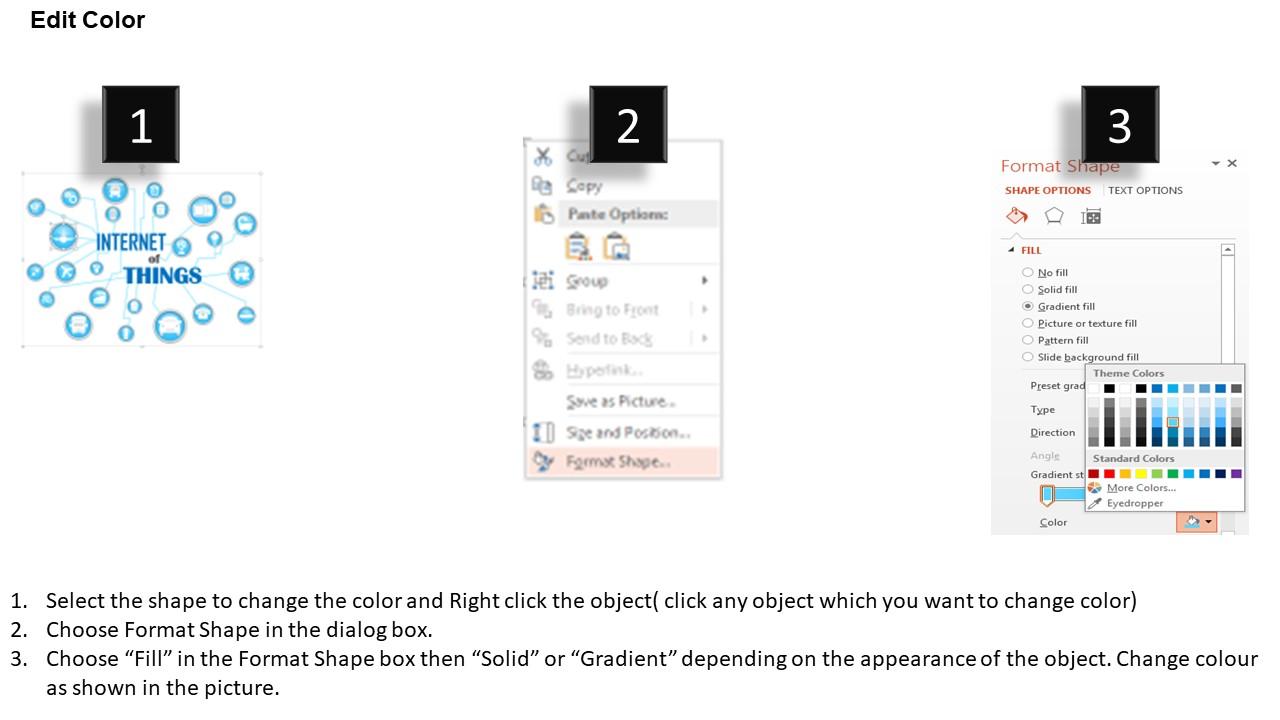
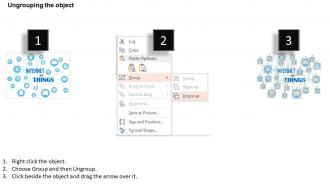
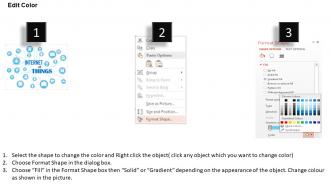
Demonstrate the concept of innovation in the technology using blue icons for internet things with network technology PowerPoint template design. The connectivity of multiple applications with one device is what internet of things is all about. The presentation illustration helpful in making the viewer’s understands the information about the growth of technology. As per the recent study, there will be about 20 billion devices on the Internet of things by 2020. The PPT background helps you to demonstrate the applications that will be connected to it such as media, manufacturing, energy management, medical and healthcare, transportation, consumer application, infrastructure management etc. Apart from this, you may use this presentation visual to show the details related to the enabling technologies for internet of things which are short range, medium range and long range wireless technology. This PowerPoint template is beneficial in showing the concept of networking technology. Moreover, the design is amendable which allows editing it according to the industry you are engaged in. Thus, download and incorporate it in your presentation. Harmony evolves with our 1214 Blue Icons For Internet Things With Network Technology PowerPoint Template. Everyone will act with complete cohesion.
Demonstrate the concept of innovation in the technology using blue icons for internet things with network technology PowerP..




-

- Google Slides is a new FREE Presentation software from Google.
- All our content is 100% compatible with Google Slides.
- Just download our designs, and upload them to Google Slides and they will work automatically.
- Amaze your audience with SlideTeam and Google Slides.
-

Want Changes to This PPT Slide? Check out our Presentation Design Services
-

- WideScreen Aspect ratio is becoming a very popular format. When you download this product, the downloaded ZIP will contain this product in both standard and widescreen format.
-

- Some older products that we have may only be in standard format, but they can easily be converted to widescreen.
- To do this, please open the SlideTeam product in Powerpoint, and go to
- Design ( On the top bar) -> Page Setup -> and select "On-screen Show (16:9)” in the drop down for "Slides Sized for".
- The slide or theme will change to widescreen, and all graphics will adjust automatically. You can similarly convert our content to any other desired screen aspect ratio.
Compatible With Google Slides

Get This In WideScreen
You must be logged in to download this presentation.


Do you want to remove this product from your favourites?
PowerPoint presentation slides
Presentation background can be amend easily as access to change color, text accessible. Startling PowerPoint design. Implausible picture quality as pixels don’t break. Blend well with online software tools i.e. JPG and PDF. Hundred percent compatible with Google slides. Pre-designed PPT infographic saves you valuable time. Modify the presentation slide with your company trademark, badge and design.

People who downloaded this PowerPoint presentation also viewed the following :
1214 blue icons for internet things with network technology powerpoint template with all 5 slides:
Establish a basis for creating consensus with our 1214 Blue Icons For Internet Things With Network Technology PowerPoint Template. Bring folks on common ground.
-
Awesomely designed templates, Easy to understand.
-
Innovative and Colorful designs.
