

Gears powerpoint presentation slides
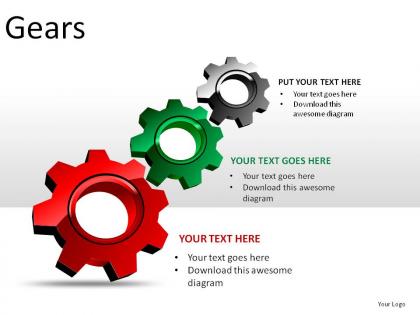




Try Before you Buy Download Free Sample Product
 Impress Your
 Audience
 100%
100% Editable
 Save Hours
 of Time


Our Gears Powerpoint Presentation Slides are a great value proposition. They work up excellent returns.
People who downloaded this PowerPoint presentation also viewed the following :
Gears powerpoint presentation slides with all 27 slides:
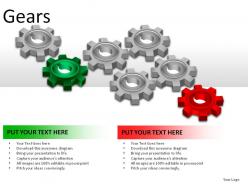
You demand the best for your working life. Our Gears Powerpoint Presentation Slides are crafted to suit the most demanding presentation customer.
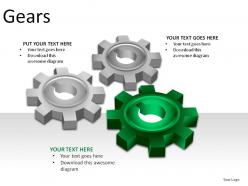
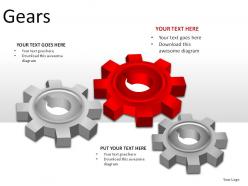
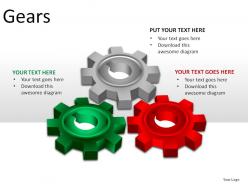
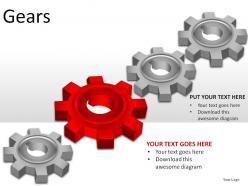
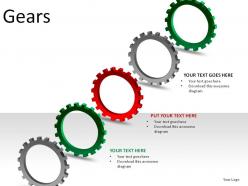
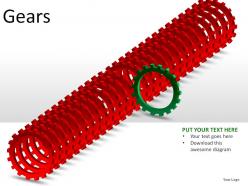
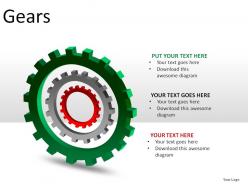
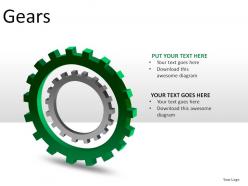
FAQs for Gears
**INPUT**: What are the key features to consider when designing effective gears-themed PowerPoint presentation slides? **OUTPUT**: Effective gears-themed PowerPoint slides require clear visual hierarchy, synchronized animation sequences, consistent mechanical color schemes, readable typography, and intuitive gear interconnections that support your narrative flow. These design elements streamline complex process presentations by enhancing audience comprehension, reinforcing cyclical workflows, and delivering professional credibility, with many organizations finding that well-executed gear metaphors significantly improve stakeholder engagement.
**INPUT**: How can I effectively visualize complex gear mechanisms using PowerPoint graphics? **OUTPUT**: Effective gear mechanism visualization combines layered graphics, animated sequences, and color-coded components to illustrate interconnected systems, rotational movements, and power transmission paths. Through PowerPoint's animation tools and custom graphics, engineering teams, manufacturing organizations, and technical educators create compelling presentations that simplify complex mechanical concepts, enhance stakeholder understanding, and ultimately streamline project approvals while improving technical communication across departments. [Word count: 60]
Effective gear presentation animations include subtle rotation effects, sequential part assembly, smooth transitions between slides, morphing transformations, and strategic zoom-in sequences on mechanical details. These animations enhance understanding by visualizing mechanical processes, demonstrating component relationships, and maintaining audience engagement, with many presenters finding that moderate pacing and purposeful movement create more compelling technical presentations without distracting from core content.
Incorporate gear ratios through visual analogies that show how small inputs create larger outputs, using animated gear systems, step-by-step process flows, and comparative diagrams that illustrate speed versus torque relationships. These visual metaphors help audiences grasp complex business concepts like resource allocation, operational efficiency, and strategic leverage, with many presenters finding that mechanical analogies make abstract processes more tangible and memorable.
**INPUT**: What color schemes work best to convey themes related to gears and machinery in PowerPoint slides? **OUTPUT**: Color schemes for gears and machinery presentations include industrial blues with steel grays, metallic silver with copper accents, dark charcoal with orange highlights, navy with gold touches, and matte black with chrome details. These combinations enhance technical credibility while maintaining visual appeal, with many engineering firms and manufacturing companies finding that metallic palettes effectively communicate precision, reliability, and industrial expertise to stakeholders.
PowerPoint SmartArt tools enable gear component relationships through Cycle, Process, and Hierarchy graphics that visualize interconnections, rotational movements, and mechanical sequences. These tools streamline complex engineering concepts by combining visual elements with text annotations, ultimately delivering clearer technical presentations that enhance stakeholder understanding and accelerate project approvals across manufacturing industries.
Creative ways to represent motion and mechanical movement in gears presentations include animated transitions showing gear rotations, progressive slide builds demonstrating step-by-step processes, directional arrows indicating workflow paths, color-coded systems highlighting interconnected components, and dynamic timelines showcasing operational sequences. These visual techniques enhance audience engagement by transforming static mechanical concepts into compelling narratives, with many presenters finding that animated gear movements effectively communicate complex processes like manufacturing workflows, organizational systems, and strategic implementations.
Effective balance involves using the 6x6 rule for text, positioning key points alongside gear visuals, and ensuring white space prevents overcrowding. Strategic placement of gears as visual metaphors for processes, with concise bullet points and complementary infographics, creates engaging presentations that enhance audience comprehension while maintaining professional clarity and visual impact.
Gear applications span automotive transmissions, industrial manufacturing equipment, aerospace propulsion systems, renewable energy wind turbines, and medical device mechanisms. These diverse implementations demonstrate how gears enable precise power transmission, speed control, and torque multiplication across sectors, with presentations effectively showcasing operational efficiency and mechanical reliability that drive competitive advantage in engineering-focused industries.
Charts and graphs enable effective presentation of gearing system data through torque ratio comparisons, speed reduction visualizations, efficiency metrics, load distribution analysis, and performance benchmarks across different gear types. Manufacturing engineers and automotive designers increasingly utilize bar charts for torque specifications, line graphs for efficiency curves, and pie charts for material compositions, ultimately delivering clearer technical communication and faster decision-making in mechanical design processes.
**INPUT**: What are some design tips to ensure slides on gears maintain audience engagement throughout the presentation? **OUTPUT**: Effective gear presentation design includes using high-quality visuals with clear mechanical animations, incorporating interactive elements like clickable diagrams, maintaining consistent color schemes that highlight key components, and balancing technical detail with accessible explanations. These approaches streamline complex mechanical concepts by emphasizing visual storytelling, progressive disclosure of information, and real-world applications, ultimately delivering enhanced audience comprehension and sustained engagement throughout technical presentations.
Storytelling elements enhance gear presentations by weaving technical concepts into compelling narratives, using analogies like clockwork precision or industrial evolution, and following problem-solution-outcome arcs. These approaches transform complex mechanical presentations into engaging journeys, with many engineering teams finding that storytelling delivers improved audience retention, clearer understanding, and ultimately stronger stakeholder buy-in for gear-related projects.
Typography in gears-themed presentations creates visual hierarchy through strategic font choices, sizes, and weights that guide audience attention to critical mechanical concepts, specifications, and process flows. Bold, industrial-style fonts complement gear imagery while enhancing readability, with many engineering and manufacturing organizations finding that consistent typographic treatment across technical slides ultimately delivers clearer communication and stronger audience engagement.
Case studies involving gears can be integrated through dedicated slides featuring automotive transmission efficiency improvements, wind turbine optimization projects, or manufacturing automation success stories. Include before-and-after performance metrics, visual diagrams of gear applications, and quantified outcomes like cost reductions or efficiency gains, with many presenters finding that sector-specific examples in aerospace, robotics, or industrial machinery significantly enhance audience engagement and demonstrate practical relevance.
SlideTeam offers comprehensive gear PowerPoint templates, customizable slide designs, infographic elements, process flow diagrams, and animation-ready graphics for cohesive presentations. These resources streamline presentation development by providing professionally designed layouts, consistent visual themes, and editable components, enabling businesses to create compelling gear-themed presentations that enhance audience engagement and deliver complex mechanical concepts with clarity and visual impact.
-
Unique research projects to present in meeting.
-
Very unique and reliable designs.