

How To Build The Ultimate Client Experience Powerpoint Presentation Slides




Try Before you Buy Download Free Sample Product
 Impress Your
 Audience
 100%
100% Editable
 Save Hours
 of Time


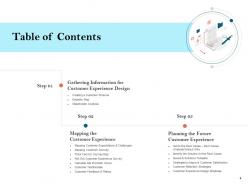
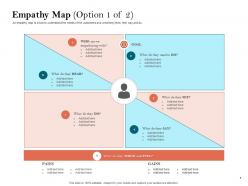
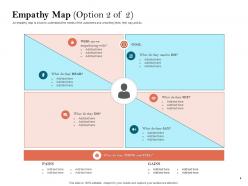
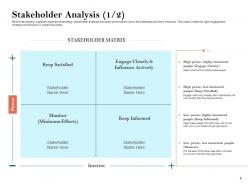
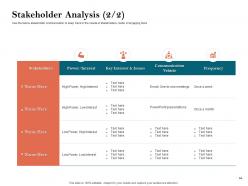
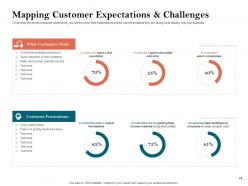
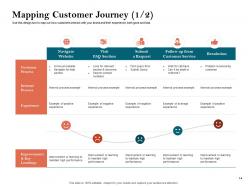
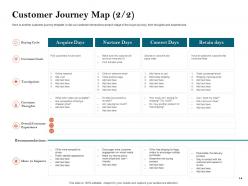
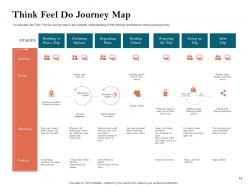
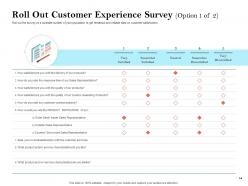
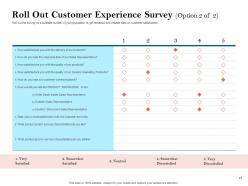
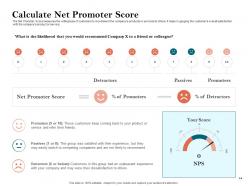
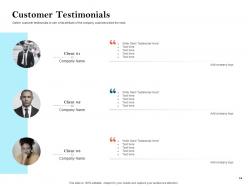
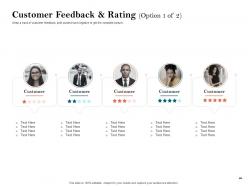
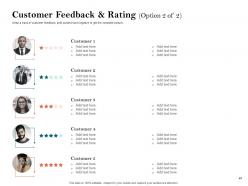
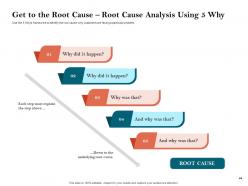
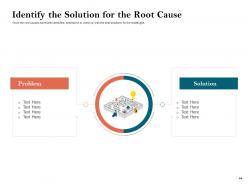
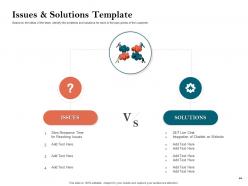
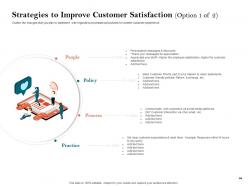
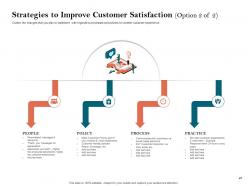
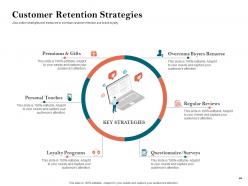
Presenting our How To Build The Ultimate Client Experience PowerPoint Presentation Slides to help you gain insight into the customer behavior and develop suitable business strategies. Create a buyer persona to understand the target audience and their needs by employing our customer-centric PPT slides. This complete PPT deck incorporates content-specific templates on empathy map, stakeholder matrix, and customer journey to make your task easy and time-saving. Study client testimonials included in this user experience PPT presentation and find out which product or service customers liked the most. Mention the operational changes required for enhanced customer engagement and satisfaction by taking the aid of these client relationship management PPT designs. You can engage in developing strategies to maximize client retention for your company by using these professionally curated CX PPT visuals. Get to the root cause of customer disloyalty with these business strategy PPT graphics designed to cater to all your requirements. Click the download button and convey your vision clearly and concisely.
People who downloaded this PowerPoint presentation also viewed the following :
How To Build The Ultimate Client Experience Powerpoint Presentation Slides with all 45 slides:
Use our How To Build The Ultimate Client Experience Powerpoint Presentation Slides to effectively help you save your valuable time. They are readymade to fit into any presentation structure.
FAQs for How To Build The Ultimate Client Experience
Honestly, it comes down to three things. First, research the hell out of your audience beforehand - what keeps them up at night, how they make decisions, all that stuff. During the actual presentation, make it feel like a conversation instead of you just talking at them. Ask questions and actually wait for answers. Also, for the love of god, test your tech setup first because there's nothing worse than spending 10 minutes trying to share your screen while everyone sits there awkwardly. Send a follow-up email within 24 hours with next steps clearly laid out. The whole point is making them feel like you get their problems and you're there to solve them, not just sell them something.
Templates are honestly a lifesaver because they keep your slides looking consistent - clients won't get distracted by wonky formatting. You can actually build a story that flows instead of having them wonder why slide 3 looks like it's from a different presentation entirely. Clean, minimal templates work great for data stuff, but switch to something more dynamic when you want to get them excited. I usually stick with 2-3 solid templates and tweak them based on who I'm presenting to. Oh, and they make you look way more put-together than just winging it with random designs.
Honestly, visual design matters way more than people think. Clients judge you instantly based on how your stuff looks - before you even get a chance to talk. I learned this the hard way when I sent a proposal with weird fonts once. Clean design tells them you're detail-oriented and professional. But messy colors or outdated layouts? They'll assume you're disorganized or stuck in 2010. Your website, emails, presentations - everything counts. Would you trust a financial advisor whose business card uses Comic Sans? Yeah, exactly. Keep your brand consistent across all your materials and you'll look way more credible.
Build a core framework first, then just swap pieces around for different clients. Some want super detailed breakdowns, others prefer the quick executive version - honestly wish I'd figured this out sooner because it saves tons of revision rounds. Mix up your examples based on their industry, tweak the tone (formal vs casual), change up deliverable formats. I usually keep 2-3 base templates ready to go. You can add variable fields for their specific terms or branding stuff too. Way better than reinventing the wheel each time, trust me.
Honestly, track your immediate feedback scores first - that's the easiest starting point. Then watch conversion rates from presentation to actual next steps. During the session, notice if they're engaged or just going through the motions. Are they asking questions? Taking notes? Or scrolling Instagram under the table (ugh, the worst). Response time after matters too - quick replies usually mean interest. Also check if they share your stuff with their team internally. But real talk? The biggest tell is whether they actually move forward in your process within like 2-3 weeks. Start tracking these consistently and patterns will jump out.
Oh totally! Colors mess with people's heads way more than you'd think. Blues and greens make clients feel chill and trusting - super reliable vibes. Red can come off pushy though I've definitely seen it work for gutsy brands. Muted tones scream "professional" but honestly? Too much gray and you'll put everyone to sleep. Bright colors wake people up but they're exhausting in longer presentations. Just match whatever feeling you want them walking out with. And definitely test it first - I learned that one the hard way lol.
Oh man, don't wing it - prep your stuff beforehand. Test all your tech too because nothing's worse than fumbling with a laptop while everyone stares. Stop reading slides word for word! That's so awkward. Watch their faces - if people look glazed over, switch gears fast. Ask them questions or something. Don't go over your time slot either, seriously kills the vibe. And here's the thing - make it about THEM, not you bragging about your company. What problems are they dealing with? Start there. Keep it chill and conversational, not like you're giving some corporate speech.
Honestly, just pause every few slides and ask stuff like "Does this make sense?" or "Any questions so far?" People appreciate the check-ins more than you'd think. I always send a quick survey right after too - they'll actually fill it out while everything's still fresh in their heads. Halfway through, try something like "Want me to go deeper here or should we keep moving?" It keeps things conversational instead of you just talking at them for 20 minutes straight. Nothing worse than finishing a whole presentation only to realize you totally missed what they wanted. Start small - maybe just one checkpoint per presentation until it feels natural.
Dude, treat it like a conversation, not some corporate lecture. Use their name a ton and bring up stuff you've talked about before. Ask questions while you're presenting - keeps them awake, you know? Stories work like magic, especially if they're industry-specific. Say "you" instead of "companies" or whatever. Actually watch their face too - if they look lost, just stop and ask what's confusing them. Don't just plow through your slides like a robot. Oh, and rhetorical questions are clutch for engagement. Makes them feel involved instead of just sitting there getting talked at.
Dude, interactive stuff is a game changer for keeping clients awake during presentations. Live polls work great - or those Q&A tools where people can ask questions without that weird interruption thing happening. I actually love Mentimeter for quick polls, super easy to set up. Screen annotation is clutch too since clients can literally point to what they care about most. Way better than just talking at them for an hour straight. You'll get instant feedback on whether you're making sense, plus they actually remember more when they're doing something instead of zoning out. Start simple though.
Start with your brand basics locked down tight - colors, fonts, logo stuff. Build those right into templates so nobody can mess with them. Trust me, I've watched people think "oh just this once" and boom, suddenly everything looks like a mess. Create different master templates for different presentation types. The trick? Making it way easier to follow the rules than break them. Oh and actually make people use the templates - sounds obvious but you'd be surprised. Give clear rules about what they can customize and what's totally off-limits.
Okay so basically you want to match your story templates to whatever's driving your clients crazy. Take their biggest frustration and make that your "before" scene. Then your solution becomes the hero moment, and boom - show them what life looks like after. Problem-agitation-solution works really well for this, honestly. But here's the thing - you've gotta sound like them. Mirror their exact words when they complain about stuff. Throw in examples from their world. Be empathetic first before you pitch anything (I learned this the hard way lol). Start with maybe 3-4 templates for your biggest pain points. Don't overthink it.
Start by figuring out who's actually in the room - their ages, backgrounds, how long they've been in the industry. Then role-play different scenarios so your team can practice switching up their tone and examples. I can't tell you how many times I've watched presentations crash because someone dropped a reference from 2015 or used insider jargon that made zero sense. Make little persona cards for your typical clients and practice reading the room mid-pitch. The whole point is getting comfortable with pivoting on the spot instead of just memorizing some script.
Make your fonts at least 24pt and stick with Arial or Calibri - they're way easier to read. High contrast colors are your friend here. Add alt text to every image and chart (I know, it's tedious but super helpful). Structure everything with clear headings and bullet points instead of wall-of-text paragraphs. Don't use color alone to show important info. If you can test with a screen reader, do it. Otherwise just walk through your slides imagining you can't see them. Honestly? These changes make presentations better for literally everyone, not just accessibility.
Dude, follow-up is seriously where you win or lose the whole thing. Shoot them something within a day or two - shows you actually care about more than just that one meeting. Don't just send some lame "thanks for your time" email though. Give them actual value: recap the main points, answer questions that came up, maybe throw in a useful resource. People are honestly shocked when you do what you said you'd do (sad but true). The goal is making it feel like you're continuing the conversation, not blasting them with some template. That's how a decent presentation becomes something they'll remember and want to move forward with.
-
Great quality slides in rapid time.