

Introduction To Continuous Deployment Configuration Management With Puppet Complete Deck




Try Before you Buy Download Free Sample Product
 Impress Your
 Audience
 100%
100% Editable
 Save Hours
 of Time


Our Introduction To Continuous Deployment Configuration Management With Puppet Complete Deck are topically designed to provide an attractive backdrop to any subject. Use them to look like a presentation pro.
People who downloaded this PowerPoint presentation also viewed the following :
Content of this Powerpoint Presentation
Slide 1: This slide introduces Introduction to Continuous Deployment Configuration Management with Puppet.
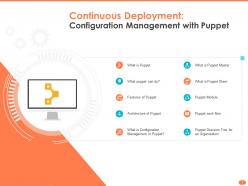
Slide 2: This slide describes Continuous Deployment
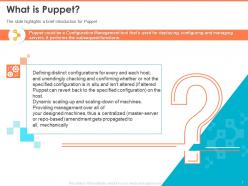
Slide 3: The slide highlights a brief introduction for Puppet
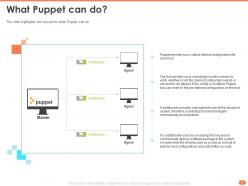
Slide 4: The slide highlights the key points what Puppet can do
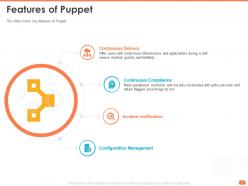
Slide 5: The slide covers key features of Puppet
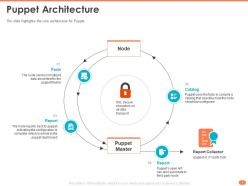
Slide 6: The slide highlights the core architecture for Puppet
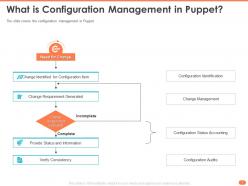
Slide 7: The slide covers the configuration management in Puppet
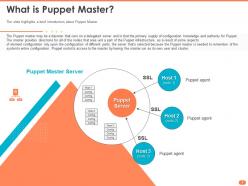
Slide 8: The slide highlights a brief introduction about Puppet Master.
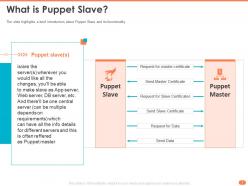
Slide 9: The slide highlights a brief introduction about Puppet Slave and its functionality
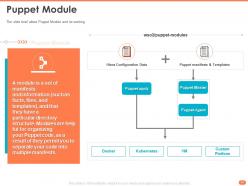
Slide 10: The slide brief about Puppet Module and its working
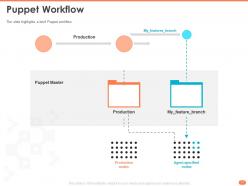
Slide 11: The slide highlights a brief Puppet workflow
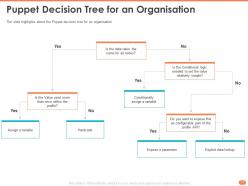
Slide 12: The slide highlights about the Puppet decision tree for an organisation
Slide 13: This slide is titled as Additional Slides for moving forward.
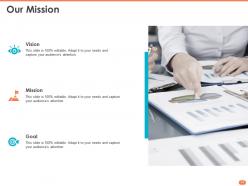
Slide 14: This slide displays Our Mission, Vision and Goal.
Slide 15: This is Our Team slide with Names and Designations.
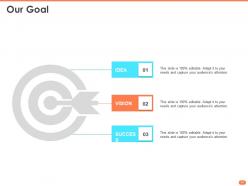
Slide 16: This slide showcases Our Goal of the Companies.
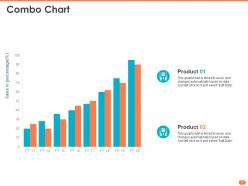
Slide 17: This slide displays Combo Chart with product Comparisons.
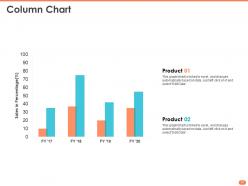
Slide 18: This slide displays Column Chart with product comparison.
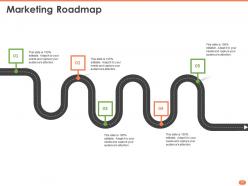
Slide 19: This slide shows Marketing Roadmap
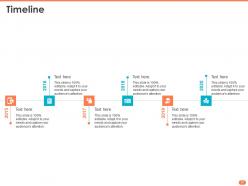
Slide 20: This slide shows Timeline process.
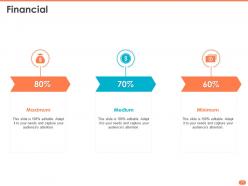
Slide 21: This slide displays Financial process.
Slide 22: This slide shows Mind Map for representing entities.
Slide 23: This slide is titled as Post it Notes. Post your important notes.
Slide 24: This is Idea Generation slide.
Slide 25: This is Puzzle slide.
Slide 26: This is Thank You slide with Contact details.
Introduction To Continuous Deployment Configuration Management With Puppet Complete Deck with all 26 slides:
Use our Introduction To Continuous Deployment Configuration Management With Puppet Complete Deck to effectively help you save your valuable time. They are readymade to fit into any presentation structure.


-
Attractive design and informative presentation.
-
Unique and attractive product design.