


Kaizen pdca cycle process powerpoint presentation slides
Need an engaging Plan-Do-Check-Act PowerPoint presentation for your next company meeting? Our professional designs have come out with Kaizen Pdca Cycle Process PowerPoint Presentation Slides having 80 complete readymade slide presentation to illustrate Pdca cycle. Using this PPT example you can highlight the importance of multi-step management method used in business for the control and continual improvement of processes and products. This example Kaizen Pdca Cycle Process PPT PowerPoint deck sample has slides like agenda, Kaizen 5S framework, 3 MUs Of Kaizen- Muda (Wastefulness), Mura (Imbalance), Muri (overload), 4M checklist, PDCA cycle, kaizen vs. innovation, problem and statement, our goals, action plan, competitor analysis, histograms, lead time and cycle time, solutions to the problem and many more. In addition, our PowerPoint show supports to highlight the understanding on types of waste like overproduction, waiting, transportation/moving, process inefficiencies, inventories/storage, unnecessary motions and defective products for better utilization of resources and to overcome business roadblocks. Using presentation templates of this visual communication you can discuss various Pdca models thereby motivating project team to become a part of this decision-making process. As we have included exclusive PowerPoint presentation slides like pareto analysis, implement countermeasures, kaizen report form, bar chart, pie chart, scatter area slides, comparison, dashboard etc. to make it complete. In short, our Pdca cycle process presentation deck not only saves time, but also has everything that a good Kaizen Pdca Cycle Process presentation example must carry. Just click to download. Take the call with our Kaizen Pdca Cycle Process Powerpoint Presentation Slides. Be certain to have the best answers in hand.
Need an engaging Plan-Do-Check-Act PowerPoint presentation for your next company meeting? Our professional designs have com..















































-

- Google Slides is a new FREE Presentation software from Google.
- All our content is 100% compatible with Google Slides.
- Just download our designs, and upload them to Google Slides and they will work automatically.
- Amaze your audience with SlideTeam and Google Slides.
-

Want Changes to This PPT Slide? Check out our Presentation Design Services
-

- WideScreen Aspect ratio is becoming a very popular format. When you download this product, the downloaded ZIP will contain this product in both standard and widescreen format.
-
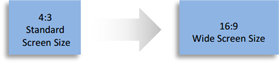
- Some older products that we have may only be in standard format, but they can easily be converted to widescreen.
- To do this, please open the SlideTeam product in Powerpoint, and go to
- Design ( On the top bar) -> Page Setup -> and select "On-screen Show (16:9)” in the drop down for "Slides Sized for".
- The slide or theme will change to widescreen, and all graphics will adjust automatically. You can similarly convert our content to any other desired screen aspect ratio.
Compatible With Google Slides

Get This In WideScreen
You must be logged in to download this presentation.


Do you want to remove this product from your favourites?
PowerPoint presentation slides
Presenting Kaizen Pdca Cycle Process PPT with a set of 80 slides to show your mastery of the subject. Use this ready-made PowerPoint presentation to present before your internal teams or the audience. All presentation designs in this deck have been crafted by our team of expert PowerPoint designers using the best of PPT templates, images, data-driven graphs and vector icons. The content has been well-researched by our team of business researchers. The biggest advantage of downloading this deck is that it is fully editable in PowerPoint. You can change the colors, font and text without any hassle to suit your business needs.

People who downloaded this PowerPoint presentation also viewed the following :
Content of this Powerpoint Presentation
Slide 1: This slide introduces Kaizen PDCA Cycle Process. State Your Company Name and begin.
Slide 2: This is an Agenda slide. State your agendas here.
Slide 3: This is another slide continuing Agenda.
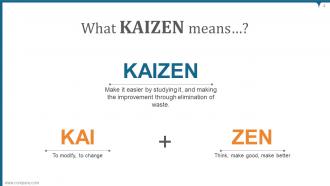
Slide 4: This slide shows What KAIZEN means?
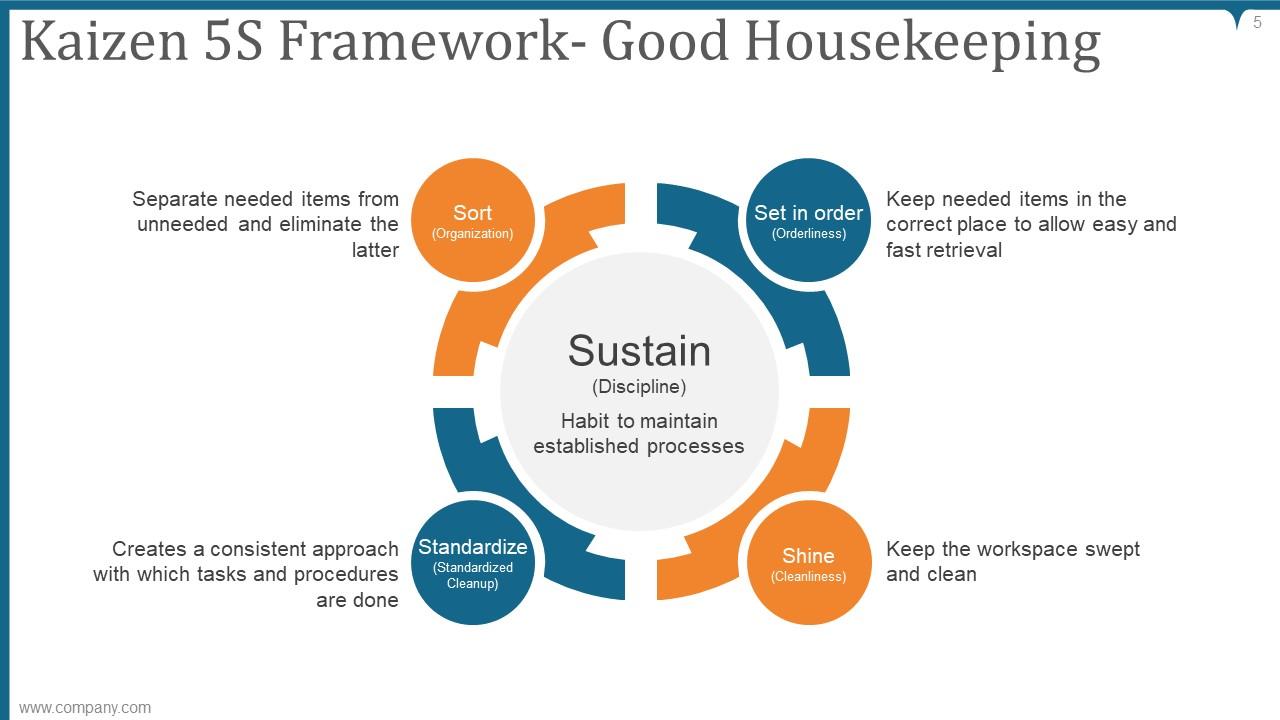
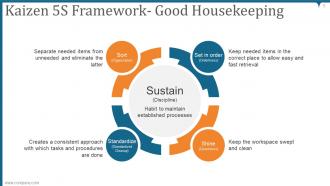
Slide 5: This slide presents Kaizen 5S Framework of Good Housekeeping describing- Sustain, Sort, Set in order, Shine, Standardize.
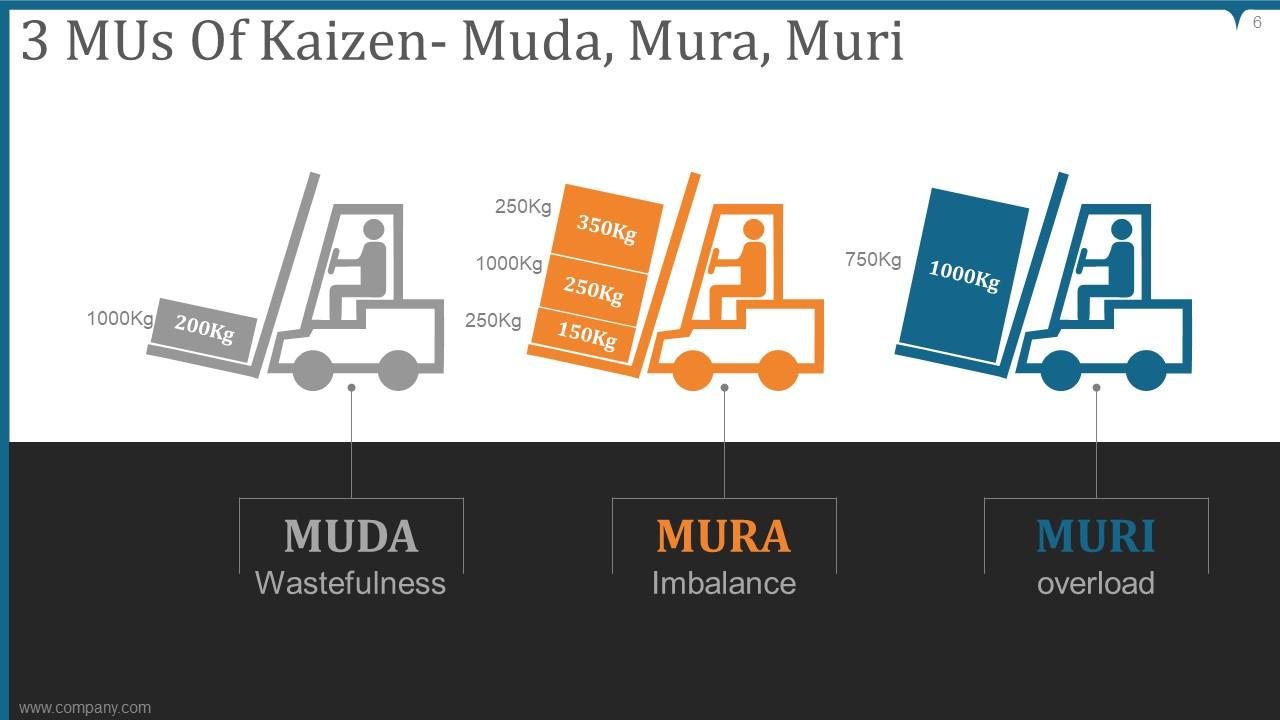
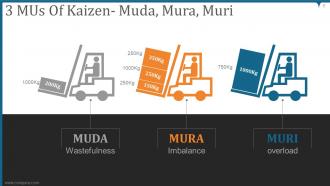
Slide 6: This slide represents 3 MUs Of Kaizen as= Muda, Mura and Muri.
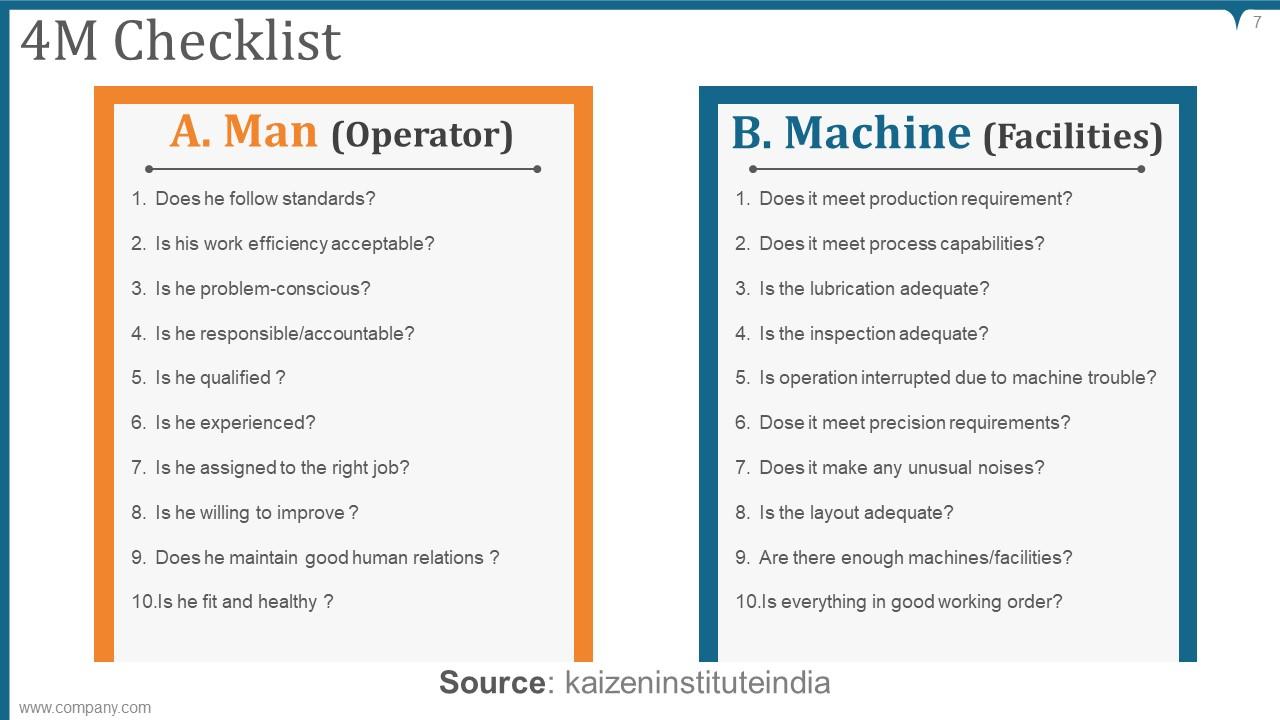
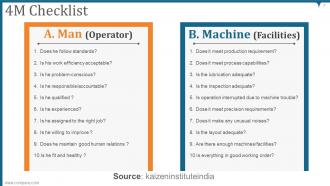
Slide 7: This slide displays 4M Checklist for a man and a machine.
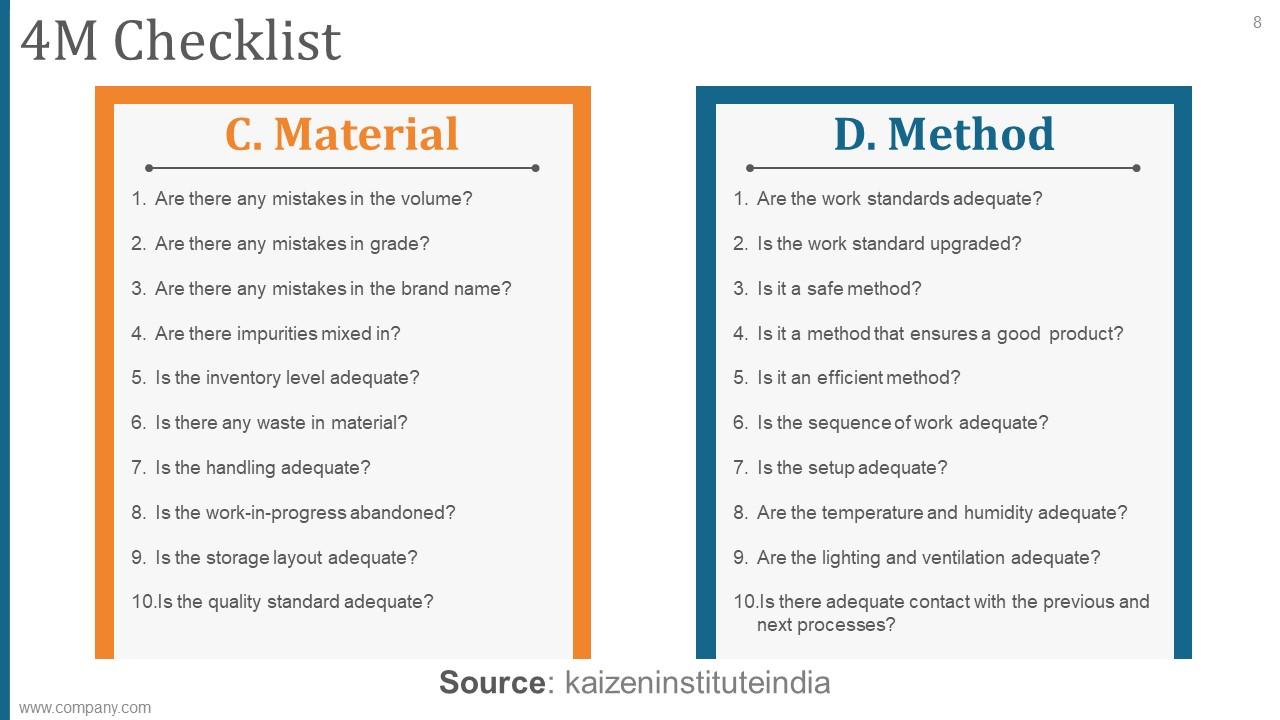
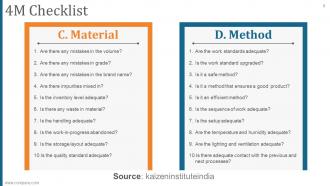
Slide 8: This slide continues 4M Checklist for material and method.
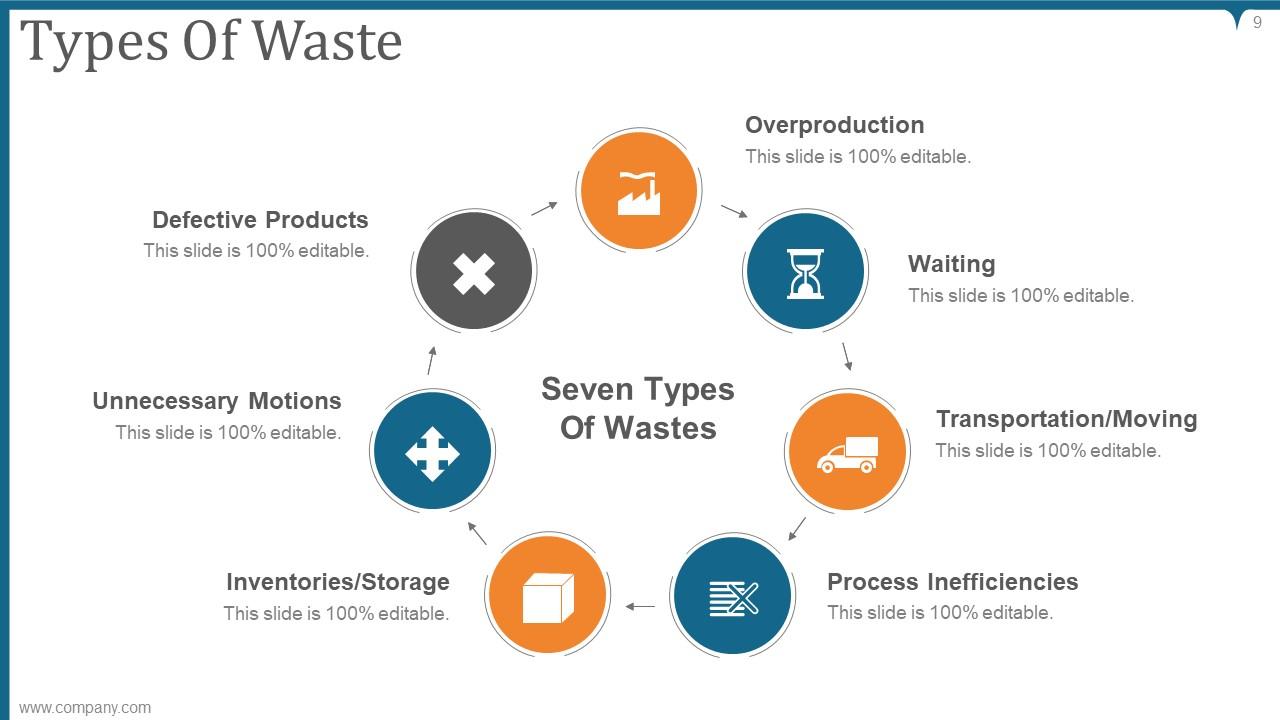
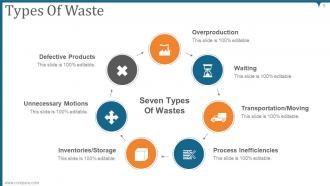
Slide 9: This slide showcases Types Of Waste describing- Overproduction, Waiting, Transportation/Moving, Process Inefficiencies, Inventories/Storage, Unnecessary Motions, Defective Products.
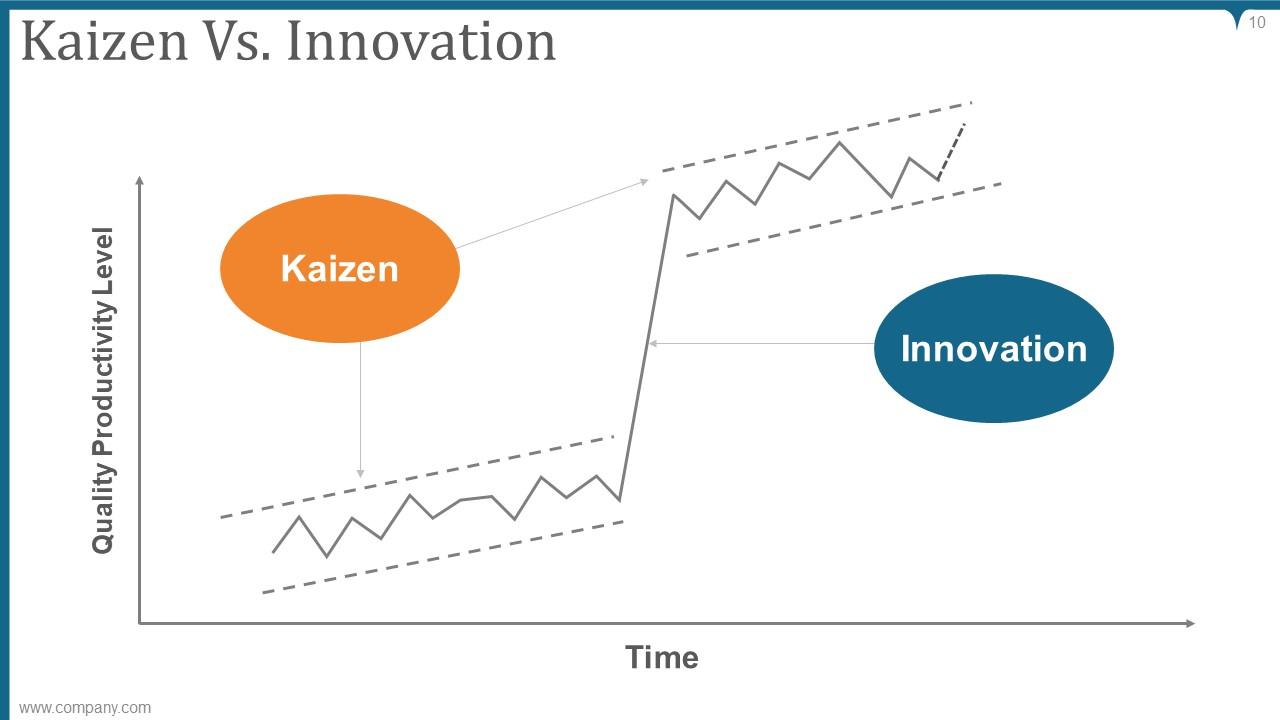
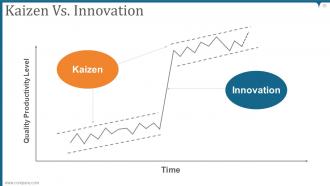
Slide 10: This slide shows Kaizen Vs. Innovation in a graphical form to compare time with Quality productivity level.
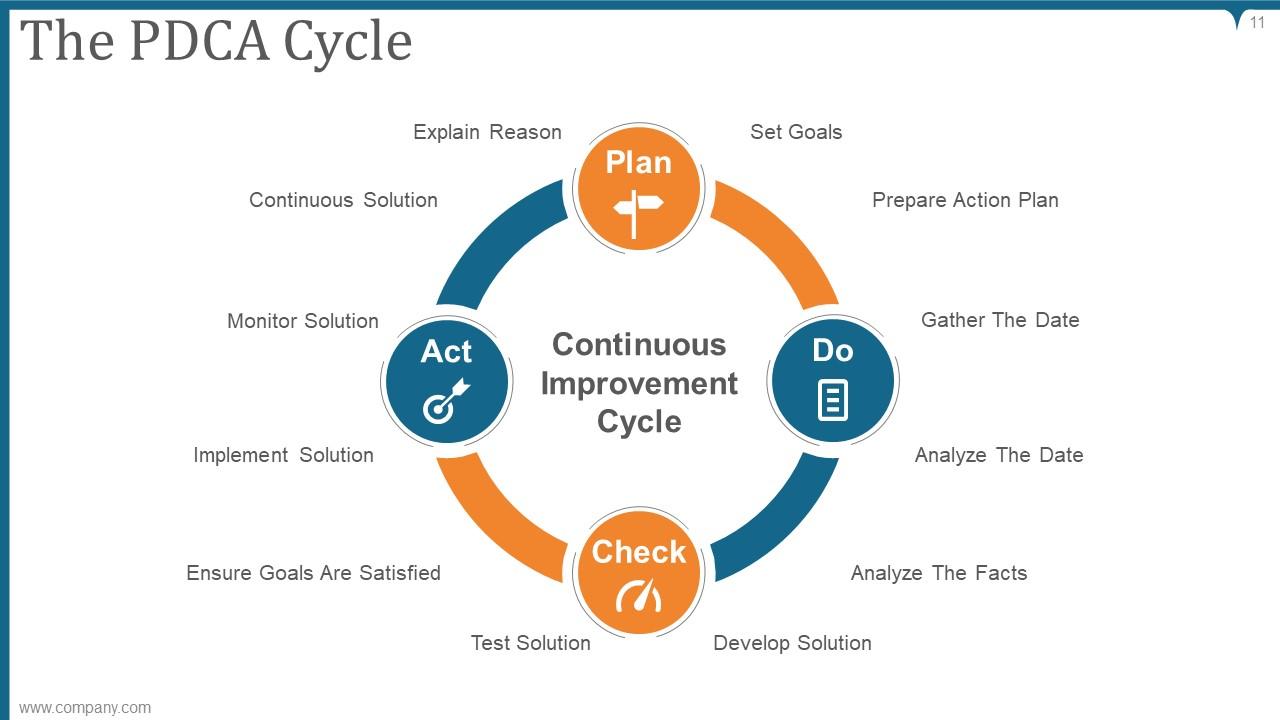
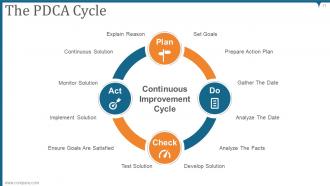
Slide 11: This slide displays The PDCA Cycle describing- Explain Reason, Set Goals, Prepare Action Plan, Gather The Date, Analyze The Date, Analyze The Facts, Develop Solution, Test Solution, Ensure Goals Are Satisfied, Implement Solution, Monitor Solution, Continuous Solution.
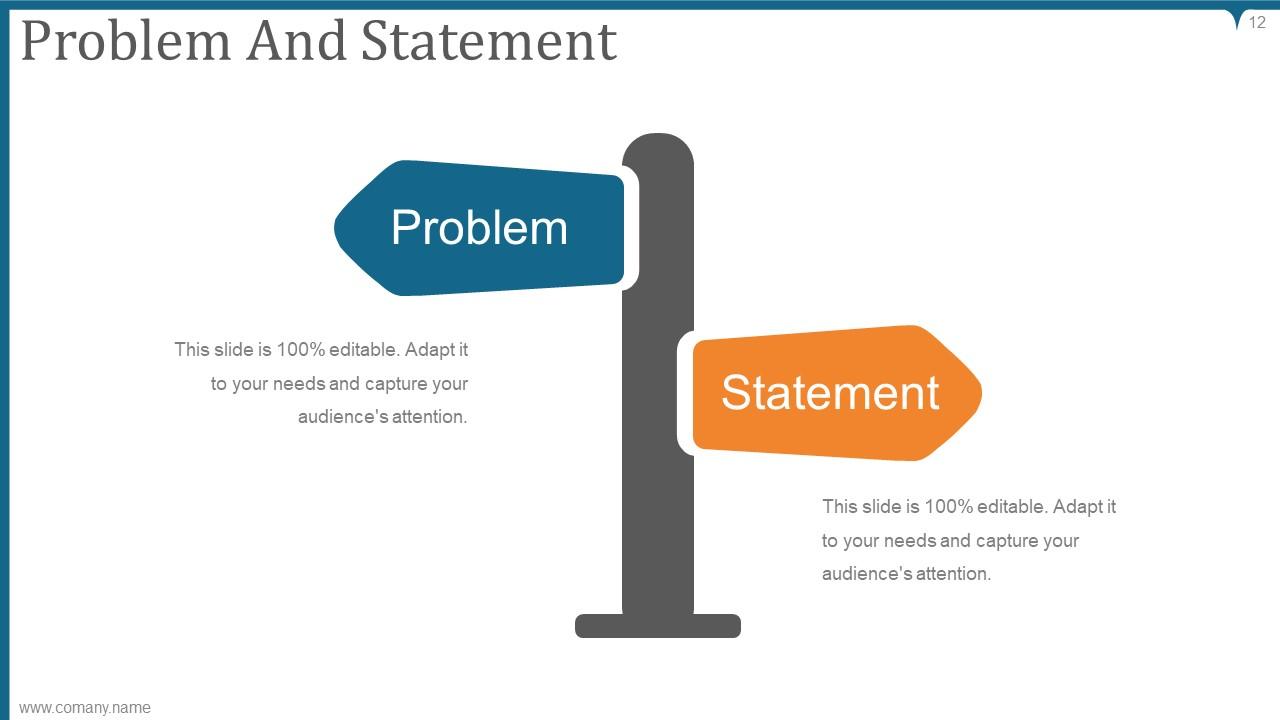
Slide 12: This slide presents Problem And Statement with related imagery and text boxes.
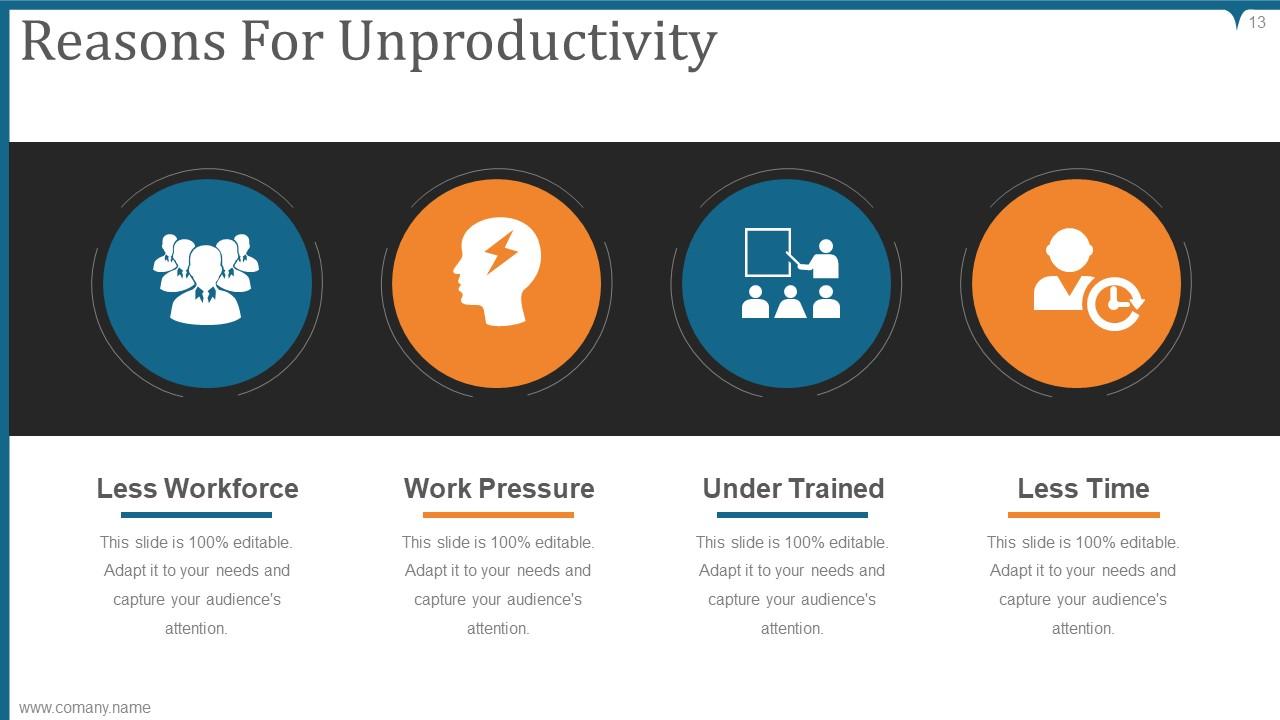
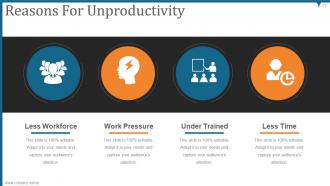
Slide 13: This slide showcases Reasons For Unproductivity describing- Less Workforce, Work Pressure, Under Trained, Less Time.
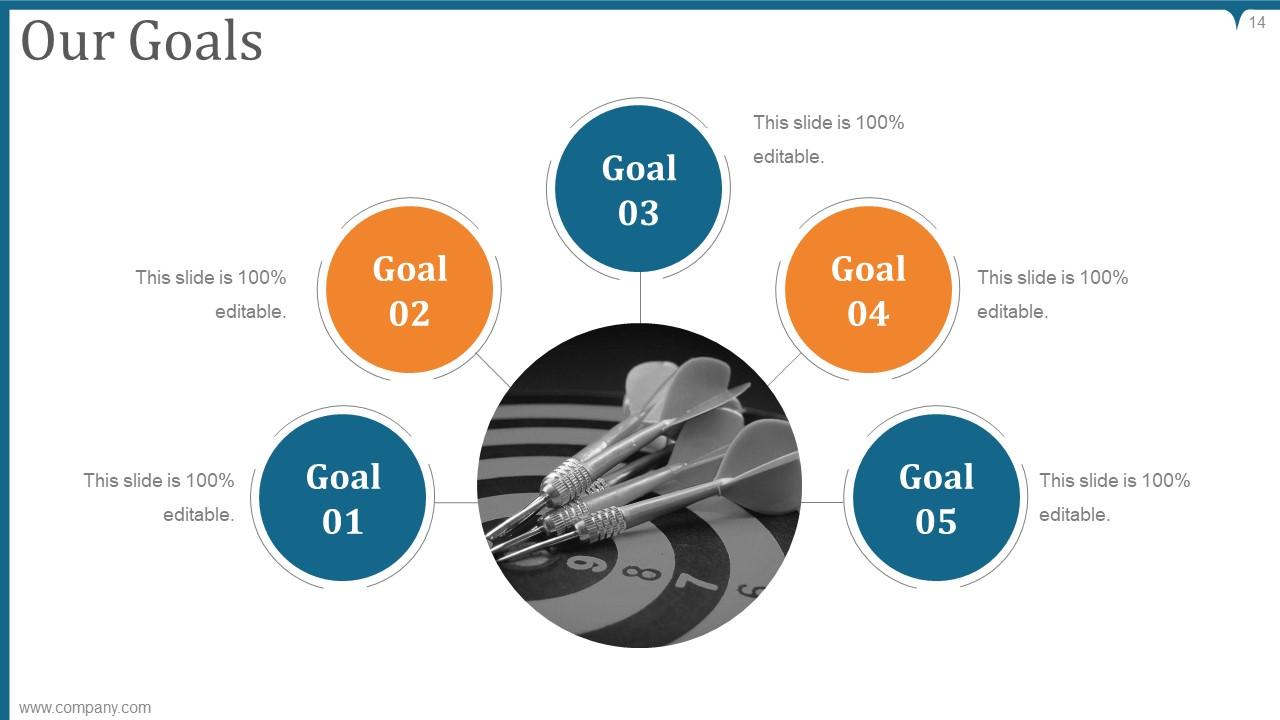
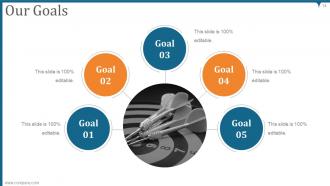
Slide 14: This slide displays Our Goals with a circular diagram and text boxes. State your important goals here.
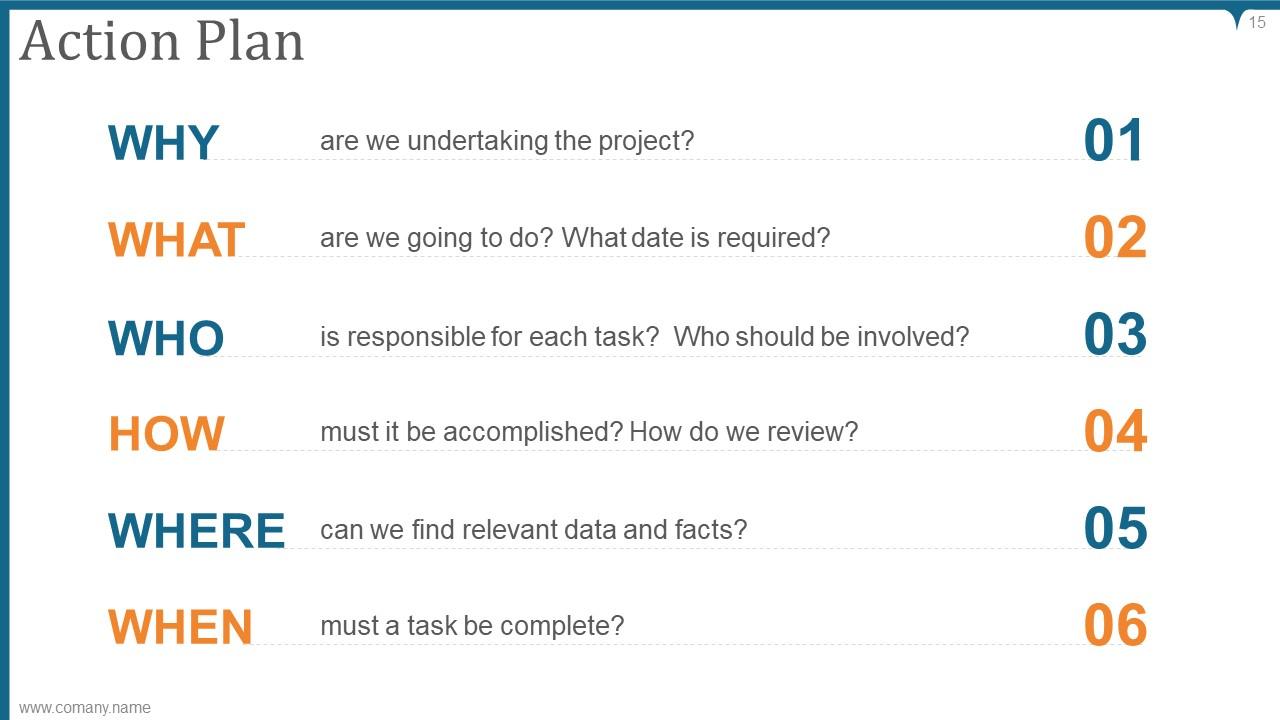
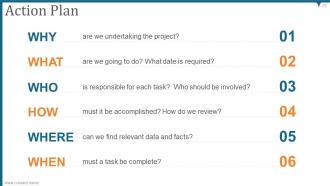
Slide 15: This slide shows Action Plan describing- WHY? WHAT? WHO? HOW? WHERE? WHEN?
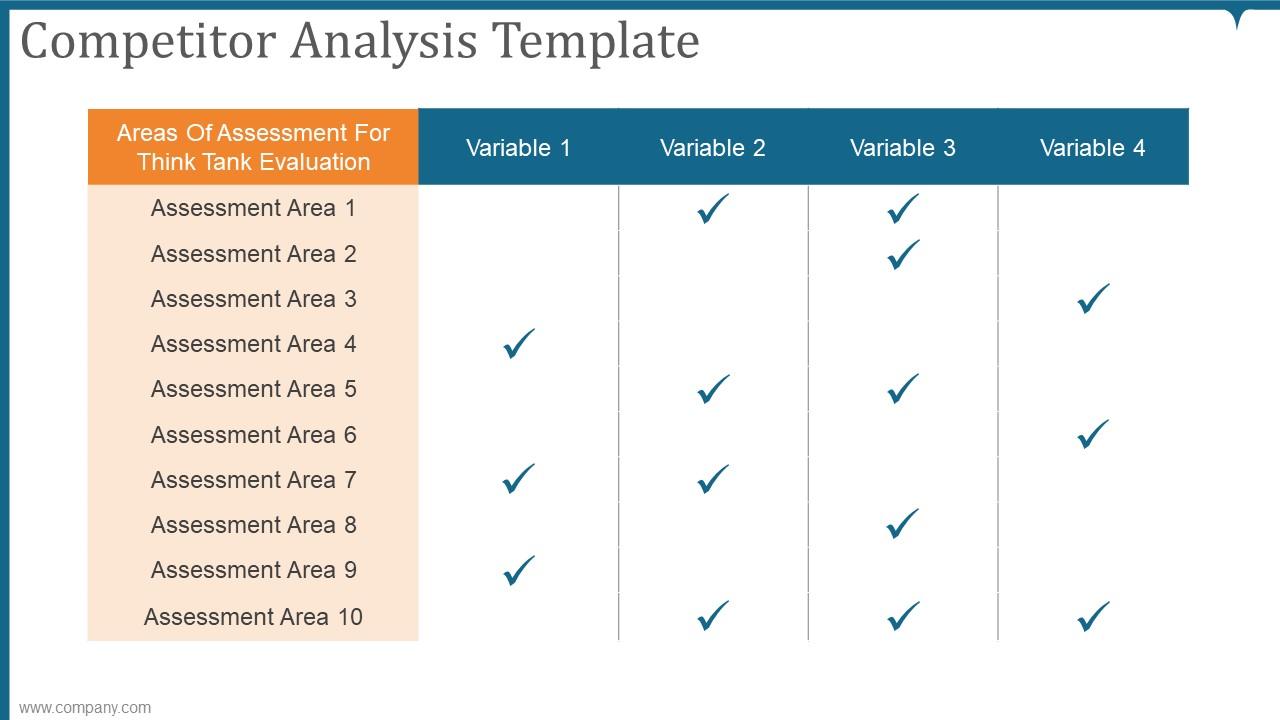
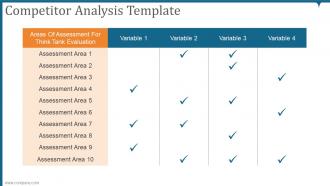
Slide 16: This slide presents Competitor Analysis Template in a tabular form.
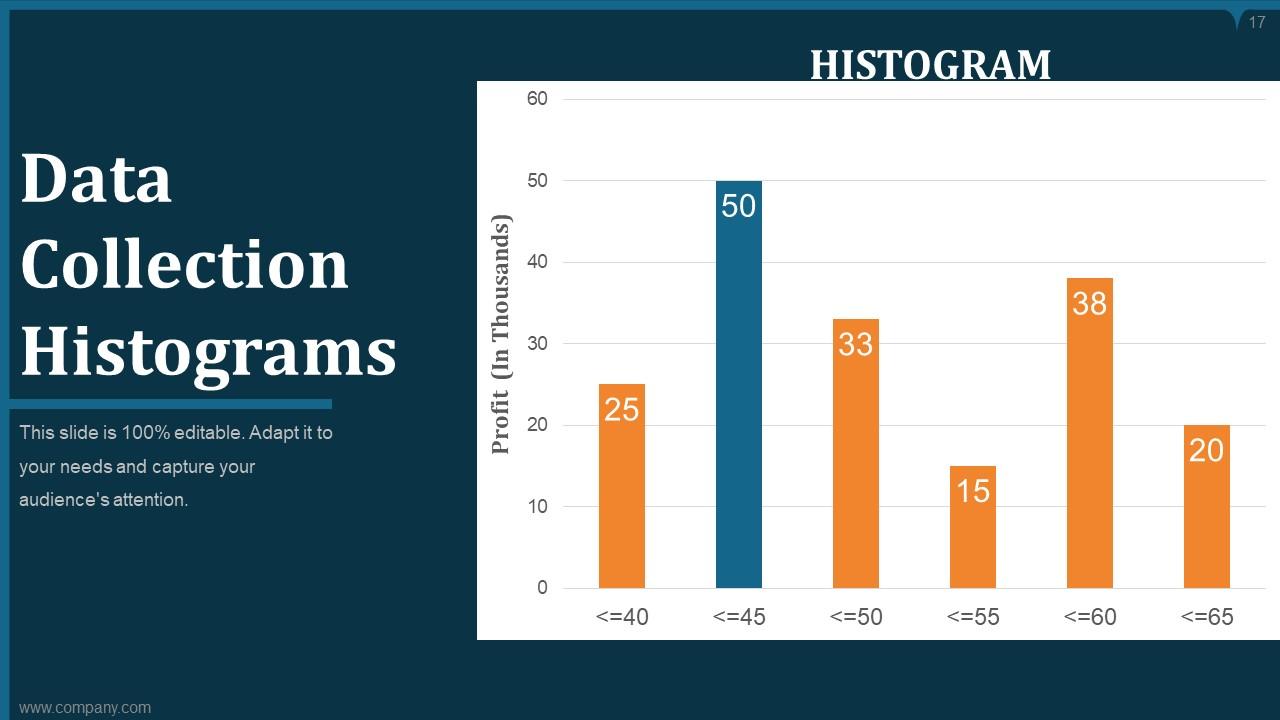
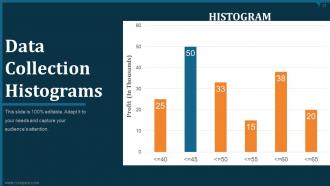
Slide 17: This slide displays Data Collection Histograms to show related information.
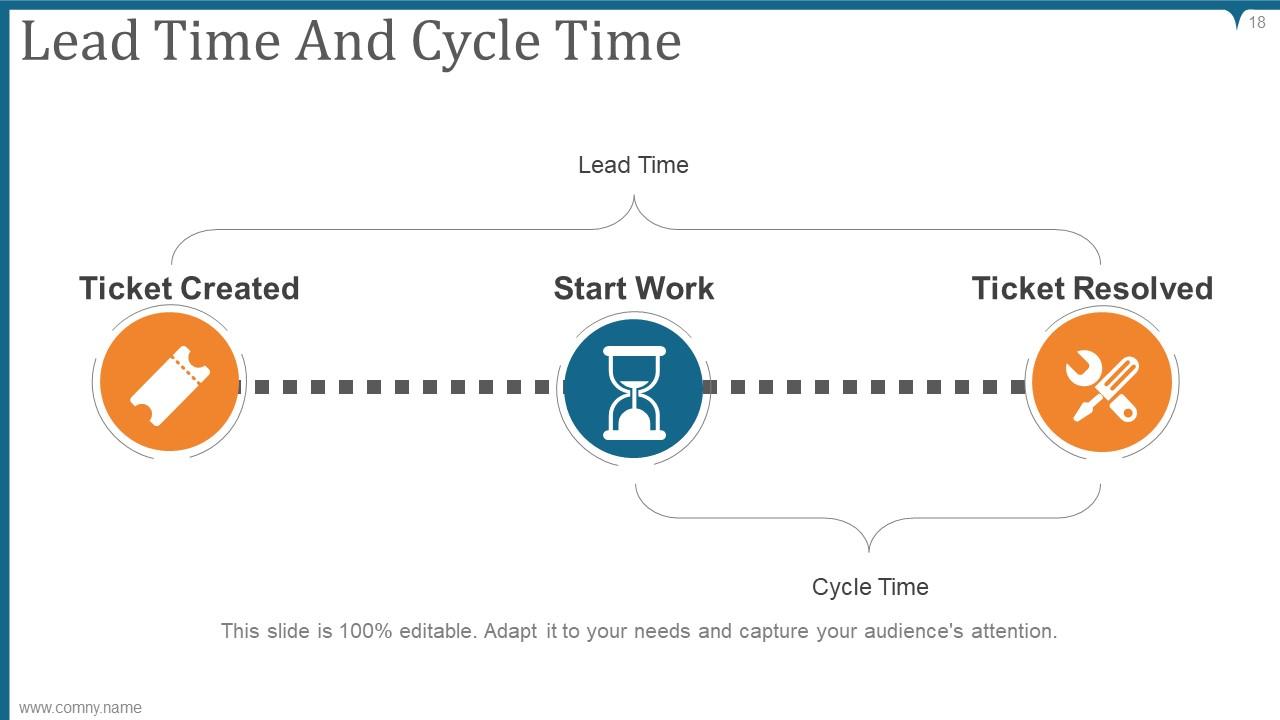
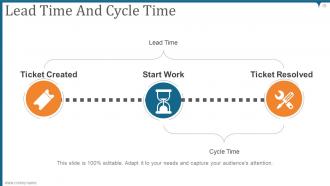
Slide 18: This slide describes Lead Time And Cycle Time with related diagram.
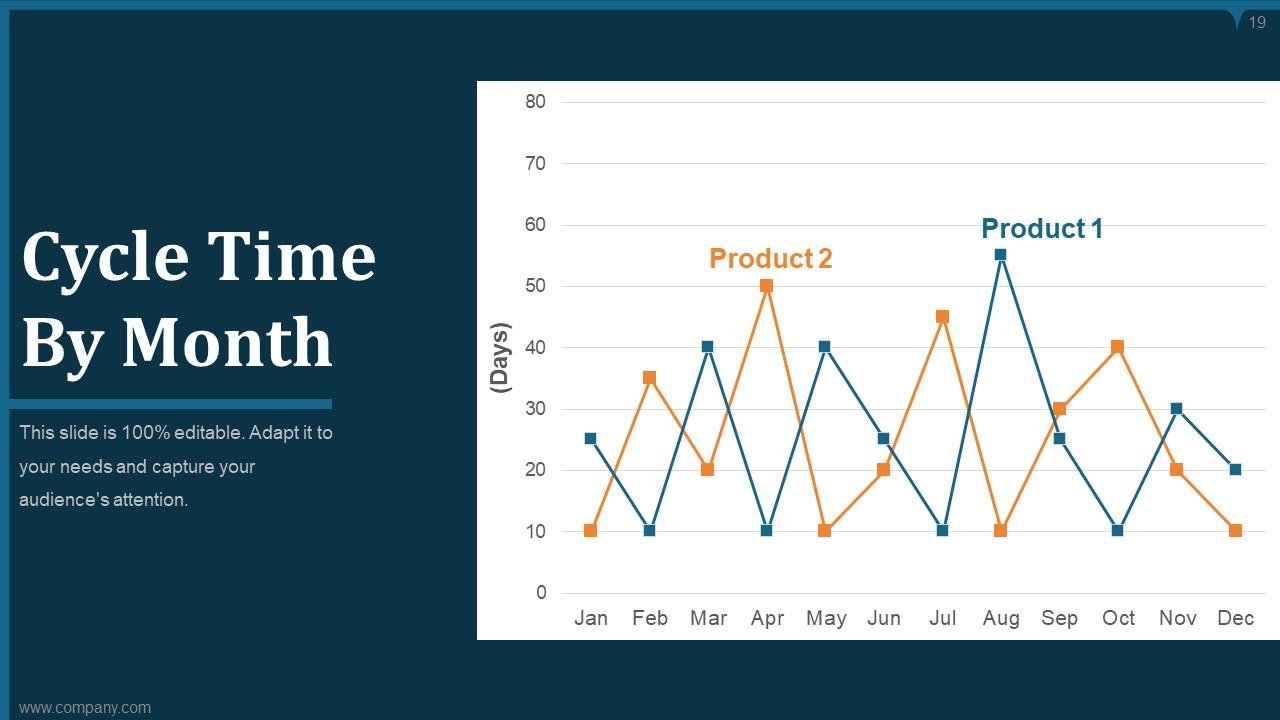
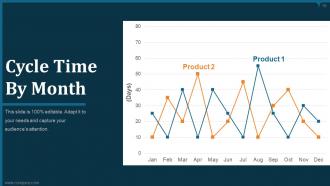
Slide 19: This slide represents Cycle Time By Month in a line graph form with two products comparison.
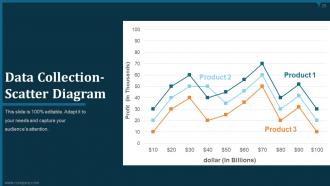
Slide 20: This slide showcases Data Collection- Scatter Diagram with three products comparison.
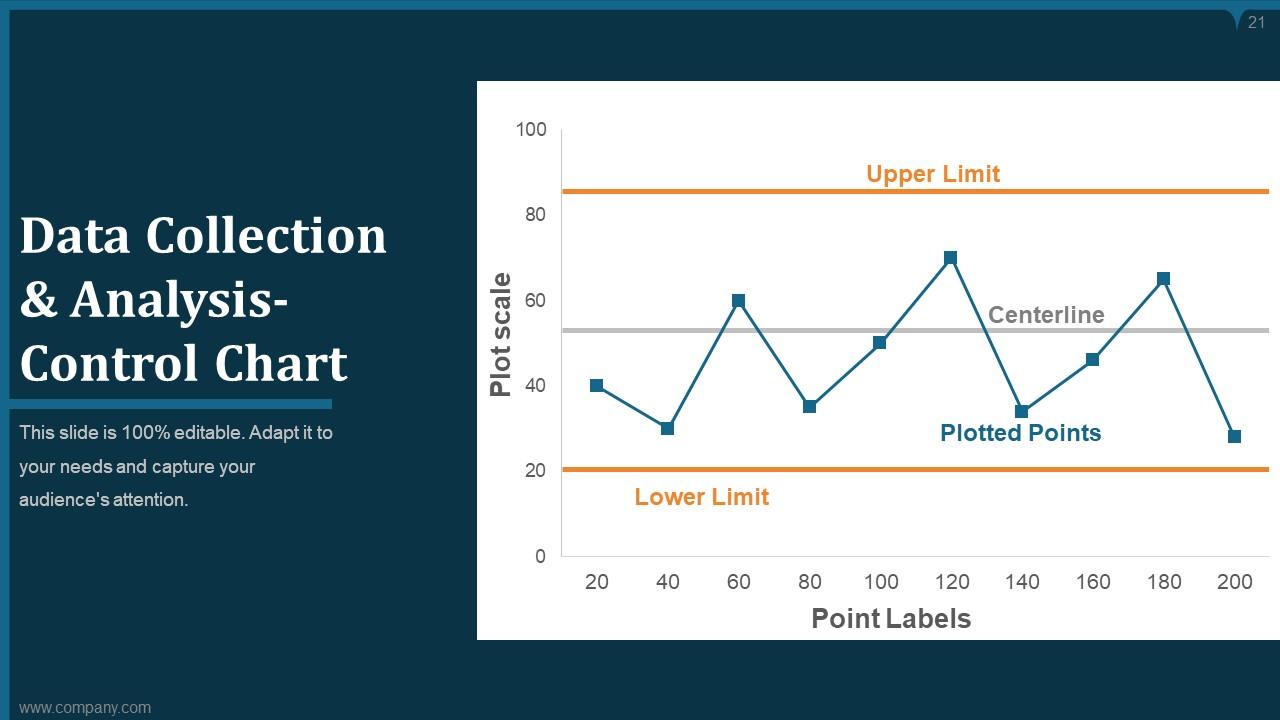
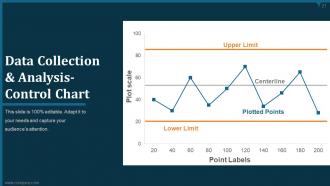
Slide 21: This slide shows Data Collection & Analysis- Control Chart with a line graph along with upper and lower limit.
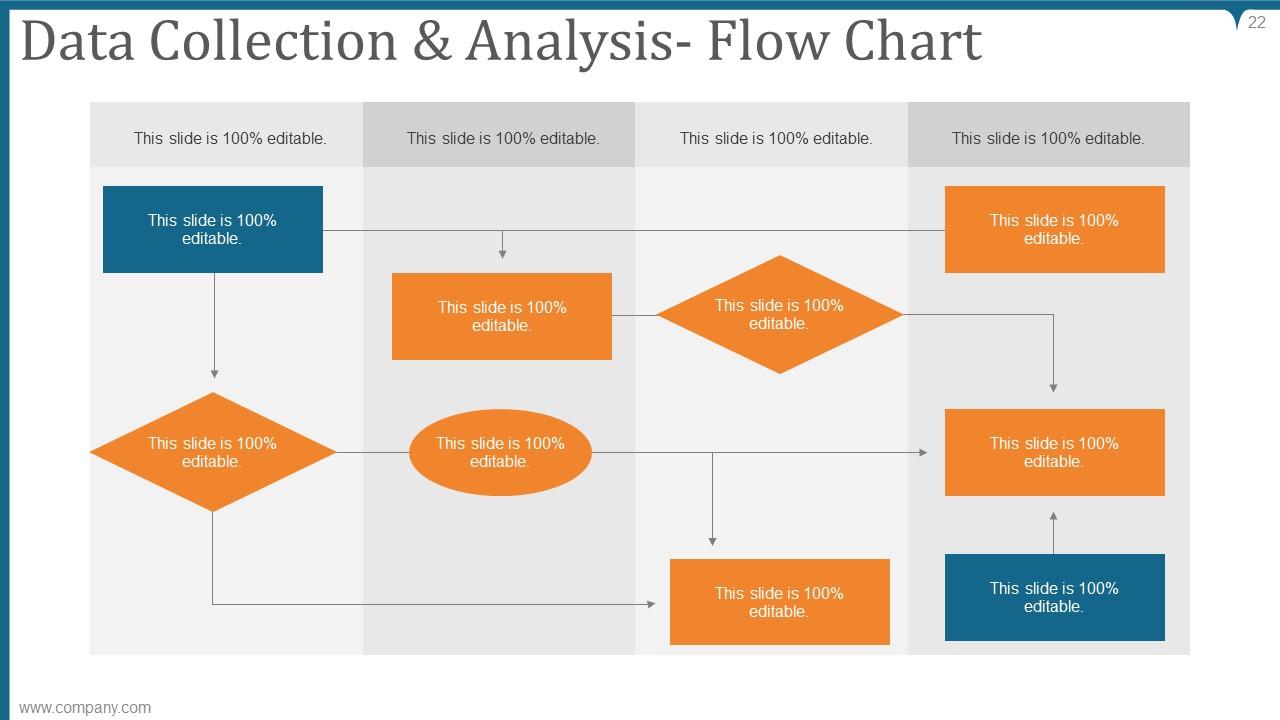
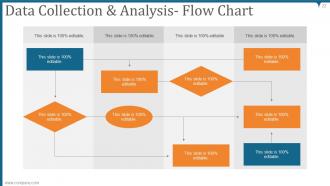
Slide 22: This slide presents Data Collection & Analysis- Flow Chart.
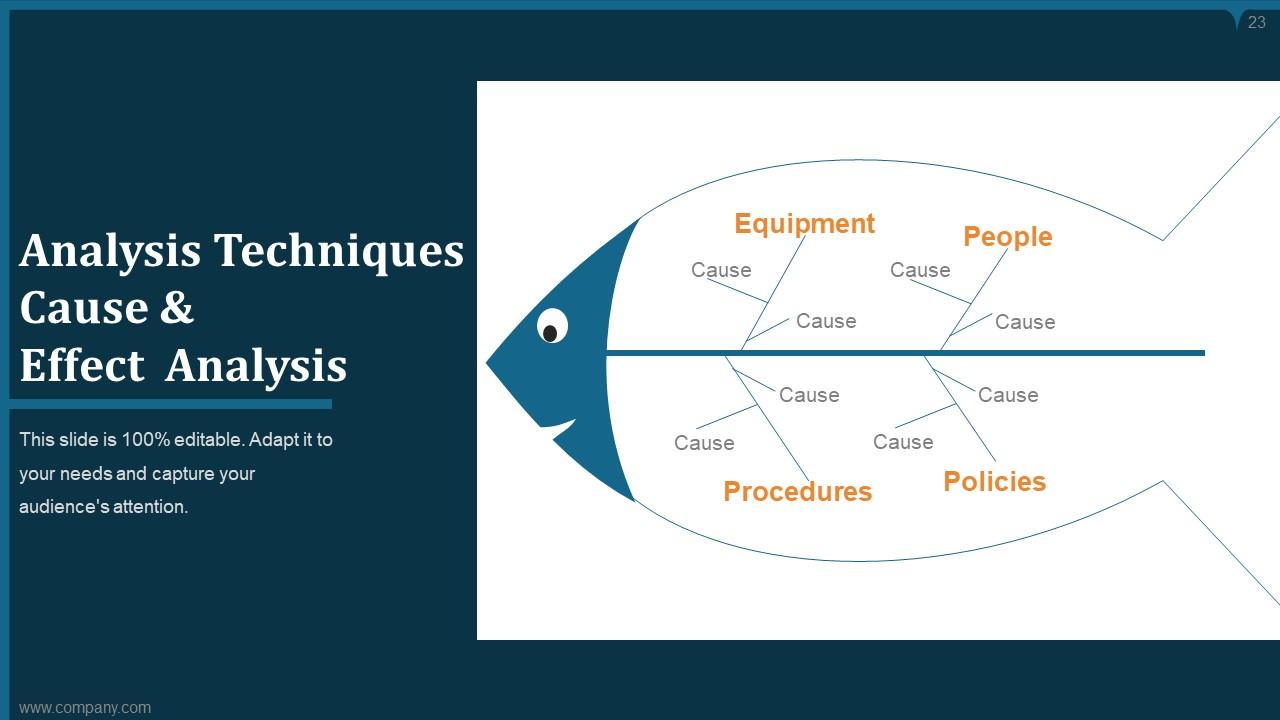
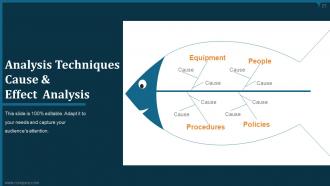
Slide 23: This slide presents Analysis Techniques Cause & Effect Analysis.
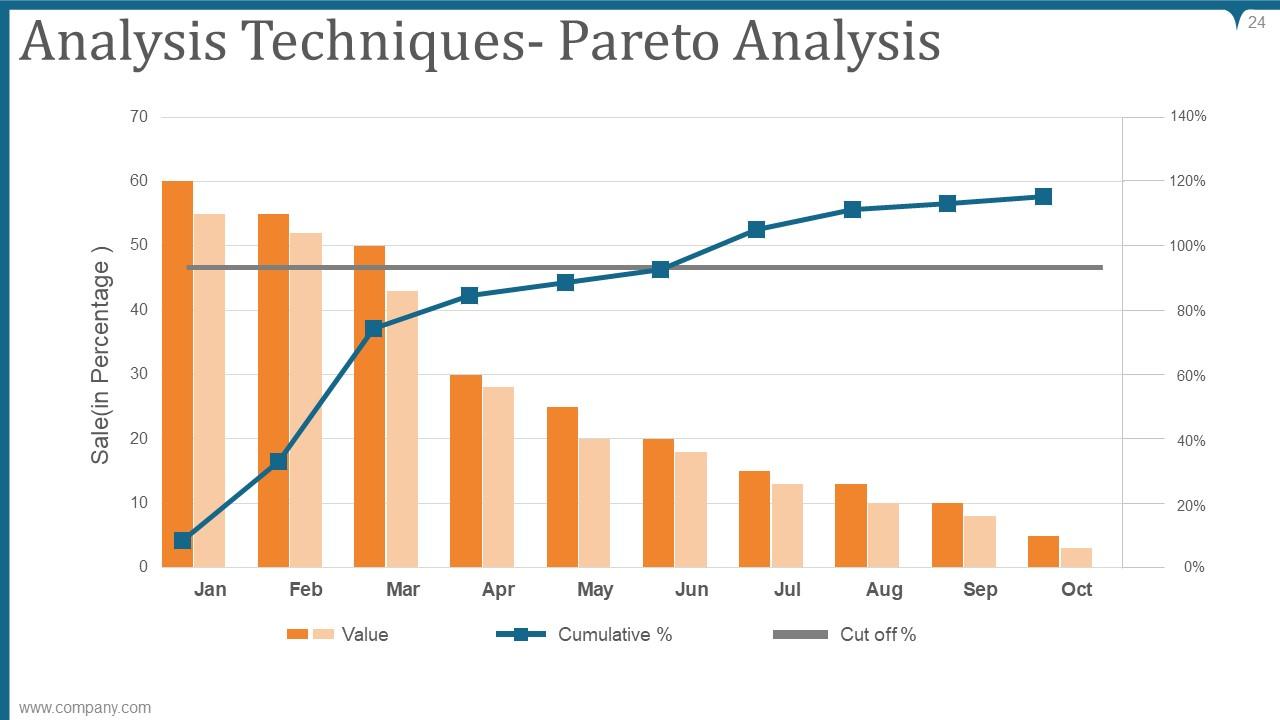
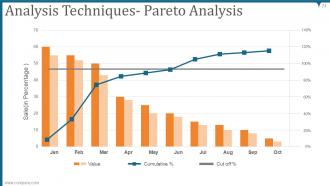
Slide 24: This slide displays Analysis Techniques- Pareto Analysis with value, cumulative percentage and cut off percentage.
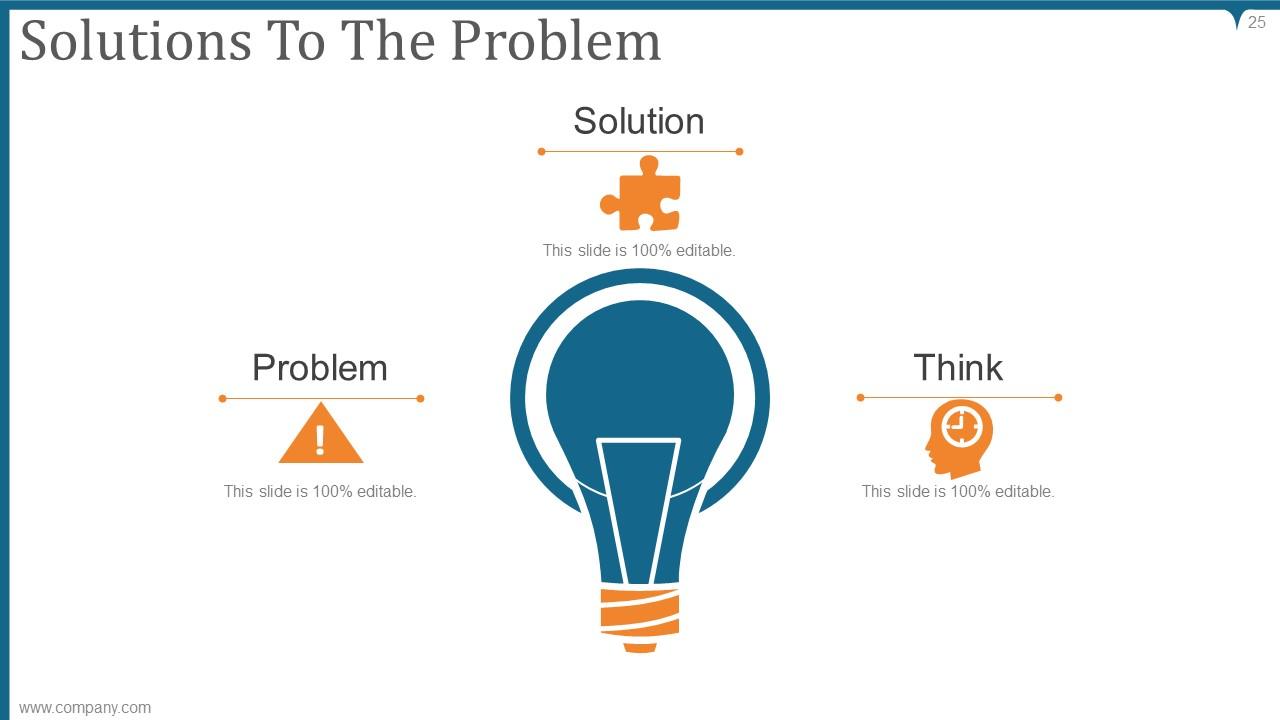
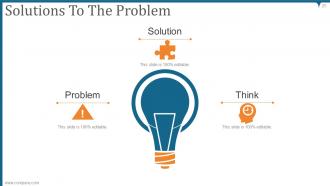
Slide 25: This slide displays Solutions To The Problem with a bulb and text boxes.
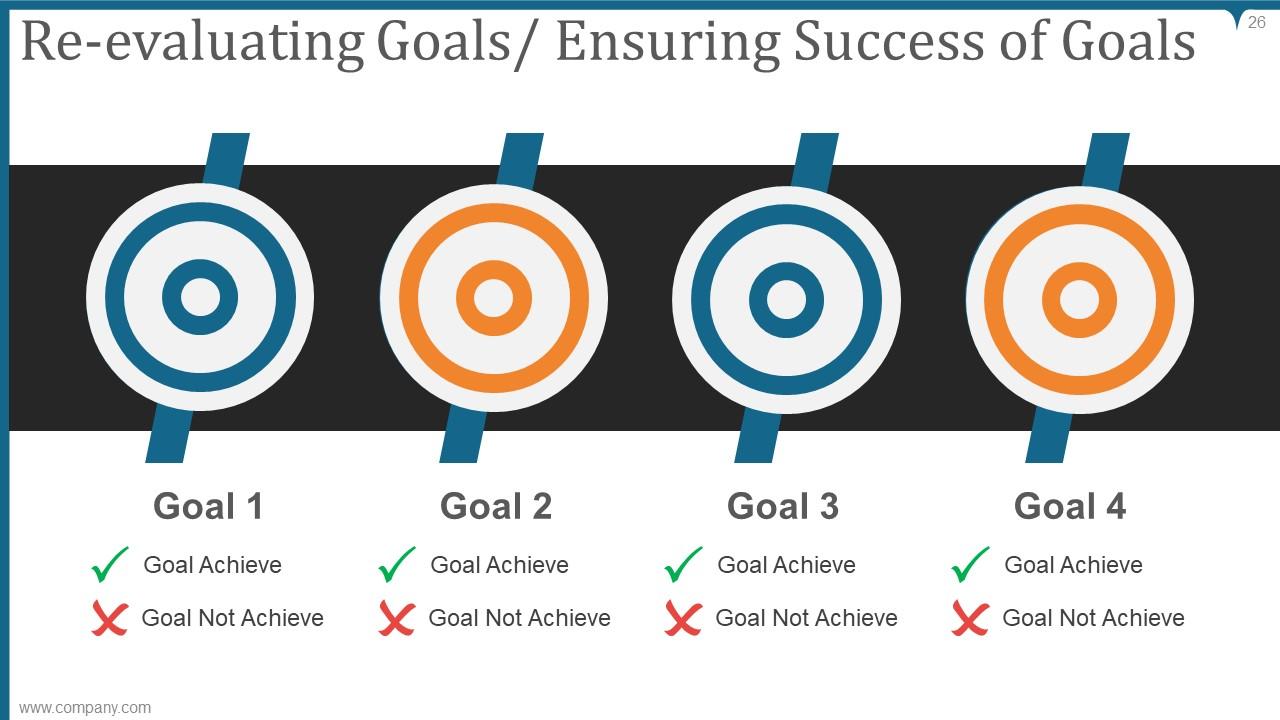
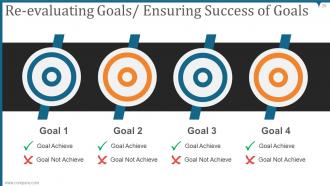
Slide 26: This slide represents Re-evaluating Goals/ Ensuring Success of Goals with related imagery.
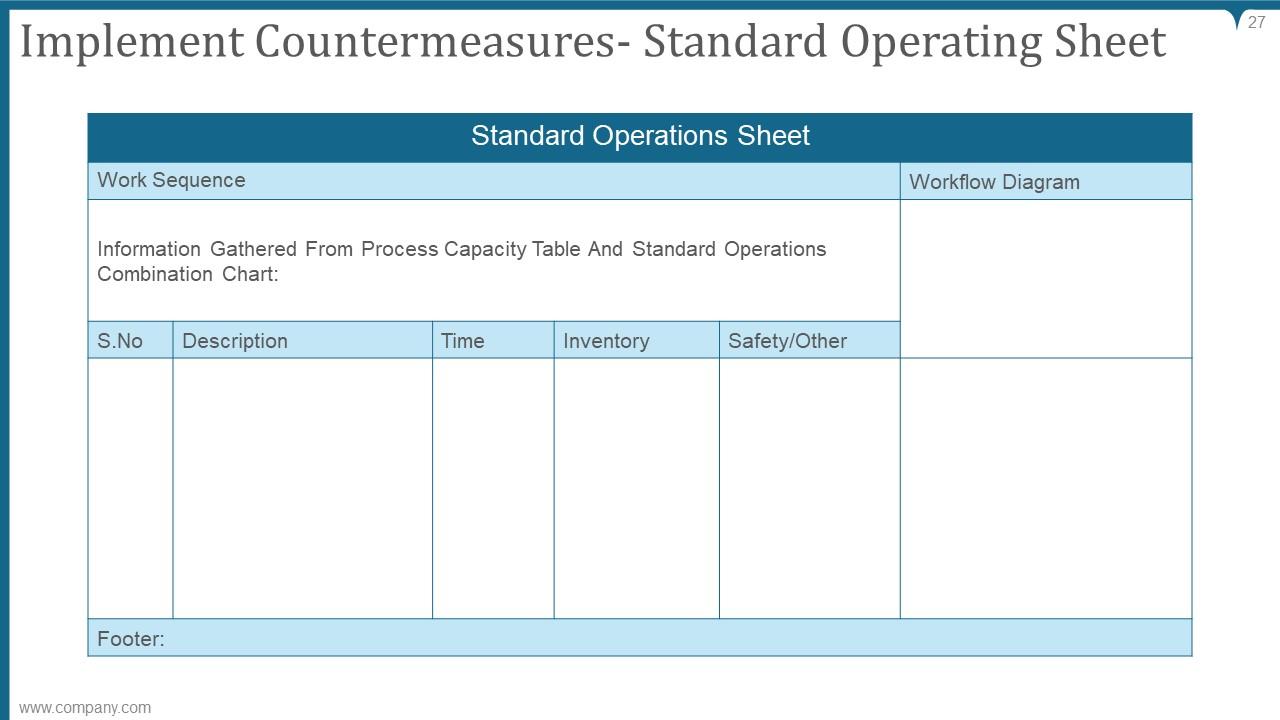
Slide 27: This slide showcases Implement Countermeasures- Standard Operating Sheet.
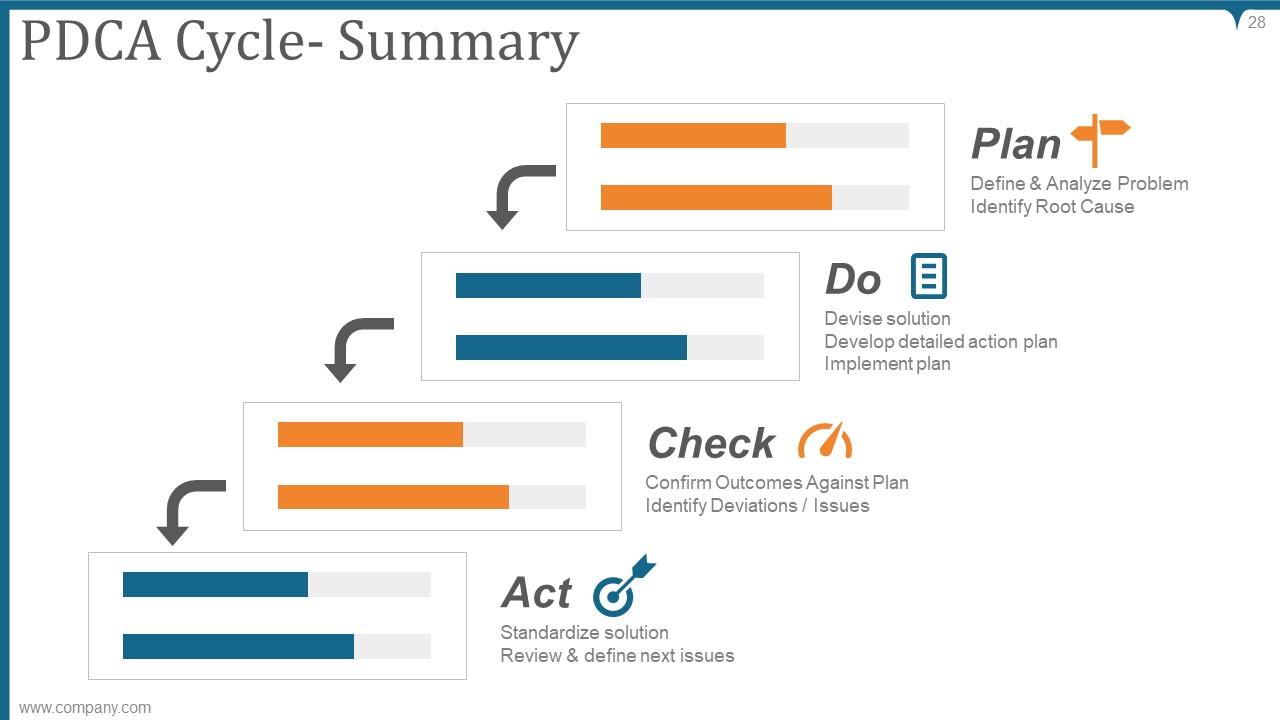
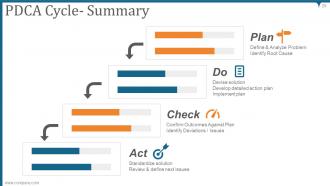
Slide 28: This slide shows PDCA Cycle- Summary describing- Act, Do, Plan, Check.
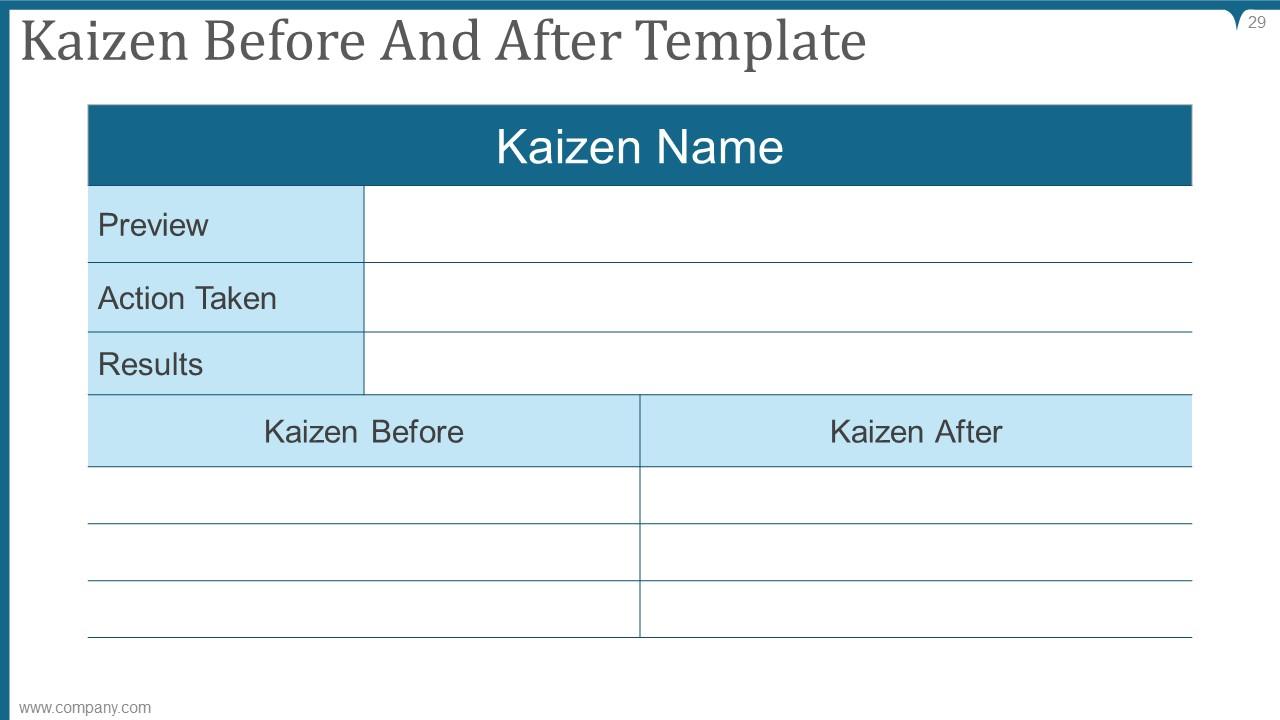
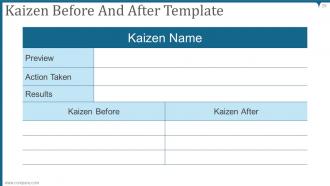
Slide 29: This slide presents Kaizen Before And After Template along with preview, action taken and results.
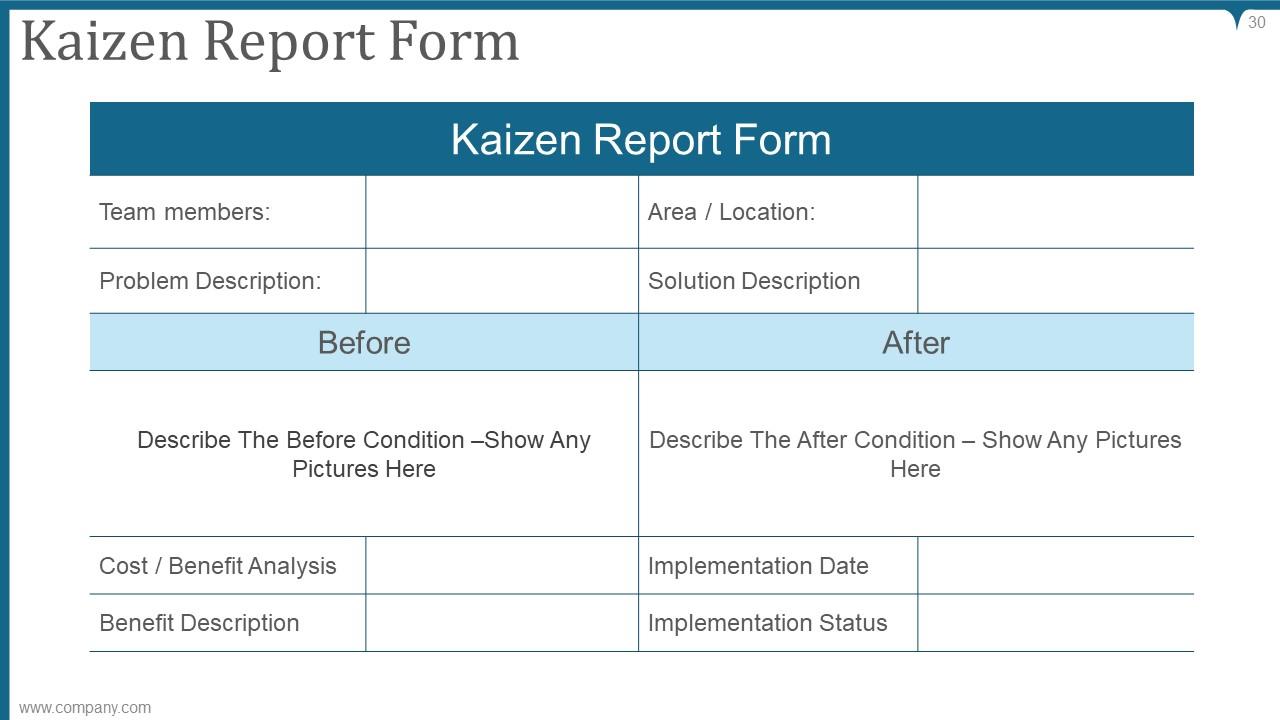
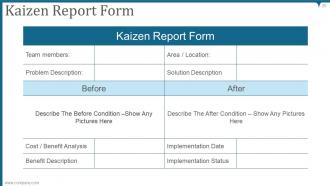
Slide 30: This slide displays Kaizen Report Form with team members, location, problem description etc.
Slide 31: This is a Time for a break image for halt.
Slide 32: This slide is titled as BAR CHART for moving towards charts.
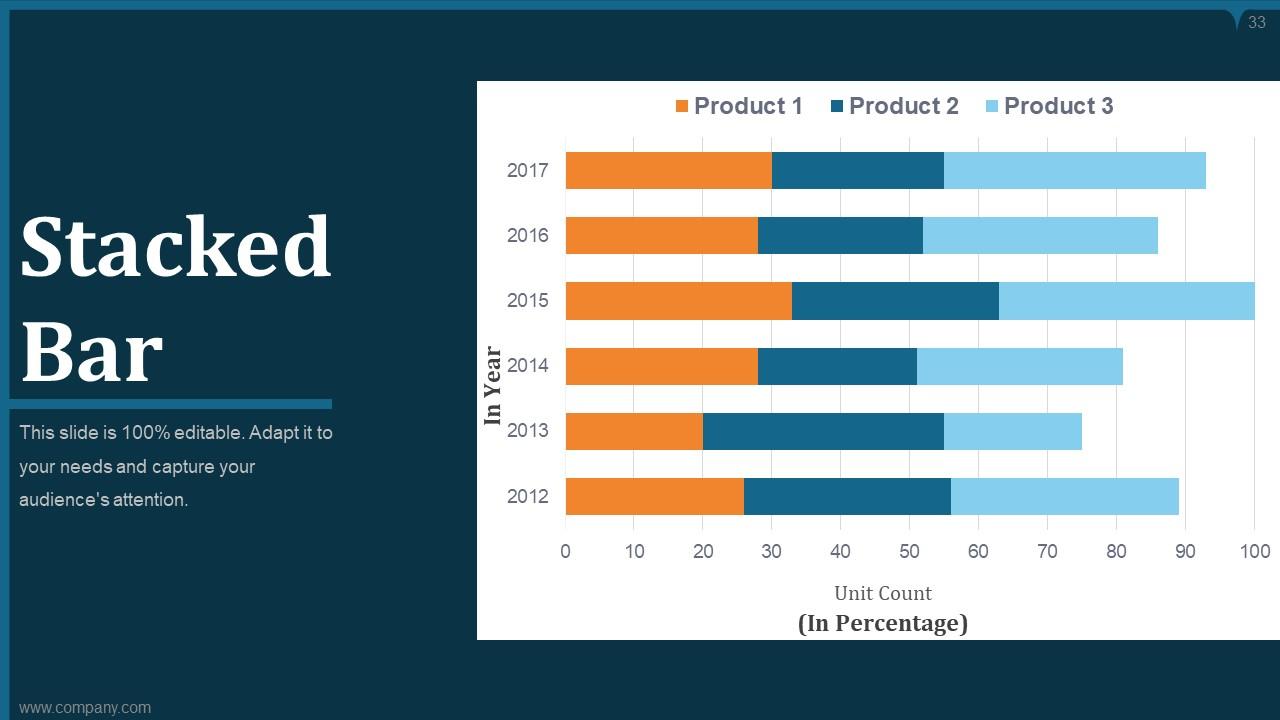
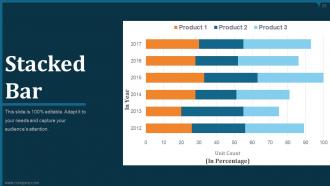
Slide 33: This slide shows Stacked Bar graph chart with three products comparison.
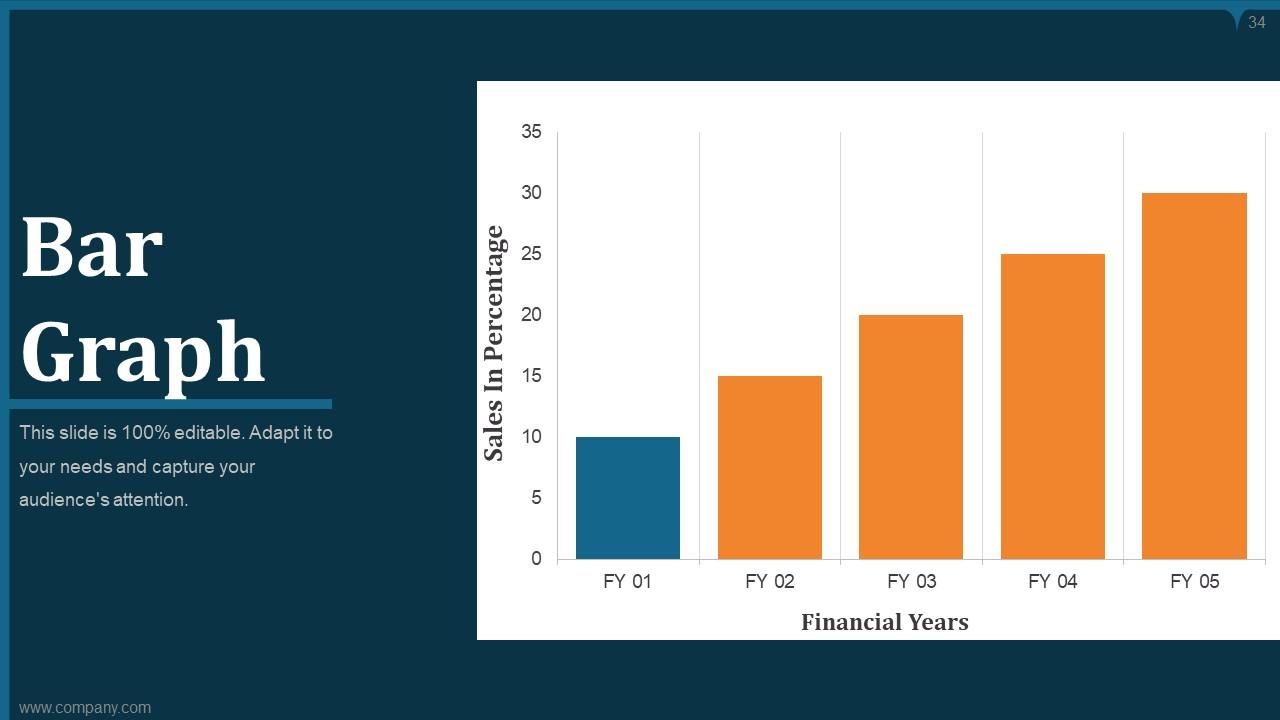
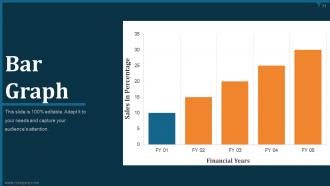
Slide 34: This slide presents Bar Graph comparing financial years and sales in percentage.
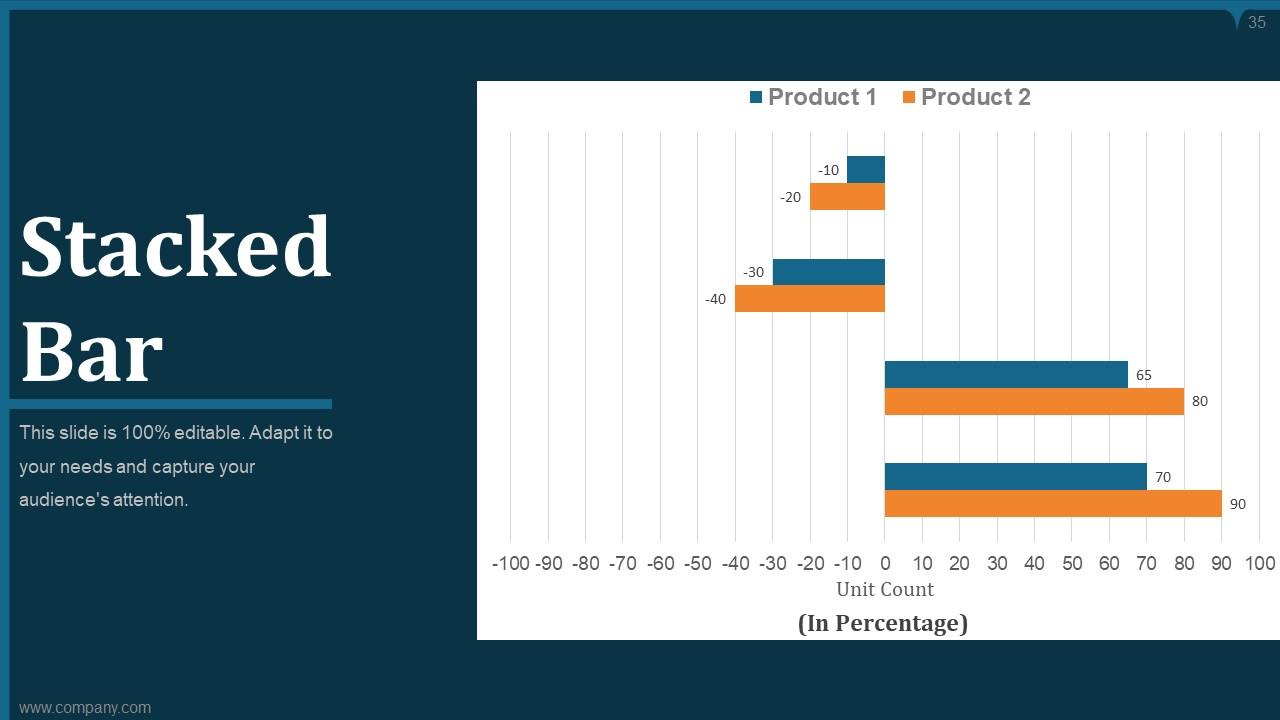
Slide 35: This slide displays Stacked Bar chart with two products comparison.
Slide 36: This slide is titled as PIE CHART for moving towards pie charts.
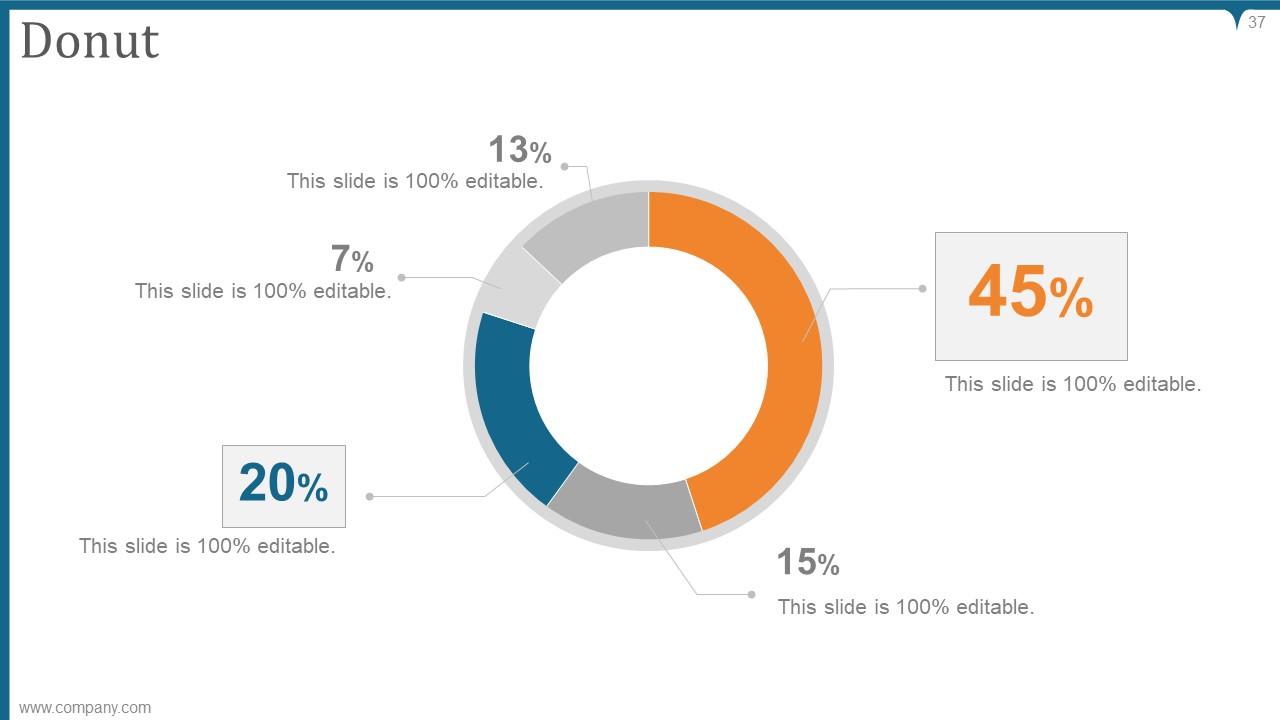
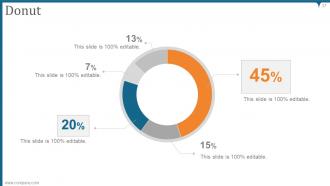
Slide 37: This slide shows Donut chart with data in percentage.
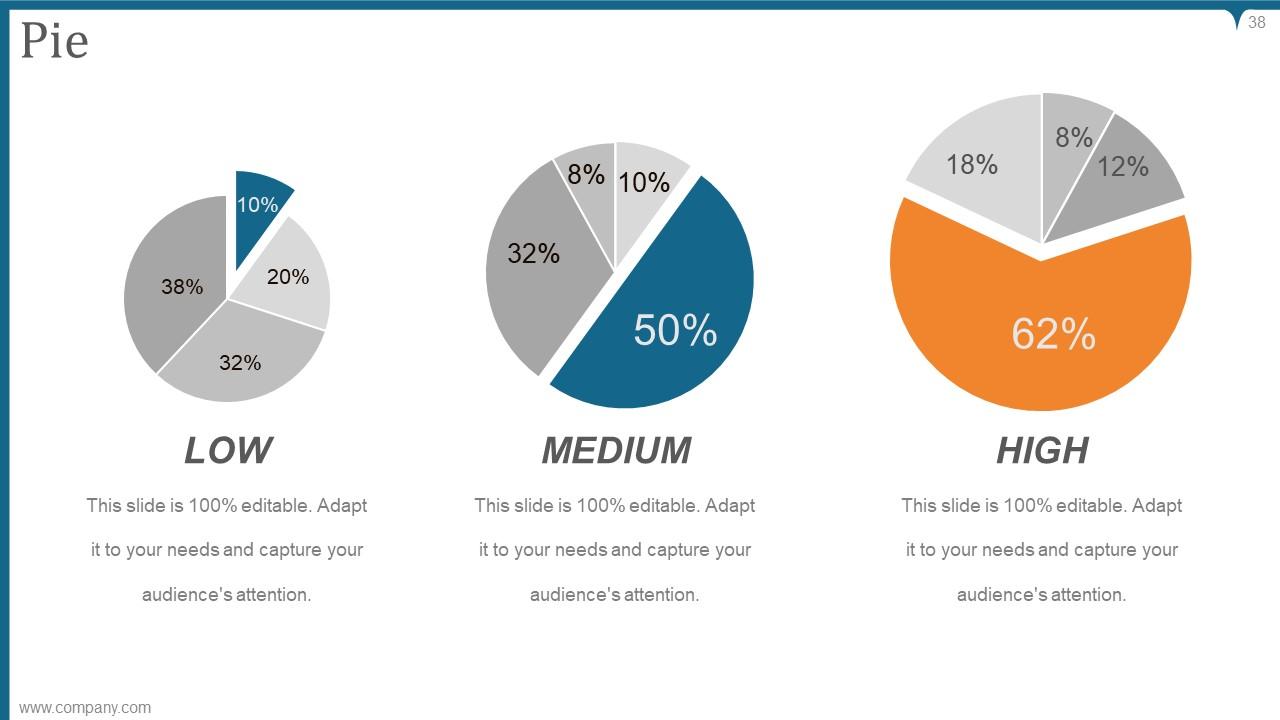
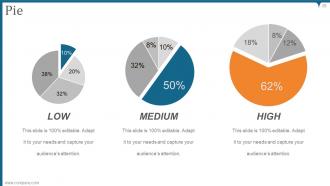
Slide 38: This slide presents Pie chart with Low, medium and high parameters.
Slide 39: This slide is titled as STACKED COLUMN for moving towards stacked column charts.
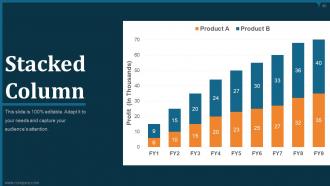
Slide 40: This slide shows Stacked Column chart comparing product A and product B.
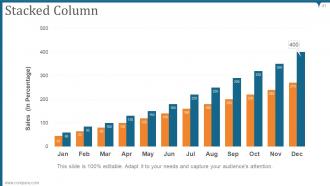
Slide 41: This slide presents Stacked Column chart showing sales in percentage.
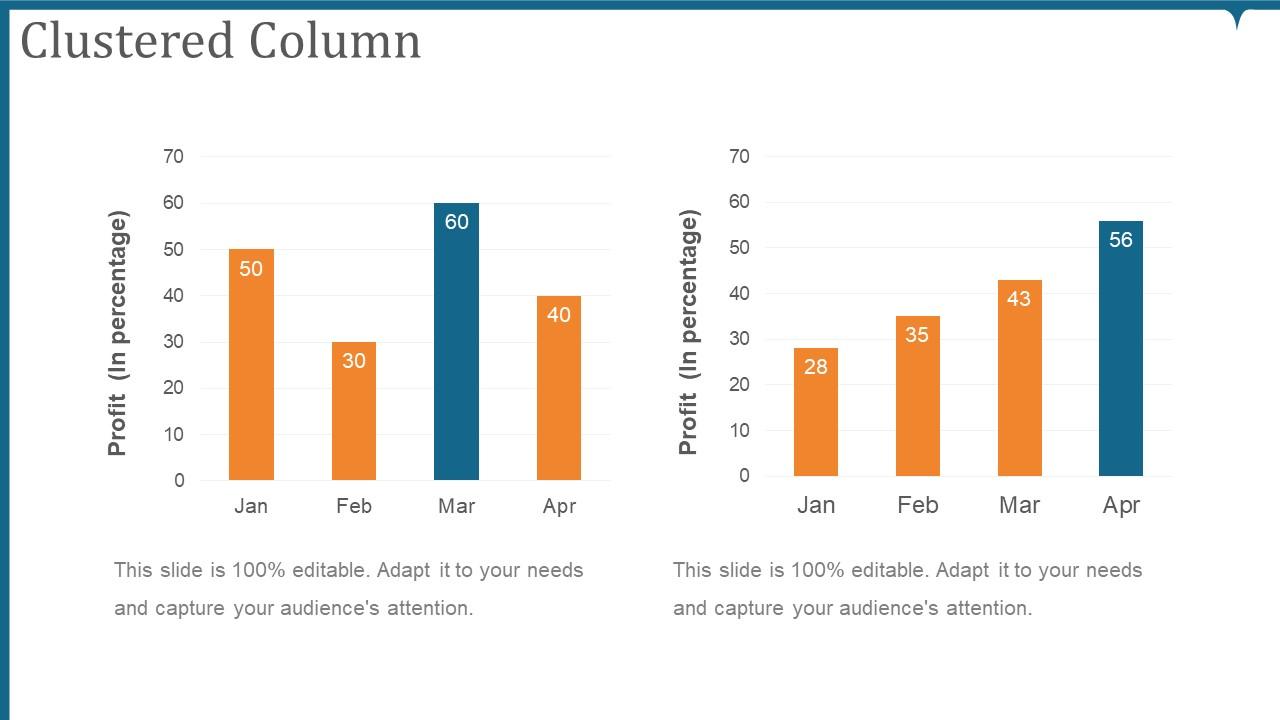
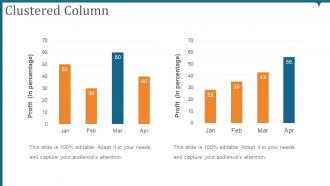
Slide 42: This slide shows Clustered Column charts for showing data of two products seperately.
Slide 43: This slide is titled as SCATTER AREA for moving towards scatter area charts.
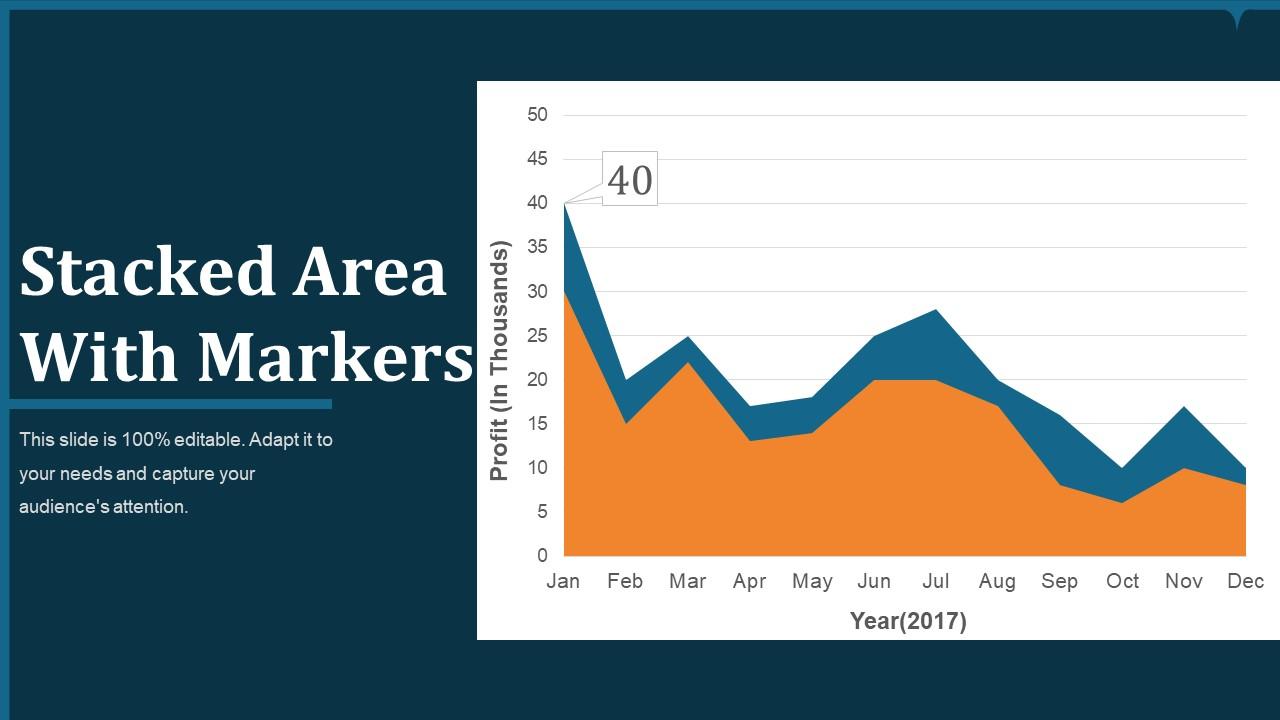
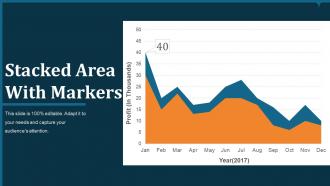
Slide 44: This slide shows Stacked Area chart With Markers.
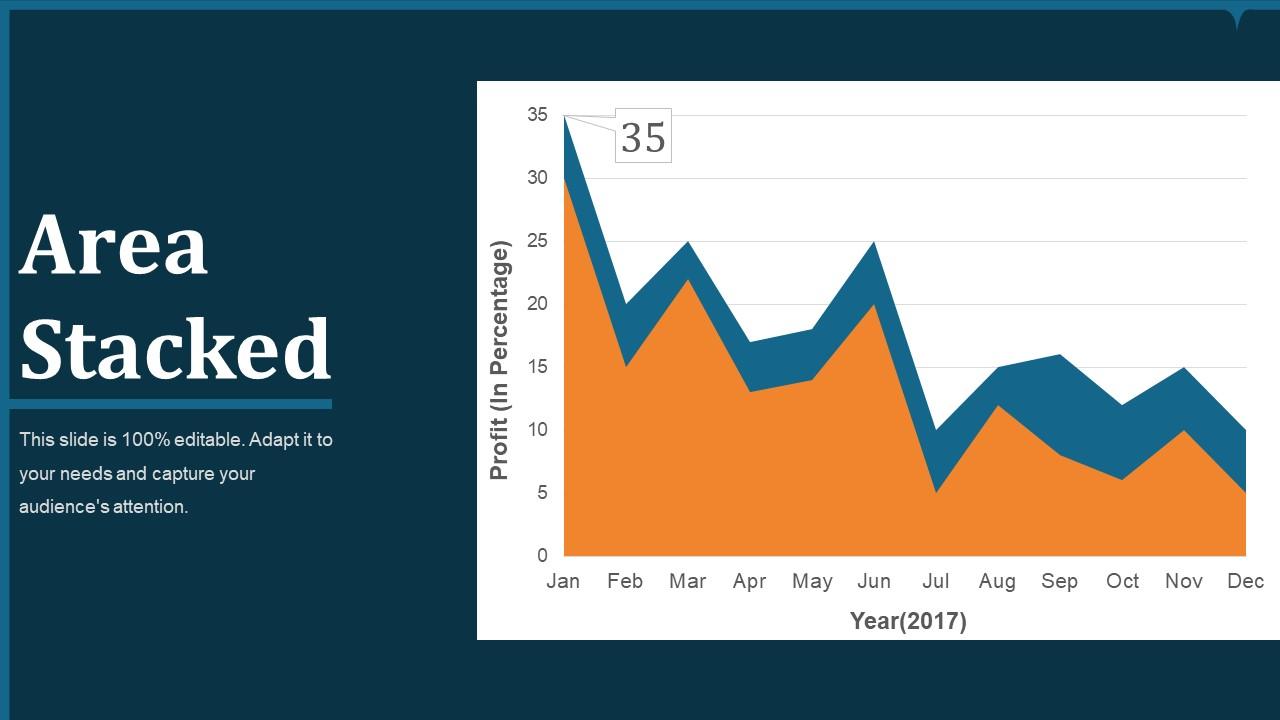
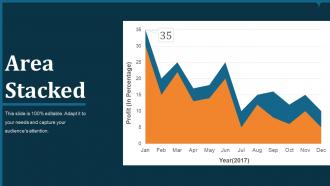
Slide 45: This slide presents Area Stacked chart with two products comparison.
Slide 46: This slide is titled as SCATTER CHART for moving towards scatter charts.
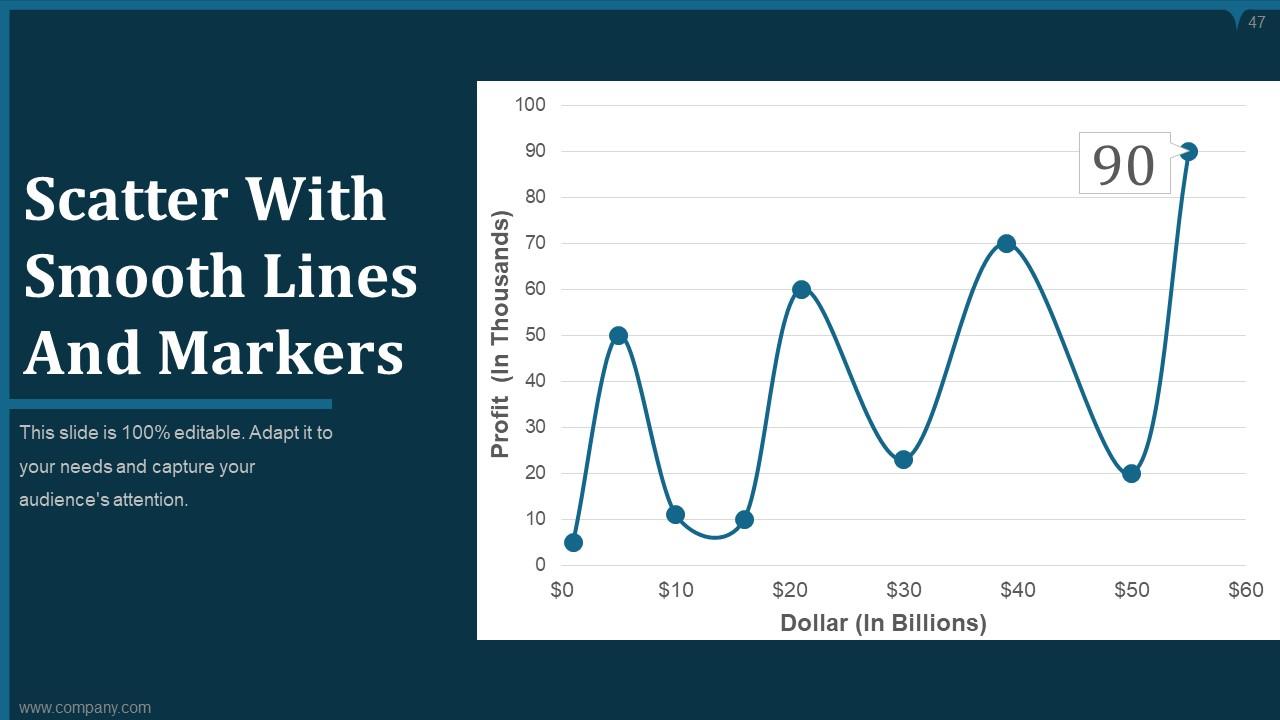
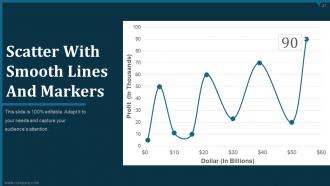
Slide 47: This slide shows Scatter chart With Smooth Lines And Markers.
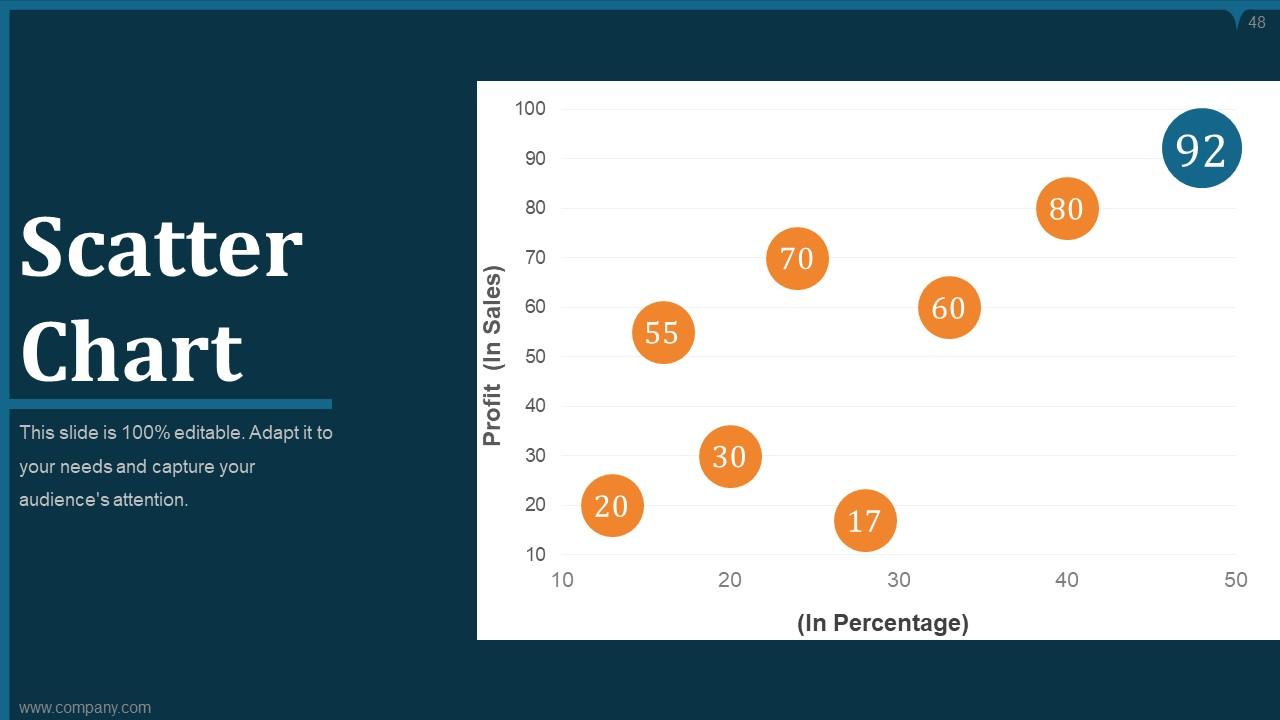
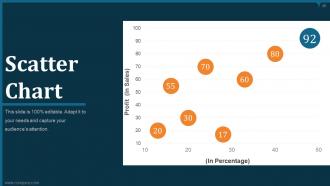
Slide 48: This slide presents Scatter Chart with bubbles.
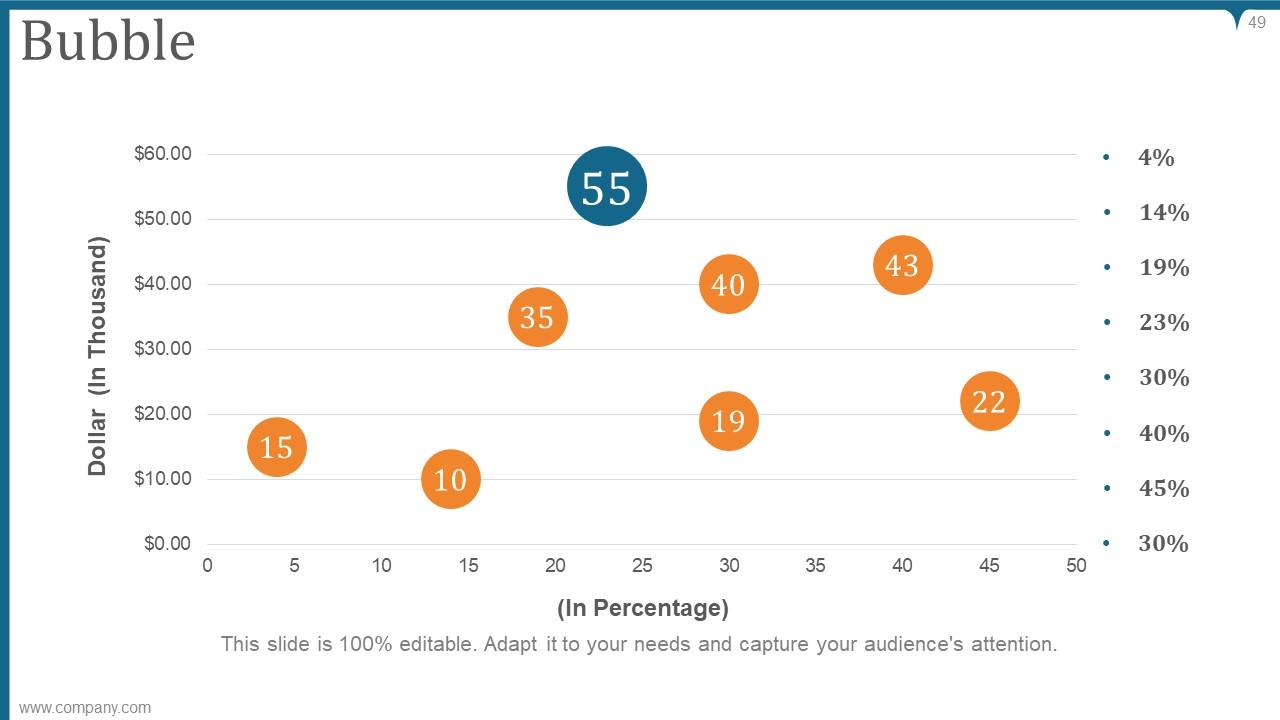
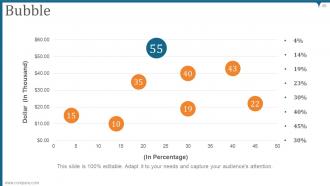
Slide 49: This slide displays Bubble chart with data in percentage.
Slide 50: This slide is titled as COMBO CHART for moving towards combo charts.
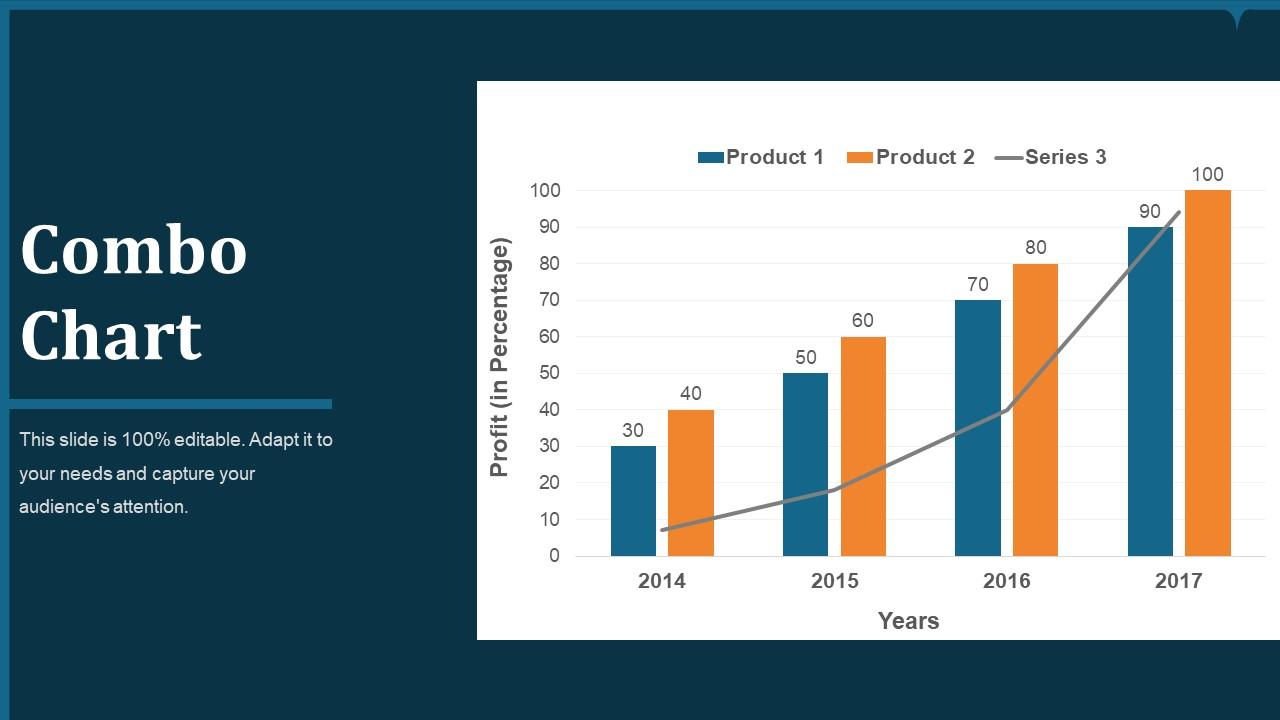
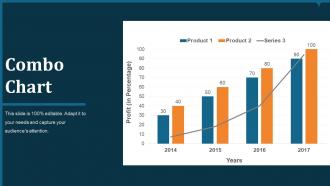
Slide 51: This slide shows combo chart comparing years and profit in percentage.
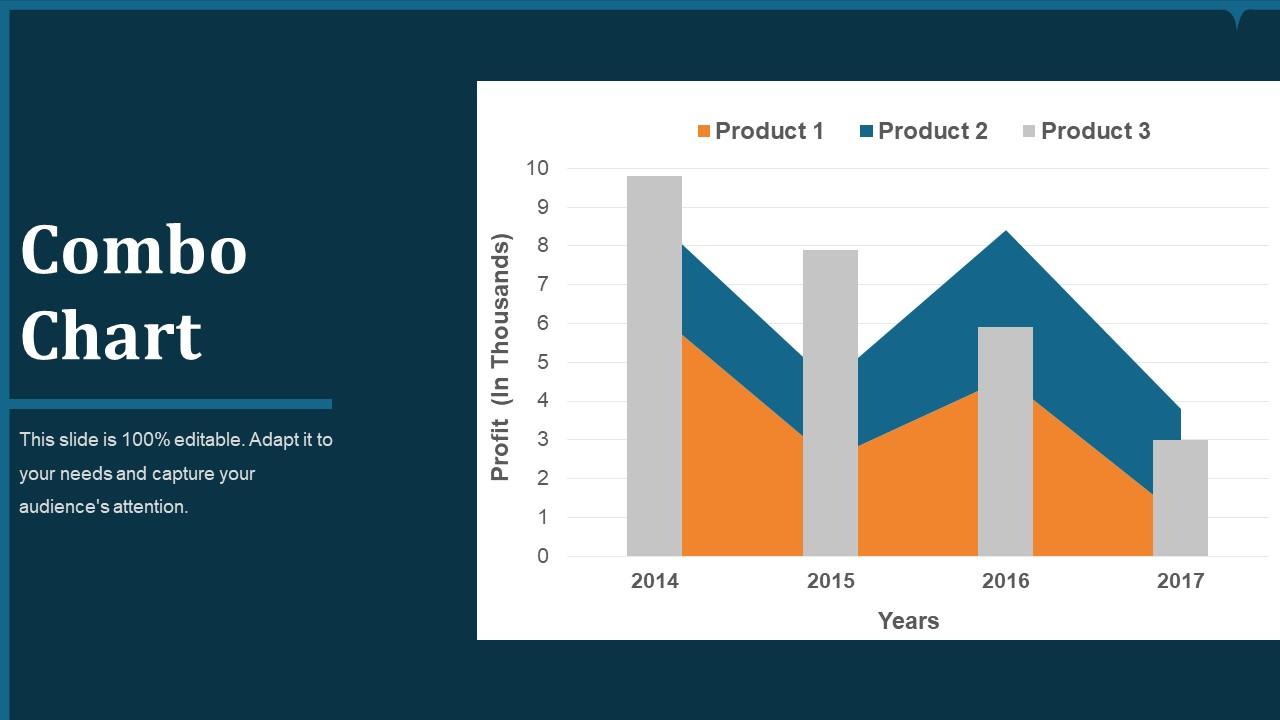
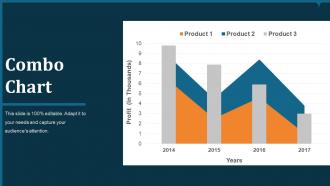
Slide 52: This slide presents combo chart with three products comparison.
Slide 53: This slide is titled as Stacked LINE WITH MARKERS for moving towards stacked line charts.
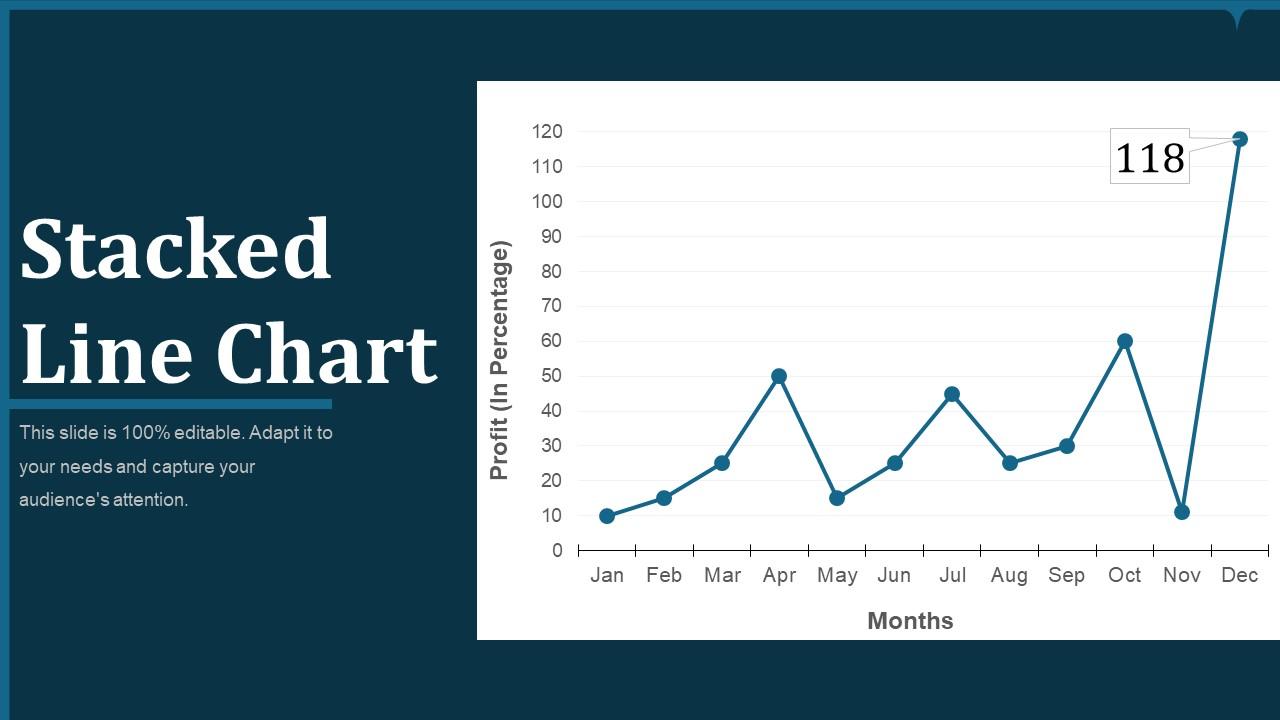
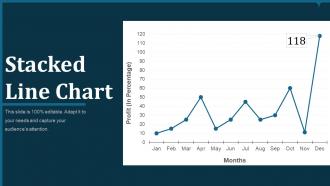
Slide 54: This slide displays Stacked Line Chart comparing months and profit in percentage.
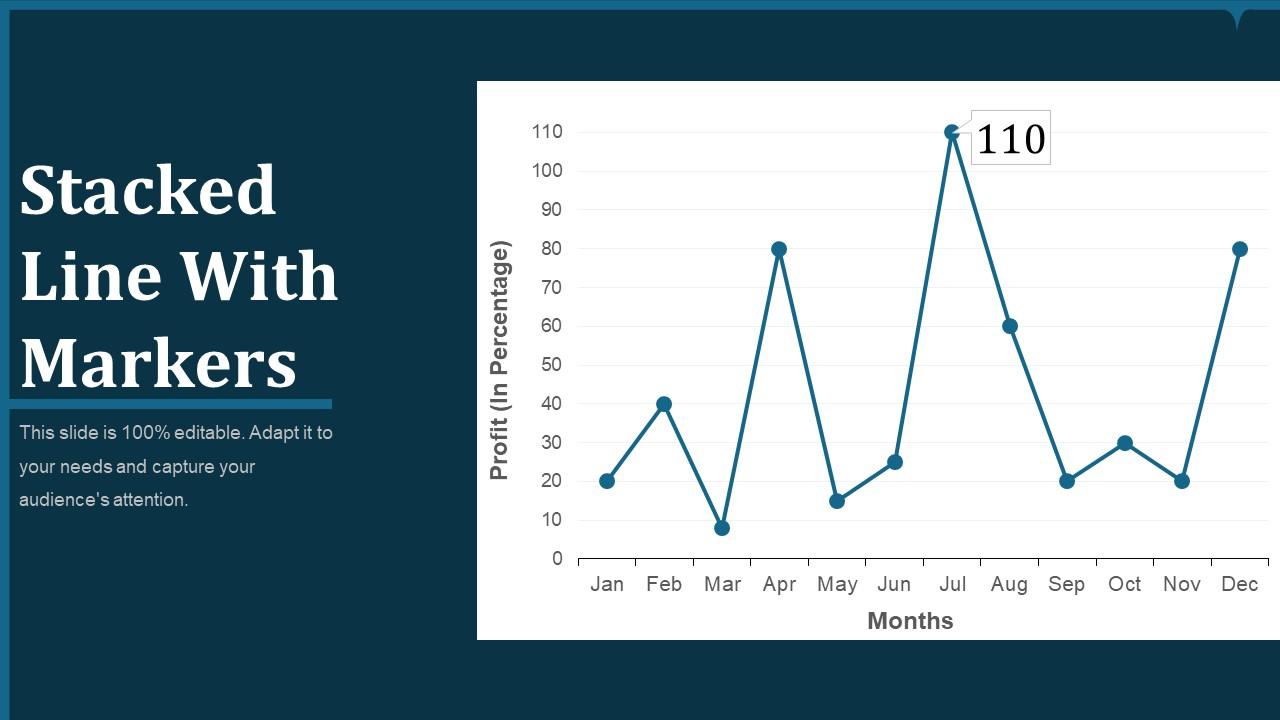
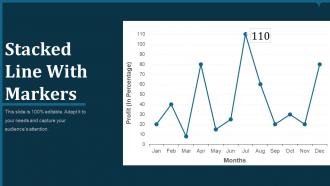
Slide 55: This slide represents Stacked Line graph With Markers.
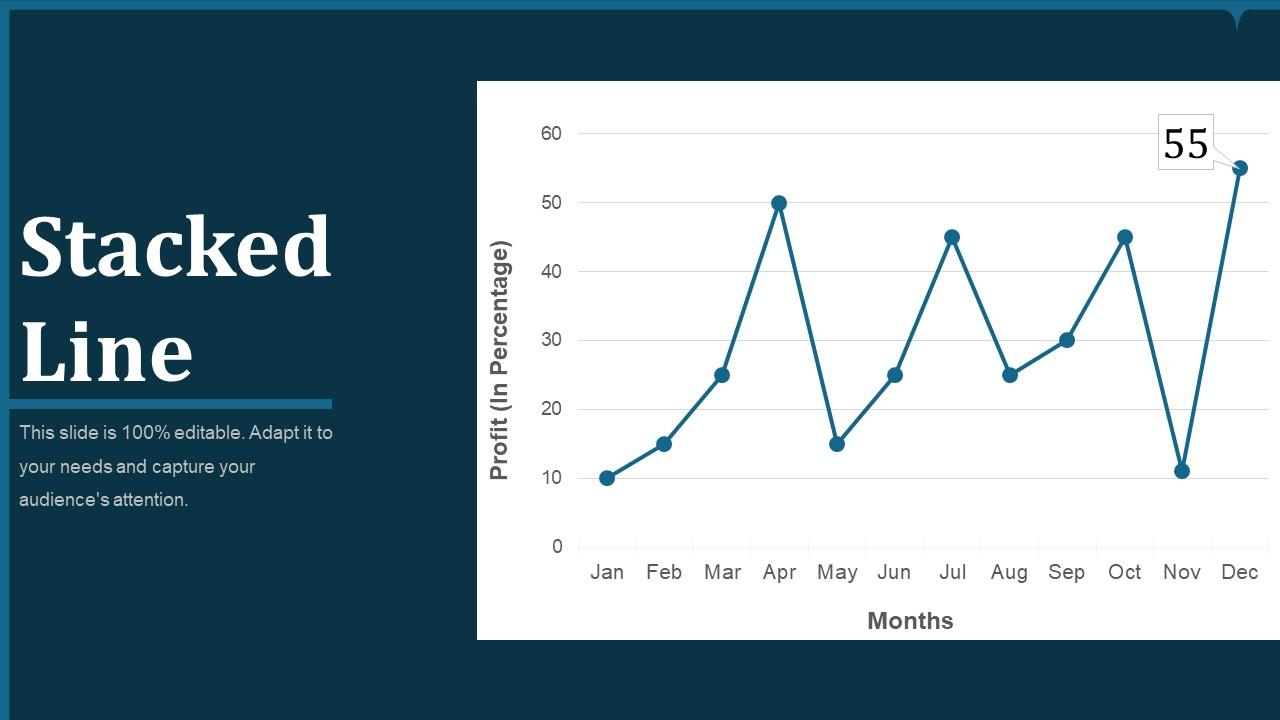
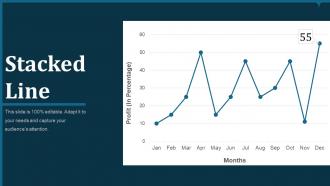
Slide 56: This is another slide with Stacked Line graph.
Slide 57: This slide is titled as ADDITIONAL SLIDES for moving forward.
Slide 58: This is Our Mission slide with related imagery and text boxes.
Slide 59: This is Meet Our Team slide with names and designation.
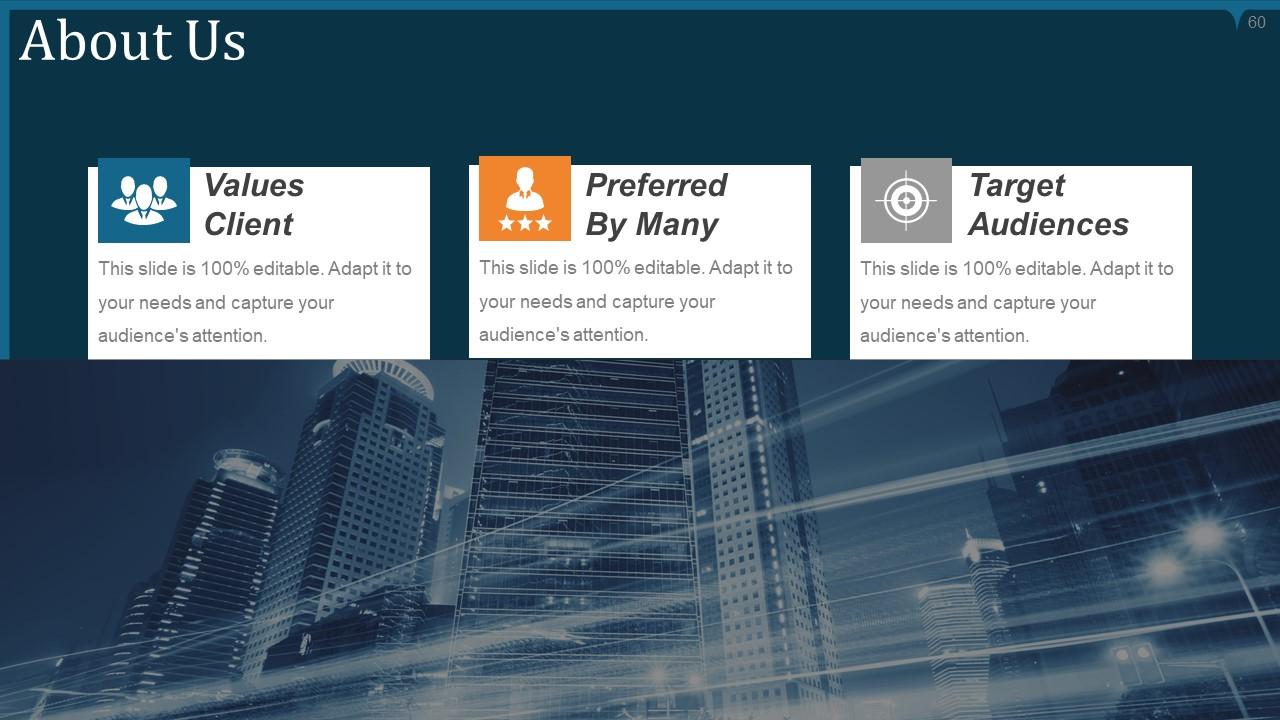
Slide 60: This is About Us slide to show company specifications etc.
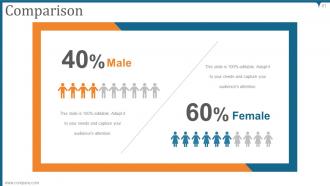
Slide 61: This is a Comparison slide to state comparison between commodities, entities etc.
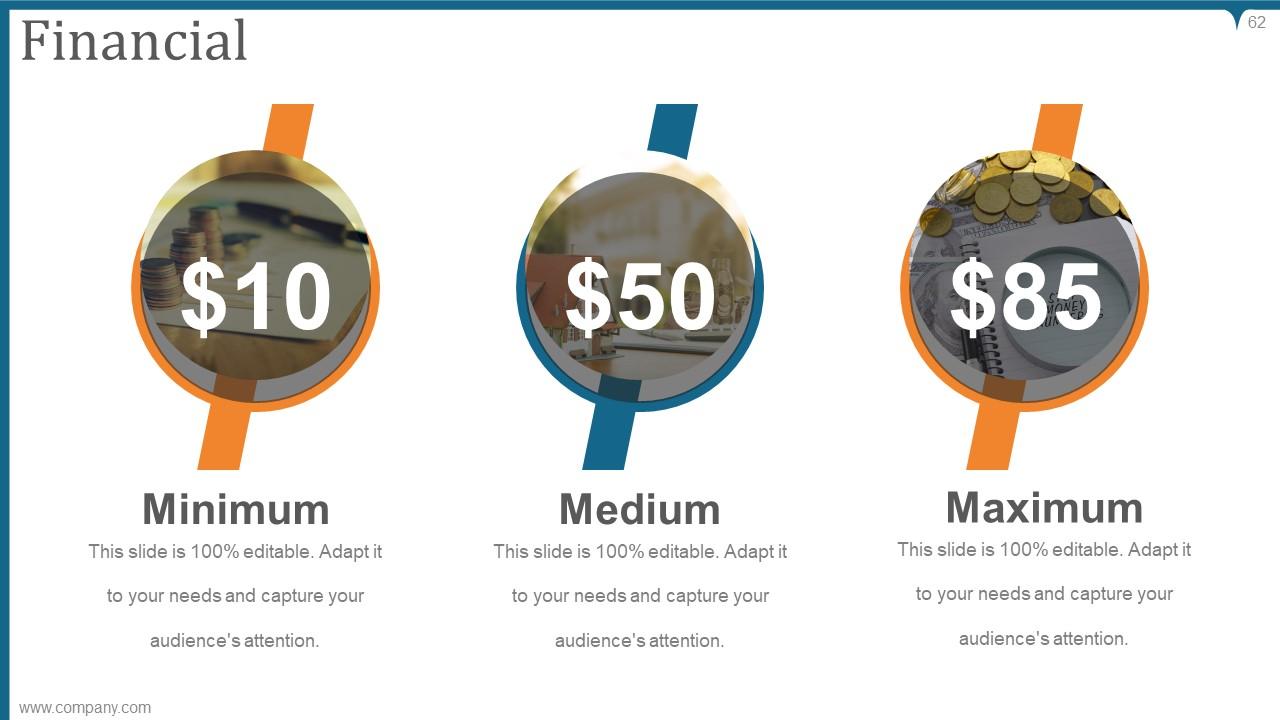
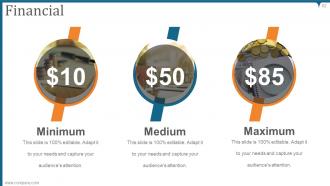
Slide 62: This is a Financial slide. Show finance related stuff here.
Slide 63: This is a Quotes slide to state or highlight anything specific.
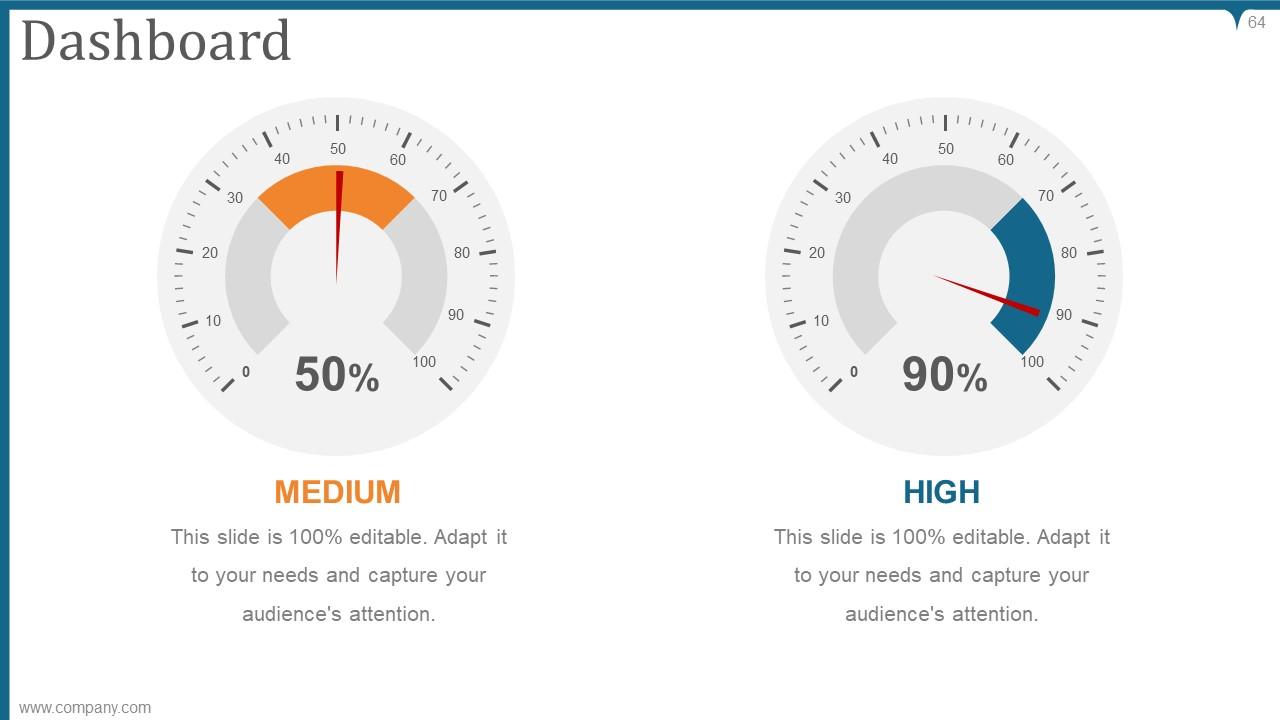
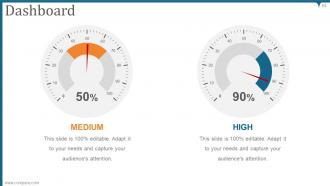
Slide 64: This is a Dashboard slide with text boxes to show information.
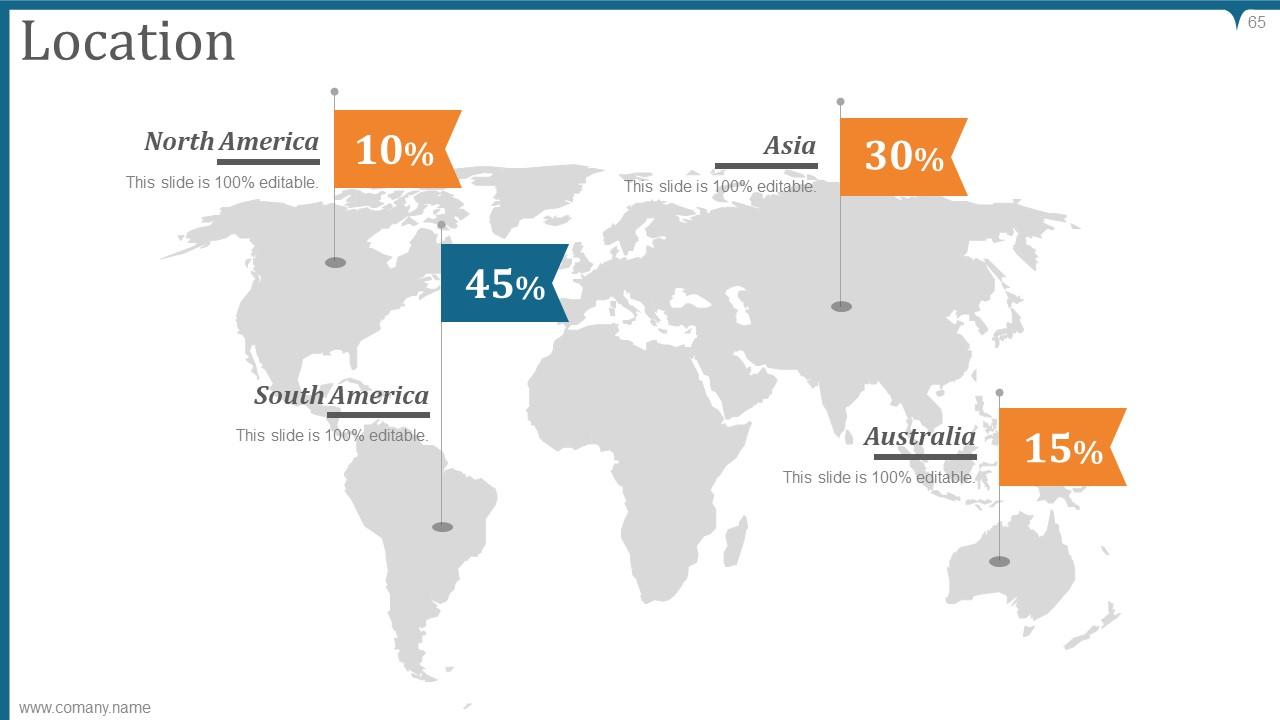
Slide 65: This is a Location slide with maps to show data related with different locations.
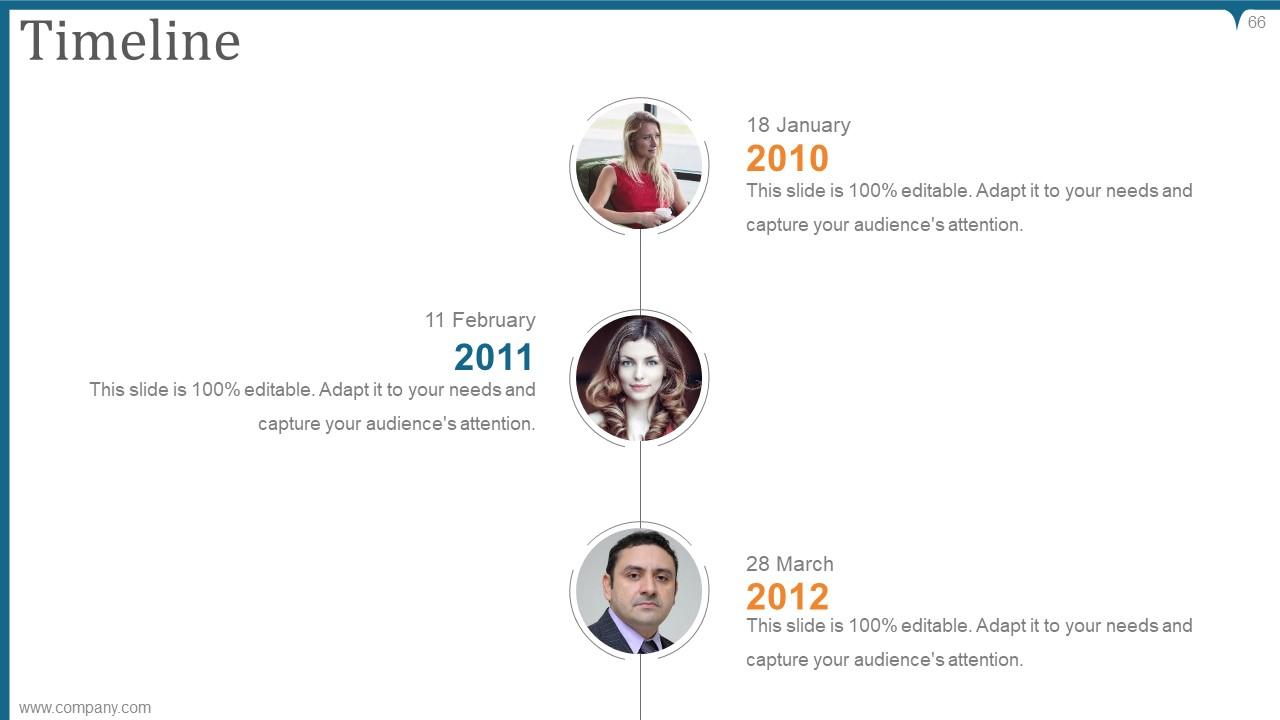
Slide 66: This is a Timeline slide to show information related with time period.
Slide 67: This is another slide continuing Timeline.
Slide 68: This is one more slide continuing Timeline.
Slide 69: This slide shows Post It Notes. Post your important notes here.
Slide 70: This slide presents Newspaper with text boxes to show news, events etc.
Slide 71: This is a Puzzle slide with text boxes to show information.
Slide 72: This is a Target slide. Show your targets here.
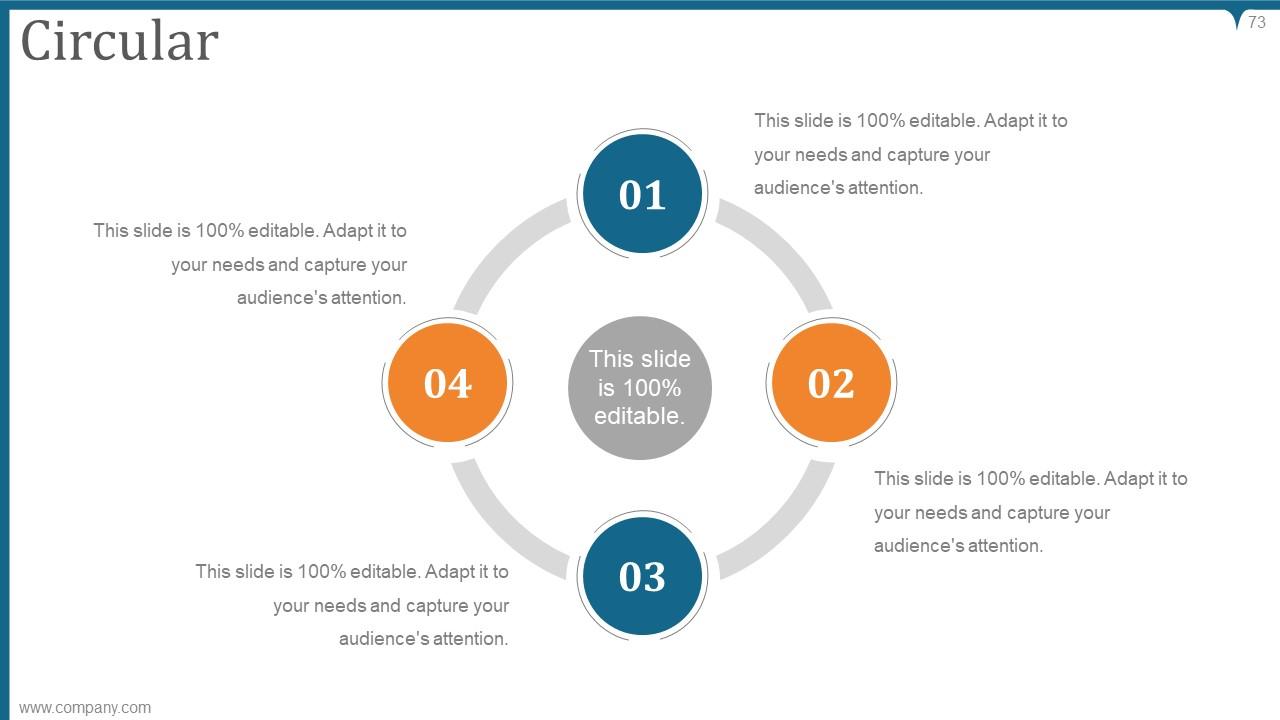
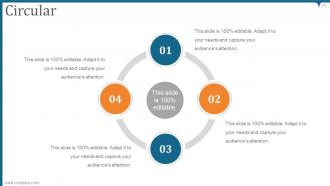
Slide 73: This slide shows Circular diagram with text boxes.
Slide 74: This is a Venn slide with text boxes to show information.
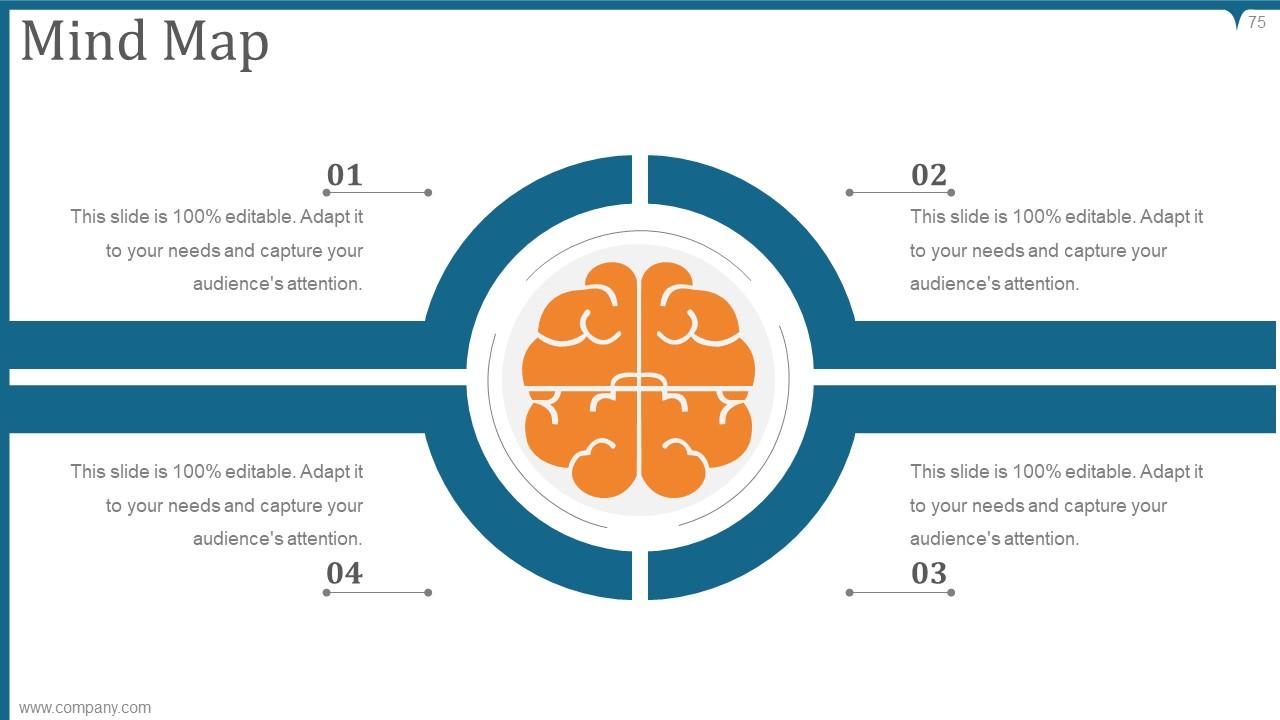
Slide 75: This slide displays Mind Map for representing entities.
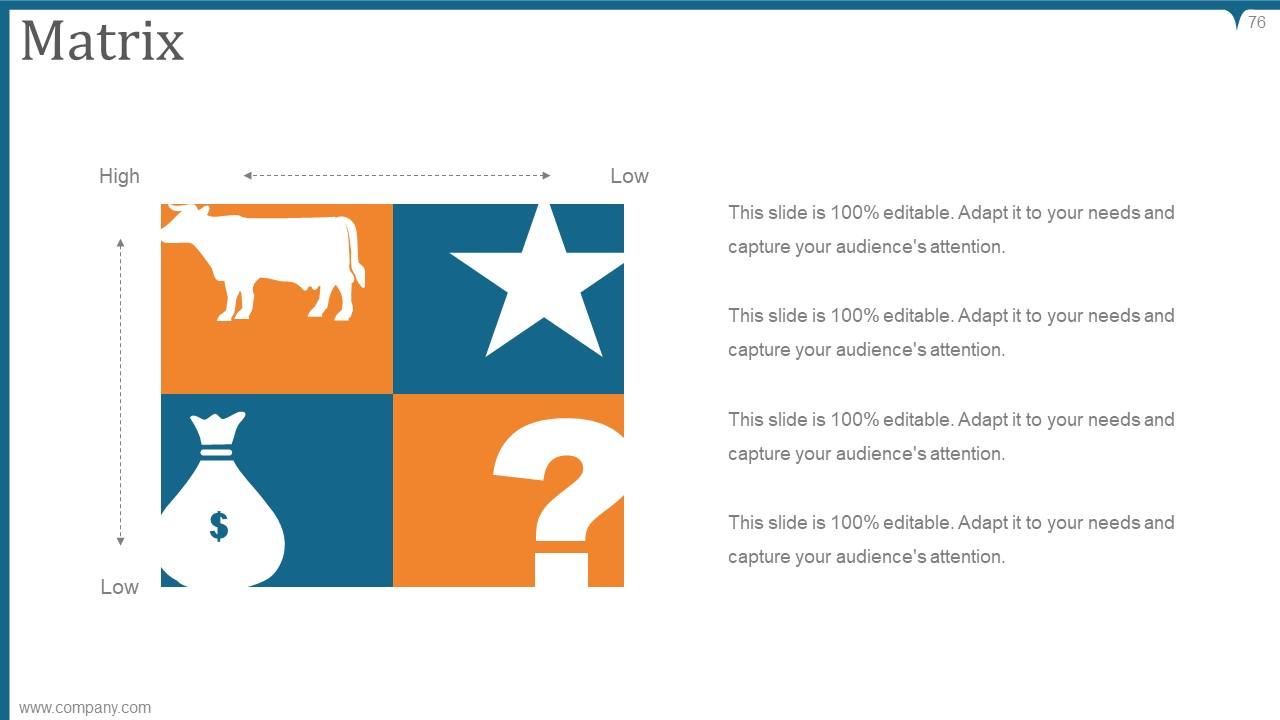
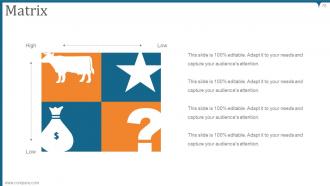
Slide 76: This is a Matrix slide with text boxes.
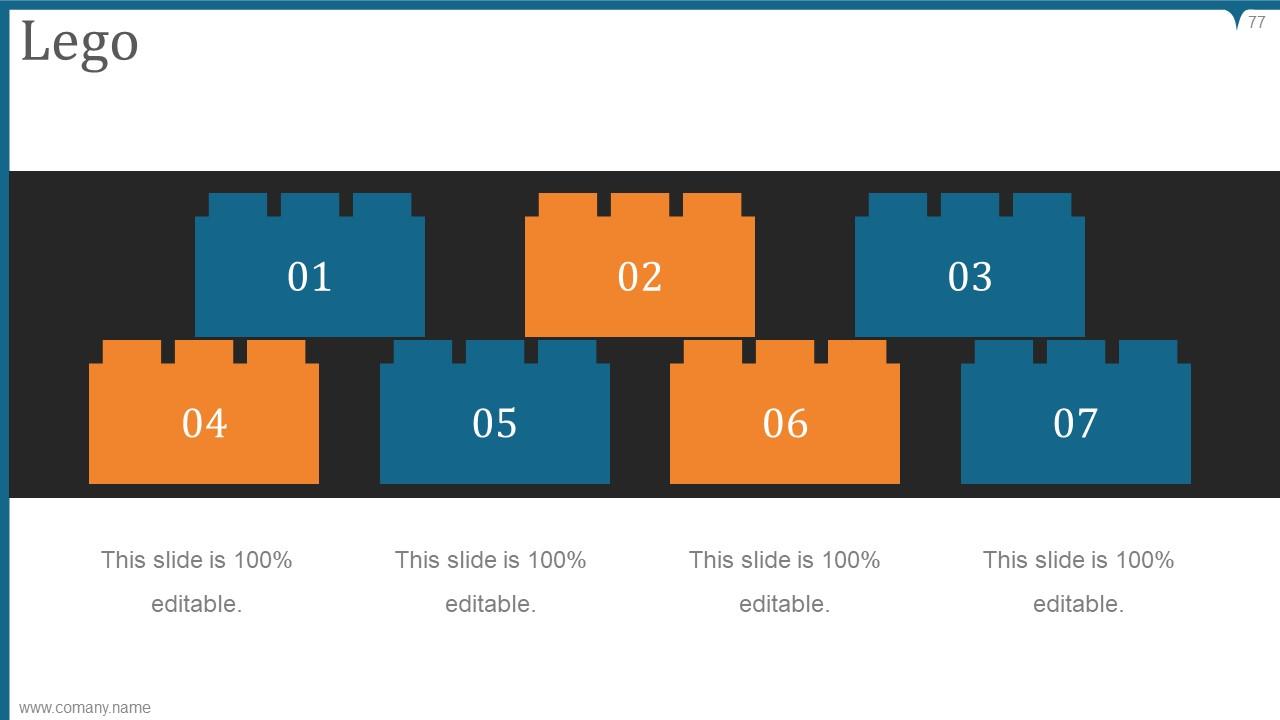
Slide 77: This is a Lego slide with additional text boxes to show information.
Slide 78: This is a Hierarchy slide with names and designation of employees.
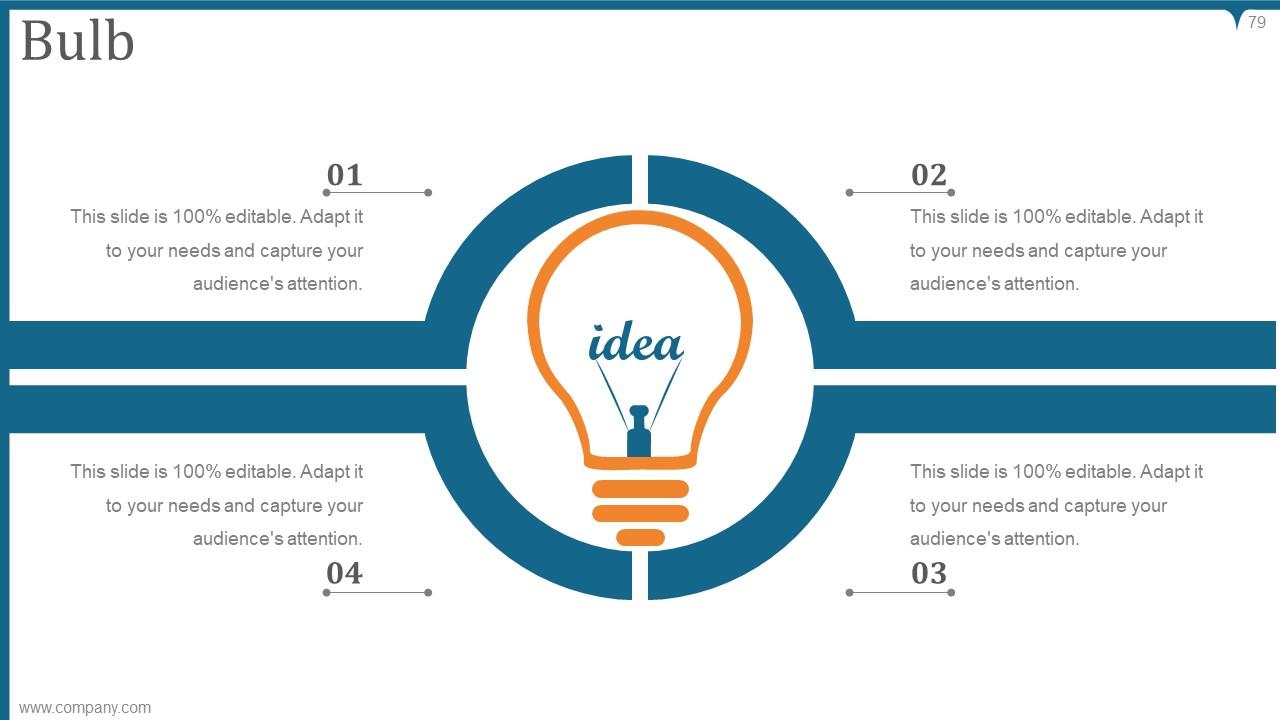
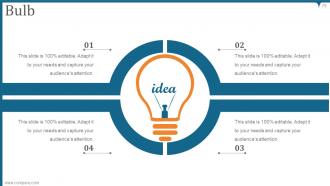
Slide 79: This is a Bulb slide to state a new idea or highlight information, specifications etc.
Slide 80: This slide shows Magnifying Glass with text boxes.
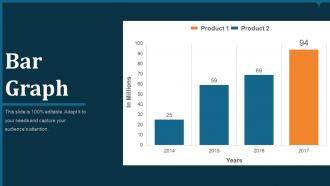
Slide 81: This slide shows Bar Graph with two products comparison.
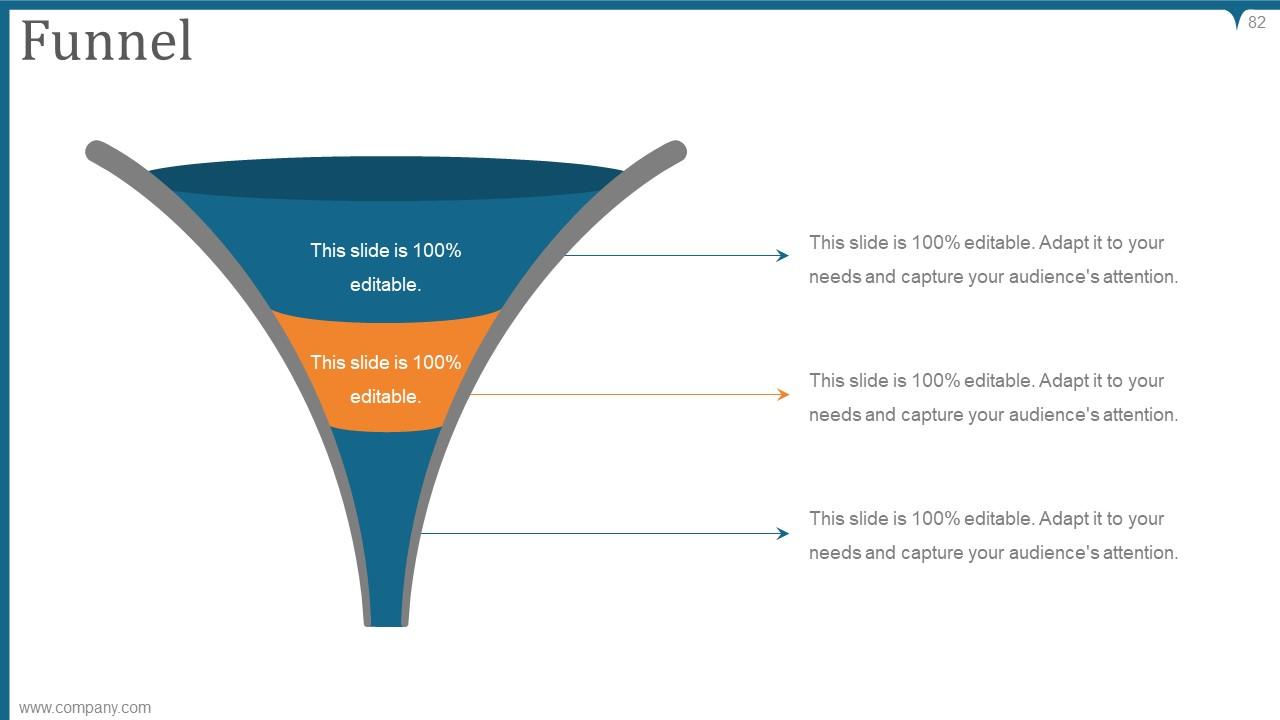
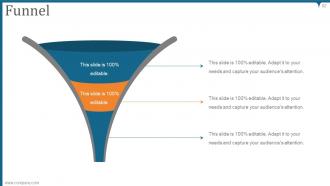
Slide 82: This is a Funnel slide with text boxes to show information.
Slide 83: This is a THANK YOU slide with address, contact numbers and email address.
Kaizen pdca cycle process powerpoint presentation slides with all 83 slides:
Our Kaizen Pdca Cycle Process Powerpoint Presentation Slides bring out the bare facts. They help filter out the available data.
-
Graphics are very appealing to eyes.
-
Great designs, Easily Editable.
-
wooowww
-
wooowww
