


Project Consultation Proposal Powerpoint Slides Complete Deck
Project Consultation Proposals (PCPs) are documents that provide detailed information about a proposed project, including its objectives, methodology, timeline, and budget. They are typically used to solicit feedback and input from potential stakeholders, partners, and funders. PCPs can be used to secure financial backing for a project, or simply to gauge interest and get feedback from those who could be affected by the project. Either way, they should be clear, concise, and well-organized. If you're looking for help with writing a Project Consultation Proposal, look no further than Slideteam. Our PowerPoint presentation services can provide you with all the assistance you need to get your project off the ground. And If you're not sure how to go about writing a Project Consultation Proposal, don't worry. Slideteam is here to help. We have a team of experienced writers who can help you put together a winning proposal. So download our project management ppts today.
Project Consultation Proposals (PCPs) are documents that provide detailed information about a proposed project, including i..














-

- Google Slides is a new FREE Presentation software from Google.
- All our content is 100% compatible with Google Slides.
- Just download our designs, and upload them to Google Slides and they will work automatically.
- Amaze your audience with SlideTeam and Google Slides.
-

Want Changes to This PPT Slide? Check out our Presentation Design Services
-

- WideScreen Aspect ratio is becoming a very popular format. When you download this product, the downloaded ZIP will contain this product in both standard and widescreen format.
-

- Some older products that we have may only be in standard format, but they can easily be converted to widescreen.
- To do this, please open the SlideTeam product in Powerpoint, and go to
- Design ( On the top bar) -> Page Setup -> and select "On-screen Show (16:9)” in the drop down for "Slides Sized for".
- The slide or theme will change to widescreen, and all graphics will adjust automatically. You can similarly convert our content to any other desired screen aspect ratio.
Compatible With Google Slides

Get This In WideScreen
You must be logged in to download this presentation.


Do you want to remove this product from your favourites?
PowerPoint presentation slides
Deliver this complete deck to your team members and other collaborators. Encompassed with stylized slides presenting various concepts, this Project Consultation Proposal Powerpoint Slides Complete Deck is the best tool you can utilize. Personalize its content and graphics to make it unique and thought provoking. All the fourty eight slides are editable and modifiable, so feel free to adjust them to your business setting. The font, color, and other components also come in an editable format making this PPT design the best choice for your next presentation. So, download now.

People who downloaded this PowerPoint presentation also viewed the following :
Content of this Powerpoint Presentation
Slide 1: This slide displays title i.e. 'Project Consultation Proposal PowerPoint Slides' and your Company Name.
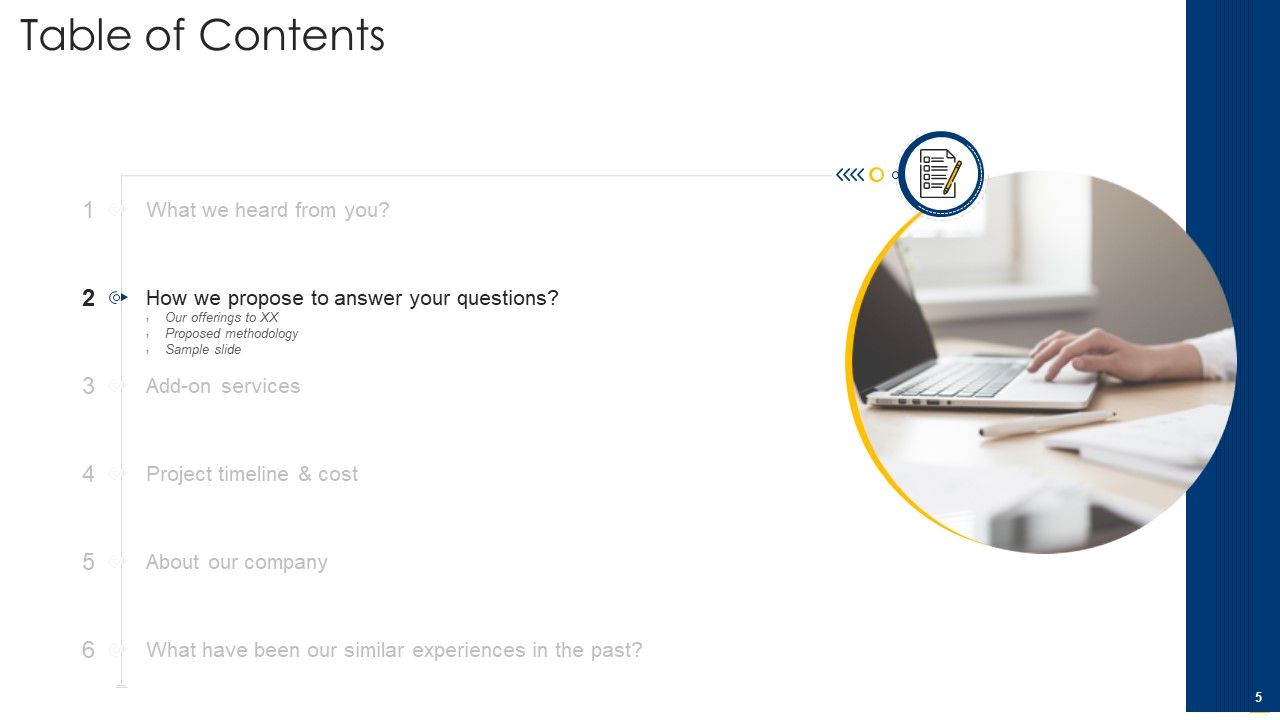
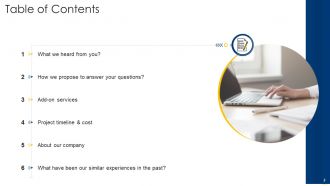
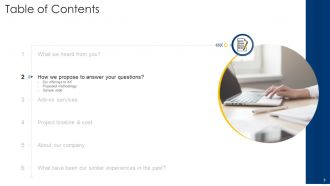
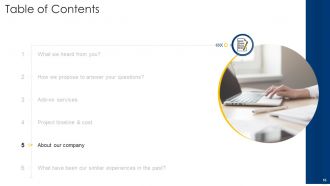
Slide 2: This slide presents table of contents.
Slide 3: This slide exhibits title for first topic covered in the template.
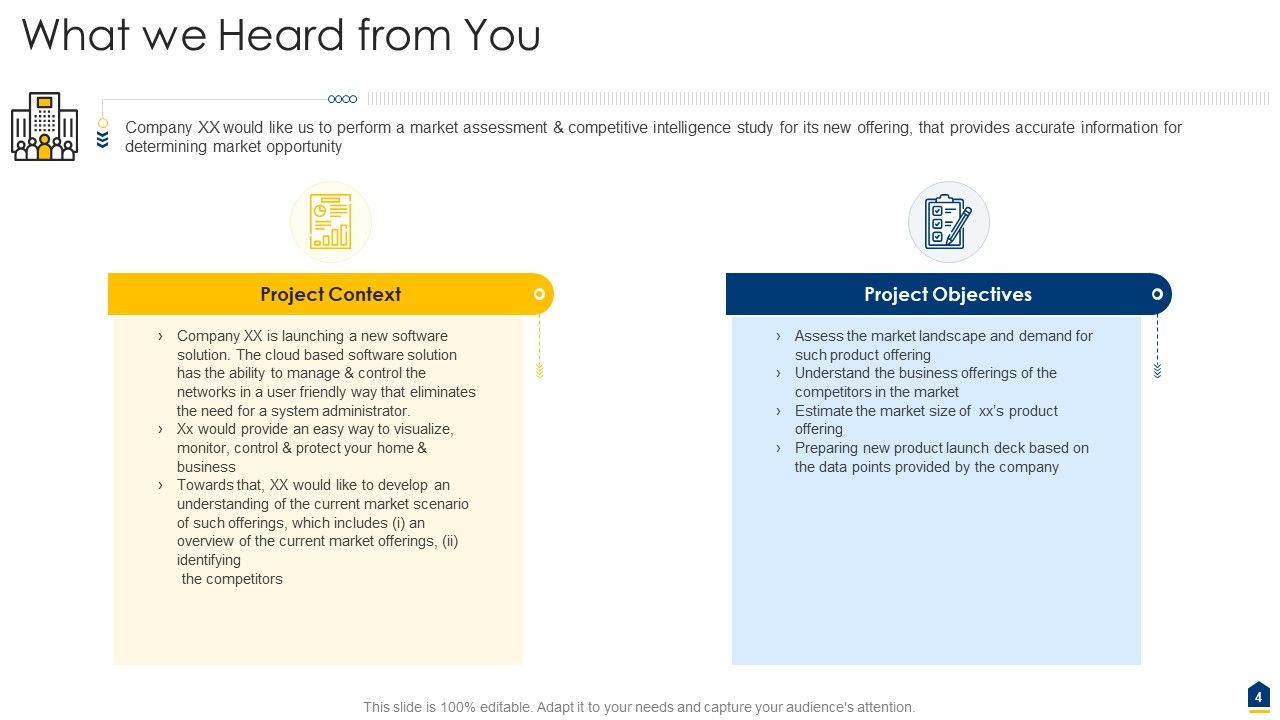
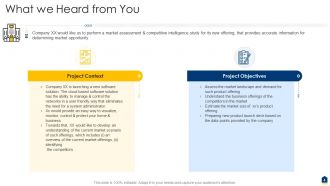
Slide 4: This slide shows context and objectives of the project.
Slide 5: This slide depicts title for second topic to be covered in the template.
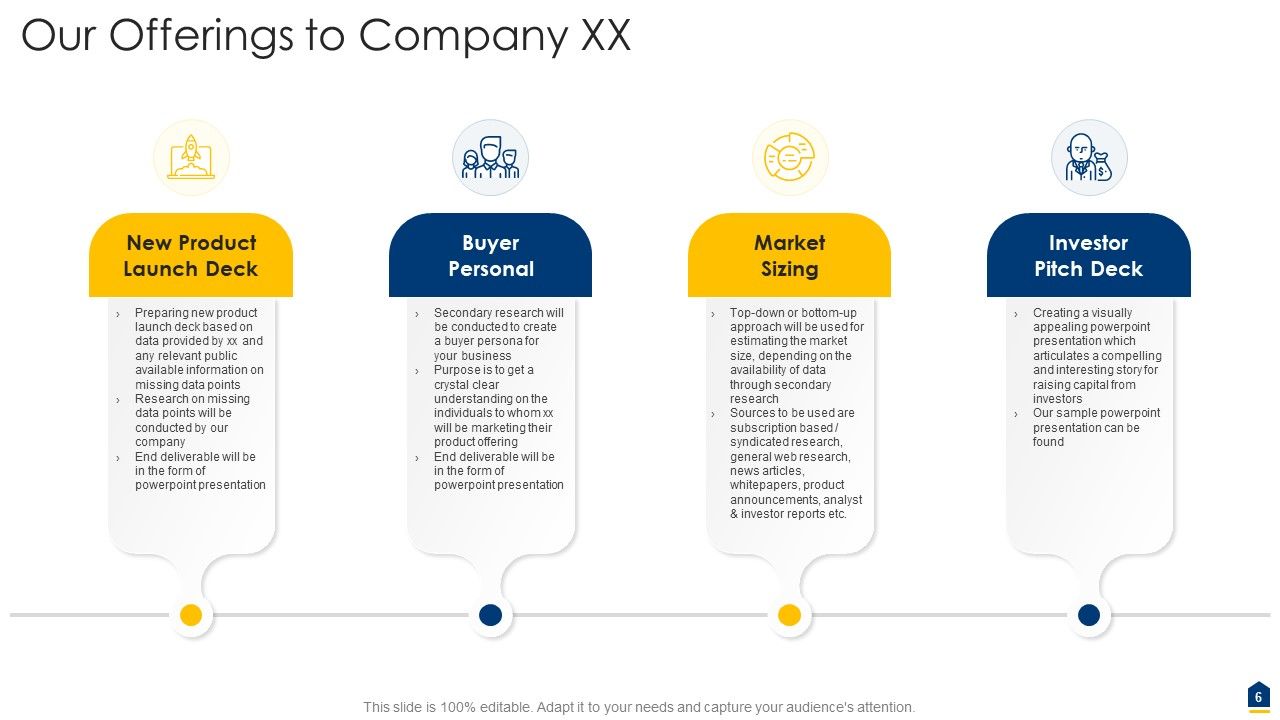
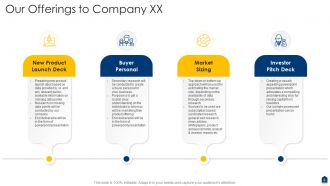
Slide 6: This slide highlights the offerings to company XX.
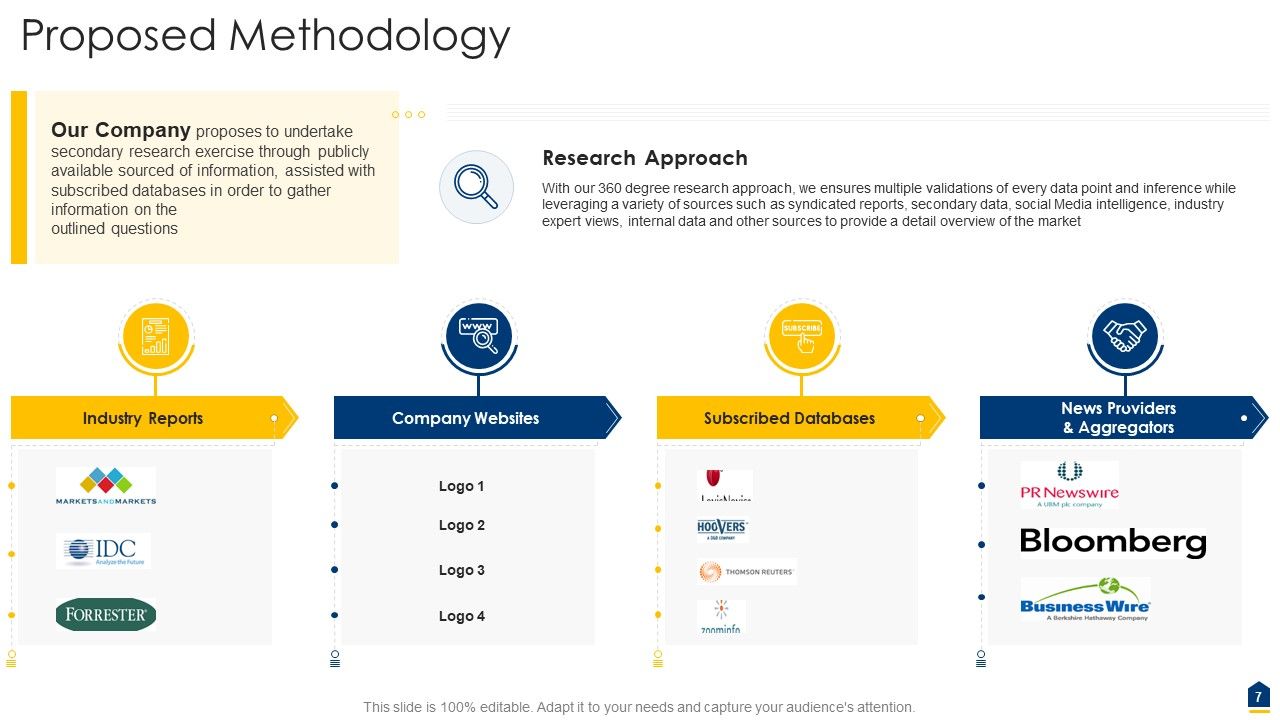
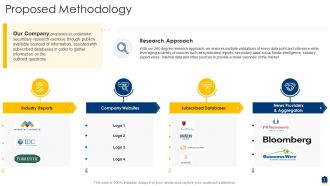
Slide 7: This slide illustrates proposed methodology.
Slide 8: This slide depicts title for third topic to be covered in the template.
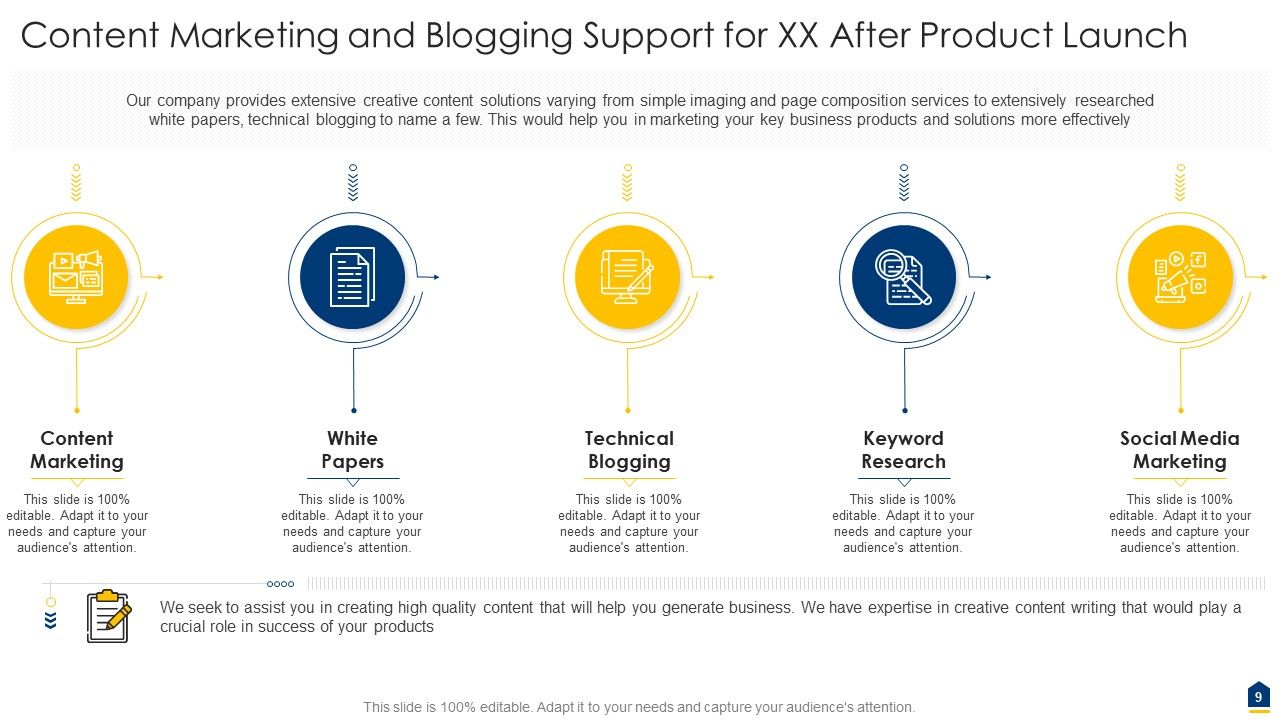
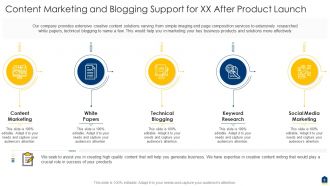
Slide 9: This slide displays content marketing & blogging support for XX after product launch.
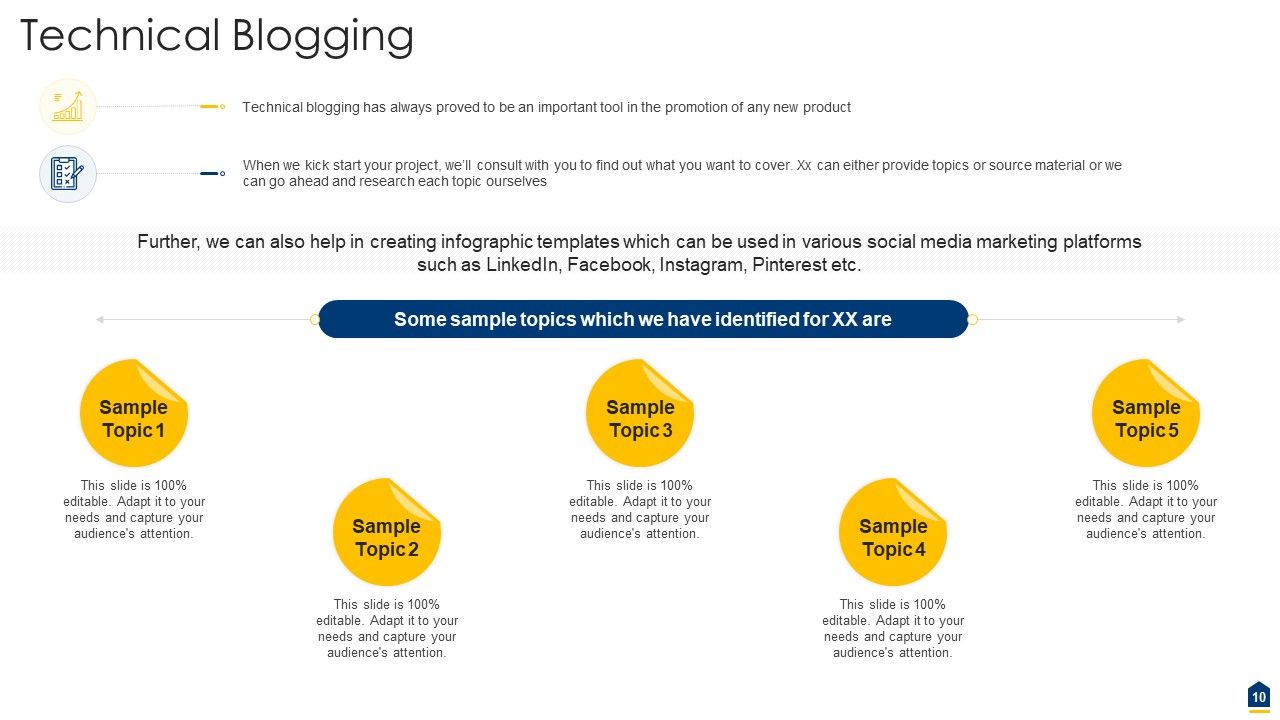
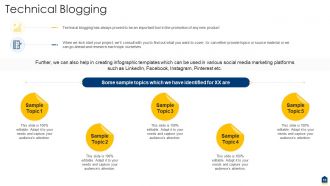
Slide 10: This slide presents technical blogging.
Slide 11: This slide exhibits title for fourth topic to be covered in the template.
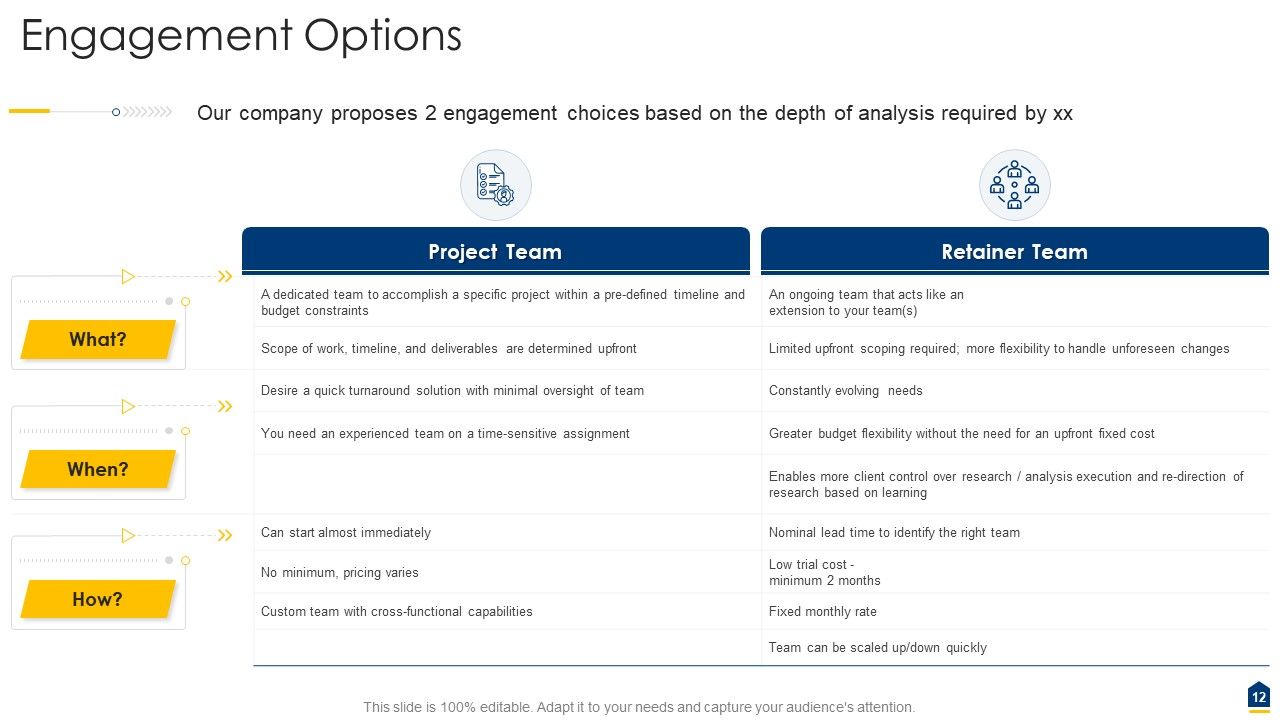
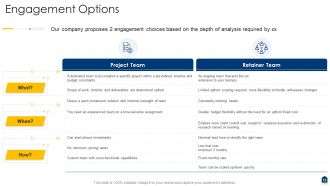
Slide 12: This slide shows engagement options.
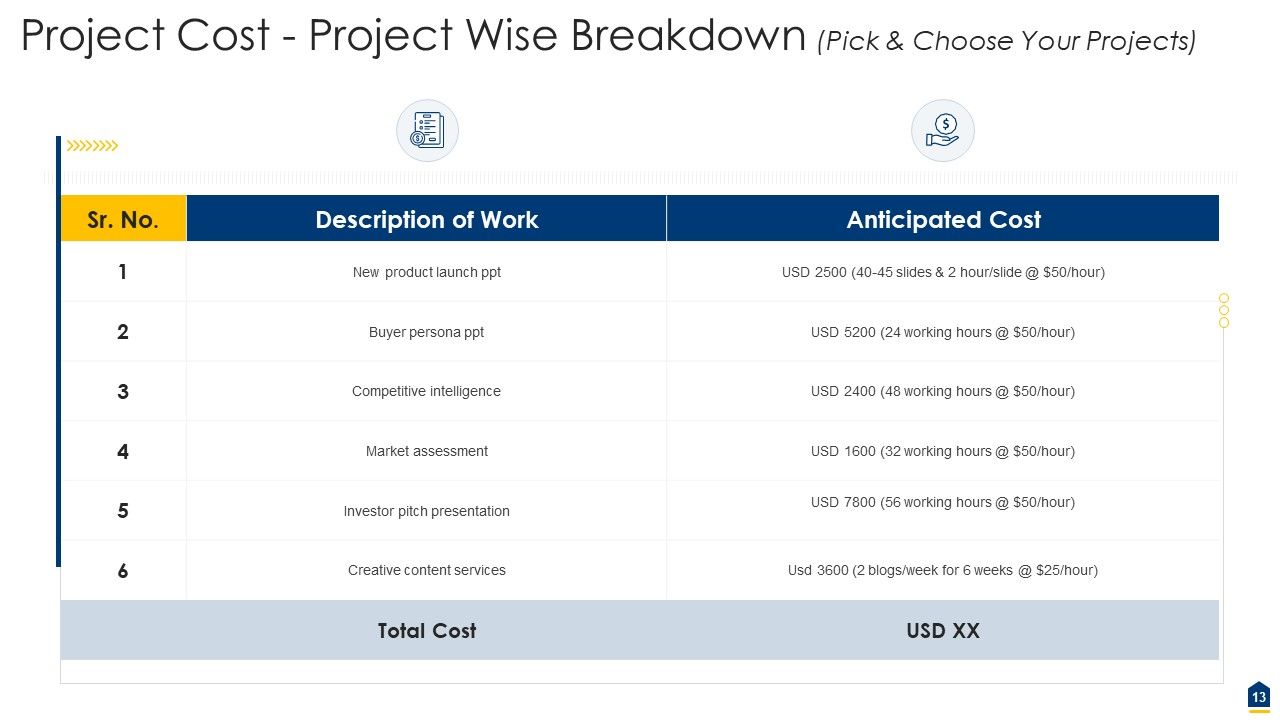
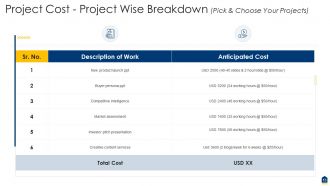
Slide 13: This slide depicts Project Cost - Project Wise Breakdown.
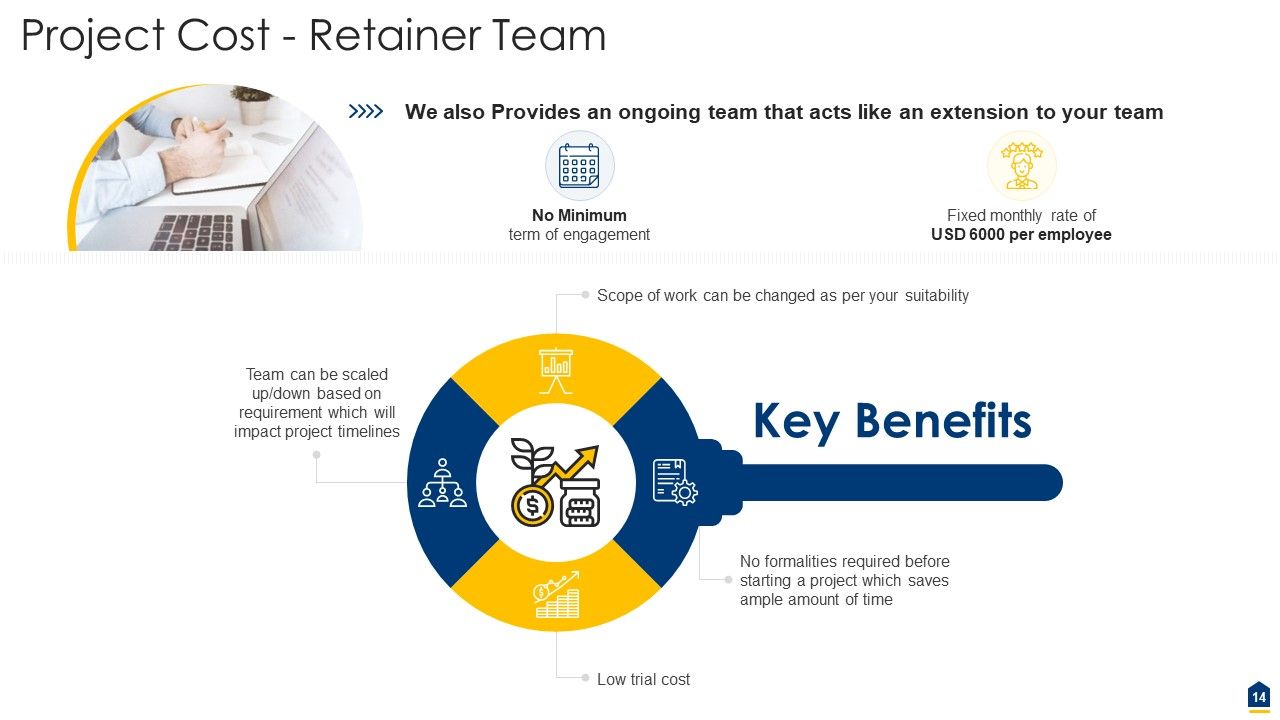
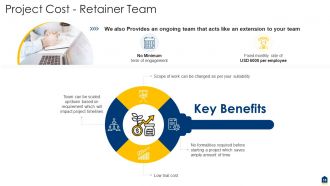
Slide 14: This slide highlights Project Cost - Retainer Team.
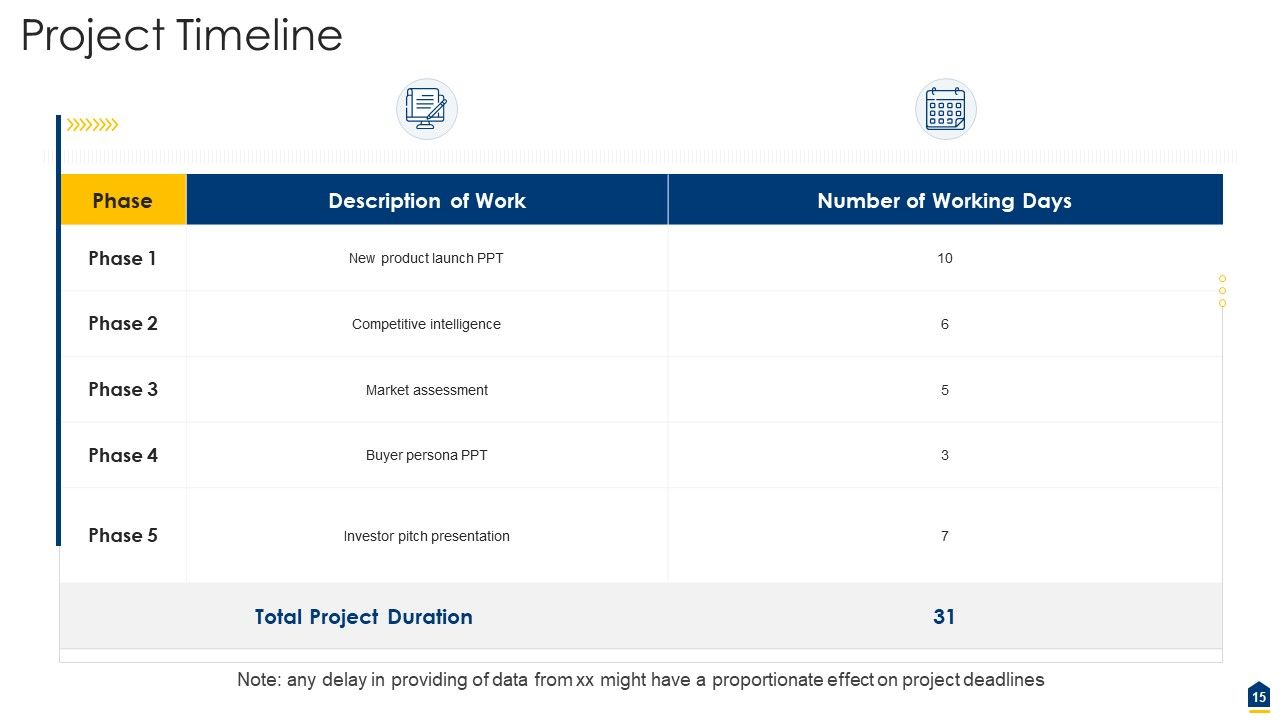
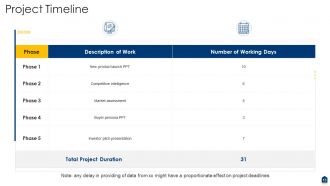
Slide 15: This slide illustrates Project Timeline.
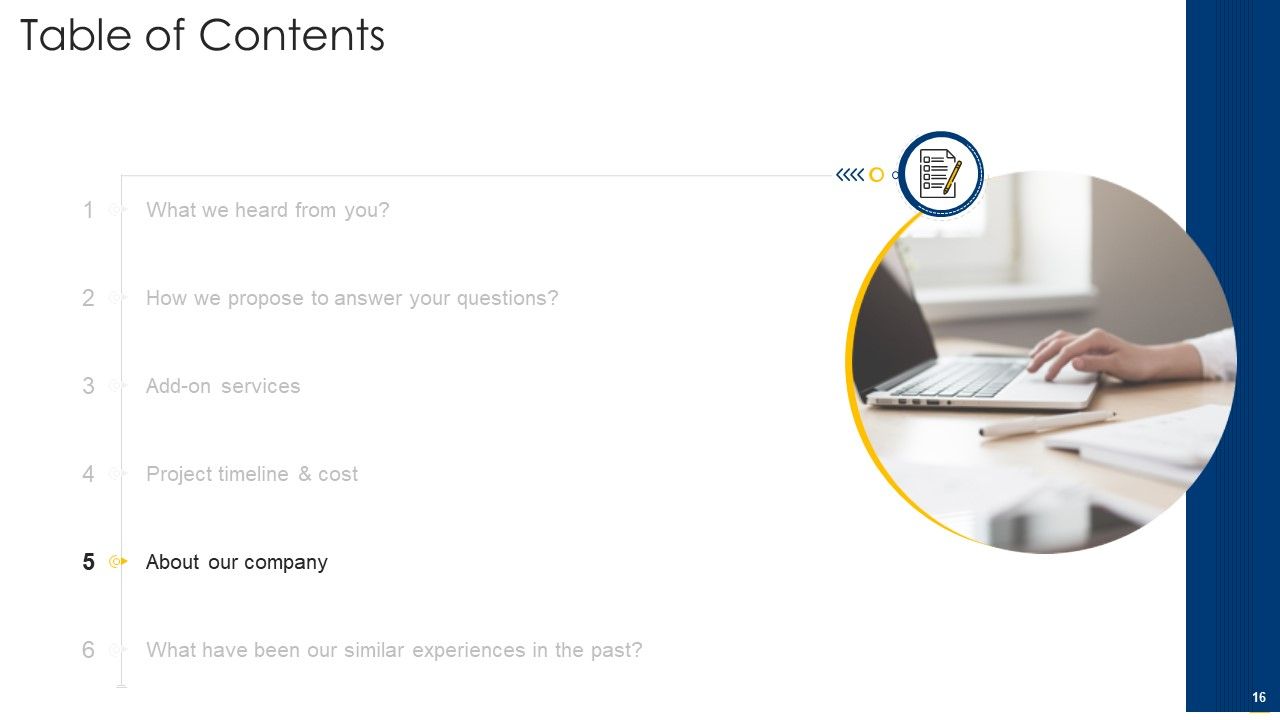
Slide 16: This slide showcases title for 'About our company'.
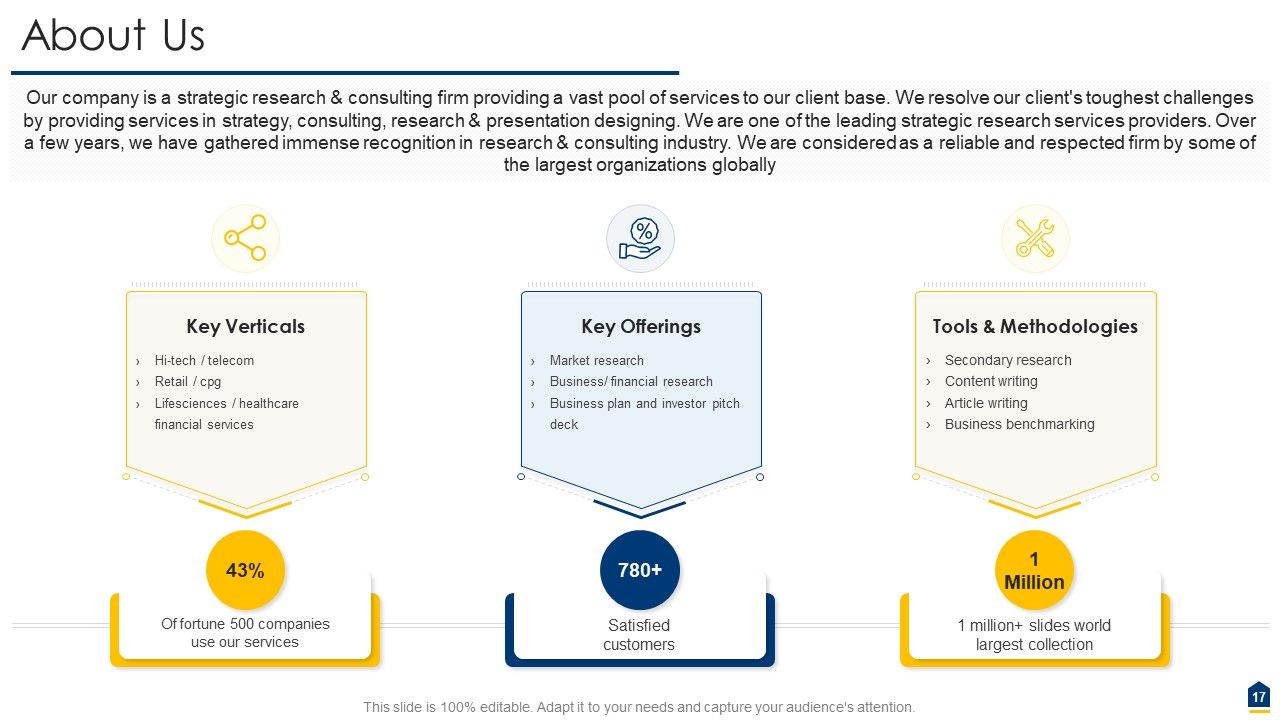
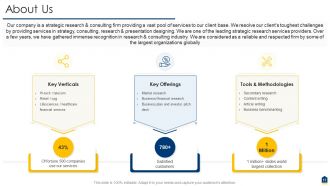
Slide 17: This slide displays about your key offerings, verticals, tools & methodologies.
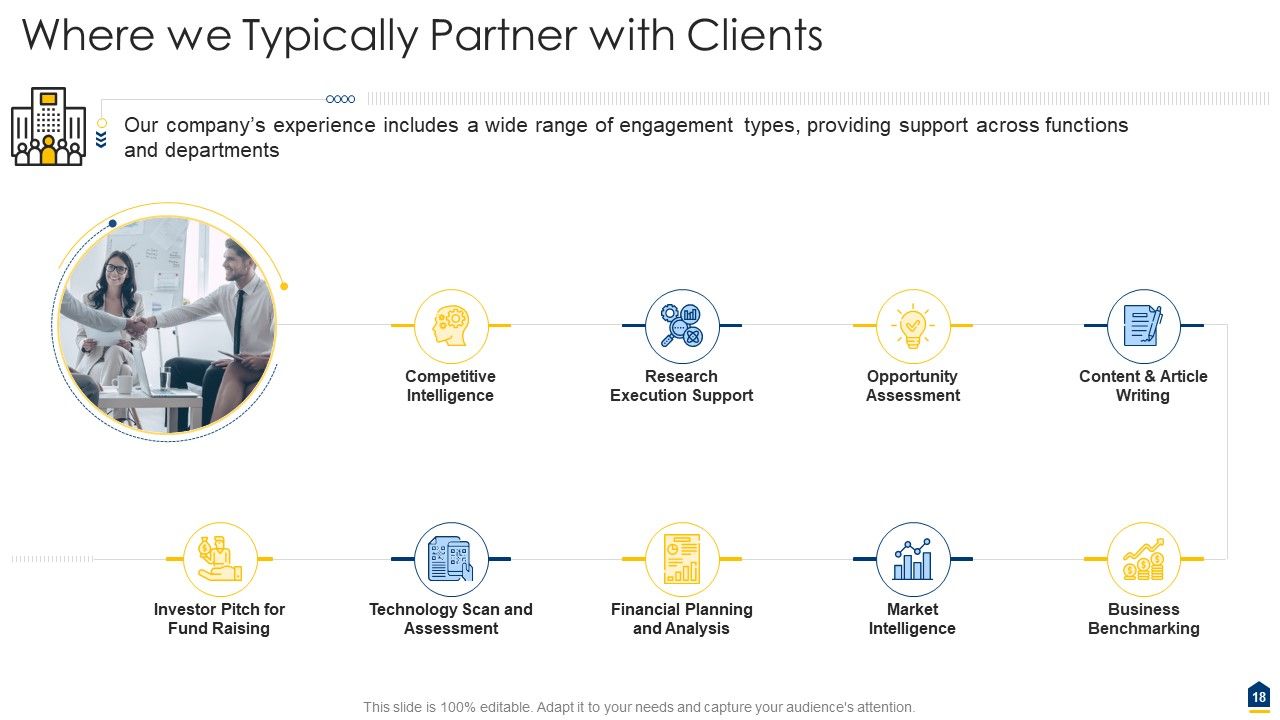
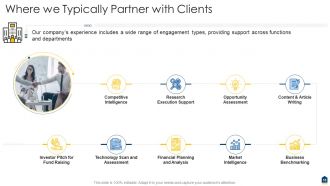
Slide 18: This slide presents where we typically partner with clients.
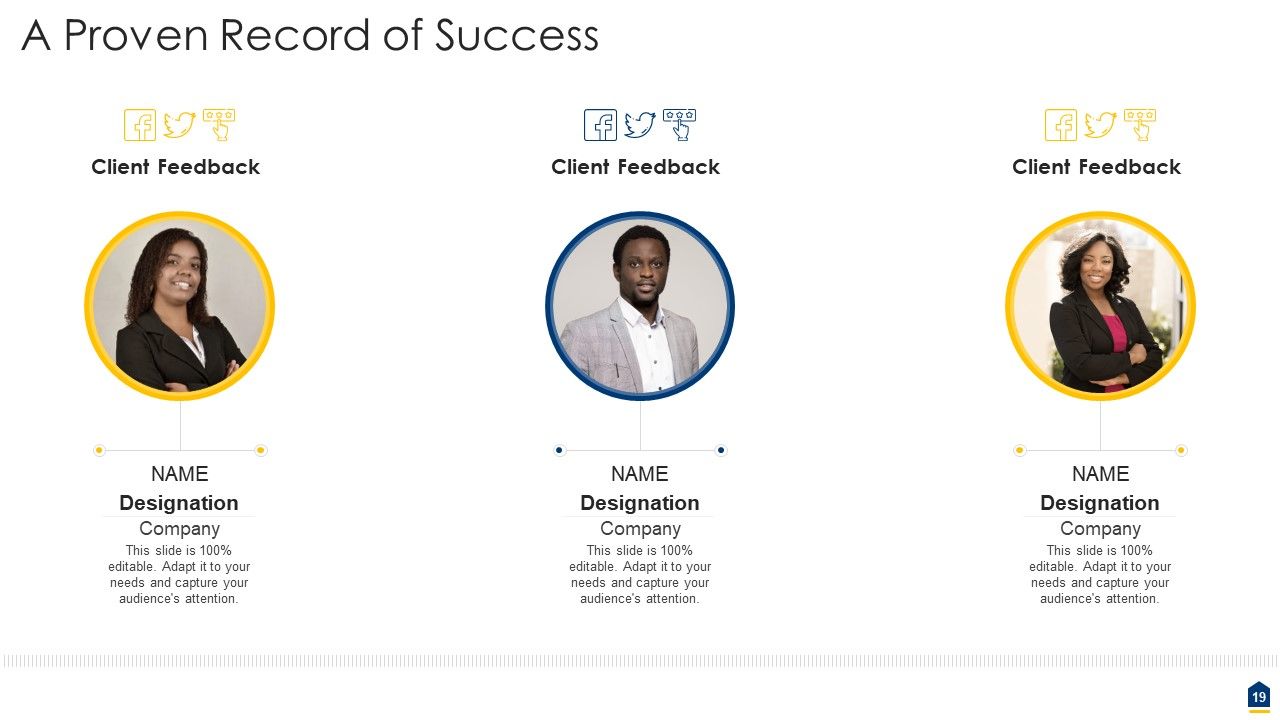
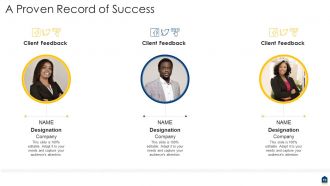
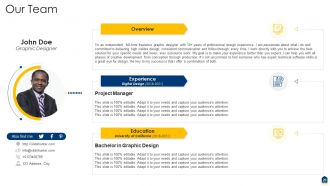
Slide 19: This slide exhibits details of team leaders such as their name, designation, image, etc.
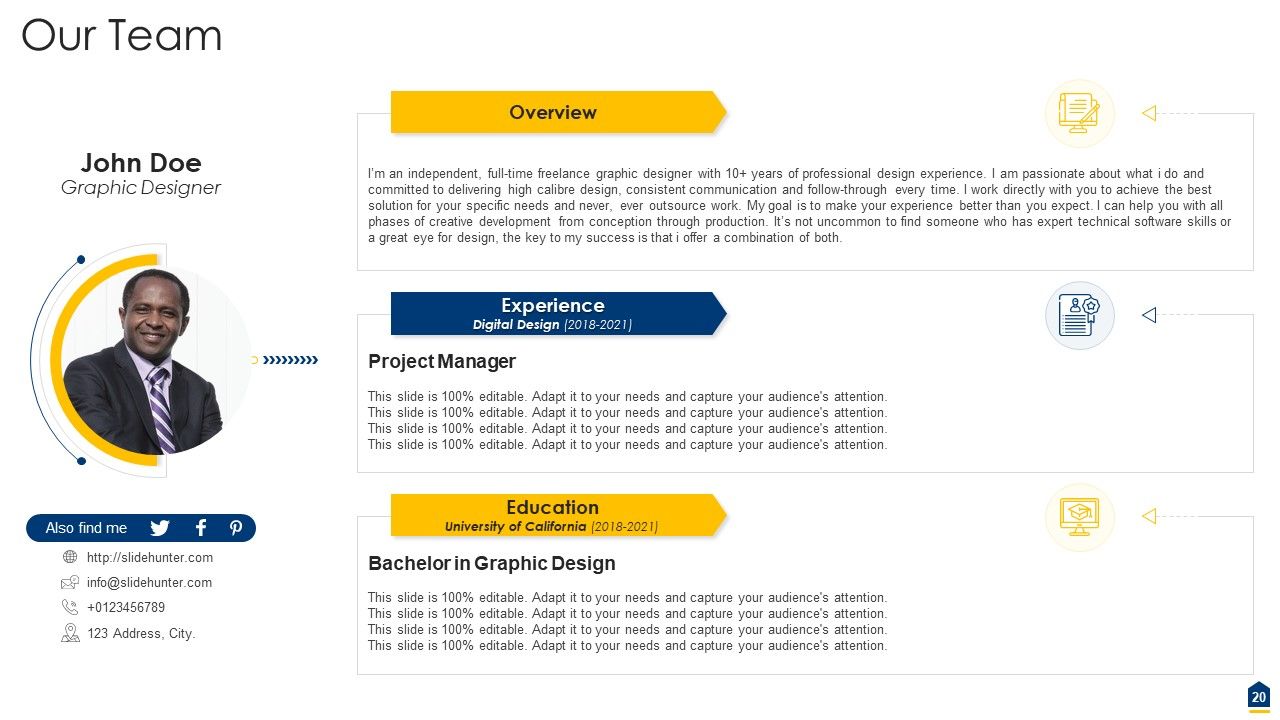
Slide 20: This slide shows about the team.
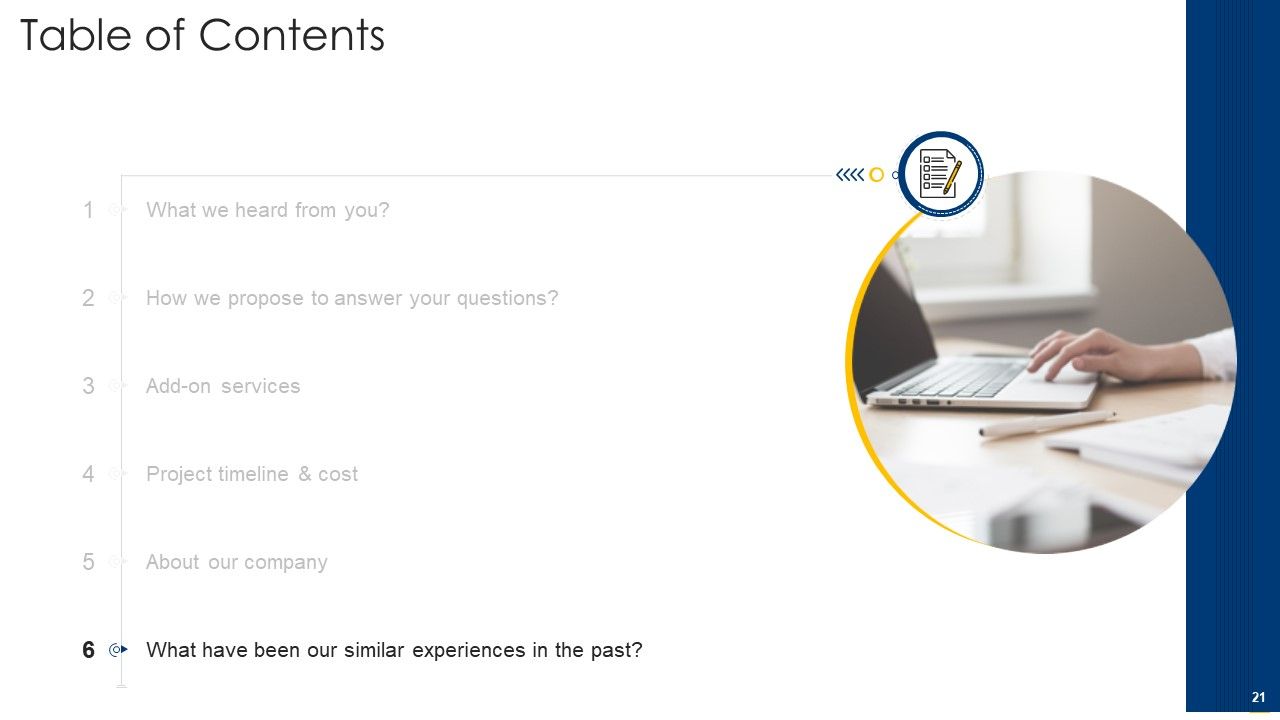
Slide 21: This slide depicts title for last or sixth topic to be covered in the template.
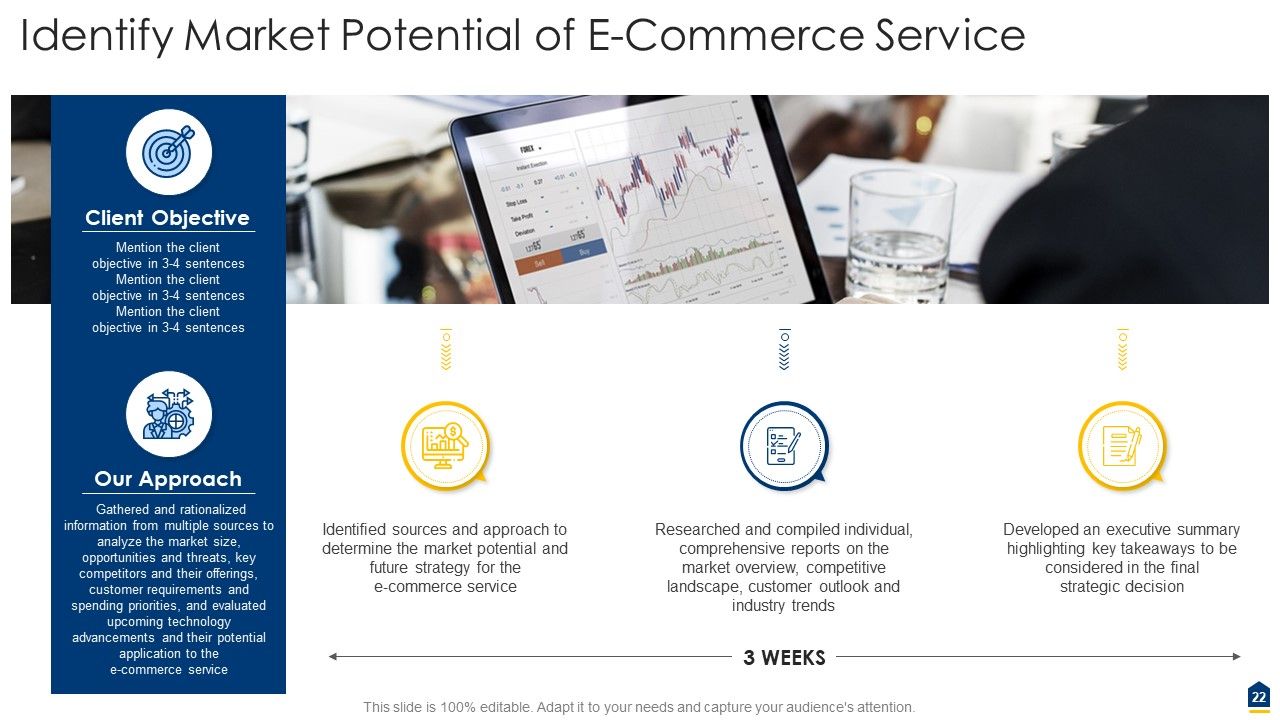
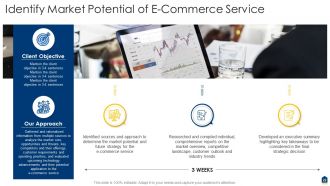
Slide 22: This slide highlights market potential of e-commerce service.
Slide 23: This is the icons slide.
Slide 24: This slide displays details of contact and company logo.
Slide 25: This slide presents text and image for coffee break.
Slide 26: This slide shows title for 'charts & graphs'.
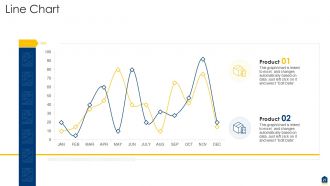
Slide 27: This slide exhibits monthly line charts for different products. The charts are linked to Excel.
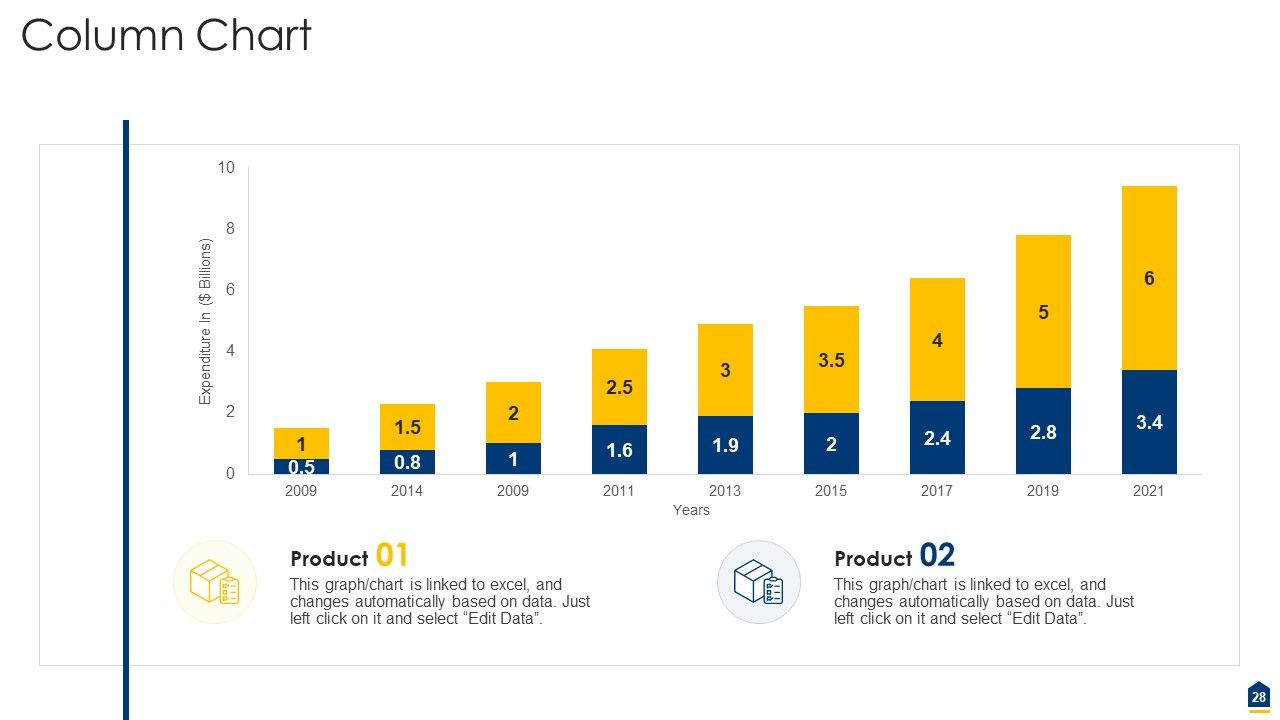
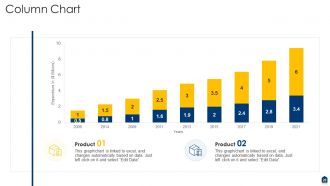
Slide 28: This slide displays yearly expenditure column charts for different products. The charts are linked to Excel.
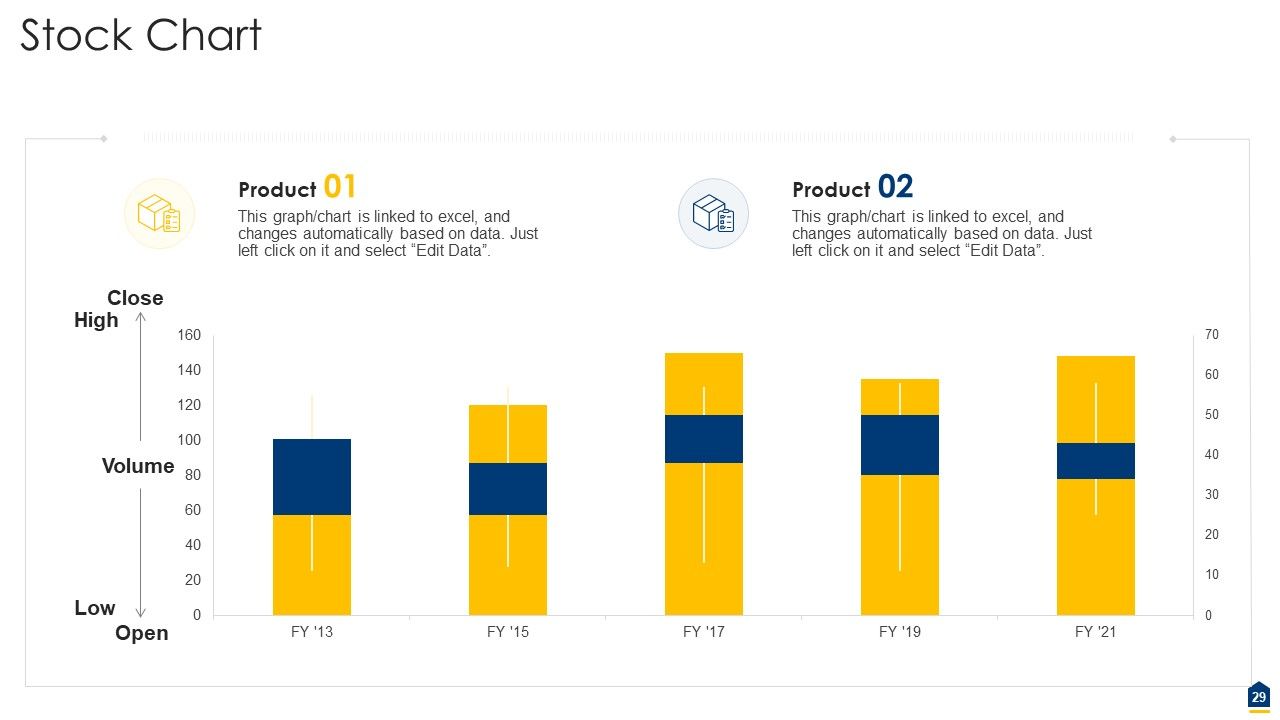
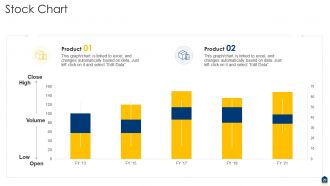
Slide 29: This slide presents yearly stock charts for different products. The charts are linked to Excel.
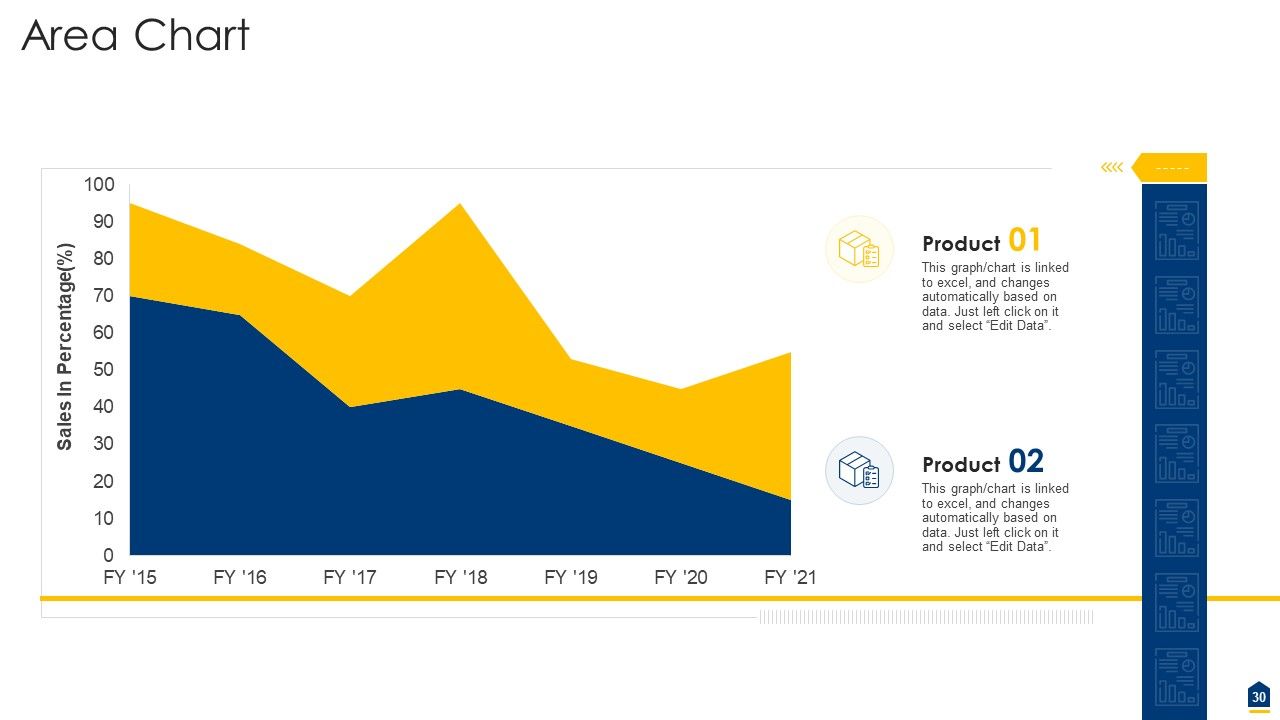
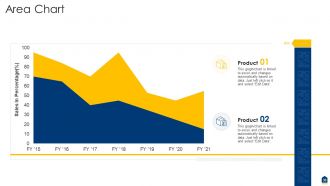
Slide 30: This slide shows yearly sales area charts for different products. The charts are linked to Excel.
Slide 31: This slide presents title for additional slides.
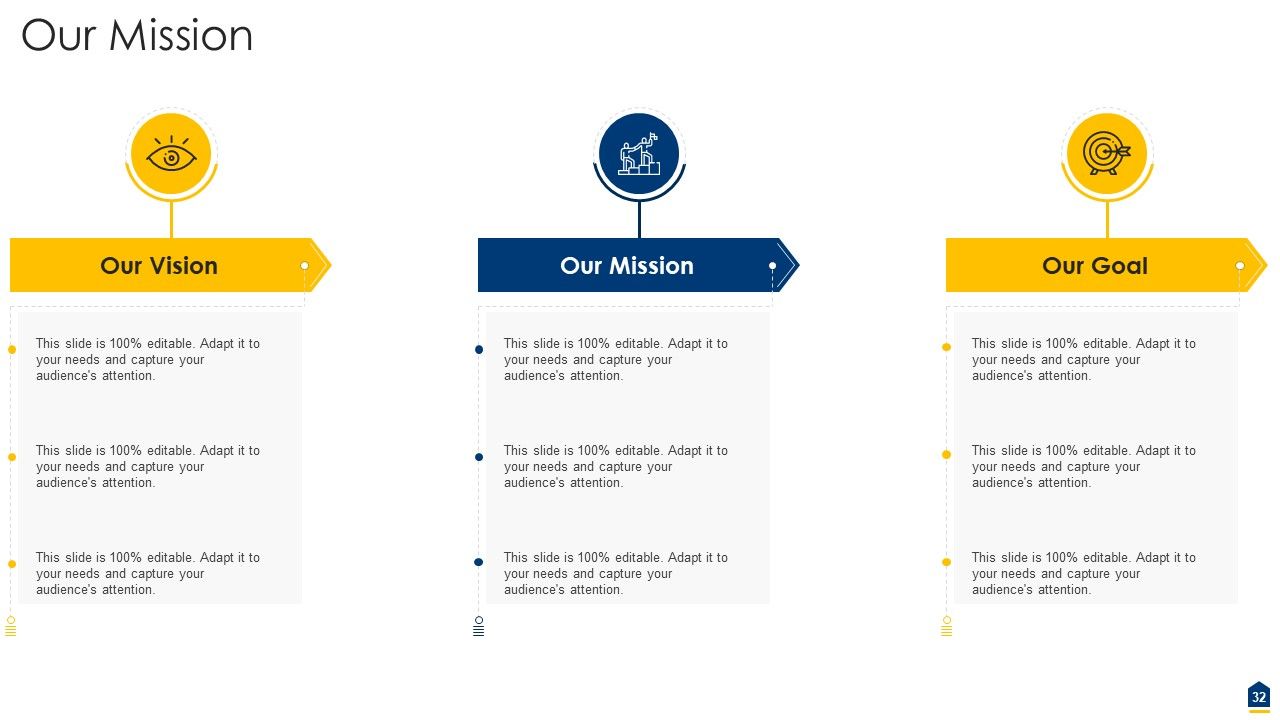
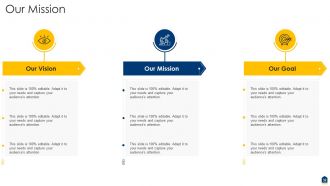
Slide 32: This slide presents your company's vision, mission and goals.
Slide 33: This slide shows details of team members like name, designation, etc.
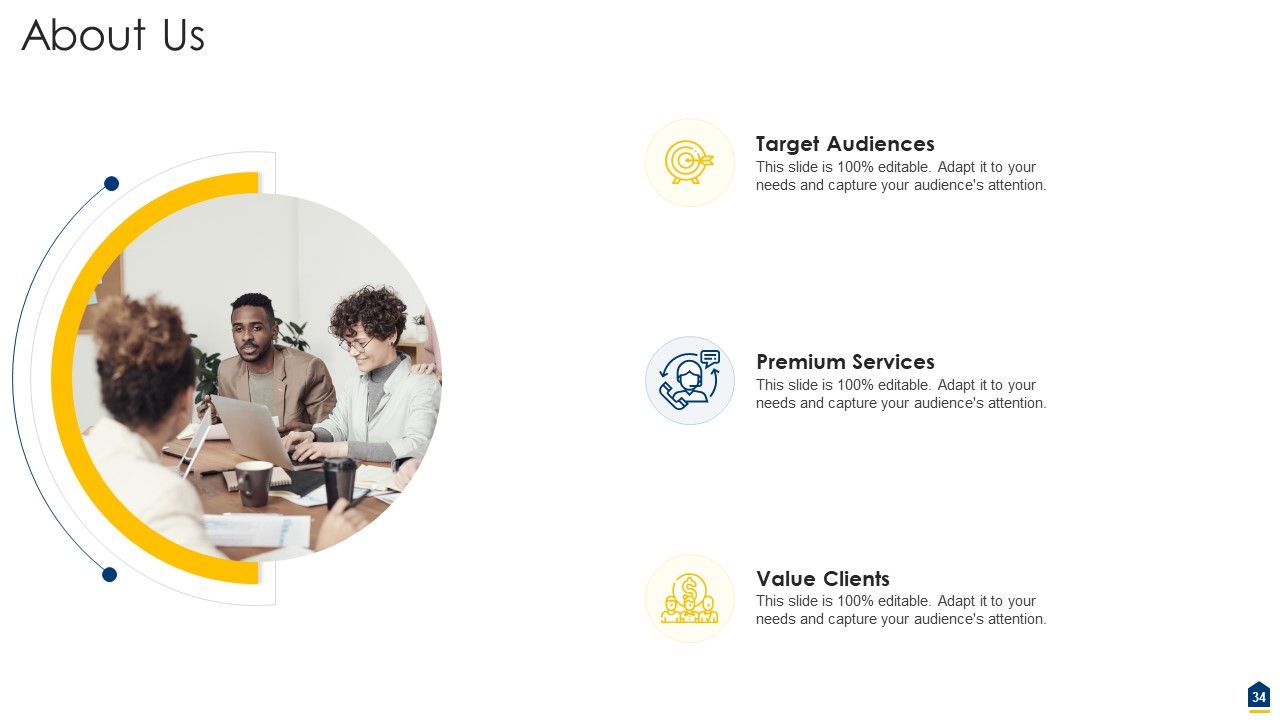
Slide 34: This slide shows about your company, target audience and its client's values.
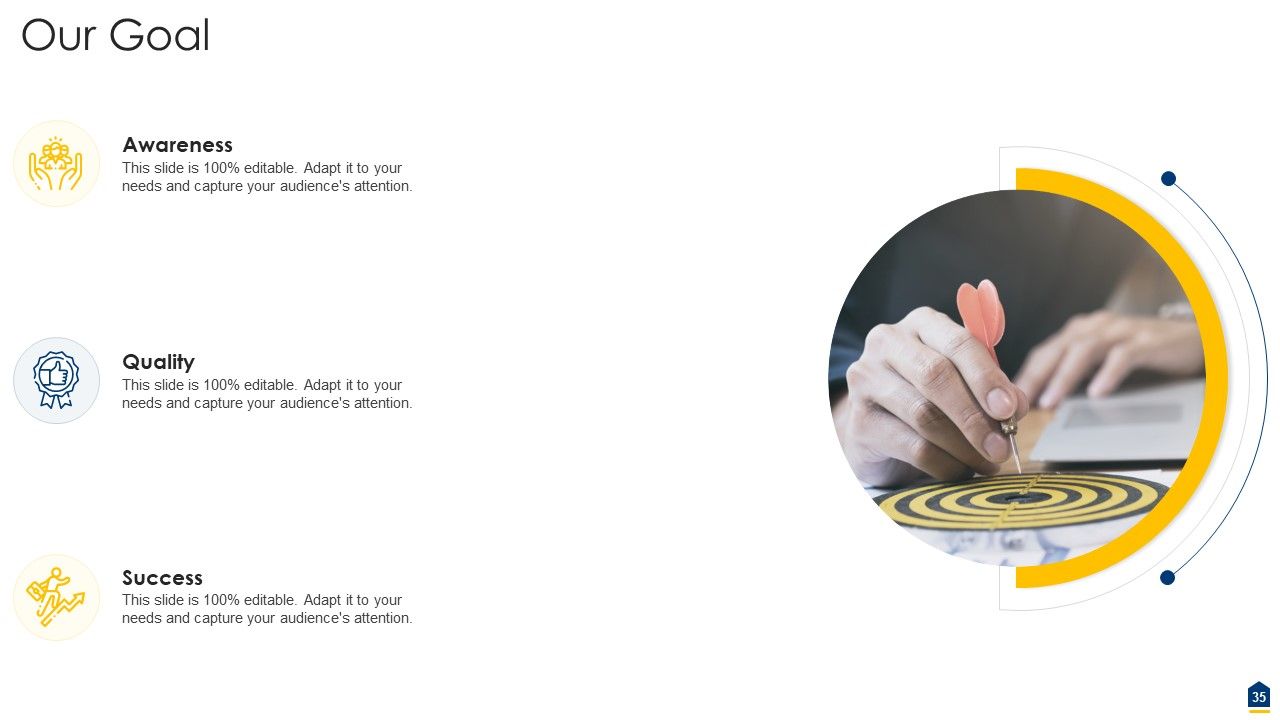
Slide 35: This slide shows goals.
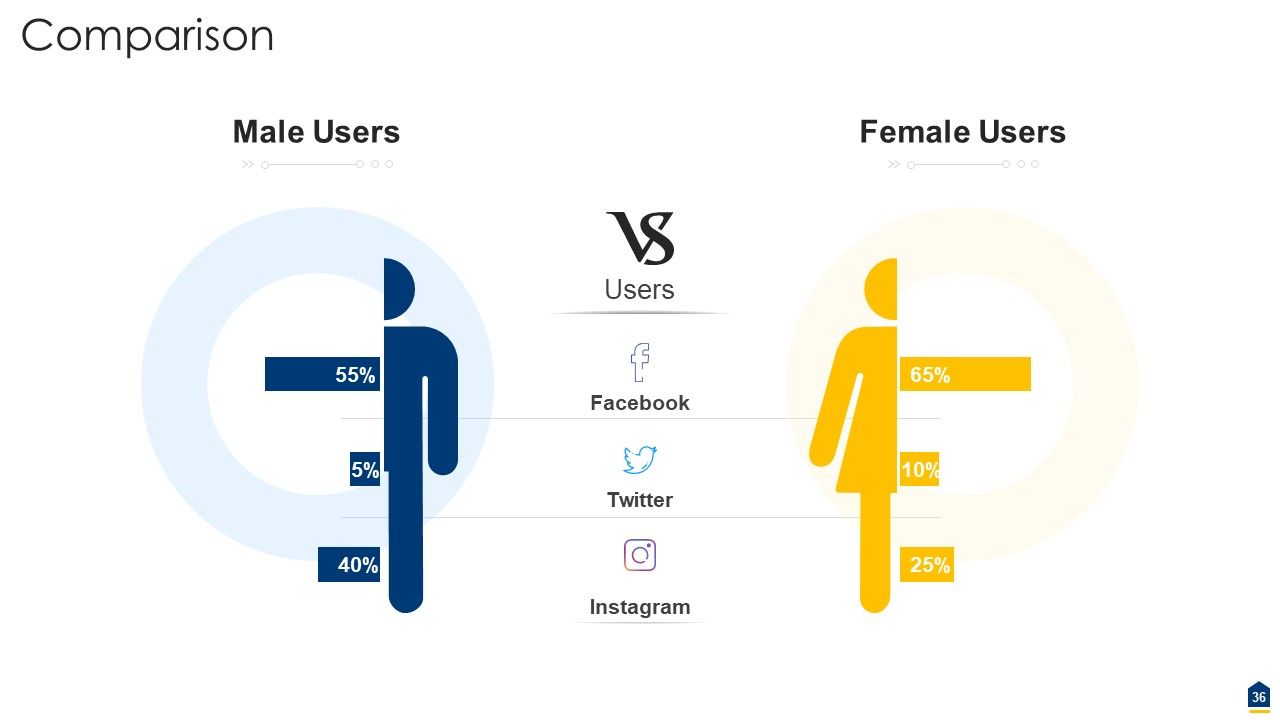
Slide 36: This slide highlights comparison of products based on selects.
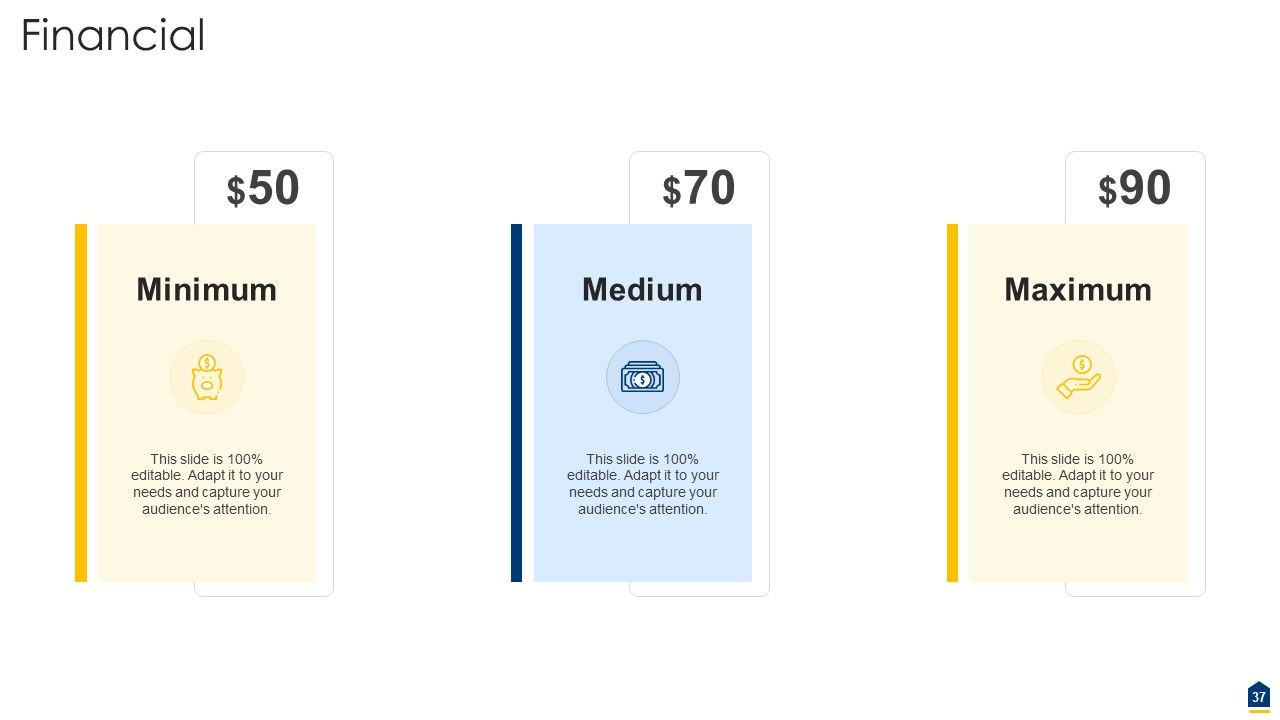
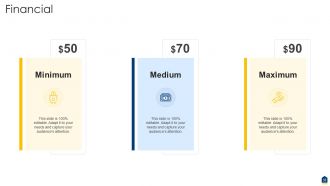
Slide 37: This slide showcases financials.
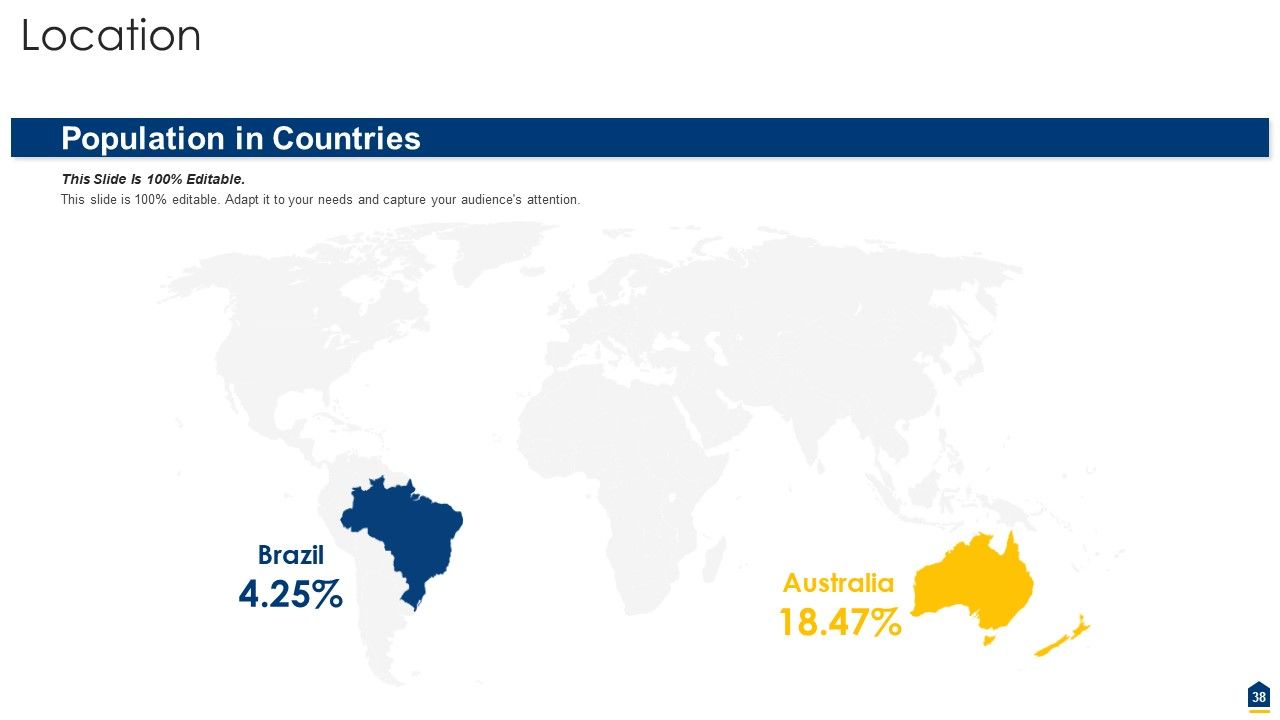
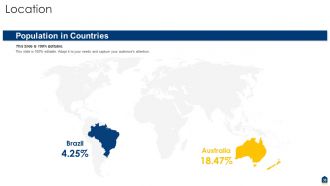
Slide 38: This slide depicts location of company in world map.
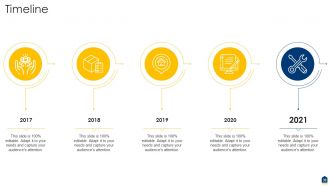
Slide 39: This slide exhibits yearly timeline.
Slide 40: This slide depicts posts for past experiences of clients.
Slide 41: This slide displays puzzle.
Slide 42: This slide presents targets.
Slide 43: This slide displays Venn.
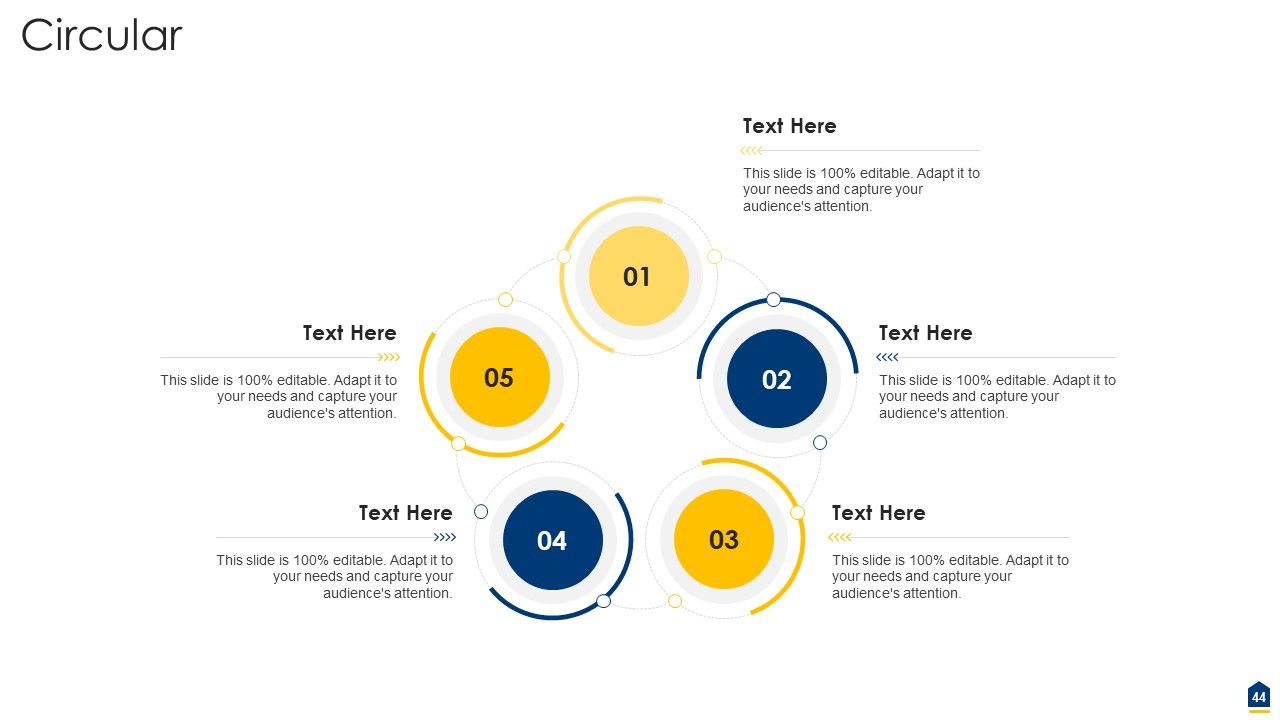
Slide 44: This slide presents circular process.
Slide 45: This slide exhibits mind map.
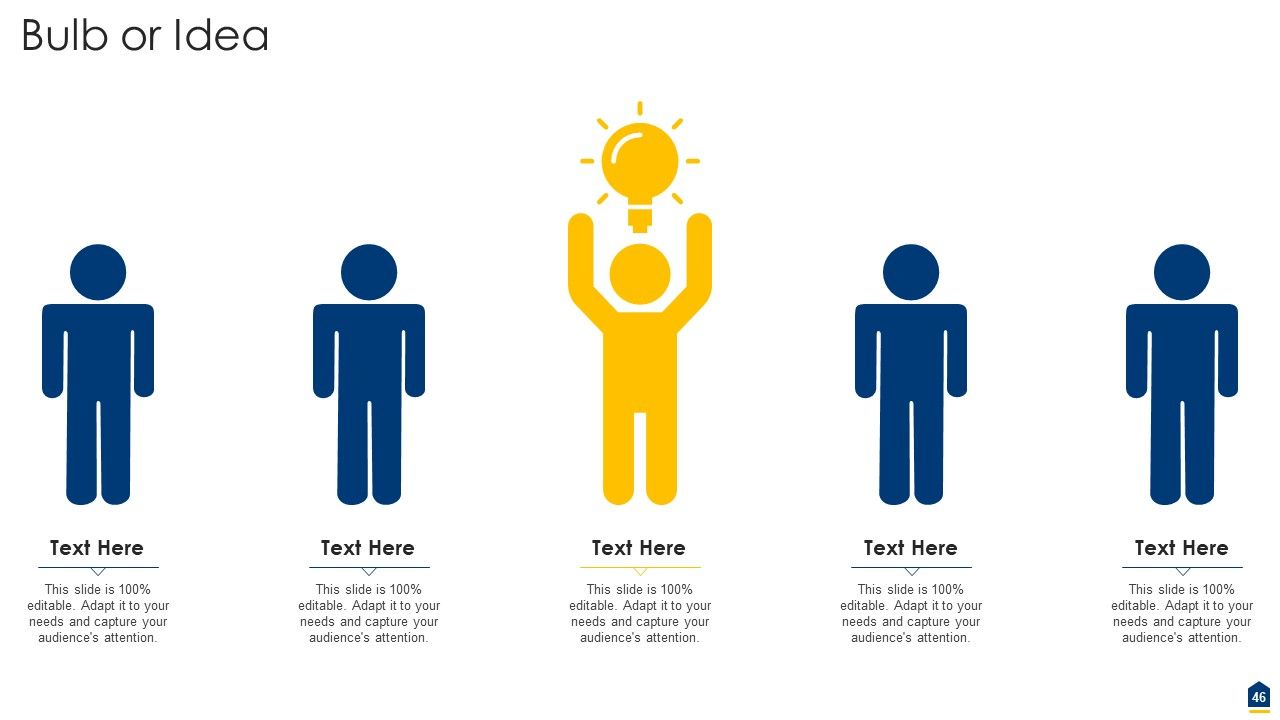
Slide 46: This slide exhibits ideas generated.
Slide 47: This slide depicts lego.
Slide 48: This is thank you slide & contains contact details of company like office address, phone no., etc.
Project Consultation Proposal Powerpoint Slides Complete Deck with all 48 slides:
Use our Project Consultation Proposal Powerpoint Slides Complete Deck to effectively help you save your valuable time. They are readymade to fit into any presentation structure.
-
Colors used are bright and distinctive.
-
Informative design.
-
Excellent Designs.
-
Excellent design and quick turnaround.
