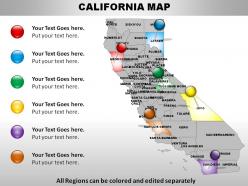
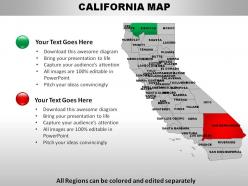
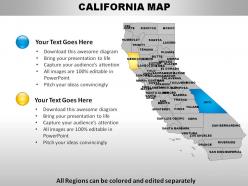
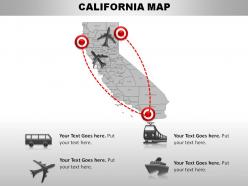
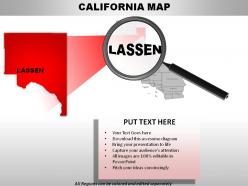
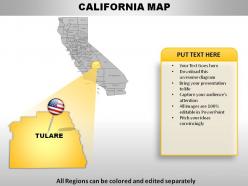
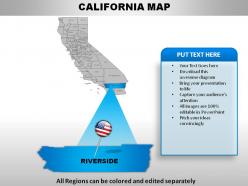
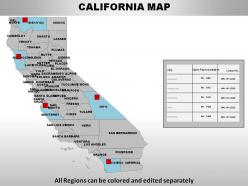
Usa california state powerpoint maps

Rating:
90%
Usa california state powerpoint maps
Slide 1 of 28
Favourites Favourites

Try Before you Buy Download Free Sample Product

Audience Impress Your
Audience
Editable 100%
Editable
Time Save Hours
of Time
The Biggest Sale is ending soon in
0
0
:
0
0
:
0
0
Rating:
90%
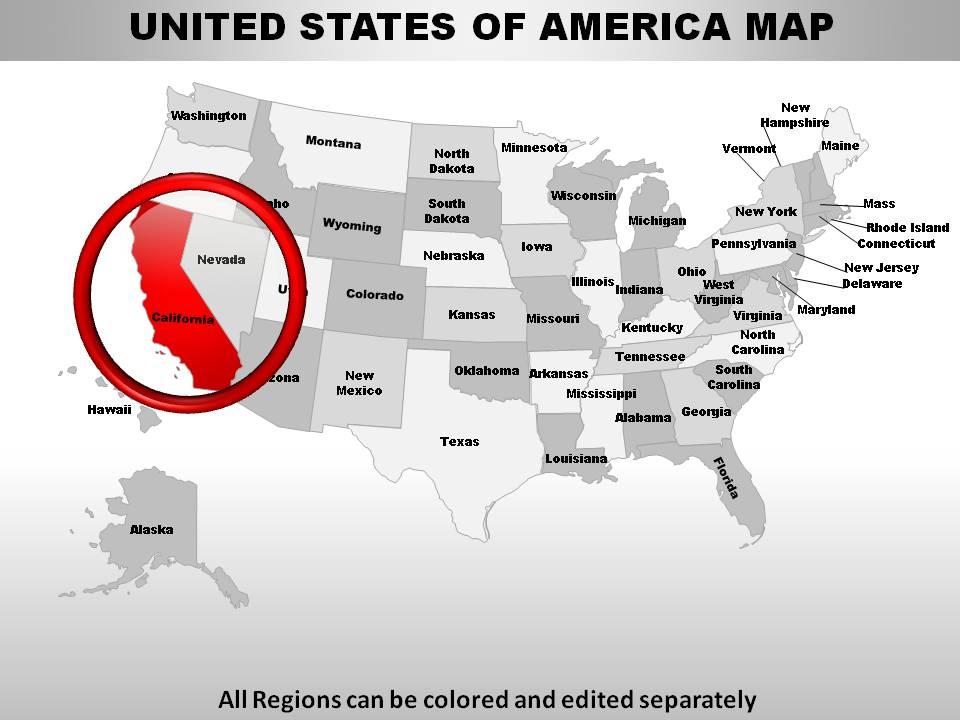
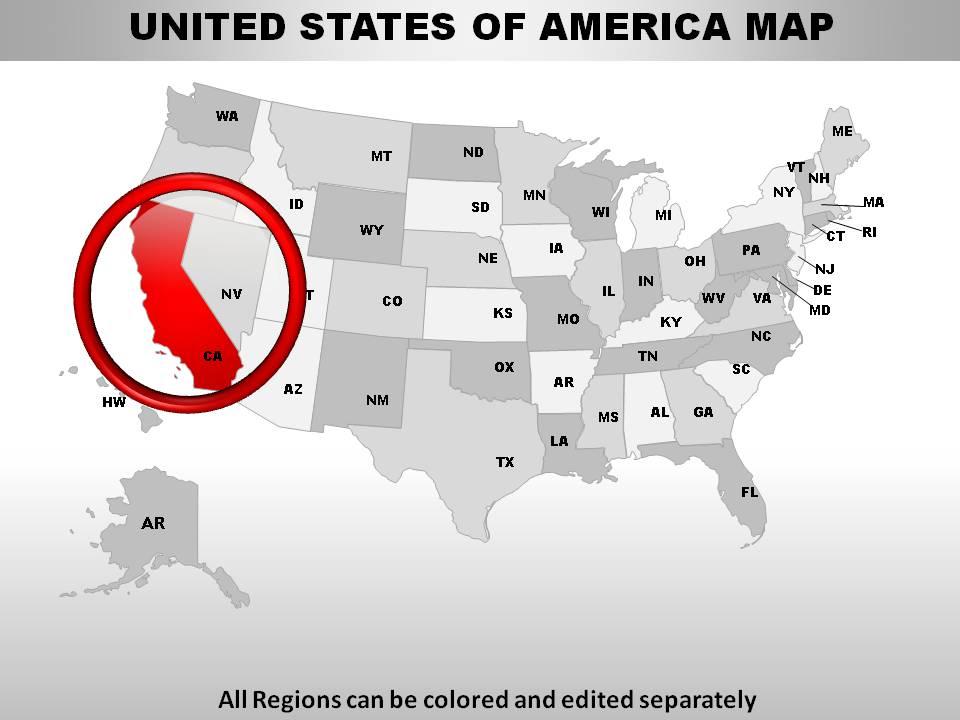
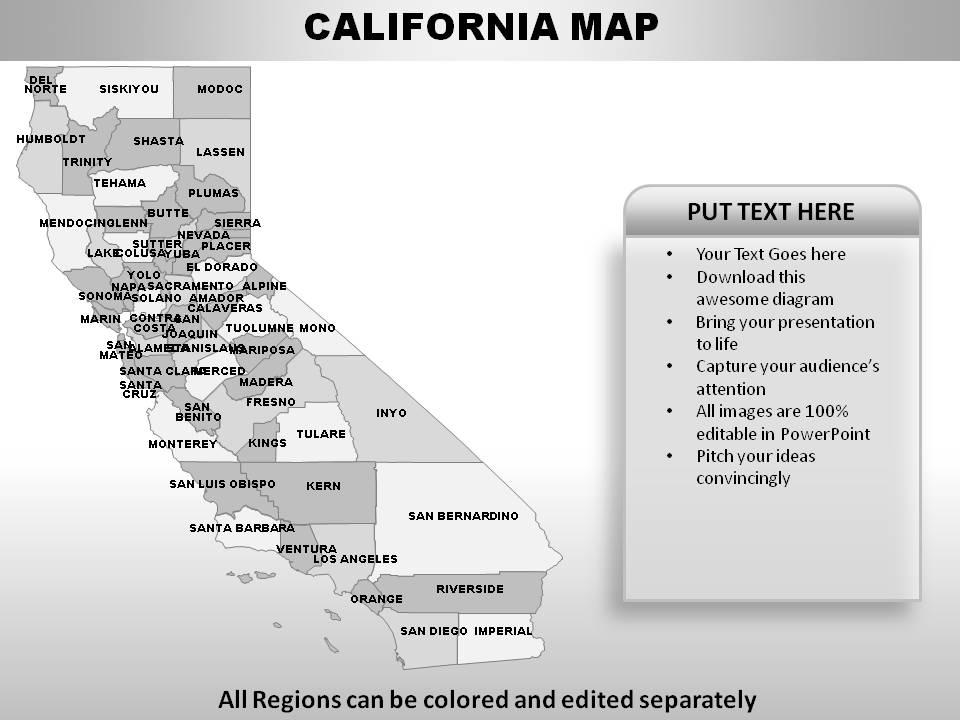
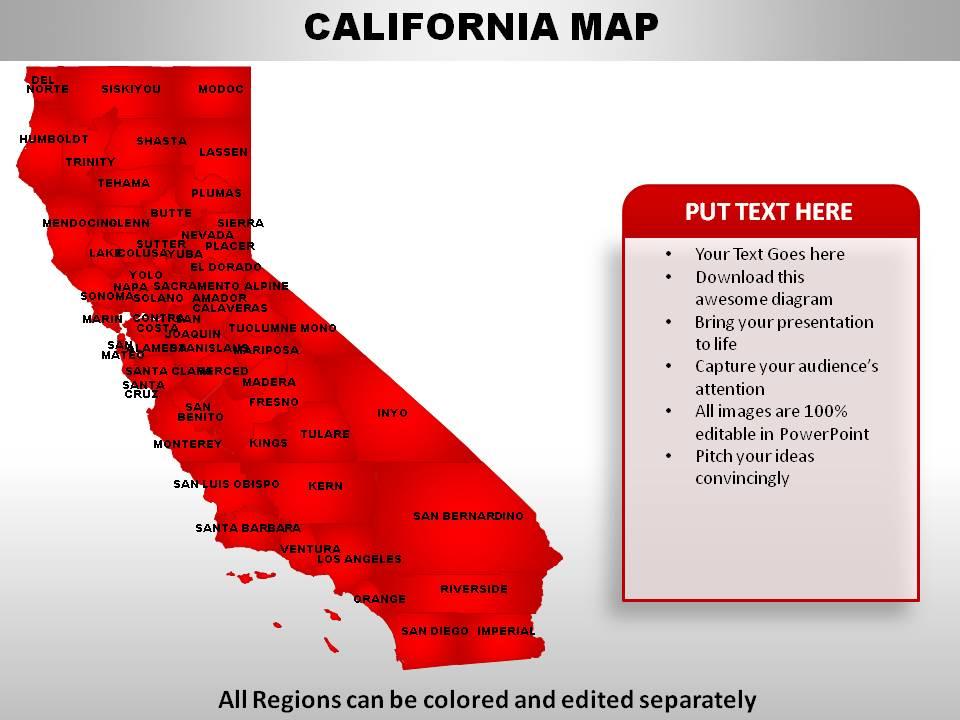
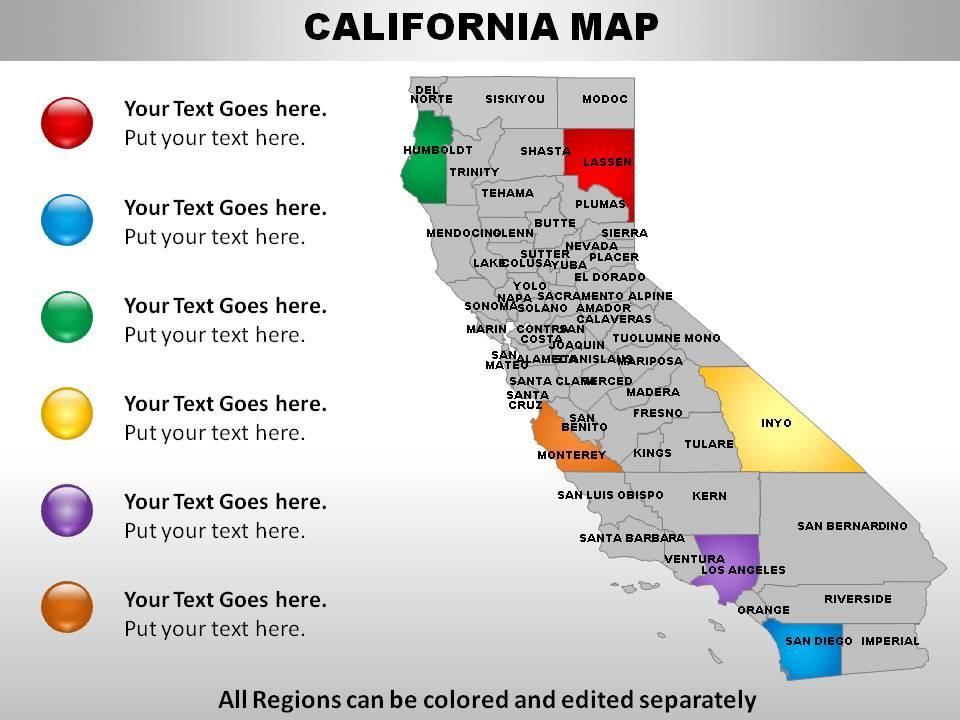
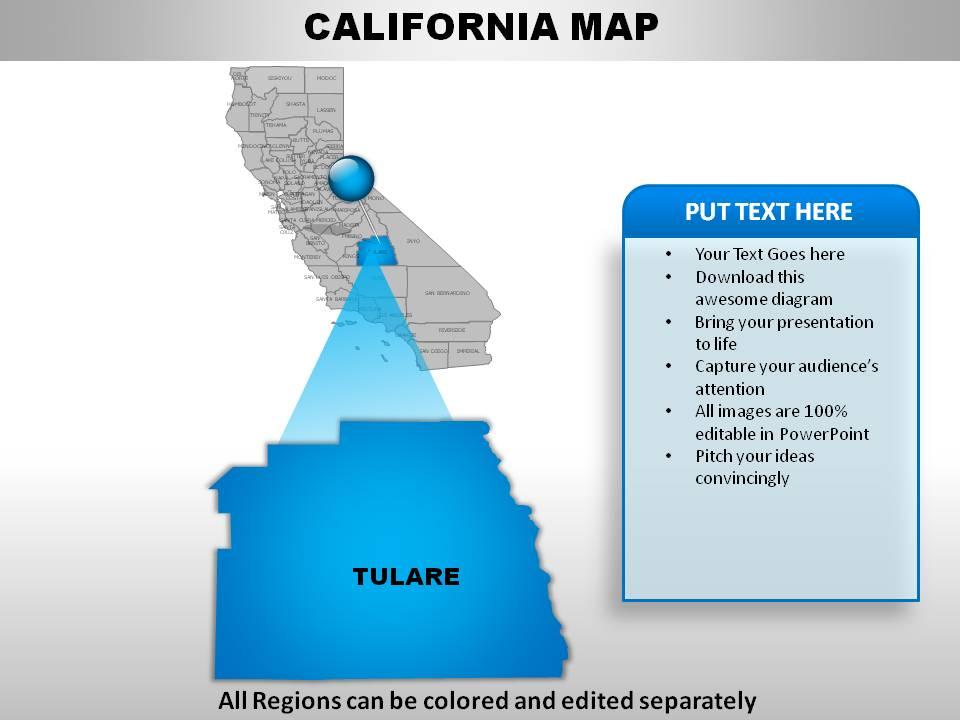
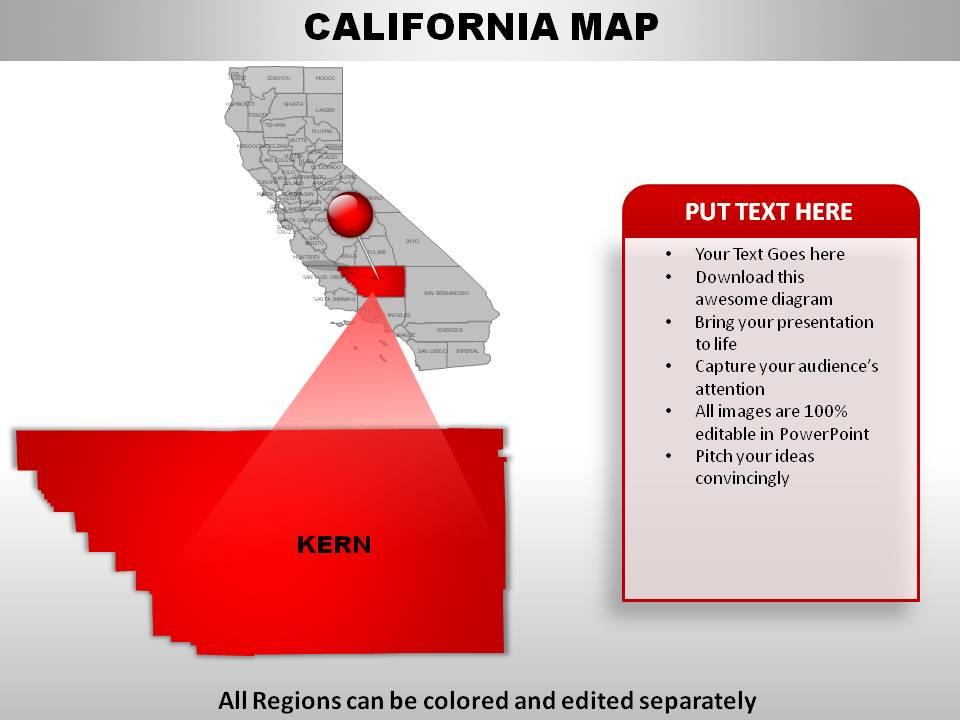
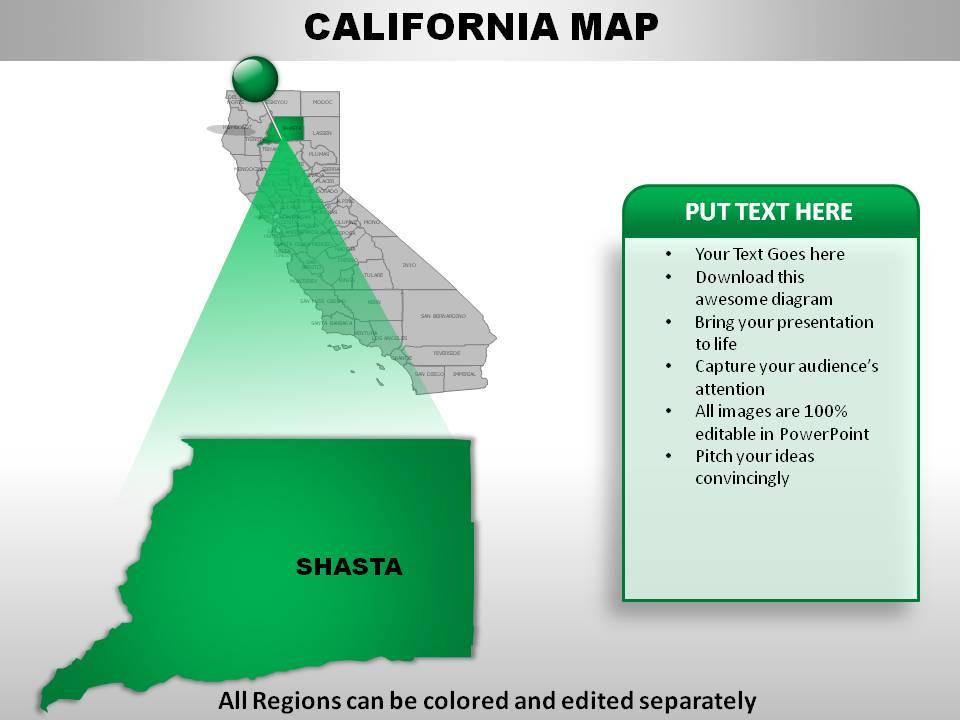
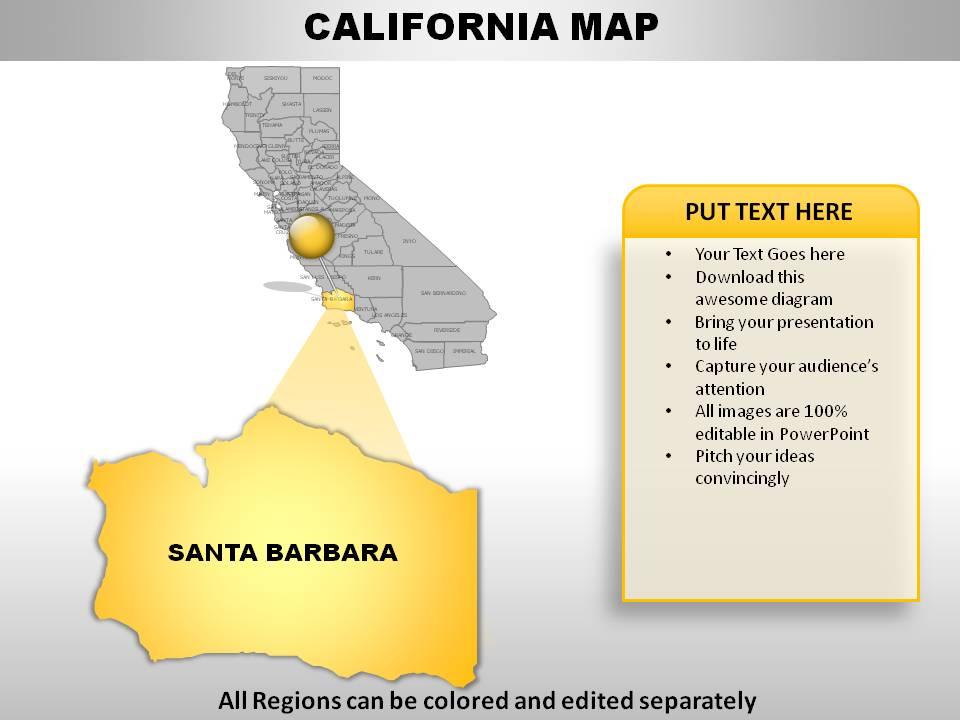
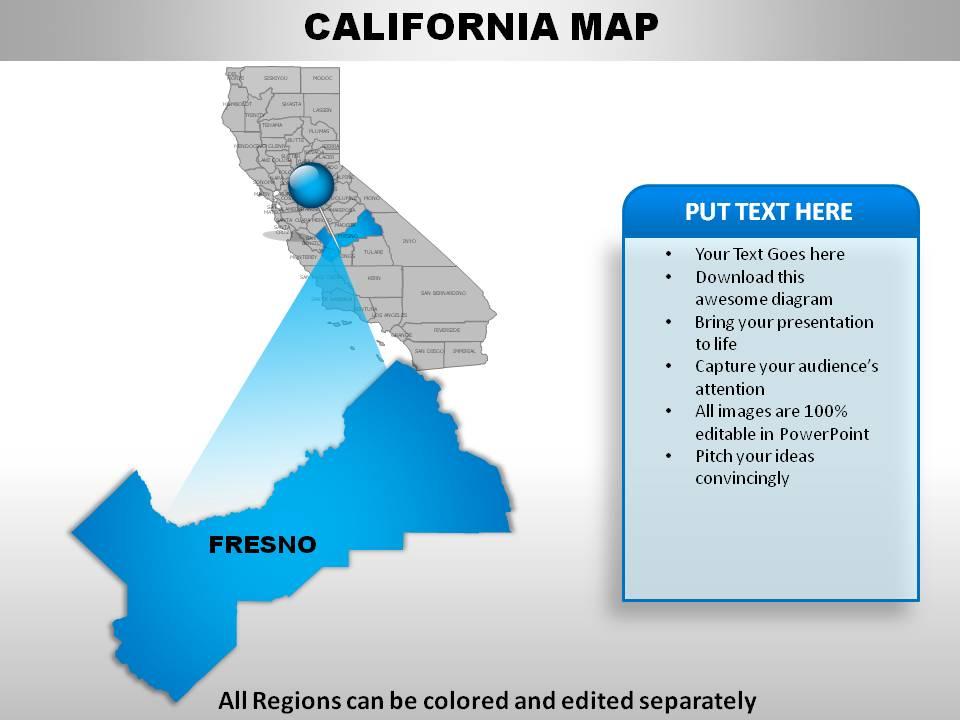
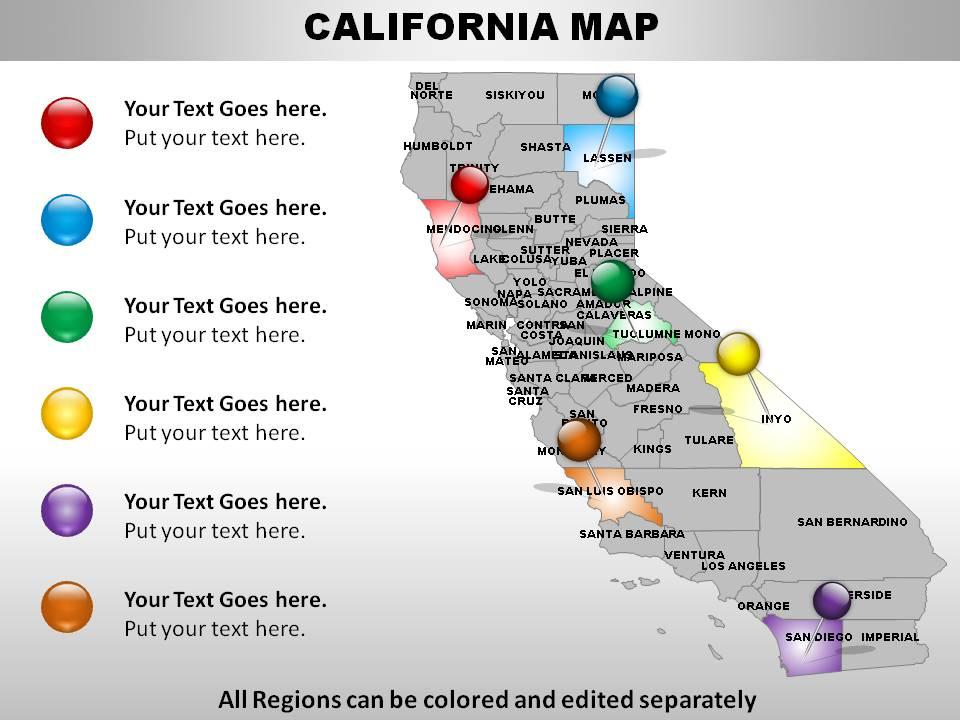
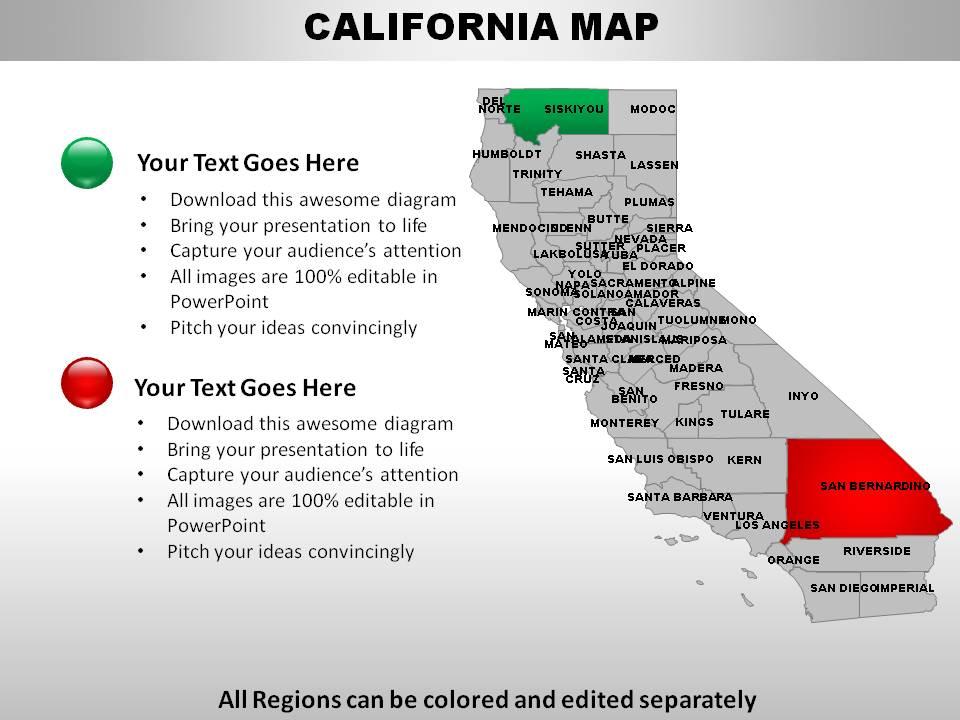
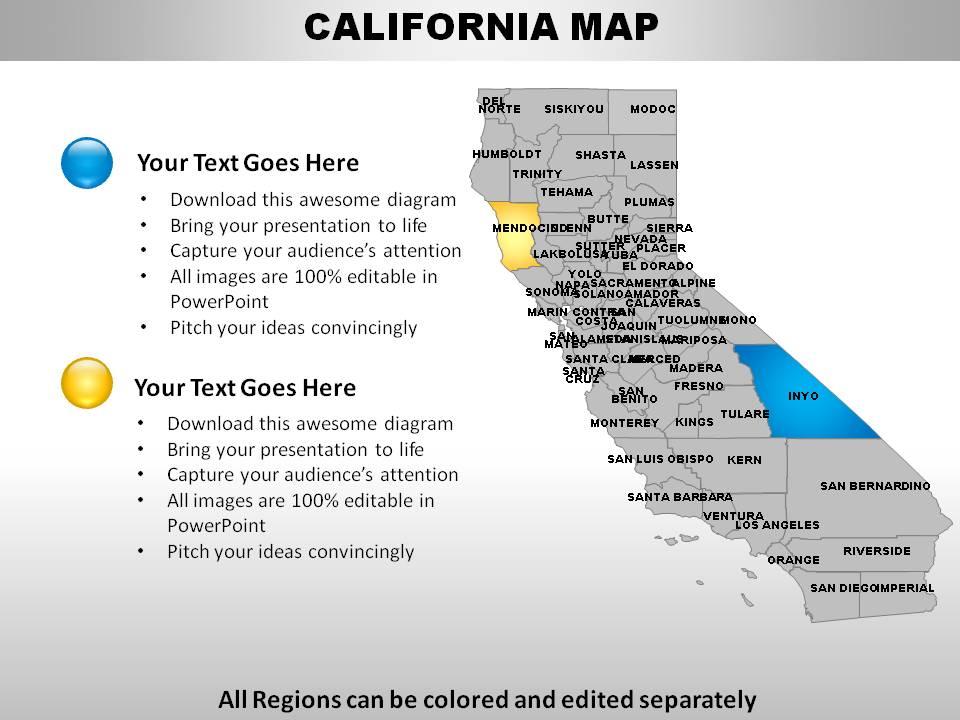
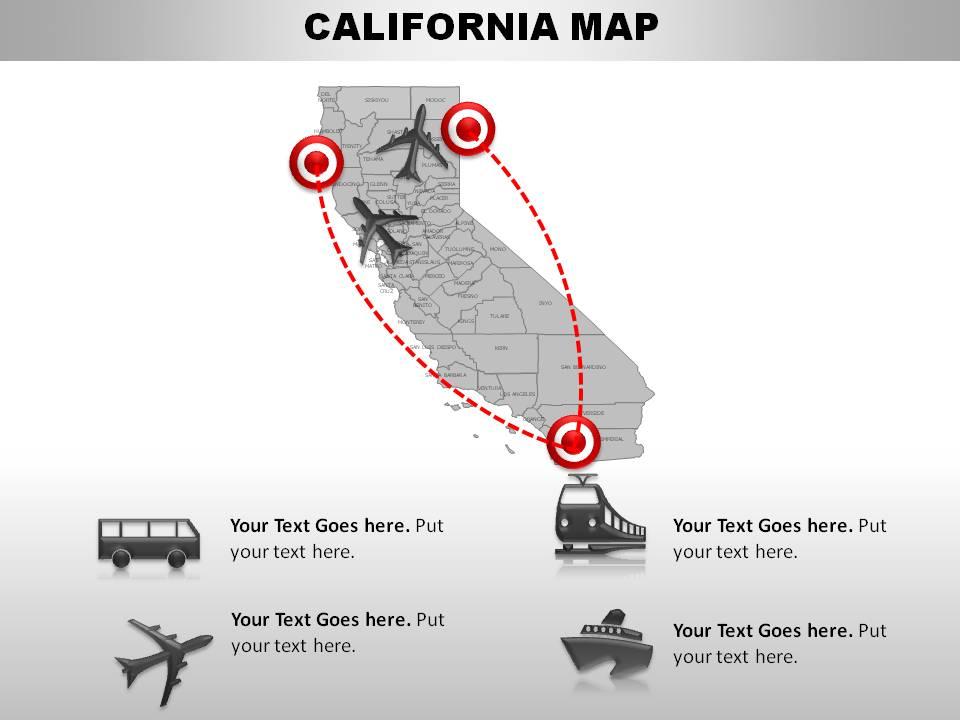
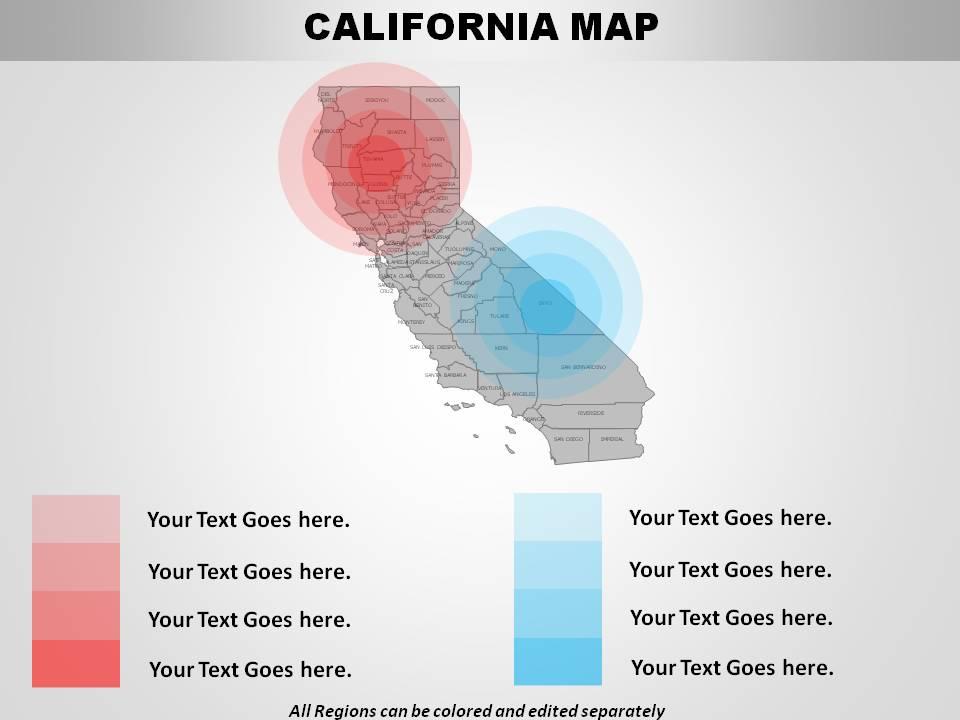
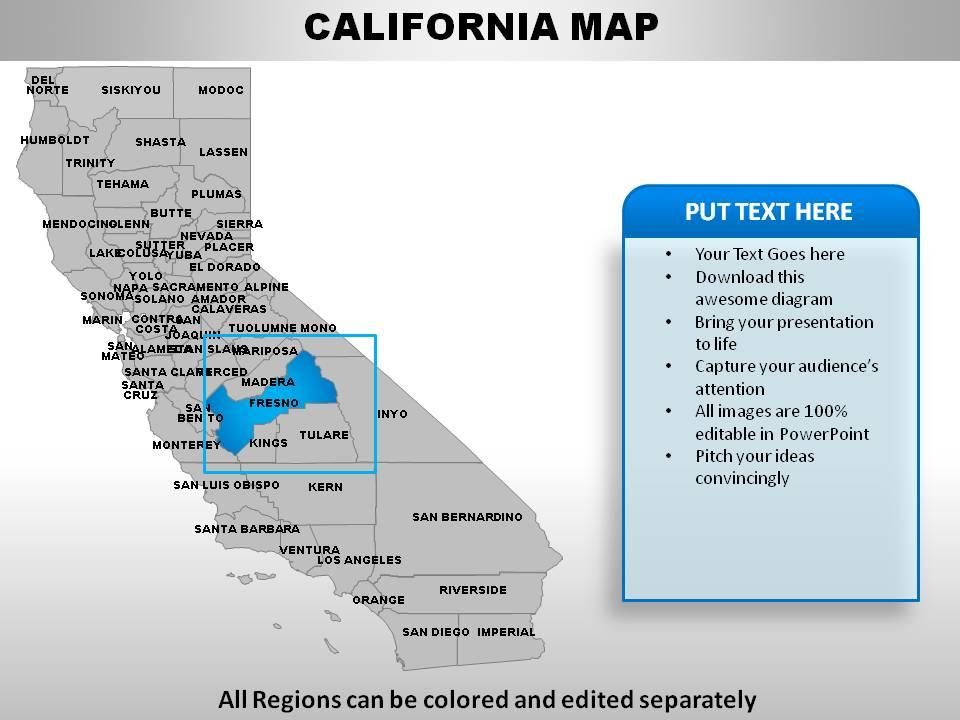
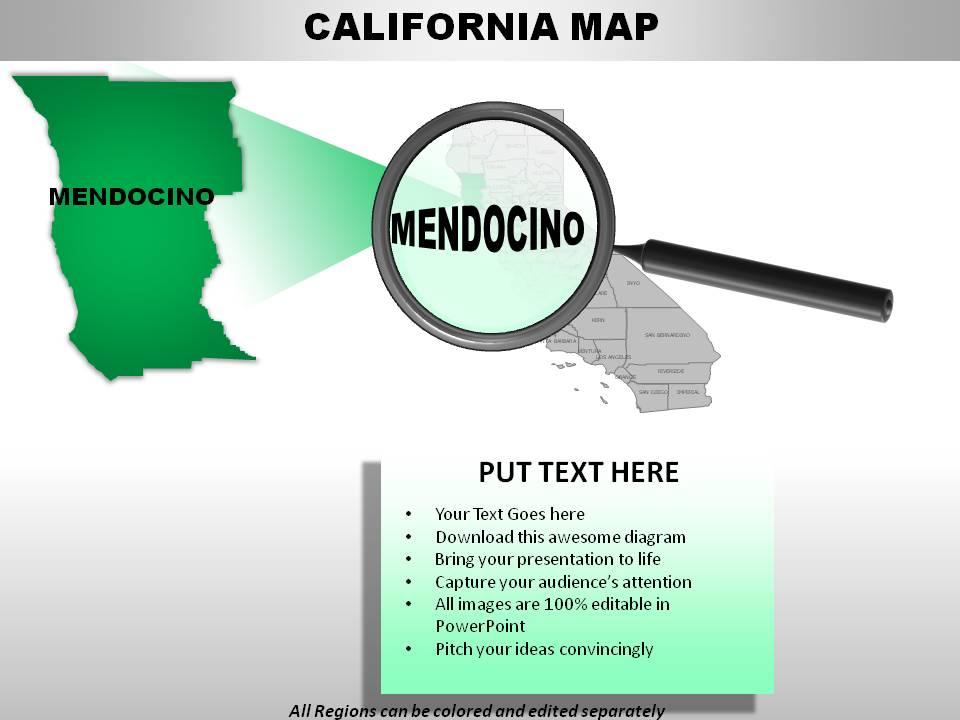
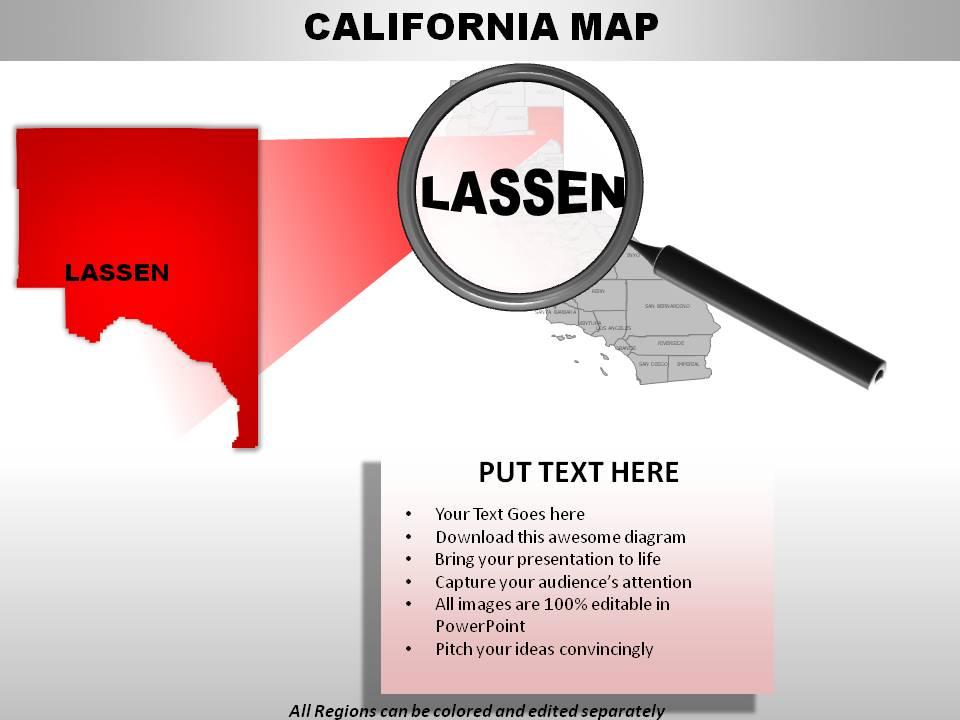
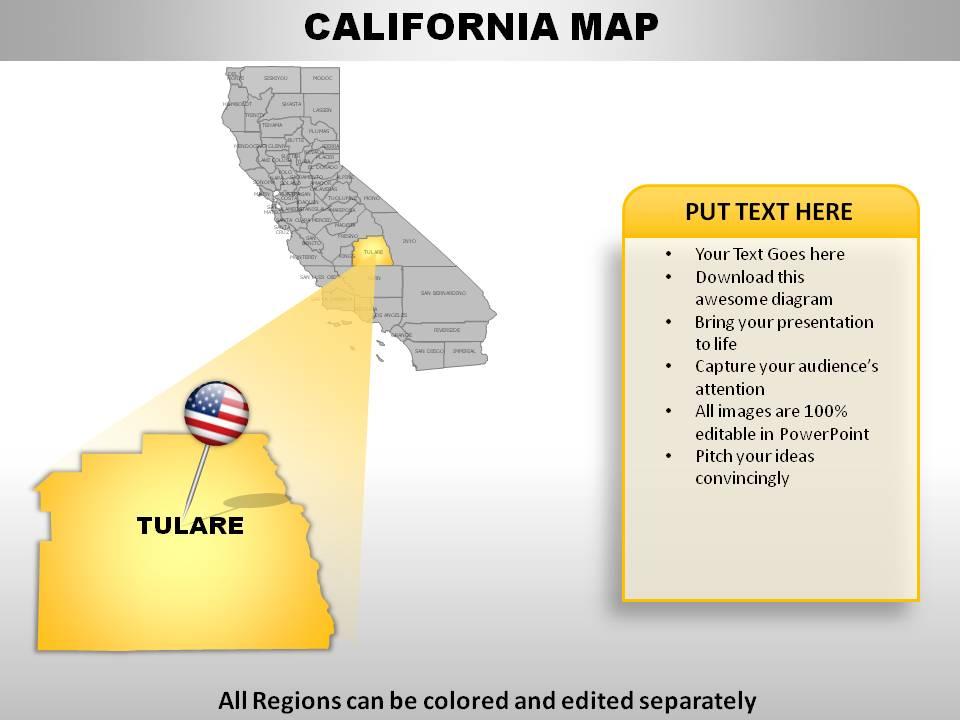
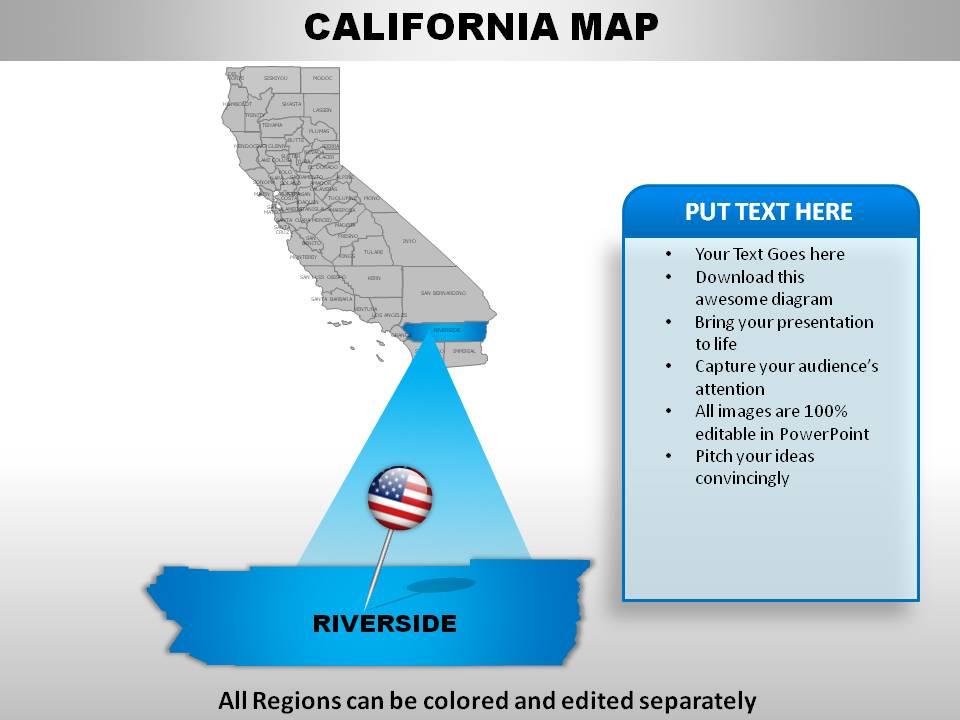
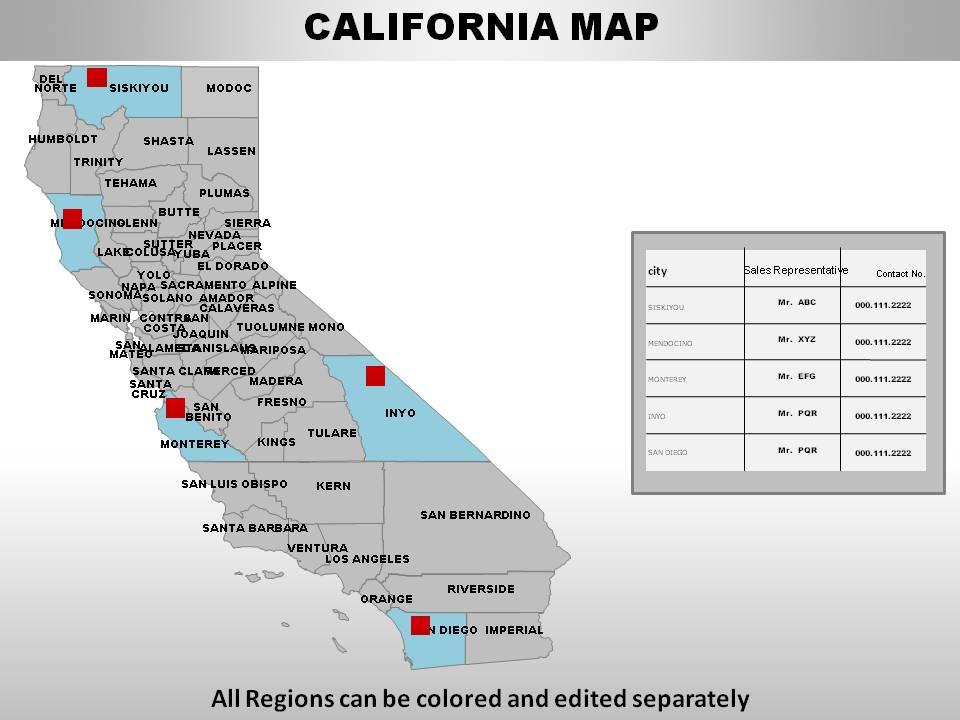
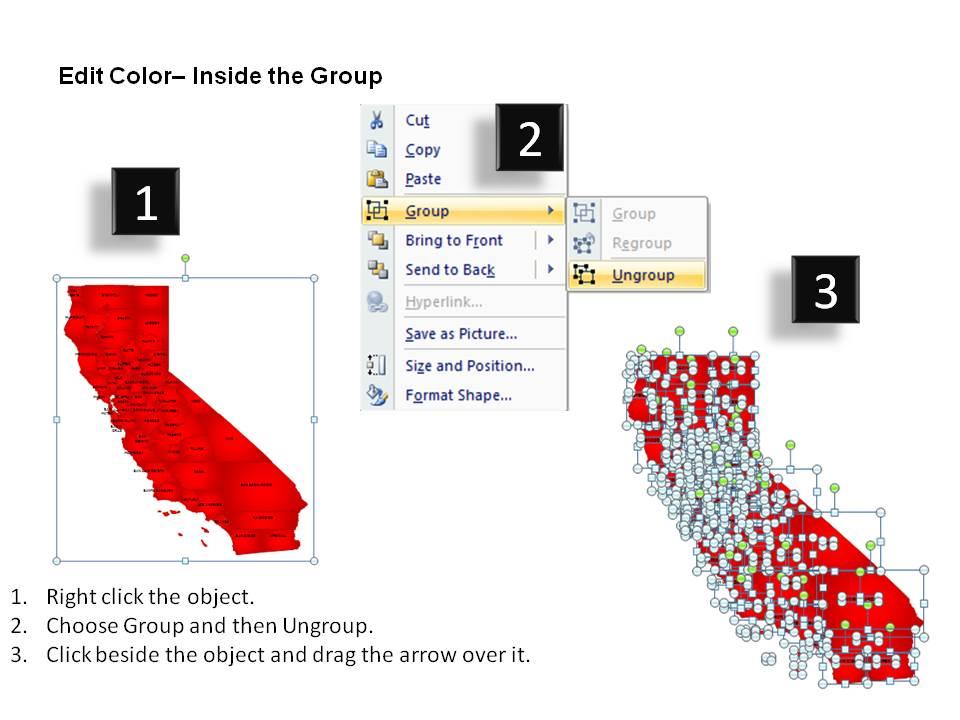
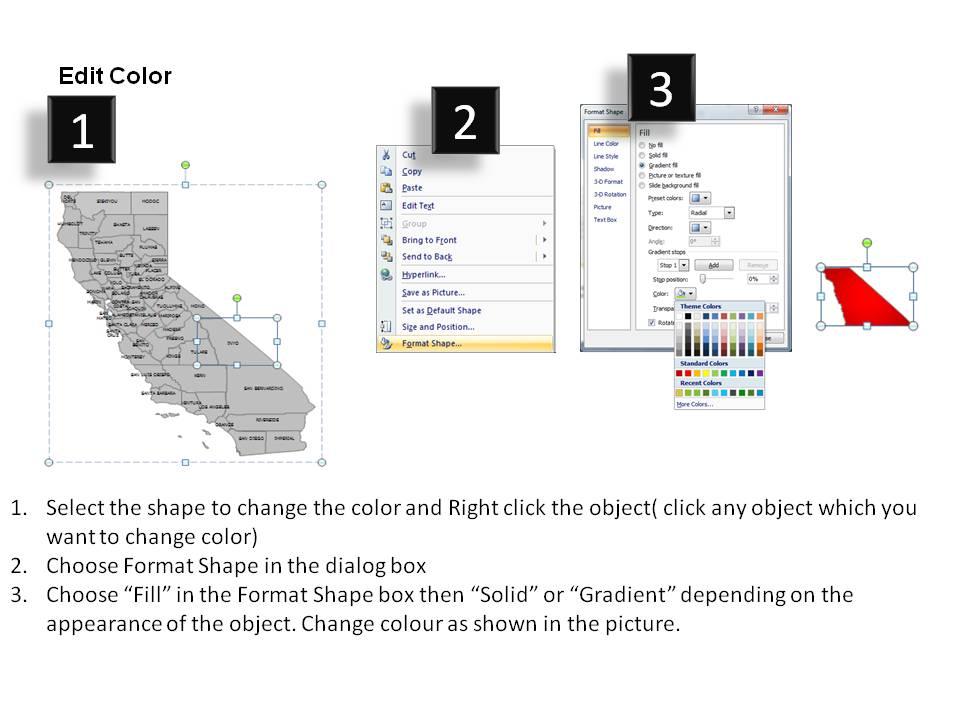
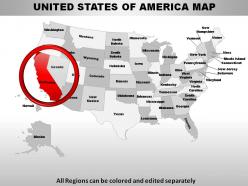
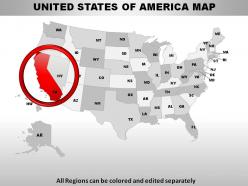
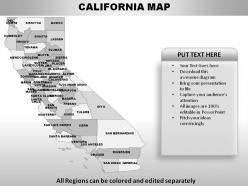
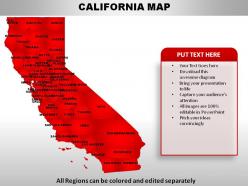
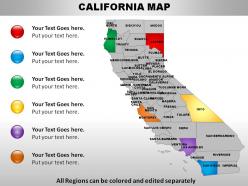
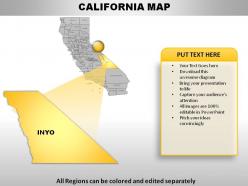
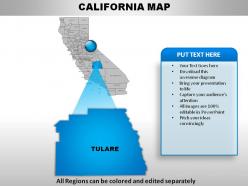
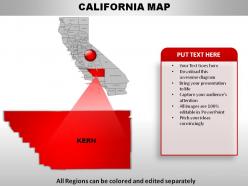
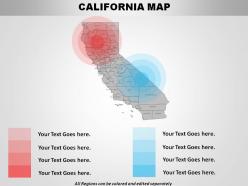
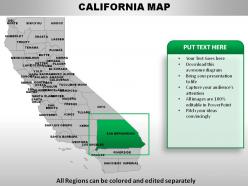
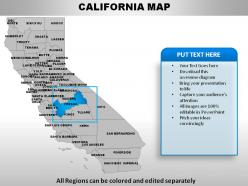
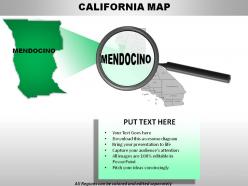
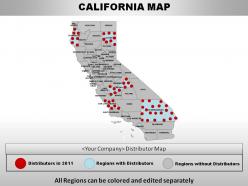
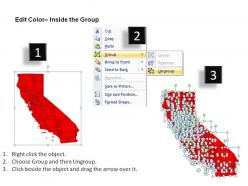
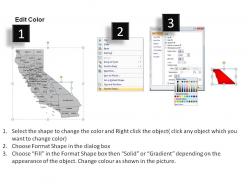
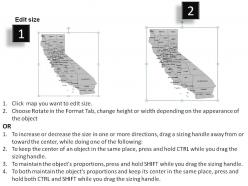
These high quality, editable powerpoint state maps have been carefully created by our professional team to display location and other geographic details in your PowerPoint presentation. Each map is vector based and is 100% editable in powerpoint. Each and every property of any region - color, size, shading etc can be modified to help you build an effective powerpoint presentation. Use these maps to show sales territories, business and new office locations, travel planning etc in your presentations. Any text can be entered at any point in the powerpoint map slide. Simply DOWNLOAD, TYPE and PRESENT!

People who downloaded this PowerPoint presentation also viewed the following :

FAQs for Usa california

Oh definitely start with the 1840s-50s Land Commission surveys - they're digitized and show how areas went from Mexican ranchos to American townships. Still used in property disputes which is kinda wild. The 1769 Portolá expedition maps were huge too since they first documented the coast properly. Gold Rush mining maps from the 1850s guided all that Sierra Nevada development. Honestly the Land Commission ones are your best bet for research - they literally shaped modern California and you can actually access them online pretty easily.

Yeah, so modern California topo maps blow the old 19th-century ones out of the water - GPS precision vs rough surveying tools, you know? The contour intervals are way finer now and elevation data is spot-on. Those old maps were actually pretty solid for what they had to work with, but tons of gaps especially in the backcountry mountains. Plus today's maps show all the roads and development that wasn't there 150 years ago (obviously lol). If you're planning any real hiking, definitely grab current USGS quads instead of the historical ones for navigation.

Dude, GPS and satellite tech totally changed the game for California mapping. You're getting submeter accuracy now instead of surveyors having to hike through every sketchy canyon - which honestly sounds like my personal nightmare. LiDAR's pretty cool too since it cuts through tree cover to map what's actually underneath. Real-time updates happen now with digital systems, which is wild compared to the old paper days. For any project you're doing, stick with maps made after 2010. That's when all this fancy stuff became standard practice.

You should check out demographic maps - they basically color-code different population groups across California counties. Pretty cool stuff actually. The patterns are wild when you see them laid out. Central Valley's got huge Latino populations, Bay Area shows tons of Asian communities, plus you'll spot significant Black populations in certain cities. Rural vs urban differences become super obvious too. Oh and they pull from census data to show age, race, income, education - all that. The California Department of Finance has this demographic research unit with interactive maps you can filter however you want. Way easier than trying to imagine the numbers.
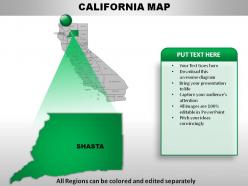
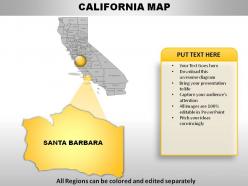
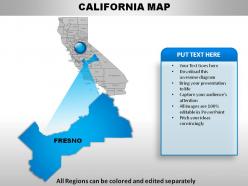
Dude, California mapping is brutal. The elevation changes are insane - you'll go from beaches to 14,000-foot mountains, which totally screws with your scale and projection choices. Coastlines are constantly eroding too, so half your maps are basically obsolete right after you make them. LA is the worst though - you need crazy topographic detail AND street-level data for the same area because of all the sprawl. I'd definitely use multiple data sources and update coastal stuff regularly, especially for navigation. Actually learned this the hard way on a project last year.

California's wildfire maps are so much better now than they were like 10 years ago. They've got live weather data, satellite updates, machine learning predictions - the whole nine yards. Used to be just annual static maps, which honestly sucked for planning anything real-time. Now they track vegetation moisture, power lines, even climate change stuff that older maps totally ignored. CAL FIRE's new Fire Hazard Severity Zone maps are way more accurate too. If you're doing property assessments or whatever, definitely use the newest systems - the old ones missed a ton of high-risk areas.

Dude, these mapping tools are game-changers for understanding California's environmental mess. You can stack different layers - wildfire risk, drought, air quality - and actually see how they hit different neighborhoods. I got totally sucked into exploring my own area last week, honestly. The patterns you spot are wild compared to boring old reports. CalEnviroScreen's probably your best bet to start with. Time tracking shows changes over years too. Both that and the state climate portal are free, which is clutch. Way more intuitive than I expected - you'll definitely fall down a rabbit hole once you start poking around your zip code.

So cultural landmarks are like anchor points on planning maps - they create protected zones that shape everything around them. Take Hollywood Boulevard or SF's Chinatown - those areas totally drive the zoning rules for their whole neighborhoods. Planners have to balance preserving that authentic character with new development needs, which honestly gets pretty messy sometimes. When you're looking at any city's general plan, check out the cultural preservation overlay zones. Those will show you exactly how landmarks influence housing and commercial decisions. It's actually a smart way to keep communities from losing their identity.

Dude, maps are seriously underrated for teaching! Get your kids tracing those Gold Rush routes - way better than just reading about it. I'd compare old California maps with current ones so they can actually see how cities grew. The geography stuff is perfect too - coastal vs inland settlements, different climate zones, all that. Kids get way more into the hands-on mapping than textbook work, trust me. Oh, and have them make their own maps of historical events or whatever you're covering. They'll actually remember it better when they create something themselves. Maps just make everything more visual and concrete, you know?

So GIS is honestly a total game-changer for California land management. You can layer wildfire risk, water data, soil types, development patterns - all on super detailed maps. Way more advanced than Google Maps but same concept. What's cool is you can run scenarios like "what if we build here" and track changes over time. California's geography is insane so this stuff really matters. My cousin works in planning and swears by it. Short sentences here. If you're doing any land use work, definitely push for GIS - it'll save you so many headaches later.

Dude, those old California transportation maps are like watching the state grow up! You can see the Interstate highways spreading everywhere in the '50s through '70s. Bay Area and LA kept adding more transit lines over time. Coastal routes got moved around because of erosion - kinda crazy how the ocean just ate the roads. The Central Valley exploded with new routes as farming took off. Honestly, I could flip through these maps for hours. If you're looking at a specific area, grab maps from different decades and you'll see the whole infrastructure story play out.

Dude, California's mapping game got crazy good because of all the national parks. Yosemite and Sequoia basically forced them to create super detailed topographical maps back in the 1900s - can't have tourists falling off cliffs, you know? Trail planning, resource management, visitor safety stuff. The feds also require constant geological surveys and environmental monitoring (classic government paperwork). Honestly though, it worked out great because now California has some of the best GIS systems around. Before you start any mapping project, definitely raid the park service databases first. They're loaded with baseline data that'll save you tons of work.

Dude, California's geography is gonna look wild in the coming decades. Sea levels are eating away at Bay Area coastline and SoCal beaches. Wine country? Probably moving north as agricultural zones shift. Fire risk maps now include places that used to be totally safe - honestly makes me wonder where you can even buy a house anymore. Desert areas keep expanding while mountain ecosystems get pushed higher up. Oh, and if you're doing any long-term planning stuff, don't base it on current maps. They're basically useless at this point.

So highway markers are your best friend - look for those numbered routes like Highway 1. City names and stuff like mountain ranges help too. National parks are marked pretty clearly, which is clutch since CA has tons. Airport symbols are weirdly helpful for getting oriented. Oh and those scenic byways with the special colored lines? Total game changer for finding the gorgeous routes. I'd grab a map that shows both main highways and smaller roads - you don't want to miss some random amazing drive just because it wasn't on the interstate map.

Oh, California historical maps are perfect for this! Students can compare different time periods to see how cities grew or how migration patterns changed. The David Rumsey Collection online has a massive archive - honestly way more than you'll ever need. California State Library's digital stuff is great too. What works really well is having kids make timeline visualizations of specific areas, or do those overlay comparisons between old and current maps. The transformations are pretty wild, especially around LA and the Bay Area. Super engaging way to teach historical change.

Ratings and Reviews

90% of 100
Write a review
Most Relevant Reviews
  1. 100%

    by Chas Kelly

    Much better than the original! Thanks for the quick turnaround.
  2. 80%

    by Clair Gray

    Really like the color and design of the presentation.

2 Item(s)

per page: