

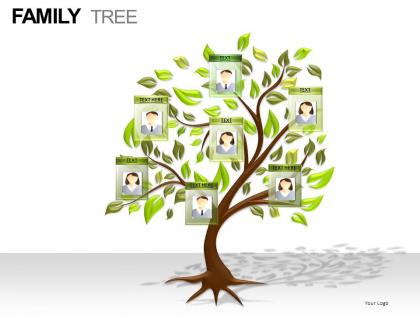
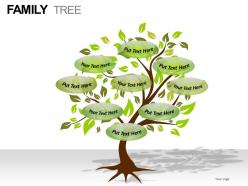
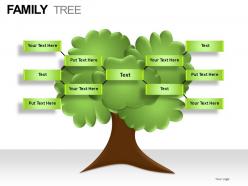
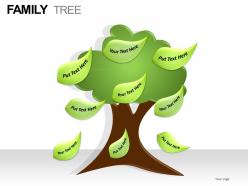
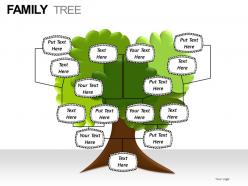
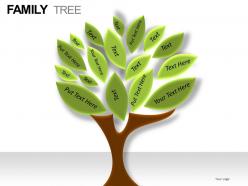
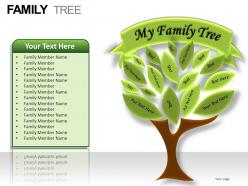
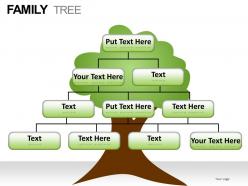
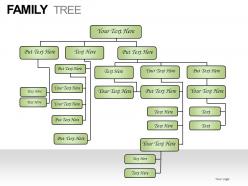
Family tree powerpoint presentation slides




Try Before you Buy Download Free Sample Product
 Impress Your
 Audience
 100%
100% Editable
 Save Hours
 of Time


Get daring with our Family Tree Powerpoint Presentation Slides. Venture into any project with confidence.
People who downloaded this PowerPoint presentation also viewed the following :
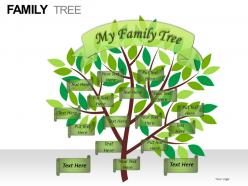
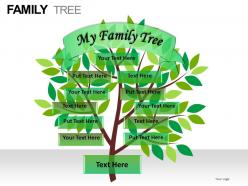
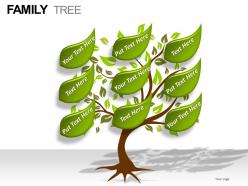
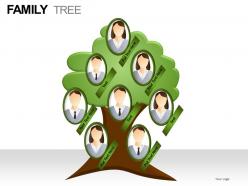
Family tree powerpoint presentation slides with all 30 slides:
High quality design can upgrade even the dullest presentations. Make sure everyone stays awake through yours with thousands of Family Tree Powerpoint Presentation Slides for every presentation need.
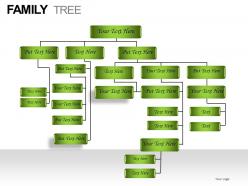
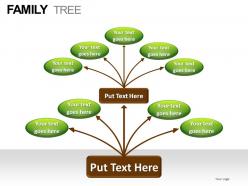
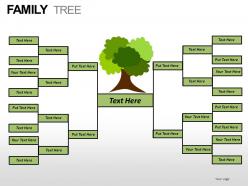
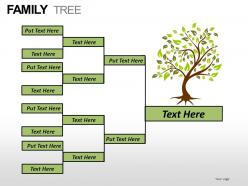
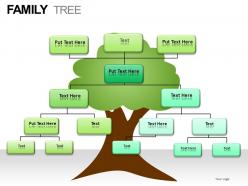
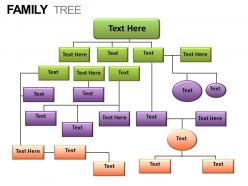
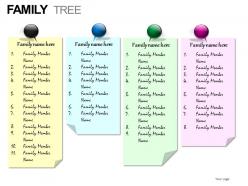
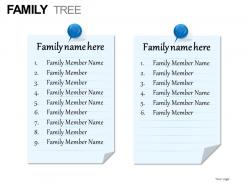
FAQs for Family tree
Okay so you'll want clear generational levels and keep the formatting consistent for names/dates. I always do chronological top-down but some people flip it depending on who they're showing it to. Include birth/death dates and marriage connections - use symbols or colors to show relationships. Don't cram too much detail in there though, just stick to the basics like full names, key dates, maybe locations. Oh and seriously, double-check all your connections first because nothing's more embarrassing than getting someone's spouse wrong! Trust me on that one.
Honestly, family trees are so much better with visuals - people's brains just work that way. Charts and photos help folks actually see how great-aunt Martha connects to cousin Joe instead of getting lost in all the names. I learned this the hard way after watching everyone's eyes glaze over during my first attempt! Color-coding different family branches works really well too. You could try starting simple with a basic chart, then throw in some photos or funny family stories. Oh, and if you can make it interactive somehow - like clickable sections - even better. Trust me, anything beats just listing off a bunch of dates and "begats."
Oh, definitely try Ancestry or MyHeritage first - they've got massive databases and all the interactive stuff you'd want. FamilySearch is free which is awesome, though it's a bit more basic. I actually spent way too much time on Ancestry last weekend building mine lol. The visual connections are super helpful when showing relatives how everyone links together. Lucidchart's good if you want something more creative-looking, and Canva works for simple trees. Honestly though? Start with free trials to see what feels right. Each interface is pretty different and you'll know pretty quick which one clicks.
Your family's cultural background totally changes how you should build that tree. Western families usually track both mom's and dad's sides equally. But tons of cultures focus way more on one side - either patrilineal (dad's line) or matrilineal (mom's side). Some families include adopted kids, stepfamily, even super close friends as actual family members, which honestly makes things messier but way more real. Different naming traditions can mess with standard genealogy software too. I'd definitely look into your specific cultural background first - it'll show you which relationships actually matter and how they're traditionally tracked. Saves you from going down the wrong rabbit holes.
Honestly, ditch the boring family tree thing! Timeline with major events could be cool. Character cards are fun too - like trading cards but with your weird relatives and their quirks. DNA migration maps showing where everyone moved are pretty fascinating, though maybe overkill depending on your audience. Recipe slides work great because food always has stories attached. Oh, and traits charts showing who got grandma's nose or dad's terrible singing voice always get laughs. Just pick whatever fits your family's vibe and won't put people to sleep.
Skip the boring "John Smith born 1892" stuff - nobody cares about that. Tell the real stories instead! Like how great-grandpa John showed up from Ireland with just a suitcase and somehow built three bakeries in Chicago. That's actually interesting. Drama and weird family coincidences are way better than dates anyway. Throw in old photos if you've got them. Oh, and definitely include the family mysteries and black sheep - honestly those are usually the best parts. Give each generation their own little story about how they changed everything for the family.
Think of genealogy as the detective work behind your family tree. You're hunting down birth certificates, marriage records, census data - all the official stuff that actually proves who's related to whom. Start with what you already know for sure, then work backwards one generation at a time. Document everything as you go or you'll forget where you found it (trust me on this one). Without doing the real research, you're basically just building a family tree of educated guesses based on random stories your relatives tell you.
Definitely use charts or slides to map everything out visually - trust me, people zone out super quick when you're just listing names. I'd start with whoever everyone already knows, then work outward from there. Make it interactive too - ask "making sense so far?" and actually pause for questions. Oh, and maybe focus on the juicy stories instead of covering every single branch? People's attention spans are brutal these days. Give them a simple handout afterward so they don't stress about remembering everything. Way less pressure that way.
Keep your spacing consistent between generations - makes it way easier to follow. I'd definitely color-code different family lines, especially when marriages add new surnames to the mix. Don't make the text tiny (trust me, you'll hate squinting at it later). Go horizontal if you've got lots of siblings, vertical for deep family trees. Birth and death years are super helpful as reference points. Honestly, massive charts get overwhelming fast, so break big trees into separate sections by branch. Start with your immediate family first, then work outward from there.
Try Ancestry or FamilySearch - they're pretty user-friendly for family trees. Your relatives can add photos and stories, not just names and dates. Facebook actually works surprisingly well too, especially if your family's already on there. My aunt posted this old photo once and suddenly everyone was sharing memories in the comments. Google Sites is decent if you want something more polished. Honestly though, pick whatever your family will actually use. There's no point building something fancy if Uncle Bob won't figure out how to log in. Start simple with one platform first.
Definitely ask before posting anyone's info online - photos, birthdates, all that stuff. Some relatives get really weird about privacy (honestly can't blame them). I'd start by checking what people are cool with sharing first. Family drama and traumatic stuff should probably stay offline unless everyone's on board. Oh and check those privacy settings on genealogy sites - you don't need random strangers seeing everything. Better to share too little than accidentally piss off your aunt, you know? Just respect whatever boundaries people set and you'll be fine.
Family trees aren't just names and dates - they're like time capsules for your whole cultural identity. Record the stories, traditions, recipes, all that good stuff. Otherwise how will your great-grandkids ever know about Great Aunt Martha's legendary pierogi recipe or your family's immigration story? Photos, documents, even voice recordings work great. Oh, and definitely interview your oldest relatives ASAP. My biggest regret is waiting too long to ask my grandma about certain things. Once they're gone, that cultural knowledge goes with them. Start with whoever's got the best memory and just let them ramble.
Honestly, working with family on genealogy is a game-changer. Everyone's got different pieces - old photos, documents, random stories from great-aunt whoever. You can't find that stuff alone. They'll also catch your mistakes before you waste months chasing the wrong John Smith (trust me on this one). Plus you're splitting the work, which is huge. My cousin turned out to be way better at the cemetery research than me, go figure. It becomes this fun bonding thing too. I'd start with whoever's the most organized in your family - they'll help drag everyone else in.
Oh man, templates are lifesavers! You just drop in your family's stuff and boom - done. No more fighting with spacing or trying to make everything look decent from scratch. I swear I used to waste entire afternoons just getting boxes to align right. They come in tons of styles too - those classic tree branch ones, or sleek modern layouts if that's more your thing. Find one that fits your style and start adding photos and names. Way better than stressing over design when you should be focusing on the actual family history part, you know?
Hey! So the worst thing you can do is mess up the formatting - like having some dates written one way and others totally different. Makes everything look sloppy. Also double-check spellings because typos are SO obvious on a visual tree. Don't cram too much info on each person either, just stick to birth/death dates and locations. Oh and this might sound obvious but verify relationships before adding them! I've seen trees where someone's listed as their own grandpa or something equally ridiculous. Start with what you're 100% sure about, then mark questionable stuff with question marks.
-
Innovative and Colorful designs.
-
Excellent work done on template design and graphics.