


Digital government for public powerpoint presentation slides
Showcase how digital technologies can help the government to understand their citizens better and achieve better outcomes with our Digital Government For Public PowerPoint Presentation Slides. Use the e-government PPT template to list services like g2c payment services, government solutions, rollouts, and web portals. The emerging trends PowerPoint slideshow covers different aspects for the clients like digital government tender and client requirements for the project like website designing. These IT solutions PPT slides also elucidate the seamless and secure interactions between the government and citizens by supporting them through powerful government IT applications and robust infrastructure. Besides this, also showcase the gap between the problem and action plan, digital government solutions for it, and the strategic objectives like value management, customer service, business processes, and learning & growth using this workstream strategy PowerPoint design. The PPT graphic also highlights the support, technology, and consulting services to focus on government projects and achieve fine-tuned solutions.








-

- Google Slides is a new FREE Presentation software from Google.
- All our content is 100% compatible with Google Slides.
- Just download our designs, and upload them to Google Slides and they will work automatically.
- Amaze your audience with SlideTeam and Google Slides.
-

Want Changes to This PPT Slide? Check out our Presentation Design Services
-

- WideScreen Aspect ratio is becoming a very popular format. When you download this product, the downloaded ZIP will contain this product in both standard and widescreen format.
-

- Some older products that we have may only be in standard format, but they can easily be converted to widescreen.
- To do this, please open the SlideTeam product in Powerpoint, and go to
- Design ( On the top bar) -> Page Setup -> and select "On-screen Show (16:9)” in the drop down for "Slides Sized for".
- The slide or theme will change to widescreen, and all graphics will adjust automatically. You can similarly convert our content to any other desired screen aspect ratio.
Compatible With Google Slides

Get This In WideScreen
You must be logged in to download this presentation.


Do you want to remove this product from your favourites?
PowerPoint presentation slides
Presenting our professionally designed Digital Government For Public PowerPoint Presentation Slides that are sure to impress executives, inspire team members, and other audience. We have used beautiful PowerPoint graphics, templates, icons, and diagrams. The content has been well researched by our excellent team of researchers. You can change the color, fonts, texts, images without any hassle to suit your business needs. Download the presentation, enter your content in the placeholders, and present it with confidence!

People who downloaded this PowerPoint presentation also viewed the following :
Content of this Powerpoint Presentation
Slide 1: This slide shows Digital Government for Public. State your company name and begin.
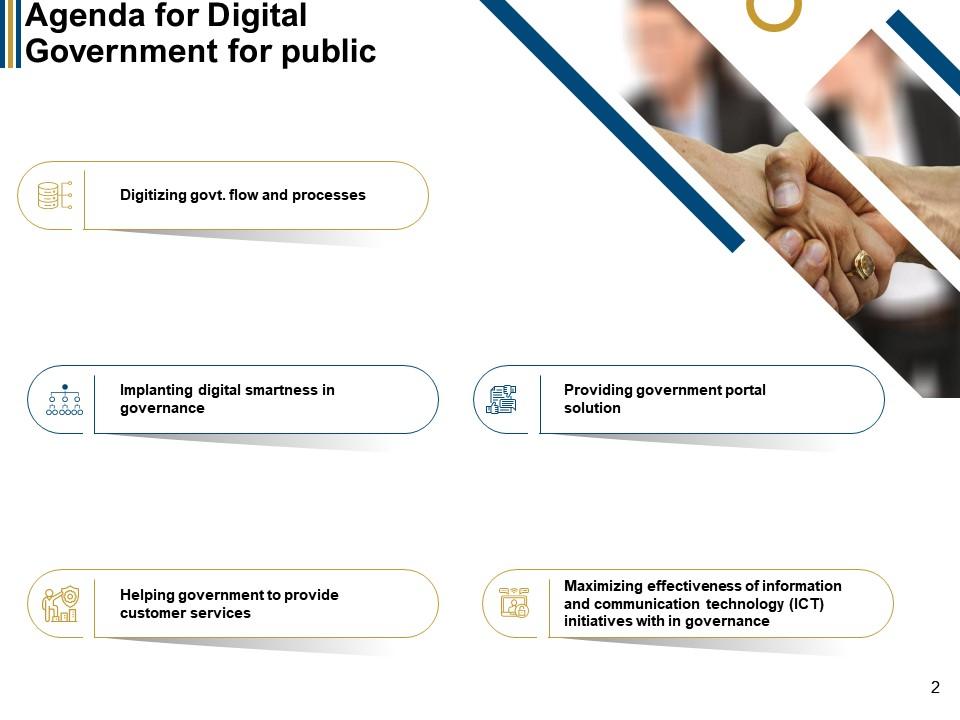
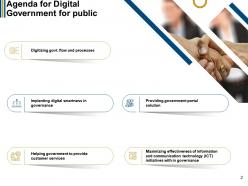
Slide 2: This slide presents Agenda for Digital Government for public describing Digitizing govt. flow and processes, Implanting digital smartness in governance, etc.
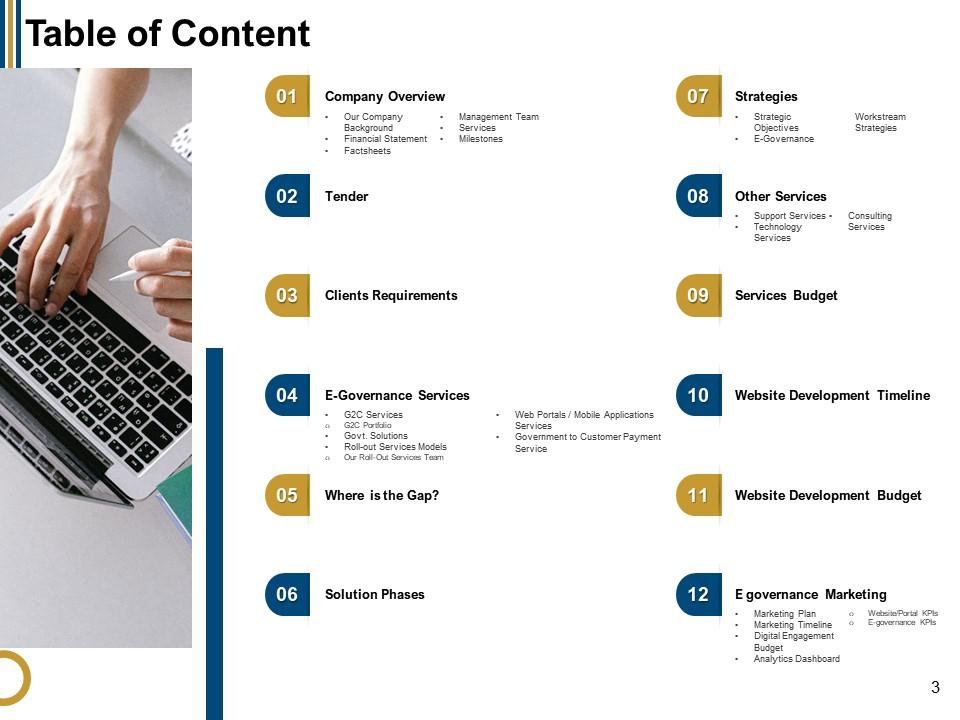
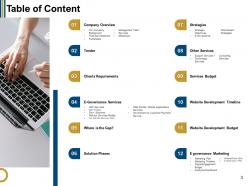
Slide 3: This slide shows Table of contents for the presentation.
Slide 4: This slide displays Company Overview describing- Our Company background, Financial statement, Factsheets, etc.
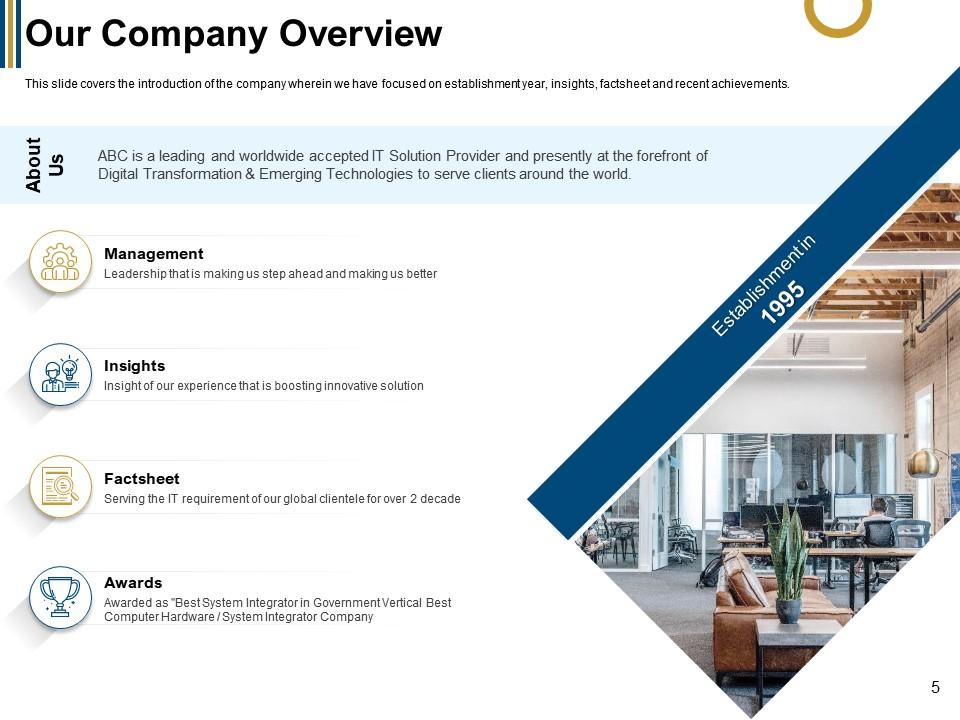
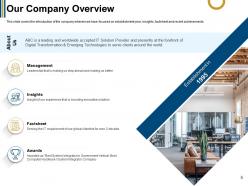
Slide 5: This slide displays Our Company Overview describing - Management, Insights, Factsheet, etc.
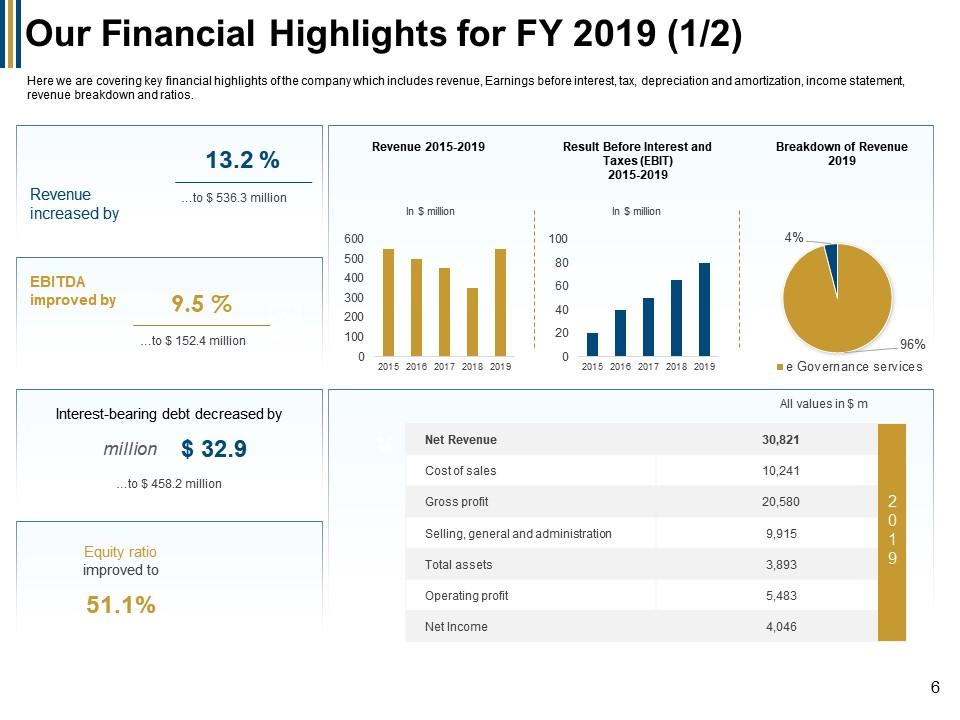
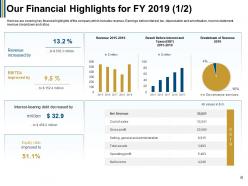
Slide 6: This slide represents Our Financial Highlights for FY 2019 showing data with the of bar graphs and pie charts.
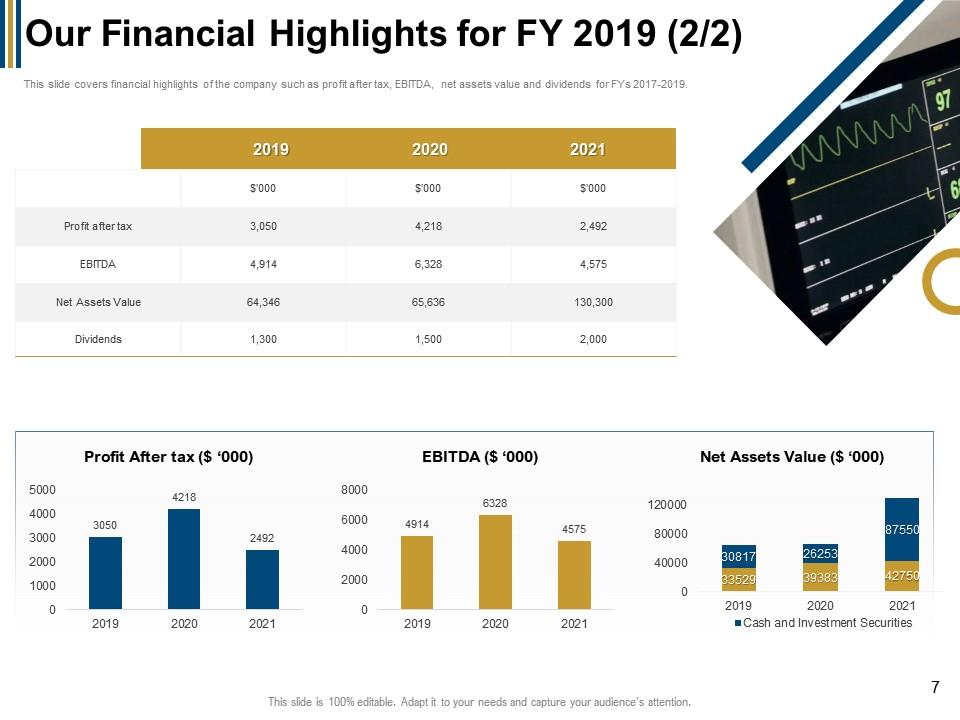
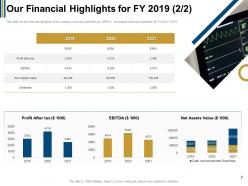
Slide 7: This slide showcases Our Financial Highlights for FY 2019 showing data in tabular form.
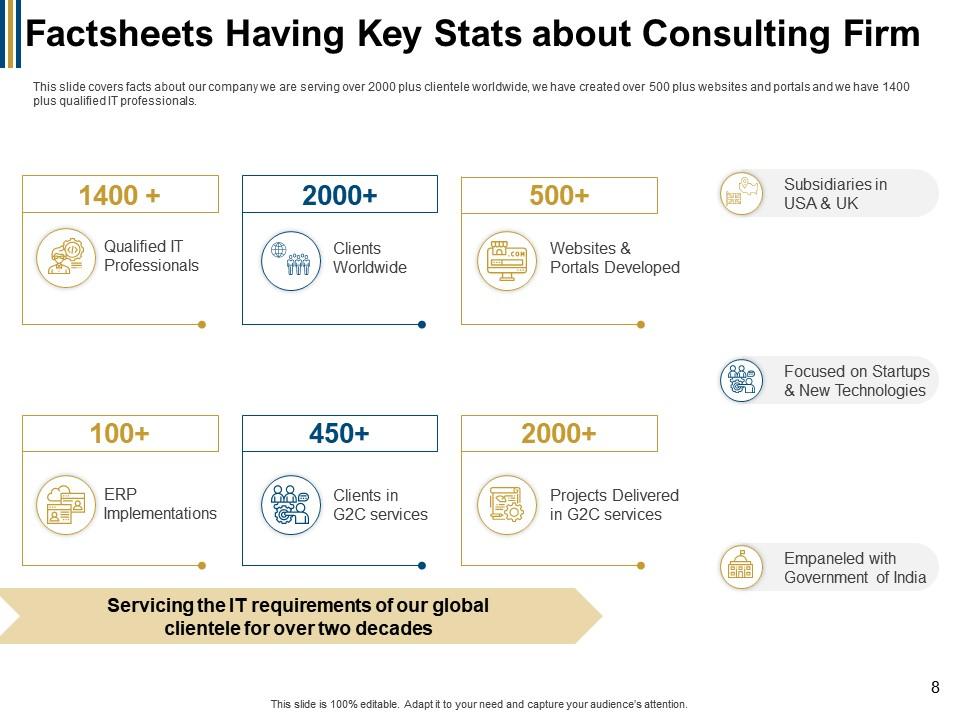
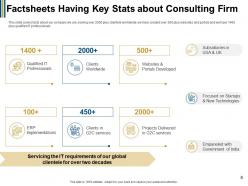
Slide 8: This slide shows Factsheets Having Key Stats about Consulting Firm.
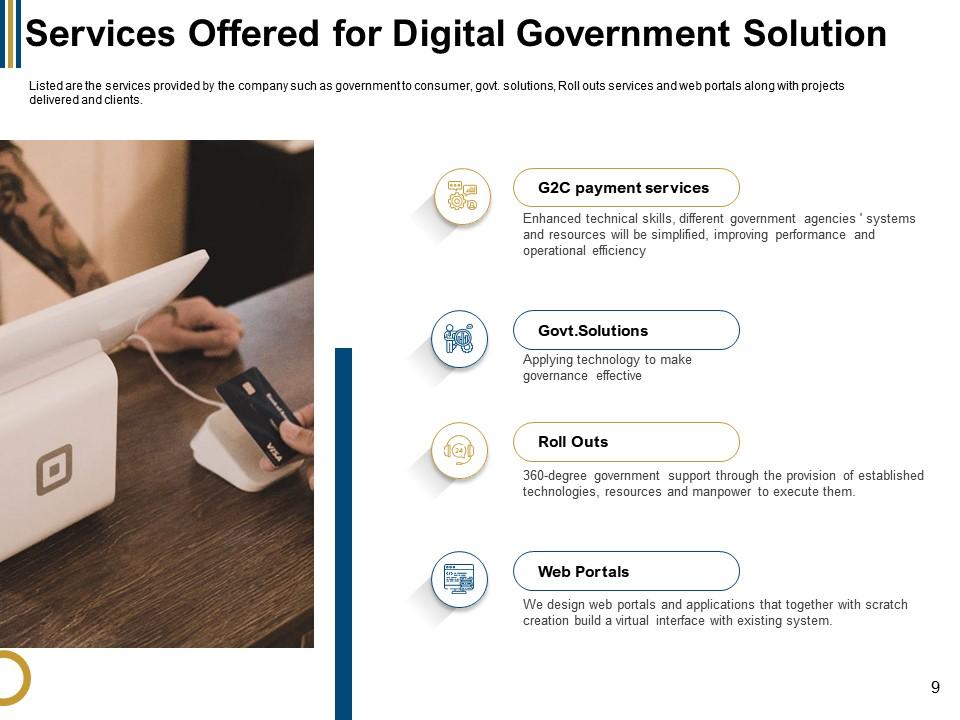
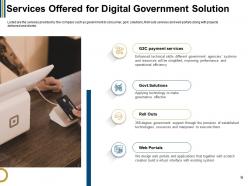
Slide 9: This slide presents Services Offered for Digital Government Solution describing- G2C payment services, Roll Outs, Web Portals, etc.
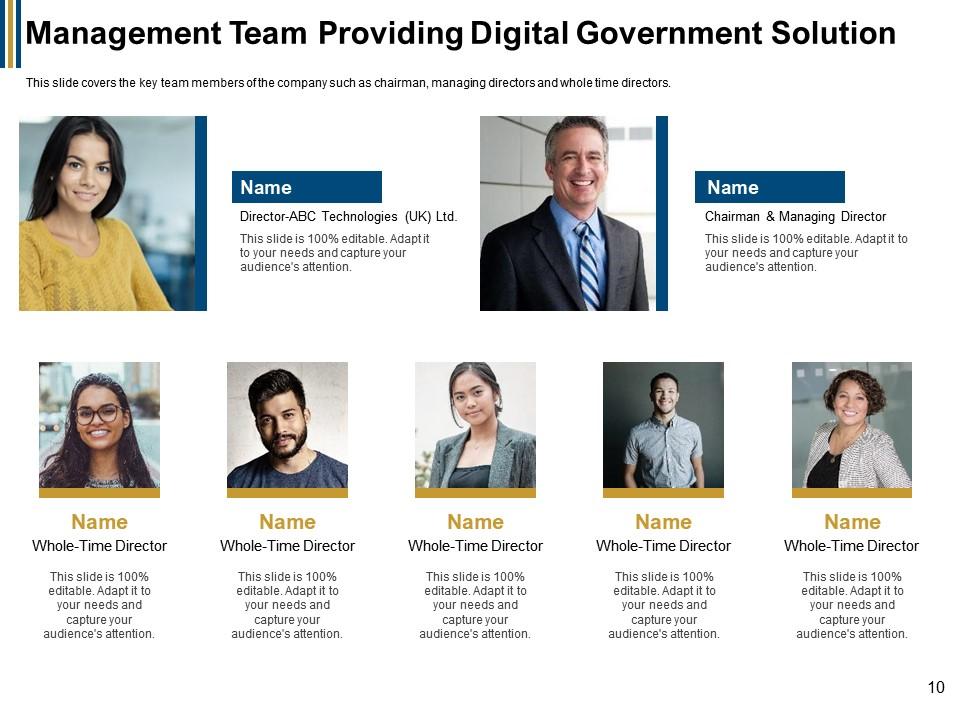
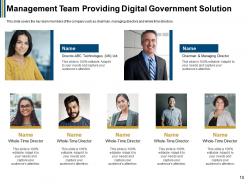
Slide 10: This slide displays Management Team Providing Digital Government Solution.
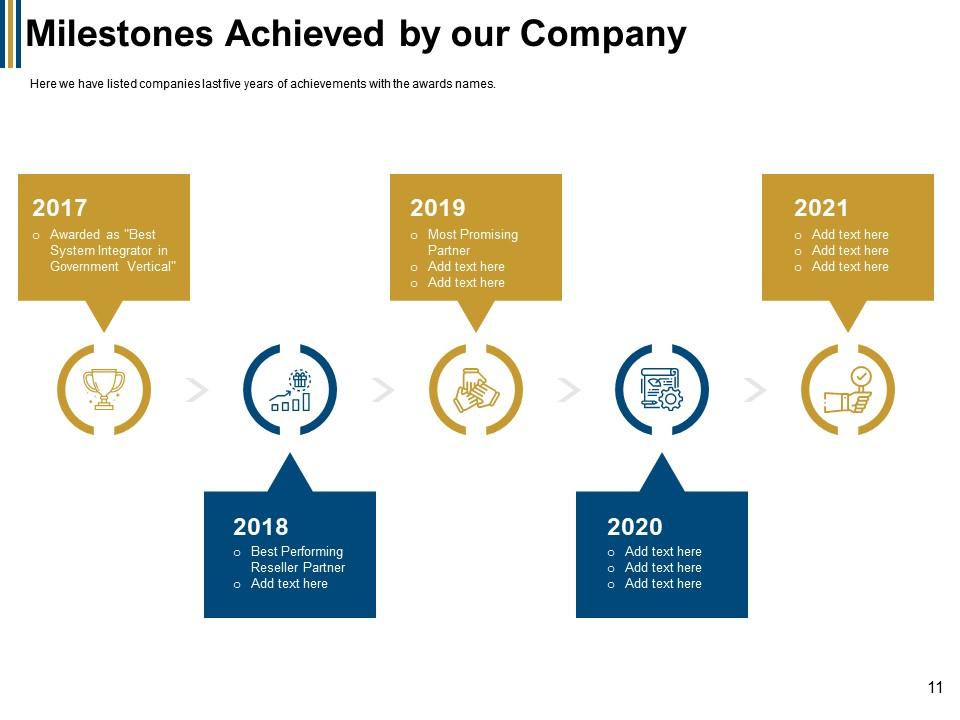
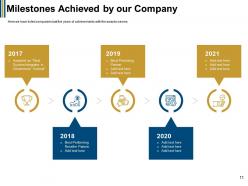
Slide 11: This slide represents Milestones Achieved by our Company with related icons.
Slide 12: This slide represents Tender and Clients Requirements with related imagery.
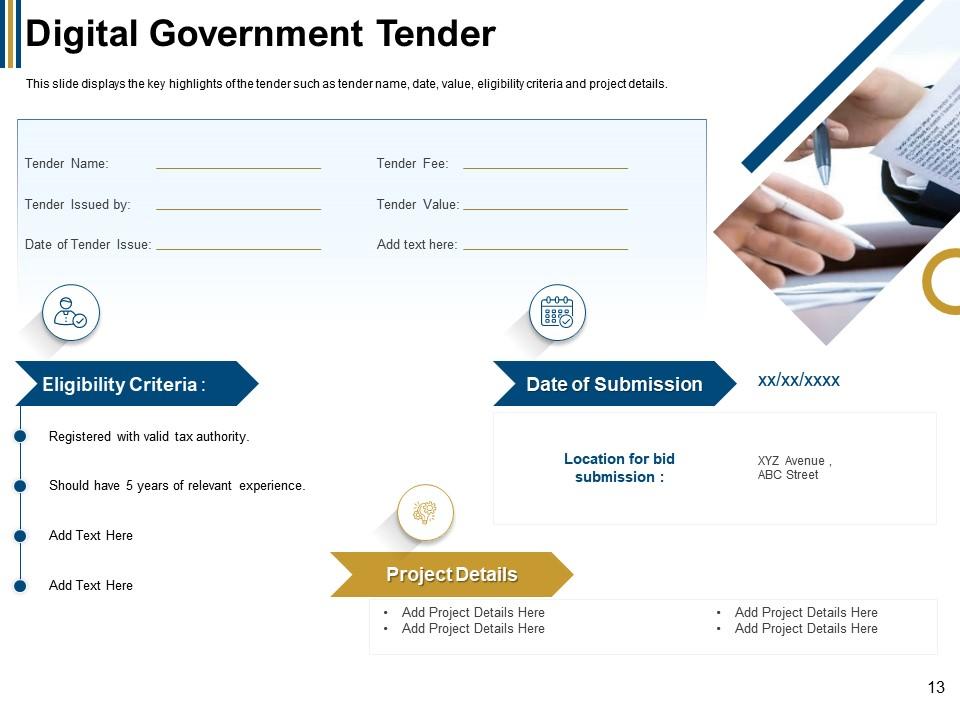
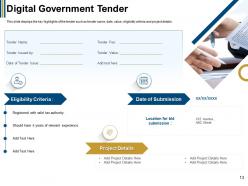
Slide 13: This slide showcases Digital Government Tender describing- Project Details, Eligibility Criteria, etc.
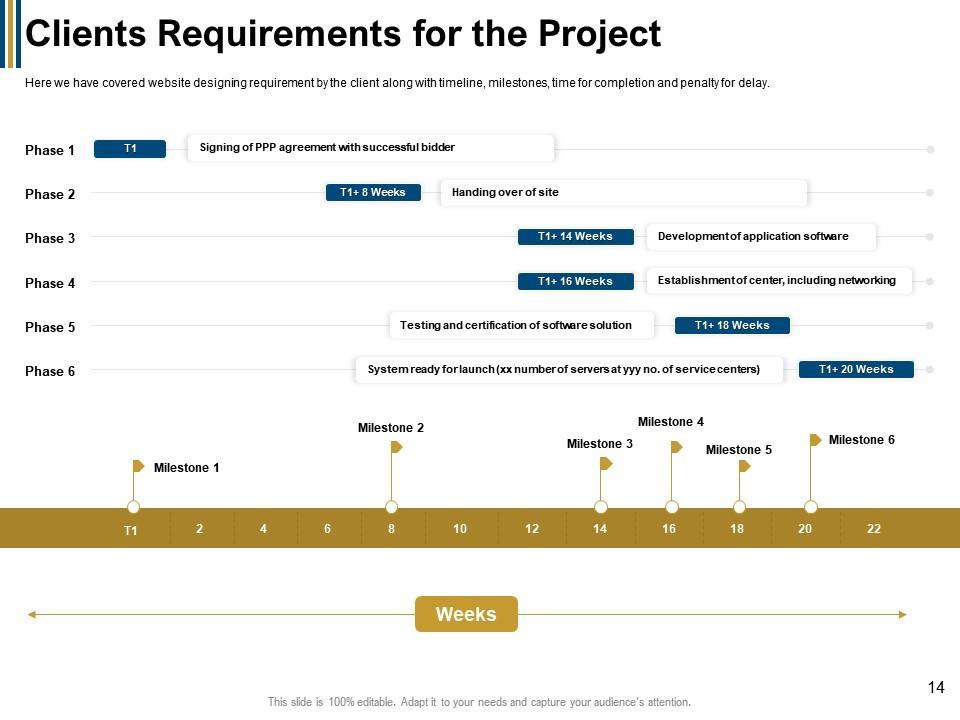
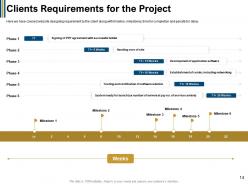
Slide 14: This slide shows Clients Requirements for the Project with weekly milestones.
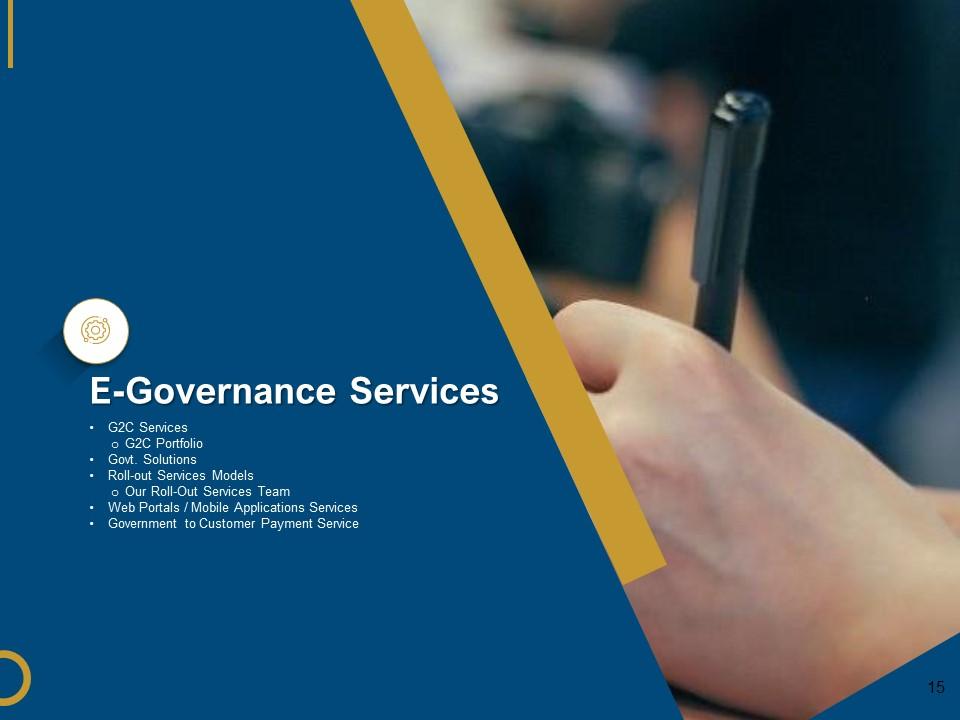
Slide 15: This slide shows E-Governance Services with related imagery.
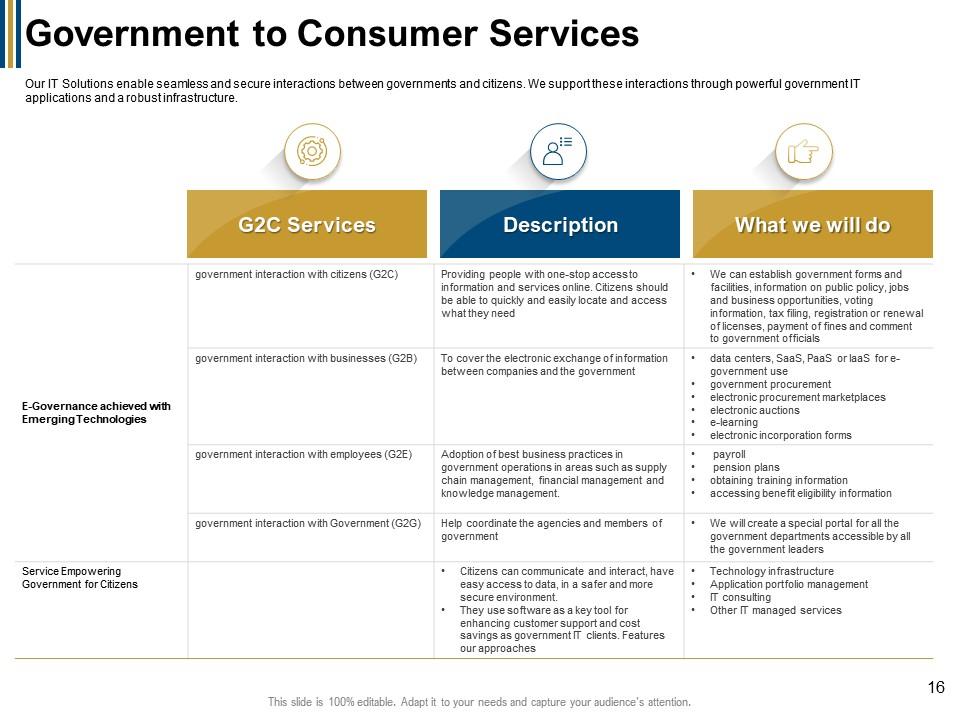
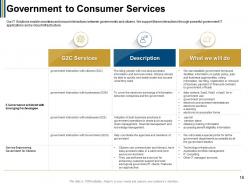
Slide 16: This slide represents Government to Consumer Services describing- G2C Services, Description, etc.
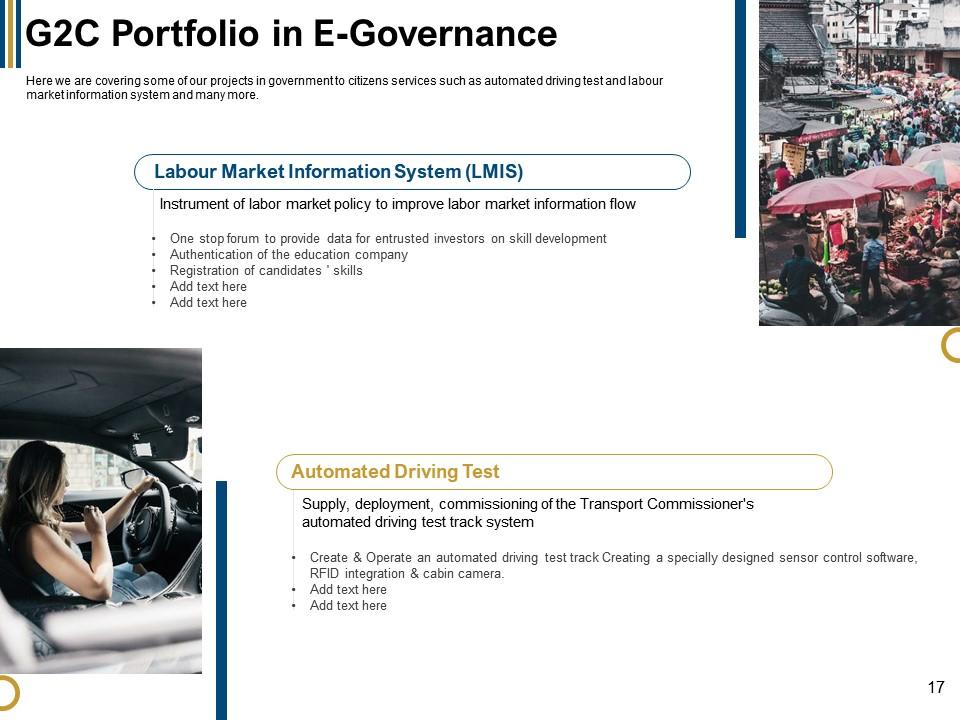
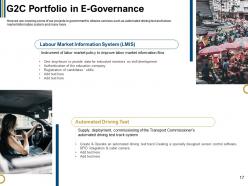
Slide 17: This slide showcases G2C Portfolio in E-Governance describing - Automated Driving Test and Labour Market Information System (LMIS).
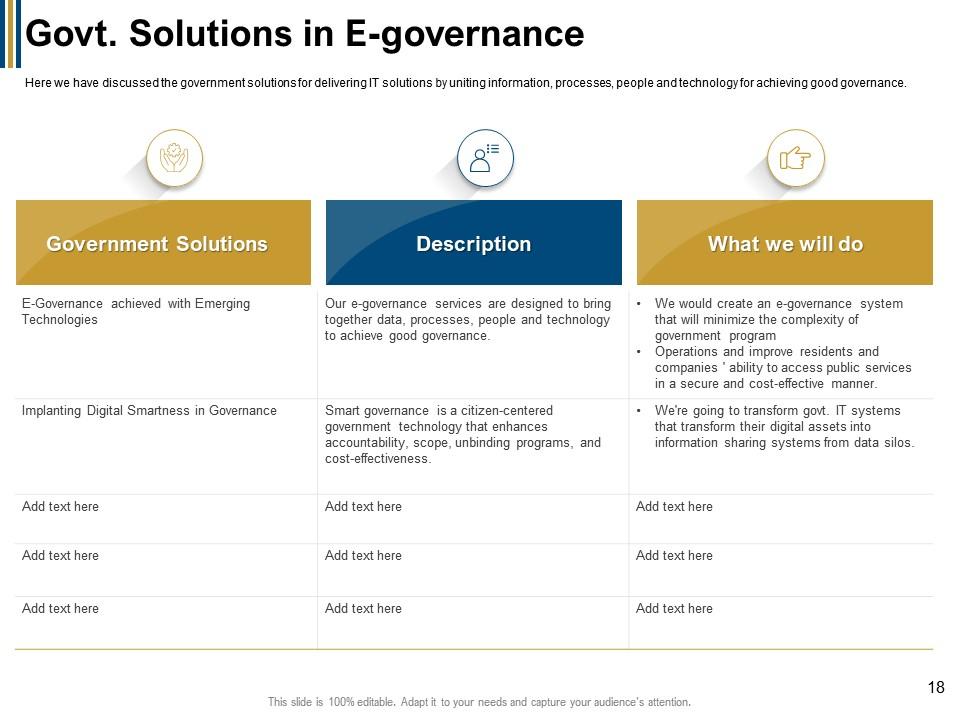
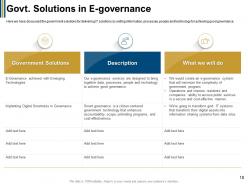
Slide 18: This slide shows Govt. Solutions in E-governance with related icons and text.
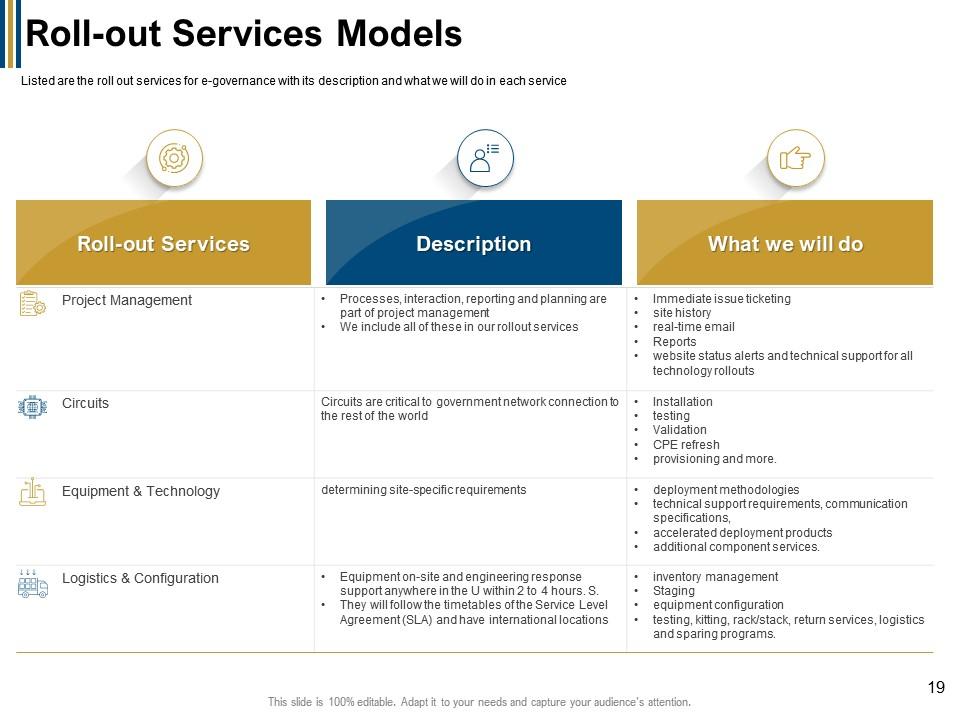
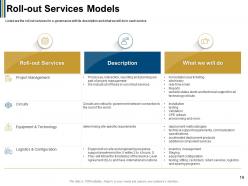
Slide 19: This slide presents Roll-out Services Models describing-- Roll-out Services, Description, etc.
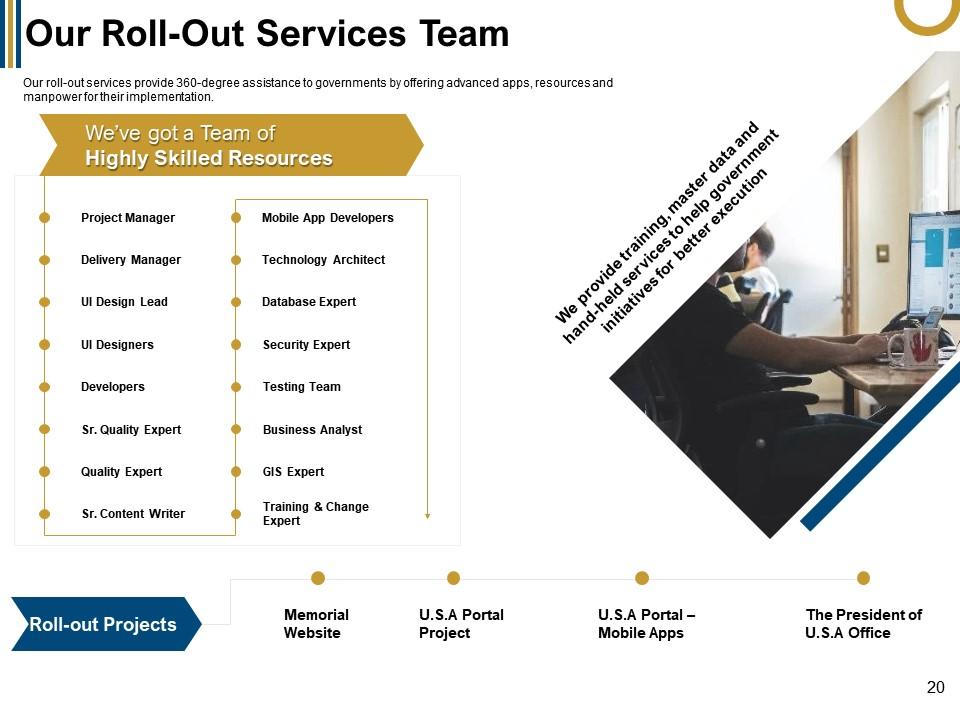
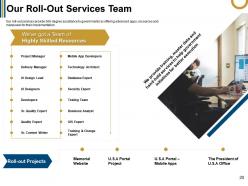
Slide 20: This slide displays Our Roll-Out Services Team with related imagery .
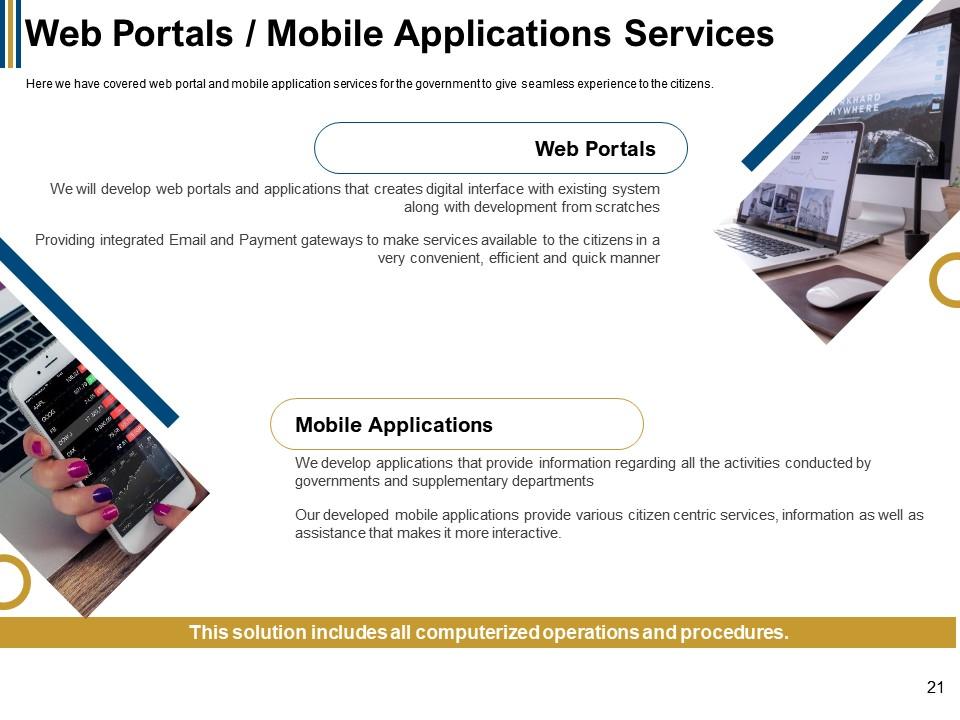
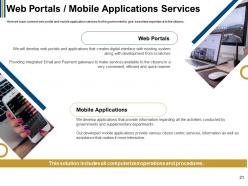
Slide 21: This slide represents Web Portals / Mobile Applications Services.
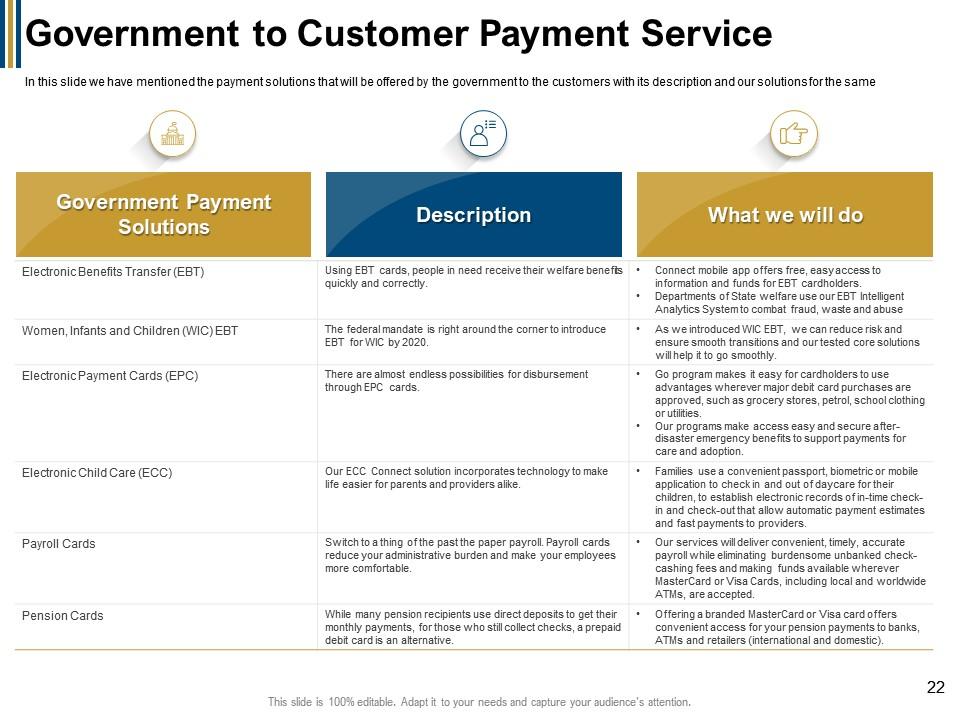
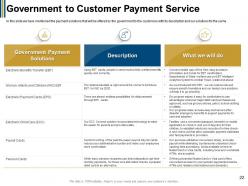
Slide 22: This slide showcases Government to Customer Payment Service.
Slide 23: This slide displays titles as-Where is the Gap? Solution Phases, and Strategies.
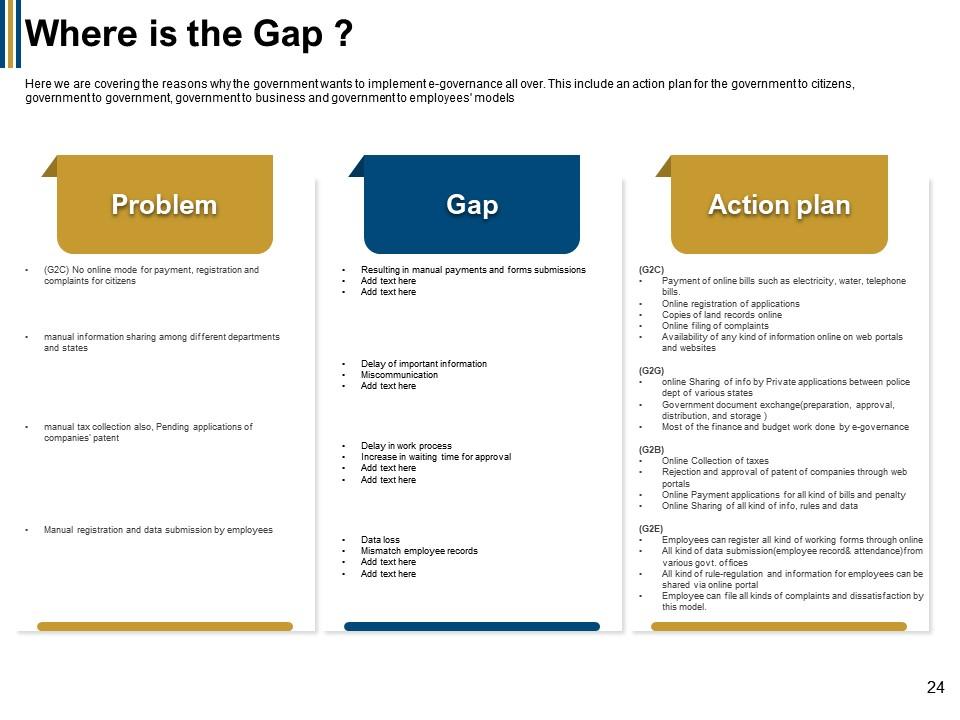
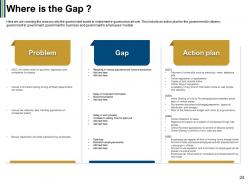
Slide 24: This slide represents Where is the Gap ? describing Problem, Gap, and Action plan.
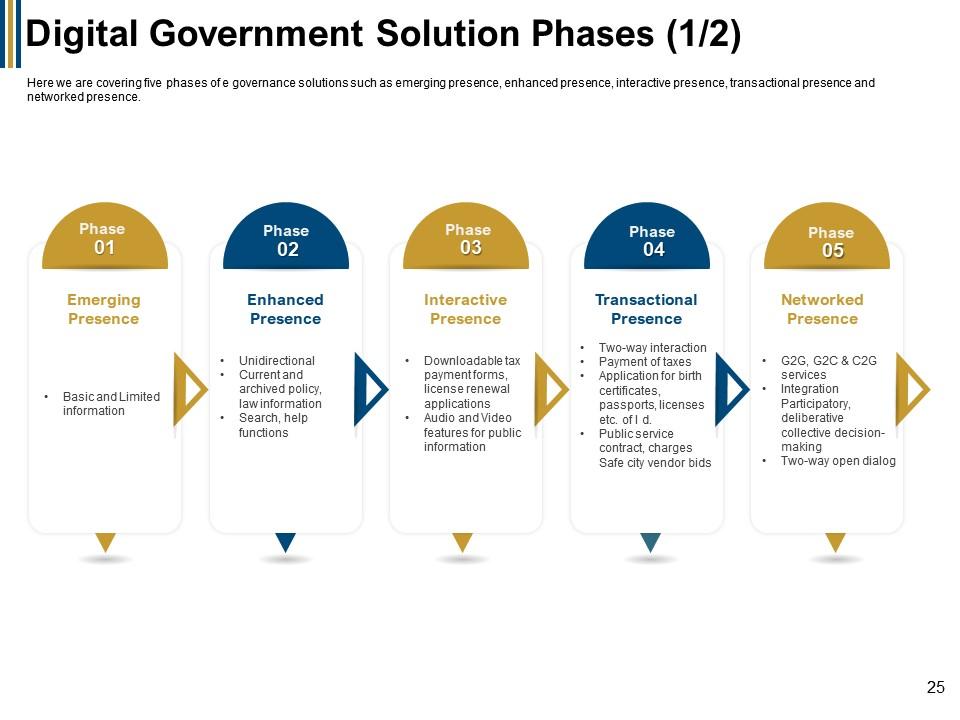
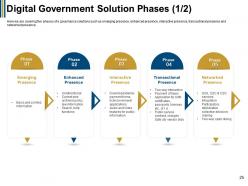
Slide 25: This slide showcases Digital Government Solution Phases like Emerging Presence, Enhanced Presence, Interactive Presence, etc.
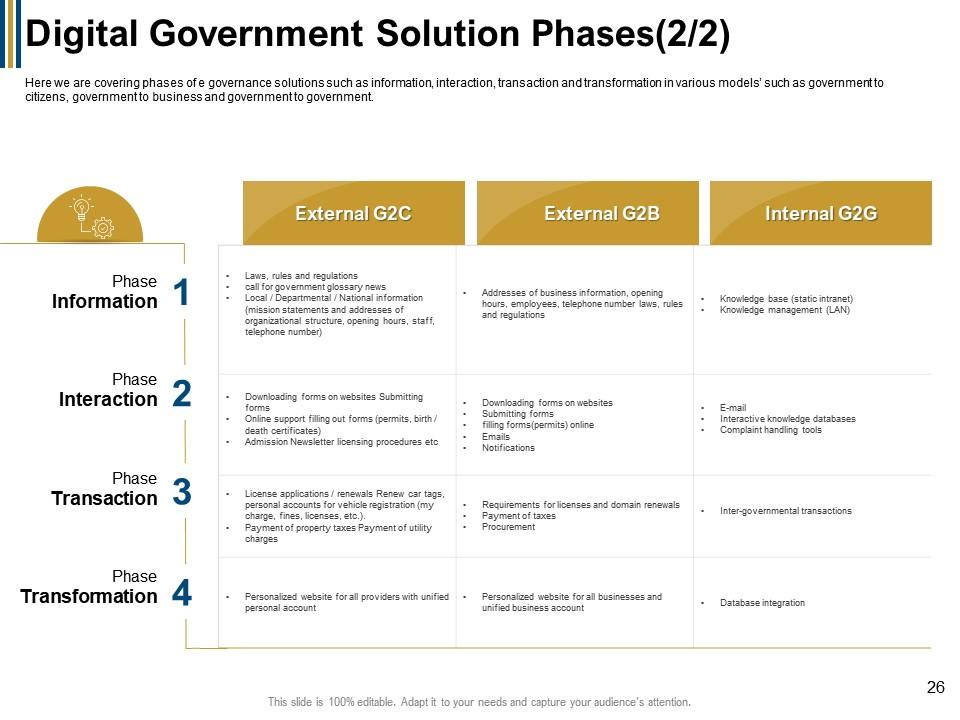
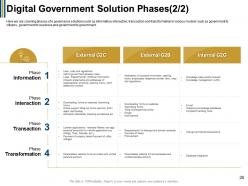
Slide 26: This is another slide showing Digital Government Solution Phases.
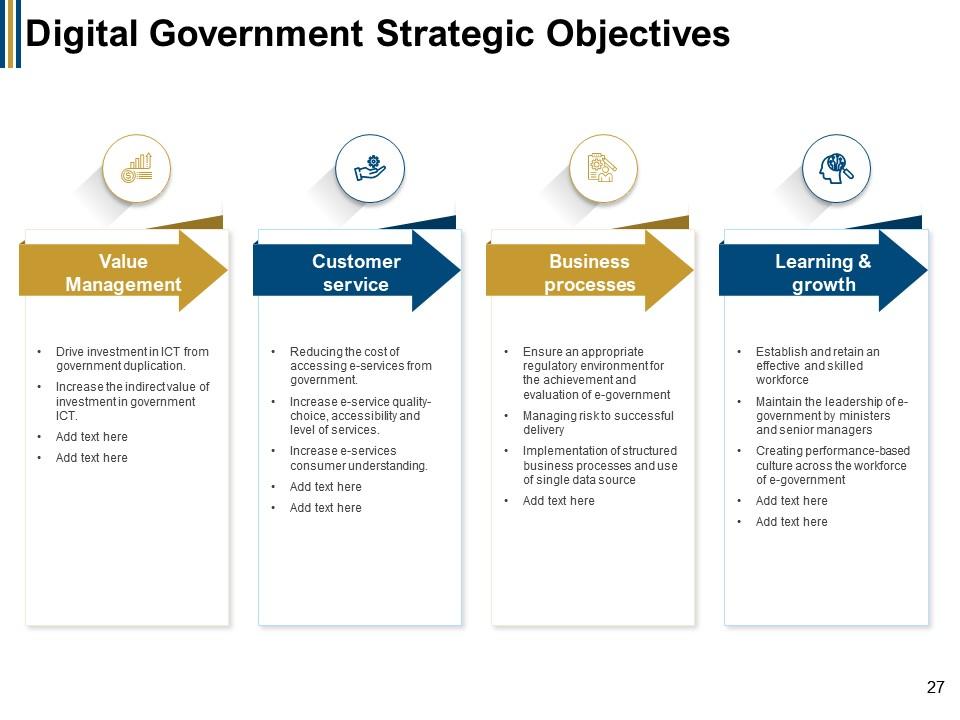
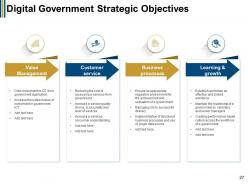
Slide 27: This slide presents Digital Government Strategic Objectives as Value Management, Customer service, Business processes, and Learning & growth.
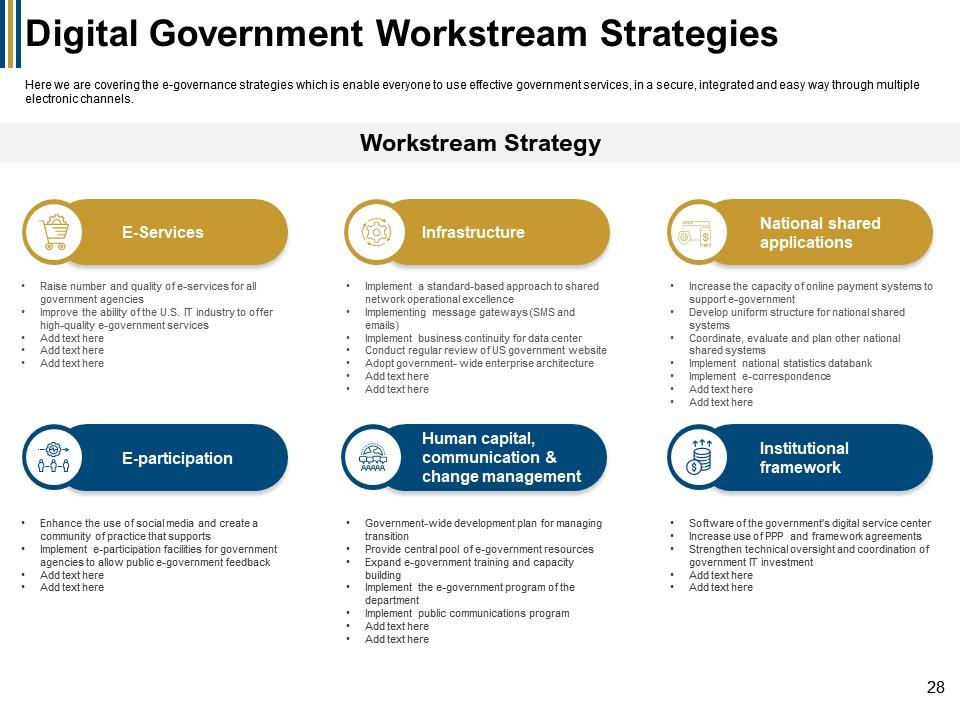
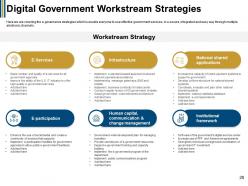
Slide 28: This slide displays Digital Government Workstream Strategies as E services, Infrastructure, E-participation, etc.
Slide 29: This slide shows Other Services describing- Support Services, Technology Services, and Consulting Services.
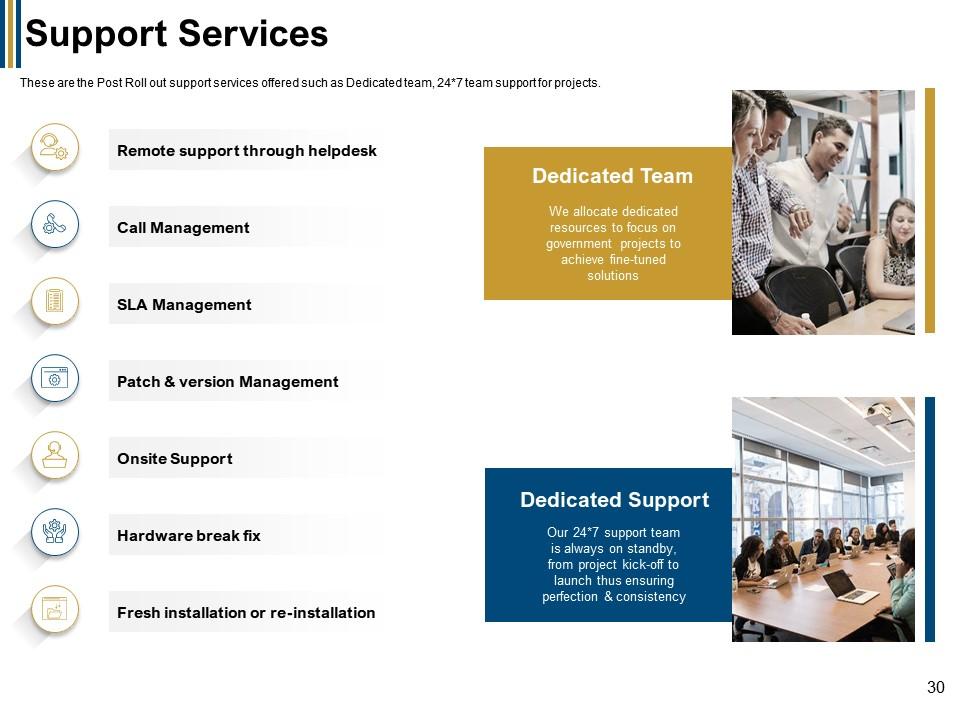
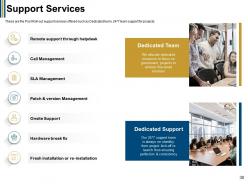
Slide 30: This slide presents Support Services describing- Call Management, Remote support through helpdesk, Hardware break fix, etc.
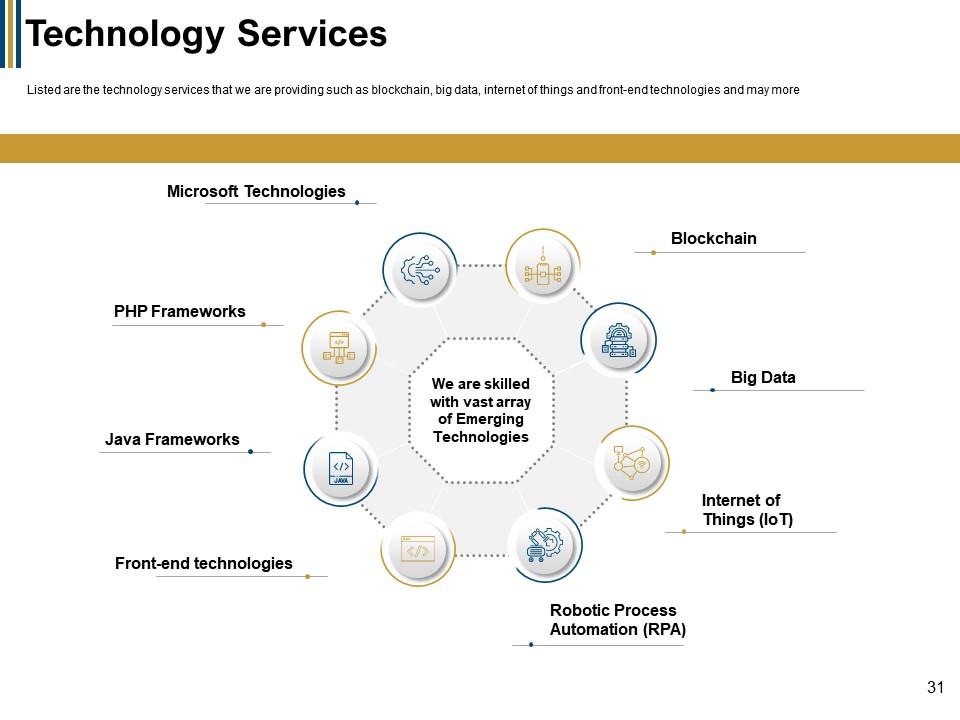
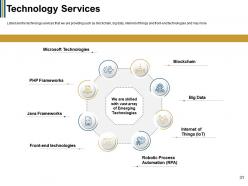
Slide 31: This slide displays Technology Services describing- Microsoft Technologies, PHP Frameworks, Java Frameworks.
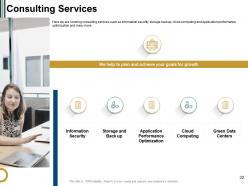
Slide 32: This slide represents Consulting Services describing- Information Security, Storage and Back up, Application Performance Optimization, etc.
Slide 33: This slide showcases titles as Services Budget, Website Development Timeline, and Website Development Budget.
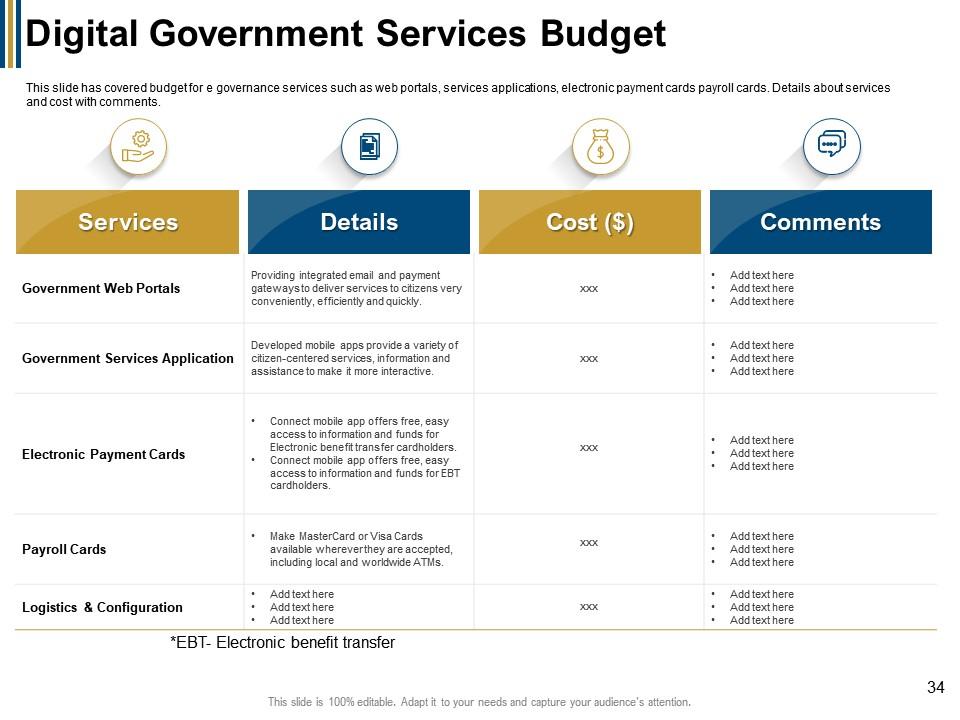
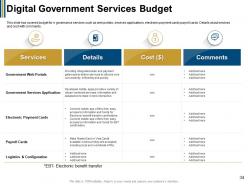
Slide 34: This slide shows Digital Government Services Budget describing- Details, Cost, Services, etc.
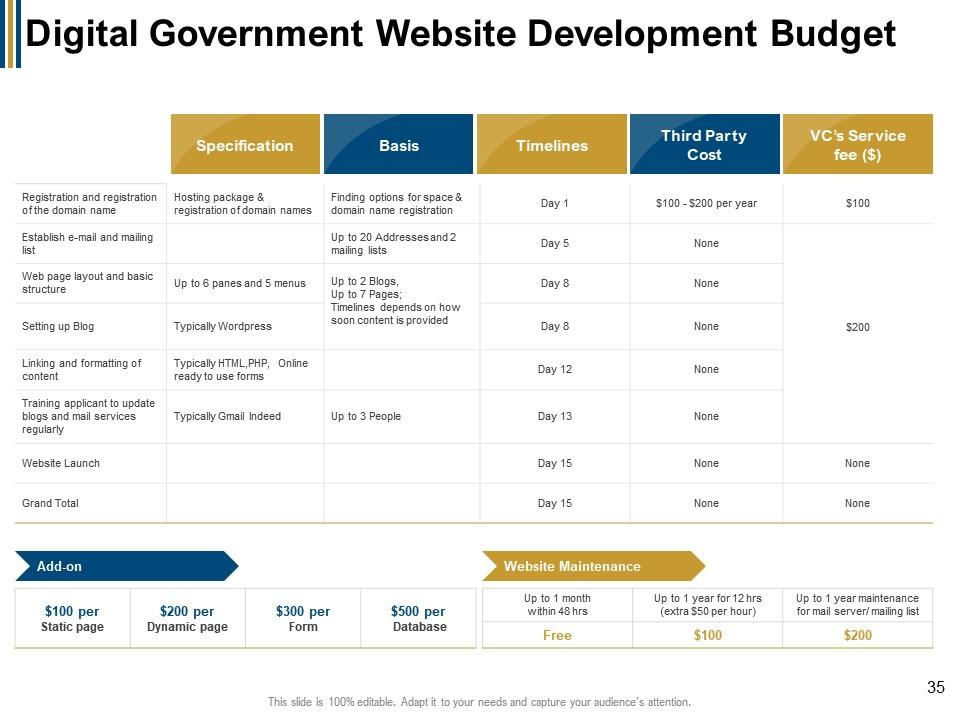
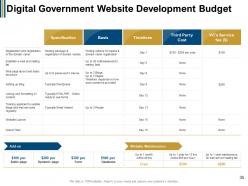
Slide 35: This slide presents Digital Government Website Development Budget.
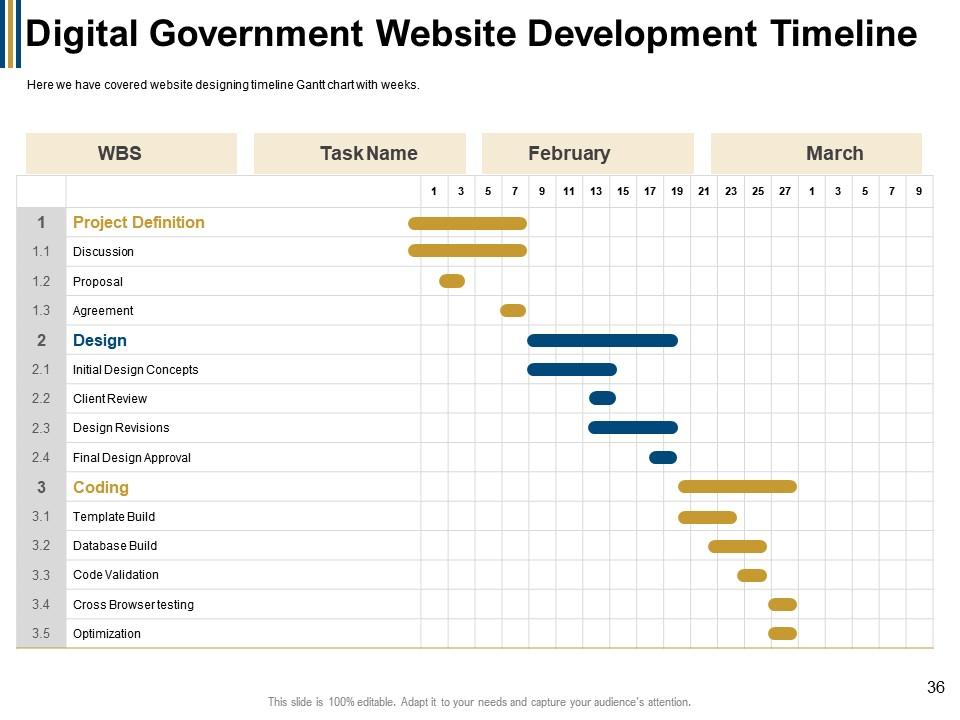
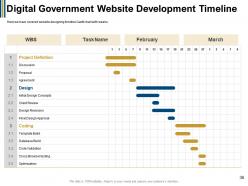
Slide 36: This slide represents Digital Government Website Development Timeline.
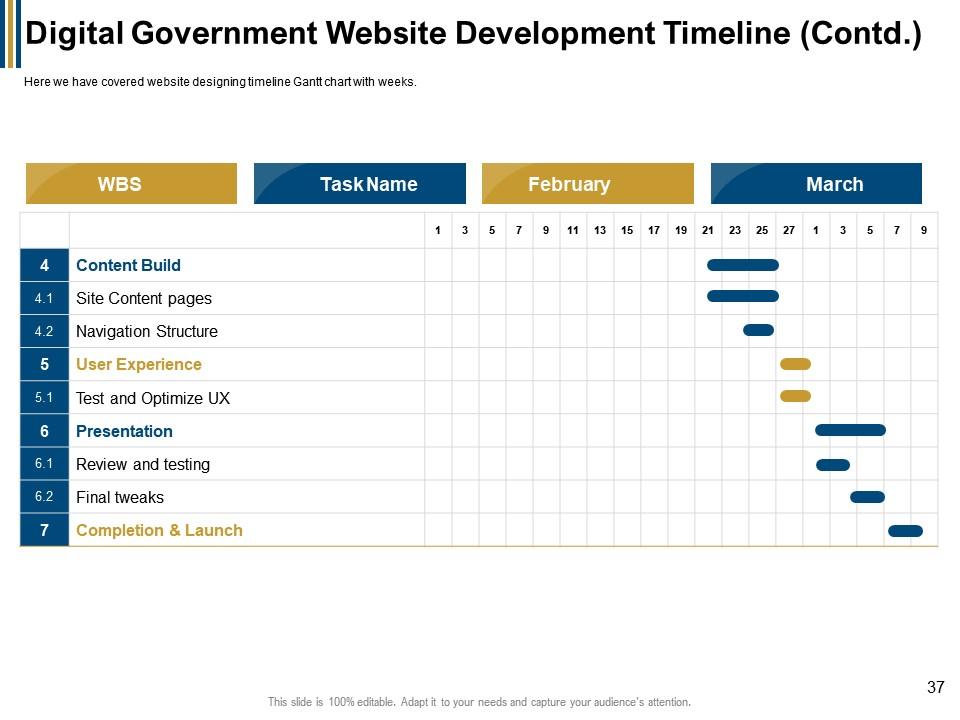
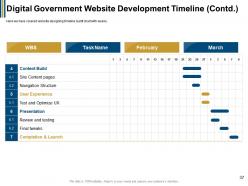
Slide 37: This is another slide continuing Digital Government Website Development Timeline.
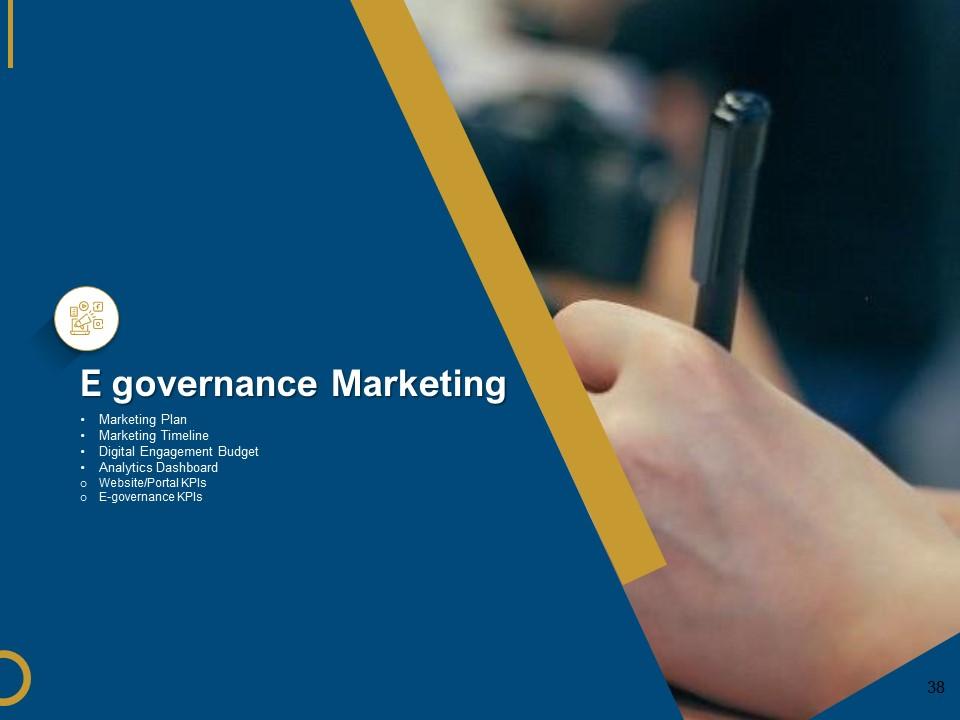
Slide 38: This slide showcases E governance Marketing describing- Marketing Plan, Marketing Timeline, Digital Engagement Budget, etc.
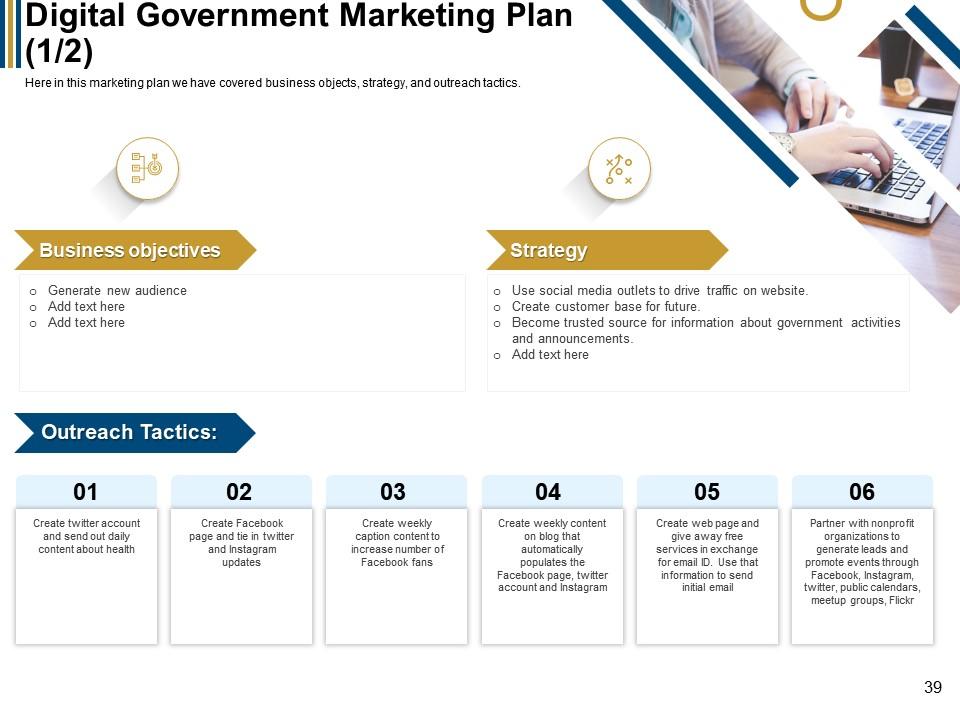
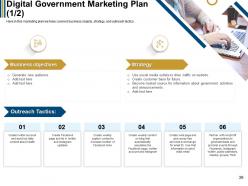
Slide 39: This slide shows Digital Government Marketing Plan describing Business objectives, Strategy, etc.
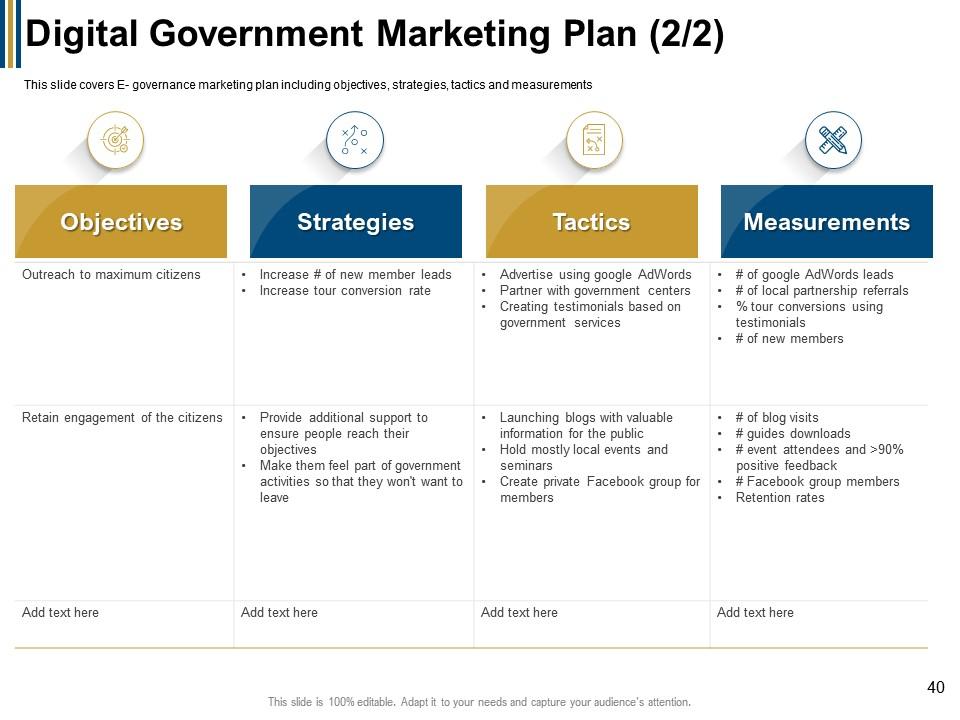
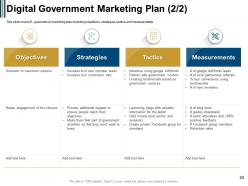
Slide 40: This is another slide showing Digital Government Marketing Plan.
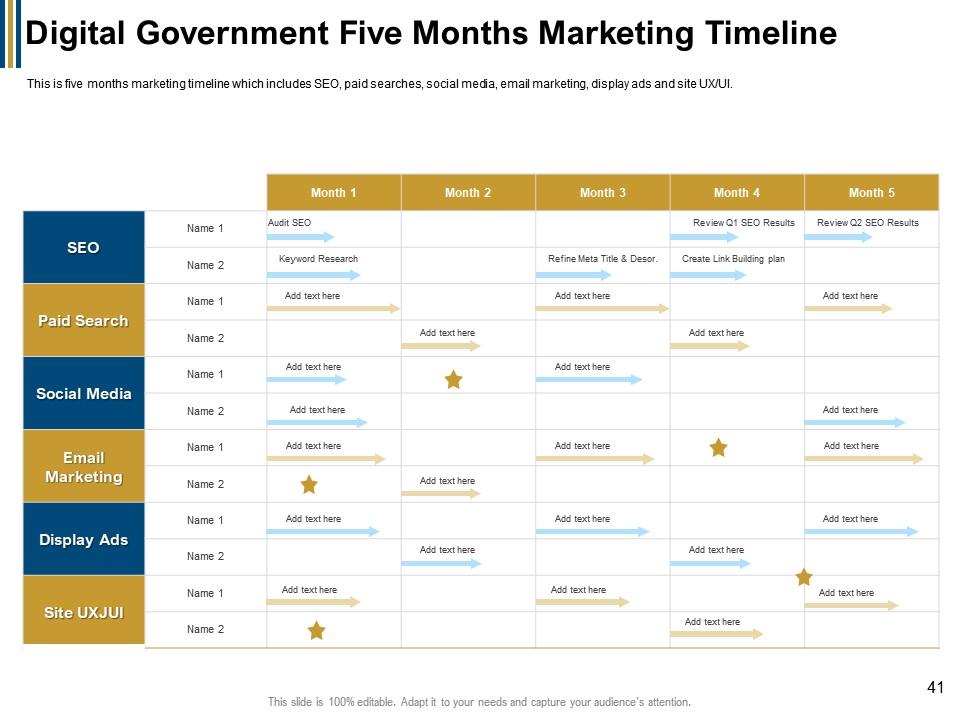
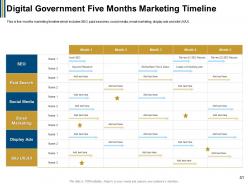
Slide 41: This slide presents Digital Government Five Months Marketing Timeline.
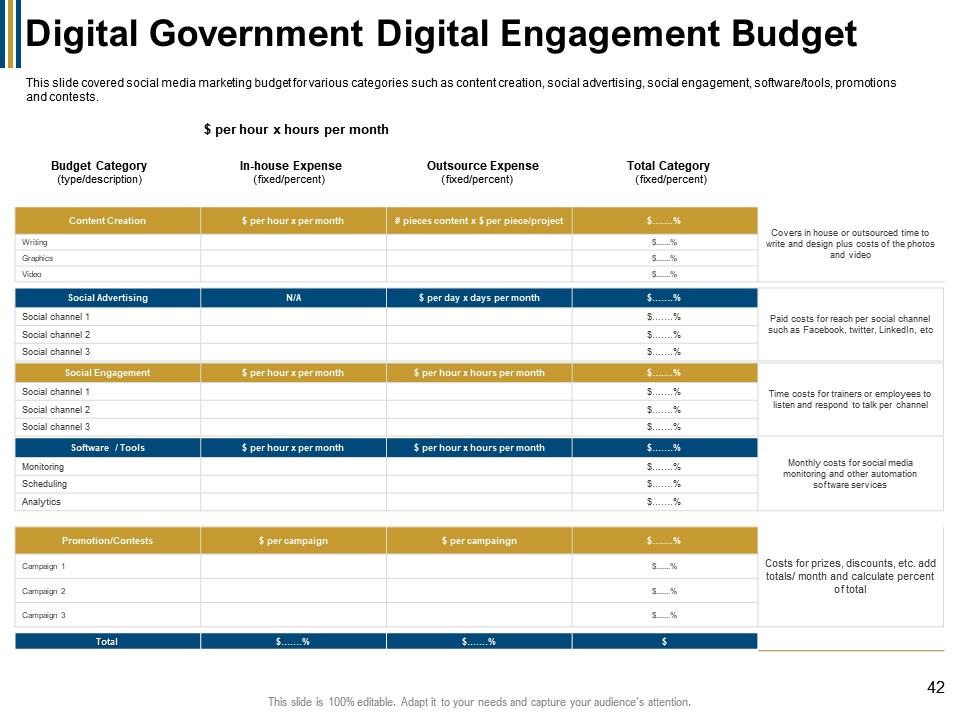
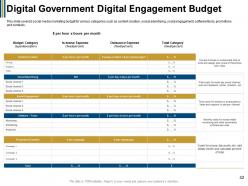
Slide 42: This slide displays Digital Government Digital Engagement Budget.
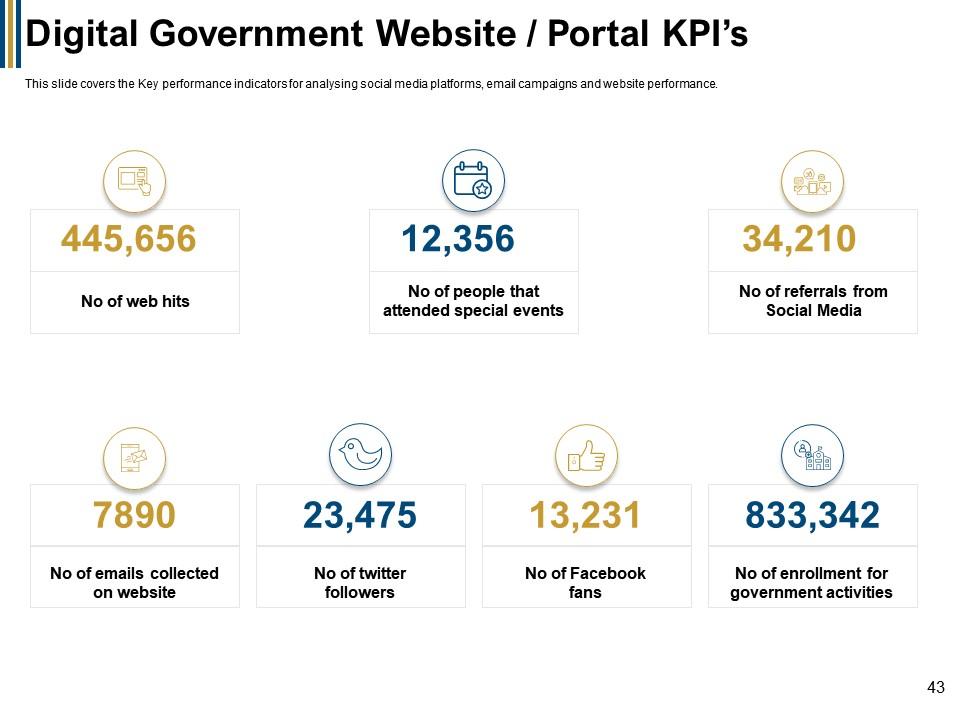
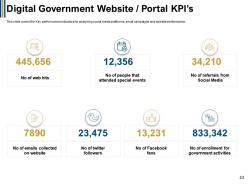
Slide 43: This slide represents Digital Government Website / Portal KPI’s with related icons and text.
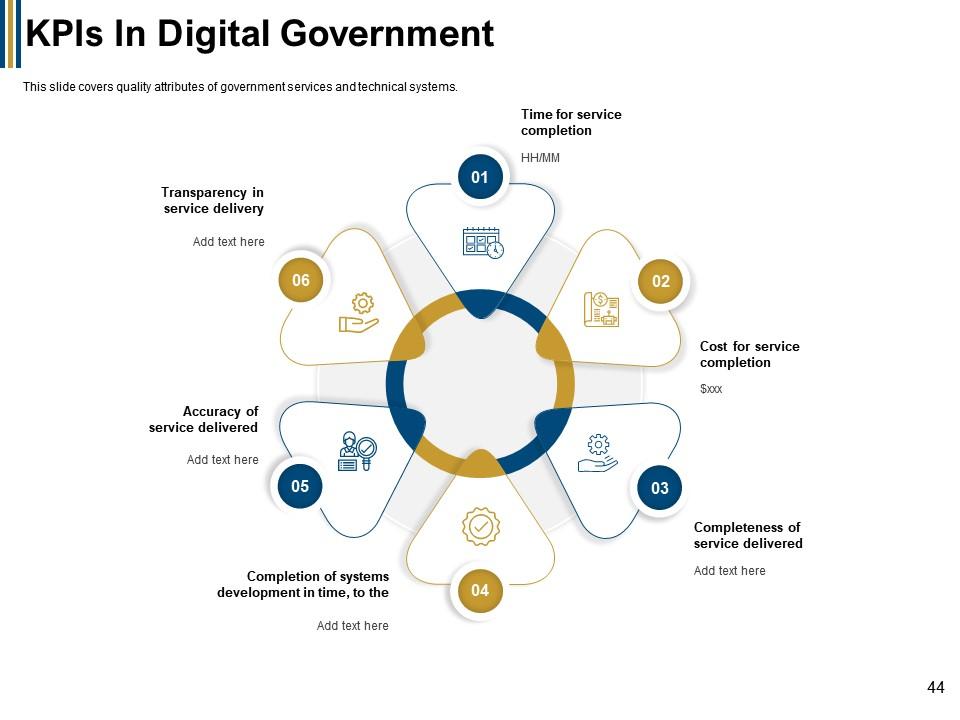
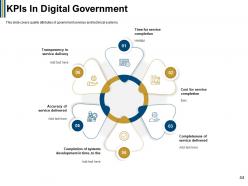
Slide 44: This slide showcases KPIs In Digital Government describing- Time for service completion, Cost for service completion, Completeness of service delivered, etc.
Slide 45: This slide is titled as Additional slides for moving forward.
Slide 46: This slide displays Digital Government for public Icons.
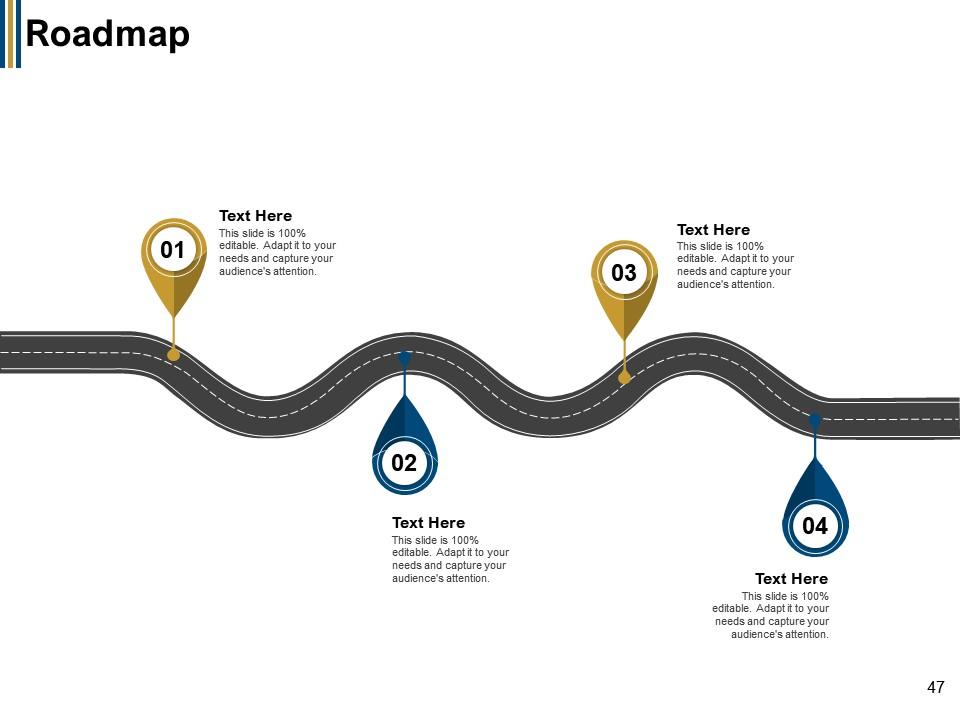
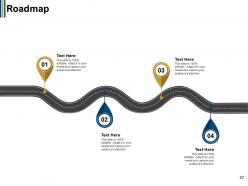
Slide 47: This slide shows Roadmap with additional text boxes.
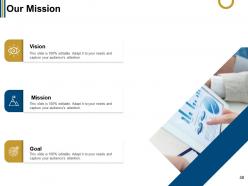
Slide 48: This is Our Mission slide with related imagery and text.
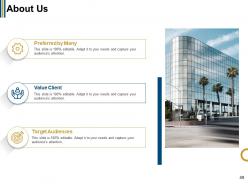
Slide 49: This is About Us slide to show company specifications etc.
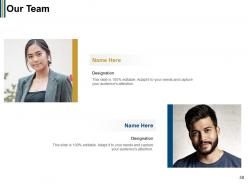
Slide 50: This is Our Team slide with names and designation.
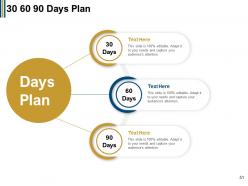
Slide 51: This slide displays 30 60 90 Days Plan with additional text boxes.
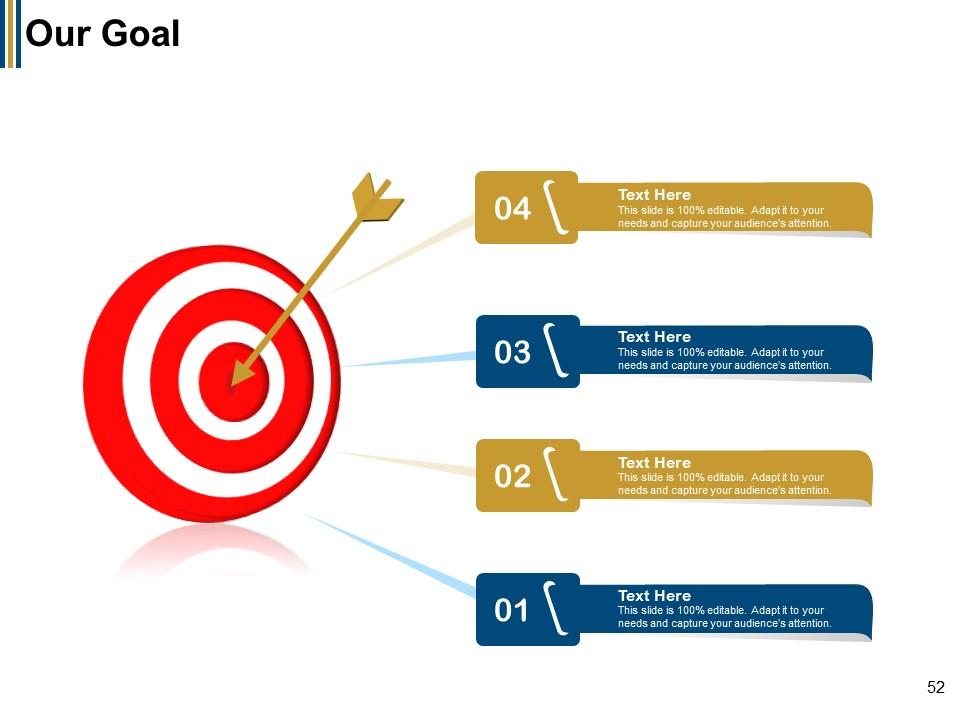
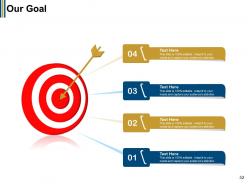
Slide 52: This is Our Goal slide. Show your firm's goals here.
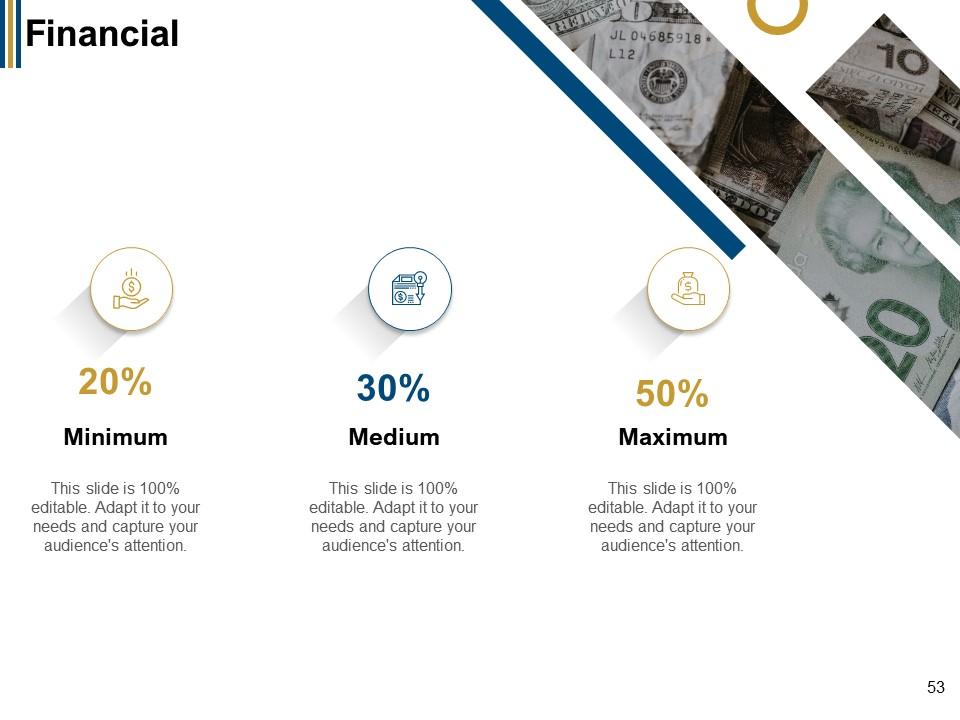
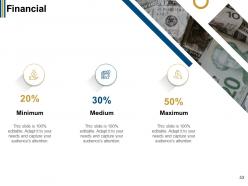
Slide 53: This is a Financial slide. Show your finance related stuff here.
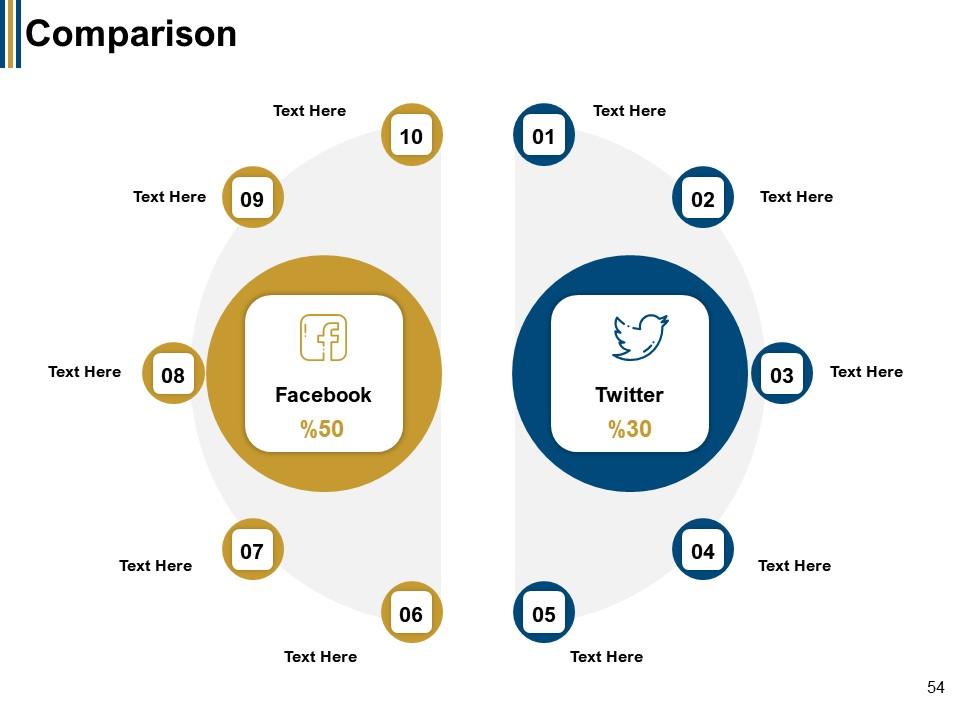
Slide 54: This is a Comparison slide to show a comparison between products, commodities, etc.
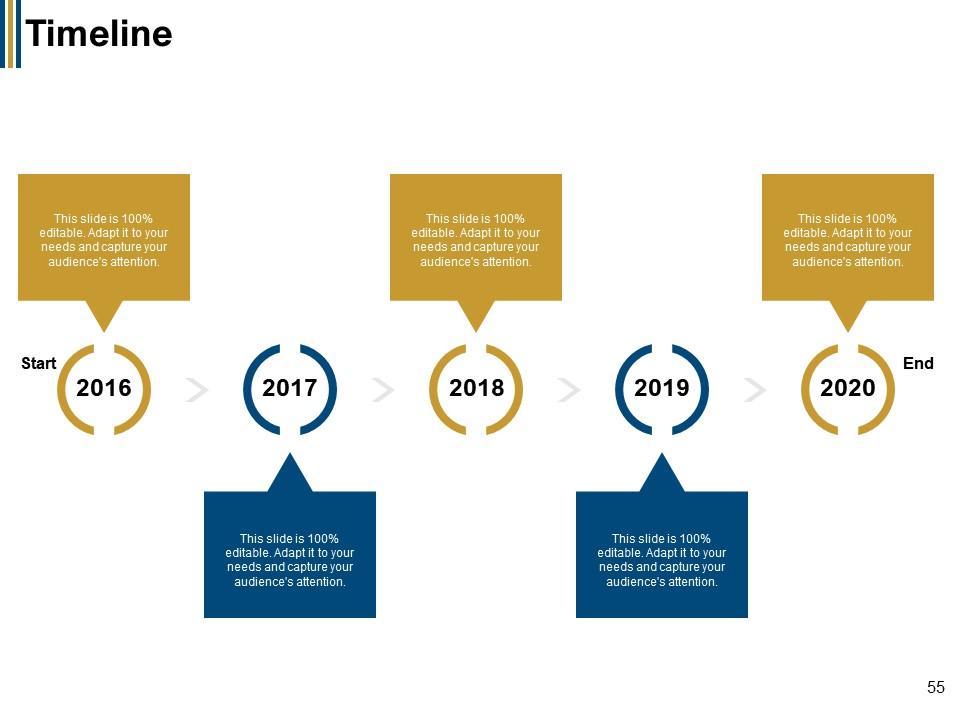
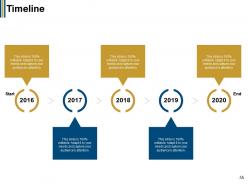
Slide 55: This is a Timeline slide. Show data related to time intervals here.
Slide 56: This is a Thank you slide with address, contact number and email address.
Digital government for public powerpoint presentation slides with all 56 slides:
Use our Digital Government For Public Powerpoint Presentation Slides to effectively help you save your valuable time. They are readymade to fit into any presentation structure.
-
Wonderful templates design to use in business meetings.
-
Very unique, user-friendly presentation interface.
-
Designs have enough space to add content.
-
Very unique, user-friendly presentation interface.
-
Great quality product.
-
Out of the box and creative design.
-
The Designed Graphic are very professional and classic.
-
Easily Understandable slides.
-
Attractive design and informative presentation.
