

1013 business ppt diagram 3 stages process design powerpoint template
You must be logged in to download this presentation.




Try Before you Buy Download Free Sample Product
 Impress Your
 Audience
 100%
100% Editable
 Save Hours
 of Time


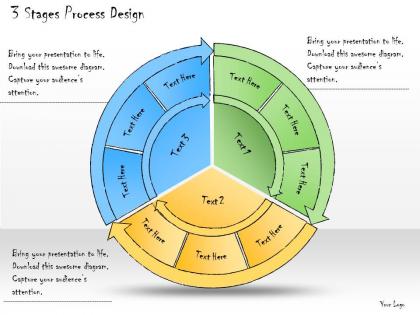
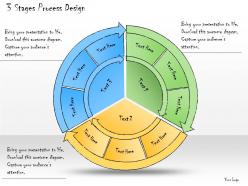
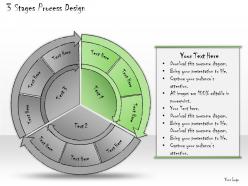
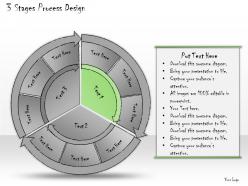
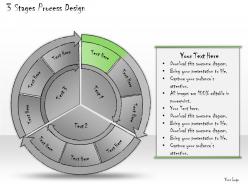
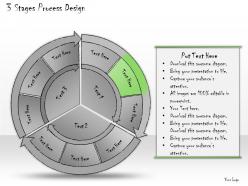
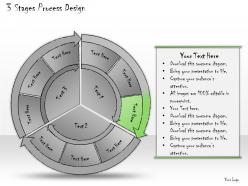
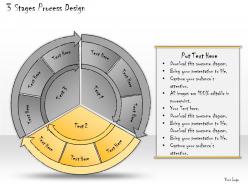
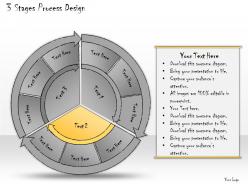
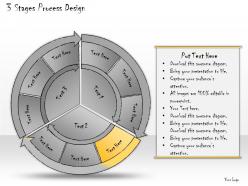
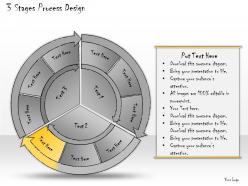
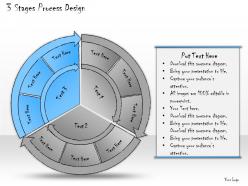
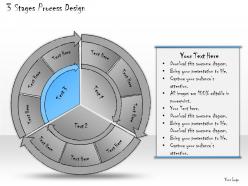
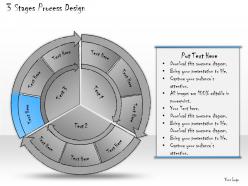
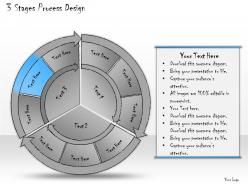
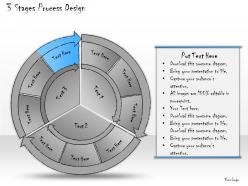
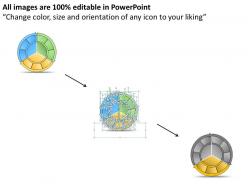
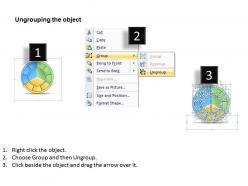
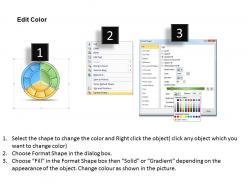
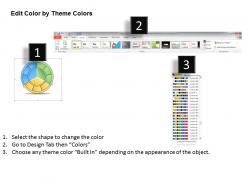
Use this business PPT diagram to analyse your business model having 3 stages process design. This business wheel PowerPoint diagram is also used to divide the processes in 3 main steps in any business model of a company or firm. This PPT diagram is fully editable as the font, color and size of the business wheel diagram can be altered by will. The 3 equally divided parts of the round diagram contain further sub-parts which can be used as an effective PowerPoint shape to reflect professionalism in your business PPT. The cycle in this wheel can be used to run clockwise or anti-clockwise as according to the requirement of the user in this slideshow. Download this presentation for a detailed explanation of the cyclic processes and business strategy to be implemented. Our 1013 Business Ppt Diagram 3 Stages Process Design Powerpoint Template are stepping stones to success. Climb them steadily and reach the top.
People who downloaded this PowerPoint presentation also viewed the following :
1013 business ppt diagram 3 stages process design powerpoint template with all 20 slides:
Presentations are a big part of business. Make your presentations perfect with these high quality 1013 Business Ppt Diagram 3 Stages Process Design Powerpoint Template.

FAQs for 1013 business ppt diagram 3 stages process
So basically, concept stage is where you're dreaming big and sketching out the "what" and "why" - your objectives, who's involved, rough workflows. That's the fun part honestly, feels like anything's possible! Implementation though? That's where reality hits and you're figuring out the actual "how" - specific steps, timelines, who does what, all the technical stuff that makes it actually work. Kind of like... concept is your rough blueprint, but implementation is writing out every single instruction so someone could actually build the thing. Makes sense?
Don't wait until the end to get feedback - that's just asking for pain. Start in discovery by having stakeholders help define the actual problem. Then in design, show your messy drafts early (I know it feels weird but seriously, do it). Implementation needs user testing built right in. Here's the thing though - make feedback specific. Instead of "what do you think?" ask targeted questions. Set up regular check-ins and actually show people how you used their input. That last part is huge because it keeps them engaged for next time. The whole point is catching issues when they're cheap to fix, not when you're already halfway done.
Okay so different stages need different approaches, right? Start with design thinking workshops and user interviews during discovery - that affinity mapping stuff really helps you get the problem. Brainstorming and quick prototypes in Figma work great for ideation. Then project management tools like Asana become your best friend during implementation, along with proper version control. Honestly though, don't go crazy with a million tools. I've seen teams waste so much time switching between platforms. Pick maybe 2-3 that everyone actually knows how to use and just stick with those. Way less headache that way.
Honestly, the whole iterative thing is a game-changer for making stuff that actually works. You catch problems early instead of discovering them at the worst possible moment. Each round teaches you something new about what users really want (vs. what they said they wanted initially lol). Your design gets tougher because it's been battle-tested multiple times. Think of it like revising an essay - draft
-
Content of slide is easy to understand and edit.
-
Use of icon with content is very relateable, informative and appealing.
-
Such a difficult slide. prepared very well, with all permutations and combinations. It is the best.