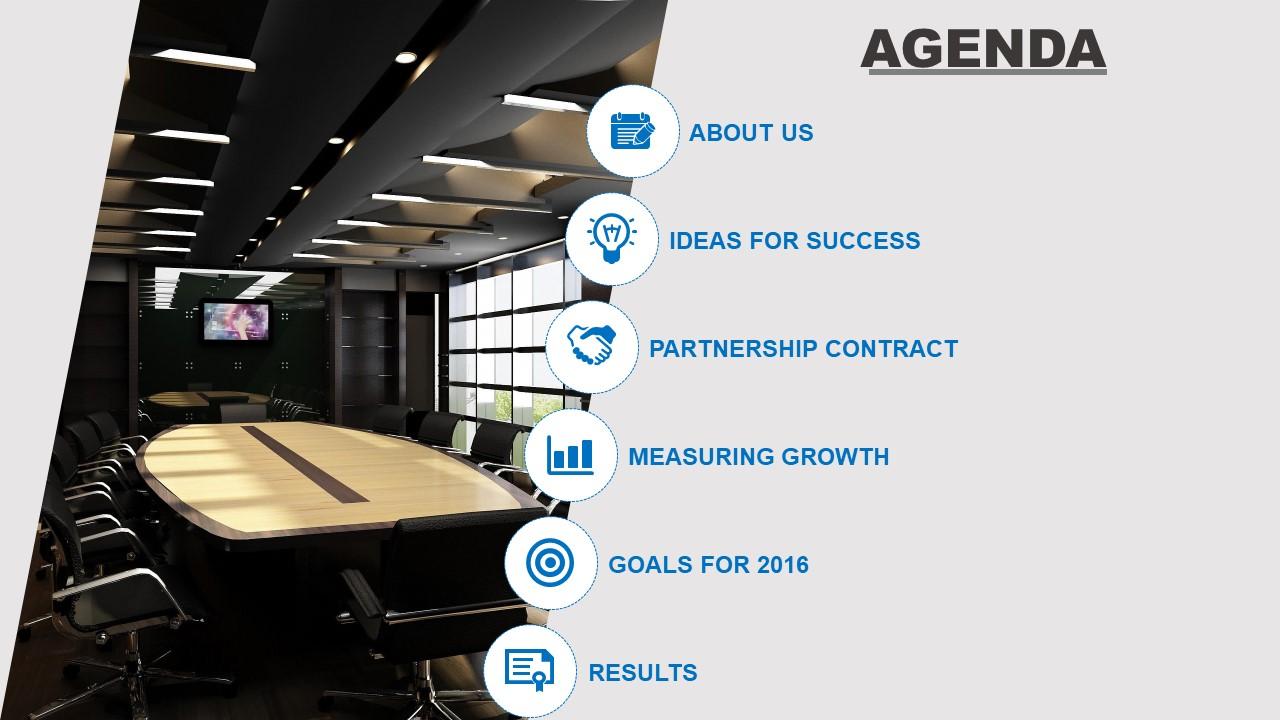
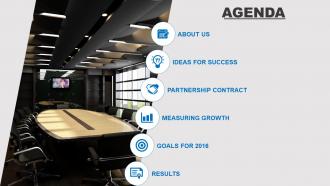
Agenda template design with cut image with icons powerpoint slide

Rating:
80%
Slide 1 of 5
Favourites Favourites

Try Before you Buy Download Free Sample Product

Audience Impress Your
Audience
Editable 100%
Editable
Time Save Hours
of Time
The Biggest Sale is ending soon in
0
0
:
0
0
:
0
0
Rating:
80%
Presentation slides are accessible in standard and widescreen view. Ease of inserting logo, icon and image as per the requirement. Preference to edit the PowerPoint design. Instant download and can be transformed into JPEG and PDF format. PPT templates are compatible with Google slides. Useful for business presenters and entrepreneurs.

FAQs for Agenda template design with cut image with

Put the meeting basics up top - date, time, who's coming, and what you're trying to accomplish. Break everything into chunks with time limits (seriously, this will save your sanity). Note who's running each part and what kind of outcome you want - like are we deciding something or just brainstorming? Add action items at the end with names and deadlines. Oh, and include a "parking lot" for random stuff that always comes up but isn't really on topic. Send it out the day before so people don't show up totally clueless.

Honestly, switching up colors on your agenda templates can actually change how people feel in meetings. Blue's your go-to for strategic stuff since it helps people focus and builds trust. Green works great for regular team meetings - keeps everyone chill and collaborative. I'd avoid red unless it's like an emergency meeting because it screams "urgent!" Orange and yellow are perfect when you want people brainstorming and getting creative. Just think about what vibe you're going for first. Try changing colors based on meeting type and you'll probably notice the energy shift pretty quickly.

Don't cram everything into crazy tight timeframes - you'll hate yourself later. Always build in buffer time between topics. Also, skip vague stuff like "discuss project updates" and get specific about what you're actually deciding. The worst thing? Forgetting to assign who's doing what. I swear, half the meetings I've been in turn into awkward staring contests because nobody knows who should talk first. Keep your formatting consistent (makes you look more professional than you probably are). And always add 5-10 minutes at the end for overflow time.

Honestly, it's all about knowing your crowd. Execs want the big picture stuff - strategic wins, tight timing, zero fluff. They'll zone out if you get too detailed. Tech people are the opposite - they need specifics, actual data, time to dig into things. When clients are in the room, focus on what's in it for them, not your internal mess. I usually end up making like 3 different versions of the same agenda depending on who's showing up. Sounds extra but it actually saves time later. Just think about what each group actually cares about, then write your topics and timing around that. Game changer.

Typography makes such a difference for agendas! Big headers for main topics, smaller text for details - it creates this visual roadmap people can actually follow. Different font weights and spacing basically tell your brain what's important first. Without it, you get that dreaded wall-of-text situation where everyone's eyes just glaze over. I learned this the hard way in college presentations, haha. Two font sizes is honestly enough to start with. You'll be shocked how much clearer everything looks. The content stays the same, but suddenly people can navigate it without getting lost.

Honestly, remote agendas need way more hand-holding than in-person ones. Build in tech setup time upfront – trust me on this one. You've gotta be super explicit about participation too, like "unmute to share your thoughts" because people just sit there otherwise. Virtual discussions are weirdly slower, so pad your time blocks by like 15-20%. Throw in polls or breakout rooms to keep people awake. In-person meetings? Way easier. People naturally jump in, you can read the room, so your agenda can be more flexible with broader time chunks. The whole thing boils down to this: remote agendas have to create the interaction that just happens automatically when you're all in the same room.

Honestly, just start with Word or Google Docs - you probably already have them and they're dead simple. Canva's worth checking out if you want something that actually looks nice without much effort. Oh, and PowerPoint works surprisingly well for this stuff, even though it sounds random. If your team's already on Notion for other things, that's perfect since you can connect everything together. But here's the thing - whatever your team uses most is gonna be your best bet. Nobody wants to learn another new tool just for meeting agendas.

Visual hierarchy is basically how you guide someone's eye through your agenda by importance. Make meeting titles bigger than subtopics, and action items should look different from discussion points. Bold headers help a ton. Consistent indentation too. I'm telling you, nothing's worse than an agenda that's just a wall of text - people won't even bother reading it. White space is your friend here. Pick maybe 2-3 font sizes max and don't go crazy with variety. The whole point is people can scan quickly and find what they need without squinting at everything.

Time slots will literally save your sanity - no more endless meetings that could've been emails. Give each agenda item a specific duration so everyone knows what they're signing up for. People can actually prepare mentally instead of wondering if they'll be trapped for hours. You'll be forced to prioritize too, which honestly is a good thing. That random status update? Suddenly doesn't seem worth 15 minutes when you only have 30 total. Start with your biggest priorities and maybe add tiny buffers between topics. Trust me, your future self will thank you.

Honestly, just think of it this way - if someone picked up your agenda from a conference table, they should instantly know it's yours. Drop your logo, colors, and fonts right into the template. Match the vibe too - like if your company's pretty laid-back, don't write everything super formally. I always make sure my headers and spacing look consistent with other stuff we use, like our slide decks. Oh, and definitely check your brand guidelines first - sounds boring but it'll save you time mapping out where everything goes. The whole point is making everything look cohesive.

Honestly, throw some visual stuff in there - icons, color coding, bullet points instead of those chunky paragraphs nobody reads. Time estimates for each item are clutch too. I always add a "parking lot" section for random ideas that come up, saves so much derailing. Maybe toss an icebreaker question at the top? Sounds cheesy but people actually engage more. The whole goal is making it look less like corporate death and more like something useful. Oh, and don't change everything at once - pick like two things and see what lands with your team first.

Dude, feedback is literally everything for fixing your agenda templates. Ask people after meetings what confused them or felt rushed - you'll be shocked at what they tell you. I used to think mine were solid until someone pointed out my "discussion items" were way too vague. Short sentences work better than long ones sometimes. You can tweak timing, clarify confusing sections, maybe add buffer time where things always run over. The trick is asking specific questions instead of just "how was the meeting?" People will actually tell you what's broken if you ask right.

Definitely start with clickable checkboxes - trust me, there's something satisfying about checking stuff off digitally. You'll want hyperlinks to documents and meeting room info too. Time stamps are huge for staying on track, though let's be honest, meetings always run long anyway. Notes sections for each agenda item are a lifesaver when you're trying to remember what actually got decided. Action items with who's responsible for what? Game changer. Oh, and throw in automatic time calculations so you can at least pretend your 30-minute meeting won't become an hour. Those basics will get you something people might actually use instead of just printing out anyway.

Oh man, interactive agendas are a game changer! Instead of people just skimming through another boring document, they're actually doing stuff with it. Checkboxes for completed tasks work great - there's something weirdly satisfying about ticking things off digitally. You can throw in clickable links to docs or even quick polls for instant feedback. It keeps everyone way more focused since they're participating instead of mentally checking out (we've all been there). Honestly just start with basic checkboxes for action items and watch how much more your team engages.

Honestly, just stick them somewhere everyone can actually find them - shared drive, Slack, whatever works for your team. I do this thing where I organize them like "Meeting Templates > Weekly/Monthly/Project" which sounds boring but it's a lifesaver. Put examples right in the template so people don't have to guess what you want. Oh, and definitely test it with like one team first before going crazy company-wide. Different meeting types need different templates too. Have one person own the master versions or you'll end up with seventeen random versions floating around (been there).

Ratings and Reviews

80% of 100
Review Form
Write a review
Most Relevant Reviews
  1. 80%

    by Olimpio Zapanta

    Perfect for my project, very nice!
  2. 80%

    by Dario Freeman

    Amazing product with appealing content and design.
  3. 80%

    by Dean Dixon

    Easy to edit slides with easy to understand instructions.

3 Item(s)

per page: