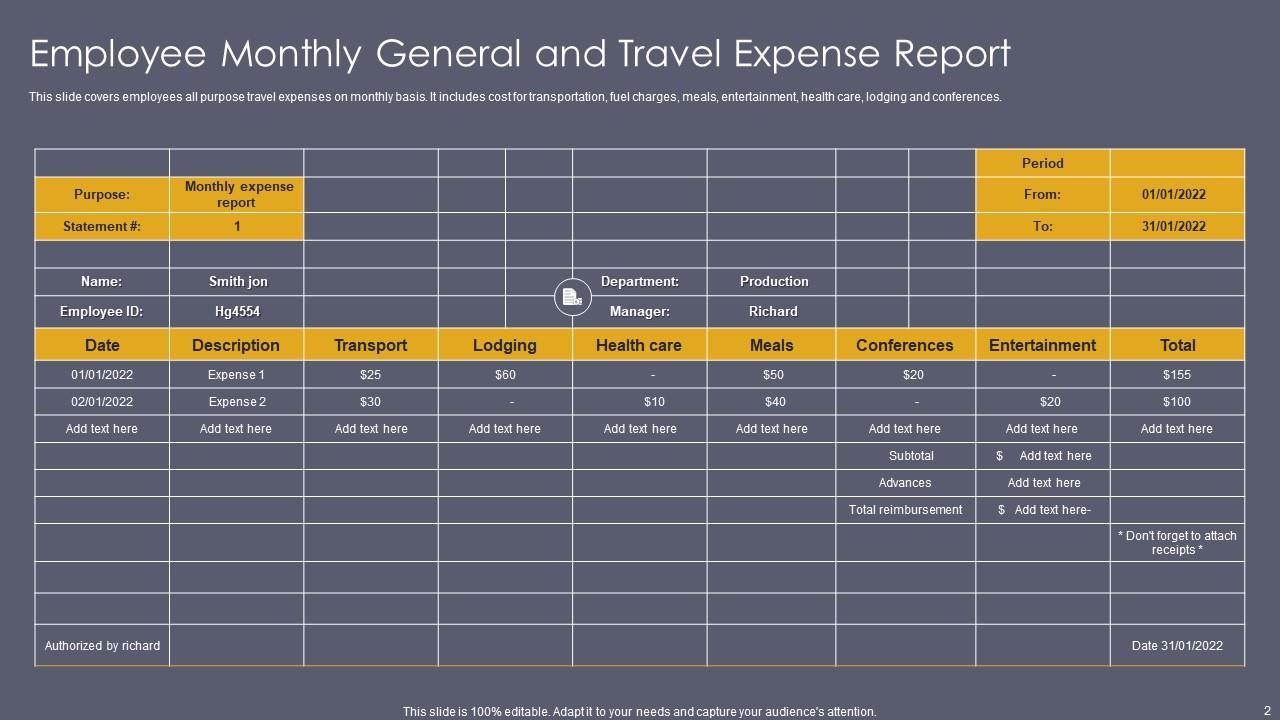
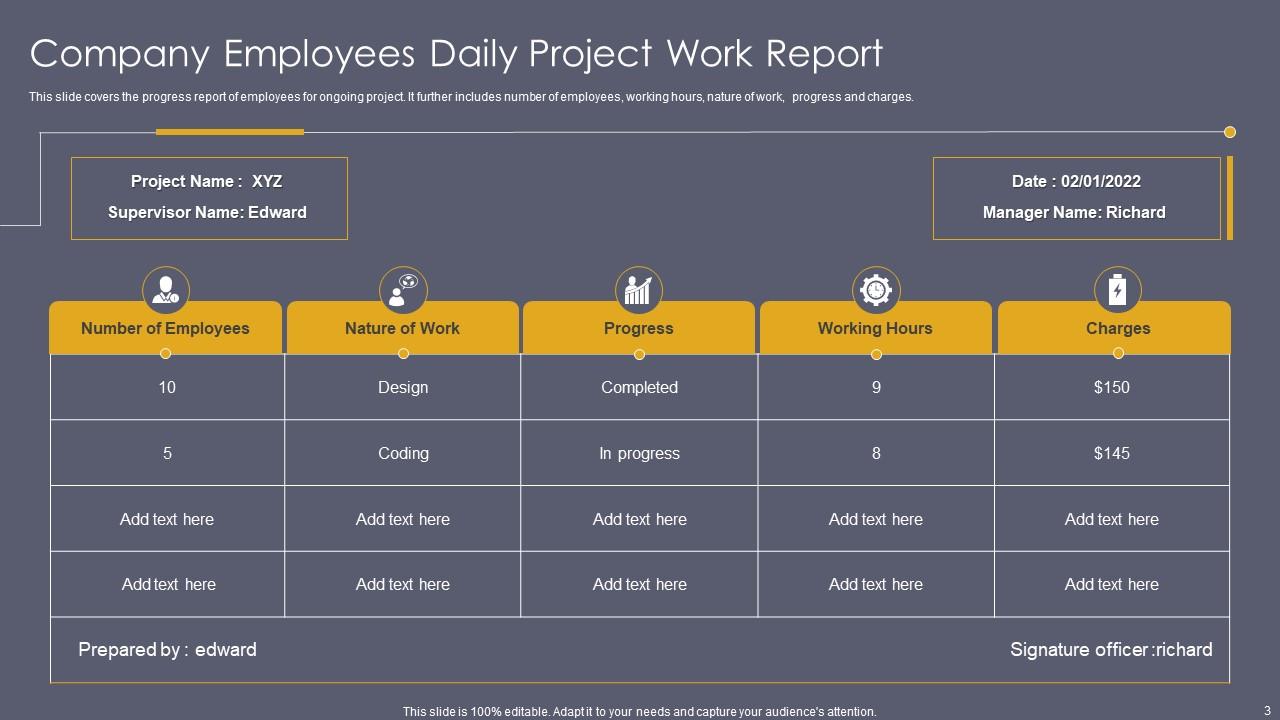
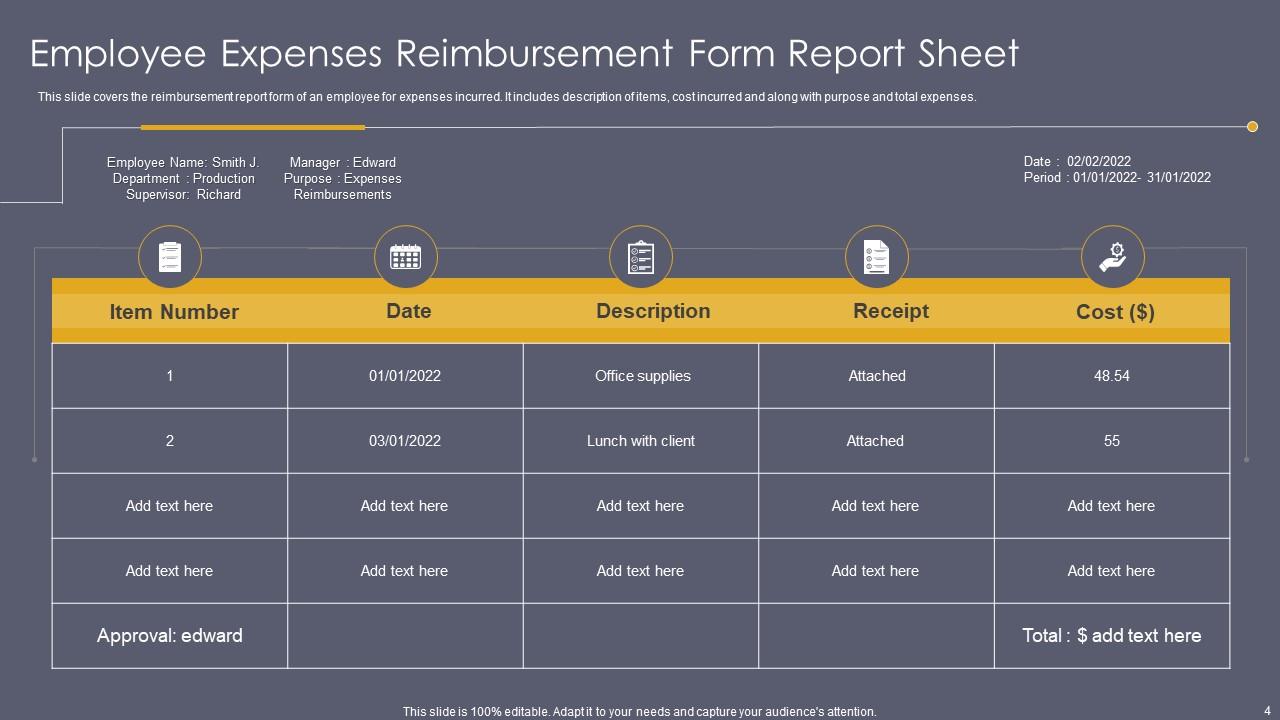
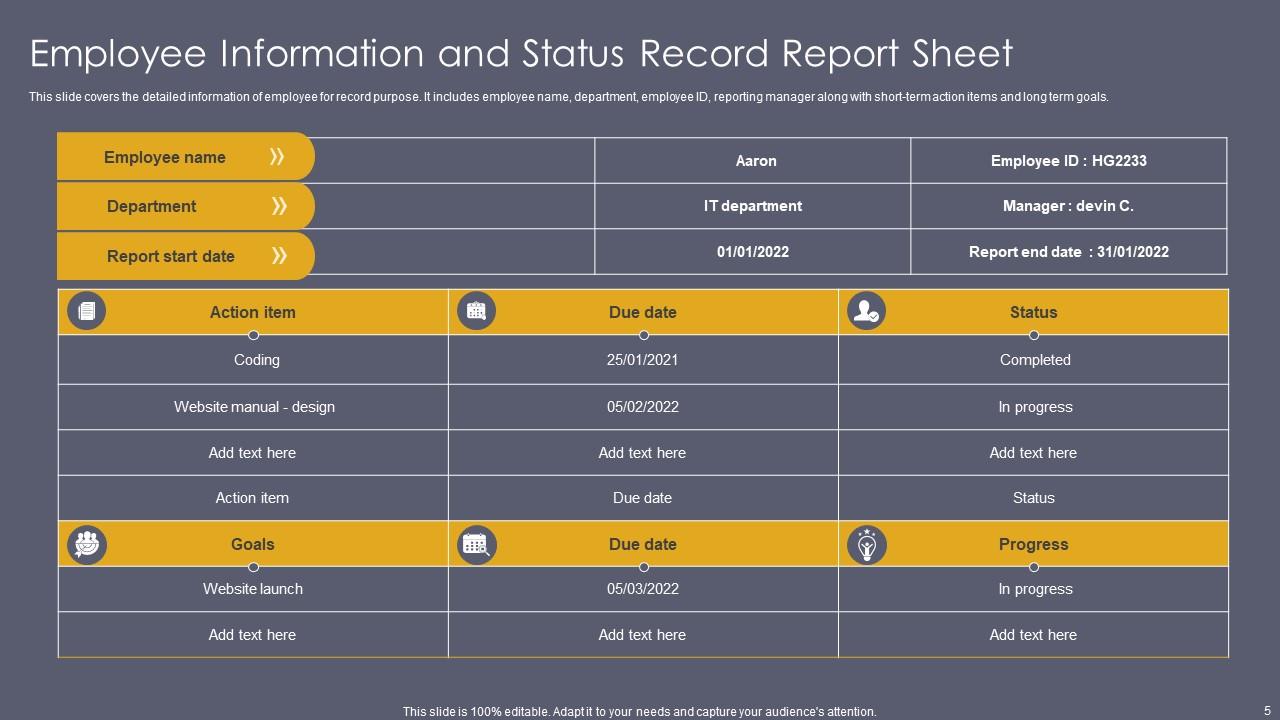
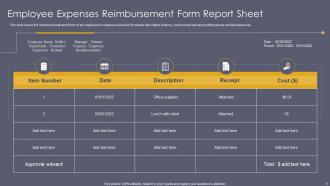
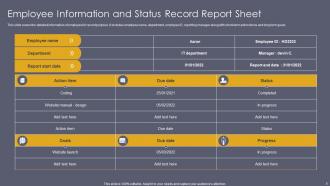
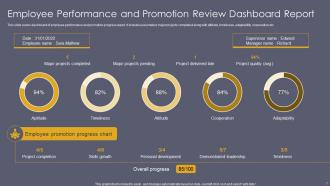
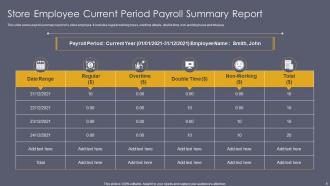
Employee Report PowerPoint PPT Template Bundles
Try Before you Buy Download Free Sample Product
Audience
Editable
of Time
Our Employee Report PowerPoint PPT Template Bundles are topically designed to provide an attractive backdrop to any subject. Use them to look like a presentation pro.
People who downloaded this PowerPoint presentation also viewed the following :
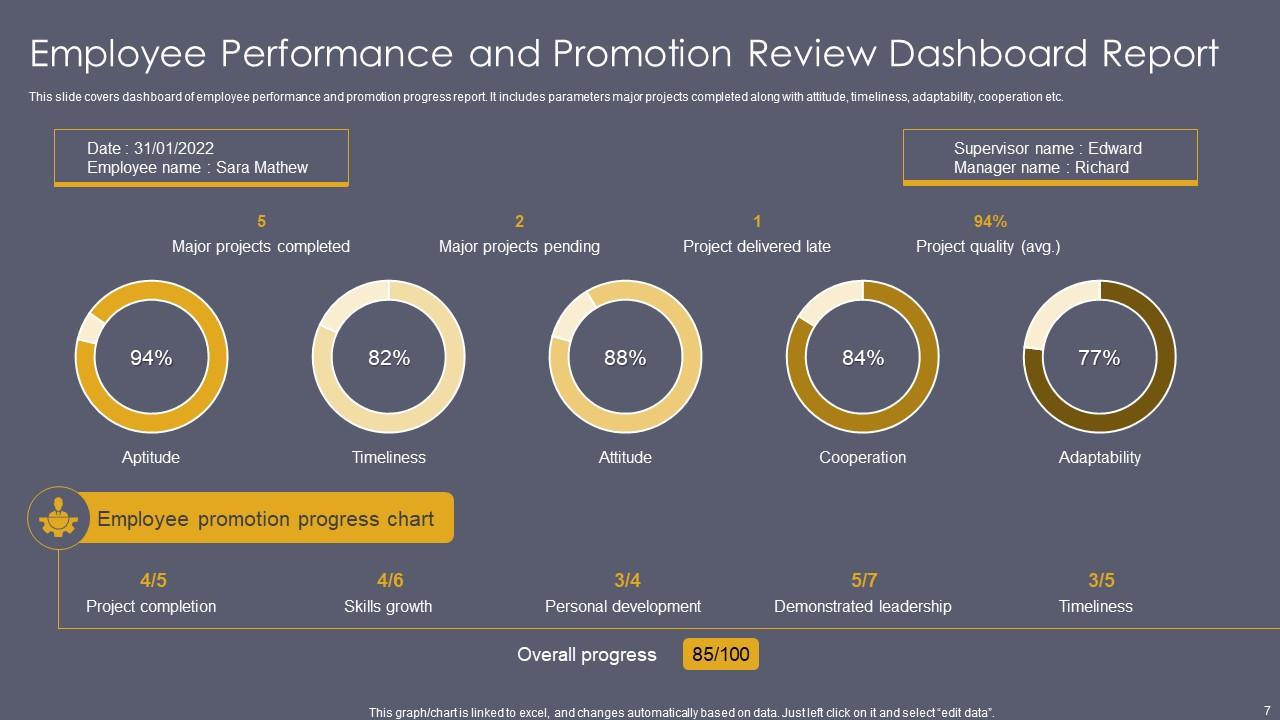
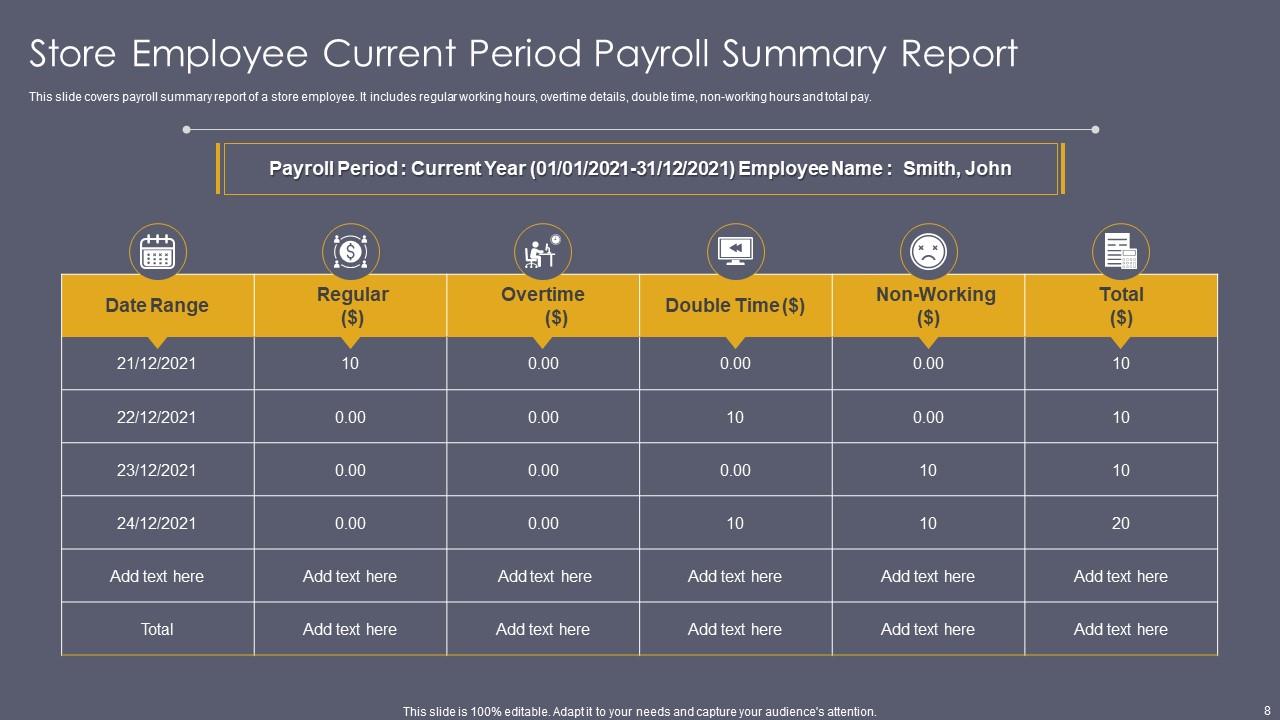
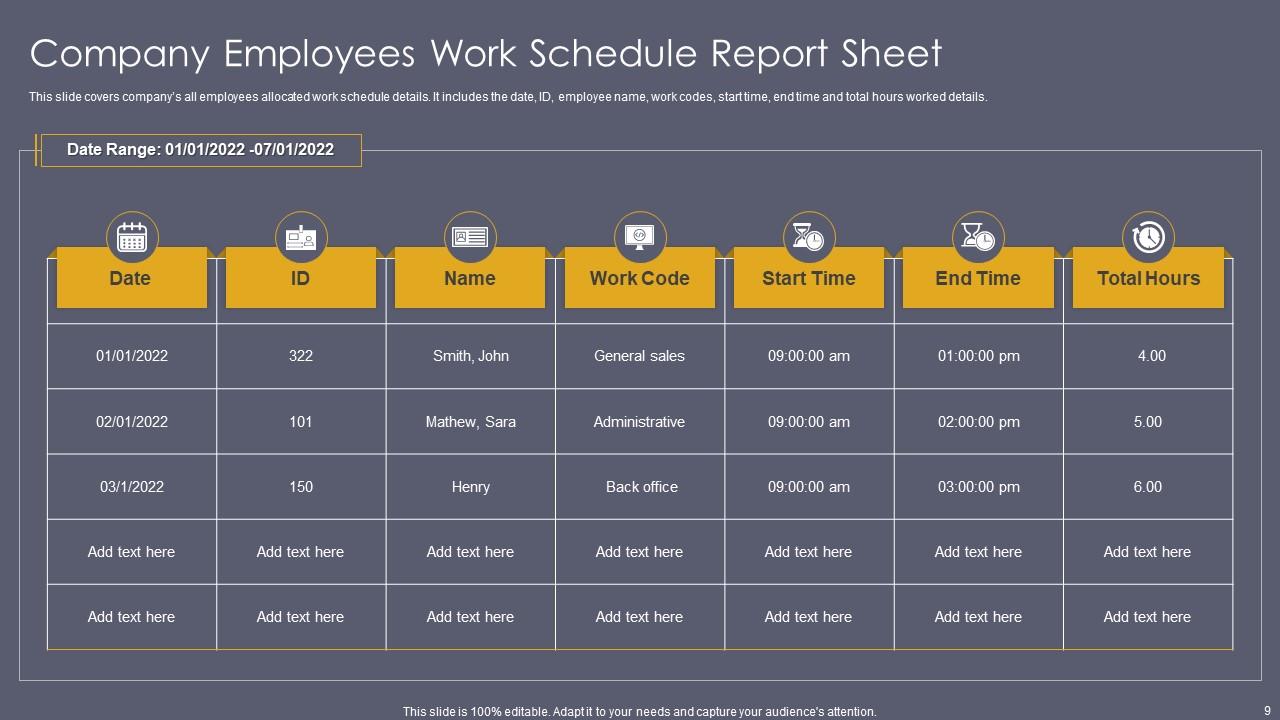
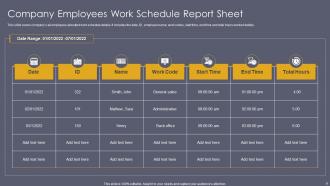
Employee Report PowerPoint PPT Template Bundles with all 17 slides:
Use our Employee Report PowerPoint PPT Template Bundles to effectively help you save your valuable time. They are readymade to fit into any presentation structure.
FAQs for Employee Report PowerPoint
For your employee report template, start with the basics - name, role, department, and which period you're covering. Then add sections for key wins, how they're tracking on goals (with actual numbers), any roadblocks they hit, and what training they need. Honestly, don't skip the manager feedback section - I learned that one the hard way. Also throw in goals for next time. The trick is making it structured enough so everyone's consistent, but not so rigid that people hate filling it out. Oh, and keep each part short but detailed enough that someone else could read it and actually understand what happened.
So basically, templates give everyone the same format to work with - no more digging through those weird rambling updates that go nowhere (you know the ones). Your managers can actually find stuff quickly instead of playing hide and seek with important info. It's honestly a game changer for comparing data between departments too. Everyone knows what to include and where it goes, which cuts down on all that back-and-forth confusion. I'd start simple - just cover your main metrics, progress updates, and what's coming next. Then tweak it based on what people actually tell you works.
Honestly, the worst thing you can do is overcomplicate it. People try to fit everything on one page with tiny fonts - it's unreadable garbage. Break things up with clear headers so managers can actually find what they need. Also, leave actual space for feedback and examples, otherwise what's the point? I've seen so many templates that look impressive but are completely useless in practice. Keep the text scannable, not these dense paragraphs nobody wants to deal with. Oh, and definitely test it with a few supervisors first. They'll catch stuff you missed and tell you if it's actually helpful or just more corporate busywork.
Most places do monthly reports - gives you enough time to actually have something worth reporting on, you know? But honestly, just ask your manager what they want first. Some teams go quarterly for the big picture stuff, others need weekly updates when things get crazy or someone's having performance issues. I always set a calendar reminder because I'm terrible at remembering this stuff otherwise. During busy project phases, you might need to bump it up to weekly. Just pick whatever frequency works and stick with it - consistency beats perfection every time.
Look, nobody wants to stare at endless spreadsheets full of employee data. Charts and graphs make everything so much easier to digest - you can instantly see if performance is trending up or down, which teams need help, stuff like that. I swear, managers will actually pay attention when you throw in some visuals instead of just dumping raw numbers on them. Bar charts work great for comparing departments. Line graphs show progress over time really well. Honestly, even basic dashboards beat the hell out of those mind-numbing tables everyone ignores.
Honestly, just swap out the boring generic stuff for what actually matters in your industry. Healthcare? Ditch those standard performance metrics for patient care indicators or compliance stuff. Manufacturing jobs need safety reporting way more than client relationship tracking - that kind of thing. Figure out the top 5 things that make someone successful in your field first. Then rebuild the template around those. It's way more useful than trying to force some cookie-cutter format that doesn't really fit what you do.
Focus on the basics first - performance metrics, attendance, and goal progress. Project completion rates and quality scores are your bread and butter. Track missed days and how they're hitting quarterly targets too. Feedback scores from regular check-ins? Pure gold for catching issues early. I always throw in training completed and skills developed since it shows who's actually growing. Honestly though, don't go overboard with metrics - too many just becomes white noise. Start simple and add more later based on what actually moves the needle for your specific team.
Honestly, design can totally make or break this stuff. I've watched perfectly good templates just sit there unused because they looked too overwhelming or messy. People will straight-up avoid them if they're confusing - it's wild how that works. Clean layouts are your friend here. Use white space, keep fonts consistent, maybe throw in some color coding so it doesn't look like a wall of text. Section headers should actually guide people through it, not just exist. Oh, and definitely test it with a few coworkers first. You'll catch weird issues you never thought of.
Most people just stick with Word or Google Docs since everyone knows how to use them. If you're dealing with lots of data/tables, Google Sheets is your friend. I've seen some folks go wild with Canva for the visual stuff - looks nice but honestly might be too much work. Excel works too if that's more your speed. Notion's pretty cool for structured templates, though it has a bit of a learning curve. My advice? Just use whatever your team's already comfortable with. Nobody wants to figure out new software on top of everything else they're doing.
Honestly, just build the feedback collection right into your template from the start. Add sections for peer reviews, self-assessments, all that 360-degree stuff. Create standardized forms that automatically populate your template fields - way less copying and pasting later, trust me. Mix quantitative ratings with comment boxes so you're not missing anything important. Set up those automated reminder emails too because people always forget. Oh, and definitely pilot it with just one department first. Work out the weird issues before you unleash it on everyone. Once it's running smooth, then roll it out company-wide.
Dude, you definitely need that section. Performance reviews become so much easier when you've got actual examples to point to instead of scrambling to remember what people did six months ago. Your team will bust their asses more too - nobody wants their wins to disappear into the void, you know? I've noticed it really helps with spotting who's good at what, which makes assigning future projects way smarter. Just make sure you're specific about what they pulled off and how it actually moved the needle. "Great job" doesn't mean anything when it's time to fight for someone's raise.
Honestly, report templates are like magic for transparency. Everyone has to fill out the same stuff - progress, roadblocks, what's next - so there's literally nowhere to hide if you're behind. Managers can actually see patterns instead of guessing who's doing what. The best part? No more of that awkward "wait, I thought YOU were handling this" drama in meetings. I'd probably start with weekly templates covering the basics - keeps everyone honest without being too much work. Having everything written down means you can look back and see who actually delivered instead of just remembering who talks the loudest in meetings.
Dude, templates are a game changer. You'll save so much time not having to build reports from zero each time. Everything stays consistent too, which honestly makes your whole team look way more professional when the boss reviews stuff. Managers can actually compare data between departments since the format's the same everywhere. Oh, and you won't forget important sections because they're already there waiting for you. I know it sounds kinda basic, but trust me on this one. Roll out one template to your direct reports first and see how it goes.
Honestly, this template is a lifesaver for performance reviews. You'll have all your team's wins, struggles, and growth areas documented throughout the year instead of frantically trying to remember what Sarah accomplished back in March (the worst). It gives you real examples and data when review time hits. Monthly check-ins work great - trust me on this one. Your people will actually appreciate getting specific feedback instead of generic "good job" comments. Plus you can spot patterns and set goals that aren't total shots in the dark. Makes the whole review process way less painful.
Yeah, so employee reports are totally shifting toward actual results and teamwork stuff instead of just tracking hours. Companies are finally dropping that "butts in seats" nonsense - about time, honestly! Most templates now focus on what people actually accomplished, plus how well they're collaborating across teams. The cool part is teams can self-report their wins and roadblocks. Oh, and mental health check-ins are becoming standard too, which is huge for remote work. I'd throw in at least one collaboration metric and maybe a "what's blocking you" section. Those two changes alone will tell you way more about how your team's really doing than any attendance tracker ever could.
-
“You have the structure in place that are easy to explore new opportunities.I will be recommending your services to other people.”
-
Loved the collection. Editing the presentation was seamless with their templates.