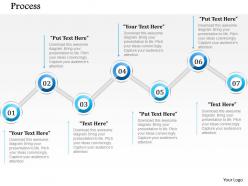
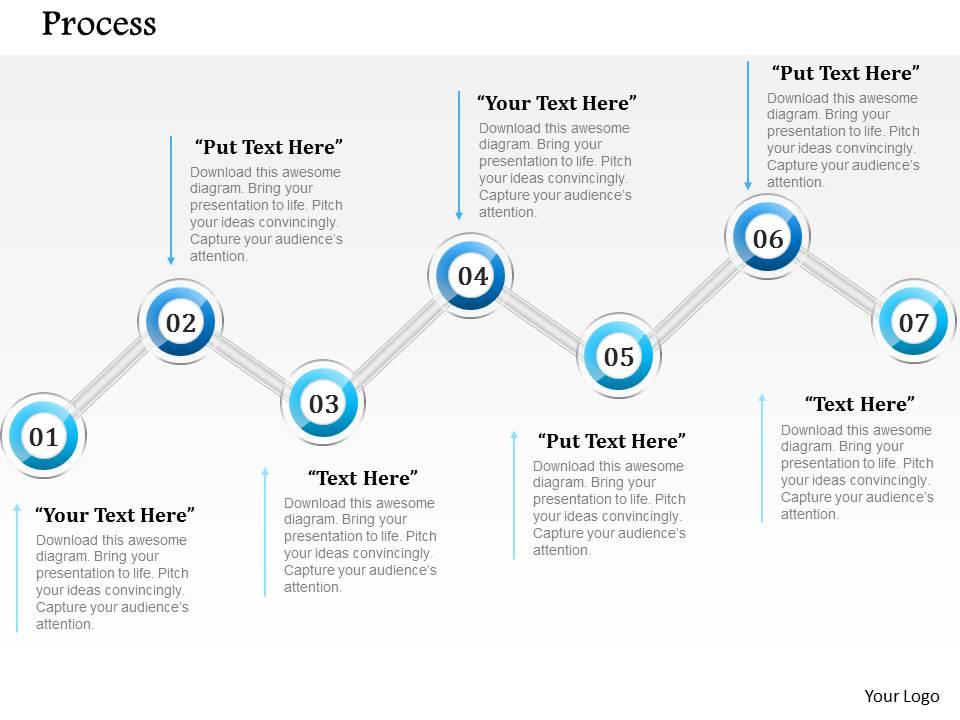
1014 seven steps process powerpoint template
Try Before you Buy Download Free Sample Product
Audience
Editable
of Time
Be certain our 1014 Seven Steps Process Powerpoint Template are aesthetically designed. They are created with great care and attention.
People who downloaded this PowerPoint presentation also viewed the following :
1014 seven steps process powerpoint template with all 5 slides:
Pitching the perfect project can be stressful. With our 1014 Seven Steps Process Powerpoint Template we take care of the design for you.
FAQs for 1014 seven steps
Hey! So the 1014 seven steps thing is just a way to organize complex business stuff into seven clear stages. People love it in presentations because it gives everyone a roadmap instead of dumping random info on them. Seven hits this perfect balance - covers everything but won't make people's eyes glaze over. The 1014 part? That's usually about the template design, though honestly there are like a million versions floating around. Perfect for when you're explaining project phases or implementation plans to stakeholders. Way better than winging it.
Honestly, that 7-step template thing actually works pretty well. People get overwhelmed when you dump everything on them at once, but breaking it into steps? Way easier to follow. Your audience knows exactly where they are and what's coming next - which is weirdly comforting for most people. Each step builds on the previous one, so nobody gets lost. The visual flow keeps everyone engaged instead of just sitting there zoning out. I tried it last month and people were actually participating more. Take whatever you're presenting and chunk it into seven logical pieces. You'll probably notice way more interaction.
Honestly, this framework rocks for anything that has to happen in order - like you literally can't jump to step 5 without doing 1-4 first. Product launches are perfect for this. So are big process changes or when you're rolling out new software. Marketing campaigns work great too since there's usually a logical flow. What I love about it is how stakeholders can actually follow your thinking from A to Z. Just don't try to jam everything into seven steps if your project is more... I don't know, all over the place? Some work is just naturally flexible and cyclical.
The numbered steps are great because people won't get overwhelmed by everything at once. Clean design like this keeps everyone on track - honestly, it's so much better than cramming everything onto one messy slide. Your audience can actually follow along instead of getting lost halfway through. The visual flow builds up nicely too, so people stay engaged as you go. Each step gets the right amount of attention since the design guides their eyes where you want them to look. Oh, and you don't need to be some design genius to make it look professional. Just pause between each number when you're presenting.
Make sure each step has a clear title and brief description. Add who's doing what and when - honestly, without accountability these things just fall apart. Show what success looks like with specific metrics so people know when they're actually done. Connect each step to the next one so it flows like a story instead of random tasks. Keep the writing short but actionable. Throw in some icons to make it visually easier to scan. Oh and definitely test it with your team first - I learned that one the hard way when my last presentation bombed because nobody understood the flow.
Yeah totally! You can adapt that seven-step thing for pretty much any industry. Start with the basic template, then just swap out the language for stuff that actually makes sense to your people. Like healthcare versions talk about patient processes, manufacturing focuses on quality control - you know how it goes. The framework itself stays the same though, which is nice. Honestly, I'd just grab the standard one first and then mess around with the examples until they fit your world. Way easier than starting from scratch, and people actually get it when you use their terminology.
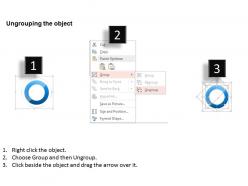
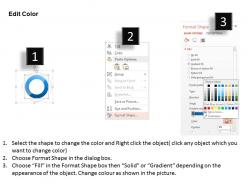
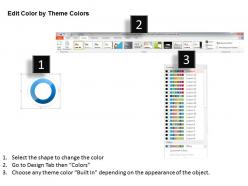
Start with the color scheme - that'll make the biggest difference visually. Go to the design tab and swap in your brand colors. Then tackle the fonts to match your style guide. Most icons and graphics are editable too, just right-click to replace them with your own stuff or better stock images. Oh, and add your logo to the master slide so it shows up everywhere automatically. Honestly? Getting everyone to agree on colors is usually the biggest headache. After that, just replace the placeholder text with your actual content and you're good to go.
Ugh, don't cram paragraphs into each step - people check out so fast when there's too much text. Bullet points are your friend here. I've totally messed this up before, but you don't need to make all seven steps the same length either. Some matter way more than others, you know? Walk through it out loud first to see if it actually makes sense step by step. Generic filler text is the worst - make it specific to what you're actually explaining. Oh, and throw in some icons or visuals if you can. Makes a huge difference.
So here's what works - treat each of those seven steps like chapters in a story. Open with some compelling problem that hooks people right away. Then build toward your solution step by step. The trick is having one character or scenario run through all seven slides... way more engaging than boring bullet points, trust me. Map your story arc first, then figure out how your steps fit into that flow. Just make sure there's actual conflict and resolution that matches your process. I've watched people absolutely crush presentations this way.
Honestly, mix it up with icons and progress bars - people zone out with just text. Before/after shots work great if you're showing some kind of transformation. Flowcharts are clutch for complex workflows, and don't sleep on charts if you've got data to back things up. I'd pick a color scheme that flows through all seven steps, maybe starting darker and getting brighter? Or just shifting hues as you go. The whole point is matching your visuals to whatever makes sense for your audience. Oh, and numbered graphics are super clean for step-by-step stuff - way easier to follow than paragraphs.
So this template basically forces you to break down complicated stuff into 7 manageable pieces. You can't just dump everything on one slide anymore - each step builds off the last one naturally. Honestly, it's kind of genius for keeping people engaged without overwhelming them. Your audience won't get lost following the flow, plus you won't ramble or include random details that don't matter. I'd start by figuring out your main point first, then just assign one key thing to each step. Works way better than traditional slides imo.
Oh totally! That seven-step thing works for pretty much everything, not just work stuff. I've used similar frameworks for planning my kitchen remodel - honestly saved my sanity. People use it for party planning, workout routines, whatever. The visual part is clutch because you can show it to anyone and they'll get it right away. My mom even understood when I walked her through my career change plan with it lol. Just swap out the business jargon for normal words and you're good to go.
Honestly, people are really into this template. The seven-step thing flows nicely without being overwhelming - you know how some templates just assault your eyeballs? This one's different. You can dump your content in and it actually looks decent, which is great if you're design-challenged like me. Most users say it feels pretty intuitive to work with. The visual setup guides people through each step smoothly. A few folks want more color options, but whatever. Main thing is it saves you a bunch of time while keeping things professional-looking. I'd grab it if you're doing any process presentations.
So the 1014 template basically gives you seven steps to follow when your team needs to make big decisions. Each slide covers one part - like gathering data, comparing options, getting input from people who matter. Honestly, it's a lifesaver for those meetings that usually just go in circles forever. You work through it step by step, which keeps everyone on track instead of wandering off topic. The best part? You'll have everything documented afterward, so when your boss asks "how'd you decide this" six months later, you're not scrambling to remember.
Honestly, having those seven steps is a game-changer because it stops you from going off on random tangents. Your audience can follow along way better when they know where you're heading. Breaking down complicated stuff into smaller pieces makes it stick in people's minds more. The natural breaks between sections help you transition smoothly too - even when you're nervous as hell. I always map out my presentations this way now before I even touch PowerPoint. It's weird how much more organized my thoughts become. Plus your audience won't get that glazed-over look halfway through.
-
Easily Understandable slides.
-
Unique research projects to present in meeting.