

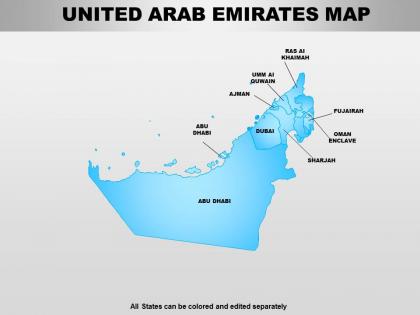
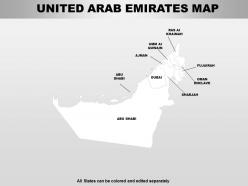
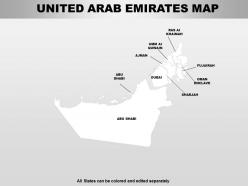
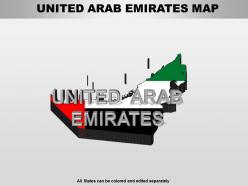
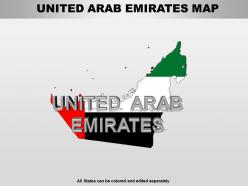
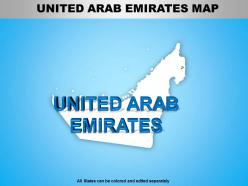
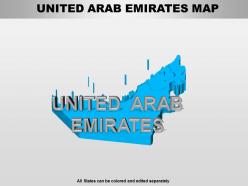
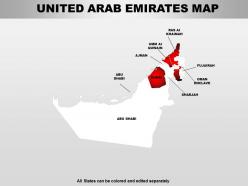
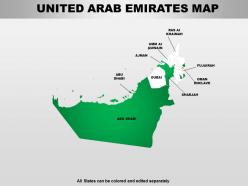
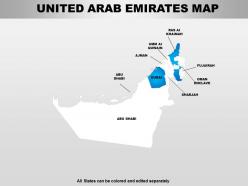
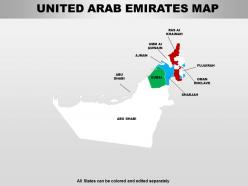
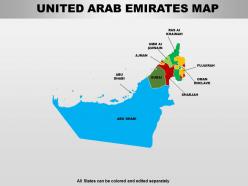
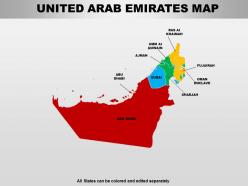
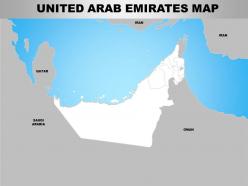
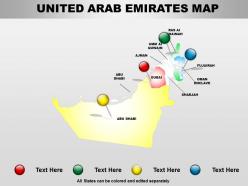
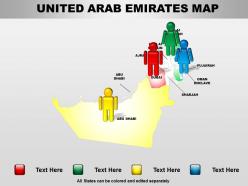
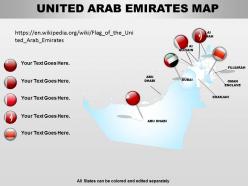
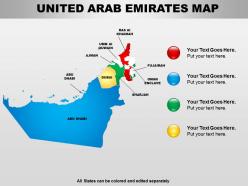
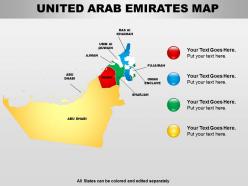
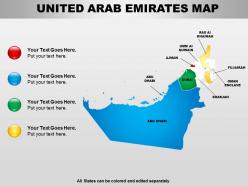
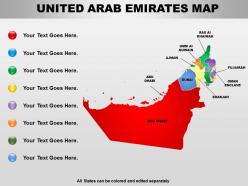
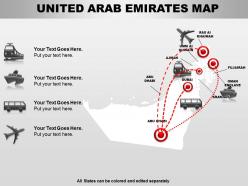
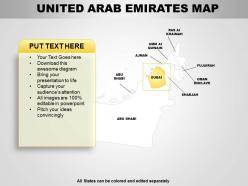
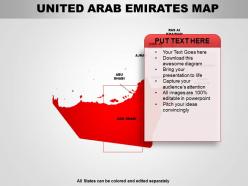
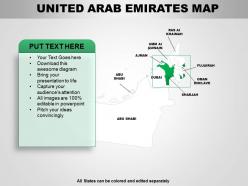
United arab emirates powerpoint maps




Try Before you Buy Download Free Sample Product
 Impress Your
 Audience
 100%
100% Editable
 Save Hours
 of Time


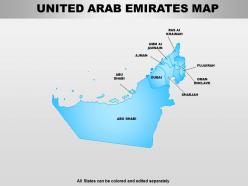
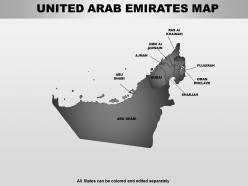
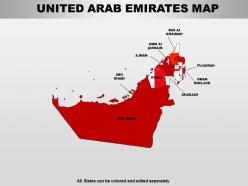
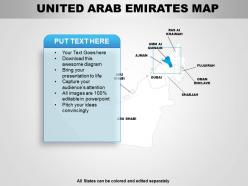
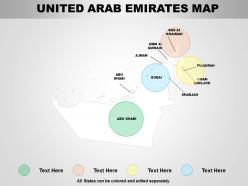
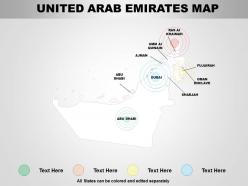
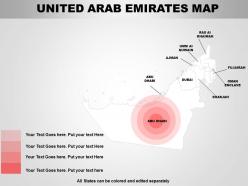
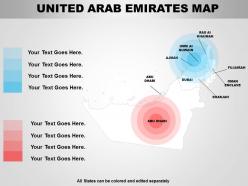
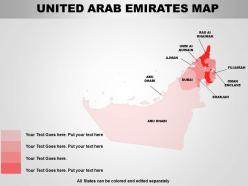
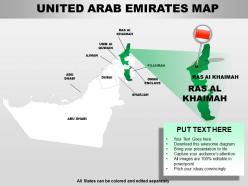
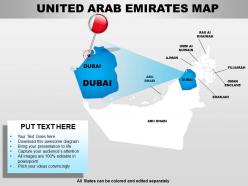
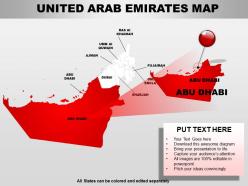
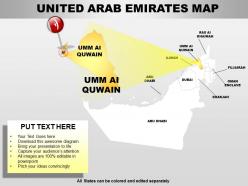
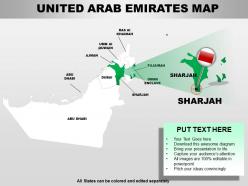
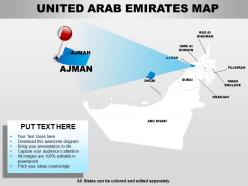
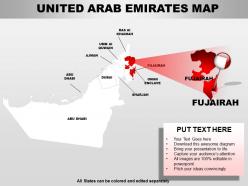
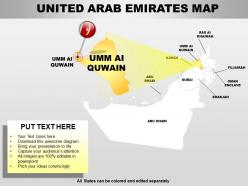
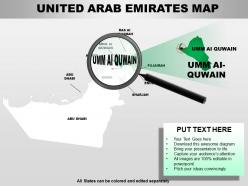
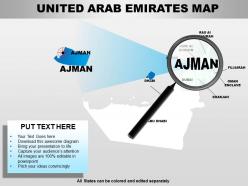
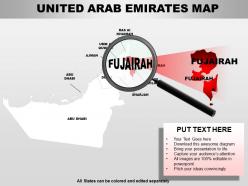
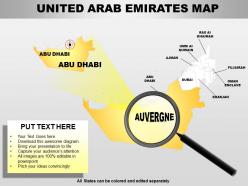
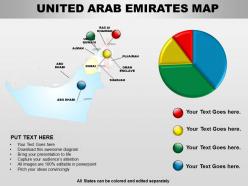
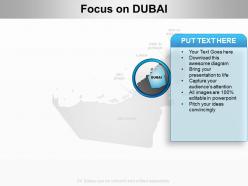
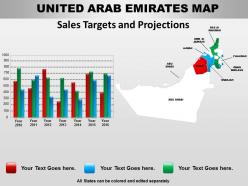
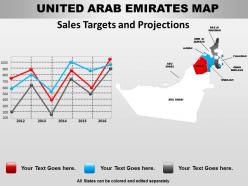
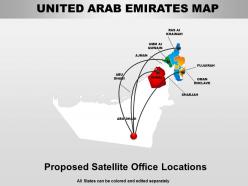
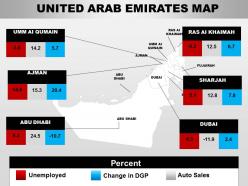
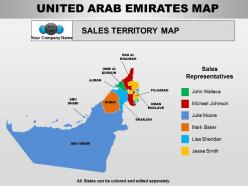
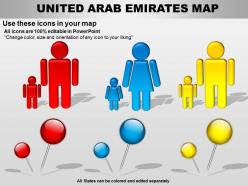
Whether you are a local service provider or an international business consortium looking for opportunities in United Arab Emirates and have products and services catering to the needs of a particular area, demography or the entire country, we have here for you an elegant and muted PowerPoint map for elaboration, delineation or demonstration of your business plan, special offers, future investment plans, industrial expansion and so on. The best way to capture the attention of your audience is to display a keen knowledge of their preferences, background, aspirations and culture. Using this PPT slide design template, the unique selling proposition of your product can be juxtaposed against the unique needs of your client to make a solid sales pitch, win the confidence of prospective customers, expand market reach and deepen access to new markets and more diverse consumer segments in the United Arab Emirates with its surging economy and geographically vast avenues of investment and technology oriented model of growth. Display the appetite for a challenge with our United Arab Emirates Powerpoint Maps. Demonstrate the guts to face anything in the future.
People who downloaded this PowerPoint presentation also viewed the following :
United arab emirates powerpoint maps with all 64 slides:
Be the star of the boardroom for your next presentation. Carefully crafted United Arab Emirates Powerpoint Maps design for all of your presentation needs.
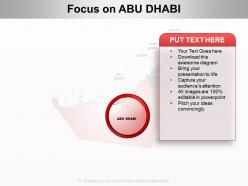
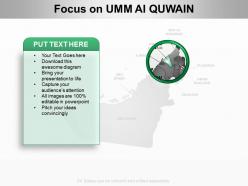
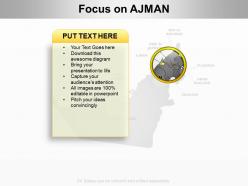
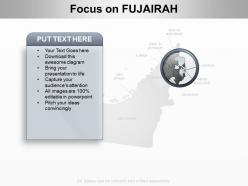
FAQs for United arab
Dude, get UAE-specific PowerPoint maps if you're presenting there. Your audience will actually recognize Dubai, Abu Dhabi, and the other emirates instead of trying to figure out some random Middle East map. Makes you look way more credible too. You can drop custom markers for offices or project sites, highlight different regions - basically layer your data right onto familiar geography. The maps come pre-formatted so you're not starting from zero. Honestly saves so much time. Just make sure the emirate boundaries are right before you present. Learned that one the hard way!
Dude, UAE maps will totally transform how people see your data. Nobody wants to stare at spreadsheets when you could show which emirates are crushing it visually. Dubai outperforming? They'll see it instantly on the map instead of hunting through rows of numbers. It's honestly night and day for audience engagement. Your executives will eat this stuff up - they're suckers for anything that tells a story at a glance. Pro tip: drop your actual metrics right onto each region. Way more punch than traditional charts, and you'll spot patterns you probably missed before.
Look for templates with editable emirate boundaries and major cities marked out - Dubai, Abu Dhabi, the usual suspects. Colors should be customizable so you can highlight specific regions. Vector graphics are clutch because they won't get blurry when you blow them up for presentations. Most decent ones include little icons for oil/tourism stuff, plus you can drop pins on specific locations. Oh, and text boxes for your data labels obviously. Just double-check it's actually editable before downloading - I've gotten burned by static images that looked editable in the preview. Some even show neighboring countries for context, which is pretty helpful.
Look, PowerPoint maps of the UAE just hit different than regular charts. Your audience instantly gets where stuff is happening - whether it's sales data or demographic info. Maps are way more engaging than bullet points (obviously). You can highlight specific emirates or compare Dubai vs Abu Dhabi performance super clearly. What I'd do is start with the full UAE view, then zoom into regions as you get into details. It creates this nice visual story flow that actually keeps people awake during presentations. Trust me, geographical context makes everything more compelling than just throwing raw numbers at people.
Oh man, these UAE map slides are literally everywhere once you notice them! Consulting firms love showing regional breakdowns. Real estate companies use them for property locations. Market research presentations always seem to have one thrown in. Oil & gas companies map their operations across different emirates - makes total sense for their industry. Tourism and hospitality drop them in constantly too for hotels or attractions. Distribution and logistics companies are probably the biggest users though, showing routes between Dubai, Abu Dhabi, etc. Just make sure your map actually tells the story your data needs, you know?
Oh man, those UAE PowerPoint maps are seriously amazing for geography class! Students actually tune in when you're clicking through different layers - way better than just talking at a blank wall. I love how you can build up concepts step by step, like starting with basic emirate locations then adding demographics and economic stuff. The interactive parts keep kids engaged too. Definitely get the editable versions though - you'll want to customize them with your own data and highlight whatever fits your curriculum. Trust me, it's worth the investment. Way more effective than traditional teaching methods.
Focus on your color scheme first - blues and greens look great for UAE business stuff, plus they actually mean something culturally there. Clean fonts are key, especially if people will be viewing from different distances. Honestly, I used to go crazy with animations but they're just distracting. Position your legend somewhere it won't cover important geographic spots. Highlight the specific emirates that actually matter to your presentation instead of trying to make everything pop. Typography needs to work for mixed audiences too. Oh, and definitely test it on whatever screen you'll actually be using - learned that one the hard way!
So you'll want to use the "Insert Chart" feature and just position it over whatever emirates you're targeting. Make the charts semi-transparent by right-clicking, hitting format, then adjusting transparency - that way the map still shows through. Text boxes with numbers work great too, or even basic icons for different stats between like Dubai and Abu Dhabi. Heat maps combined with bar charts look surprisingly slick, though maybe that's just me being a data nerd. I'd start simple with one overlay first, then add more layers once you get the hang of it.
Dude, cluttered maps are the worst - they'll kill your whole presentation. Keep it clean and only show the emirates that actually matter for your data. Match your brand colors but test them on the real screen first since they look totally different than your laptop. I learned this the hard way once lol. Always throw in a legend so people aren't squinting trying to figure out what's what. Short sentences work better than cramming everything together. If you're doing regional stuff, just highlight what your audience cares about. Clear labels with readable fonts - sounds obvious but you'd be surprised how many people mess this up.
Honestly, those UAE PowerPoint maps are perfect for showing donors exactly where you're making a difference. People get way more excited seeing pins on a map than boring spreadsheets - it's just how our brains work. You can mark your project spots, highlight areas that still need funding, or do cool before/after comparisons. Plus you'll want to match your org's colors so everything looks professional. Oh, and definitely throw them in grant applications! Funders eat that stuff up because they can literally see where their money's going geographically.
Honestly, Adobe Illustrator is gonna be your best friend here - those vector graphics stay crisp no matter how big you make them. Figma's pretty solid too, especially if you're working with other people (the collaboration stuff is actually really smooth). Canva works if you want something simpler. For data viz, Tableau or Power BI can create interactive elements you can export later. Even Photoshop helps with basic color tweaks and shadows. Oh, and don't overthink it - start with whatever software you already have and just play around with gradients or subtle effects. Makes a huge difference visually.
So when you're doing PowerPoint maps for the UAE, color choices are pretty crucial - think their flag colors like red, green, white, and black. Arabic text is a big deal there, so your layout needs to work with right-to-left reading. Dubai and Abu Dhabi should definitely get the spotlight since they're so proud of those cities. Oh, and avoid anything that might come off as culturally tone-deaf. I'd honestly just run it by someone local before you present - saves you from any awkward moments later.
So UAE PowerPoint maps usually have the seven emirates marked out, plus all the big cities like Dubai and Abu Dhabi. You'll see highways, airports, and major ports since those matter for business stuff. Oil and gas fields are pretty much always included too - makes sense given how important that industry is there. Some maps show population clusters or tourist areas depending on what you need. The borders with Saudi Arabia and Oman are standard, obviously. Just pick one that focuses on whatever's relevant to your presentation though. No point cramming everything in if you're only talking about Dubai or something specific.
So UAE PowerPoint maps are actually perfect for this kind of stuff. Start with mapping where your customers are right now, then layer on the market opportunity data - you'll spot coverage gaps super easily. Way better than staring at endless spreadsheets, trust me. Color-code by revenue, mark competitor spots, whatever works. Each emirate tells a different story about performance vs potential. Oh and stakeholders eat this visual stuff up during presentations. The demographic trends by region thing is pretty cool too if you're into that level of detail.
Don't use old maps - seriously, the UAE changes so fast your data could be ancient history in like 6 months. Also, resist cramming everything onto one slide. I've seen people try to show population density, oil reserves, AND tourism stats all at once and it's just a mess. Check your spelling twice (Dubai vs Dubayy trips people up constantly). Your color scheme needs to work for colorblind people too. Oh, and test it on the actual projector first! What looks perfect on your laptop screen might turn into tiny unreadable text when projected. Trust me on that one.
-
Use of different colors is good. It's simple and attractive.
-
Great designs, really helpful.