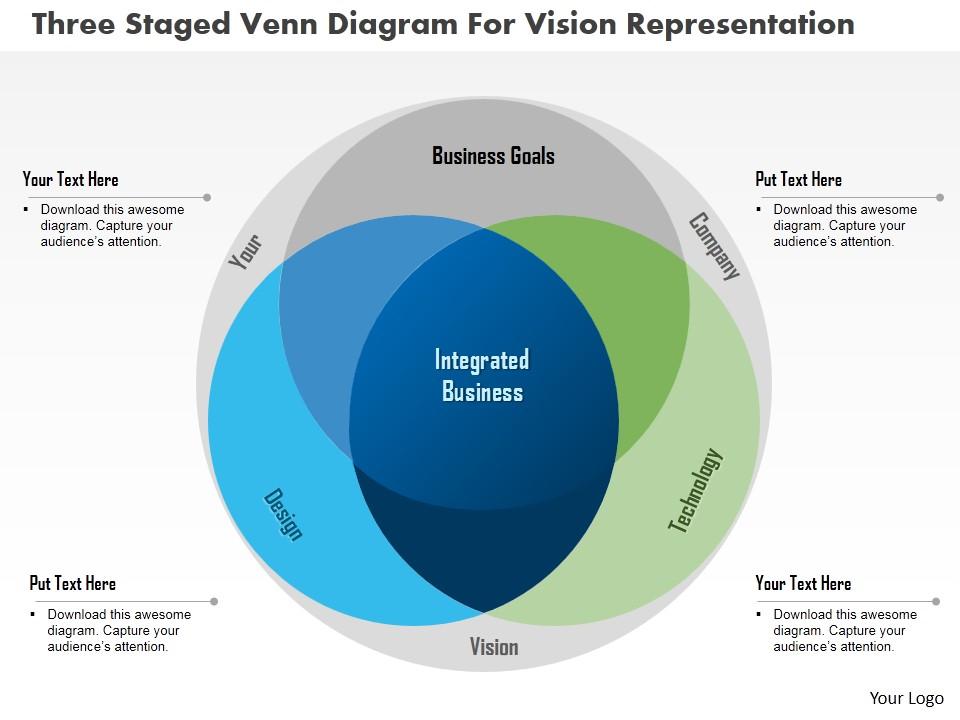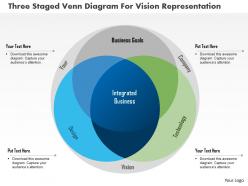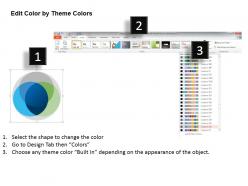
Do three staged venn diagram for vision representation powerpoint template

Rating:
90%
Do three staged venn diagram for vision representation powerpoint template
Slide 1 of 5
Favourites Favourites

Try Before you Buy Download Free Sample Product

Audience Impress Your
Audience
Editable 100%
Editable
Time Save Hours
of Time
The Biggest Sale is ending soon in
0
0
:
0
0
:
0
0
Rating:
90%
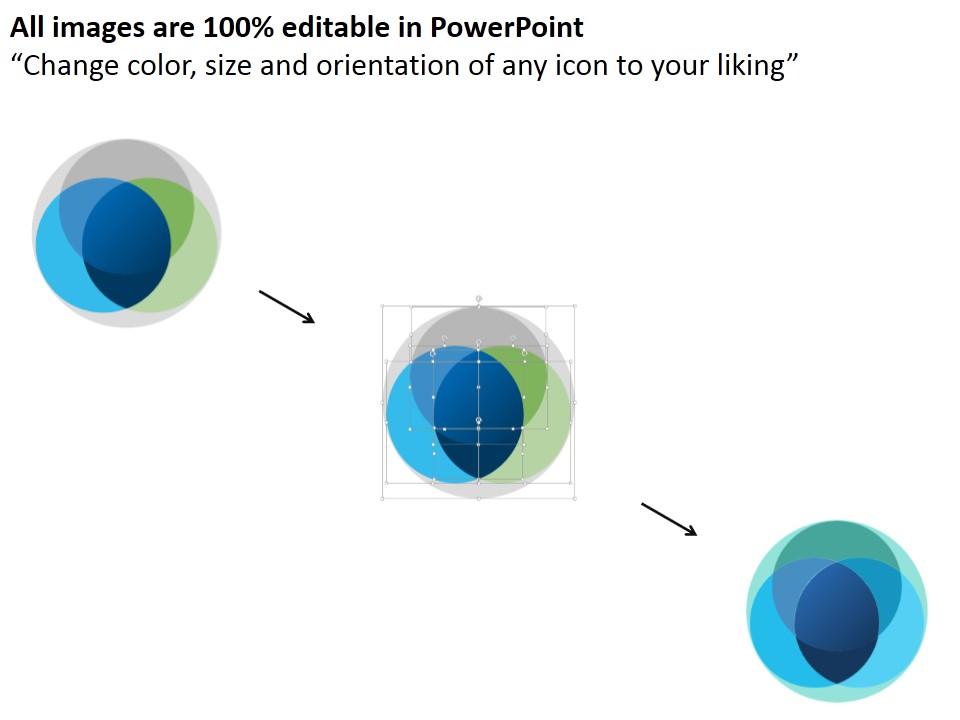
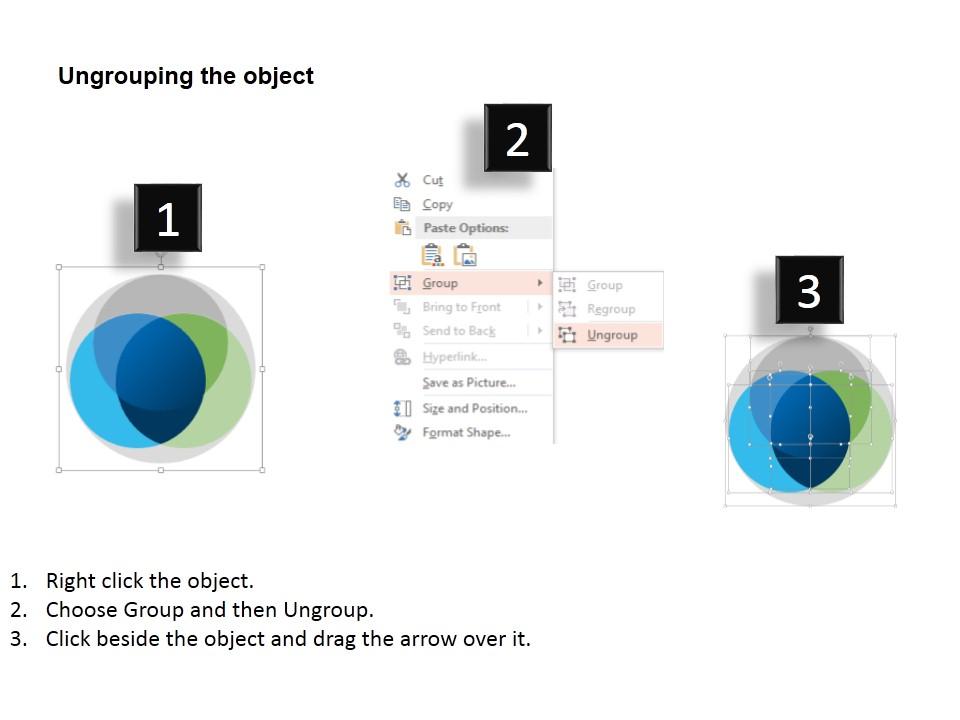
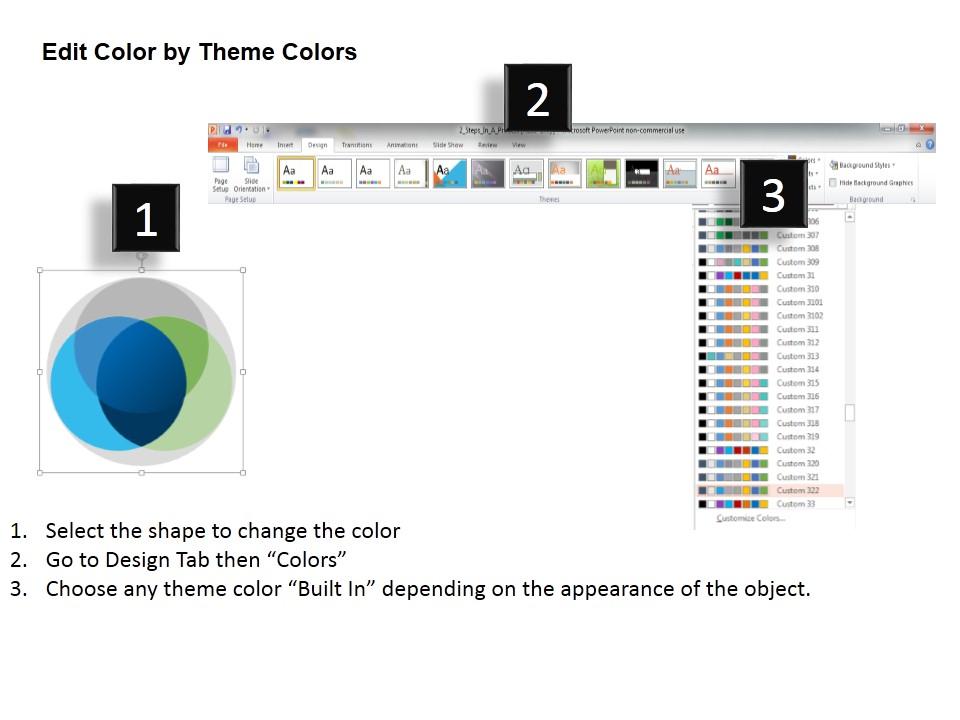
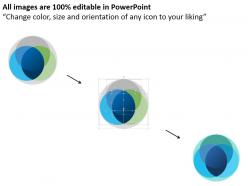
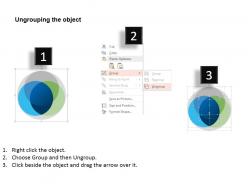
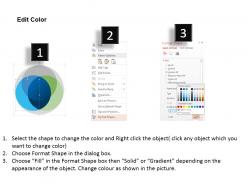
High resolution PPT model. 100% editable format for all the components like PowerPoint text, graphics, colors and more. Pictorial guidance for editing of the presentation layout components. Compatible with numerous online and offline software options. Easily convertible format options for PPT templates (JPG/JPEG/PDF).Easy inclusion of company name and logo if desired. This PPT slide design is a profitable insight for marketers, society, event managers, professionals and educators.

People who downloaded this PowerPoint presentation also viewed the following :

FAQs for Do three staged venn diagram for vision

Effective Venn diagram templates include clearly labeled circles, overlapping sections for shared characteristics, non-overlapping areas for unique traits, a descriptive title, and consistent formatting throughout. These components enhance data visualization by enabling quick comparison analysis, facilitating decision-making processes, and streamlining complex relationship mapping, with many organizations finding that well-designed templates significantly improve stakeholder comprehension and strategic planning efficiency.

Venn diagrams enhance understanding by visually illustrating overlaps, distinctions, and intersections between multiple concepts, making complex relationships immediately accessible to audiences. Through strategic positioning of information, presenters can highlight commonalities, identify unique attributes, and demonstrate interdependencies across departments, market segments, or strategic initiatives, ultimately delivering clearer insights and more persuasive business narratives.

Popular tools for creating customizable Venn diagram templates include Microsoft PowerPoint, Canva, Lucidchart, Visio, and Google Drawings, each offering varying levels of customization and collaboration features. These platforms streamline visual communication by providing drag-and-drop functionality, professional formatting options, and seamless integration capabilities, with many organizations finding that PowerPoint and Lucidchart deliver the most comprehensive template libraries for business presentations.

Venn diagrams excel in scenarios requiring comparison analysis, overlap identification, relationship mapping, and categorical data visualization, particularly when demonstrating shared characteristics between concepts. They prove most effective in market research presentations, strategic planning sessions, and educational settings, with many organizations finding that these visual tools streamline complex data interpretation and enhance audience comprehension during decision-making processes.

Color and design elements significantly enhance Venn diagram clarity by creating visual hierarchy, distinguishing overlapping sections, and guiding audience attention through strategic contrast and consistency. Well-chosen color schemes enable viewers to quickly identify relationships, categorize information, and process complex data intersections, while thoughtful typography and spacing streamline comprehension, ultimately delivering more effective presentations and faster decision-making across educational and business contexts.

Common mistakes when creating Venn diagram templates include using unclear labels, overcrowding sections with excessive text, choosing poor color contrast, misaligning circles, and failing to maintain proportional sizing. These design flaws significantly reduce comprehension and visual impact, with many presenters finding that clean layouts, strategic white space, and consistent formatting ultimately enhance audience understanding and deliver more compelling presentations.

Venn diagrams can be adapted through strategic color schemes, simplified terminology, industry-specific examples, and varying complexity levels to match audience expertise and interests. For executives, focus on high-level strategic overlaps, while technical teams benefit from detailed intersections, and clients respond to sector-relevant comparisons, ultimately enhancing comprehension and engagement across diverse stakeholder groups.

Best practices for labeling Venn diagram sections include using concise, descriptive text, maintaining consistent font sizes, positioning labels clearly within each section, ensuring adequate contrast for readability, and avoiding overcrowded intersections. These labeling strategies enhance comprehension by creating visual hierarchy, improving accessibility, and enabling audiences to quickly identify relationships, with many organizations finding that well-labeled diagrams significantly improve presentation effectiveness.

Incorporating data into Venn diagram templates involves using proportional sizing, percentage labels, numerical values, and color-coding to represent statistical relationships accurately. Through data visualization tools, organizations can display market research findings, customer segmentation analysis, and performance metrics within overlapping sections, while ensuring clear legends and consistent scaling ultimately deliver more compelling presentations and data-driven insights.

Venn diagrams are widely used across healthcare for patient diagnosis and symptom overlap analysis, marketing for audience segmentation and campaign targeting, education for curriculum planning, and business strategy for competitive analysis and market positioning. These visual tools streamline complex data relationships by identifying commonalities, differences, and intersections, with many organizations finding that they enhance decision-making processes and improve strategic planning outcomes.

Venn diagrams facilitate group discussions by visually mapping overlapping ideas, shared priorities, and areas of consensus among team members, making abstract concepts tangible and accessible. Through interactive diagramming sessions, teams can identify common ground, resolve conflicting viewpoints, and streamline decision-making processes, with many organizations finding that visual collaboration tools enhance communication efficiency and accelerate consensus-building across diverse stakeholder groups.

Venn diagram variations include four-circle diagrams, elliptical Venn diagrams, triangular configurations, Edwards-Venn diagrams, and linear Venn representations for complex data relationships. These advanced formats enable organizations to visualize multi-dimensional comparisons across departments, market segments, or product features, with many businesses finding that specialized configurations streamline strategic analysis and enhance decision-making processes.

Ensuring accessibility in Venn diagram templates involves incorporating high contrast colors, clear readable fonts, alternative text descriptions, scalable elements, and multiple format options. These design considerations enable diverse audiences, including those with visual impairments or cognitive differences, to effectively interpret data relationships, ultimately delivering inclusive presentations that enhance comprehension and engagement across all organizational stakeholders.

Interactive Venn diagrams revolutionize modern presentations by enabling real-time data manipulation, audience engagement through clickable elements, and dynamic visualization of complex relationships between concepts, datasets, or market segments. These tools enhance audience participation and comprehension, with many organizations finding that interactive elements increase retention rates by up to 70%, ultimately delivering more impactful and memorable presentations.

Venn diagrams can be strategically combined with flowcharts, bar charts, timelines, and mind maps to create multi-layered presentations that address different analytical perspectives. This integrated approach enables presenters to show relationships through Venn diagrams, process flows through charts, and quantitative data through graphs, ultimately delivering comprehensive insights that enhance audience understanding and decision-making across diverse business contexts.

Ratings and Reviews

90% of 100
Write a review
Most Relevant Reviews
  1. 100%

    by Darell Vargas

    Excellent products for quick understanding.
  2. 80%

    by Craig Moreno

    Really like the color and design of the presentation.

2 Item(s)

per page: