

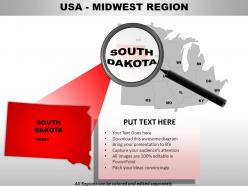
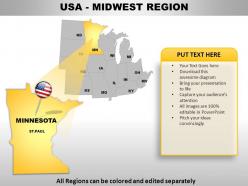
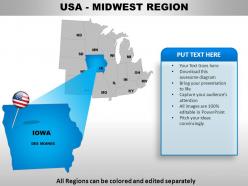
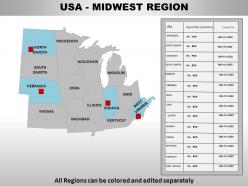
Usa midwest region country powerpoint maps





Try Before you Buy Download Free Sample Product
 Impress Your
 Audience
 100%
100% Editable
 Save Hours
 of Time


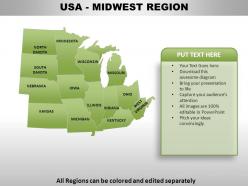
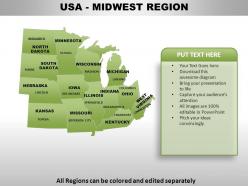
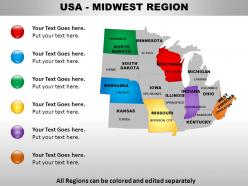
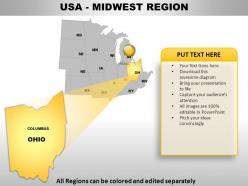
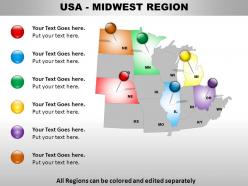
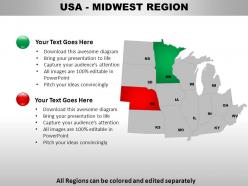
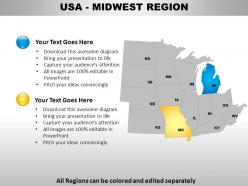
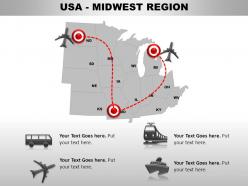
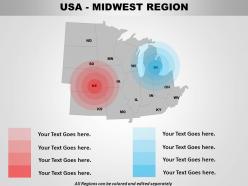
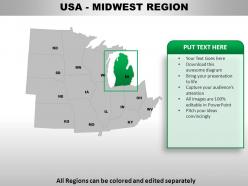
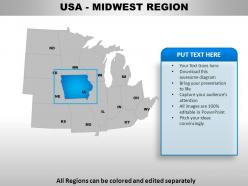
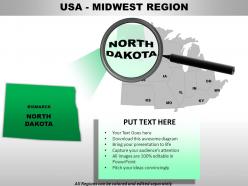
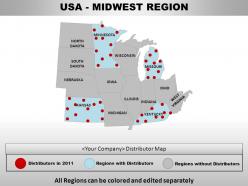
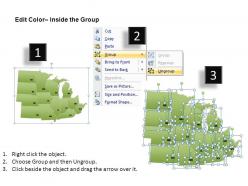
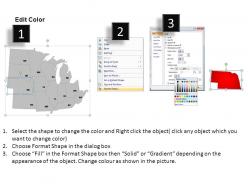
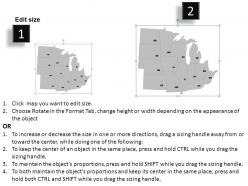
Ante up with our USA Midwest Region Country Powerpoint Maps. Raise the stakes with your views.
People who downloaded this PowerPoint presentation also viewed the following :
Usa midwest region country powerpoint maps with all 30 slides:
After years of experience we've realised that you don't need to read slides to your audience. That's why our USA Midwest Region Country Powerpoint Maps are the right blend of words and visuals.

FAQs for Usa midwest region
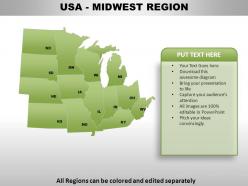
So Midwest maps are all about those Great Lakes - Superior, Michigan, Huron are the big ones. Plus you've got the Mississippi and Missouri rivers cutting through everything. Honestly the whole region is pretty flat with some rolling hills here and there, which isn't super exciting but makes for incredible farmland. What's cool is how all these waterways connect - they basically created natural boundaries between states and huge trade routes. I always forget how important water transportation still is out there. Focus on those water features when you're studying because they explain a lot about how the region developed economically.
Looking at old Midwest maps is honestly fascinating - you can watch European settlers push west while Native territories just vanish from the records. Different immigrant groups left their mark too, like all those German communities in Wisconsin or Scandinavian folks up in Minnesota. Chicago's growth is absolutely wild to track over time. The maps show how rural farmland got swallowed up by industrial cities. For research, I'd check USGS historical collections first, then hit up state archives. They've got the best visual timelines of who lived where and when everything changed.
Dude, skip those boring default map templates - they're trash. Use 3-4 colors max for your Midwest map or it'll look like a mess. Make borders and fill areas contrast well, throw in some callout boxes for major cities like Chicago. Icons work great for different data types too. Your legend needs to be super clear though, people get confused easily with maps. Oh and definitely test it on a projector first! Colors always look weird when projected vs on your laptop screen. I learned that the hard way during a presentation last month.
Yeah so map projections totally mess with how the Midwest looks. Mercator makes Minnesota seem huge compared to Missouri, which is weird when you're looking at population stuff. For most analysis work, I'd go with Albers Equal Area - it keeps the size relationships accurate so you can actually compare crop yields between states without everything being distorted. Lambert Conformal Conic works well too. Honestly, Mercator's just bad for anything that isn't ocean navigation. You'll get way better results sticking with those area-preserving projections for regional work.
Teachers love Midwest maps for so many things! Elementary kids use them for state capitals and basic geography. High schoolers dive into Rust Belt economics and industrial changes. The Great Lakes are honestly perfect for talking about trade routes - kids get really into that stuff. You can compare population density, climate zones, agriculture patterns. Social studies units on westward expansion use them too. Oh, and immigration patterns! Get maps with both physical and political features if you can - way more versatile. They're basically workhorses for any geography curriculum.
Dude, interactive maps are perfect for Midwest data - way better than staring at endless spreadsheets. You can stack different layers like population, farming output, economic stuff to spot connections across states. The hover and zoom features make presentations so much better. I showed a client demographic changes between Illinois and Ohio last month and they were actually paying attention for once! People engage with clickable data instead of zoning out. Tableau's probably your best bet to start - their Midwest census stuff is already integrated. ArcGIS Online works too but it's pricier.
Hey! So topo maps are actually clutch for the Midwest - way more useful than you'd think. Those tiny elevation changes totally control where water drains and which spots have the best soil. You can figure out prime farmland locations and see where flooding might hit during heavy rains. Plus they show old river valleys and glacial stuff that made the soil so ridiculously good for farming. I got kind of obsessed with this after realizing how much geology shaped agriculture there. Next time you're looking at crop data, definitely check the topo map underneath - it explains so much about yield patterns.
Ugh, Midwest political boundaries are such a nightmare for regional stuff. State lines slice right through economic areas that should work together. Then you've got counties that don't match up with metro regions at all - it's like whoever drew these things wasn't thinking ahead. Municipal borders make everything even messier when you're trying to plan transportation or development projects. Honestly, the whole system forces people to deal with like five different authorities who all have different rules. My advice? Map out every jurisdiction that might be involved before you start anything. Look for regional compacts or authorities that can help cut through the bureaucratic mess.
Oh those climate maps are clutch for Midwest stuff! You'll see temp and precipitation patterns that make planning way easier - drought prep, flood management, what crops work where. Minnesota obviously gets dumped on with snow compared to southern Illinois. NOAA's got solid climate data you should check out before your environmental meetings. The maps also track long-term trends which is honestly pretty eye-opening when you see how growing seasons are shifting. Perfect for spotting water resource issues too. Super helpful for understanding agricultural zones across the whole region.
Chicago's the obvious big player - huge transportation hub and financial center. Detroit's still the auto capital despite all its ups and downs. Then you've got Minneapolis and Milwaukee handling tons of agriculture and manufacturing stuff. St. Louis is perfectly placed as like a gateway city between different regions. These five cities basically drive everything in the Midwest - commerce, where people live, infrastructure, the whole deal. Honestly, if you're doing any kind of business planning or logistics work out there, these are your anchor points. Mark them first on whatever you're mapping out.
Dude, thematic maps are perfect for this stuff. You can layer unemployment rates, manufacturing density, farm output - whatever economic data you want - right onto county maps. Manufacturing clusters pop out around the Great Lakes, and you'll see how crop yields change based on soil quality. Short sentences make patterns obvious. Compare maps from different years and boom - you've got trends that spreadsheets would never show you clearly. Honestly, the Census Bureau's economic data is probably your best starting point. Just overlay it on Midwest boundaries and you'll spot economic corridors plus growth/decline areas that aren't obvious otherwise. Way better than staring at numbers all day.
So for Midwest maps, USGS has the best free topographic ones you can download. National Geographic and Rand McNally make solid print versions too. ArcGIS Online is great for digital stuff with all these customizable layers, but fair warning - the interface is kind of a mess when you first start using it. Oh, and don't sleep on state geological surveys. They've got really good regional maps with specific data overlays. If you're doing analysis work, I'd probably start with USGS as your base, then just add whatever other data you need on top.
Dude, the mapping tech for the Midwest has gotten insane. GPS satellites and LiDAR can now spot stuff down to centimeters instead of meters. Farm boundaries are crazy precise now, road networks stay current, and Illinois/Iowa terrain models actually look right. Those old ground surveys every few years? Nobody does that anymore. Your maps update in real-time now - urban sprawl, flooding, even which crops farmers are rotating. Honestly, it's pretty wild how fast everything changes. Just make sure whatever data you're using is from the last couple years or you'll be working with outdated info.
Think about who's gonna see this and what story you're telling. Agricultural stuff? Make sure county lines are super clear. Urban economic data works better when you focus on metro areas instead. I've sat through way too many presentations where the map style completely clashed with the actual message - so annoying. Sometimes you need detailed state borders and major cities marked, other times a simple outline does the job. Color schemes are huge, especially for accessibility. Pick something that makes your main points jump out right away when people look at it.
Honestly, most Midwest maps are pretty terrible at showing indigenous history - they just overlay European counties and settlements like Native peoples never existed. But when you find maps that actually include indigenous perspectives? Total game changer. They show migration routes, hunting grounds, and these incredibly sophisticated farming systems the Ojibwe and Dakota had going. Indigenous-led mapping projects are finally fixing this mess by adding traditional place names back onto modern maps. If you're doing regional planning stuff, definitely hunt down these alternative sources. Way more accurate picture of how the land was actually used for centuries.
-
Awesome presentation, really professional and easy to edit.
-
Professional and unique presentations.