

Usa south region country powerpoint maps





Try Before you Buy Download Free Sample Product
 Impress Your
 Audience
 100%
100% Editable
 Save Hours
 of Time


Our USA South Region Country Powerpoint Maps make it a no contest. Breeze through the event with cosummate ease.
People who downloaded this PowerPoint presentation also viewed the following :
Usa south region country powerpoint maps with all 30 slides:
Stop giving boring presentations. Our USA South Region Country Powerpoint Maps will dress up any idea.
-
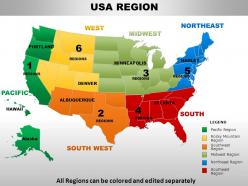
USA Region Map
-
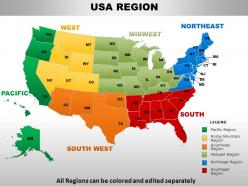
USA Region Map
-
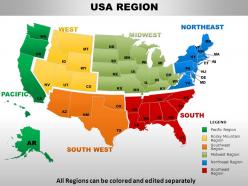
USA Region Map
-
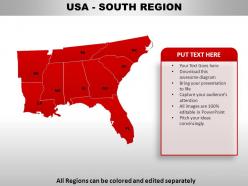
USA SOUTH REGION
-
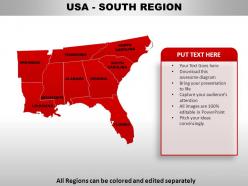
USA SOUTH REGION
-
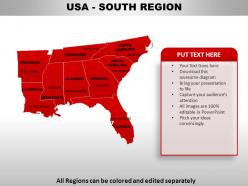
USA SOUTH REGION
-
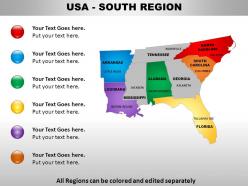
USA SOUTH REGION
-
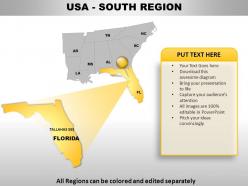
USA SOUTH REGION
-
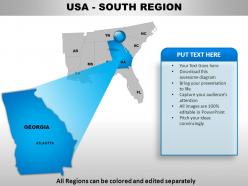
USA SOUTH REGION
-
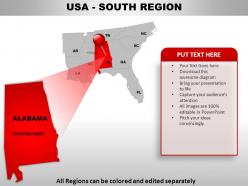
USA SOUTH REGION
-
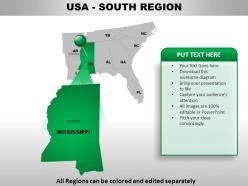
USA SOUTH REGION
-
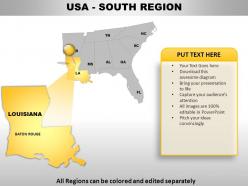
USA SOUTH REGION
-

USA SOUTH REGION
-

USA SOUTH REGION
-
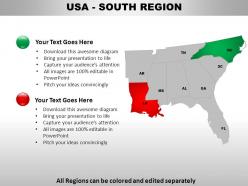
USA SOUTH REGION
-
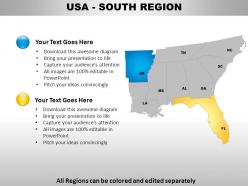
USA SOUTH REGION
-
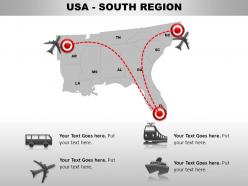
USA SOUTH REGION
-
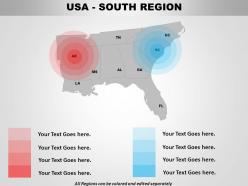
USA SOUTH REGION
-
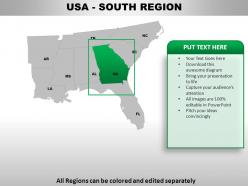
USA SOUTH REGION
-
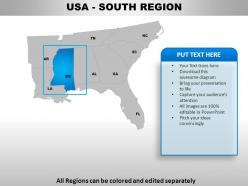
USA SOUTH REGION
-
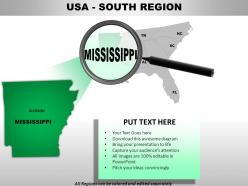
USA SOUTH REGION
-
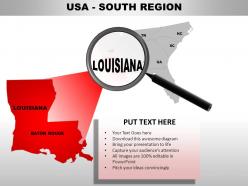
USA South Region
-
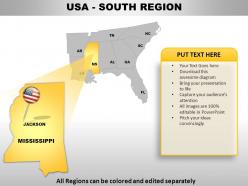
USA SOUTH REGION
-
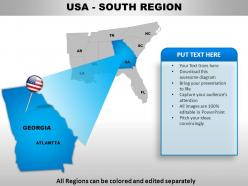
USA SOUTH REGION
-
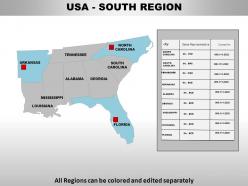
USA SOUTH REGION
-

USA SOUTH REGION Distributor Map
-
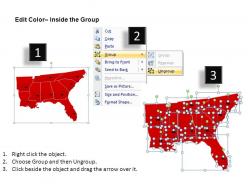
Edit Color Inside the Group
-
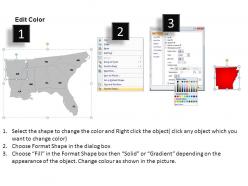
Edit Color
-
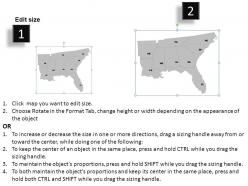
Edit size
-

Usa South Region Country Maps
FAQs for Usa south region
So the South basically has three big geographic things going on. Atlantic and Gulf coastal plains dominate most of it - that's your classic flat, humid Southern landscape from Virginia down to Texas. Then you've got the Appalachians cutting through the eastern parts, plus major rivers like the Mississippi, Tennessee, and Ohio. Florida's got those crazy swamplands and barrier islands, while Kentucky and Tennessee are more rolling hills and mountains. Honestly, the coastal plains are massive and shaped how everything developed. When you're mapping it, think about how geography influenced where people settled and what they could grow - that connection usually makes it click.
Yeah, so much of what you see down South comes from old historical stuff. The Civil War basically carved out political boundaries that stuck around. Then you had all that westward expansion from places like Virginia and the Carolinas - they just drew lines along rivers or random latitude markers. Some of these borders are honestly weird as hell when you think about it geographically! Cotton farming and slavery created settlement patterns too. You can still see it today in where cities are versus rural areas. It's crazy how if you look at voting maps or economic data, those same historical patterns keep showing up.
Definitely hit up Nashville's Country Music Hall of Fame and Memphis for Graceland plus Beale Street. New Orleans' French Quarter is amazing for jazz history. Civil rights sites are super important too - Birmingham Civil Rights Institute, Little Rock Central High, MLK's birthplace in Atlanta. The South has incredible writers so check out Faulkner's Mississippi and Flannery O'Connor's Georgia. Oh, and bourbon distilleries in Kentucky are pretty cool if you're into that. Don't skip the BBQ capitals like Kansas City! Just make sure you're covering both the incredible culture and the harder historical truths.
Check out Köppen climate maps - they'll blow your mind how much the South varies. Florida and Georgia are all humid and green, but drive west through Texas and boom, you're in straight desert by El Paso. Temperature-wise, southern Florida never really gets cold while Kentucky actually has winters (obviously). USDA hardiness zone maps work great too if you're planning something specific. Honestly the color coding makes it super clear - eastern states show up in blues and greens for all that humidity, then it shifts to browns and oranges as you hit the arid stuff.
So transportation networks are huge for mapping the South - they basically show how everything connects economically. Major highways like I-95, I-75, and I-10 create these development corridors that shape where people live and businesses set up shop. The region's ports in Savannah, Charleston, Mobile are massive for trade routes too. Rail networks matter just as much honestly. Without showing transportation, you're missing why cities developed where they did in the first place. It's like trying to explain a story but skipping half the plot! Start with the roads and rails when you're looking at Southern maps.
Dude, the South's exploding population-wise. Atlanta, Charlotte, Austin - they're completely different cities than 20 years ago. Hispanic populations are booming too, plus tons of younger people moving in. For your maps, you'll want to focus way more on metro areas now. Update those population density layers often because things change fast. Rural areas still matter but honestly? The urban corridors are where the action is. Oh, and throw in some Spanish labels for certain regions - just makes sense with the demographics. The whole rural South stereotype doesn't match what's actually happening anymore.
So definitely hit Atlanta for logistics/tech, Charlotte's banking scene, and Miami for international trade. Houston's obviously energy, Dallas has everything, Nashville does healthcare plus music. Austin too for tech. I'd use bigger circles for the major metro economies, maybe color-coded by their main industries. Transportation corridors are key - I-95, I-85, I-10 show the trade flows. You could do pie charts inside each hub to show how diverse they actually are, or heat mapping for GDP density. Honestly, layering employment data with infrastructure makes it super clear why these places blew up economically.
Dude, interactive maps are seriously clutch for Southern road trips. Real-time traffic and road conditions save your butt, plus you can layer on stuff like elevation changes - trust me, those Appalachian hills will surprise you. I love that you can add historic sites or good food spots right onto your route. Google My Maps is solid, or AllTrails if you're doing any hiking. Oh, and always zoom in to check if that "scenic route" is actually paved... I've hit way too many gravel roads thinking they'd be smooth sailing. You can save everything and share it with whoever's coming along too.
For your map, definitely hit the Mississippi first - it's kind of a pain to draw cleanly but you can't skip it. Gulf coast, Atlantic seaboard, then rivers like the Tennessee, Cumberland, Savannah, and Chattahoochee. Kentucky Lake and Lake Lanier are worth adding too. I'd use different line weights so people can tell which rivers matter most. Oh, and don't forget coastal stuff around New Orleans, Charleston, Savannah - those ports are huge economically. Just make sure the water doesn't take over your whole map, you know?
Layer those landmarks with different symbols and colors so it doesn't look like a mess. Start with the big Civil War battlefields - Gettysburg, Antietam, Chickamauga - using battlefield icons. Then add civil rights spots like Edmund Pettus Bridge and Little Rock Central High with different markers. Honestly, you could go overboard pretty fast with all the significant sites out there. Pick the most impactful ones for whoever's using your map. Maybe create separate layers they can toggle? That way people aren't staring at total chaos. Don't forget pop-ups with quick historical context - otherwise it's just random dots on a map.
Hey! So the South's economy is all over the place in terms of what drives it. You've got agriculture spread pretty evenly - cotton, tobacco, citrus stuff. Then there's these massive energy clusters in Texas and Louisiana that'll jump out at you. Manufacturing runs through corridors in the Carolinas and Georgia. Honestly, Atlanta and Austin are kind of stealing the show with their tech booms now - it's wild how much that's changed things. I'd start with metro area data first, then zoom into counties for the ag and oil sites. Oh, and don't forget the ports - Houston and New Orleans are huge economic centers.
So tourist attractions totally control how Southern travel maps get made. They decide what roads get emphasized and which towns look important. Like, you'll see tiny places blown up huge just because they're near Graceland, while actual big cities get shrunk down if they're boring for tourists. Maps cluster around the obvious stuff - Nashville music spots, French Quarter, Blue Ridge Parkway. Pretty clever marketing honestly. Always check what attractions are driving the map first when you're looking at travel stuff. Otherwise you'll think some random small town is way more significant than it actually is.
For the South, you've got some crazy good environmental stuff to map. Hurricane tracks along the Gulf/Atlantic are insane when you layer them historically - seriously wild patterns. Louisiana's wetland loss is massive and shows up great in time-series maps. Don't forget Appalachian coal mining impacts and urban heat islands in places like Atlanta. I'd use color gradients for flood zones, point symbols for mining sites. The real magic happens when you combine current conditions with climate projections though. That's where you'll see what communities are actually dealing with. Makes the whole story click.
Dude, GIS is incredible for mapping the South Region accurately. You can stack all your data - satellite images, census info, roads, terrain - in one place. Honestly, it catches mistakes traditional mapping totally misses, like when road networks are outdated or boundaries are wrong. Atlanta and Charlotte change so fast, but the real-time updates actually keep up with all that development. The spatial tools let you double-check coordinates against different reference points too. Just dump your existing data into a GIS platform first - I swear you'll spot problems immediately that you never saw before.
Honestly, I'd go with choropleth maps for all that demographic stuff - they make the data super visual. Topographic maps are perfect for showing how crazy different the elevation is from the Appalachians down to the Gulf Coast. The South's terrain is so varied (mountains, plains, all those wetlands) that physical relief maps work really well too. You'll definitely need political boundary maps for teaching state locations and major cities - that's just basic stuff. Interactive digital maps are where it's at though - kids love being able to zoom in and layer different data. I usually mix 2-3 types depending on what I'm teaching. Start with your physical base map, then add political or thematic layers on top.
-
Designs have enough space to add content.
-
Excellent work done on template design and graphics.