

Cloud Computing Powerpoint Presentation Slides Complete Deck




Try Before you Buy Download Free Sample Product
 Impress Your
 Audience
 100%
100% Editable
 Save Hours
 of Time


Our Cloud Computing Powerpoint Presentation Slides Complete Deck are topically designed to provide an attractive backdrop to any subject. Use them to look like a presentation pro.
People who downloaded this PowerPoint presentation also viewed the following :
Content of this Powerpoint Presentation
Cloud computing, the technology where you can temporarily shift your work to an available location where resources might be more plentiful, is the world of the future. Statista.com estimates that the cloud computing market will grow 25% 168.6 billion dollars by 2025 from 133.6 billion dollars in 2021. This is clearly the sunrise sector for the next year or so.
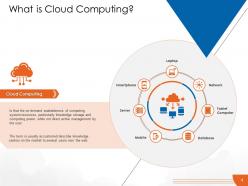
Organizations are increasingly using cloud computing to stand out in this competitive business market. Cloud computing has transformed the way technology is used and managed. It promotes efficiency by facilitating seamless data dissemination, processing, and storage across regional borders. With its ability to change the way businesses work and process things, cloud computing drives efficiency and innovation.
The aim is to ensure efficient resource use. Moving to the cloud is a business imperative and not a matter of personal choice. In its importance, cloud computing is akin to the internet today. It simplifies things and frees up the business for a major transformation as well, if it is so inclined.
In this blog, we present our PowerPoint Template Presentation to demonstrate and illustrate the potential of cloud computing!
Let’s explore!
Template 1: What is Cloud?

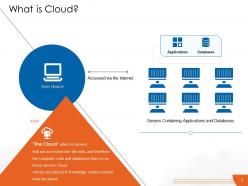
This PPT Template depicts how data and applications may be accessed, processed, and stored remotely in a cloud, with the internet as the powering source. Users will get a greater understanding of the revolutionary potential of cloud services for both individuals and enterprises by seeing examples of its scalability, flexibility, and cost-effectiveness. The slide helps stakeholders make better use of resources and have a greater appreciation of cloud technology and how it is a game-changer.
Template 2: Business Risk Related to Cloud
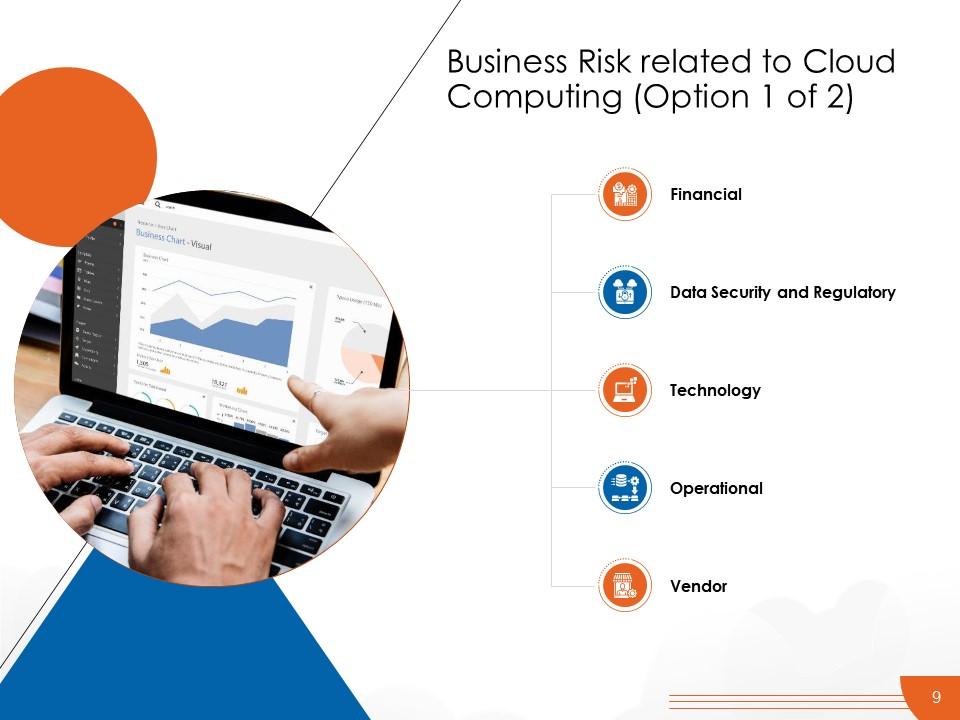
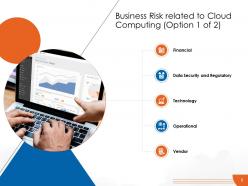
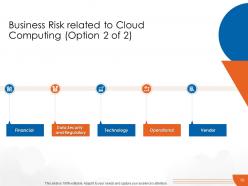
There are risks that cloud computing poses. Evaluate the business risks connected to cloud adoption systematically with this slide. On the slide are tell-tell signs on recognizing possible risks. These may be service disruptions, data breaches, and compliance problems. In this way, the severity and probability of the risk coming to pass are covered. The slide also lists a sequence of steps for understanding and tackling recognized risks. The end-goal is to help the user of the slide a smooth experience of integrating the cloud computing technology into their processes and systems.
This slide makes it easier to assess business risks associated with cloud adoption. Users are asked to identify potential risks such as service disruptions, data breaches, and compliance issues. Users can efficiently order mitigation tactics by categorizing risks based on their severity and probability. Users can reduce vulnerabilities, make informed decisions, and ensure the safe and reliable integration of cloud services into their businesses. Get it today!
Template 3: Cloud Computing Use Cases
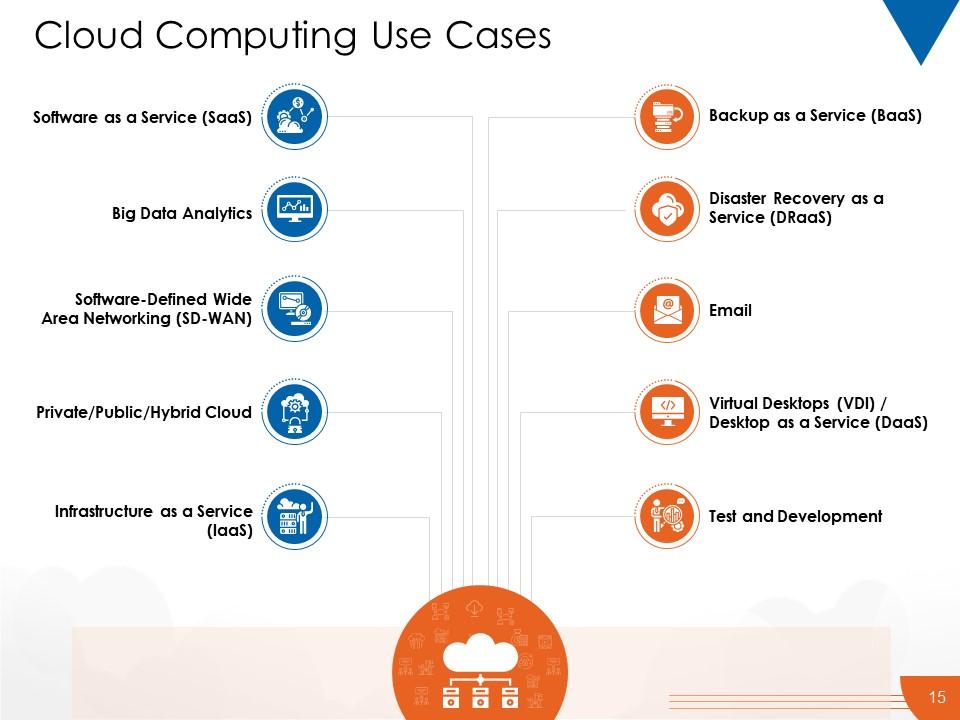
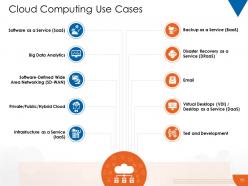
How to use cloud computing across industries is illustrated well in this slide. This PPT outlines scenarios where cloud deployment, SaaS, SD-WAN, and big data analytics are applicable. This PPT Template offers cloud technology as a problem solver. It resolves and simplifies issues with scalability of business, spread of innovation, and workflow optimization of users' organizations.
Template 4: Cloud Deployment Model
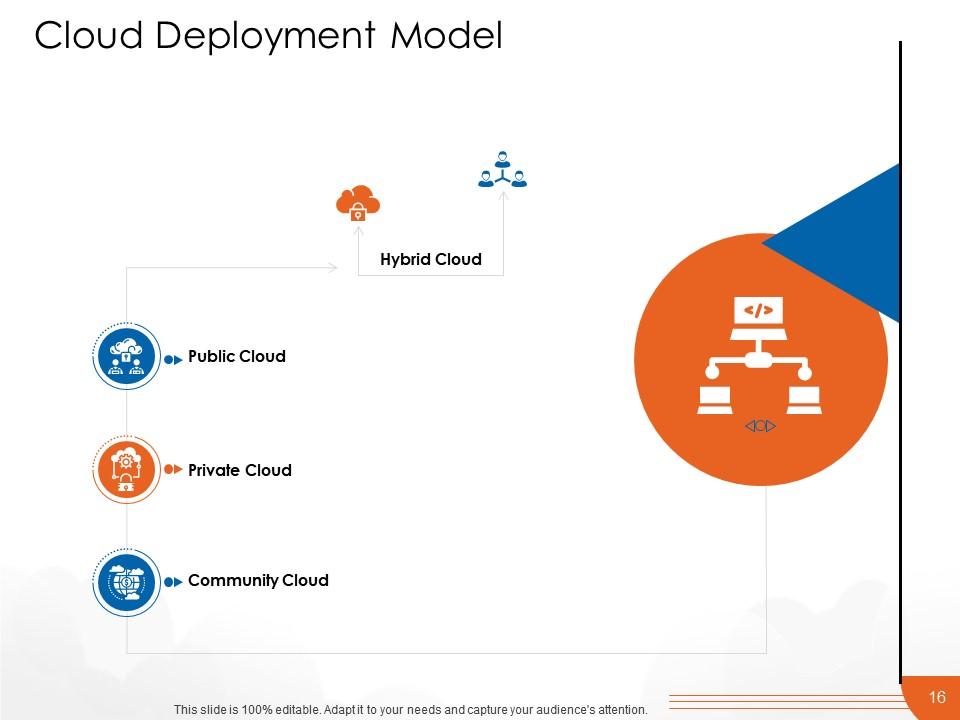
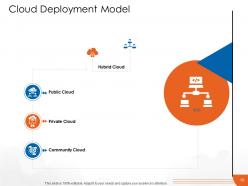
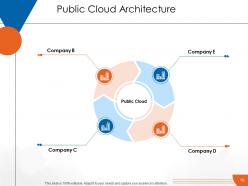
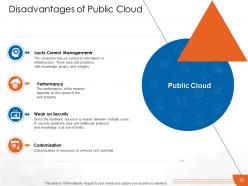
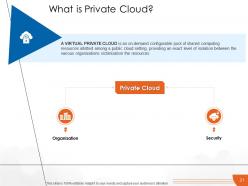
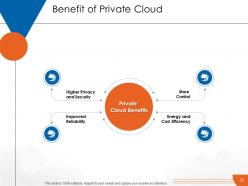
This slide provides a comprehensive analysis and comparison of public, private, community, and hybrid cloud deployment models. It provides consumers with the information they need to make decisions. Understanding how deployment methods differ in execution allows users to develop efficient strategies that balance variables such as security, scalability, cost, and control. Whether it's improving collaboration, streamlining infrastructure, or ensuring regulatory compliance, this slide advises users on which cloud deployment strategy is best for their specific needs. Tap the download button above!
Template 5: Benefits of Hybrid Cloud
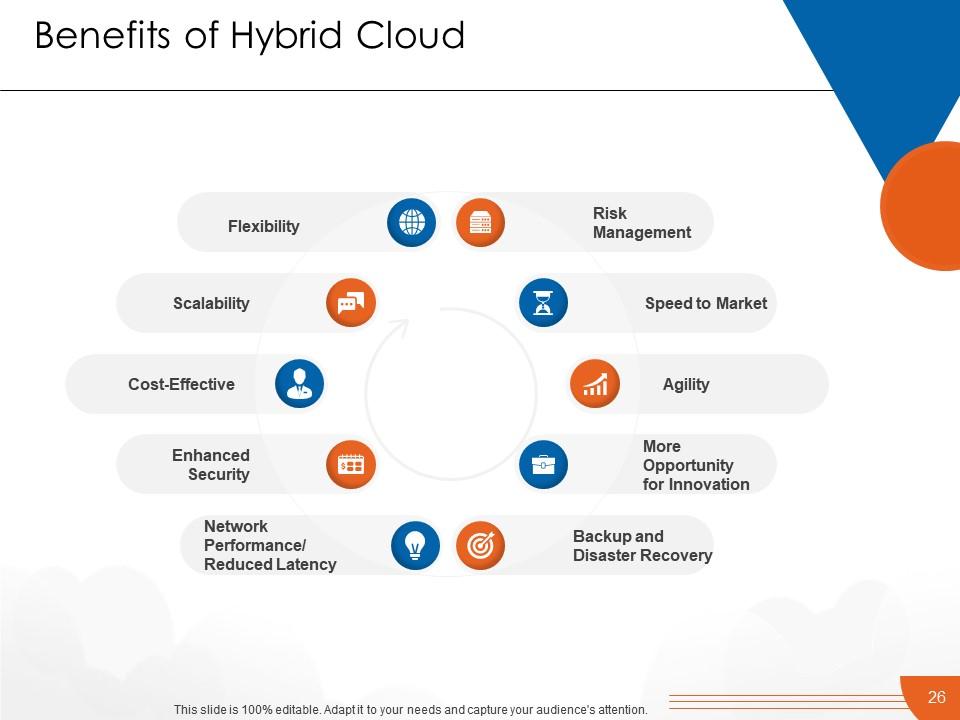
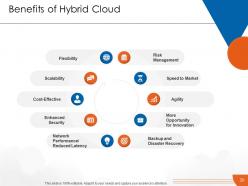
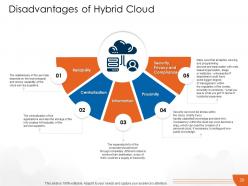
This PPT Template showcases the advantages of using a hybrid cloud approach. The aim is to showcase flexibility, which is a combination of cloud services and physical, on-premise work. Workloads can be organized well to ensure there is minimal disruption when cloud is used. Businesses must indulge in Intelligent use of risk management to ensure the cloud is optimally used and serves their needs well. This is the real worth of this document.
Template 6: What is Community Cloud?
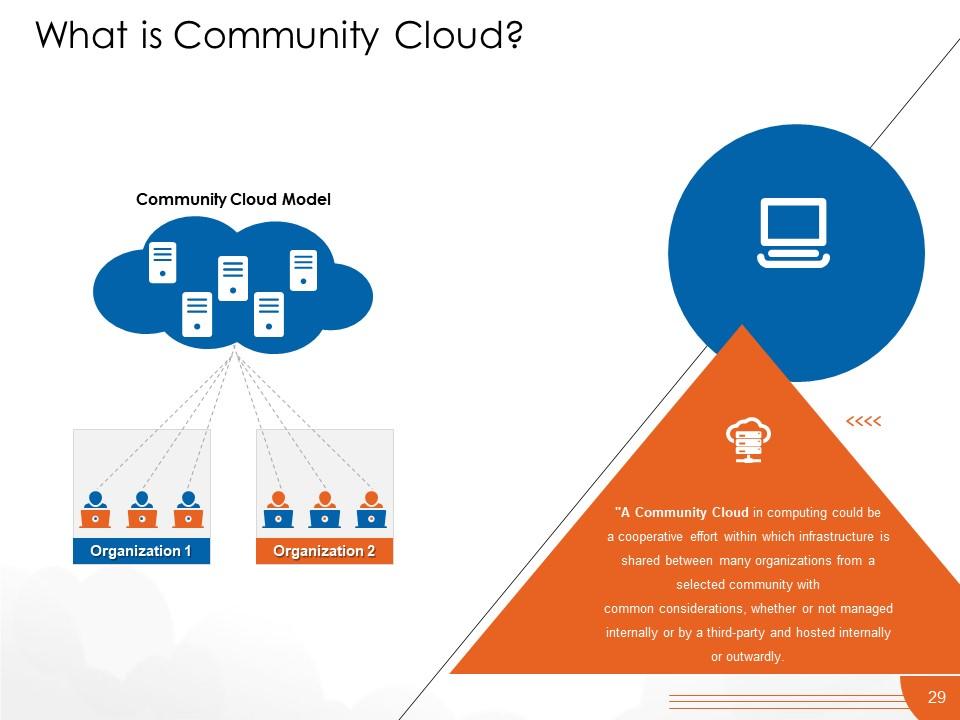
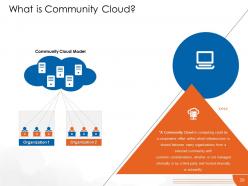
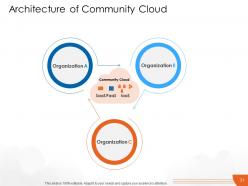
This slide serves specialized user groups with shared needs or interests and illustrates the idea and advantages of a community cloud. Industries and businesses across domains of government, healthcare and education find it useful. The cloud's main proposition of safe data transmission is also illustrated and tested through the suggestions on the presentation. By comprehending its typical architecture and customization options, users may use Community Cloud's potential to enhance community efforts, better resource utilization, and create ceaseless innovation in their sectors.
Template 7: Benefit of Community Cloud
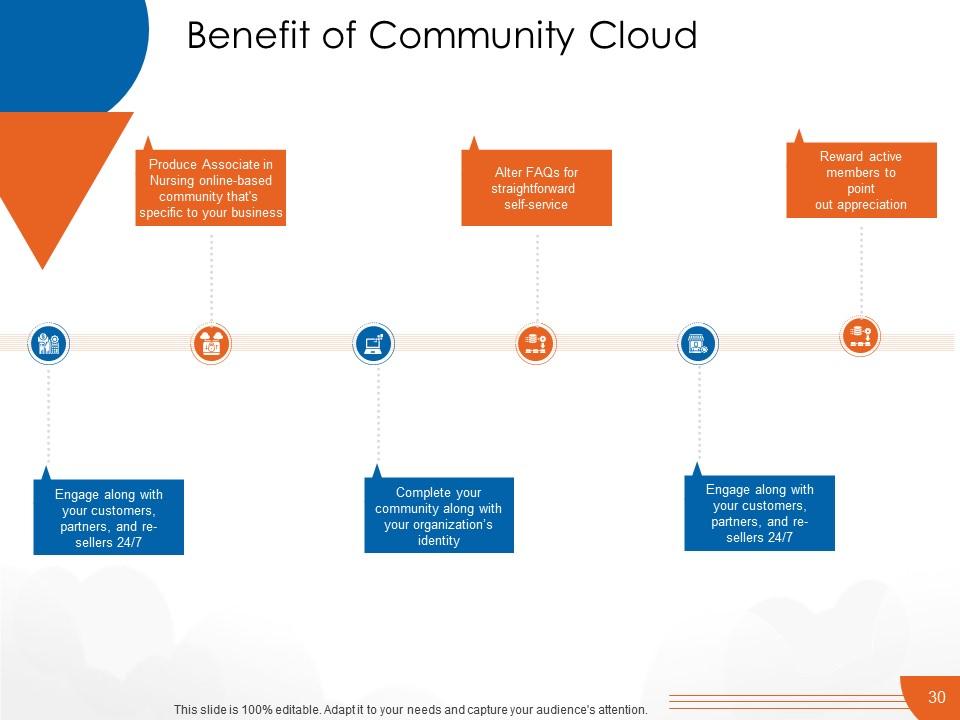
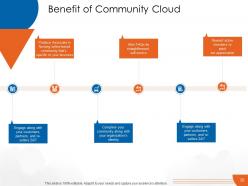
This slide outlines the advantages of Community Cloud and highlights its collaborative aspect, encouraging the sharing of knowledge, resources, and creative ideas among certain user groups. By utilizing Community Cloud, users may increase productivity and efficiency by streamlining member cooperation, knowledge sharing, and communication.
Template 8: Cloud Service Models
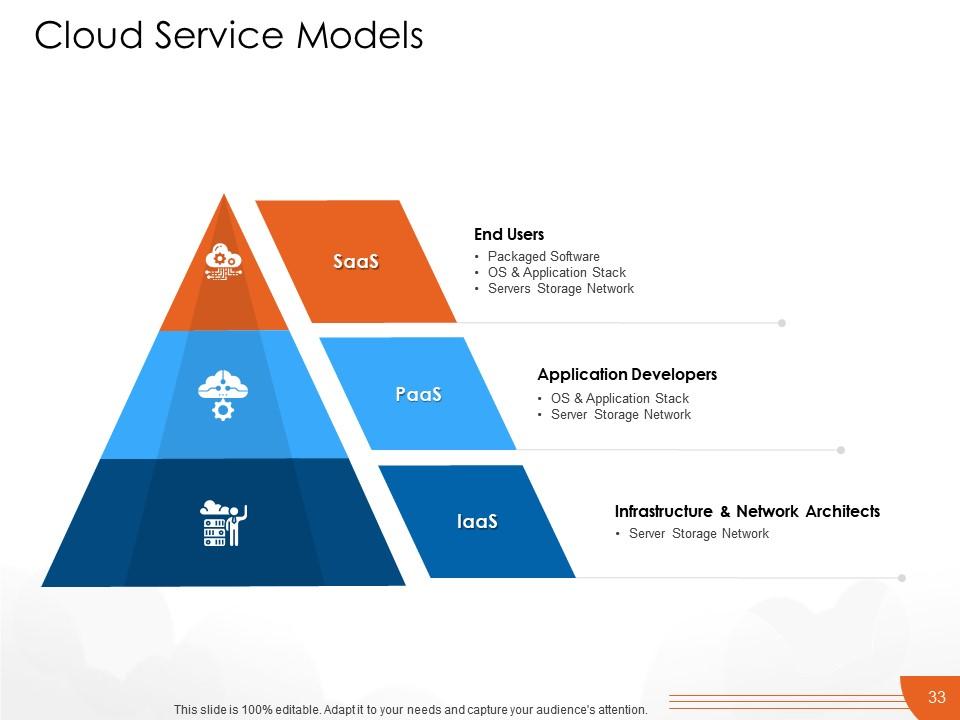
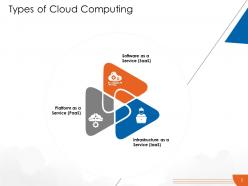
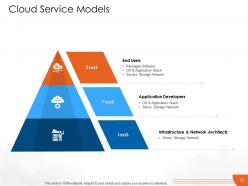
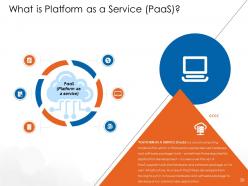
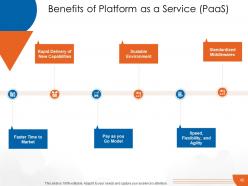
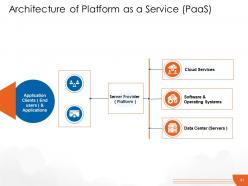
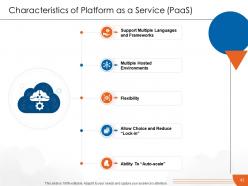
This slide includes the main models of the cloud. IaaS is used by network and infrastructure architects, PaaS is used by application developers, and SaaS is used by end consumers. Whether using standard software applications, developing and deploying applications, or handling the underlying network infrastructure, with the help of this slide users can choose the appropriate model to optimize resource allocation and improve operations. Get it in a click!
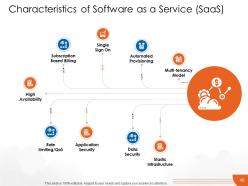
Template 9: Characteristics of Software as a Service (SaaS)
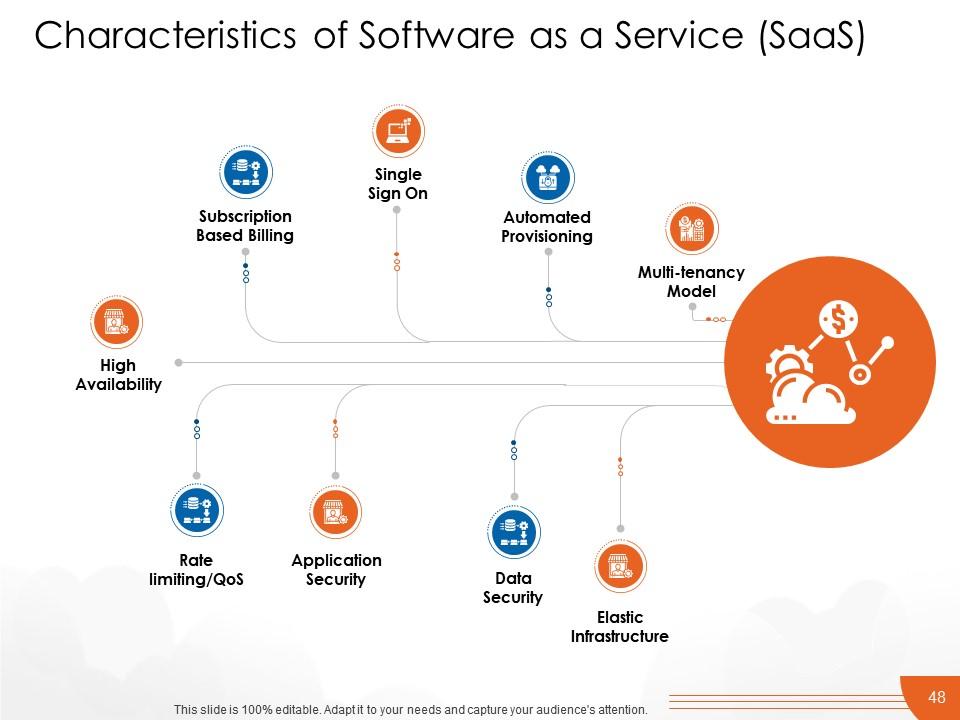
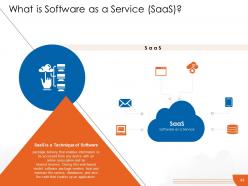
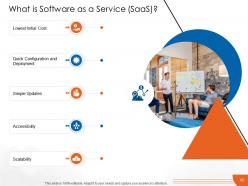
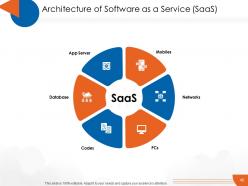
This slide comes up with the essential features of software as a service (SaaS), which includes single sign-on for easy accessibility, multi-tenant models for efficient resource sharing across users, and automated provisioning for hassle-free deployment.
Template 10: Cloud Computing Security
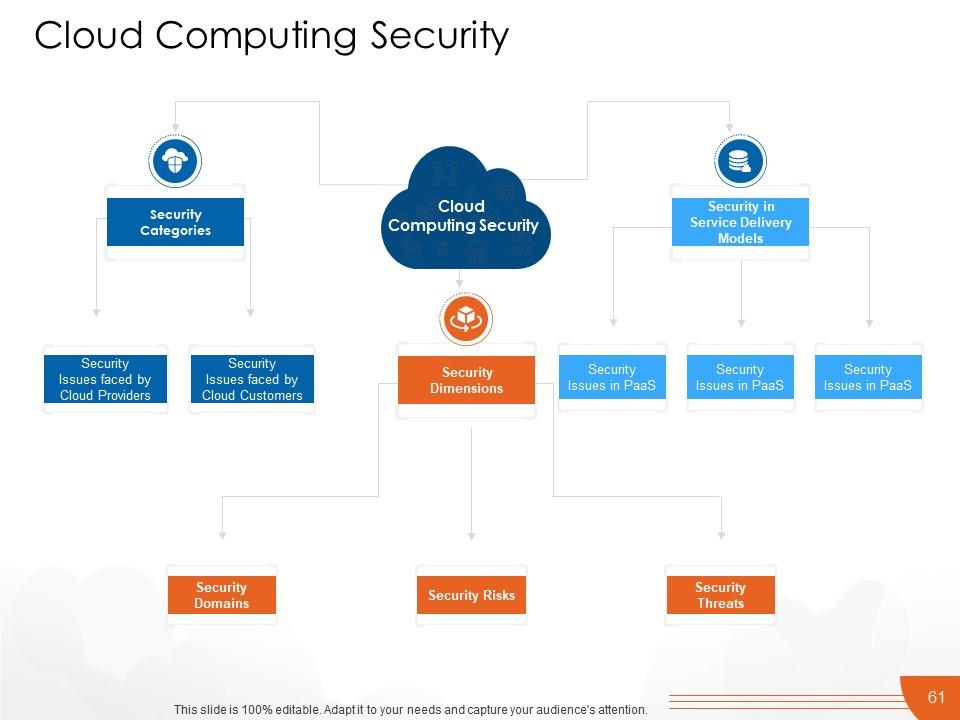
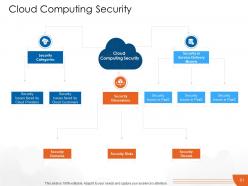
This PPT Template is your passport to a high-level overview of cloud computing security, including components that safeguard infrastructure and data. The encryption techniques are explained as well, giving the user enough confidence that the data is safe, both in terms of confidentiality and integrity. Having a secure data backup makes it possible to rise up faster from accidents or possible breaches. Inspire user confidence in cloud computing, risk reduction and data protection by putting these security measures that are based on cloud computing.
*****
Business Success through Cloud Prowess
The development of contemporary enterprises is dependent on cloud computing, and these templates underscore why cloud computing is so crucial. These slides inspire action and change toward digital excellence by presenting cost-effective deployment strategies, robust security measures, and observable business advantages. Use the cloud computing capability that these slides demonstrate to your advantage and map out a strategy for long-term growth and a competitive edge in the fast-paced corporate world of today.
Cloud Computing Powerpoint Presentation Slides Complete Deck with all 77 slides:
Use our Cloud Computing Powerpoint Presentation Slides Complete Deck to effectively help you save your valuable time. They are readymade to fit into any presentation structure.
FAQs for Cloud Computing Powerpoint Presentation
So it's pretty cool actually - smaller companies can suddenly afford the same fancy stuff big corporations use without dropping crazy money upfront. If you're medium-sized, you can scale things up when busy season hits, then dial it back down. Big companies mostly care about getting their teams synced up globally and having solid backup plans. Oh, and the automatic updates thing? Game changer. Your IT people will actually thank you for once lol. I'd honestly just pick something low-stakes to try first and see how it goes.
Honestly, cloud providers dump way more money into security than most companies ever could. We're talking enterprise encryption, 24/7 monitoring, whole teams of security pros - that stuff would bankrupt you if you tried doing it yourself. They're updating defenses constantly too since their entire business depends on not getting hacked. Your data gets copied to multiple locations automatically, which is pretty nice. Just pick someone reputable like AWS or Google (obviously) and don't be lazy with your permission settings - it's not magically secure right out of the box.
So there's basically three types: IaaS, PaaS, and SaaS. IaaS (like AWS EC2) is raw infrastructure - you handle everything yourself but get total control. PaaS is more like Heroku where you just deploy your app and they handle the server stuff. Way less headache honestly, which is why I use it for most things. Then SaaS is just ready-to-go apps like Gmail. Pick IaaS if you need control, PaaS if you want speed (seriously, it'll save you hours), or SaaS if you just need the tool itself.
Start by rightsizing your instances and set up billing alerts before things get crazy. Those forgotten dev environments? They'll kill your budget faster than you think. Tag everything so you can actually see where money's going by project. Auto-scaling is clutch for matching resources to real demand instead of just winging it. Reserved instances or spot pricing will save you tons on predictable workloads - way better than paying on-demand rates like a sucker. Oh, and do monthly reviews to catch weird spikes early. Trust me on this one.
So basically, cloud computing is what makes remote work actually work. Everything lives online now - Google Workspace, Microsoft 365, all that stuff. Your team can jump in from anywhere with internet. Files sync automatically (thank god), and you can edit docs together without that weird version control nightmare we used to deal with. Video calls don't randomly break either. Honestly, the whole no-servers thing is huge - saves so much money and IT drama. I'd say start with whatever projects need the most back-and-forth collaboration. You'll get it immediately once you see how smooth everything becomes.
So cloud-native means you're building apps with the cloud in mind from the start, not just shoving existing stuff up there later. You break everything into smaller pieces - microservices, containers, all that good stuff - instead of one massive app. Way more flexible that way. Each piece can scale and update on its own, which honestly makes everything so much less stressful when things break. My buddy learned this the hard way after trying to migrate his monolithic mess. If you're starting fresh, definitely go this route. You'll thank yourself later when you're not dealing with constant deployment nightmares.
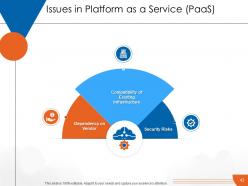
Honestly, the main things that'll bite you are security holes, surprise costs, and downtime when you're switching over. You're basically handing control of your data to someone else, which makes me a little nervous. If you're in healthcare or finance or whatever, compliance gets messy fast. Cloud bills are sneaky too - I've seen people get shocked by their monthly charges because they weren't watching usage. Oh, and vendor lock-in is real. But look, just do a thorough security check first and have a backup plan ready before you jump in.
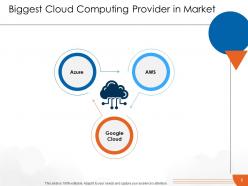
Honestly, all three are pretty solid performance-wise these days. AWS probably has you covered best for global reach - they've got data centers everywhere so latency won't be an issue. If you're already using Microsoft stuff, Azure's integration is ridiculously smooth. Google Cloud's networking is actually insane though, like they built it for YouTube and Gmail first so it's fast as hell. They all claim 99.9%+ uptime but AWS has been around longest so... track record and all that. Oh and definitely test your actual workload instead of just reading their specs - marketing teams love to cherry-pick numbers.
Okay so the big ones are SOC 2, ISO 27001, and GDPR for EU stuff. Healthcare means HIPAA, finance needs PCI DSS. I know, total alphabet soup nightmare when you first look at it. But here's what helped me - most cloud providers already have these certs, which is huge. You just need to figure out if your specific setup fits their requirements. Start by writing down what kind of data you're actually moving (boring but necessary), then see which standards apply to your industry. Way less overwhelming when you break it down like that.
Honestly, don't rely on just one backup method - spread your stuff around. I'd set up automated backups across different regions, maybe even use multiple cloud providers for your really important data. AWS, Azure, and Google all have decent backup tools you can schedule. Here's the thing though - actually test your recovery process! I've seen people get burned because their backups looked fine but wouldn't restore properly. Oh, and prioritize your most critical systems first instead of trying to backup everything at once.
Honestly, multi-cloud is where it's at right now - companies are finally realizing they don't need to marry one provider. AWS, Azure, Google Cloud, mix and match whatever works. Edge computing's blowing up too, cuts down latency like crazy if you've got users everywhere. Serverless is going mainstream (took long enough), and every cloud provider's making AI integration dead simple now. Oh, and weirdly enough, sustainability's actually becoming a deciding factor for a lot of teams. I'd start by looking at what you're running now and see which stuff could benefit from spreading around.
So AWS SageMaker, Google AI Platform, and Azure ML are pretty solid choices - they basically handle all the server management headaches for you. Build and train models without the infrastructure mess. Auto-scaling is clutch when traffic spikes unexpectedly. There's also pre-built APIs for image recognition and NLP stuff if you don't want to build everything from scratch (honestly, why reinvent the wheel?). I'd pick one specific thing you're already doing and just mess around with a managed service first. Way less intimidating than it sounds, trust me.
Start with Kubernetes for sure - it'll save you tons of headaches when moving between clouds. Terraform is clutch for keeping your infrastructure consistent across providers. Get a decent cloud management platform early on because things spiral into chaos without one (learned that the hard way). Microservices and API-first design make everything way more portable. Set up monitoring and security that works everywhere from day one. Oh, and don't try to go big immediately - pick one simple workload first and expand from there once you figure out the gotchas.
So edge computing is like having processing power right where you need it - cuts down on lag for gaming, IoT stuff, real-time data, you know? Cloud still does the heavy lifting with databases and ML models, but edge handles the quick local stuff first. That way you're not constantly pinging servers halfway across the world (which honestly gets annoying fast). They actually work pretty well together - cloud for storage and big computations, edge for the snappy responses. For your project, just think about what needs instant feedback vs what can wait a beat.
Dude, cloud computing totally changes the growth game. You're not stuck guessing how many servers to buy upfront anymore - just scale up when you need it, scale down when you don't. No more crashing during traffic spikes or wasting money on empty servers collecting dust. The cash flow thing is huge too since you pay as you go instead of dropping tons of money day one. Perfect for testing new ideas without betting the farm on infrastructure costs. Honestly, seasonal businesses love this stuff. Start small, see what happens, then grow based on what's actually working instead of wild predictions.
-
Attractive design and informative presentation.
-
Easily Understandable slides.
-
Great product with highly impressive and engaging designs.
-
Attractive design and informative presentation.
-
Great quality slides in rapid time.