

Cloud security it powerpoint presentation slides




Try Before you Buy Download Free Sample Product
 Impress Your
 Audience
 100%
100% Editable
 Save Hours
 of Time


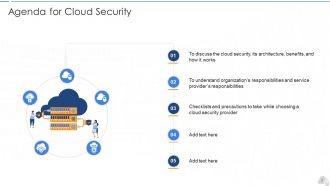
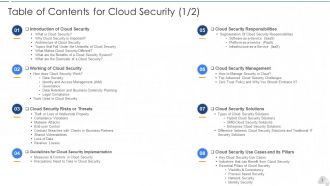
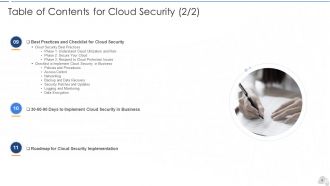
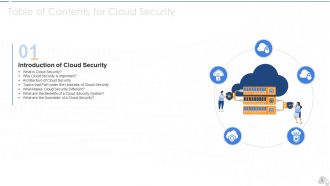
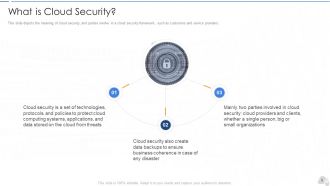
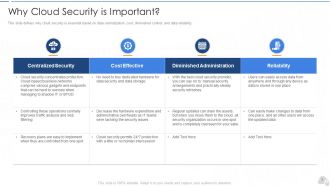
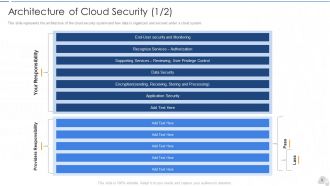
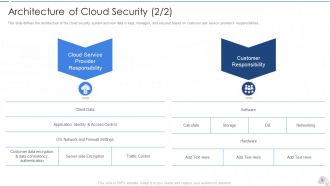
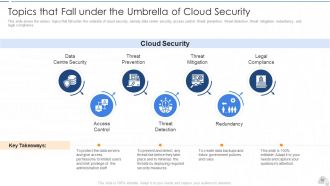
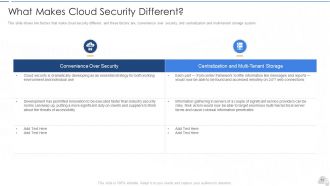
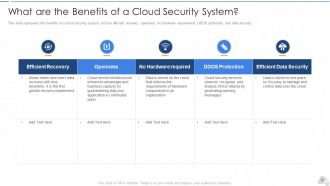
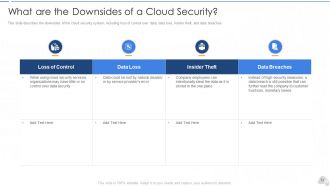
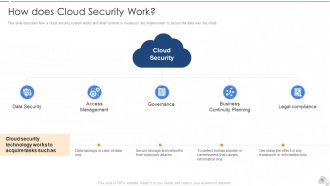
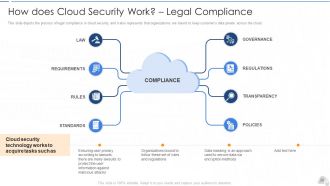
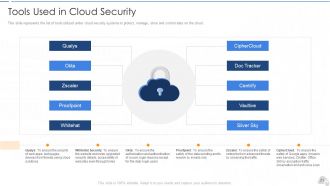
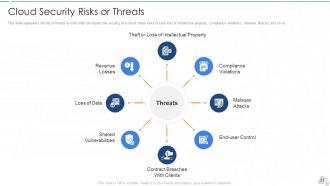
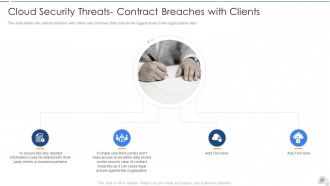
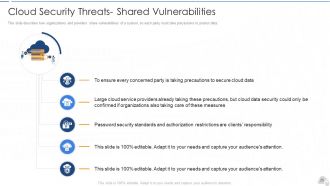
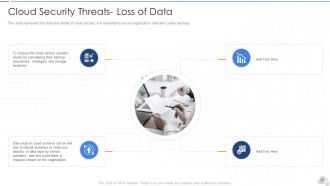
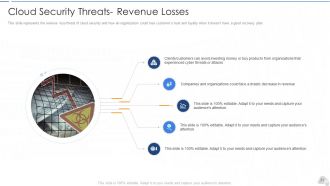
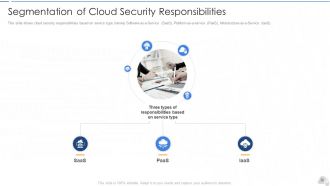
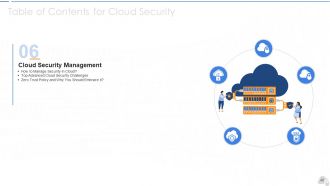
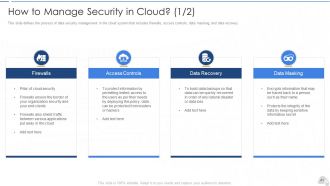
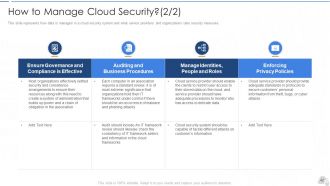
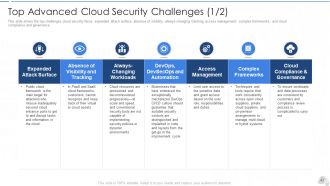
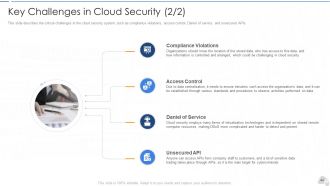
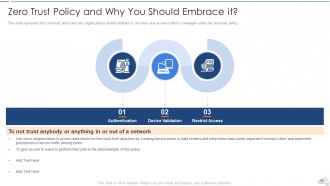
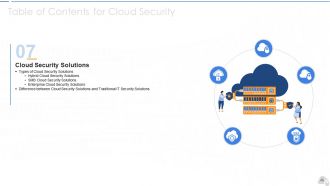
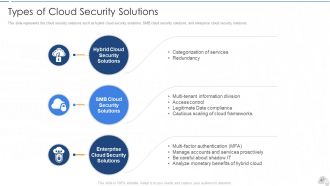
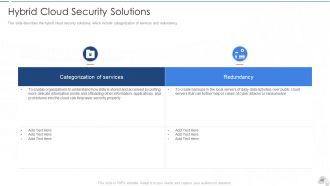
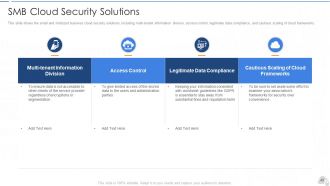
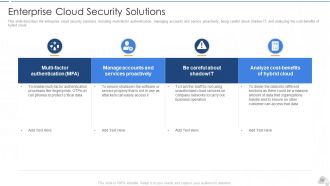
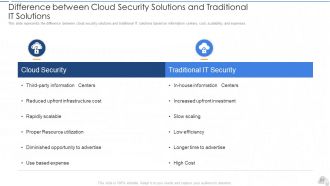
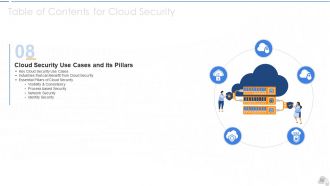
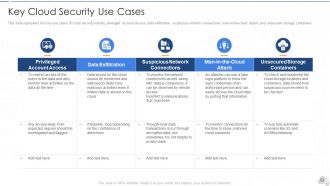
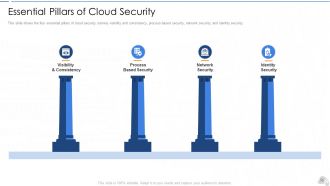
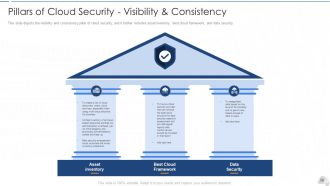
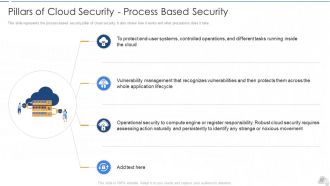
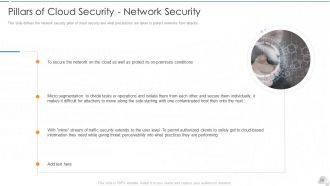
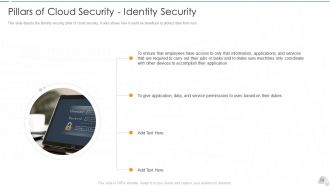
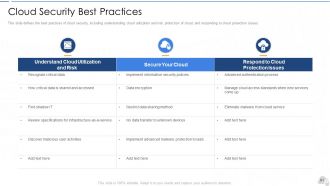
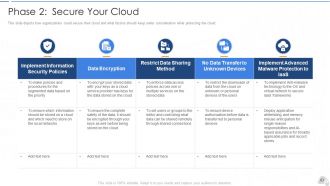
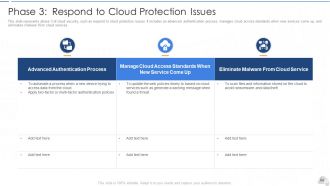
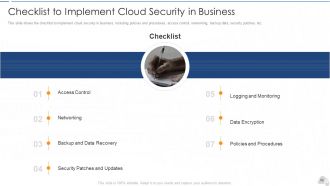
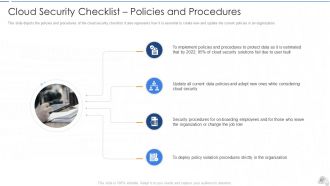
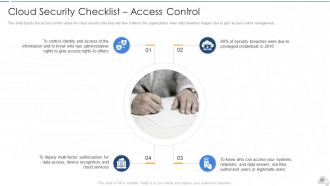
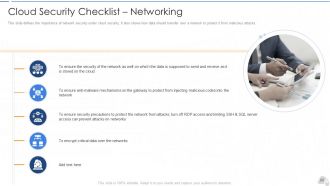
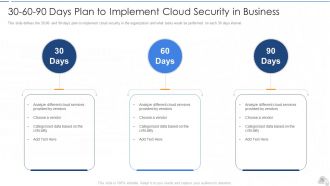
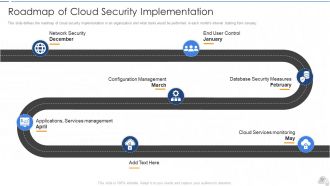
Introducing this cloud security PowerPoint presentation to provide a comprehensive overview of Cloud security. Cloud Security, also known as cloud computing security, comprises various approaches, controls, strategies, and technologies that work together to safeguard cloud-based frameworks, information, and infrastructure. These security measures are designed to protect cloud information, support administrative consistency, secure clients' privacy, and set validation rules for individual clients and devices. This PPT deck will familiarize readers with cloud security, its architecture, benefits, and working details. It also talks about the four essential pills of cloud security, best practices to optimize it, and the difference between cloud security and traditional security. Furthermore, this cloud security PPT throws light on the tools that are used in it. Also, it highlights the security measures taken in cloud security and details on risks or threats that can impact the security of a cloud. Also, this PPT covers the segmentation of cloud security responsibilities and topics that fall under the umbrella of cloud security, namely data center security, access control, threat prevention, threat detection, threat mitigation, redundancy, and legal compliance. In addition to that, the cloud information security deck illustrates the downside of cloud security, associated critical challenges, types of cloud security solutions, and the key use-cases of cloud security. Moreover, the cloud data protection PPT covers the list of the industries that can benefit from cloud security. It also provides information on the zero-trust policy along with its benefit. At last, this cloud computing security presentation captures the 30-60-90 days plan to implement cloud security in the organization, a roadmap to measure the implementation process, and a dashboard to observe the performance after implementing cloud security in the business. Get your hands on this exclusive cloud security PowerPoint presentation.
People who downloaded this PowerPoint presentation also viewed the following :
Cloud security it powerpoint presentation slides with all 89 slides:
Use our Cloud Security IT Powerpoint Presentation Slides to effectively help you save your valuable time. They are readymade to fit into any presentation structure.
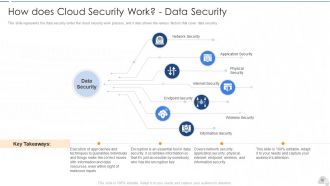
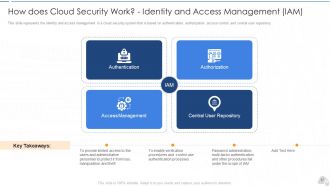
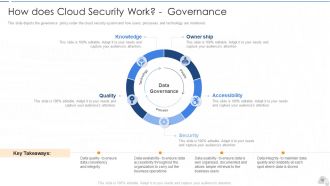
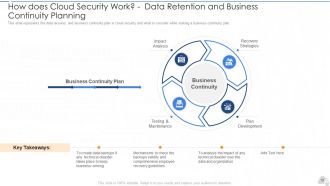






FAQs for Cloud security it
Honestly, misconfigurations scare me the most - people accidentally leave S3 buckets wide open all the time. Data breaches and insider threats are huge too. Account hijacking happens more than you'd think, and don't get me started on insecure APIs. The shared responsibility thing trips everyone up because you assume your cloud provider handles stuff they actually don't. Oh, and compromised credentials are always lurking around. My advice? Do a security audit first. Figure out what your provider actually covers vs what's on your plate. Trust me, that clarity will save you headaches later.
Ok so basically you and your cloud provider split responsibilities - they handle the hardware stuff, you handle your apps and data. Sounds simple but it gets messy fast. Your provider takes care of physical servers, network infrastructure, that kind of thing. You're stuck with OS updates, user permissions, securing your actual applications. Honestly, most security issues happen because teams don't know who's supposed to do what. Grab your provider's responsibility matrix (they all have them) and use that to write clear policies. Otherwise you'll have gaps where everyone thinks the other guy is handling it. Document everything and make sure your team actually reads it.
So encryption is like putting your data in a locked box before sending it anywhere. Two types - in transit (while it's moving around) and at rest (just sitting in storage). Basically scrambles everything so hackers can't read it even if they grab it. Your cloud provider might be super secure, but honestly I never trust anyone else completely with my stuff. AES-256 is the gold standard for encryption strength. Oh and definitely keep control of your own keys if you can - don't just hand that over to the provider.
Honestly, all the big cloud providers go after the same certifications - SOC 2, ISO 27001, HIPAA, you know the drill. But here's the thing: they handle compliance tools totally differently. AWS has like a million granular options (which can be kinda overwhelming tbh). Azure plays nice with Microsoft's enterprise stuff if you're already in that world. GCP keeps it simpler with more automated approaches. My advice? Figure out exactly what compliance boxes you need to check first. Then dig into each provider's dashboard and see which one won't make your auditor want to cry. That's honestly the best way to decide.
Start with least privilege - people only get what they absolutely need for their job. Multi-factor auth should be on everything, trust me on this one. Password policies need to be solid, and you've gotta audit access regularly. Role-based permissions are way better than trying to manage individual users one by one, saves you tons of headaches. Oh, and automated deprovisioning is huge - can't tell you how many times I've seen ex-employees still logged into systems months after they left. It's wild. Treat IAM like maintenance, not something you set up once and forget about.
First thing - check if they have SOC 2 or ISO 27001 certifications, plus whatever's specific to your industry. Ask about their security controls, how they've handled past incidents, and their encryption setup. The shared responsibility thing is huge though - you need to know exactly what they cover versus what you're stuck with. I'd dig into their vulnerability management too, like how fast they push security updates. Oh, and most decent providers won't dodge these questions. Honestly? Just book a call with their security team and grill them on everything upfront.
Honestly, multi-cloud makes security way more complicated. Now you're dealing with different tools and configs for each provider - AWS does things totally different from Azure, you know? Your team has to learn everything instead of mastering one platform. Data bouncing between clouds opens up more ways to get hacked too. The benefit though? If one provider gets breached, you're not completely screwed. I'd focus on getting the same security rules working everywhere first. Then grab some monitoring tools that can actually see what's happening across all your clouds at once.
So AI and ML are honestly pretty amazing for cloud security. They catch threats way faster than we could manually - like spotting weird network patterns or sketchy user behavior in real time. When something suspicious happens, your systems can automatically isolate it and start fixing the problem. The ML stuff keeps getting smarter too since it learns from new attack methods. Oh, and most cloud providers already have these AI security tools built in, so you don't have to go hunting for third-party solutions. Just enable them in your dashboard and you're good to go.
So first thing - turn on encryption for everything, both when data's just sitting there and when it moves around. Most cloud providers have it but you gotta actually enable it. Set up proper user permissions too, and honestly? People go crazy with access rights, so check those regularly. Figure out where your data actually lives geographically since some rules require it stays in certain countries. Your cloud provider should have compliance certs you can look at. Oh, and start by figuring out what data you even have that's super sensitive - saves you from protecting everything like it's top secret when half of it probably isn't.
Okay so first thing - get your incident response plan sorted for cloud stuff before you actually need it. Map your cloud assets and figure out who does what on your team. Practice with those tabletop exercises too, because honestly nobody wants to learn this during a real breach. Speed matters when something goes wrong. Isolate the compromised resources right away, save your logs for evidence, and loop in stakeholders. Oh and definitely keep your cloud provider's emergency contacts handy - you'll want to snapshot any infected instances quickly for the investigation later.
So first thing - get your auth sorted with API keys or OAuth, whatever fits your setup. HTTPS everywhere, obviously. Input validation is huge because injection attacks are nasty. Oh and rate limiting saved my ass once when someone decided to spam our endpoint at 3am. Don't hardcode any secrets (learned that one the hard way), just throw them in environment variables. Logging helps catch weird stuff early. Rotate your credentials regularly too. Honestly these basics will put you miles ahead of most people who just wing it.
Quarterly is the bare minimum, but monthly is way better if you're dealing with anything critical or heavily regulated. I learned this the hard way watching teams panic during compliance crunch time - total nightmare. Daily automated scans for the basics like misconfigurations work great. Then every few months, get someone to actually dig deeper with manual reviews. Oh and honestly? Just schedule your next audit right now, even if it's super basic. You'll thank yourself later when you're not scrambling to find security gaps at the worst possible moment.
Honestly, cloud-native tools are pretty solid for visibility and automation - they just work better in cloud environments without all the integration headaches. But here's the thing, you'll probably get locked into whatever provider you pick, and costs can spiral quick. Your team might struggle if they're used to the old-school security stuff too. I'd probably go hybrid at first? Start with cloud-native for identity stuff and compliance monitoring since that's where it really shines. Then see what else makes sense without breaking the bank.
Honestly, insider threats are way scarier than hackers breaking in from outside. Your own employees already have access to everything - they can mess things up on purpose or just screw up accidentally. Cloud makes it worse since people work from everywhere now. You'll want zero-trust setup with tight access controls. Monitor how users behave for weird patterns. Data loss prevention tools help too. Oh, and actually review who has access to what regularly - I swear half the security issues I see are just old employees who still have admin rights to stuff they shouldn't.
Dude, training your people is literally the best thing you can do for cloud security. Most breaches? They happen because someone clicked a sketchy link or set something up wrong - not some master hacker breaking in. Teach your team to spot phishing, use proper authentication, know your cloud platform's security stuff. Companies blow tons of money on fancy security tools then forget humans are the weak link. I mean, we all make mistakes, right? But quarterly sessions covering your actual setup and current threats keep everyone sharp. Way more effective than you'd think.
-
Designs have enough space to add content.
-
Informative presentations that are easily editable.
-
Great designs, Easily Editable.
-
Perfect template with attractive color combination.