

Cloud Computing Powerpoint Presentation Slides




Try Before you Buy Download Free Sample Product
 Impress Your
 Audience
 100%
100% Editable
 Save Hours
 of Time


Cloud computing service provides your organization with flexibility in the work by giving immense benefits to the company. Grab our insightfully designed Cloud Computing ppt templates. It provides a brief overview of the company, its core values, the types of businesses they assist, and the benefits of cloud storage. Our Cloud computing deck also includes an introduction to cloud storage architecture, including generic architecture, levels of architecture, cloud storage access methods, cloud scalability, and cloud storage models. Additionally, it incorporates the different types of cloud storage services and the various uses for cloud storage, such as data backup and recovery, software testing and development, compliance, big data, and data lakes. Lastly, the Cloud Storage PPT addresses data transfer to the cloud and data backup strategies. Get immediate access.
People who downloaded this PowerPoint presentation also viewed the following :
Content of this Powerpoint Presentation
Slide 1: This slide introduces Cloud Computing. Commence by stating Your Company Name.
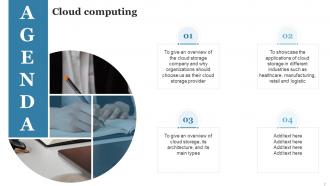
Slide 2: This slide depicts the Agenda of the presentation.
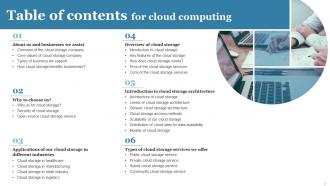
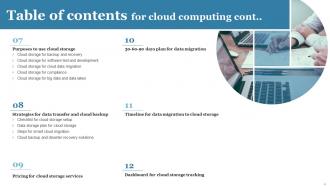
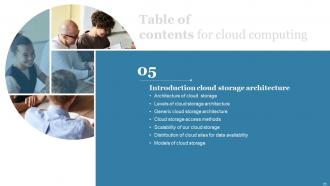
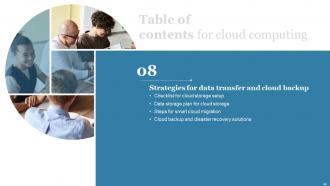
Slide 3: This slide incorporates the Table of contents.
Slide 4: This is yet another slide continuing the Table of contents.
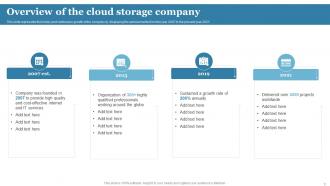
Slide 6: This slide presents the Overview of the cloud storage company.
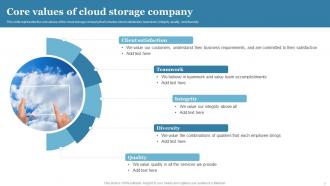
Slide 7: This slide states the Core values of the organization.
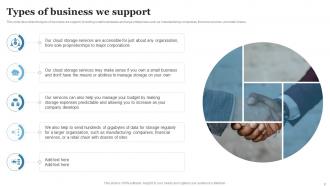
Slide 8: This slide describes the types of business the company supports.
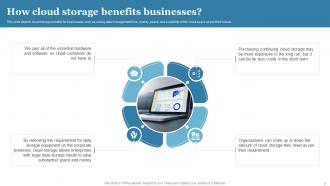
Slide 9: This slide depicts cloud storage benefits for businesses.
Slide 10: This slide elucidates the Heading for the Contents to be discussed next.
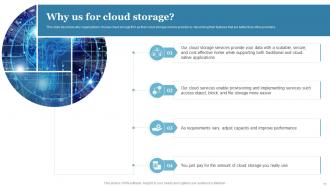
Slide 11: This slide describes why organizations choose cloud storage firm as their cloud storage service provider.
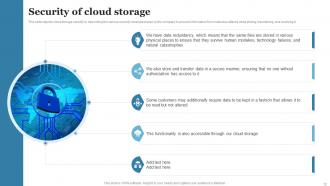
Slide 12: This slide showcases the cloud storage security by describing the various security measures taken by the company.
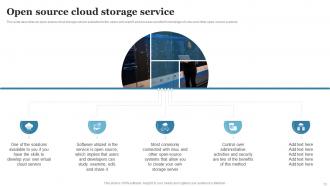
Slide 13: This slide shows the Open source cloud storage service.
Slide 14: This slide contains the Title for the Ideas to be covered further.
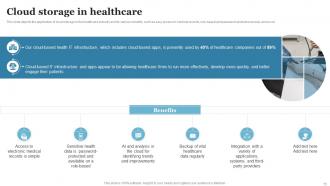
Slide 15: This slide displays the application of cloud storage in the healthcare industry and its various benefits.
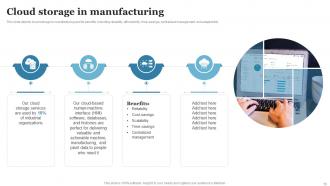
Slide 16: This slide focuses on the Cloud storage in manufacturing.
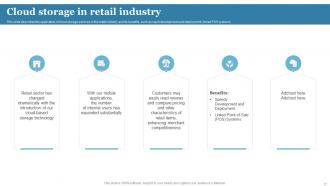
Slide 17: This slide describes the application of cloud storage services in the retail industry and its benefits.
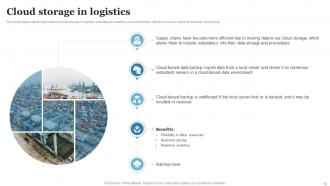
Slide 18: This slide talks about Cloud storage in logistics.
Slide 19: This slide mentions the Heading for the Ideas to be discussed in the following template.
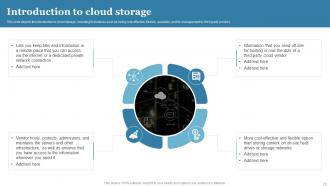
Slide 20: This slide elucidates the Introduction to cloud storage.
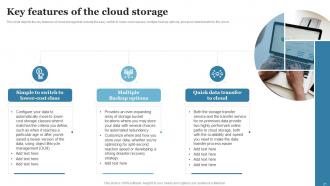
Slide 21: This slide depicts the key features of cloud storage that include the easy switch to lower-cost classes, multiple backup options, etc.
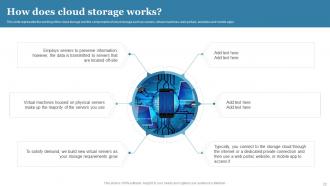
Slide 22: This slide represents the working of the cloud storage and the components of cloud storage.
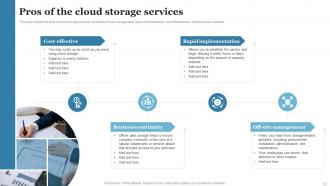
Slide 23: This slide showcases the pros of cloud storage services.
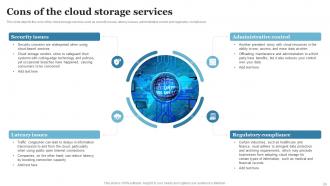
Slide 24: This slide exhibits the cons of the cloud storage services such as security issues, latency issues, etc.
Slide 25: This slide portrays the Heading for the Ideas to be covered further.
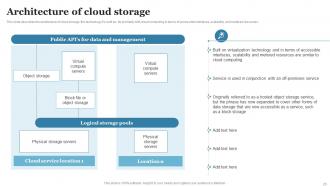
Slide 26: This slide describes the architecture of cloud storage, the technology it's built on, scalability, etc.
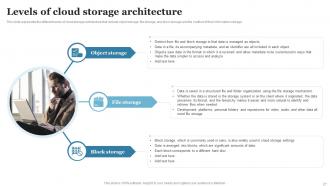
Slide 27: This slide highlights the different levels of cloud storage architecture.
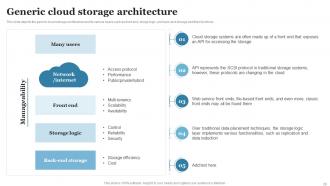
Slide 28: This slide talks about the Generic cloud storage architecture.
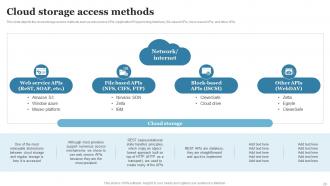
Slide 29: This slide depicts the cloud storage access methods.
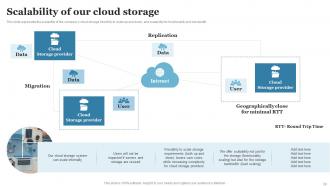
Slide 30: This slide represents the scalability of the company’s cloud storage, flexibility to scale up and down, etc.
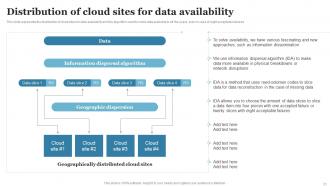
Slide 31: This slide deals with the Distribution of cloud sites for data availability.
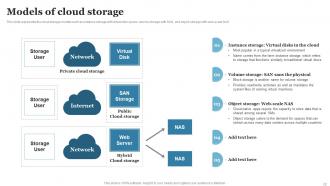
Slide 32: This slide shows the Models of cloud storage.
Slide 33: This slide indicates the Title for the Components to be discussed further.
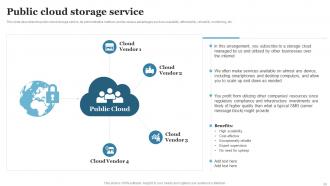
Slide 34: This slide describes the public cloud storage service, its administrative method, and its various advantages.
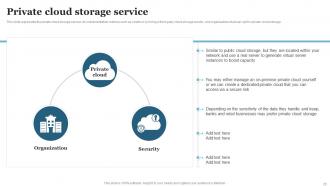
Slide 35: This slide exhibits the Private cloud storage service.
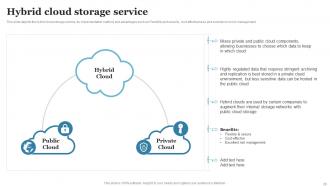
Slide 36: This slide talks about the Hybrid cloud storage service.
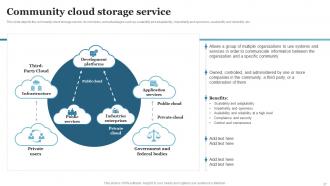
Slide 37: This slide displays the community cloud storage service, its members, and advantages.
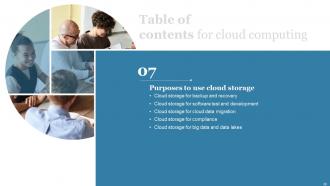
Slide 38: This slide reveals the Heading for the Topics to be covered next.
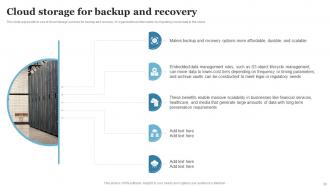
Slide 39: This slide focuses on the Cloud storage for backup and recovery.
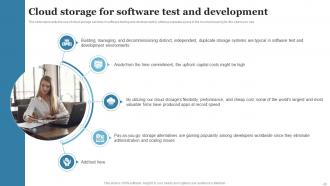
Slide 40: This slide elucidates the Cloud storage for software test and development.
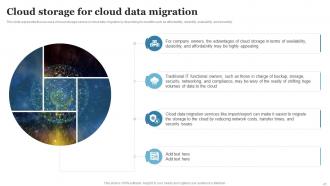
Slide 41: This slide provides information about the Cloud storage for cloud data migration.
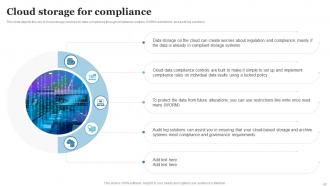
Slide 42: This slide depicts the use of cloud storage services for data compliance through compliance controls, WORM restrictions, and audit log solutions.
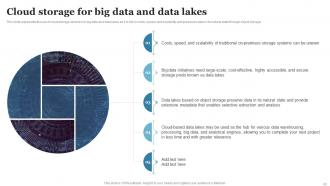
Slide 43: This slide talks about the Cloud storage for big data and data lakes.
Slide 44: This slide presents the Title for the Topics to be covered further.
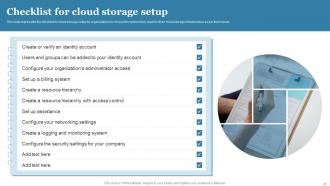
Slide 45: This slide represents the checklist for cloud storage setup for organizations.
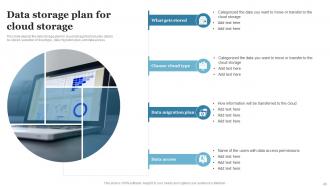
Slide 46: This slide shows the Data storage plan for cloud storage.
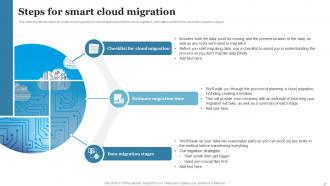
Slide 47: This slide states the steps for smart cloud migration by including the checklist for cloud migration, estimate migration time, and data migration stages.
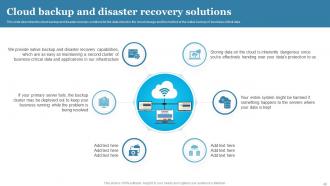
Slide 48: This slide outlines the Cloud backup and disaster recovery solutions.
Slide 49: This slide indicates the Title for the Idaes to be covered in the forth-coming template.
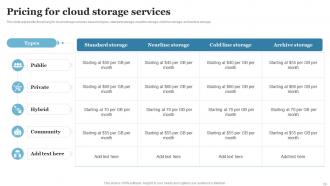
Slide 50: This slide represents the pricing for cloud storage services based on types, standard storage, nearline storage, etc.
Slide 51: This slide elucidates the Heading for the Ideas to be further discussed.
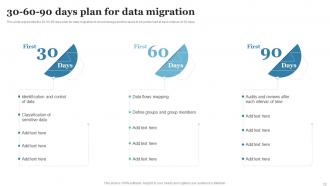
Slide 52: This is the 30-60-90 days plan slide for data migration.
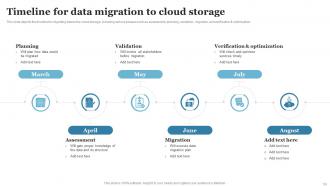
Slide 53: This slide displays the Timeline for data migration to cloud storage.
Slide 54: This slide reveals the Timeline for data migration cloud storage.
Slide 55: This slide illustrates the Dashboard for cloud storage tracking.
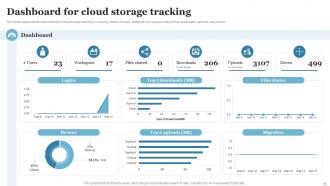
Slide 56: This slide represents the dashboard for cloud storage tracking by covering details of users, available workspaces, shared files, etc.
Slide 57: This is the Icons slide containing all the Icons used in the plan.
Slide 58: This slide is used to showcase some Additional information.
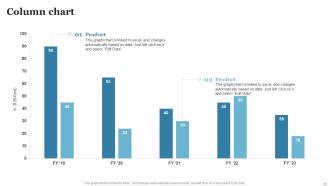
Slide 59: This slide presents the Column chart.
Slide 60: This is the Idea Generation slide for encouraging fresh ideas.
Slide 61: This slide elucidates the Comapny Timeline.
Slide 62: This is the Puzzle slide with related imagery.
Slide 63: This slide contains the Post it notes for reminders and deadlines.
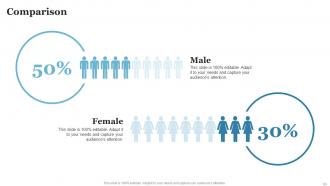
Slide 64: This slide is used for the purpose of Comparison.
Slide 65: This is the Venn Diagram slide.
Slide 66: This is Our goal slide. State your organizational goals here.
Slide 67: This is the Thank you slide for acknowledgement.
Cloud Computing Powerpoint Presentation Slides with all 72 slides:
Use our Cloud Computing Powerpoint Presentation Slides to effectively help you save your valuable time. They are readymade to fit into any presentation structure.






FAQs for Cloud Computing
Honestly, the money savings alone make it worth it - no more paying for servers that just sit there doing nothing half the time. Remote work becomes so much easier when everyone can access stuff from wherever. Security updates happen automatically too, which saves your IT people from running around like crazy. When busy season hits, you can scale up instantly instead of scrambling. Same goes for scaling back down. Oh, and don't jump in headfirst - try moving something small and non-essential first. See how your team handles it before you commit to everything.
Dude, cloud computing is pretty sweet for efficiency. No more babysitting physical servers or guessing how much capacity you'll need (which honestly never works out). Need extra power for a launch? Boom, scaled up in minutes instead of waiting weeks for new hardware. Your team gets to do actual productive stuff rather than fixing broken equipment all the time. Plus you only pay for what you actually use - none of that buying-a-massive-server-and-praying situation. The best part? You can test new ideas without dropping huge cash upfront or dealing with endless approval processes.
Oh hey! So there's three main types. IaaS is like renting raw servers and storage - you handle all the setup yourself. PaaS is more like a ready-made platform where you just upload your code and it runs (Heroku's probably the most famous one). SaaS is just finished software you log into, like Gmail. Think of it this way: IaaS means you're building everything from scratch. With PaaS, you bring your app and they handle the boring infrastructure stuff. SaaS? You literally just sign up and start using it. Honestly depends on whether you want more control or just need something that works right away.
Yeah, security fears are probably the
-
SlideTeam is the best in the business. Their templates are engaging and customizable. You can rely on them.
-
Great templates that you can use in your next keynote or conference. They are perfect for quick and visually-engaging delivery.