It infrastructure management powerpoint presentation slides
Try Before you Buy Download Free Sample Product
Audience
Editable
of Time
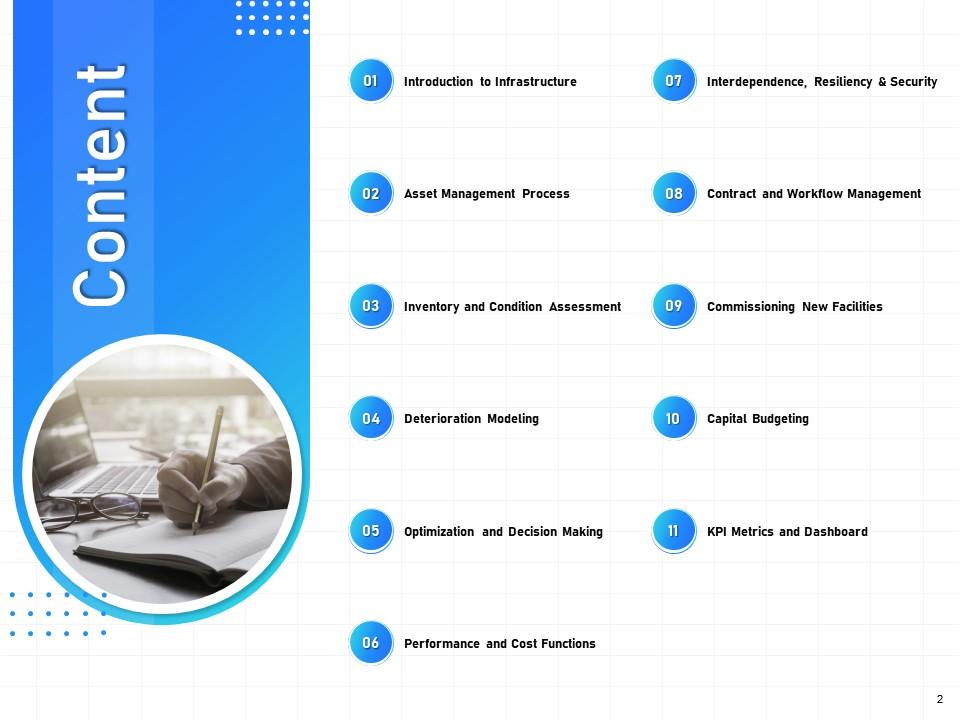
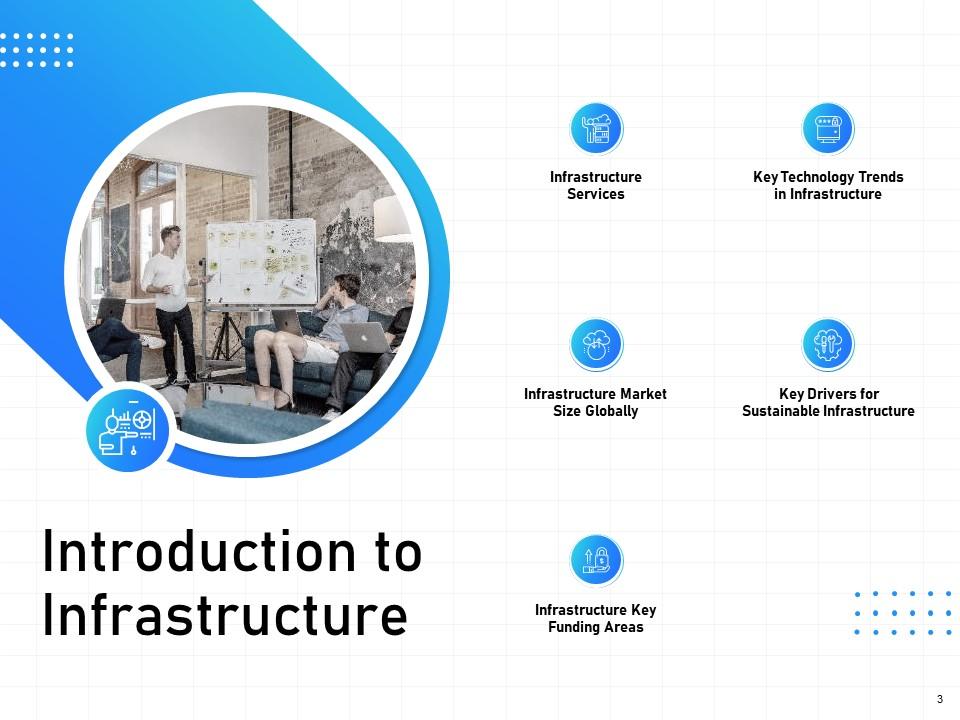
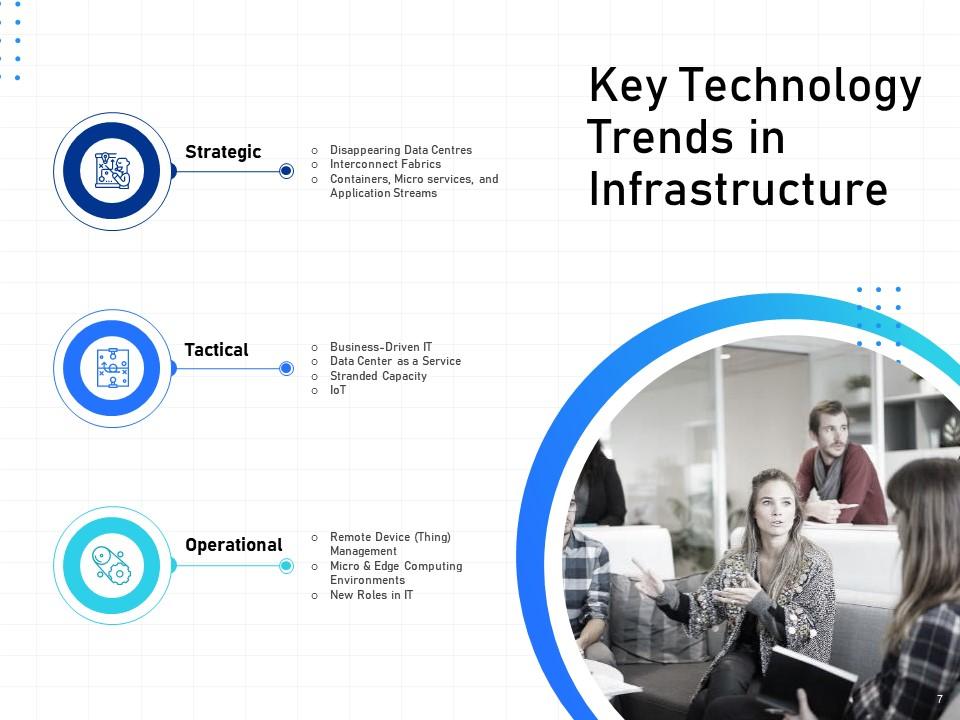
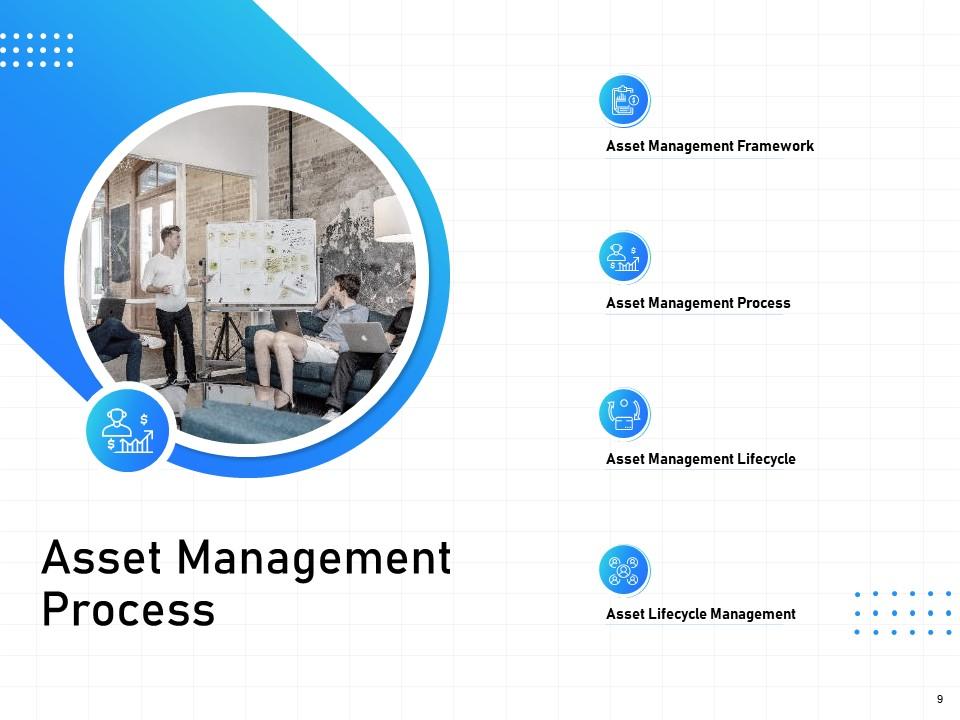
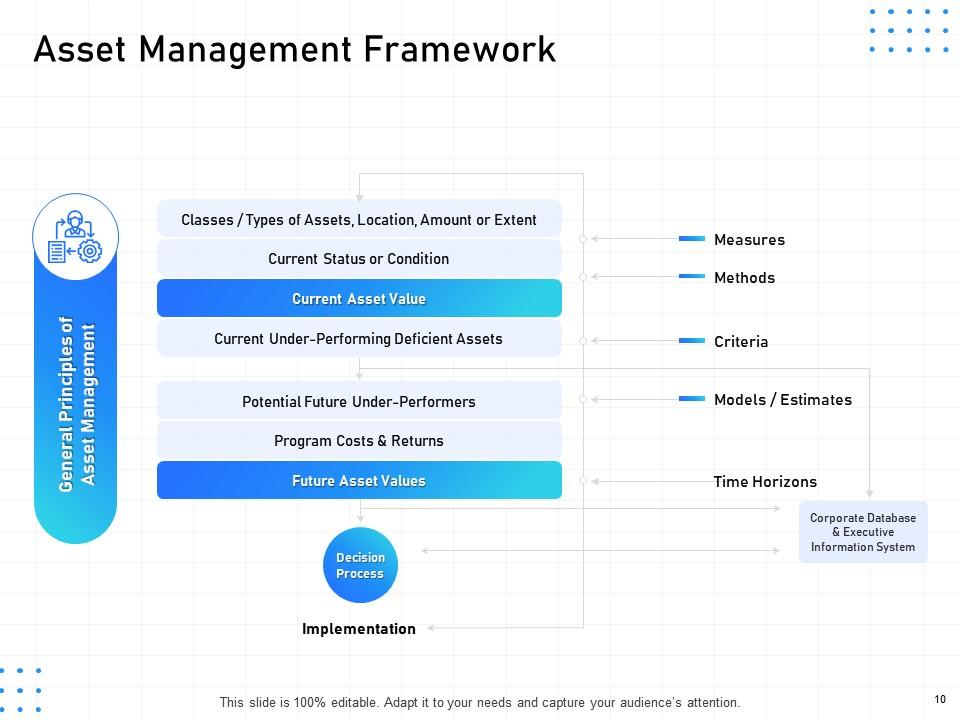
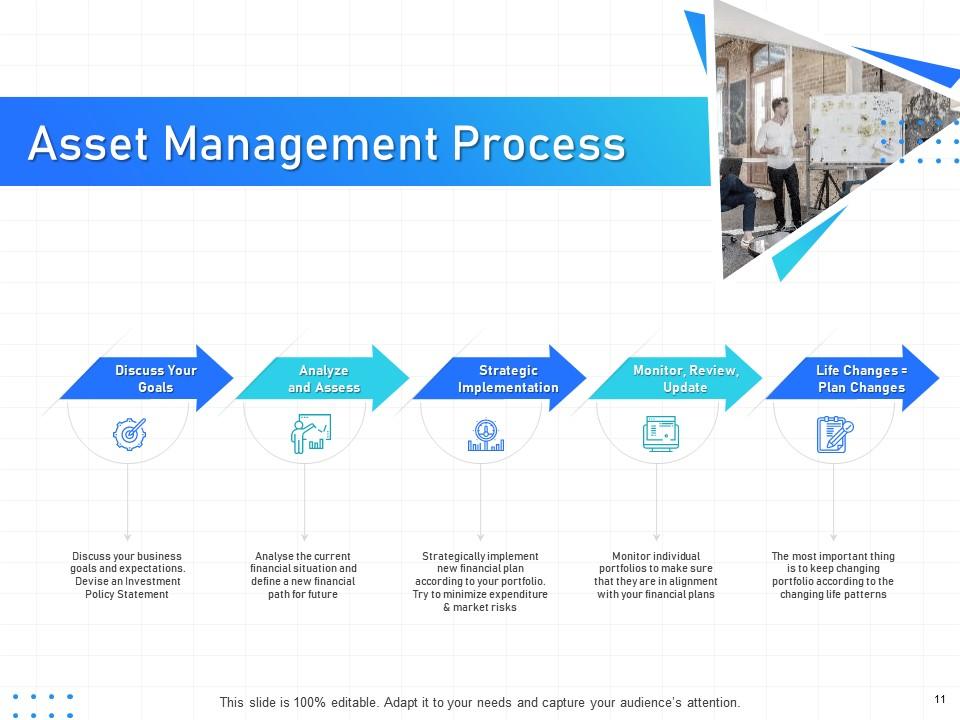
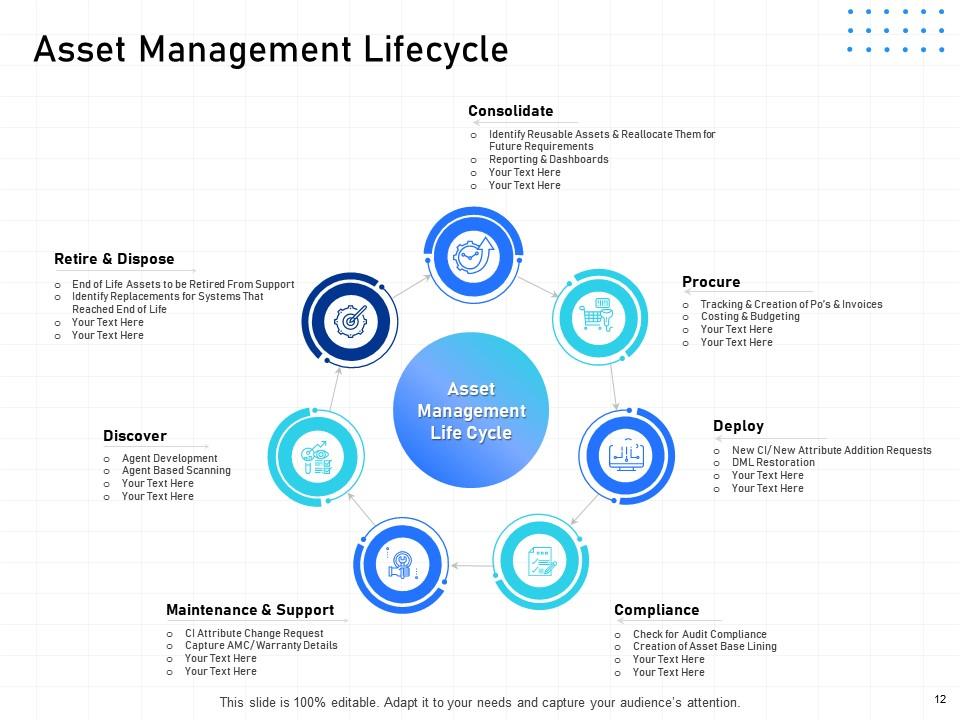
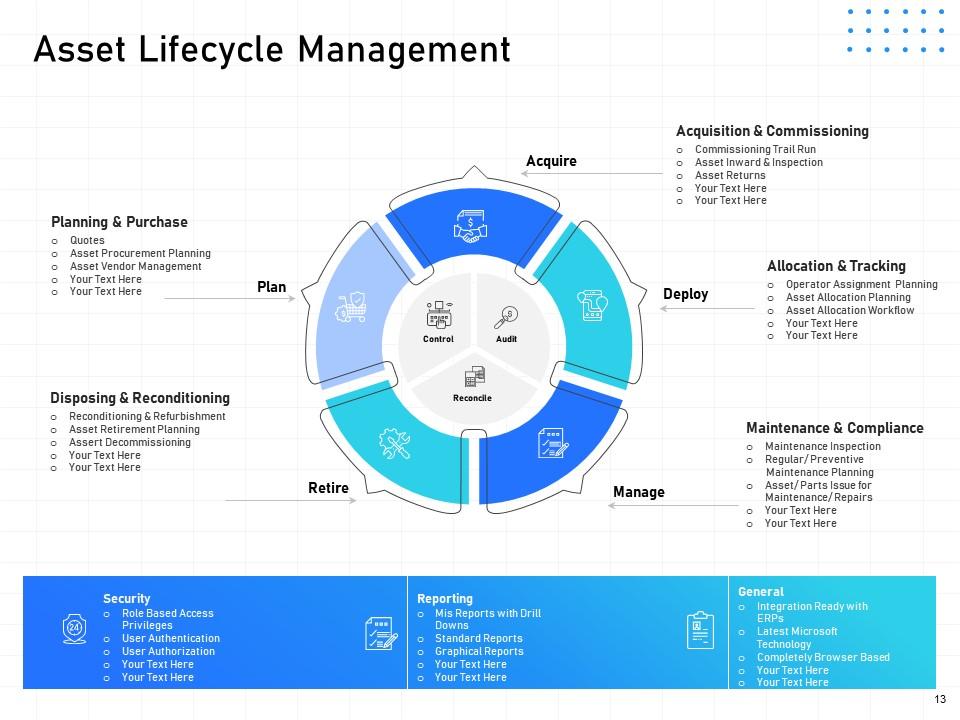
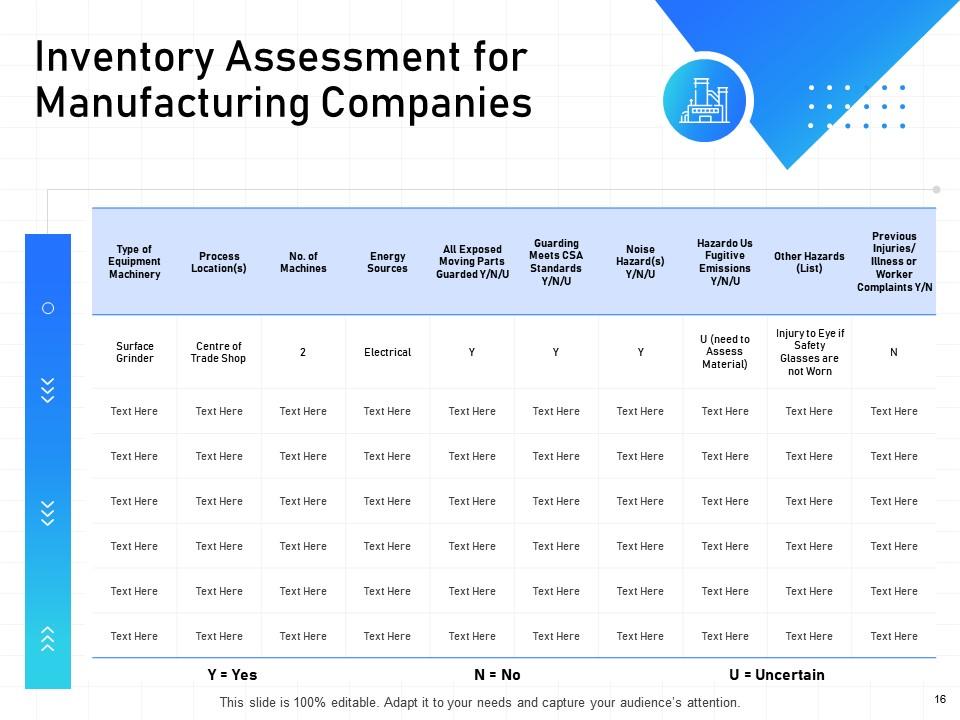
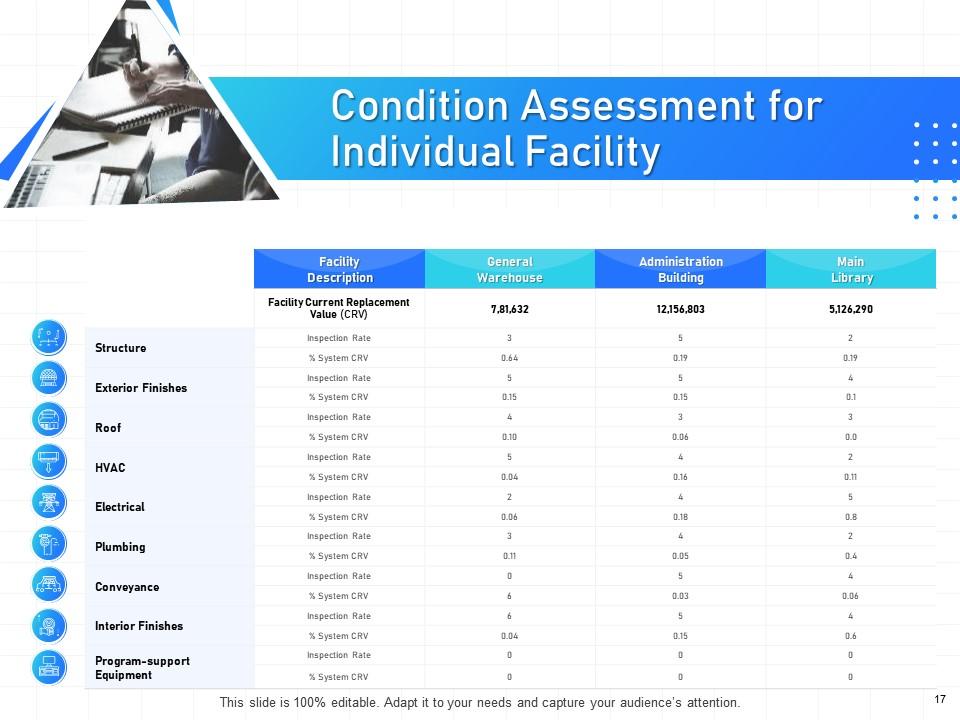
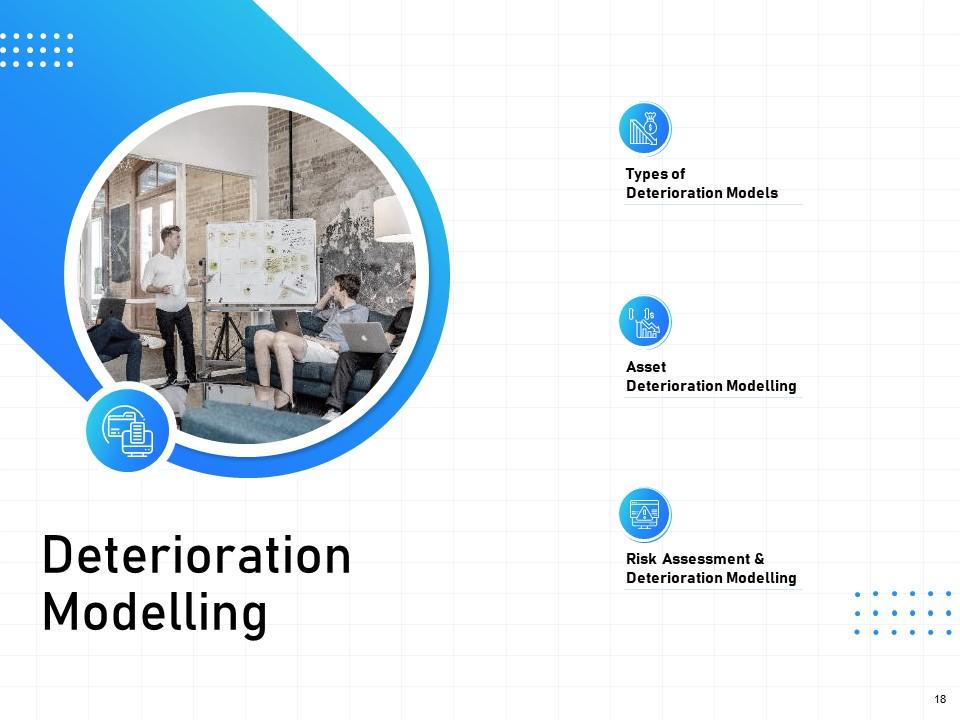
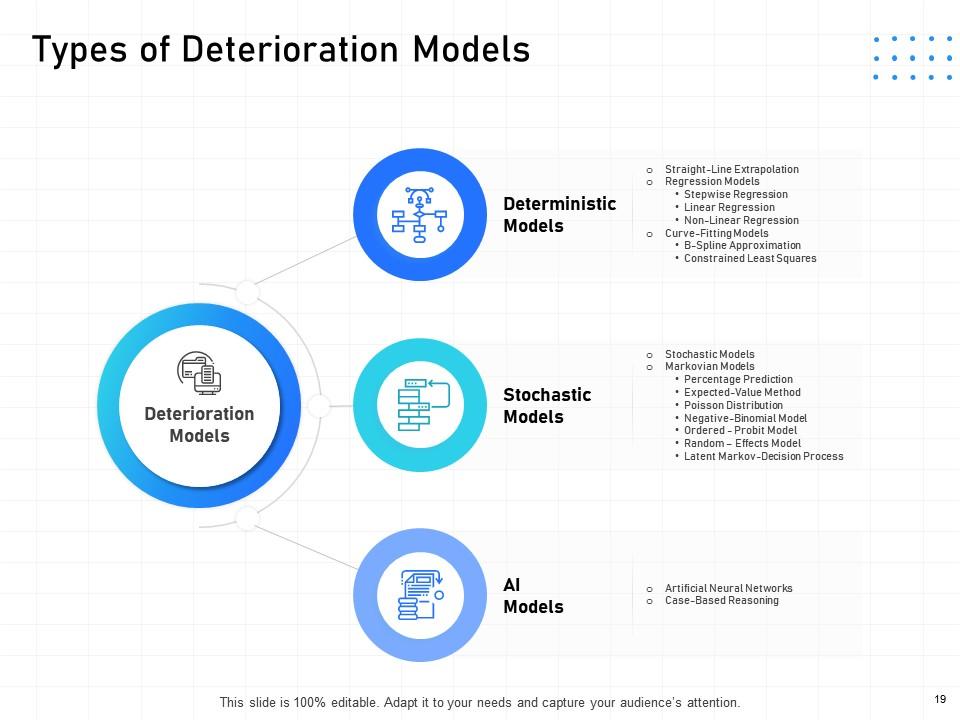
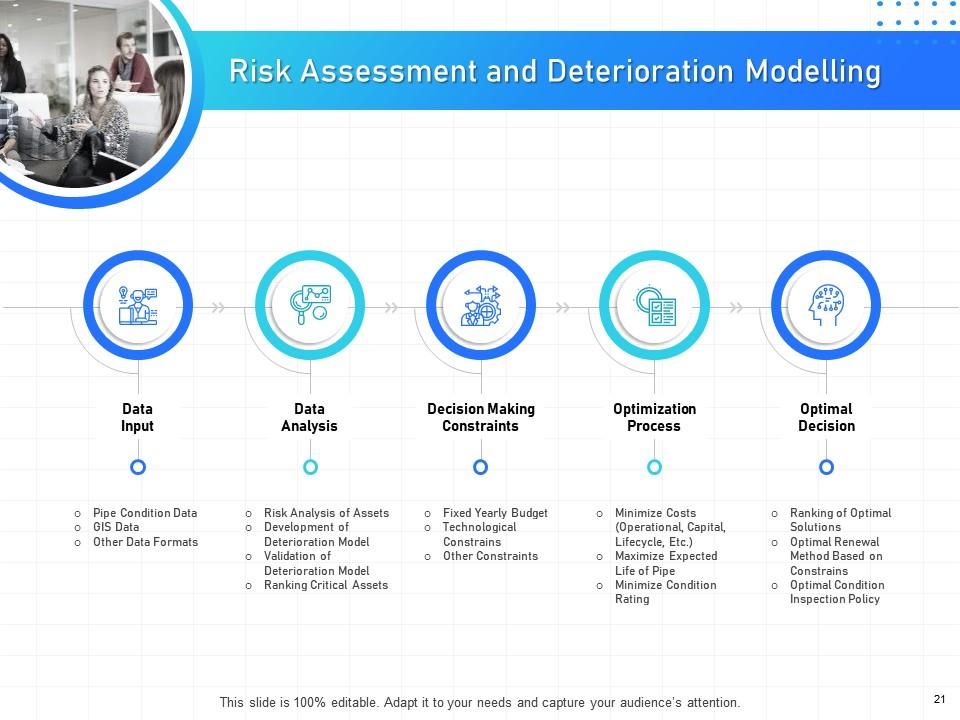
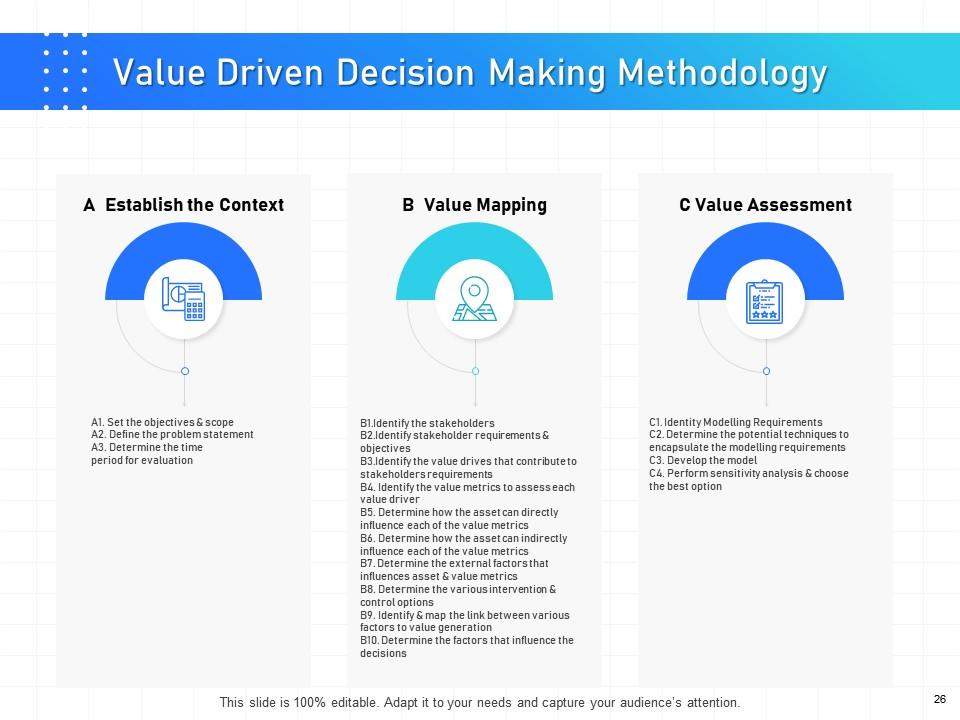
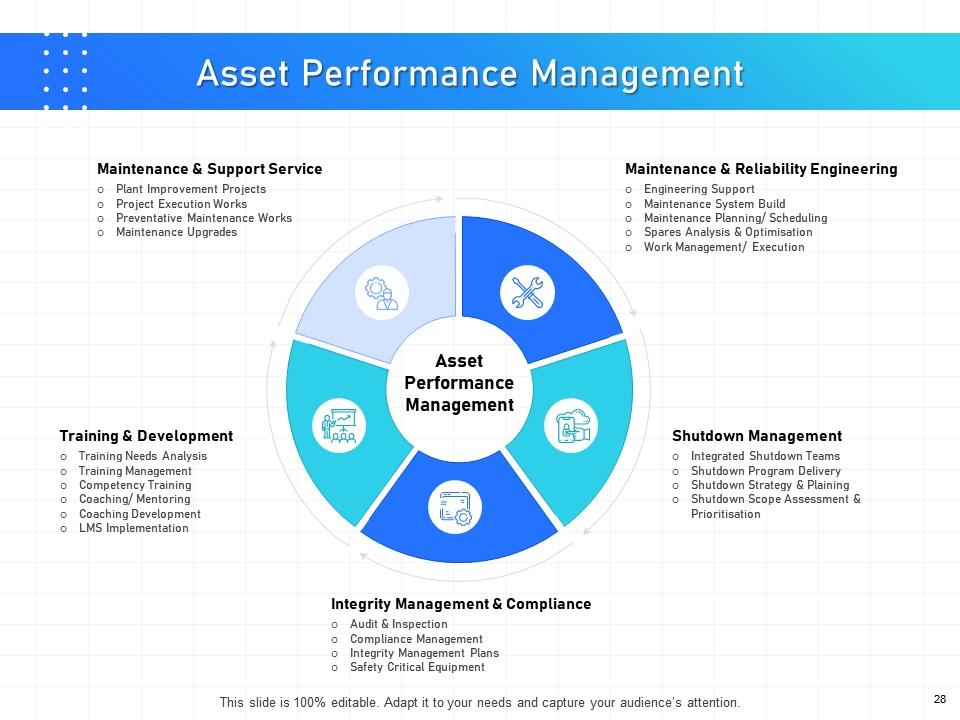
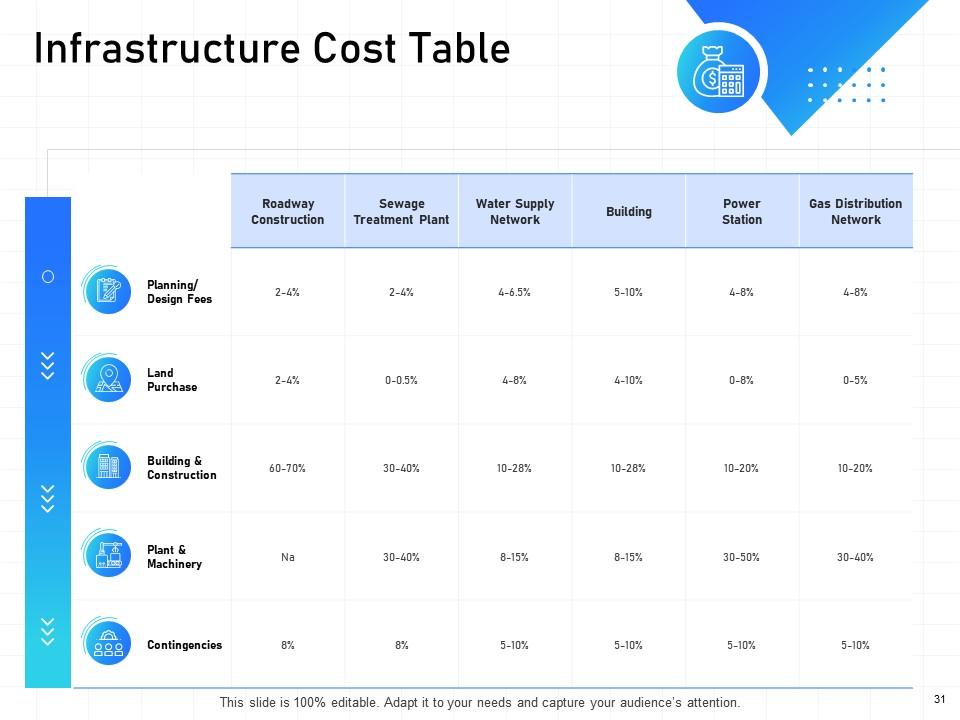
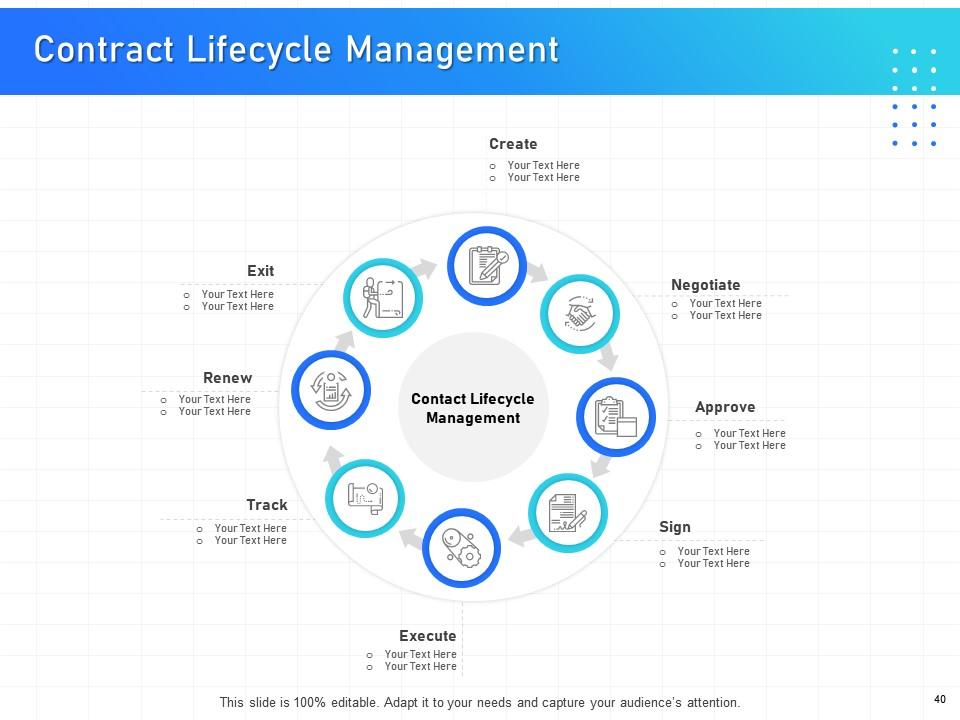
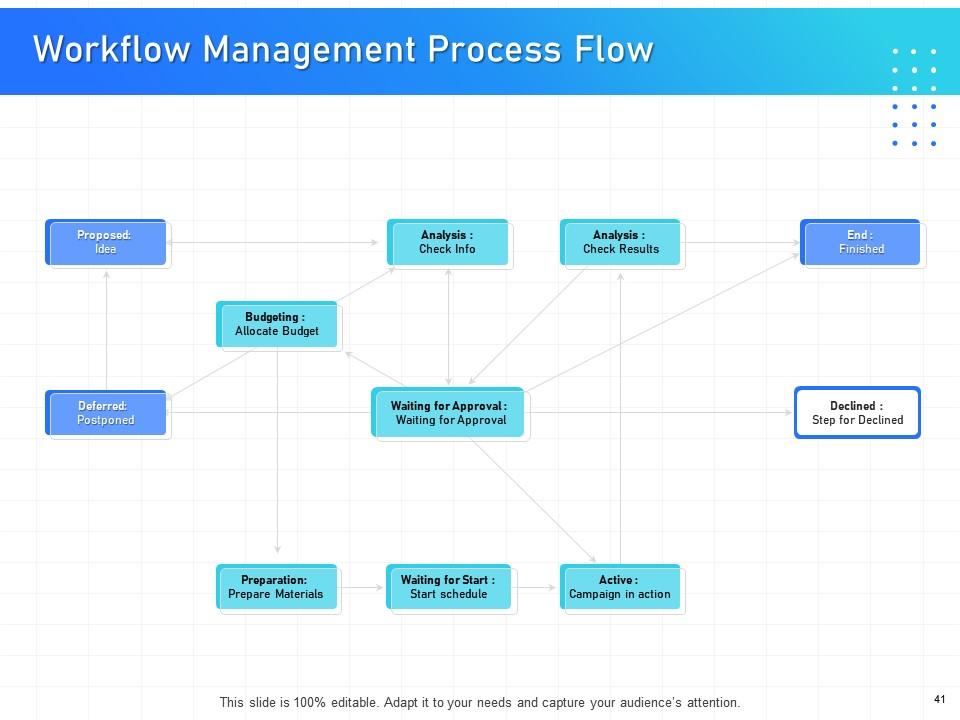
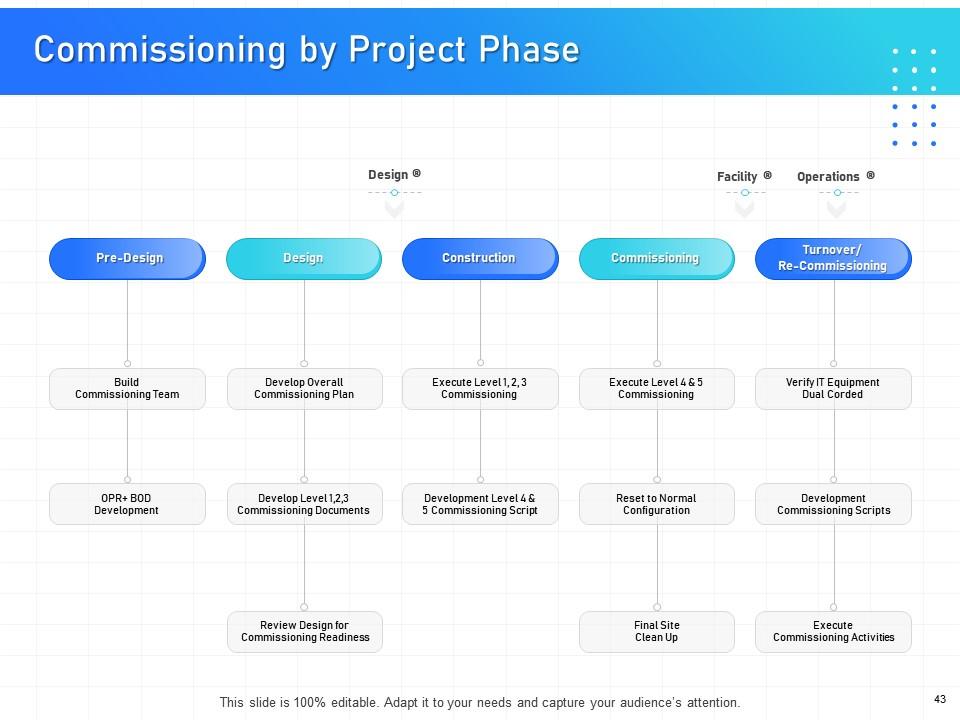
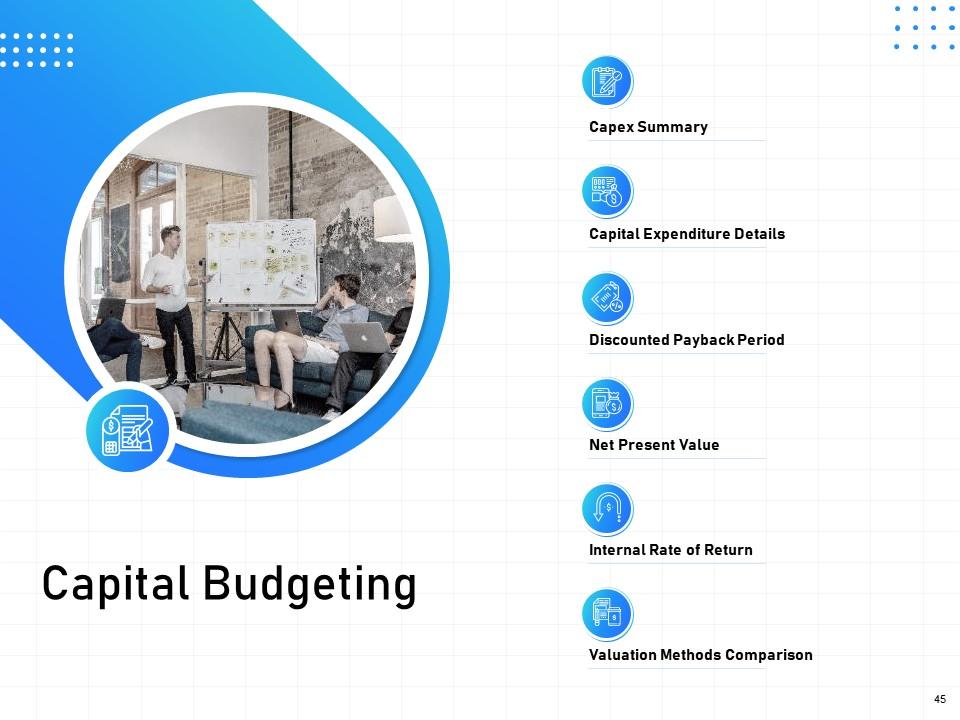
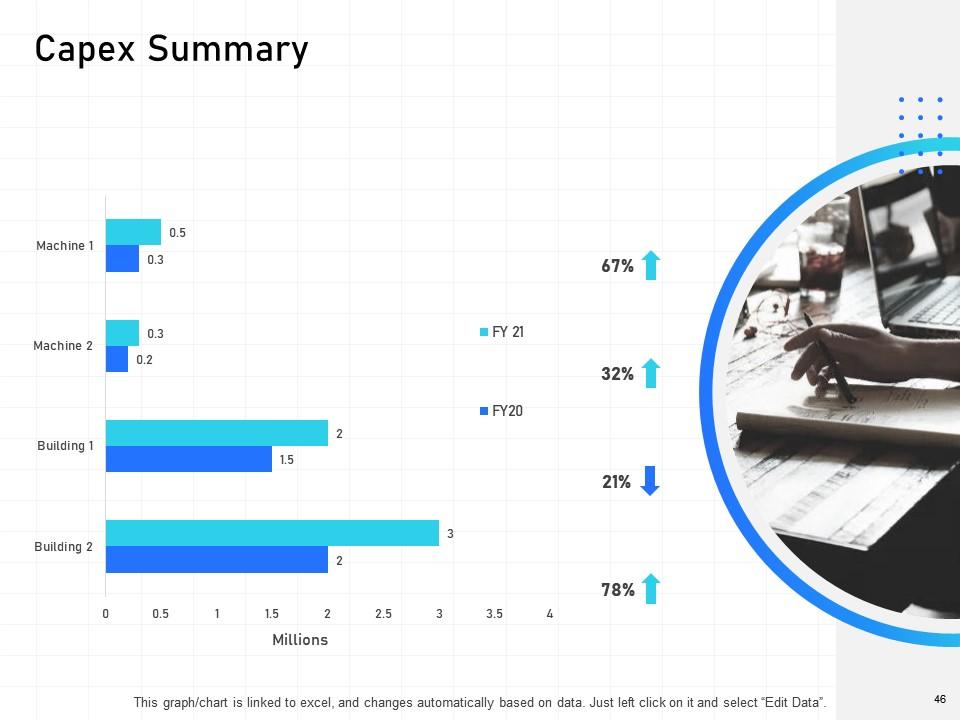
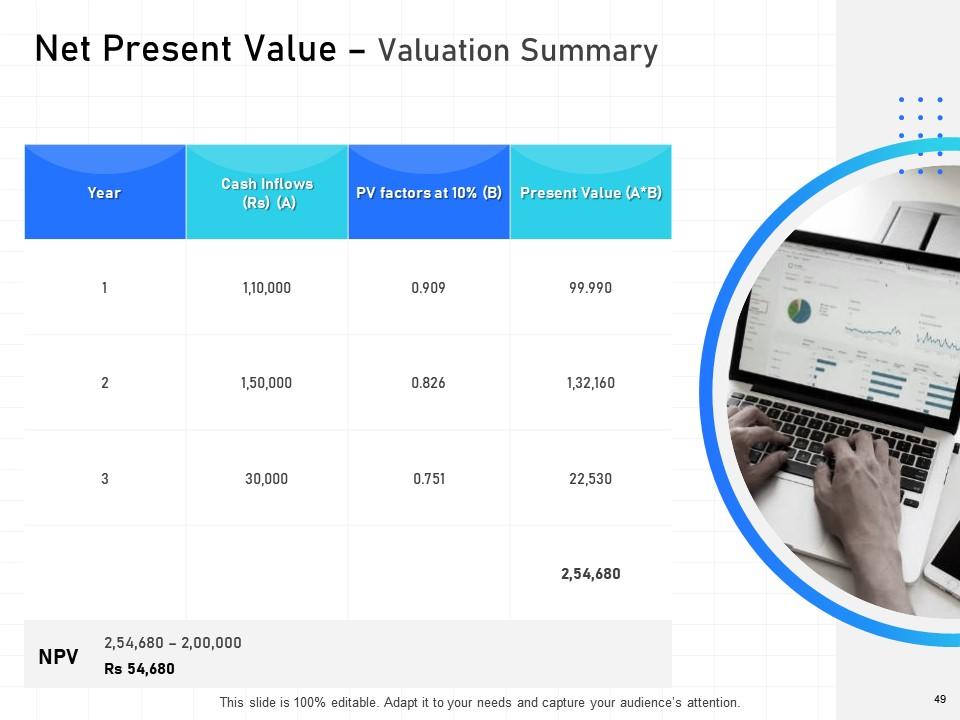
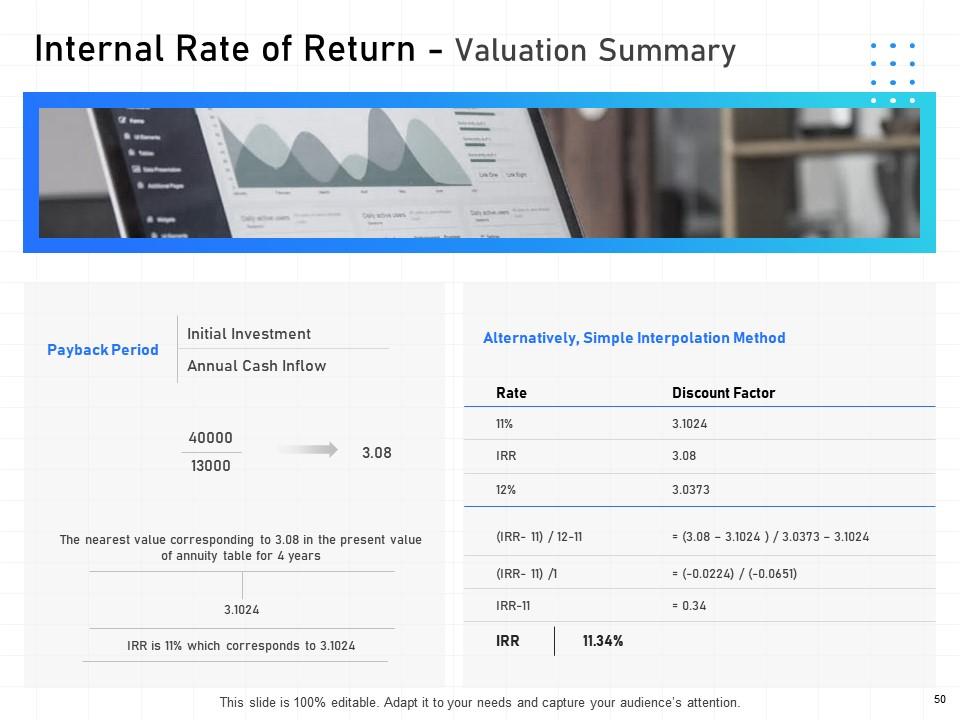
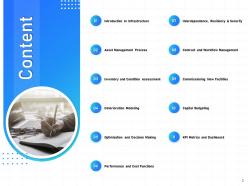
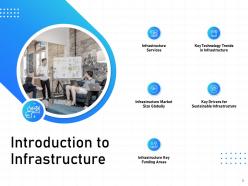
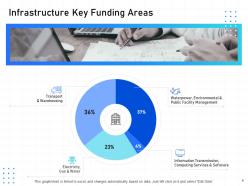
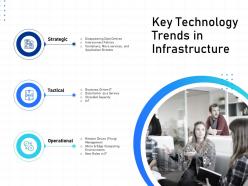
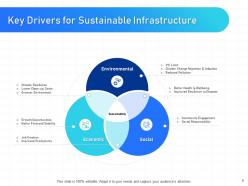
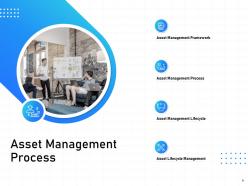
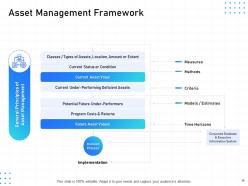
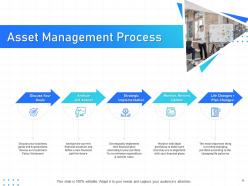
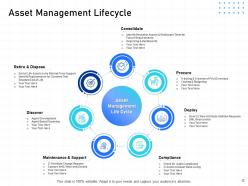
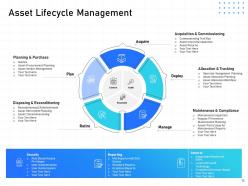
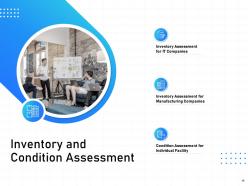
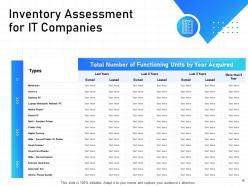
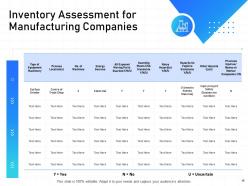
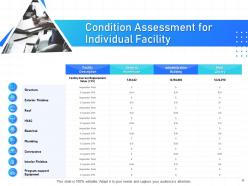
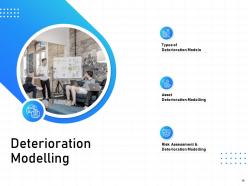
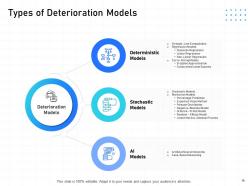
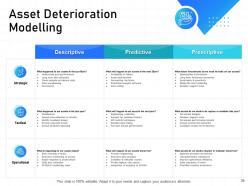
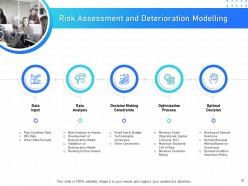
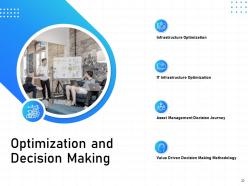
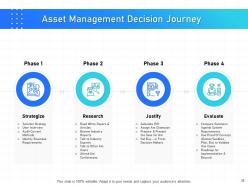
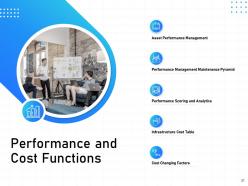
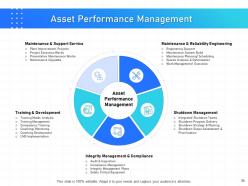
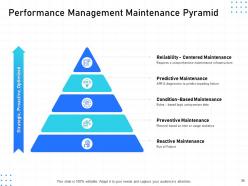
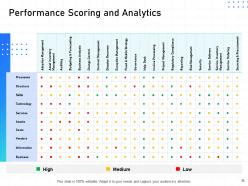
Get our visually appealing IT Infrastructure Management PowerPoint Presentation Slides and present critical drivers for sustainable infrastructure. The presentation helps current market size, key funding areas of infrastructure, critical technology trends in infrastructure in a presentable manner. Further, the slide also describes the asset management process with lifecycle and framework. Illustrate inventory and condition management with the help of easy-to-use planning and management PPT slide deck. Take the assistance of our visually appealing asset infrastructure PowerPoint templates and depict inventory assets for manufacturing companies. The deterioration modeling and the types of deterioration modeling such as asset and risk assessment deterioration modeling can be easily described with the help of data infrastructure management PPT visual. Download this aesthetically appealing presentation and present asset management decision journey and performance and cost functions.
People who downloaded this PowerPoint presentation also viewed the following :
It infrastructure management powerpoint presentation slides with all 70 slides:
Use our IT Infrastructure Management Powerpoint Presentation Slides to effectively help you save your valuable time. They are readymade to fit into any presentation structure.
FAQs for It infrastructure management
Alright, so there's five main things you gotta nail down: monitoring, security, capacity planning, backups, and asset management. Most companies I've seen totally bomb at least half of these lol. Get your monitoring set up so it alerts you before angry users start calling. Security needs multiple layers - network, endpoints, all that stuff. Oh and definitely plan your capacity growth ahead of time instead of scrambling when everything's already slow. Test your backups regularly too because finding out they don't work during an actual disaster really sucks. I'd audit where you're at with each area first, then fix whatever's most broken.
So basically you're moving from buying/maintaining your own servers to just renting what you need when you need it. No more guessing how much capacity you'll need six months out - you can scale up or down instantly. Pretty sweet deal honestly. Your day-to-day changes from babysitting hardware to focusing on costs and performance optimization. Oh, and you'll need to learn infrastructure-as-code because clicking around dashboards all day won't work anymore. APIs become your best friend. It's definitely worth the learning curve though - most teams I know would never go back.
Honestly, automation is a game changer - it's like having a really reliable coworker who never calls in sick. Think server provisioning, patch management, all that boring stuff that eats your day. You'll cut manual errors by around 80% which is huge. The best part? It runs constantly while you're sleeping or dealing with actual fires. I'd say start with whatever task annoys you most - maybe backup processes or monitoring alerts. Your whole setup becomes way more predictable once you get rolling. Oh, and incident response gets so much faster it's not even funny.
Okay so definitely start with the basics - firewalls, intrusion detection, all that stuff. Then pile on access controls and keep everything patched up. SOC 2 or ISO 27001 frameworks are actually clutch here, they basically hand you a checklist (trust me, you'll thank yourself later when audit time rolls around). Your team should be running vulnerability scans constantly. Oh and you need an incident response plan that doesn't suck. The trick is baking security into everything you do daily instead of treating it like some separate thing. Set up automated reporting so you're not pulling all-nighters before audits.
Ugh, the worst part is definitely visibility - you're constantly blind to what's happening across everything. Managing different tools for on-prem vs cloud gets old real quick. Your security policies end up all over the place, and don't even get me started on trying to track performance when data's bouncing between platforms. Finding people who actually know both traditional infrastructure AND cloud stuff? Good luck with that. Honestly though, if you can swing a unified management platform, do it. Otherwise you'll lose your mind switching between like 6 different dashboards just to figure out why something broke.
Start with the basics: uptime, response times, and how much CPU/memory you're actually using. Tools like Nagios or Datadog will save your sanity - manually checking everything is brutal. Honestly, half the metrics out there are just noise anyway. Focus on what users actually feel: load speeds, downtime, stuff like that. Build some dashboards so you can catch problems early instead of scrambling at 2am. Oh, and don't go overboard initially - figure out what breaks first in your setup, then monitor the hell out of that.
Honestly, start with just one type of asset - like laptops or software licenses. Don't try doing everything at once, you'll lose your mind. Track each thing with unique IDs from when you buy it until you toss it. Document who has what, where it lives, current status, all that stuff. You'd be shocked how much equipment just vanishes into thin air, so audit regularly. Get some automated tools running to catch people installing random software (shadow IT is real). Oh, and create approval workflows for new purchases and when you're getting rid of old gear. Makes life way easier down the road.
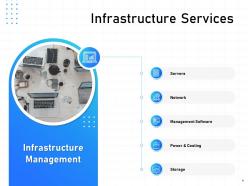
So IT infrastructure management is basically what keeps your business running when everything hits the fan. You've got to map out all your critical systems first - servers, networks, storage, all that stuff. Then figure out where you might have single points of failure and build in backups. Honestly, most companies don't realize how screwed they'd be without proper documentation until it's too late. The whole point is being able to bounce back fast after outages or disasters. Start by listing what systems you absolutely can't live without for daily ops. That gives you the foundation for your disaster recovery plan.
Dude, consistency is huge - no more "it works on my machine" BS. Speed's another big win since you're not manually clicking through AWS forever (seriously, that stuff will drive you nuts). Everything becomes version-controlled like regular code, so rolling back broken changes is actually possible. Your whole setup gets documented automatically instead of being trapped in Steve's brain when he goes on vacation. Disaster recovery becomes way less scary too. Honestly I'd start with something small like your dev environment - don't jump straight into production and stress yourself out.
Dude, AI and ML are total game-changers for infrastructure stuff. Your monitoring can catch weird patterns in real-time now, plus it'll auto-scale when traffic spikes hit. The predictive maintenance thing is honestly incredible - spots problems before they crash everything. Performance optimization gets way smarter too since it analyzes how people actually use your systems. I'd start with just automated monitoring though, don't try to do everything at once. You can always add more later once you see how much manual work disappears.
Honestly, the worst mistakes I see are teams who stop monitoring stuff once it's deployed. Big mistake. Documentation always gets pushed aside when you're swamped, but you'll hate yourself later when something breaks. Oh, and don't ignore capacity planning - nothing worse than your app crashing because you ran out of storage during a busy period. Change management is huge too. Without clear processes, different people make conflicting updates and everything goes sideways. Set up alerts that actually work, keep notes even when it's annoying, and always have a way to roll back changes.
Honestly, most companies just look at what they're using now - CPU, memory, storage, network stuff - then check out their usage patterns over time. You gotta think about new projects coming up and seasonal rushes too. I've seen teams get burned by not planning for the holidays or whatever. Mix some monitoring tools with predictive stuff (some orgs go overboard with fancy AI models but whatever works). Build in like 20-30% extra capacity so you're not panicking when things spike. Start with figuring out your current setup, then sketch out where you think you'll be in the next year or so.
Start with the basics - uptime, response times, CPU/memory usage. Network stuff matters too, like bandwidth and latency. Security metrics are huge though, especially failed logins and patch compliance. Honestly, most people ignore backup success rates until it's too late. Big mistake. Application performance and help desk tickets show you how users are actually feeling about everything. Oh, and set up alerts for the critical stuff so you're not glued to screens all day. Way better to have the system ping you when things go sideways.
Dude, server virtualization is where you'll see the biggest impact. Most companies only use like 20-30% of their server capacity - crazy waste. Cloud optimization helps too, plus you save serious money consolidating workloads. I'd start with an infrastructure audit to see what you're actually using. Energy-efficient hardware makes a difference, and automated power management for stuff that doesn't need to run 24/7. Oh, and pick data centers running on renewable energy if you can. The cost savings usually pay for themselves pretty quick, which honestly makes this an easy sell to management.
Hey! So network management is basically keeping all your IT stuff running smoothly - think of it like being a traffic cop for data. You've got to monitor everything, maintain it, and optimize performance so information flows between systems without hiccups. When it's done poorly? Ugh, you get slow networks, security holes, and those awful outages where everyone freaks out. Honestly, most companies don't realize how critical this is until something breaks. Start by checking what you have now and spotting weak points. Good monitoring tools and solid change protocols will save your butt later.
-
Very unique and reliable designs.
-
Innovative and Colorful designs.
-
Excellent template with unique design.
-
Informative design.
-
Easily Understandable slides.