

 0 Comment
 Customer Reviews

Project management is indeed a tough job, from getting the work done from different departments to meeting deadlines. But, the most important task in project management is training people to do the right job. If you are a project manager, you might have felt overwhelmed by the chaos of managing the project. Do not let yourself drown in the to-do lists. Try Kanban methods. Unlike some project management methods, which require a complete overhaul, kanban is known for its adaptability. The kanban training equips you to implement this visual system seamlessly, transforming your approach to work.
This article will go through the best 10 Kanban PPT templates, that can be your best friend while managing your next project. Let’s have a look at each of them.
Template 1- Kanban in Kaizen training PPT
This PPT template will allow you to master Kanban with interactive training. You can dive deep into the core features of Kanban and how it seamlessly integrates with the Kaizen mindset practices for continuous improvements. Here you will learn about the structure, including WIP limits, columns, cards, and swimlanes for the optimal workflow visualization starting with the definition. By using this template, you can discover how Kanban empowers you to streamline workflow management, boost productivity, and achieve continuous improvements.
Understand about kaizen practices and how you can implement them in your workflow. Click here.
[product_image id=1022725]
Template 2- Collection Of Scrum Certificates Determine Professional Scrum With Kanban Certification Training Course
This slide is about the details of the PSD certification. Here you can find the related topics, career paths, and assessment details of the certification. You can also add the benefits of doing the course. Launch your Kanban certification training course like a pro. Also, this template is editable. Download now!

Template 3- Structure of Kanban Board
While Kanban emphasizes customization, this pre-designed template can offer a valuable starting point. It provides a basic structure and visual framework that you can adapt as per your needs and requirements. It can be very useful in brainstorming your workflow and visualizing your Kanban board. Moreover, this template can save you time by providing a pre-designed structure. You do not need to reinvent the wheel. Simply adapt the existing columns and workflow to your specific project. If you are managing multiple teams, then using a template can help ensure consistency across your Kanban board. This way, you can improve communication and collaboration.

Template 4- Kanban Metrics for Tracking Progress
Kanban metrics are crucial for tracking progress and improving your workflow efficiency. Here's why they're so useful, along with the importance (and limitations) of PPT templates for visualizing that progress. It helps you to pinpoint stages in your workflow where tasks get stuck. This allows you to identify and address bottlenecks to improve overall flow. The lead time will show how long it gonna take to complete a task from start to finish. This cycle time will reveal how long a task is actively being worked on. Also, this makes sure that your team does not get overloaded. Moreover, you just need to download the PPT template and edit it according to your needs.

Template 5- Kanban Dashboard for Work Tasks Status
A visual tool that is there to help you follow the path of the Kanban method for your project management system. With this PowerPoint template, you can track the status of your work tasks. It provides a clear and easy-to-understand snapshot of your workload and helps you to stay organized and efficient. The tasks on the Kanban dashboard are represented as the cards on a board, where there are columns denoting different stages of completion. This visual layout will help you to see the overall work done and what work is left. A ready-made template will save you time so you can focus on the content. You just need to download this slide and start working on it.

Template 6- Kanban Matrix for Multiple Departments
The Kanban matrix is the grid format in which you can add tasks and track them efficiently. Here you will get columns where you can represent different stages and rows where you can add departments. With the matrix, you can get cross-department visibility and improved handoffs. The curated template for the kanban matrix an standardize your workflow and balance the workflow. Moreover, you can customize it according to your requirements.

Template 7- Idea Generation
The Kanban board is the best resource for idea generation. You can jot down the pieces of idea on this PowerPoint slide and connect the dots for the big-time grand idea. This slide has space to add at least 4 ideas at a time. You can download the slide and edit it as you need.
To unlock your team’s potential, you need the best kanban practices. Check out these templates of Kanban board presentation templates to unlock your team's potential.

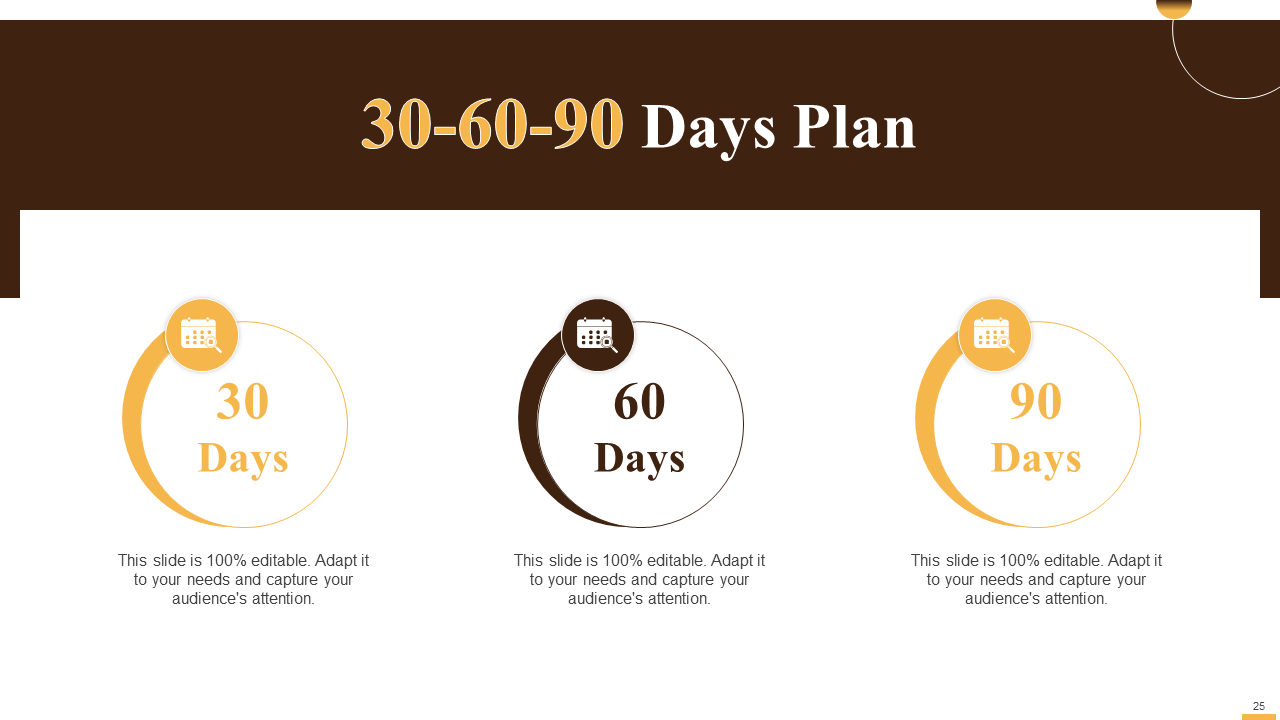
Template 8- 30-60-90 Days Plan
This strategy breaks down larger goals into smaller, more manageable milestones across three timeframes: 30 days, 60 days, and 90 days. It's commonly used for onboarding new employees or initiating new projects. But you can also use it in marketing projects. This template will allow you to make a 90-day plan on the same board. With this, you can get a clear visual representation of the progress towards the goals within each timeframe. So download, this template to structure your next project in a clear way.
Template 9- Timeline
In every project, creating a timeline is very important for a successful yet timely delivery. In this well-curated template, you can add your five-year goal to the project. It will give a clear and concise picture of your approach towards the project in the coming years and how you are going to complete it. With the help of this Kanban board, you can figure out potential delays and take timely action on them. And worry not, this template is 100 percent editable, you just need to download it and start editing to make your next five-year plan ready.

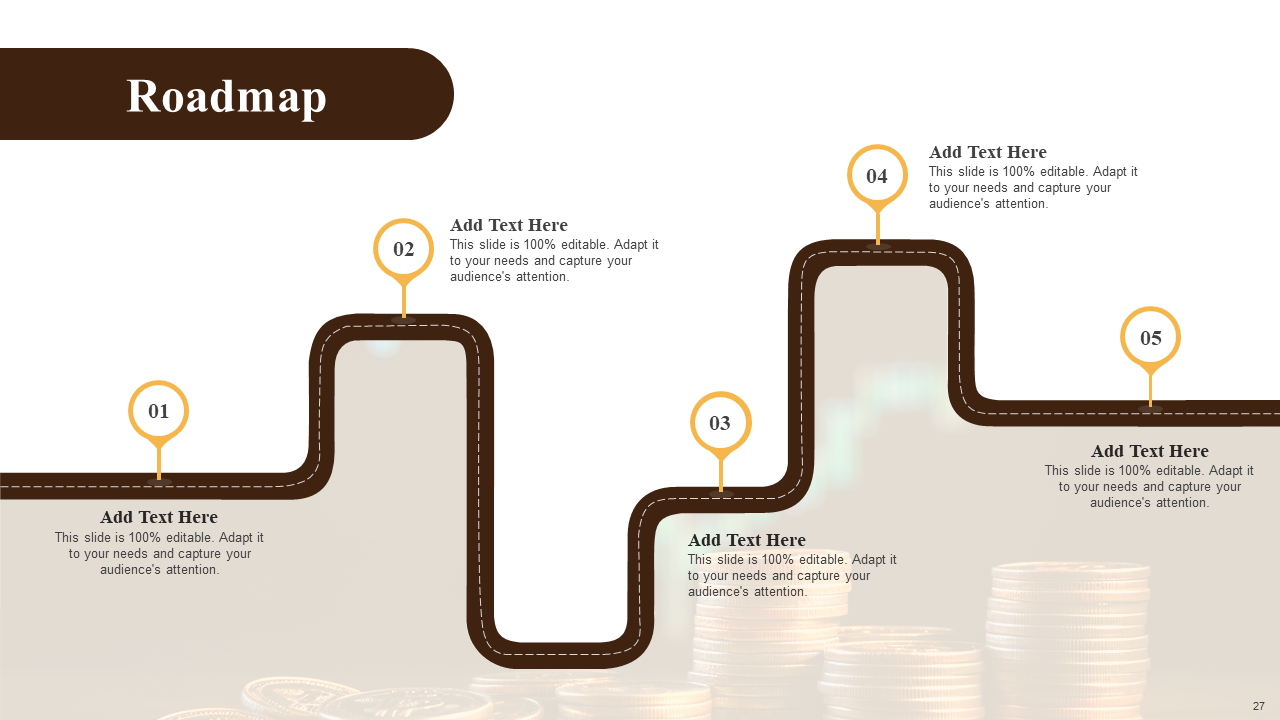
Template 10- Roadmap
A roadmap in project management is a high-level visual representation of a project's goals, timeline, and milestones. It serves as a communication tool for stakeholders and a guiding light for the project team. It outlines the overall vision and goal of your project, ensuring everyone working on the project is aligned on the bigger picture. Kanban boards excel at taking high-level initiatives from the roadmap and dividing them into smaller, actionable tasks. It emphasizes continuous workflow, and provides operations excellence, ensuring tasks move steadily towards completion. This helps maintain momentum toward achieving roadmap goals. All in all, both Kanban boards and roadmaps promote transparency. The Kanban board provides real-time task status, while the roadmap offers a high-level view of progress. This combined view keeps everyone informed
Bottom Line
That is not enough yet! You might need the best kaizen templates for your next project. Check out this here.
There are a number of tools available in the market for an efficient project management process. However, the Kanban training PPT templates can be a valuable asset for project managers looking to introduce or improve Kanban practices within their teams. By onboarding these templates to your work, you will get a structured foundation for your project and total quality management. By utilizing these templates and customizing them to fit your specific needs, you can create a Kanban training that is both informative and engaging for your team. Remember, the key to successful Kanban implementation is continuous improvement, so don't be afraid to adapt and adjust your Kanban board as your project progresses.